
ON TO THE APPLICATIONS Mental Workload DEFINITION The

- Slides: 27
ON TO THE APPLICATIONS
Mental Workload � DEFINITION: The feeling of mental effort or the level of use of the human operators limited resources. �As task demand increases, resources left in reserve decreases. �When attentional resources are exceeded, further increases in task demand will reduce performance. �New airplanes and military systems are analyzed in terms of mental workload.
Measuring or Predicting Workload �Time-Line Analysis: Measure amount of time spent on task relative to amount of time available. ○ 100% is all time available is being used. ○ Gives estimate of how time use changes during course of task, e. g. flying. �Dual Task Experiments ○ Primary Task measure: Change the nature of the main task and see how performance changes. ○ Secondary Task measure: Give a secondary task. Measure changes in its performance as the primary task is changed in difficulty. �Subjective Measures: self-report of users. �These measures do not always correlate well.
Beginning a Task Analysis � All designs begin with the goals and purposes of the overall system. �There are different levels of goals: ○ The function: an airplane moves things great distances in a relatively short time. ○ The job of the system: fighter vs. passenger jet. ○ The level of technology: mechanical vs. electronic instruments. ○ The cost of the finished system. �These types of questions provide and overview and set up constraints.
Beginning a Task Analysis 2 � Relevant questions to keep in mind � Kantowitz and Sorkin, 1983 � What inputs and outputs must be provided to satisfy system goals? � What operations are required to produced system outputs? � What functions should the person perform within the system? � What are the training and skill requirements for the operators? � Are the tasks compatible with human capabilities? � What equipment interfaces does the human need to perform the job? � Does the human help or hurt the machine, vice versa?
Analysis of an Existing Job � Process Analysis �Derived from the beginning of industrial engineering from the beginning of century. �Major goal: improve efficiency. ○ issues of safety and human need are not important here. �Specifics: ○ Each act, movement of the human, is identified as a therblig. ○ The therbligs necessary for the job are identified. �This technique allows for identification of wasted movements that can be combined or eliminated.
Analysis of an Existing Job 2 � Principles of Motion Economy �A list of principles for job and workspace design to increase movement efficiency. �Examples: ○ Use of Human Body: �Eye fixations should be as few as possible. ○ Layout of Workplace: �Tools, materials and controls should be located close to the point of use. �Materials and tools should be located for best sequence of movement.
Analysis of and Existing Job -3 � Link Analysis �Analysis of sampling pattern of displays and controls �Goal: to arrange elements to make moving from one display or control to another display or control more efficient and effective. �Collect Sampling Data: ○ List of which elements are used or viewed in which order ○ Frequency Data: how often each display is viewed. ○ Conditional Probabilities: given one display is viewed, what is the probability that another display will be viewed next.
Analysis of an Existing Job 4 � Link Analysis (continued) �The probabilities can assist layout. ○ If probability is high and element is important, the display or control should be centrally placed. ○ If a probability is high and importance is low (that is, the designer wishes to reduce the probability) the element should be moved to the periphery. ○ If two displays or controls are used in sequence, that is their conditional probabilities are high, they should be next to each other.
Analysis of an Existing Job 5 � Critical Incident Technique �Essentially errors or near errors are recorded ○ journals or interviews are used. �Since errors are often the result of design flaws, recording the errors can help analysis. �The record must be detailed or it will not be useful. �A large sample is necessary to see if errors are systematic, indicating a design flaw, or random, indicating human inattention.
Analysis of Job in Design Stage � Hopkin’s Approach - a general plan �Analyze goals of job in terms of: ○ purpose ○ assumptions and constraints �Allocate functions ○ general refers to assigning tasks to humans and machines ○ not easy. �Too much to human overloads �Too little to human bores and dehumanizes ○ Determine displays and controls
Analysis of Job in Design Stage - 2 � Timeline Analysis �same as for determining workload. � Failure Task Analysis �Analyze all anticipated failures to ensure that humans will be able to handle. �e. g. MD-11 � In many cases, it is advisable to perform more than one of these analyses.
Analysis of Job in Design Stage - 3 � Types of Design Relative to Errors �Exclusion ○ Design to make it impossible to commit errors ○ Doubt this is really possible �Prevention ○ Design to minimize the possibility of errors �Fail Safe ○ Design to minimize the effects of errors �You can combine the last two
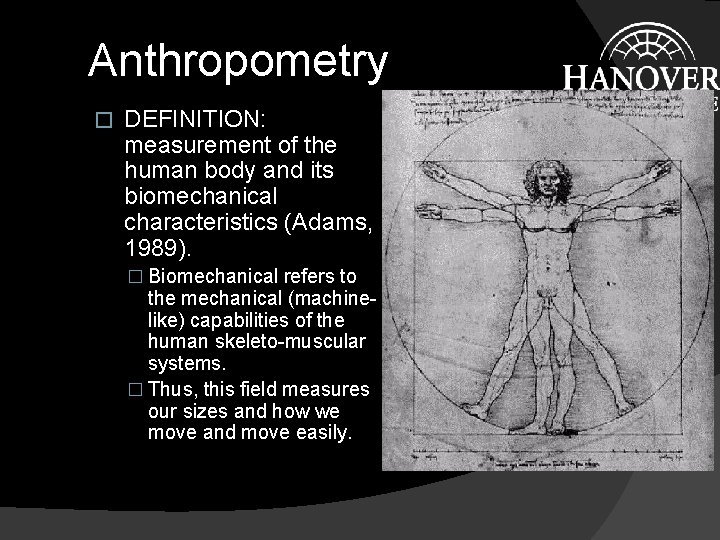
Anthropometry � DEFINITION: measurement of the human body and its biomechanical characteristics (Adams, 1989). � Biomechanical refers to the mechanical (machinelike) capabilities of the human skeleto-muscular systems. � Thus, this field measures our sizes and how we move and move easily.
Anthropometry - 2 � The Need for Anthropometry �We are not all the same size. ○ If systems were designed to fit only one person, the few if any would be able to use the system. �Poor design for mechanical abilities of the human body can lead to discomfort or injury, e. g. , the height of keyboard for a computer. � Sources of Anthropometry Data �Text �Tables in books on reserve ○ Mc. Cormick and Sanders ○ Kantowitz and Sorkin
Examples of Anthropometric Data � Static Measures �Passive measures of the dimensions of the human body. �These measures are used to determine size and spacing requirements of work space. �Example Measures ○ height ○ wing span ○ seat to elbow height.
Examples of Anthropometric Data - 2 � Dynamic Measures �Measures of the dynamic properties of the human body, such as strength and endurance. �These measures are used to match the dynamic characteristics of controls to user. �Measures ○ range of motion for various joints ○ force of leg pushes ○ strength of fingers
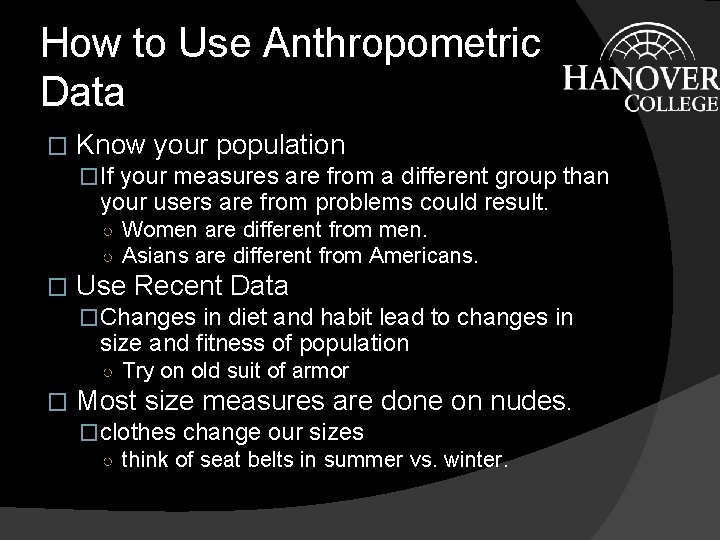
How to Use Anthropometric Data � Know your population �If your measures are from a different group than your users are from problems could result. ○ Women are different from men. ○ Asians are different from Americans. � Use Recent Data �Changes in diet and habit lead to changes in size and fitness of population ○ Try on old suit of armor � Most size measures are done on nudes. �clothes change our sizes ○ think of seat belts in summer vs. winter.
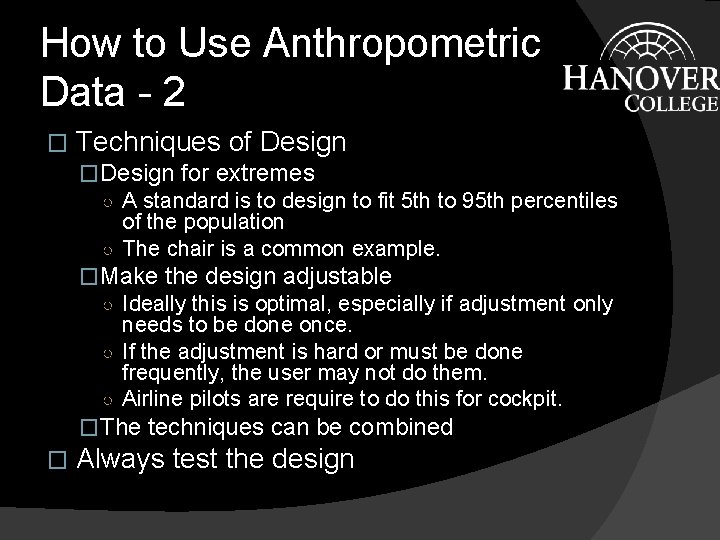
How to Use Anthropometric Data - 2 � Techniques of Design �Design for extremes ○ A standard is to design to fit 5 th to 95 th percentiles of the population ○ The chair is a common example. �Make the design adjustable ○ Ideally this is optimal, especially if adjustment only needs to be done once. ○ If the adjustment is hard or must be done frequently, the user may not do them. ○ Airline pilots are require to do this for cockpit. �The techniques can be combined � Always test the design
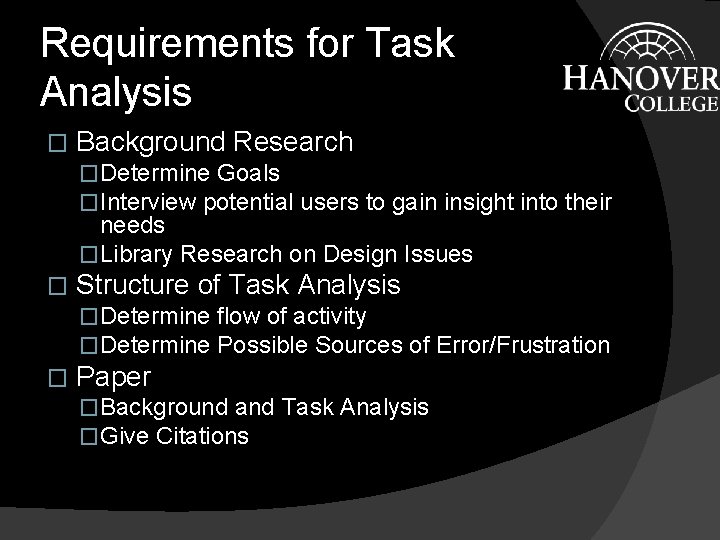
Requirements for Task Analysis � Background Research �Determine Goals �Interview potential users to gain insight into their needs �Library Research on Design Issues � Structure of Task Analysis �Determine flow of activity �Determine Possible Sources of Error/Frustration � Paper �Background and Task Analysis �Give Citations
Human Computer Interaction � Issues to Cover �The Workstation �The Dialogue �The User Environment
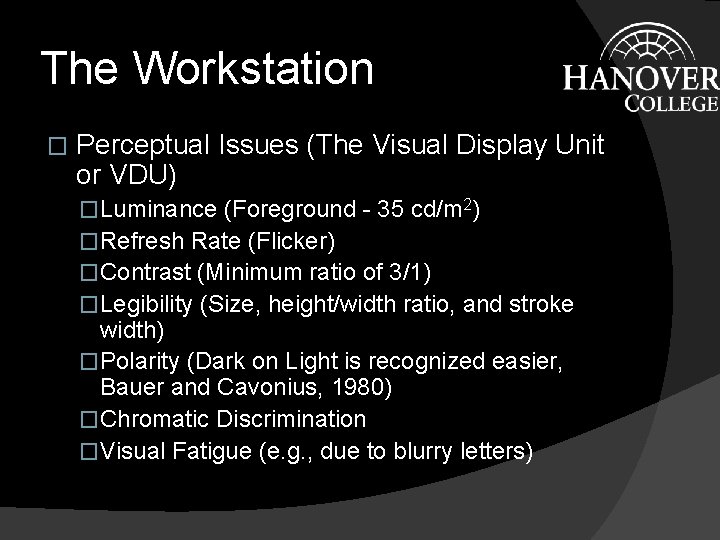
The Workstation � Perceptual Issues (The Visual Display Unit or VDU) �Luminance (Foreground - 35 cd/m 2) �Refresh Rate (Flicker) �Contrast (Minimum ratio of 3/1) �Legibility (Size, height/width ratio, and stroke width) �Polarity (Dark on Light is recognized easier, Bauer and Cavonius, 1980) �Chromatic Discrimination �Visual Fatigue (e. g. , due to blurry letters)
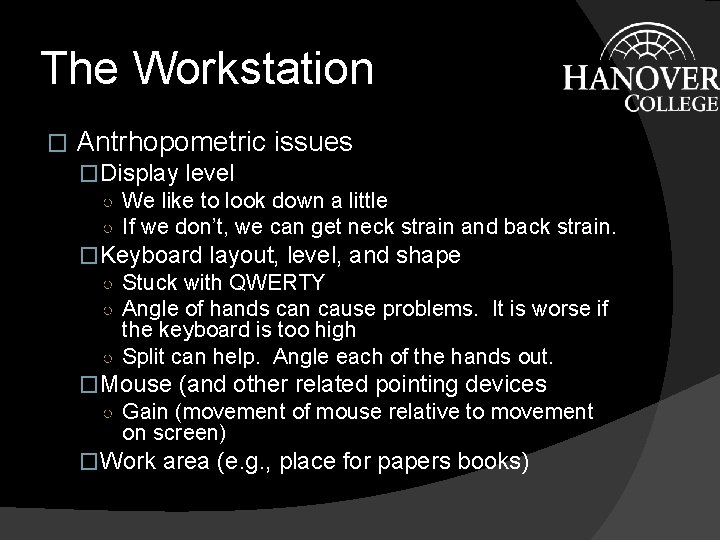
The Workstation � Antrhopometric issues �Display level ○ We like to look down a little ○ If we don’t, we can get neck strain and back strain. �Keyboard layout, level, and shape ○ Stuck with QWERTY ○ Angle of hands can cause problems. It is worse if the keyboard is too high ○ Split can help. Angle each of the hands out. �Mouse (and other related pointing devices ○ Gain (movement of mouse relative to movement on screen) �Work area (e. g. , place for papers books)
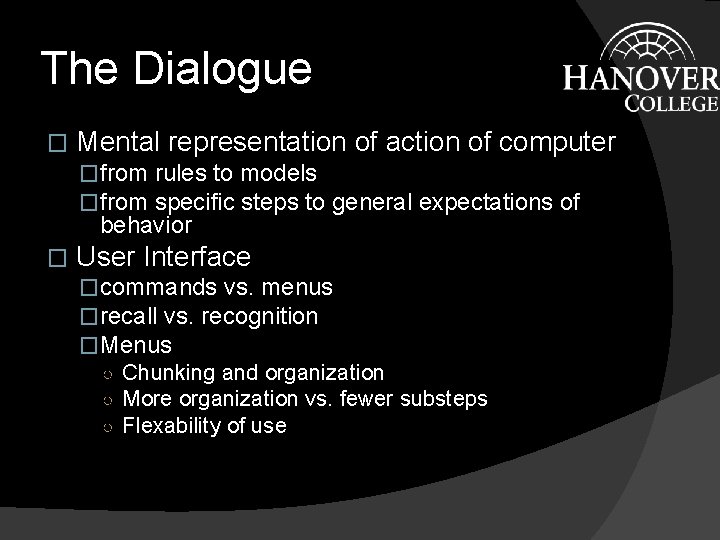
The Dialogue � Mental representation of action of computer �from rules to models �from specific steps to general expectations of behavior � User Interface �commands vs. menus �recall vs. recognition �Menus ○ Chunking and organization ○ More organization vs. fewer substeps ○ Flexability of use
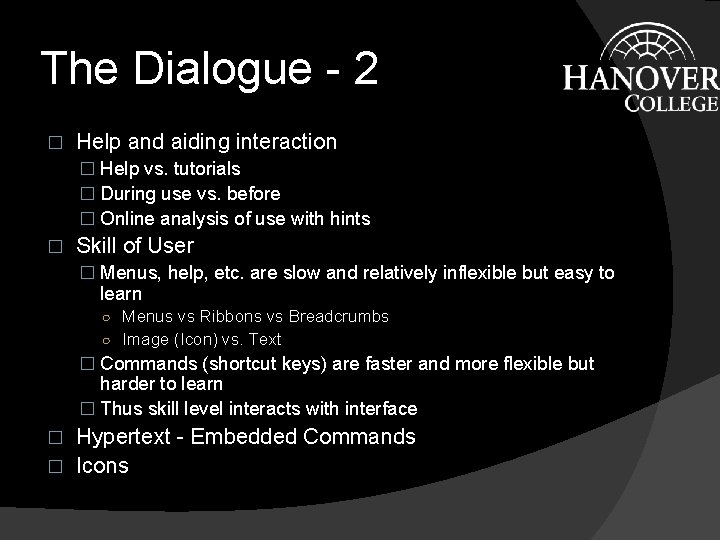
The Dialogue - 2 � Help and aiding interaction � Help vs. tutorials � During use vs. before � Online analysis of use with hints � Skill of User � Menus, help, etc. are slow and relatively inflexible but easy to learn ○ Menus vs Ribbons vs Breadcrumbs ○ Image (Icon) vs. Text � Commands (shortcut keys) are faster and more flexible but harder to learn � Thus skill level interacts with interface Hypertext - Embedded Commands � Icons �
The User Environment � Lighting (internal and external) �Glare, and contrast and saturation reduction �Adaptation related problems � Noise (from computer and others) �Loss of concentration or disruption o f others �Masking of computer sounds � Support of use �Training and innovation � Unwilling users �Assuming the environment is dependent on computer skill and use
Influence of the Web � Factors to consider �Similar to All programs ○ Distance �How provide help? ○ Variation of environment �Room and other conditions very �Unique to Web ○ Variation of Setup, e. g. different browsers ○ Limitations in Interface ○ Loss of standardization