
OMG PC Data Model Publication How to Access
OMG P&C Data Model Publication How to Access on OMG Wiki Site and Direct Hyperlink Shortcuts to the key Documents. Save this file and view as Slide Show to activate hyperlinks. September 2013
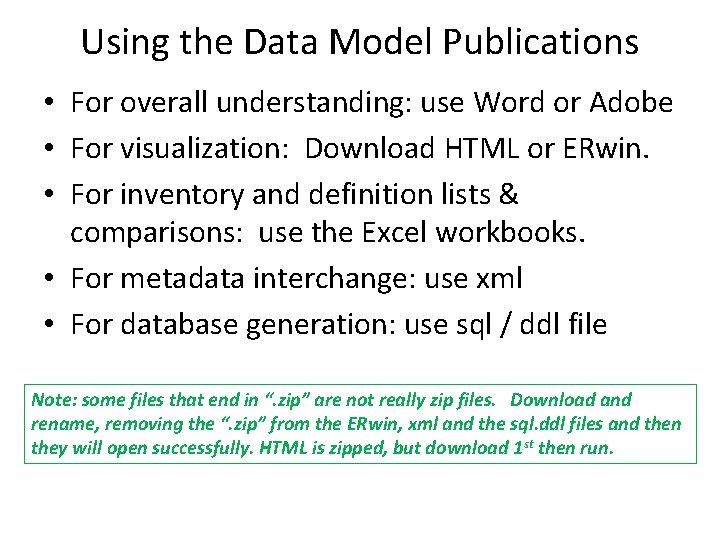
Using the Data Model Publications • For overall understanding: use Word or Adobe • For visualization: Download HTML or ERwin. • For inventory and definition lists & comparisons: use the Excel workbooks. • For metadata interchange: use xml • For database generation: use sql / ddl file Note: some files that end in “. zip” are not really zip files. Download and rename, removing the “. zip” from the ERwin, xml and the sql. ddl files and then they will open successfully. HTML is zipped, but download 1 st then run.
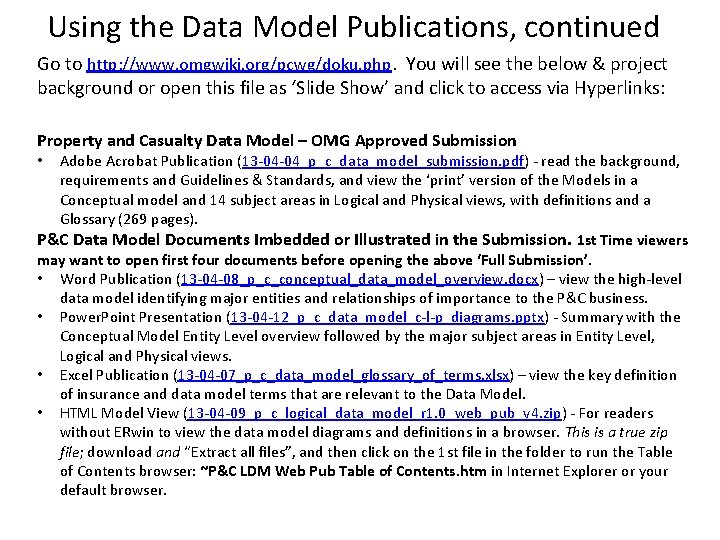
Using the Data Model Publications, continued Go to http: //www. omgwiki. org/pcwg/doku. php. You will see the below & project background or open this file as ‘Slide Show’ and click to access via Hyperlinks: Property and Casualty Data Model – OMG Approved Submission Adobe Acrobat Publication (13 -04 -04_p_c_data_model_submission. pdf) - read the background, requirements and Guidelines & Standards, and view the ‘print’ version of the Models in a Conceptual model and 14 subject areas in Logical and Physical views, with definitions and a Glossary (269 pages). P&C Data Model Documents Imbedded or Illustrated in the Submission. 1 st Time viewers may want to open first four documents before opening the above ‘Full Submission’. • Word Publication (13 -04 -08_p_c_conceptual_data_model_overview. docx) – view the high-level data model identifying major entities and relationships of importance to the P&C business. • Power. Point Presentation (13 -04 -12_p_c_data_model_c-l-p_diagrams. pptx) - Summary with the Conceptual Model Entity Level overview followed by the major subject areas in Entity Level, Logical and Physical views. • Excel Publication (13 -04 -07_p_c_data_model_glossary_of_terms. xlsx) – view the key definition of insurance and data model terms that are relevant to the Data Model. • HTML Model View (13 -04 -09_p_c_logical_data_model_r 1. 0_web_pub_v 4. zip) - For readers without ERwin to view the data model diagrams and definitions in a browser. This is a true zip file; download and “Extract all files”, and then click on the 1 st file in the folder to run the Table of Contents browser: ~P&C LDM Web Pub Table of Contents. htm in Internet Explorer or your default browser. •
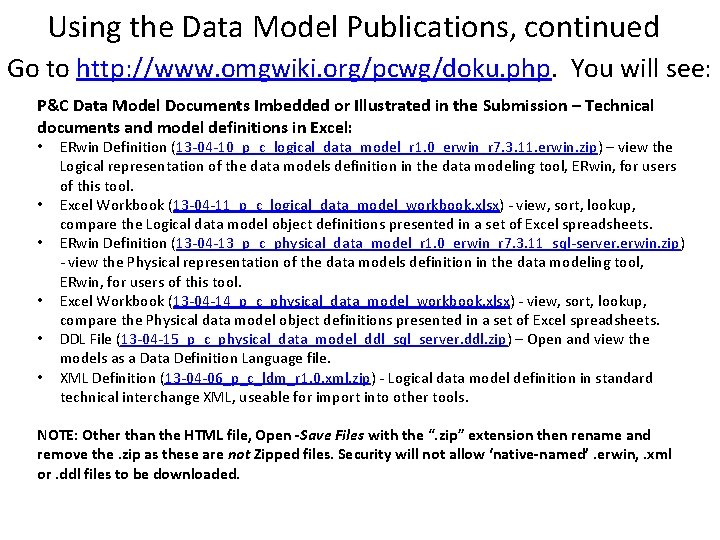
Using the Data Model Publications, continued Go to http: //www. omgwiki. org/pcwg/doku. php. You will see: P&C Data Model Documents Imbedded or Illustrated in the Submission – Technical documents and model definitions in Excel: • • • ERwin Definition (13 -04 -10_p_c_logical_data_model_r 1. 0_erwin_r 7. 3. 11. erwin. zip) – view the Logical representation of the data models definition in the data modeling tool, ERwin, for users of this tool. Excel Workbook (13 -04 -11_p_c_logical_data_model_workbook. xlsx) - view, sort, lookup, compare the Logical data model object definitions presented in a set of Excel spreadsheets. ERwin Definition (13 -04 -13_p_c_physical_data_model_r 1. 0_erwin_r 7. 3. 11_sql-server. erwin. zip) - view the Physical representation of the data models definition in the data modeling tool, ERwin, for users of this tool. Excel Workbook (13 -04 -14_p_c_physical_data_model_workbook. xlsx) - view, sort, lookup, compare the Physical data model object definitions presented in a set of Excel spreadsheets. DDL File (13 -04 -15_p_c_physical_data_model_ddl_sql_server. ddl. zip) – Open and view the models as a Data Definition Language file. XML Definition (13 -04 -06_p_c_ldm_r 1. 0. xml. zip) - Logical data model definition in standard technical interchange XML, useable for import into other tools. NOTE: Other than the HTML file, Open -Save Files with the “. zip” extension then rename and remove the. zip as these are not Zipped files. Security will not allow ‘native-named’. erwin, . xml or. ddl files to be downloaded.
- Slides: 4