
OLD DOMINION CHAPTER ASSOCIATION OF CONTINUITY PROFESSIONALS IT
- Slides: 25
OLD DOMINION CHAPTER ASSOCIATION OF CONTINUITY PROFESSIONALS IT Disaster Recovery Solutions to Meet the Needs of Today’s Hybrid IT Infrastructure SEPTEMBER 27 TH, 2016 © 2016 QTS. All Rights Reserved.
AGENDA Welcome to QTS Richmond § Introductions and Kickoff - Brittany De. Bord, QTS Marketing § Data Center Resiliency Considerations - Kevin Snead, QTS Site Director § IT Technology Considerations - Dave Weisbrot, QTS Engineering § Open Roundtable Discussion § Datacenter Tours © 2016 QTS. All Rights Reserved.
DATA CENTER RESILIENCY CONSIDERATIONS © 2016 QTS. All Rights Reserved.
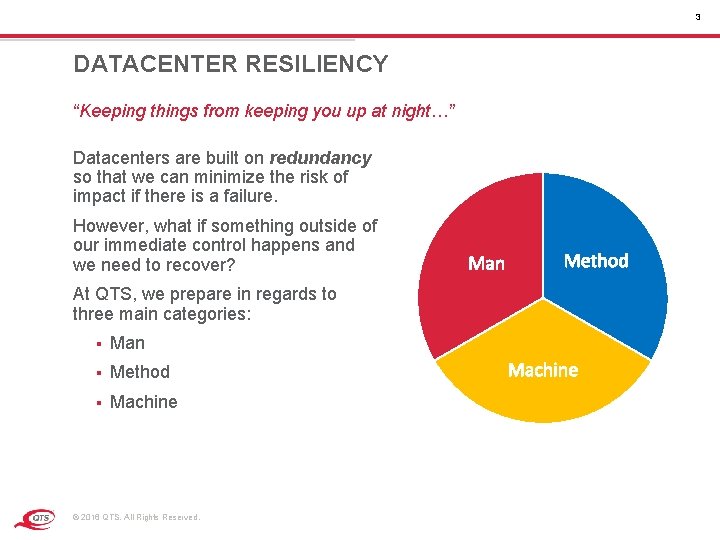
3 DATACENTER RESILIENCY “Keeping things from keeping you up at night…” Datacenters are built on redundancy so that we can minimize the risk of impact if there is a failure. However, what if something outside of our immediate control happens and we need to recover? Man Method At QTS, we prepare in regards to three main categories: § Man § Method § Machine © 2016 QTS. All Rights Reserved. Machine
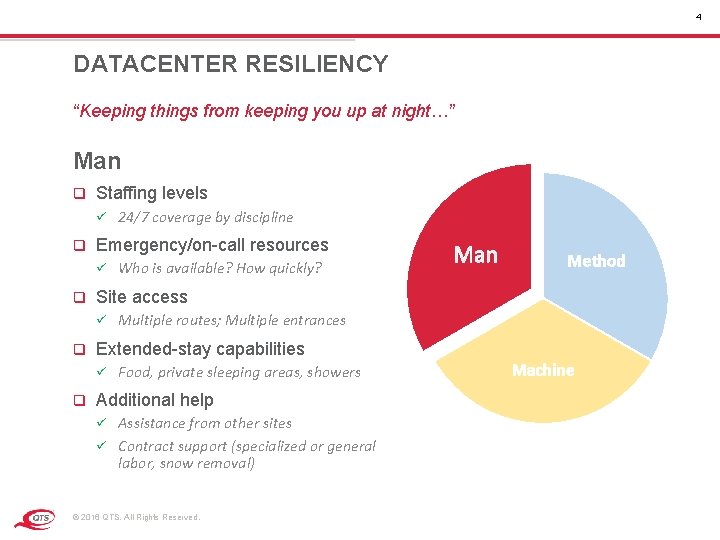
4 DATACENTER RESILIENCY “Keeping things from keeping you up at night…” Man q Staffing levels ü q Emergency/on-call resources ü q Man Method Multiple routes; Multiple entrances Extended-stay capabilities ü q Who is available? How quickly? Site access ü q 24/7 coverage by discipline Food, private sleeping areas, showers Additional help Assistance from other sites ü Contract support (specialized or general labor, snow removal) ü © 2016 QTS. All Rights Reserved. Machine
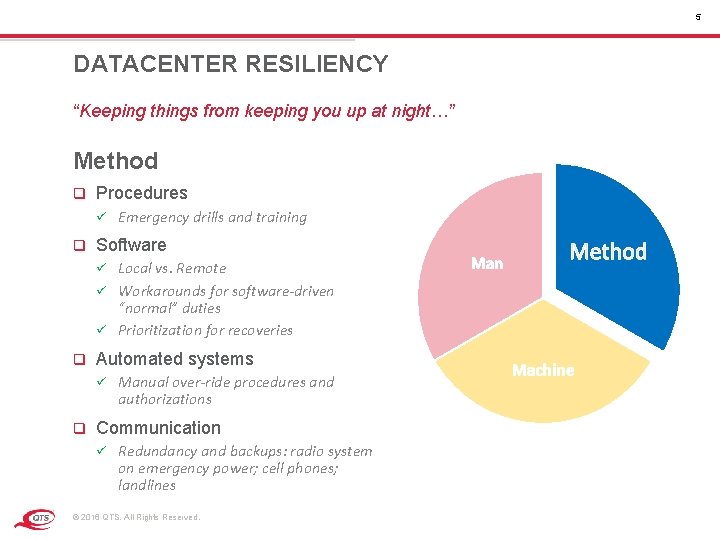
5 DATACENTER RESILIENCY “Keeping things from keeping you up at night…” Method q Procedures ü q Emergency drills and training Software Local vs. Remote ü Workarounds for software-driven “normal” duties ü Prioritization for recoveries ü q Automated systems ü q Manual over-ride procedures and authorizations Communication ü Redundancy and backups: radio system on emergency power; cell phones; landlines © 2016 QTS. All Rights Reserved. Man Method Machine
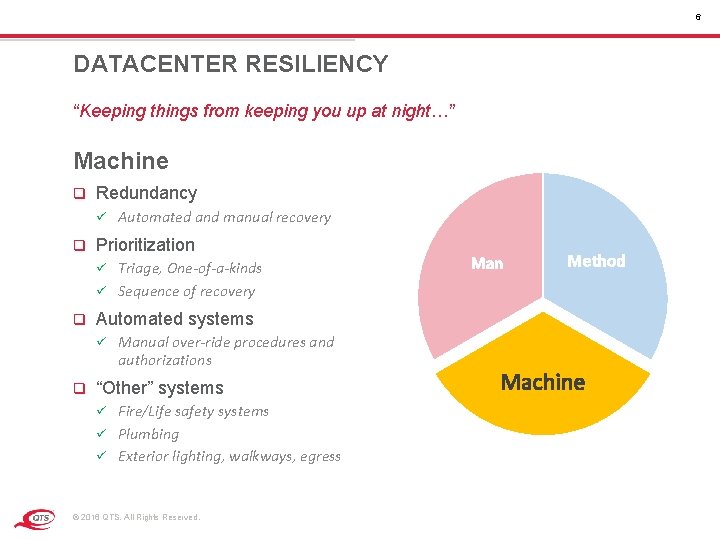
6 DATACENTER RESILIENCY “Keeping things from keeping you up at night…” Machine q Redundancy ü q Automated and manual recovery Prioritization Triage, One-of-a-kinds ü Sequence of recovery ü q Method Automated systems ü q Manual over-ride procedures and authorizations “Other” systems Fire/Life safety systems ü Plumbing ü Exterior lighting, walkways, egress ü © 2016 QTS. All Rights Reserved. Machine
IT TECHNOLOGY CONSIDERATIONS © 2016 QTS. All Rights Reserved.
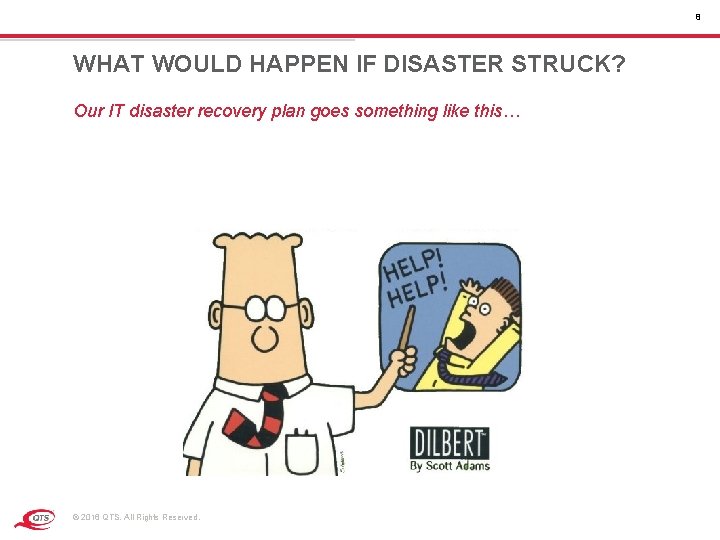
8 WHAT WOULD HAPPEN IF DISASTER STRUCK? Our IT disaster recovery plan goes something like this… © 2016 QTS. All Rights Reserved.
9 BC/DR APPROACHES Only one approach there is… § Do Nothing § Protect Everything § Protect Based on Business Impacts © 2016 QTS. All Rights Reserved.
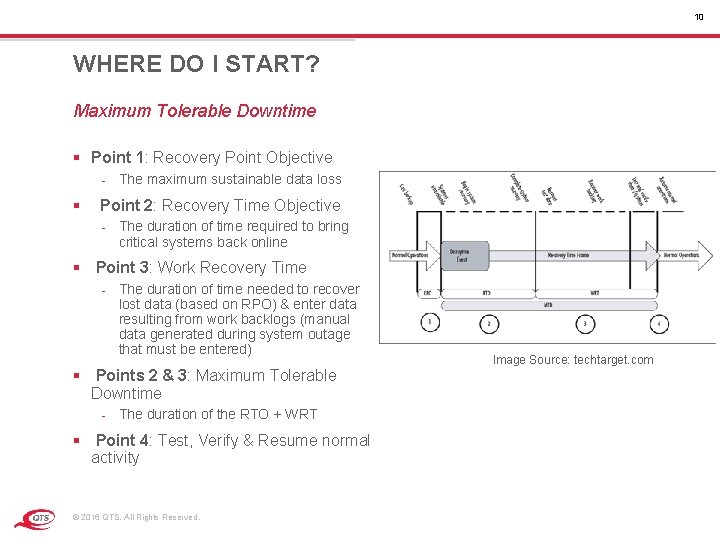
10 WHERE DO I START? Maximum Tolerable Downtime § Point 1: Recovery Point Objective - The maximum sustainable data loss § Point 2: Recovery Time Objective - The duration of time required to bring critical systems back online § Point 3: Work Recovery Time - The duration of time needed to recover lost data (based on RPO) & enter data resulting from work backlogs (manual data generated during system outage that must be entered) § Points 2 & 3: Maximum Tolerable Downtime - The duration of the RTO + WRT § Point 4: Test, Verify & Resume normal activity © 2016 QTS. All Rights Reserved. Image Source: techtarget. com
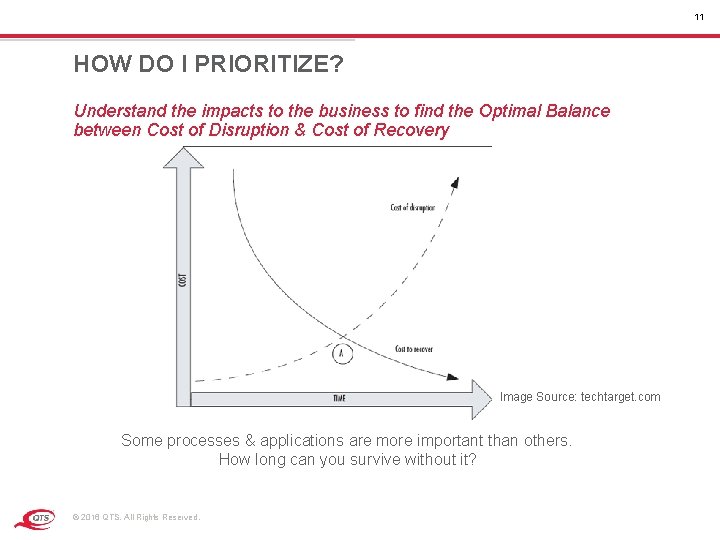
11 HOW DO I PRIORITIZE? Understand the impacts to the business to find the Optimal Balance between Cost of Disruption & Cost of Recovery Image Source: techtarget. com Some processes & applications are more important than others. How long can you survive without it? © 2016 QTS. All Rights Reserved.
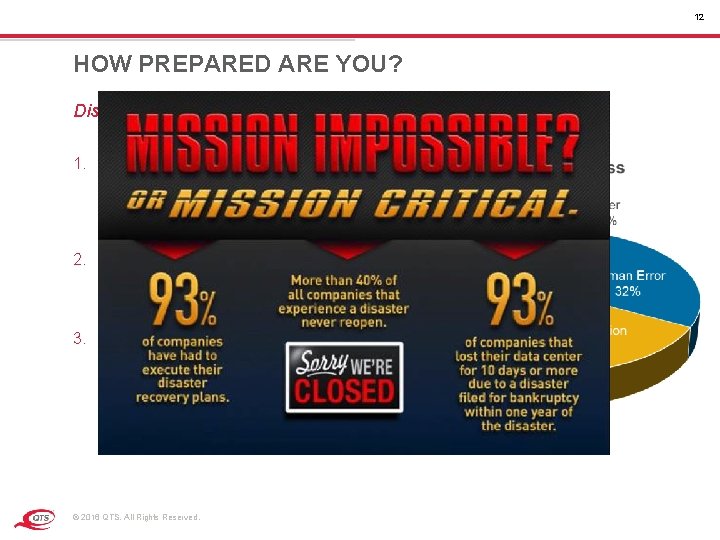
12 HOW PREPARED ARE YOU? Disaster Recovery Must be a Top Priority 1. 70% of companies over a 12 month period between 2012 & 2013 experienced up to 10 hours of unplanned downtime 2. 84% of CIOs are experiencing complexity related issues with backup and recovery of virtual environments 3. 93% of companies have had to execute disaster recovery plans © 2016 QTS. All Rights Reserved.
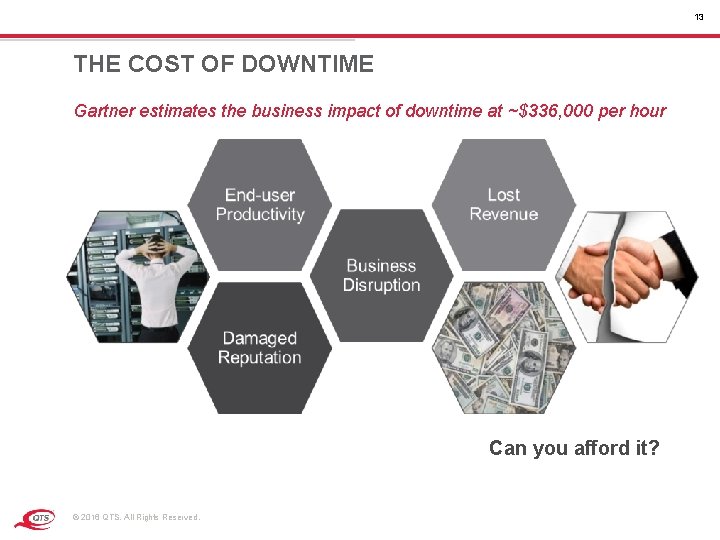
13 THE COST OF DOWNTIME Gartner estimates the business impact of downtime at ~$336, 000 per hour Can you afford it? © 2016 QTS. All Rights Reserved.
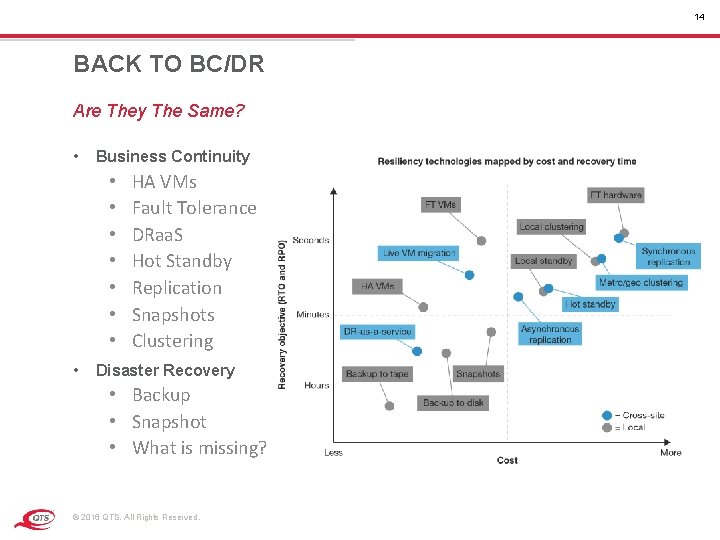
14 BACK TO BC/DR Are They The Same? • Business Continuity • • HA VMs Fault Tolerance DRaa. S Hot Standby Replication Snapshots Clustering Disaster Recovery • Backup • Snapshot • What is missing? © 2016 QTS. All Rights Reserved.
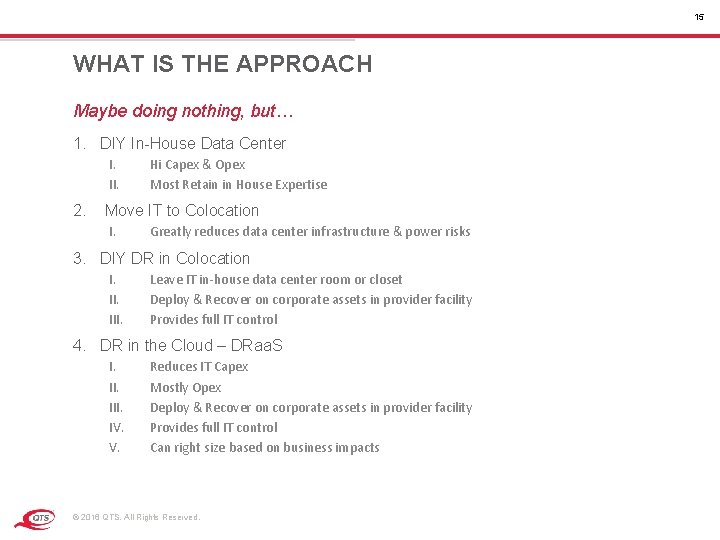
15 WHAT IS THE APPROACH Maybe doing nothing, but… 1. DIY In-House Data Center I. II. 2. Hi Capex & Opex Most Retain in House Expertise Move IT to Colocation I. Greatly reduces data center infrastructure & power risks 3. DIY DR in Colocation I. III. Leave IT in-house data center room or closet Deploy & Recover on corporate assets in provider facility Provides full IT control 4. DR in the Cloud – DRaa. S I. III. IV. V. Reduces IT Capex Mostly Opex Deploy & Recover on corporate assets in provider facility Provides full IT control Can right size based on business impacts © 2016 QTS. All Rights Reserved.
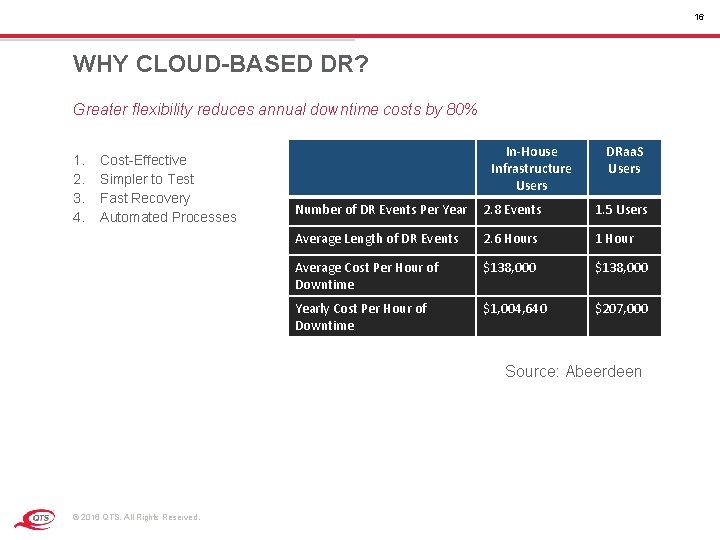
16 WHY CLOUD-BASED DR? Greater flexibility reduces annual downtime costs by 80% 1. 2. 3. 4. Cost-Effective Simpler to Test Fast Recovery Automated Processes In-House Infrastructure Users DRaa. S Users Number of DR Events Per Year 2. 8 Events 1. 5 Users Average Length of DR Events 2. 6 Hours 1 Hour Average Cost Per Hour of Downtime $138, 000 Yearly Cost Per Hour of Downtime $1, 004, 640 $207, 000 Source: Abeerdeen © 2016 QTS. All Rights Reserved.
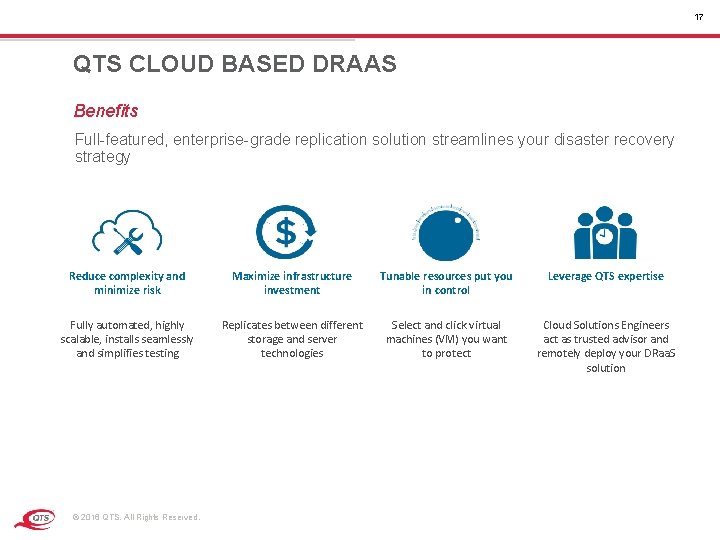
17 QTS CLOUD BASED DRAAS Benefits Full-featured, enterprise-grade replication solution streamlines your disaster recovery strategy Reduce complexity and minimize risk Maximize infrastructure investment Tunable resources put you in control Leverage QTS expertise Fully automated, highly scalable, installs seamlessly and simplifies testing Replicates between different storage and server technologies Select and click virtual machines (VM) you want to protect Cloud Solutions Engineers act as trusted advisor and remotely deploy your DRaa. S solution © 2016 QTS. All Rights Reserved.
USE CASES © 2016 QTS. All Rights Reserved.
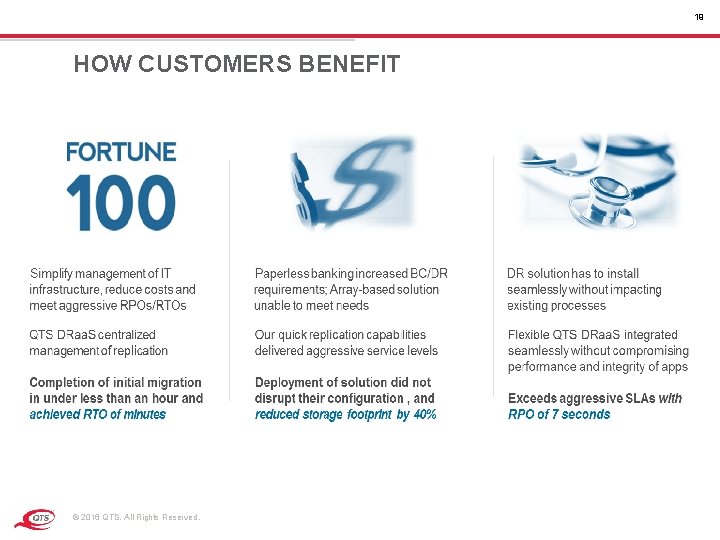
19 HOW CUSTOMERS BENEFIT © 2016 QTS. All Rights Reserved.
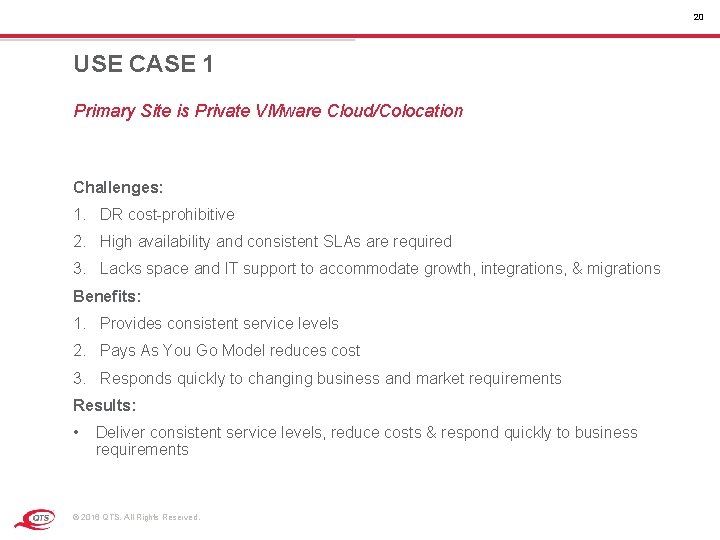
20 USE CASE 1 Primary Site is Private VMware Cloud/Colocation Challenges: 1. DR cost-prohibitive 2. High availability and consistent SLAs are required 3. Lacks space and IT support to accommodate growth, integrations, & migrations Benefits: 1. Provides consistent service levels 2. Pays As You Go Model reduces cost 3. Responds quickly to changing business and market requirements Results: • Deliver consistent service levels, reduce costs & respond quickly to business requirements © 2016 QTS. All Rights Reserved.
THANK YOU OPEN DISCUSSION © 2016 QTS. All Rights Reserved.
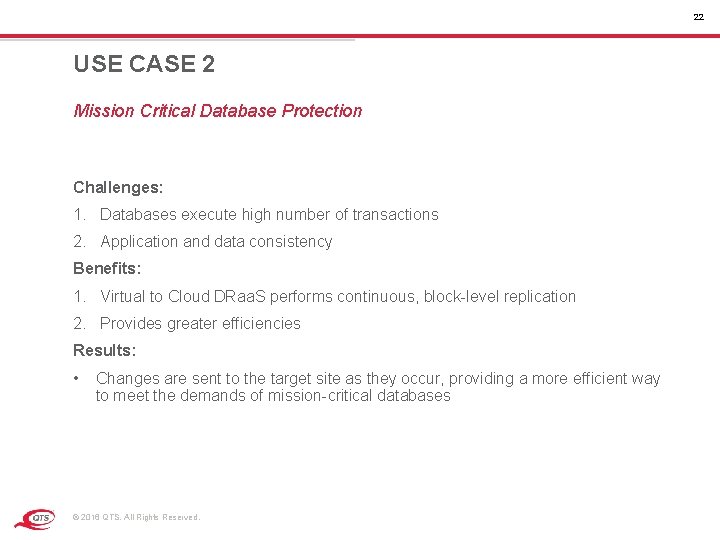
22 USE CASE 2 Mission Critical Database Protection Challenges: 1. Databases execute high number of transactions 2. Application and data consistency Benefits: 1. Virtual to Cloud DRaa. S performs continuous, block-level replication 2. Provides greater efficiencies Results: • Changes are sent to the target site as they occur, providing a more efficient way to meet the demands of mission-critical databases © 2016 QTS. All Rights Reserved.
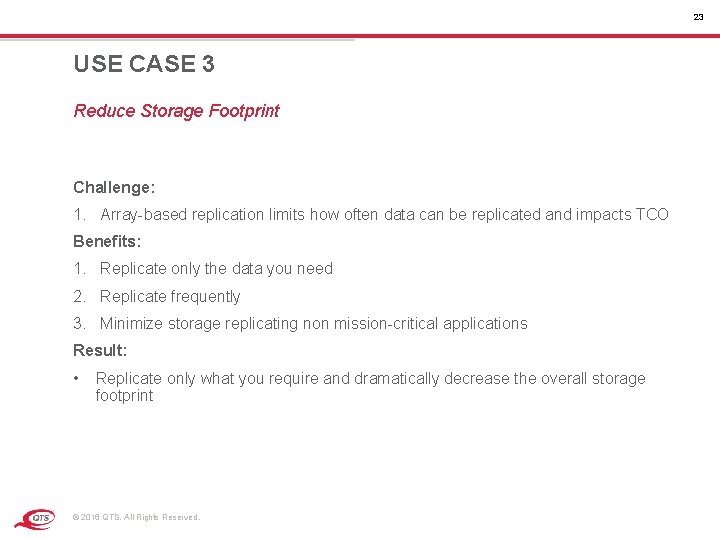
23 USE CASE 3 Reduce Storage Footprint Challenge: 1. Array-based replication limits how often data can be replicated and impacts TCO Benefits: 1. Replicate only the data you need 2. Replicate frequently 3. Minimize storage replicating non mission-critical applications Result: • Replicate only what you require and dramatically decrease the overall storage footprint © 2016 QTS. All Rights Reserved.
24 USE CASE 4 Migration Strategy Challenge: 1. Major maintenance is considered possible disaster for mission-critical applications Benefits: 1. Automatically move application back to the primary site 2. Increase the flexibility of preparing and deploying migration of applications Result: • Easily implement controlled migration of physical or virtual environments to QTS Enterprise Cloud © 2016 QTS. All Rights Reserved.