
Offline monitoring This guide explains Where the RAW
- Slides: 7
Offline monitoring This guide explains: Where the RAW data are stored and how to access them A pointer to a common Ali. Root setup on lxplus How to run the two RAW data monitors How to run some calibrations with macros Experts: Marian Ivanov (marian. ivanov@cern. ch) Peter Christiansen (peter. christiansen@hep. lu. se) Questions, comments, suggestions are encouraged: -) 1
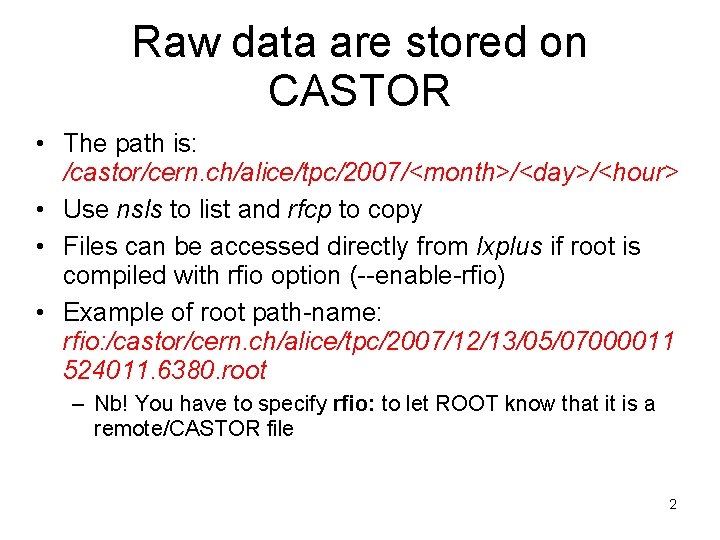
Raw data are stored on CASTOR • The path is: /castor/cern. ch/alice/tpc/2007/<month>/<day>/<hour> • Use nsls to list and rfcp to copy • Files can be accessed directly from lxplus if root is compiled with rfio option (--enable-rfio) • Example of root path-name: rfio: /castor/cern. ch/alice/tpc/2007/12/13/05/07000011 524011. 6380. root – Nb! You have to specify rfio: to let ROOT know that it is a remote/CASTOR file 2
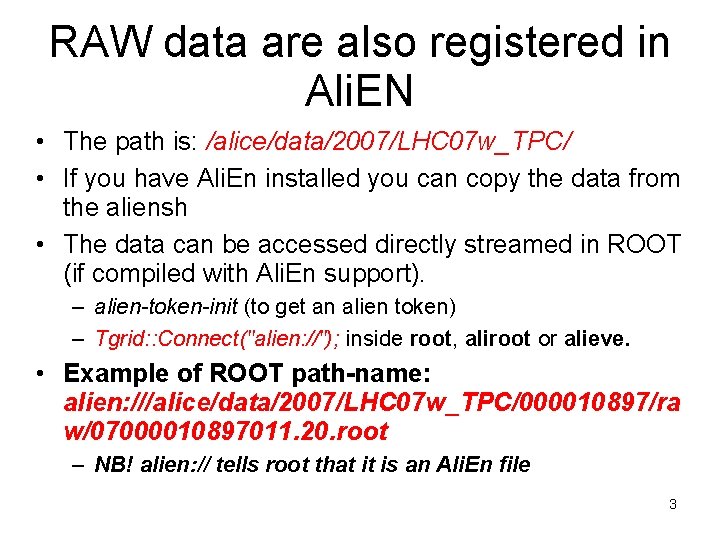
RAW data are also registered in Ali. EN • The path is: /alice/data/2007/LHC 07 w_TPC/ • If you have Ali. En installed you can copy the data from the aliensh • The data can be accessed directly streamed in ROOT (if compiled with Ali. En support). – alien-token-init (to get an alien token) – Tgrid: : Connect("alien: //"); inside root, aliroot or alieve. • Example of ROOT path-name: alien: ///alice/data/2007/LHC 07 w_TPC/000010897/ra w/07000010897011. 20. root – NB! alien: // tells root that it is an Ali. En file 3
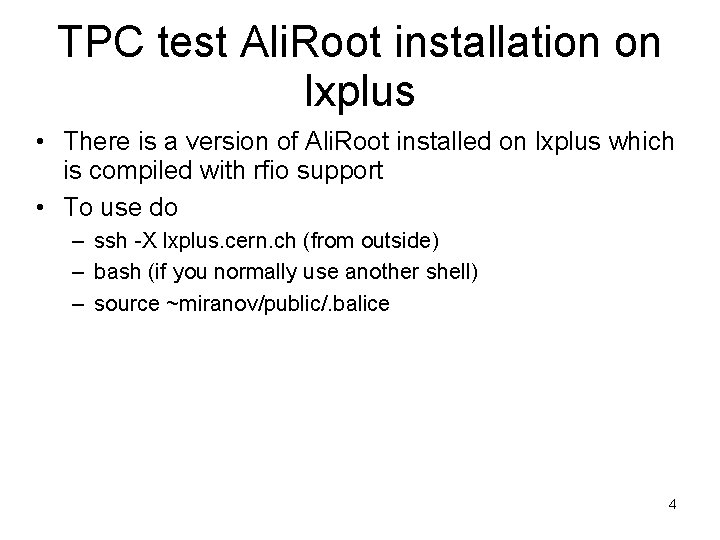
TPC test Ali. Root installation on lxplus • There is a version of Ali. Root installed on lxplus which is compiled with rfio support • To use do – ssh -X lxplus. cern. ch (from outside) – bash (if you normally use another shell) – source ~miranov/public/. balice 4
TPC pad monitor (NB! currently does not work for zero-suppressed data) • The pad monitor by Stefan Kniege is part of Ali. Root and also used online • To run the monitor in aliroot do: –. L $ALICE_ROOT/lib/tgt_linux/lib. TPCmon. so –. L $ALICE_ROOT/TPC/macros/TPCMonitor. C – TPCMonitor() • Now the GUI starts and you should do: – Sel. Format (Select ROOT and remember to press "Select Entry") – Sel. File (open file – can soon be alien file) – Press “Next Event” until the data is loaded 5
Ali. Eve general offline monitor • Ali. Eve is part of Ali. Root • To run the TPC raw display do: – alieve –. L. . /test-macros/tpc_gui. C – tpc_gui(<filename>, <event_no>) • How to use the GUI: – – Double click on TPCLoader to see the many draw options Click “Help” to see how to navigate in the opengl window SHIFT+right click on the graphical elements to get menu CTRL+left click on pads to see 1 d projections 6
Running calibration macros (requires Ali. Root HEAD e. g. tpc test Ali. Root on lxplus) • • Running the Ali. TPCCalib. Pedestal class: . L $ALICE_ROOT/TPC/macros/test. Ped. C test. Ped(<filename>, <number of events>) The results can be displayed in the calibration GUI viewer: Ali. TPCCalib. Viewer. GUI: : Show. GUI("Calib. Tree. root"); Raw data QA monitor (improvements to come): . L $ALICE_ROOT/TPC/macros/test. Data. QA. C test. DATAQA(<filename>, <number of events>) 7