
Office Ergonomics Ergonomic Guidelines for Computer Users Frank


- Slides: 24
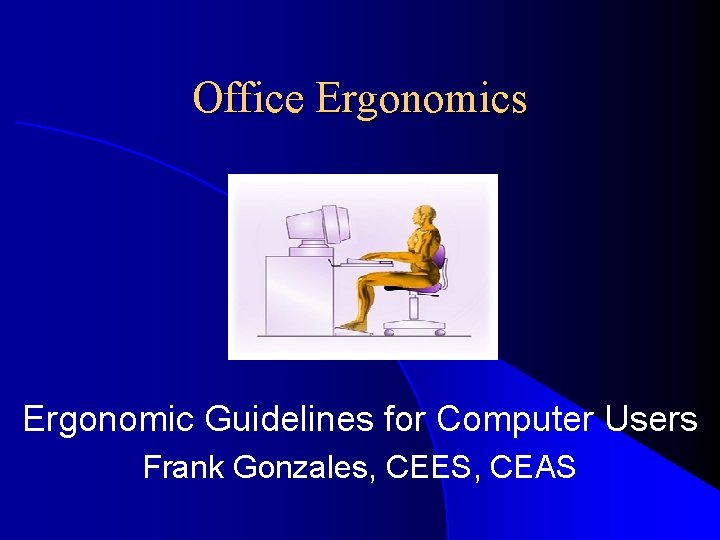
Office Ergonomics Ergonomic Guidelines for Computer Users Frank Gonzales, CEES, CEAS
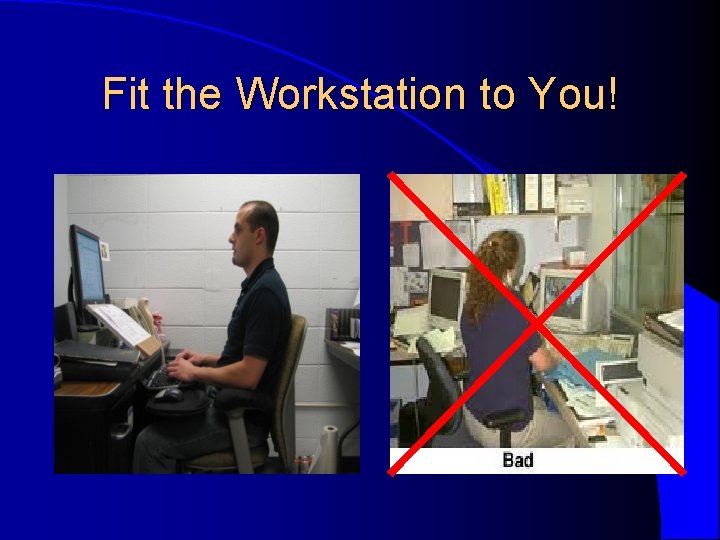
Fit the Workstation to You!
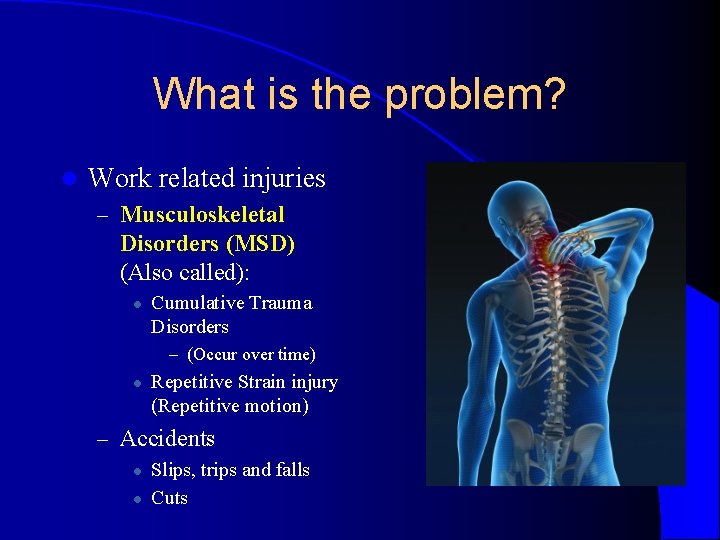
What is the problem? l Work related injuries – Musculoskeletal Disorders (MSD) (Also called): l Cumulative Trauma Disorders – (Occur over time) l Repetitive Strain injury (Repetitive motion) – Accidents l l Slips, trips and falls Cuts
Common MSD’s Tendonitis l Bursitis l Tenosynovitis l Epicondylitis l l l – Tennis Elbow l – Golfers Elbow l Carpal Tunnel Syndrome l Trigger Finger Back Strain Neck Strain Herniated Discs Thoracic Outlet Shoulder Impingement Cubital Tunnel Syndrome
MSD Signs and Symptoms l l l Fatigue Aches and Pain Weakness Stiffness Discomfort Tenderness l l l l Numbness Burning Tingling Swelling Body parts “Falling asleep” Loss of strength Loss of joint movement Trouble sleeping due to pain
topics Variety & Movement Computer Monitor Chairs Vision Keyboard & Mouse Phone Wrist/Mouse Rests Copy Holders
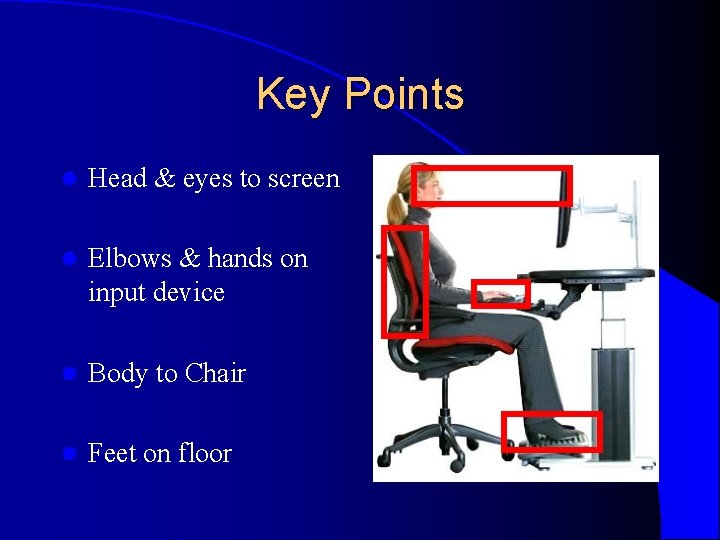
Key Points l Head & eyes to screen l Elbows & hands on input device l Body to Chair l Feet on floor
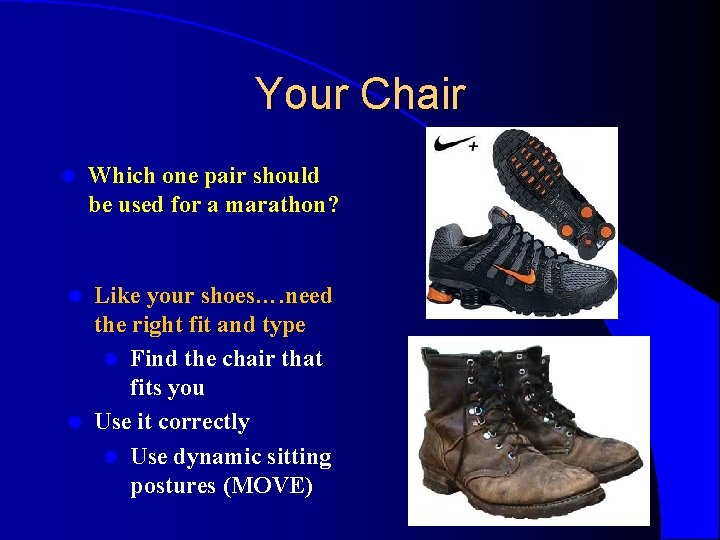
Your Chair l Which one pair should be used for a marathon? Like your shoes…. need the right fit and type l Find the chair that fits you l Use it correctly l Use dynamic sitting postures (MOVE) l
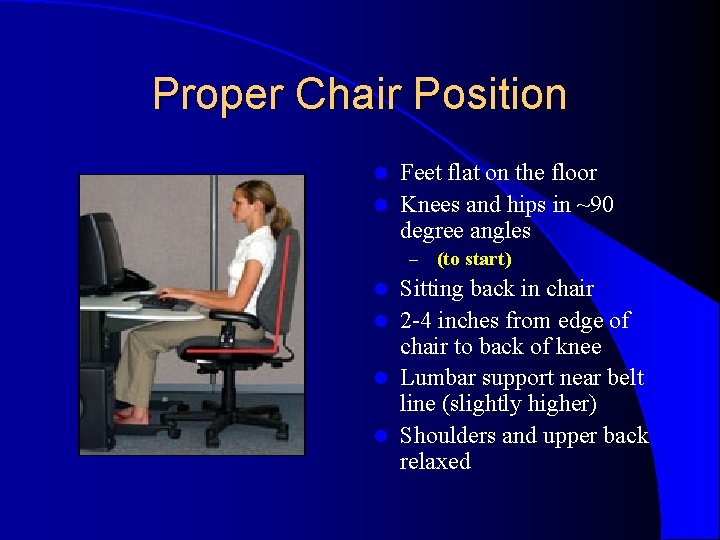
Proper Chair Position Feet flat on the floor l Knees and hips in ~90 degree angles l – (to start) Sitting back in chair l 2 -4 inches from edge of chair to back of knee l Lumbar support near belt line (slightly higher) l Shoulders and upper back relaxed l
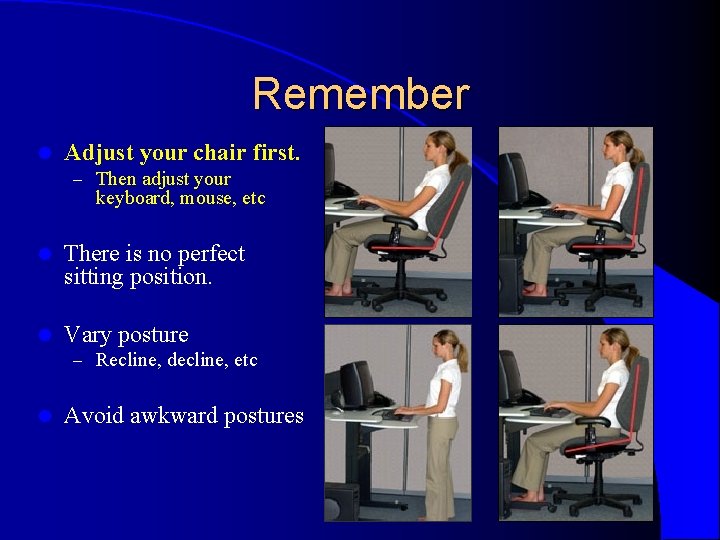
Remember l Adjust your chair first. – Then adjust your keyboard, mouse, etc l There is no perfect sitting position. l Vary posture – Recline, decline, etc l Avoid awkward postures
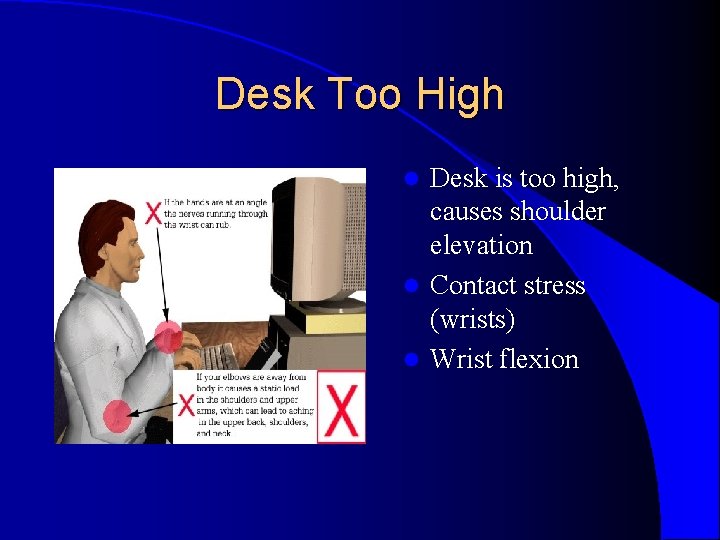
Desk Too High Desk is too high, causes shoulder elevation l Contact stress (wrists) l Wrist flexion l
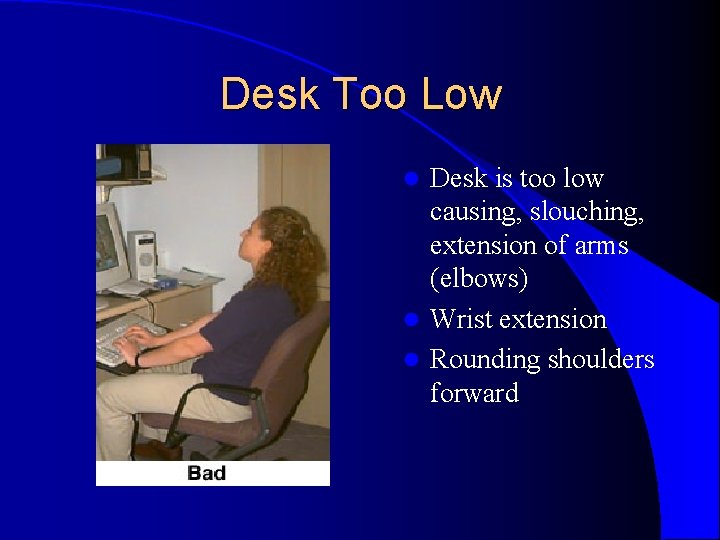
Desk Too Low Desk is too low causing, slouching, extension of arms (elbows) l Wrist extension l Rounding shoulders forward l
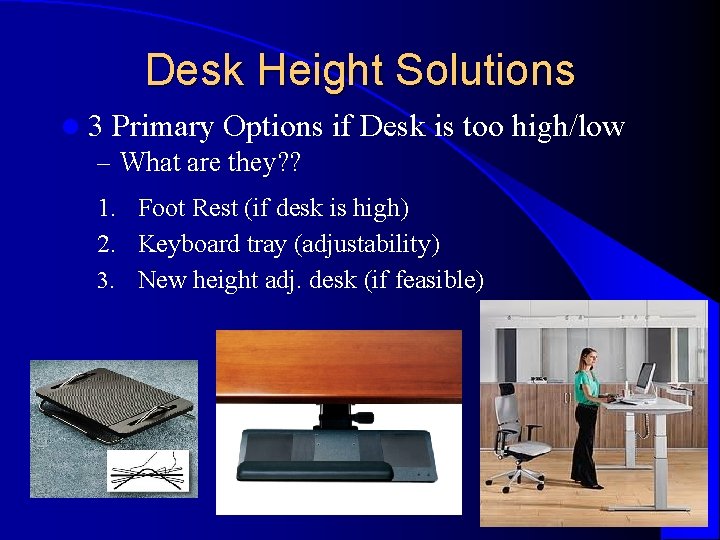
Desk Height Solutions l 3 Primary Options – What are they? ? if Desk is too high/low 1. Foot Rest (if desk is high) 2. Keyboard tray (adjustability) 3. New height adj. desk (if feasible)
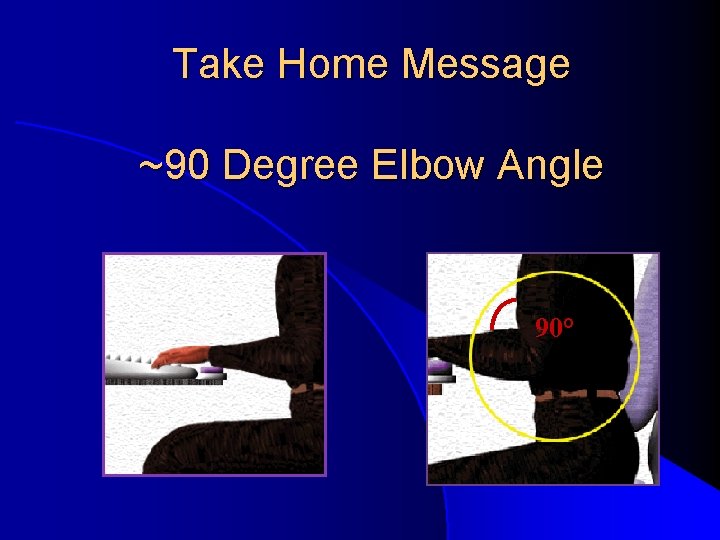
Take Home Message ~90 Degree Elbow Angle 90°
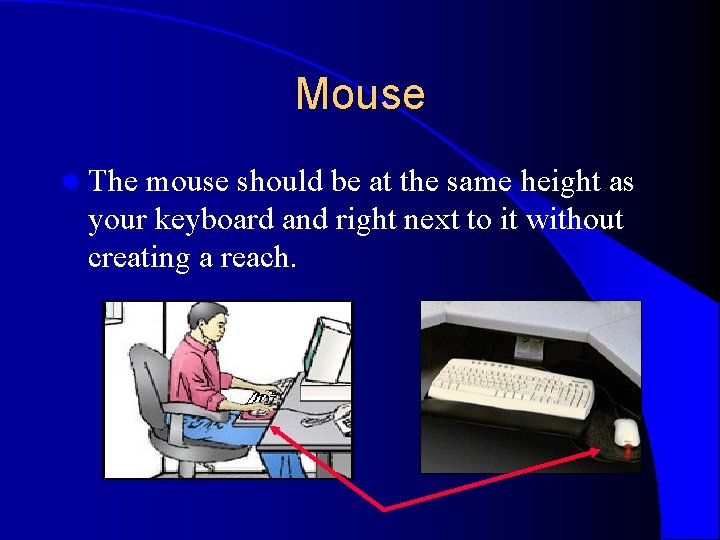
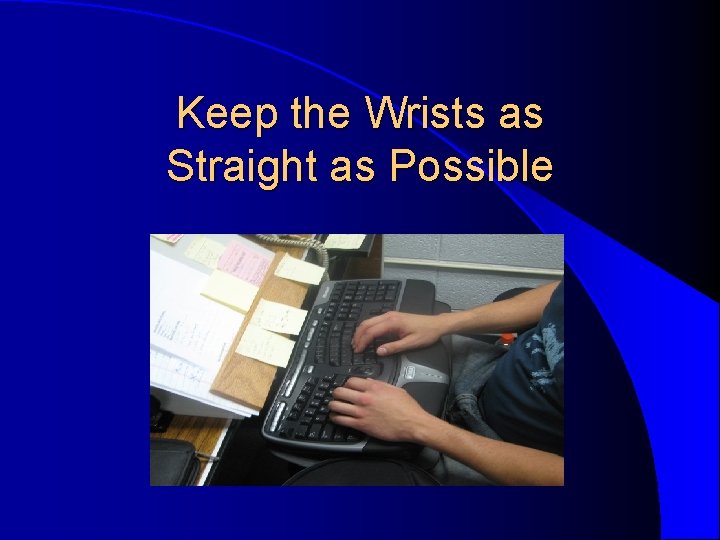
Mouse l The mouse should be at the same height as your keyboard and right next to it without creating a reach.
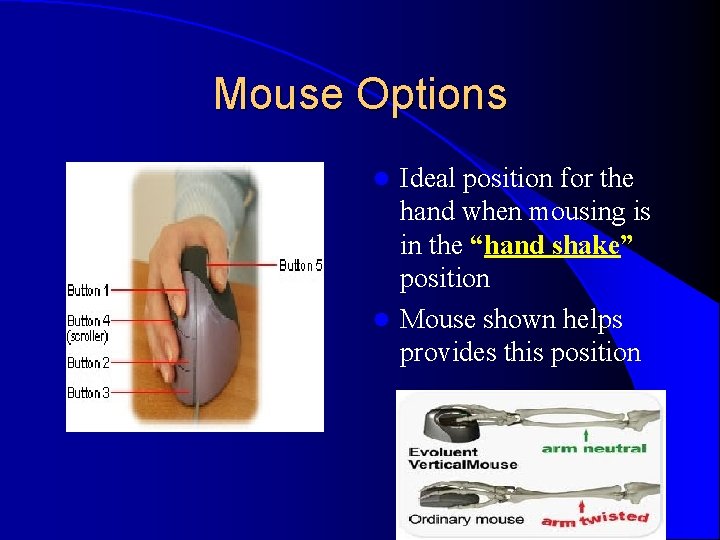
Mouse Options Ideal position for the hand when mousing is in the “hand shake” position l Mouse shown helps provides this position l
Keep the Wrists as Straight as Possible
Monitor Positioning
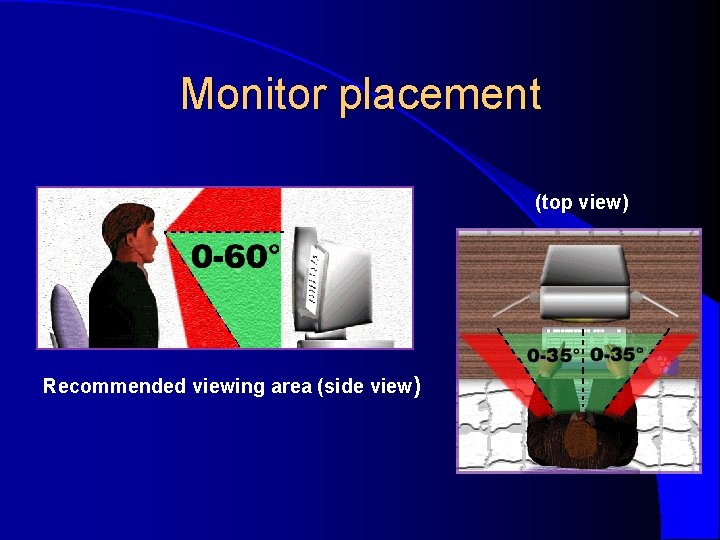
Monitor placement (top view) Recommended viewing area (side view)
Phone
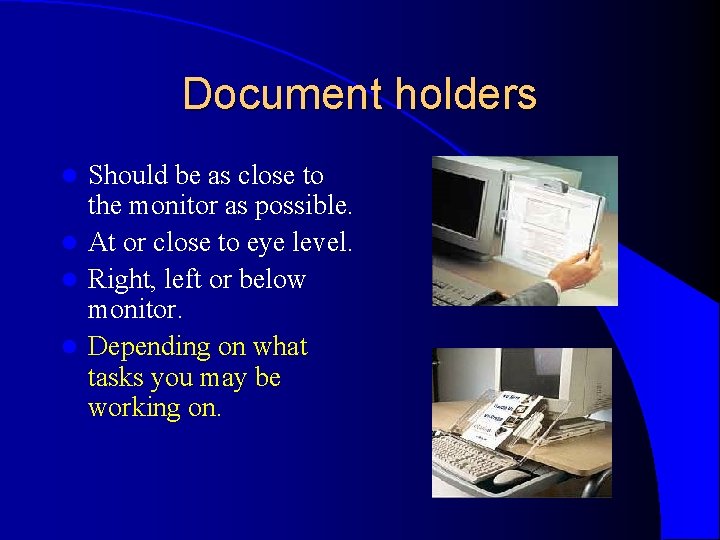
Document holders Should be as close to the monitor as possible. l At or close to eye level. l Right, left or below monitor. l Depending on what tasks you may be working on. l
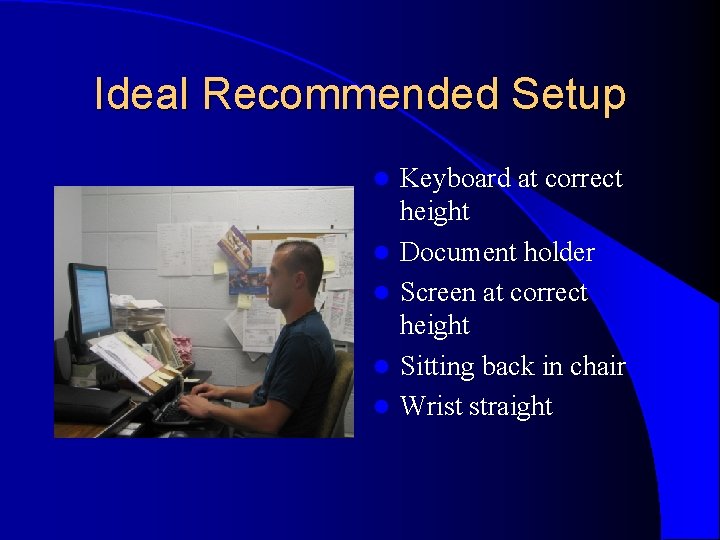
Ideal Recommended Setup l l l Keyboard at correct height Document holder Screen at correct height Sitting back in chair Wrist straight