
Office Communications Server 2007 R 2 Unified Communications
- Slides: 35
Office Communications Server 2007 R 2 Unified Communications The next great leap in Productivity Tom Moreo – Thomas. Moreo@Cornerstone. IT Cornerstone Information Technologies, LLC
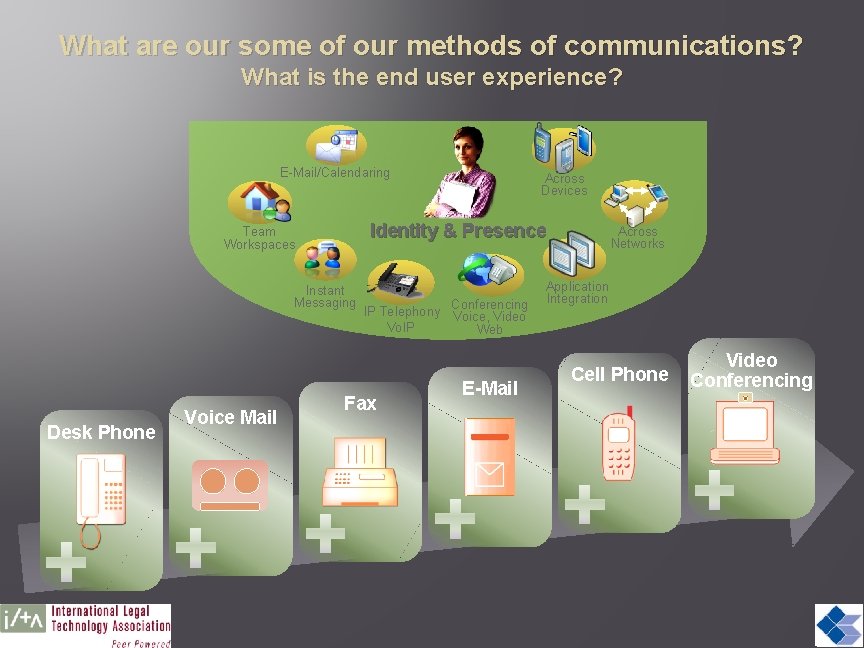
What are our some of our methods of communications? What is the end user experience? E-Mail/Calendaring Identity & Presence Team Workspaces Instant Messaging Desk Phone Voice Mail Across Devices IP Telephony Vo. IP Fax Conferencing Voice, Video Web E-Mail Across Networks Application Integration Cell Phone Video Conferencing
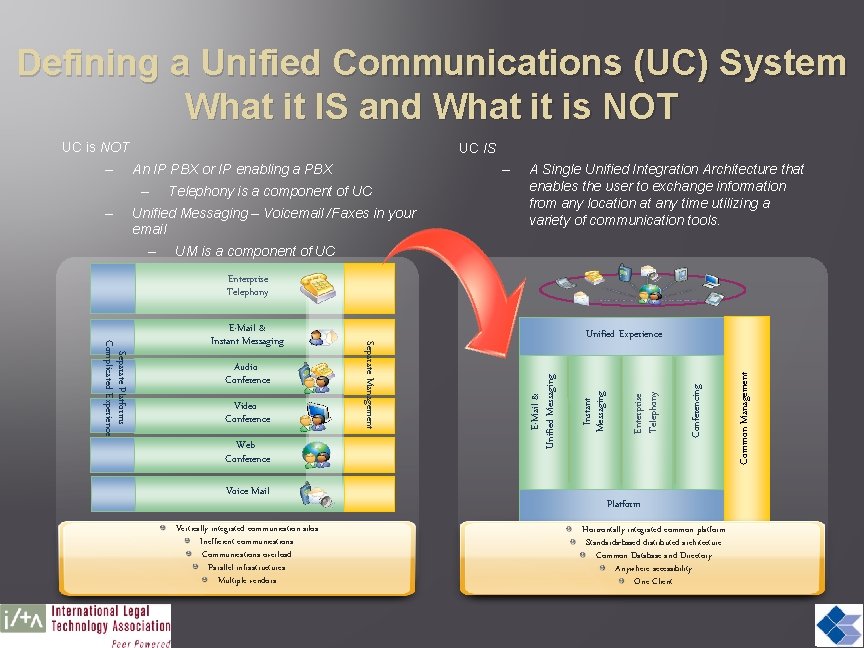
Defining a Unified Communications (UC) System What it IS and What it is NOT UC is NOT – UC IS An IP PBX or IP enabling a PBX – – – Telephony is a component of UC Unified Messaging – Voicemail /Faxes in your email – A Single Unified Integration Architecture that enables the user to exchange information from any location at any time utilizing a variety of communication tools. UM is a component of UC Enterprise Telephony Voice Mail Vertically integrated communication silos Inefficient communications Communications overload Parallel infrastructures Multiple vendors Conferencing Enterprise Telephony Platform Horizontally integrated common platform Standards-based distributed architecture Common Database and Directory Anywhere accessibility One Client Common Management Web Conference Instant Messaging Video Conference Unified Experience E-Mail & Unified Messaging Audio Conference Separate Management Separate Platforms Complicated Experience E-Mail & Instant Messaging
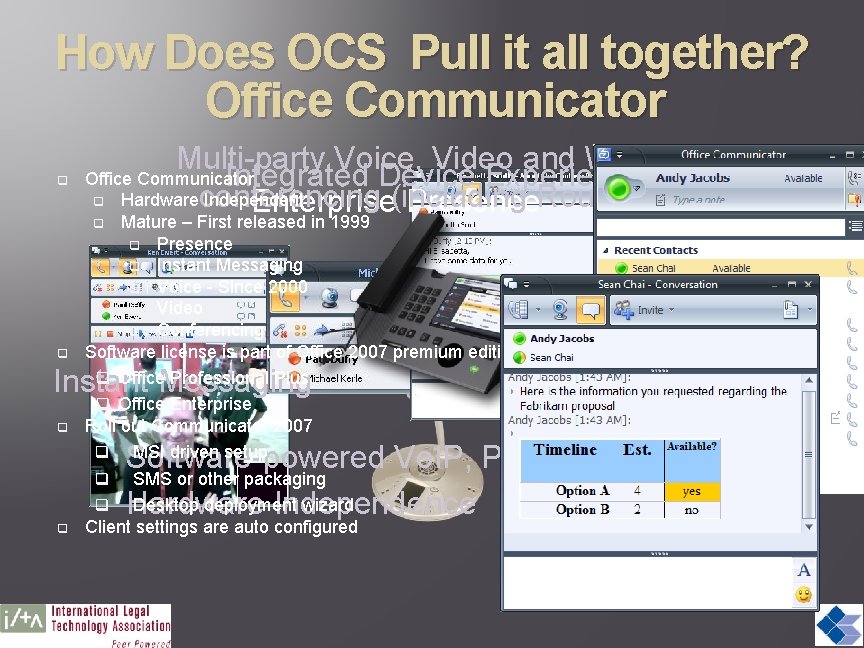
How Does OCS Pull it all together? Office Communicator q Multi-party Voice, Video and Web Office Communicator Integrated Device Experience q Hardwareconferencing Independent (including Roundtable) Enterprise Presence q Mature – First released in 1999 Presence q Instant Messaging q Voice - Since 2000 q Video q Conferencing Software license is part of Office 2007 premium editions q Office Professional Plus q Office Enterprise Roll out Communicator 2007 q MSI driven setup q SMS or other packaging q Desktop deployment wizard Client settings are auto configured q q Instant Messaging q Software-powered Vo. IP, PBX functionality Hardware Independence q
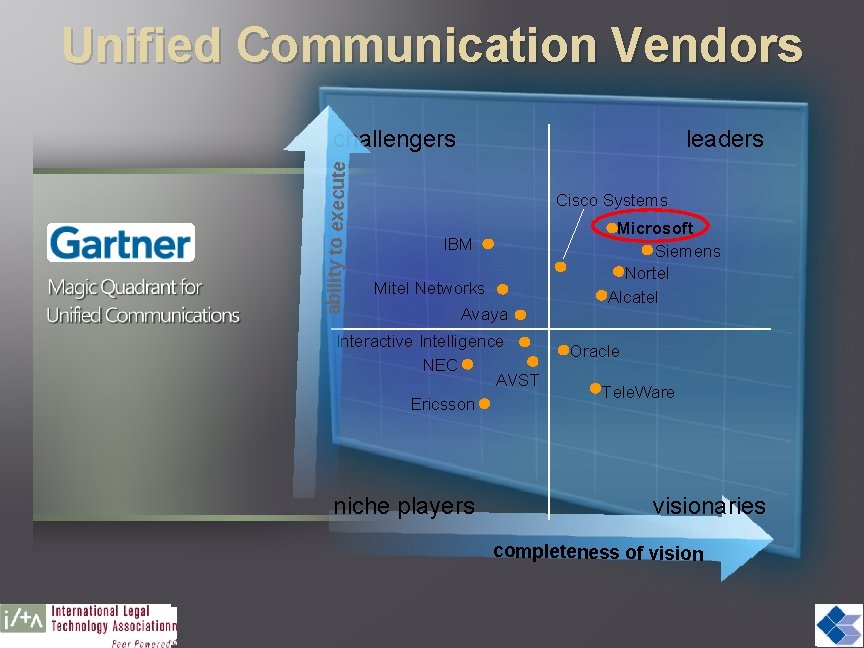
Unified Communication Vendors ability to execute challengers leaders Cisco Systems IBM Mitel Networks Avaya Interactive Intelligence NEC AVST Ericsson niche players Microsoft Siemens Nortel Alcatel Oracle Tele. Ware visionaries completeness of vision
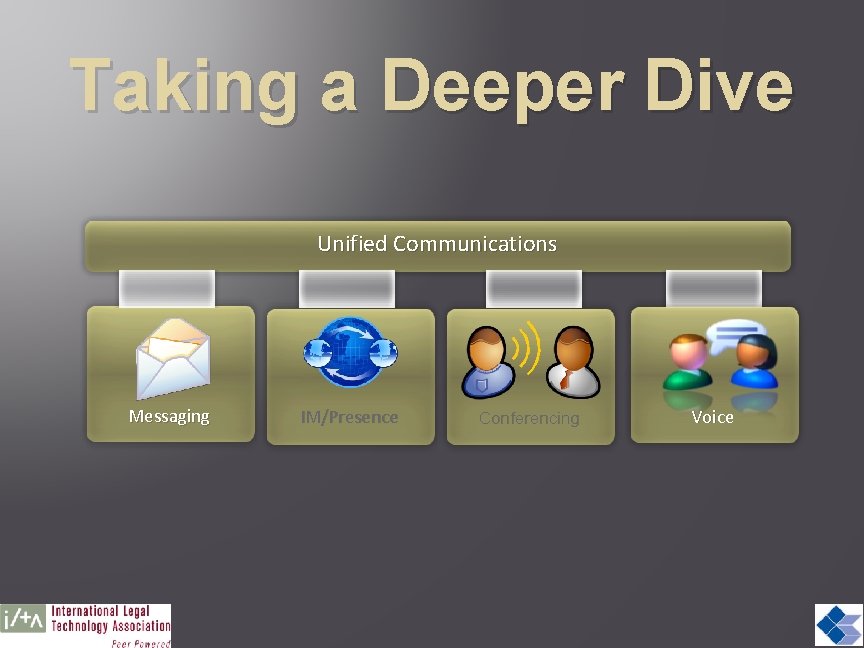
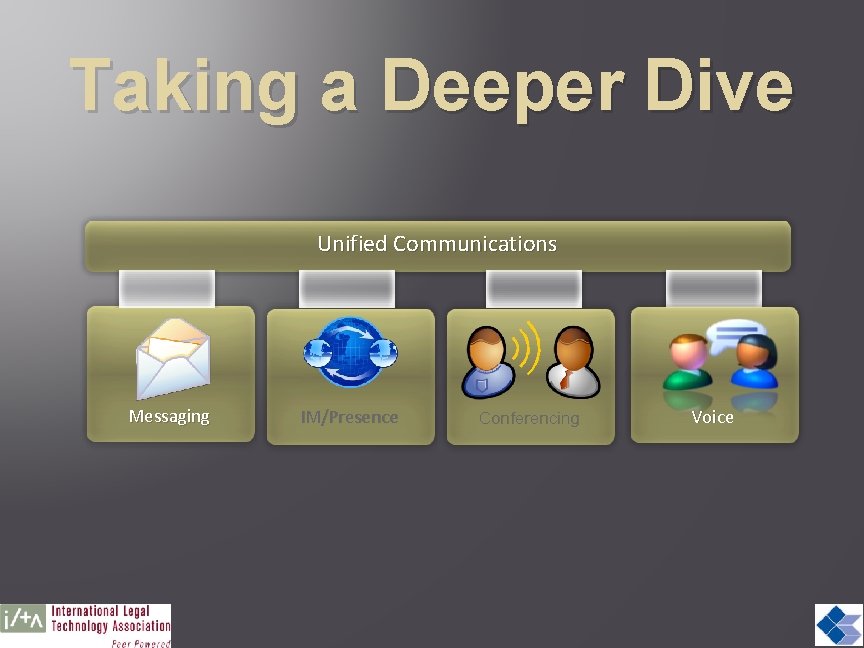
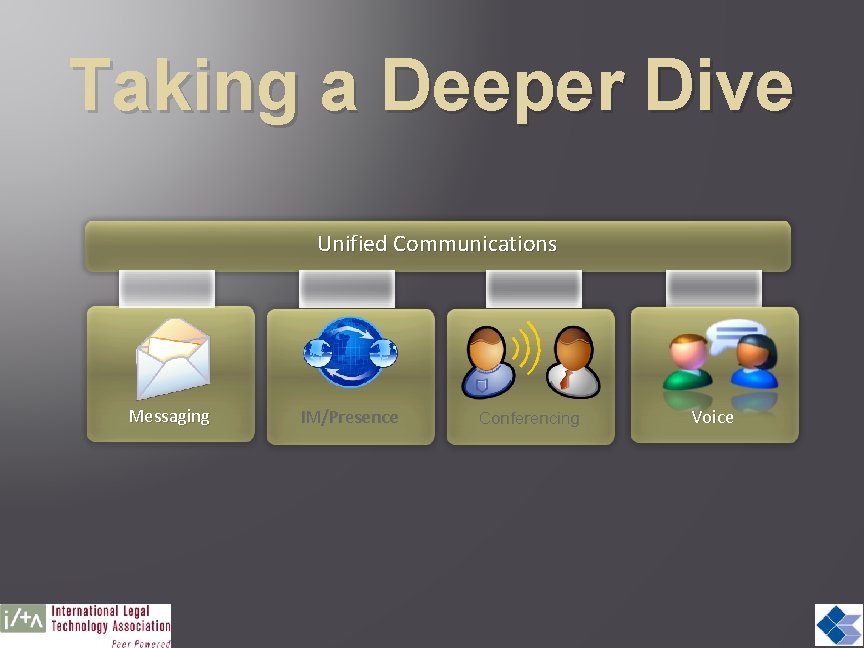
Taking a Deeper Dive Unified Communications Messaging IM/Presence Conferencing Voice
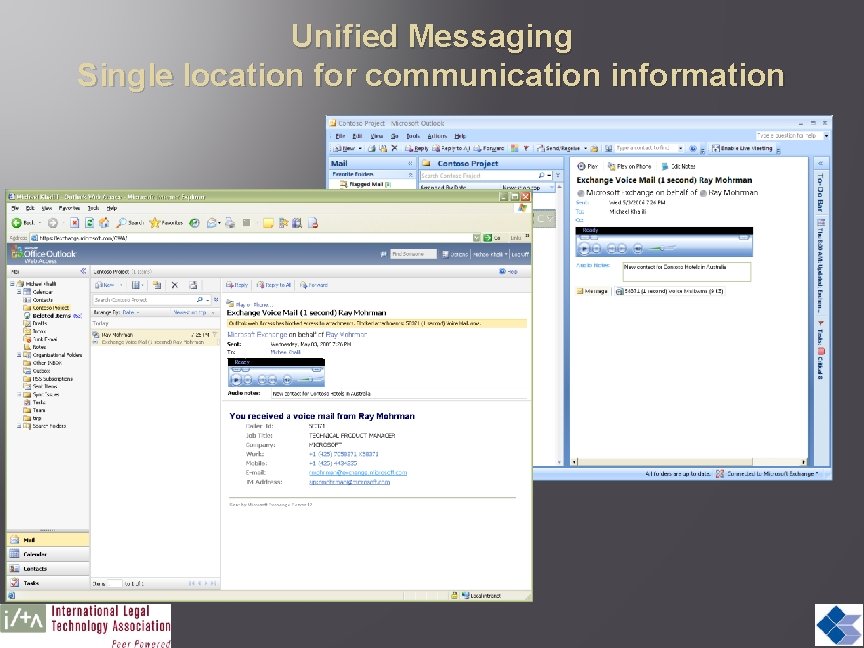
Unified Messaging Single location for communication information
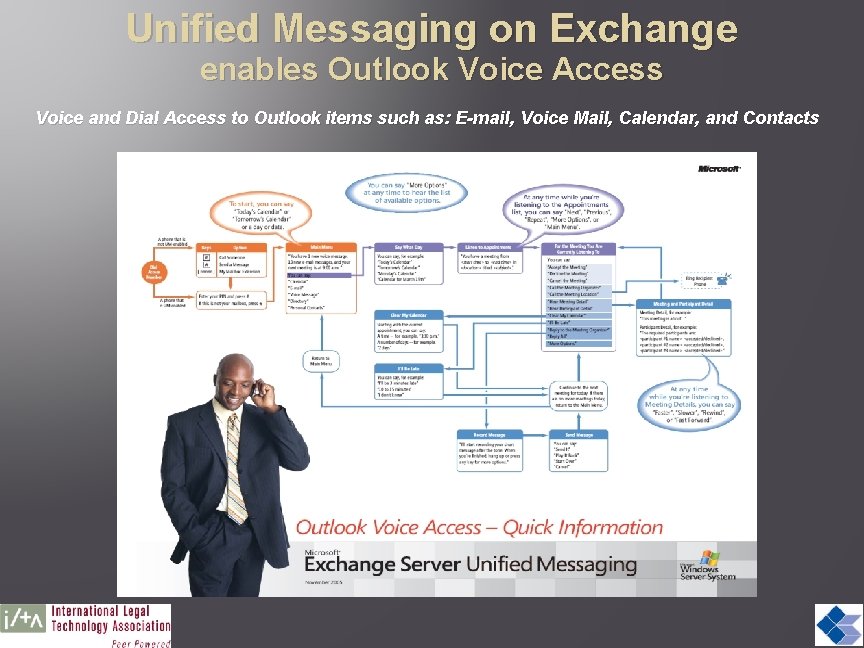
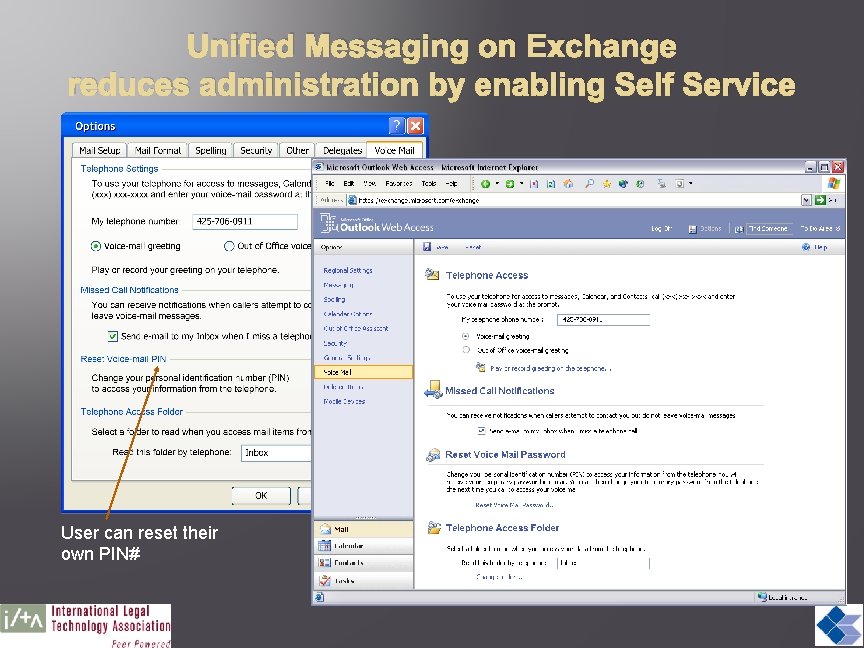
Unified Messaging on Exchange enables Outlook Voice Access Voice and Dial Access to Outlook items such as: E-mail, Voice Mail, Calendar, and Contacts
Unified Messaging on Exchange reduces administration by enabling Self Service User can reset their own PIN#
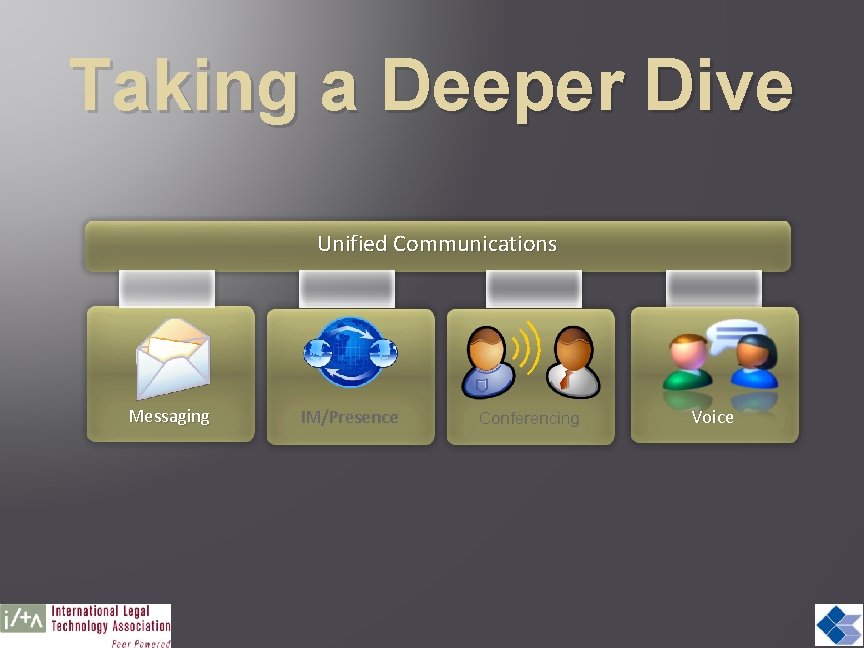
Taking a Deeper Dive Unified Communications Messaging IM/Presence Conferencing Voice
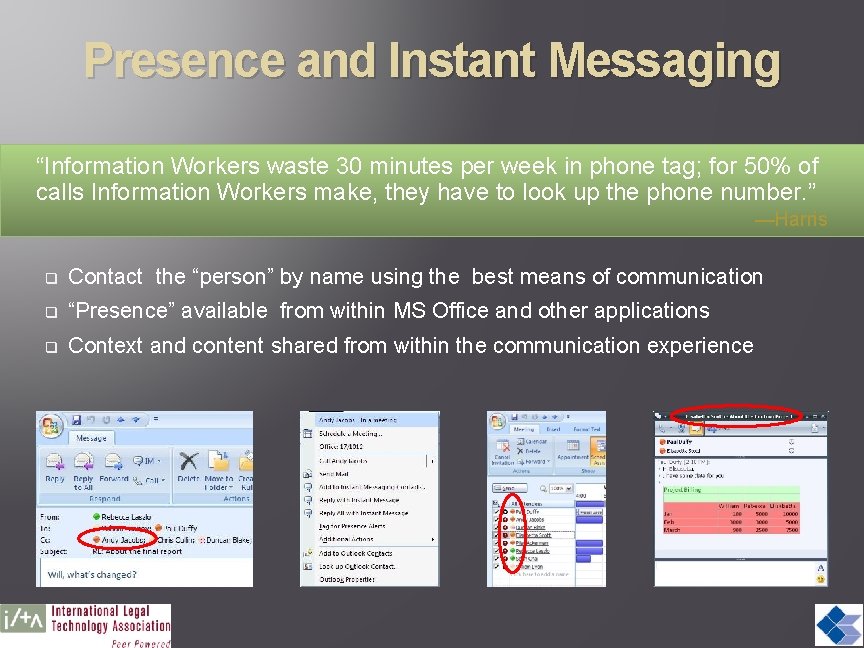
Presence and Instant Messaging “Information Workers waste 30 minutes per week in phone tag; for 50% of calls Information Workers make, they have to look up the phone number. ” —Harris q Contact the “person” by name using the best means of communication q “Presence” available from within MS Office and other applications q Context and content shared from within the communication experience
Taking a Deeper Dive Unified Communications Messaging IM/Presence Conferencing Voice
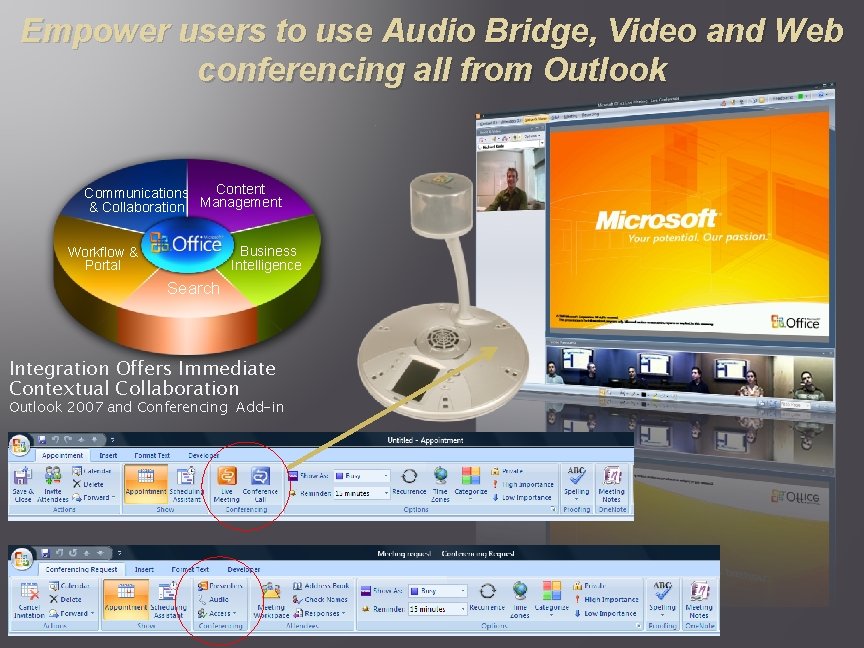
Empower users to use Audio Bridge, Video and Web conferencing all from Outlook Content Communications Management & Collaboration Business Intelligence Workflow & Portal Search Integration Offers Immediate Contextual Collaboration Outlook 2007 and Conferencing Add-in
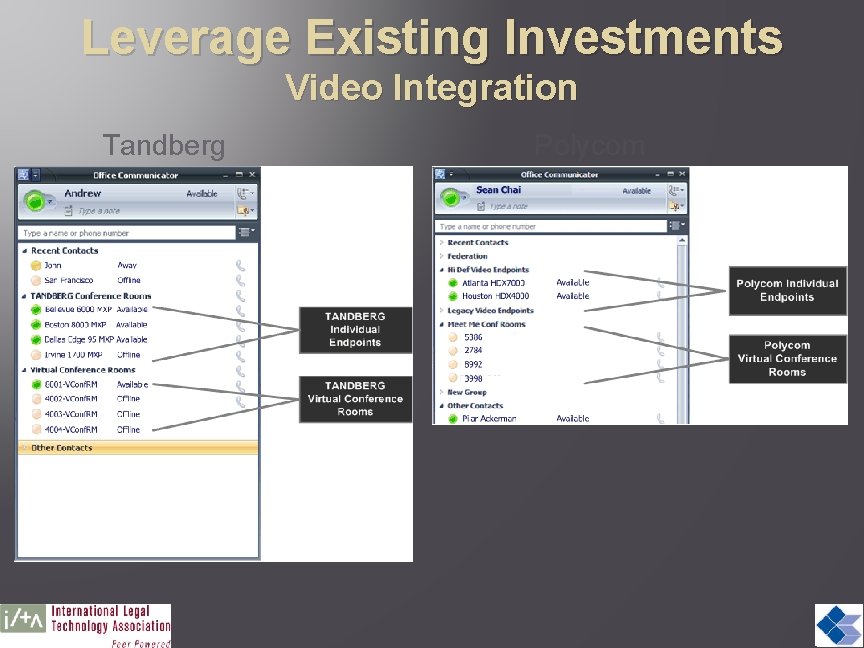
Leverage Existing Investments Video Integration Tandberg Polycom
Taking a Deeper Dive Unified Communications Messaging IM/Presence Conferencing Voice
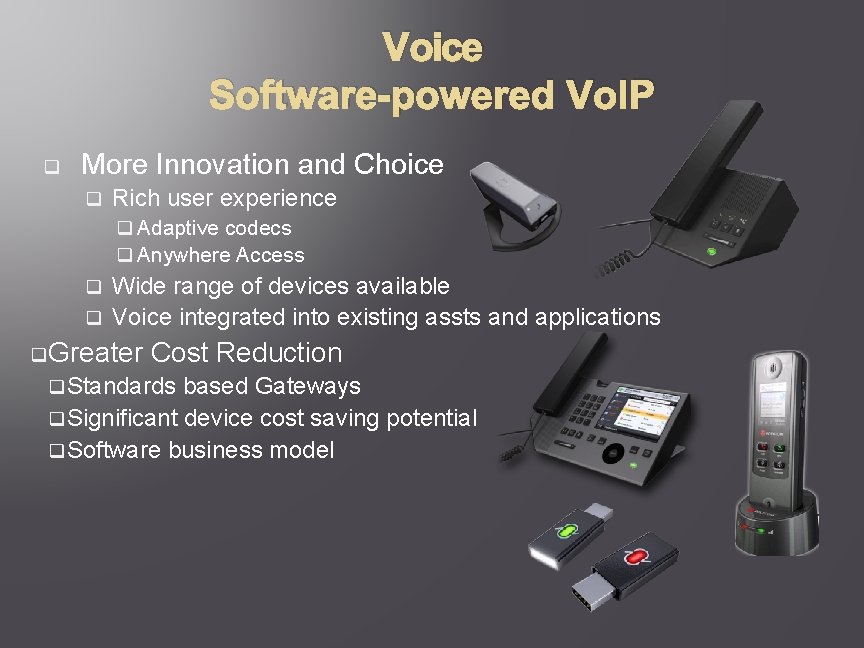
Voice Software-powered Vo. IP q More Innovation and Choice q Rich user experience q Adaptive codecs q Anywhere Access Wide range of devices available q Voice integrated into existing assts and applications q q Greater Cost Reduction q Standards based Gateways q Significant device cost saving potential q Software business model
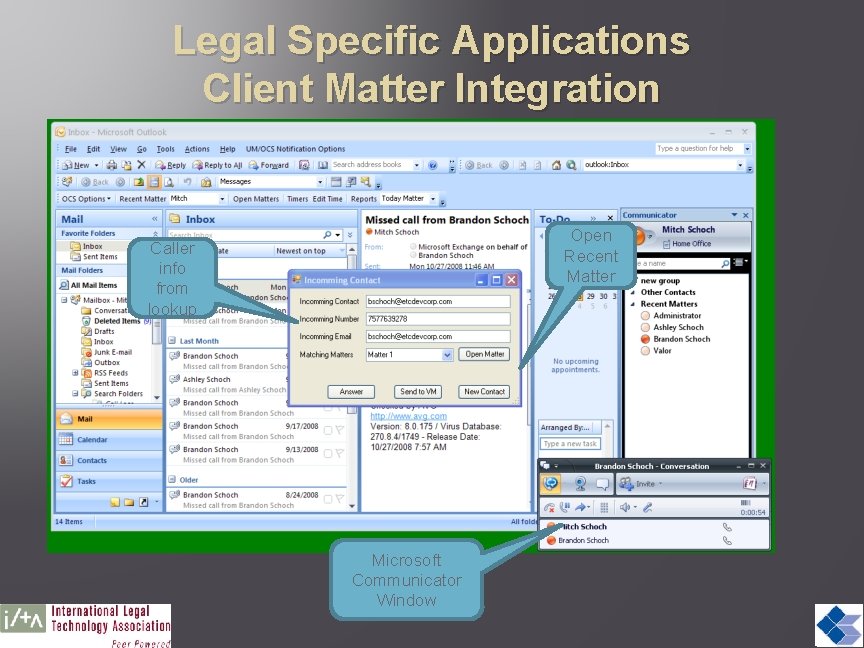
Legal Specific Applications Client Matter Integration Open Recent Matter Caller info from lookup Microsoft Communicator Window
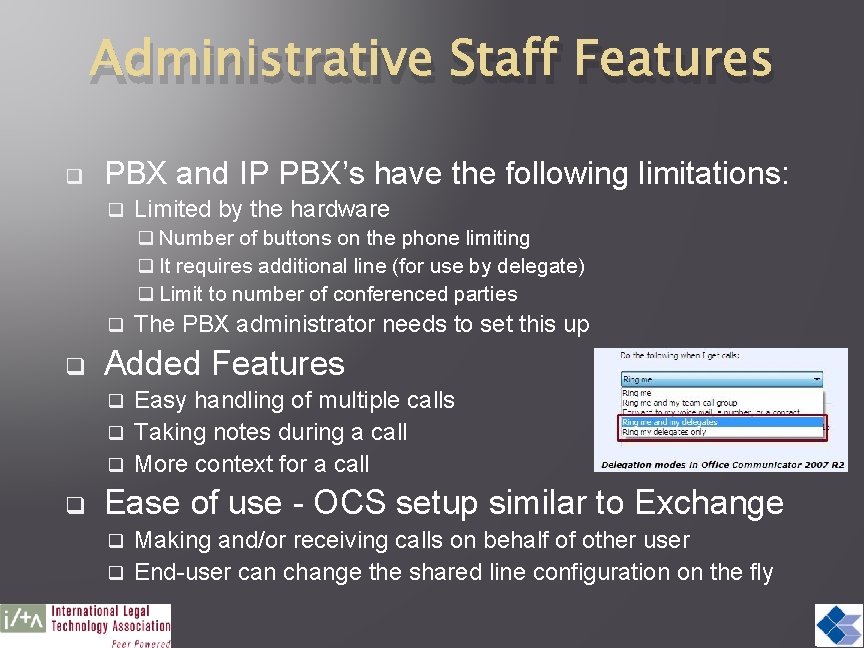
Administrative Staff Features q PBX and IP PBX’s have the following limitations: q Limited by the hardware q Number of buttons on the phone limiting q It requires additional line (for use by delegate) q Limit to number of conferenced parties q q The PBX administrator needs to set this up Added Features Easy handling of multiple calls q Taking notes during a call q More context for a call q q Ease of use - OCS setup similar to Exchange Making and/or receiving calls on behalf of other user q End-user can change the shared line configuration on the fly q
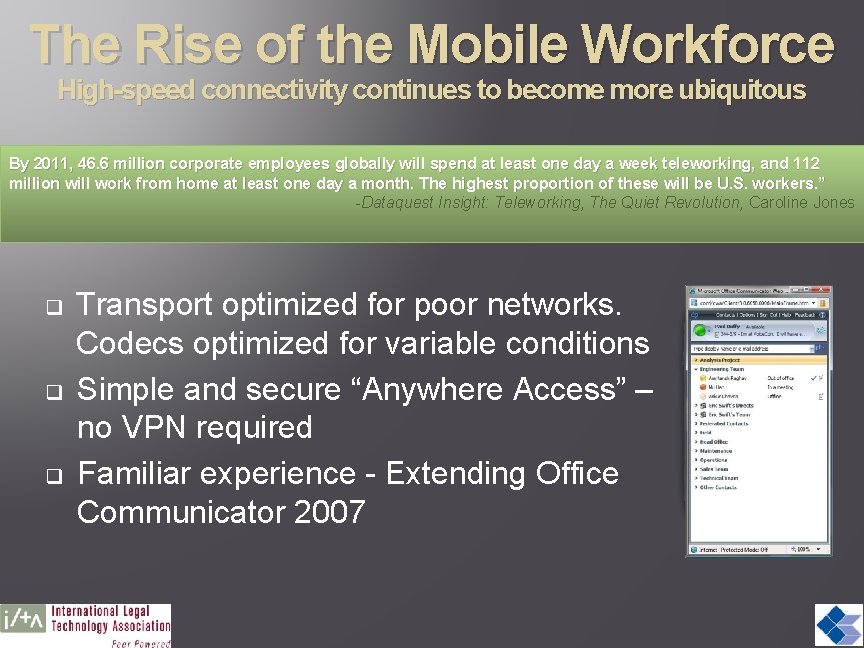
The Rise of the Mobile Workforce High-speed connectivity continues to become more ubiquitous By 2011, 46. 6 million corporate employees globally will spend at least one day a week teleworking, and 112 million will work from home at least one day a month. The highest proportion of these will be U. S. workers. ” -Dataquest Insight: Teleworking, The Quiet Revolution, Caroline Jones q q q Transport optimized for poor networks. Codecs optimized for variable conditions Simple and secure “Anywhere Access” – no VPN required Familiar experience - Extending Office Communicator 2007
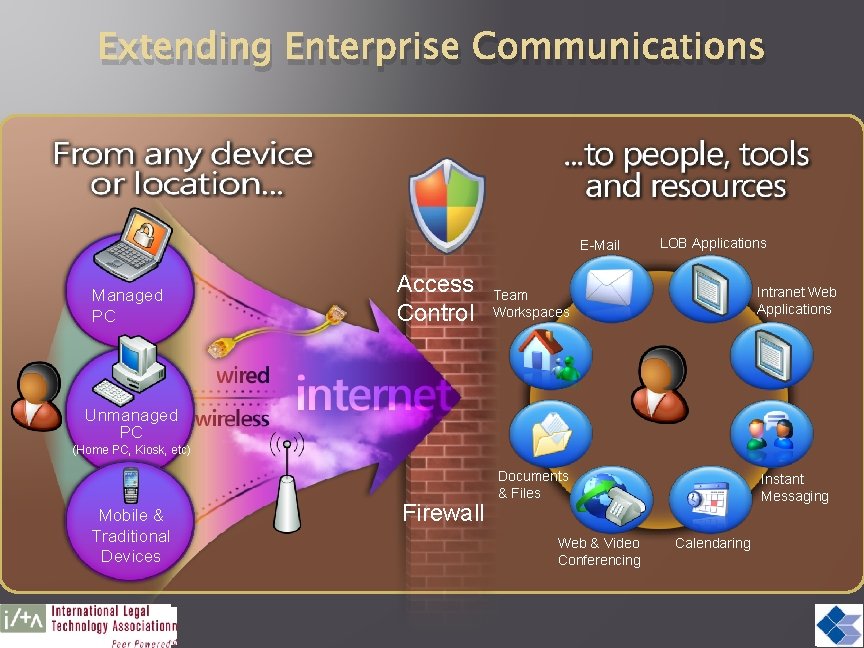
Extending Enterprise Communications E-Mail Managed PC Access Control LOB Applications Team Workspaces Intranet Web Applications Documents & Files Instant Messaging Unmanaged PC (Home PC, Kiosk, etc) Mobile & Traditional Devices Firewall Web & Video Conferencing Calendaring
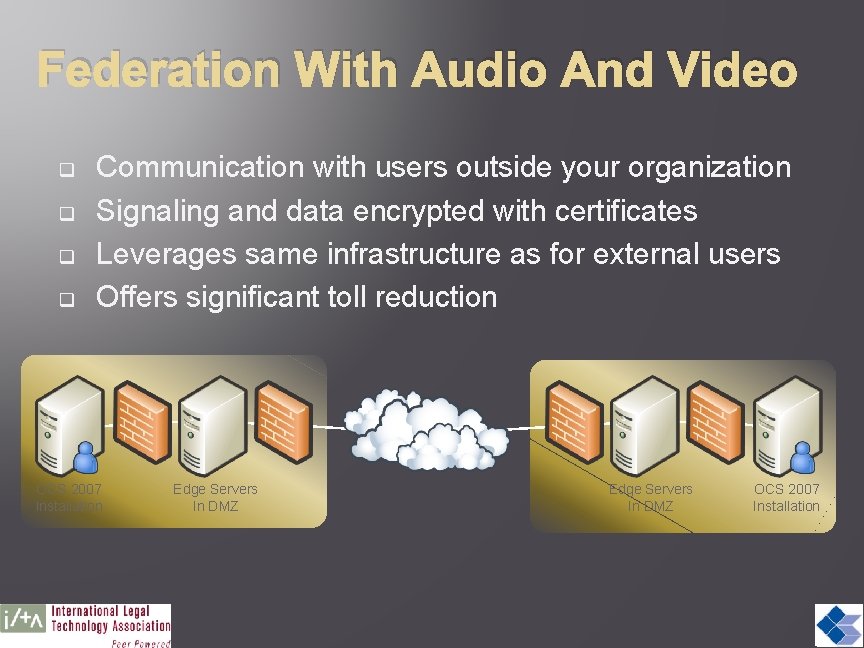
Federation With Audio And Video q q Communication with users outside your organization Signaling and data encrypted with certificates Leverages same infrastructure as for external users Offers significant toll reduction OCS 2007 Installation Edge Servers In DMZ OCS 2007 Installation
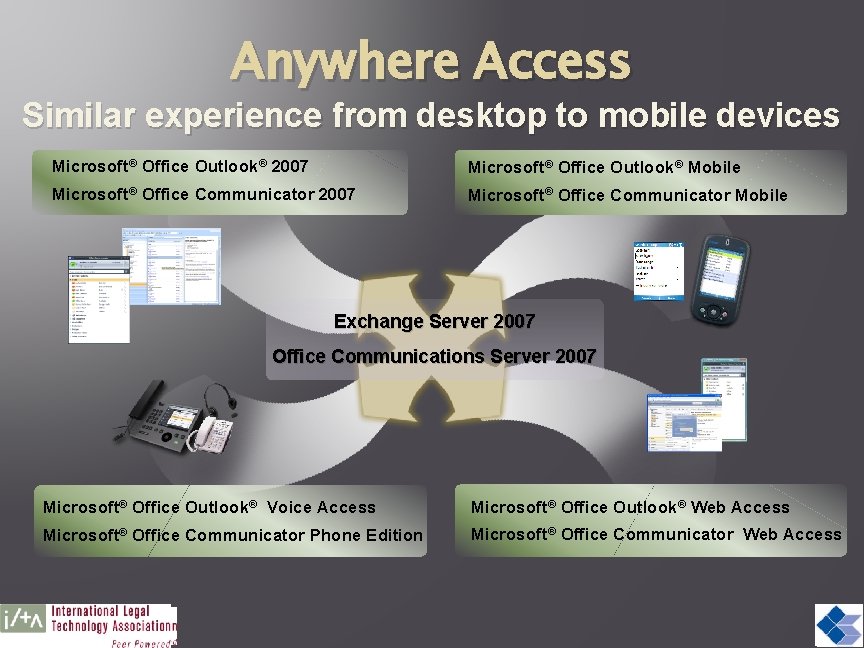
Anywhere Access Similar experience from desktop to mobile devices Microsoft® Office Outlook® 2007 Microsoft® Office Outlook® Mobile Microsoft® Office Communicator 2007 Microsoft® Office Communicator Mobile Exchange Server 2007 Office Communications Server 2007 Microsoft® Office Outlook® Voice Access Microsoft® Office Outlook® Web Access Microsoft® Office Communicator Phone Edition Microsoft® Office Communicator Web Access
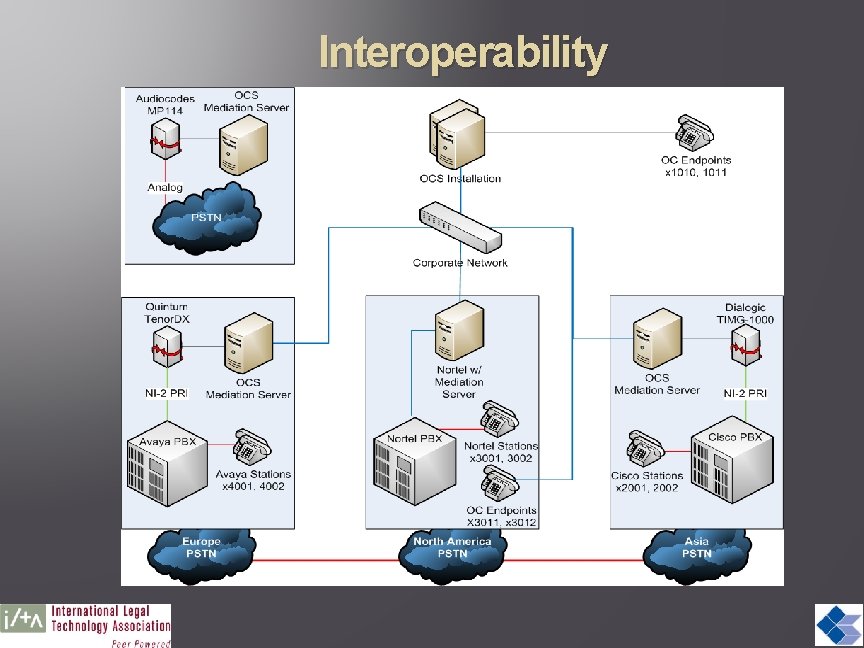
Interoperability
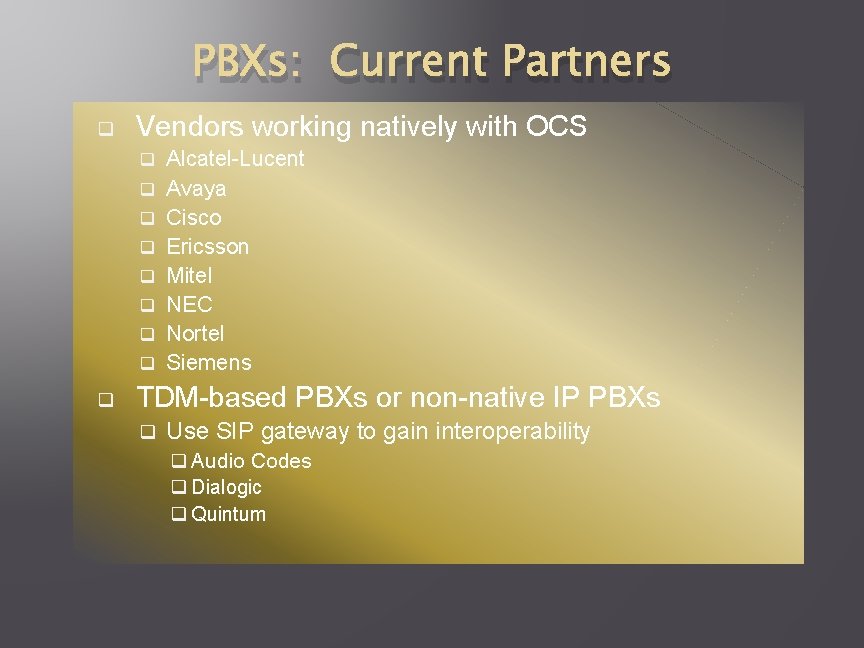
PBXs: Current Partners q Vendors working natively with OCS q q q q q Alcatel-Lucent Avaya Cisco Ericsson Mitel NEC Nortel Siemens TDM-based PBXs or non-native IP PBXs q Use SIP gateway to gain interoperability q Audio Codes q Dialogic q Quintum
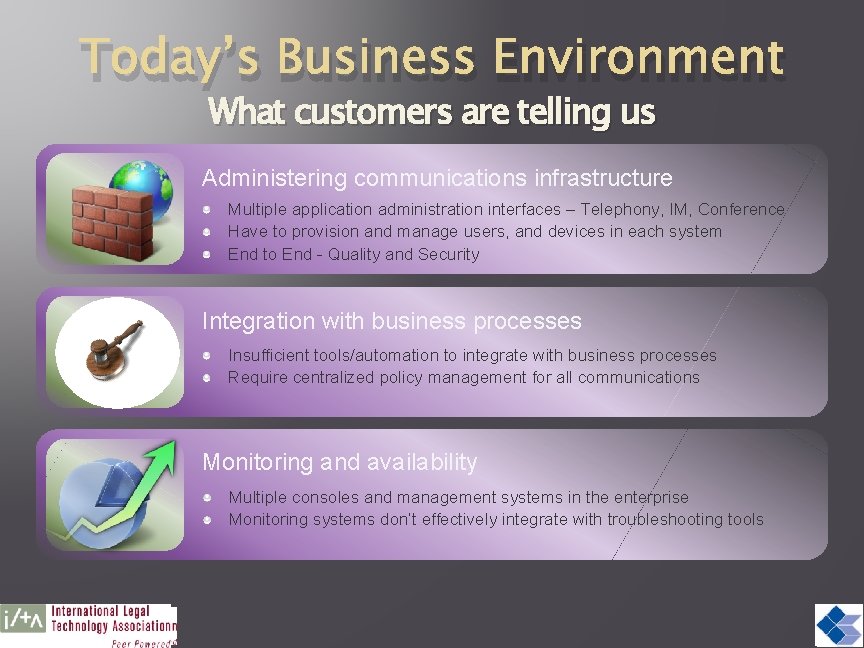
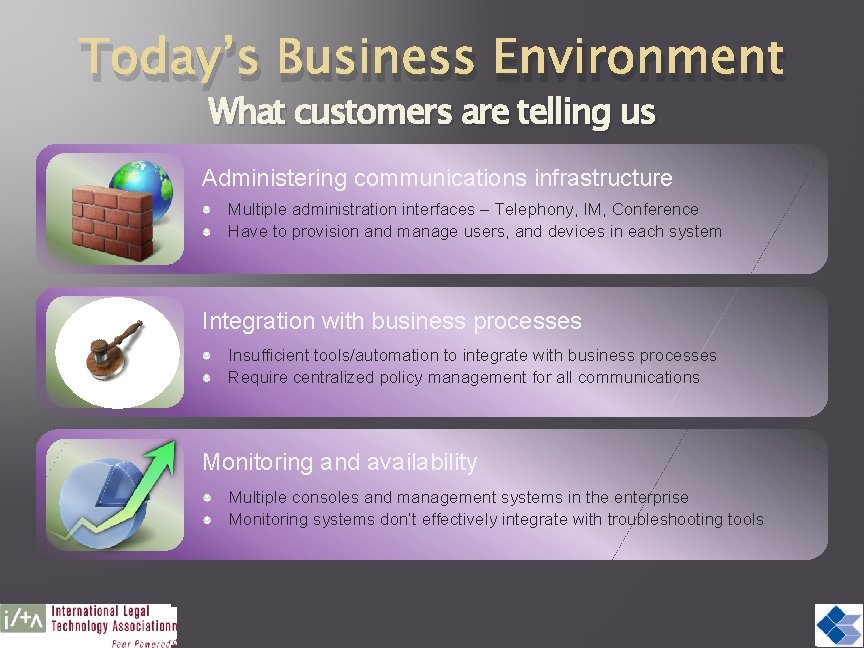
Today’s Business Environment What customers are telling us Administering communications infrastructure Multiple application administration interfaces – Telephony, IM, Conference Have to provision and manage users, and devices in each system End to End - Quality and Security Integration with business processes Insufficient tools/automation to integrate with business processes Require centralized policy management for all communications Monitoring and availability Multiple consoles and management systems in the enterprise Monitoring systems don’t effectively integrate with troubleshooting tools
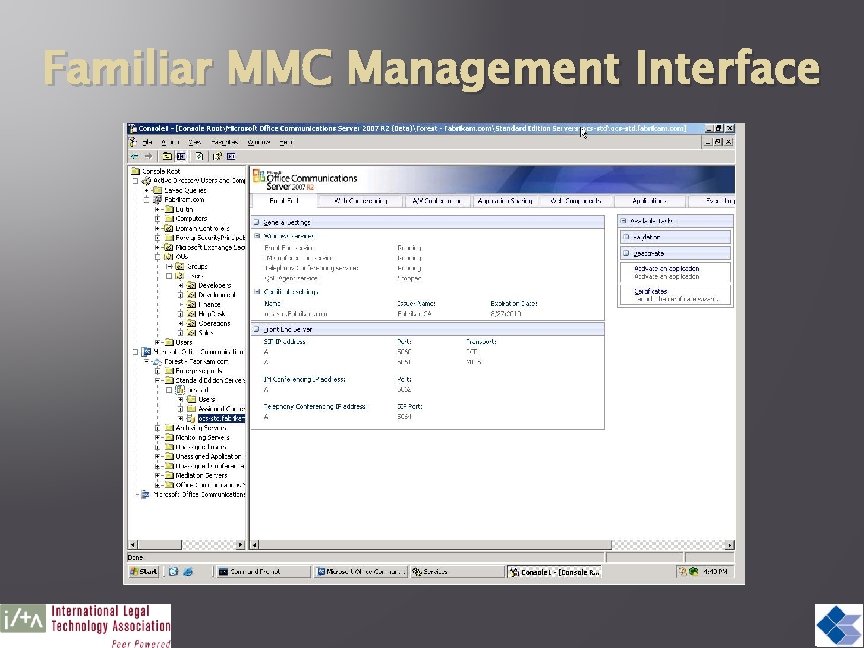
Familiar MMC Management Interface
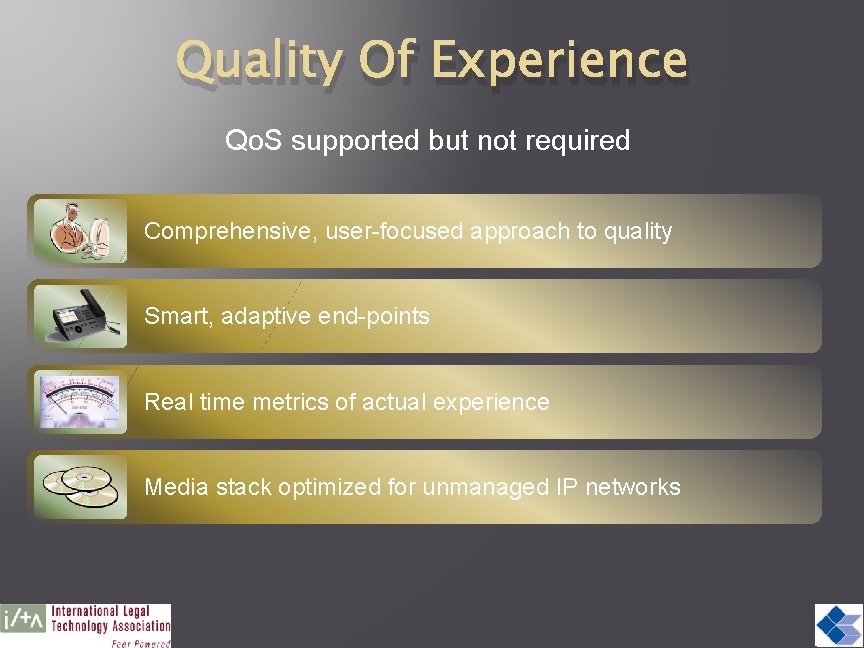
Quality Of Experience Qo. S supported but not required Comprehensive, user-focused approach to quality Smart, adaptive end-points Real time metrics of actual experience Media stack optimized for unmanaged IP networks
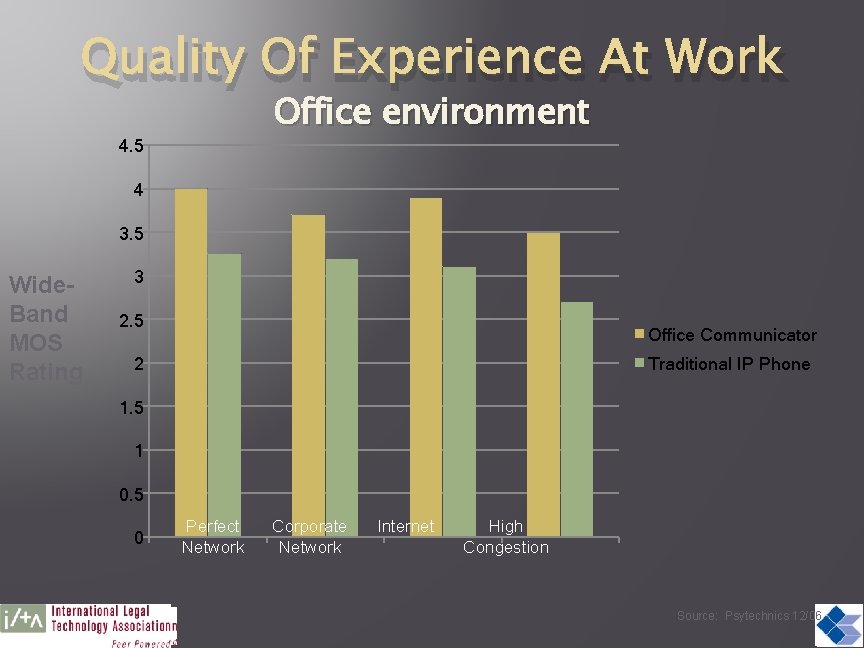
Quality Of Experience At Work Office environment 4. 5 4 3. 5 Wide. Band MOS Rating 3 2. 5 Office Communicator 2 Traditional IP Phone 1. 5 1 0. 5 0 Perfect Network Corporate Network Internet High Congestion Source: Psytechnics 12/06
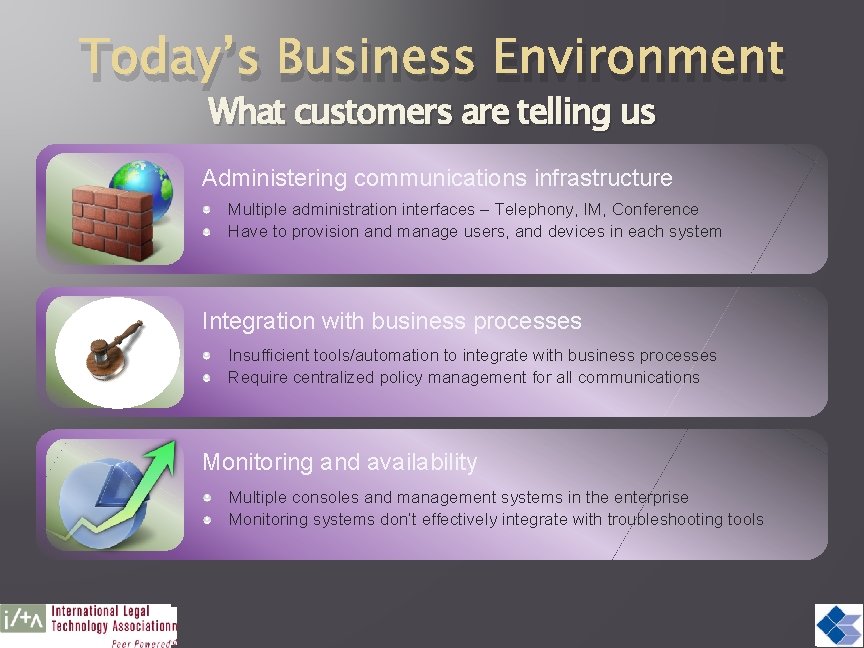
Today’s Business Environment What customers are telling us Administering communications infrastructure Multiple administration interfaces – Telephony, IM, Conference Have to provision and manage users, and devices in each system Integration with business processes Insufficient tools/automation to integrate with business processes Require centralized policy management for all communications Monitoring and availability Multiple consoles and management systems in the enterprise Monitoring systems don’t effectively integrate with troubleshooting tools
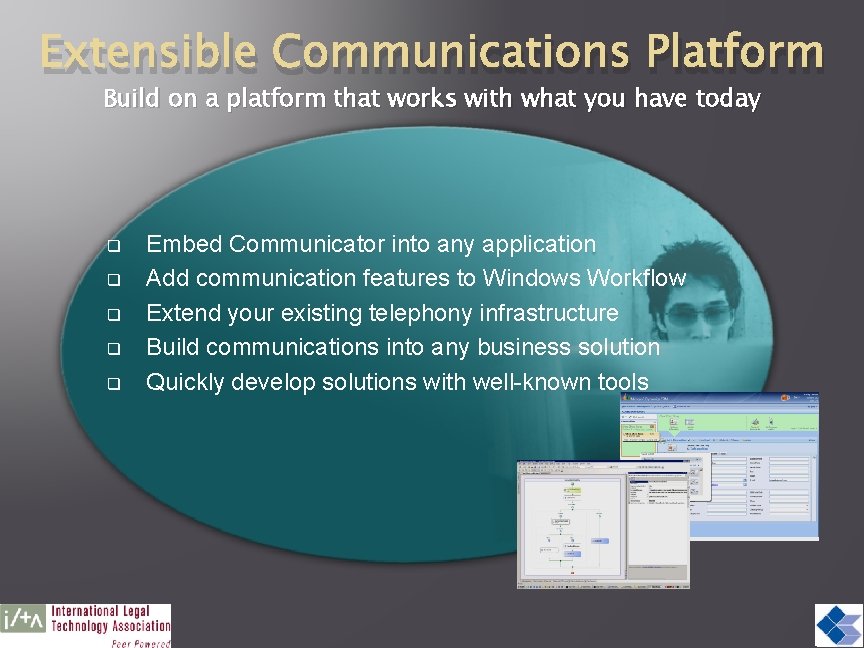
Extensible Communications Platform Build on a platform that works with what you have today q q q Embed Communicator into any application Add communication features to Windows Workflow Extend your existing telephony infrastructure Build communications into any business solution Quickly develop solutions with well-known tools
Managing End Users/End Points q Server policy Limit the type of conference that can be setup q Limit who can setup a conference q Limit how many users per conference q q Client policy Limit the bandwidth used per application q Specify the ports, limiting the range used q
Today’s Business Environment What customers are telling us Administering communications infrastructure Multiple administration interfaces – Telephony, IM, Conference Have to provision and manage users, and devices in each system Integration with business processes Insufficient tools/automation to integrate with business processes Require centralized policy management for all communications Monitoring and availability Multiple consoles and management systems in the enterprise Monitoring systems don’t effectively integrate with troubleshooting tools
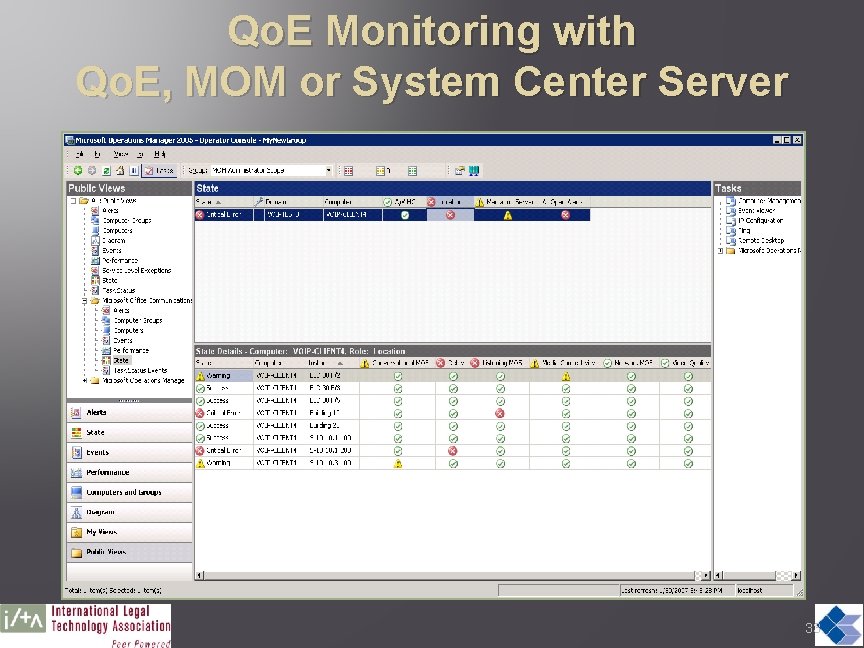
Qo. E Monitoring with Qo. E, MOM or System Center Server 33
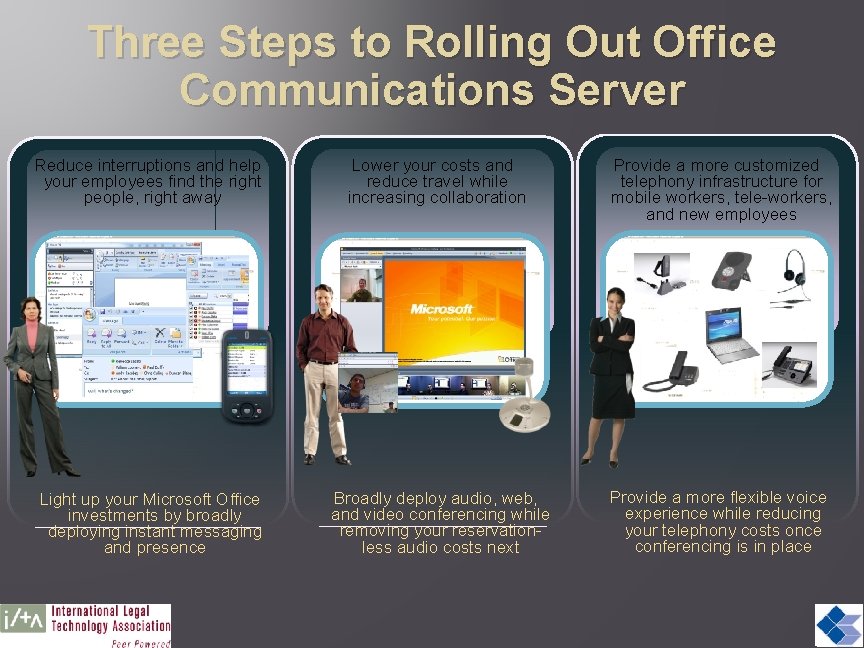
Three Steps to Rolling Out Office Communications Server Reduce interruptions and help your employees find the right people, right away Lower your costs and reduce travel while increasing collaboration Provide a more customized telephony infrastructure for mobile workers, tele-workers, and new employees Light up your Microsoft Office investments by broadly deploying instant messaging and presence Broadly deploy audio, web, and video conferencing while removing your reservationless audio costs next Provide a more flexible voice experience while reducing your telephony costs once conferencing is in place
Q&A Tom Moreo – Thomas. Moreo@Cornerstone. IT Cornerstone Information Technologies, LLC