
Office 365 for Education Introduction Agenda Why Office



- Slides: 38
Office 365 for Education Introduction
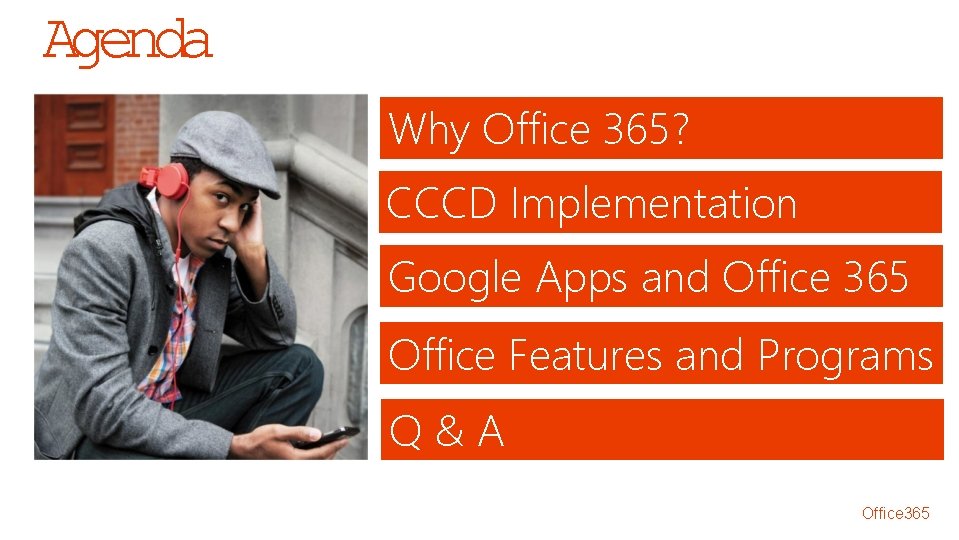
Agenda Why Office 365? CCCD Implementation Google Apps and Office 365 Office Features and Programs Q&A Office 365
What is Office 365?
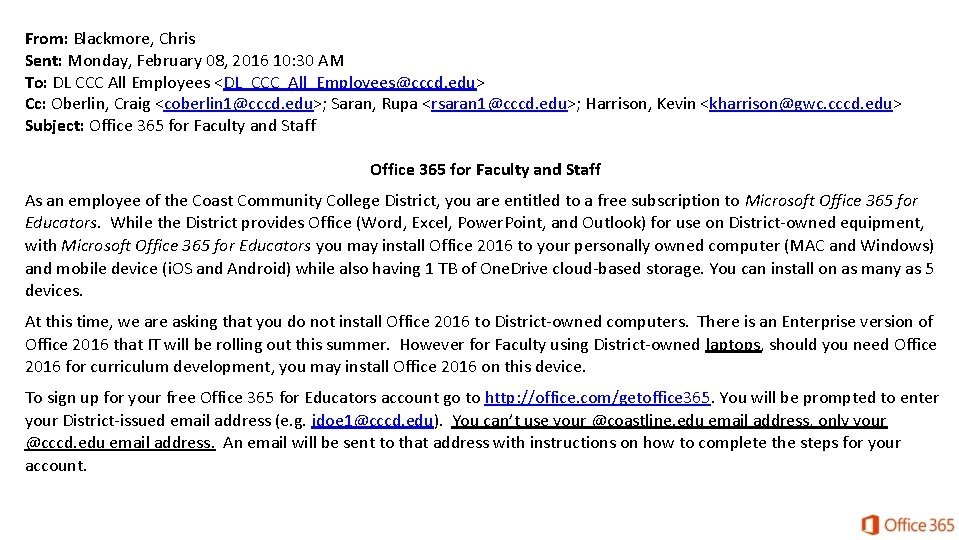
From: Blackmore, Chris Sent: Monday, February 08, 2016 10: 30 AM To: DL CCC All Employees <DL_CCC_All_Employees@cccd. edu> Cc: Oberlin, Craig <coberlin 1@cccd. edu>; Saran, Rupa <rsaran 1@cccd. edu>; Harrison, Kevin <kharrison@gwc. cccd. edu> Subject: Office 365 for Faculty and Staff As an employee of the Coast Community College District, you are entitled to a free subscription to Microsoft Office 365 for Educators. While the District provides Office (Word, Excel, Power. Point, and Outlook) for use on District-owned equipment, with Microsoft Office 365 for Educators you may install Office 2016 to your personally owned computer (MAC and Windows) and mobile device (i. OS and Android) while also having 1 TB of One. Drive cloud-based storage. You can install on as many as 5 devices. At this time, we are asking that you do not install Office 2016 to District-owned computers. There is an Enterprise version of Office 2016 that IT will be rolling out this summer. However for Faculty using District-owned laptops, should you need Office 2016 for curriculum development, you may install Office 2016 on this device. To sign up for your free Office 365 for Educators account go to http: //office. com/getoffice 365. You will be prompted to enter your District-issued email address (e. g. jdoe 1@cccd. edu). You can’t use your @coastline. edu email address, only your @cccd. edu email address. An email will be sent to that address with instructions on how to complete the steps for your account.
CCCD Office 365 Implementation • Today: • Office 365 is a stand alone system, different user. ID and password • Students, faculty, and staff are in different tenants (environment) • Future: • Office 365 will be single sign on (SSO) • Same user. ID and password as computer logon and OWA • Students, faculty, and staff will be in a single tenant
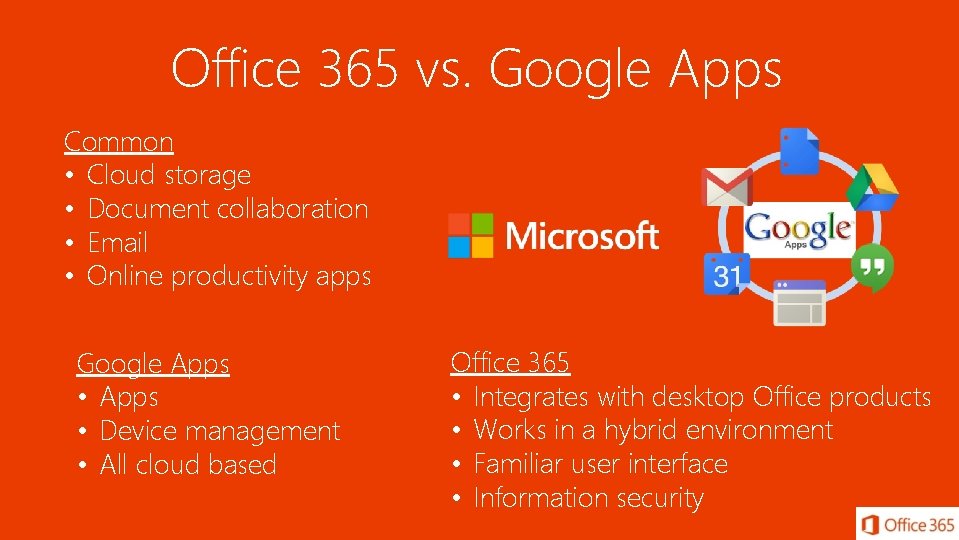
Office 365 vs. Google Apps Common • Cloud storage • Document collaboration • Email • Online productivity apps Google Apps • Device management • All cloud based Office 365 • Integrates with desktop Office products • Works in a hybrid environment • Familiar user interface • Information security
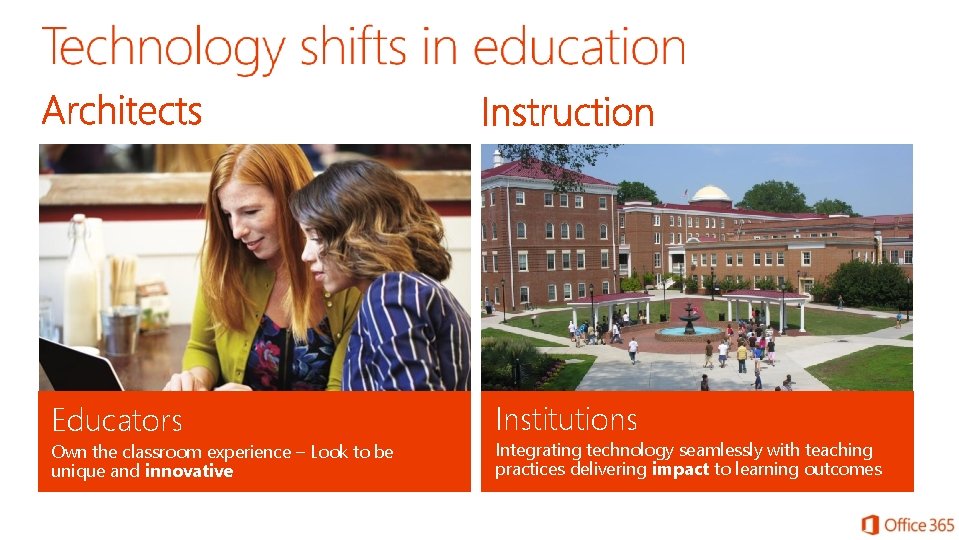
Educators Own the classroom experience – Look to be unique and innovative Institutions Integrating technology seamlessly with teaching practices delivering impact to learning outcomes
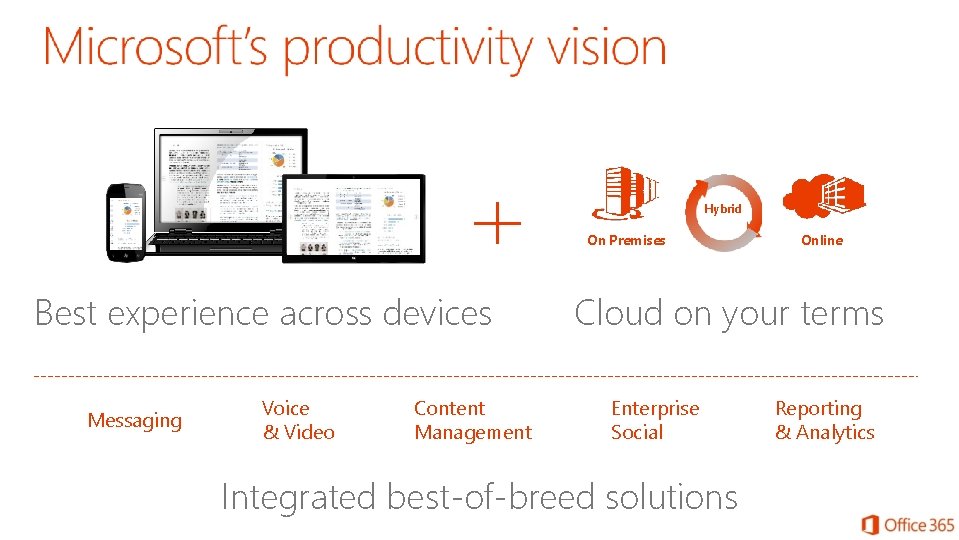
Hybrid On Premises Best experience across devices Messaging Voice & Video Content Management Online Cloud on your terms Enterprise Social Integrated best-of-breed solutions Reporting & Analytics
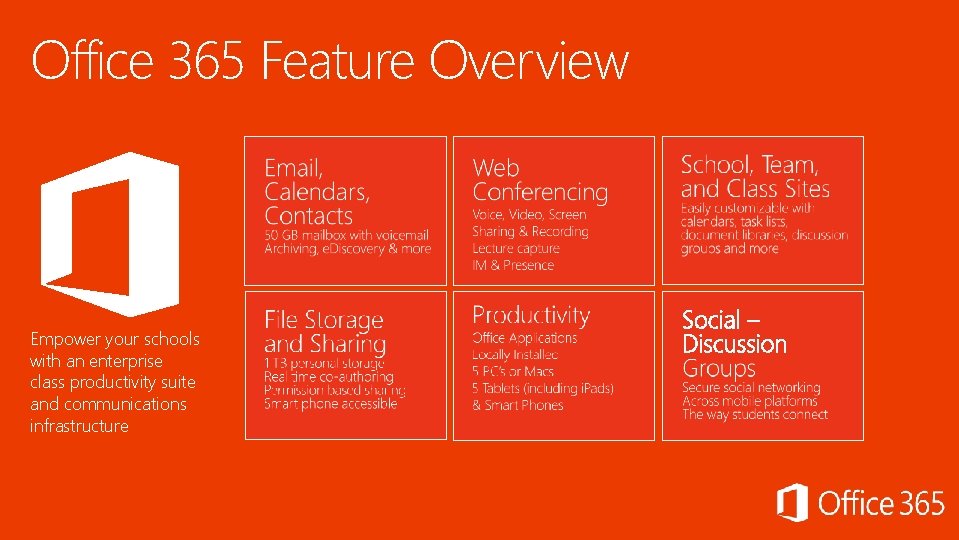
Office 365 Feature Overview Empower your schools with an enterprise class productivity suite and communications infrastructure
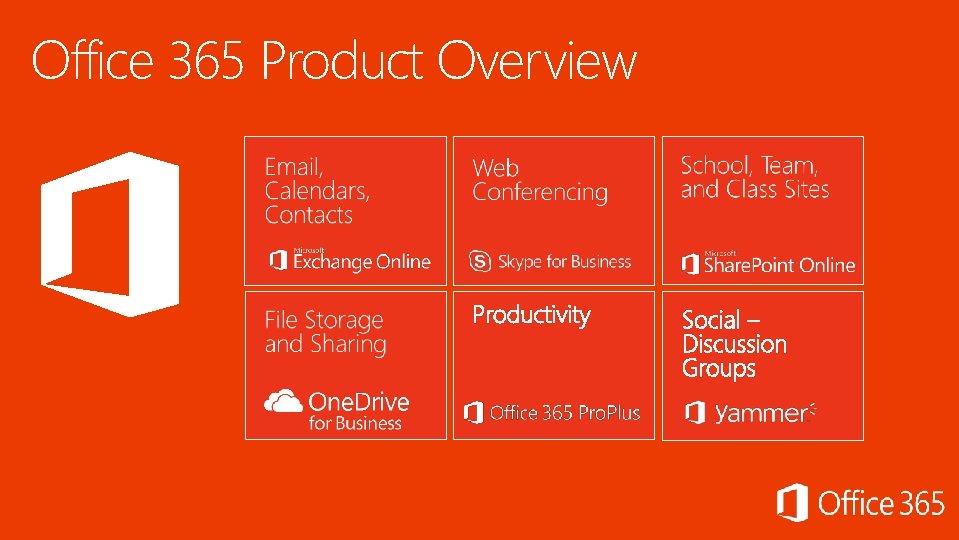
Office 365 Product Overview
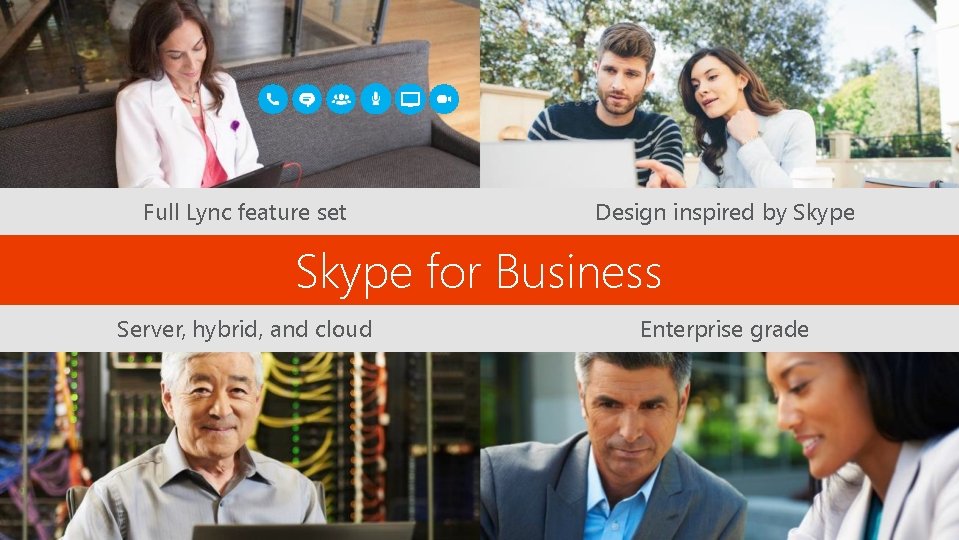
Full Lync feature set Design inspired by Skype for Business Server, hybrid, and cloud Enterprise grade
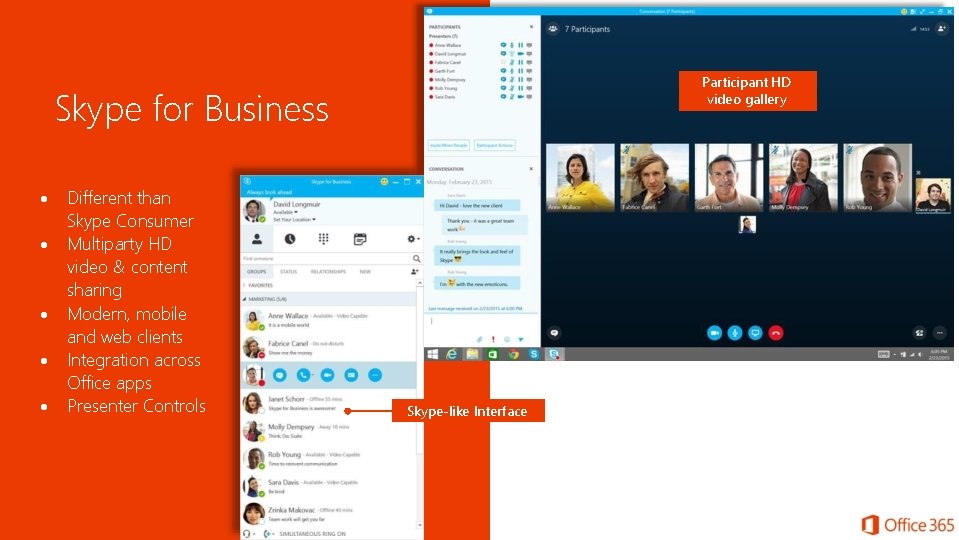
Participant HD video gallery Skype for Business Different than Skype Consumer Multiparty HD video & content sharing Modern, mobile and web clients Integration across Office apps Presenter Controls Skype-like Interface
Discover Share
Create sites in a few simple clicks Office 365
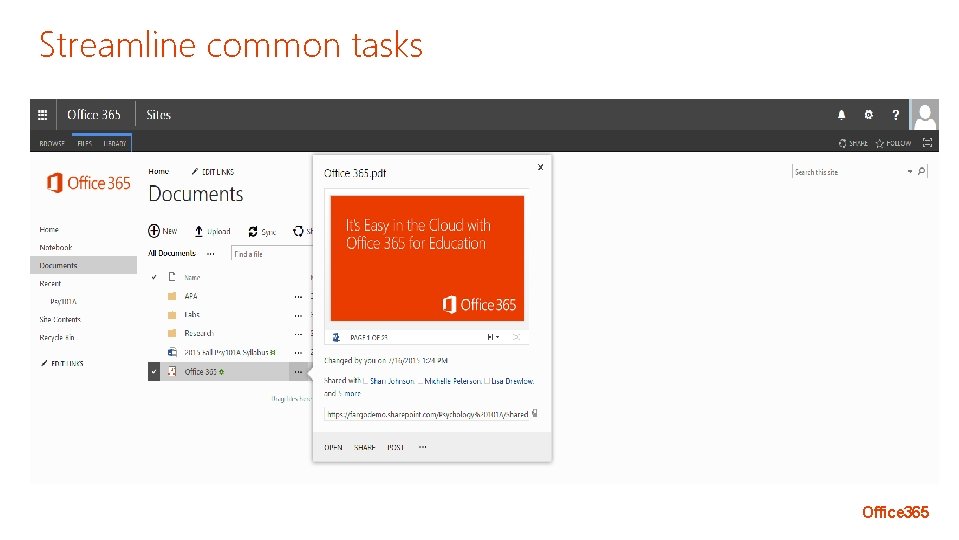
Streamline common tasks Office 365
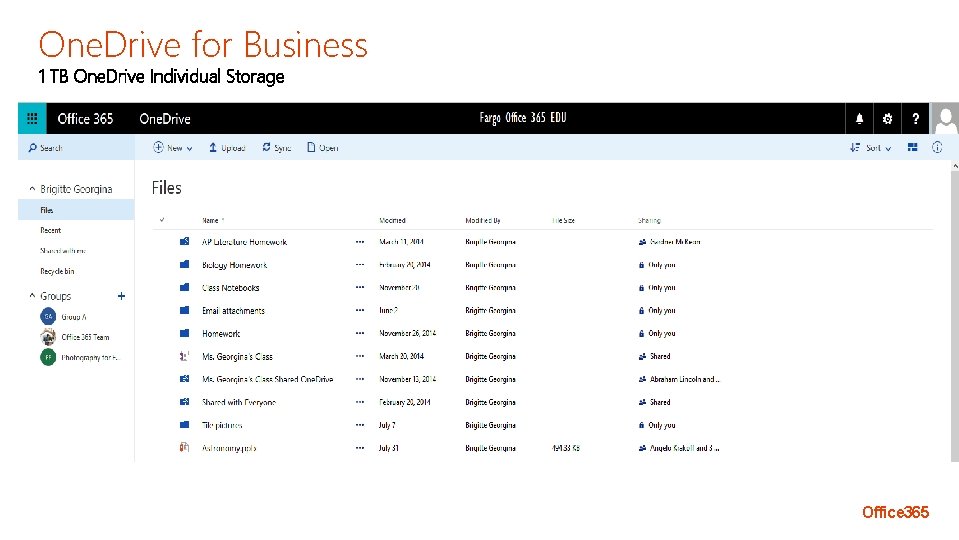
One. Drive for Business 1 TB One. Drive Individual Storage Office 365
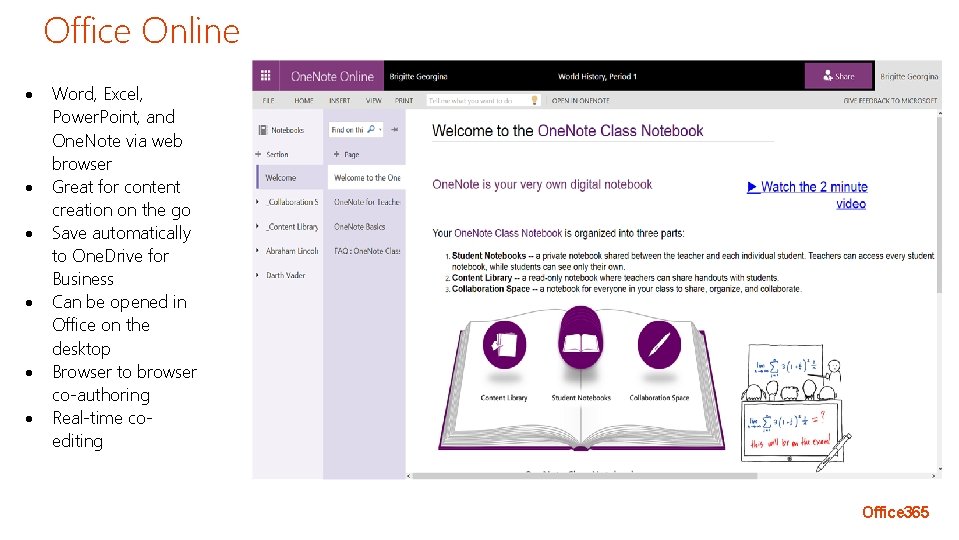
Office Online Word, Excel, Power. Point, and One. Note via web browser Great for content creation on the go Save automatically to One. Drive for Business Can be opened in Office on the desktop Browser to browser co-authoring Real-time coediting Office 365
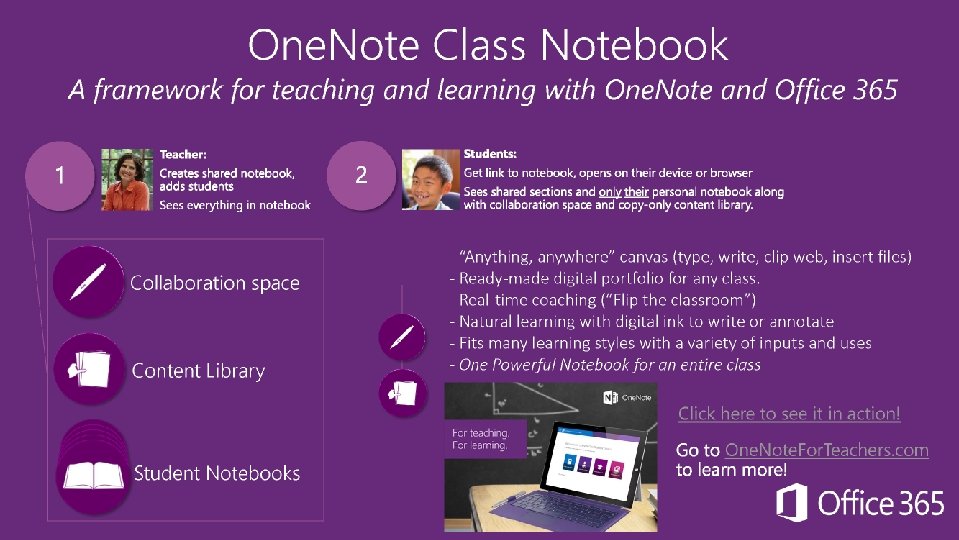
One. Note to Canvas
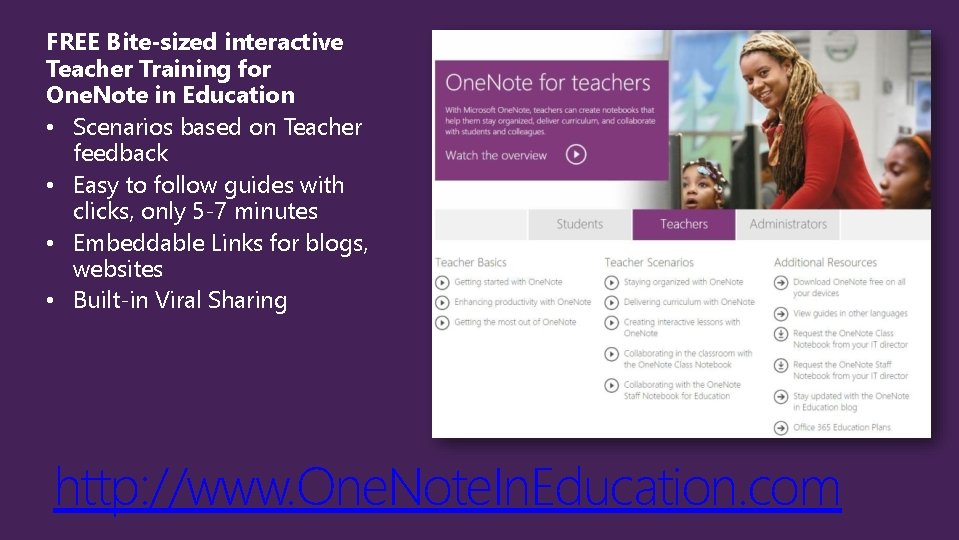
FREE Bite-sized interactive Teacher Training for One. Note in Education • Scenarios based on Teacher feedback • Easy to follow guides with clicks, only 5 -7 minutes • Embeddable Links for blogs, websites • Built-in Viral Sharing http: //www. One. Note. In. Education. com
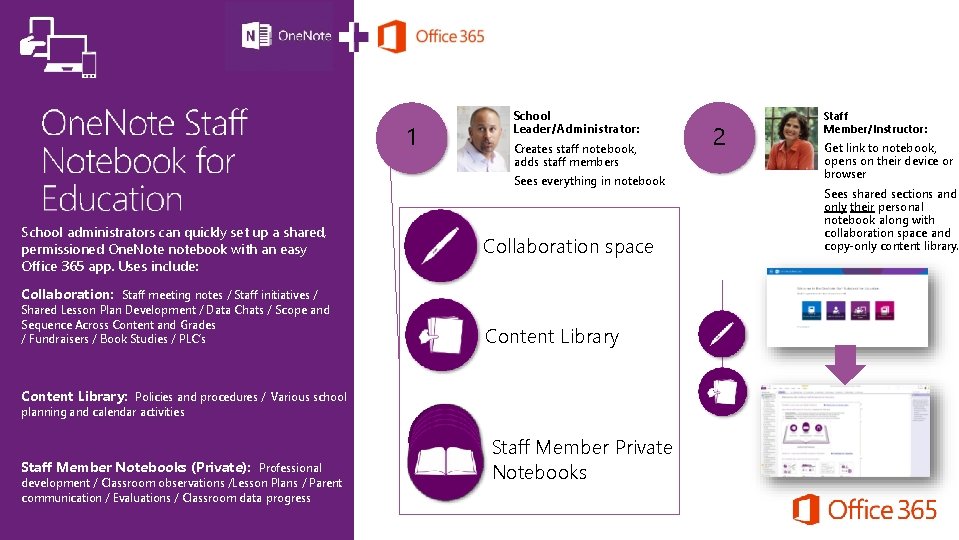
School Leader/Administrator: 1 Creates staff notebook, adds staff members Sees everything in notebook School administrators can quickly set up a shared, permissioned One. Note notebook with an easy Office 365 app. Uses include: Collaboration space Collaboration: Staff meeting notes / Staff initiatives / Shared Lesson Plan Development / Data Chats / Scope and Sequence Across Content and Grades / Fundraisers / Book Studies / PLC’s Content Library: Policies and procedures / Various school planning and calendar activities Staff Member Notebooks (Private): Professional development / Classroom observations /Lesson Plans / Parent communication / Evaluations / Classroom data progress My Notebook Staff Member Private Notebooks 2 Staff Member/Instructor: Get link to notebook, opens on their device or browser Sees shared sections and only their personal notebook along with collaboration space and copy-only content library.
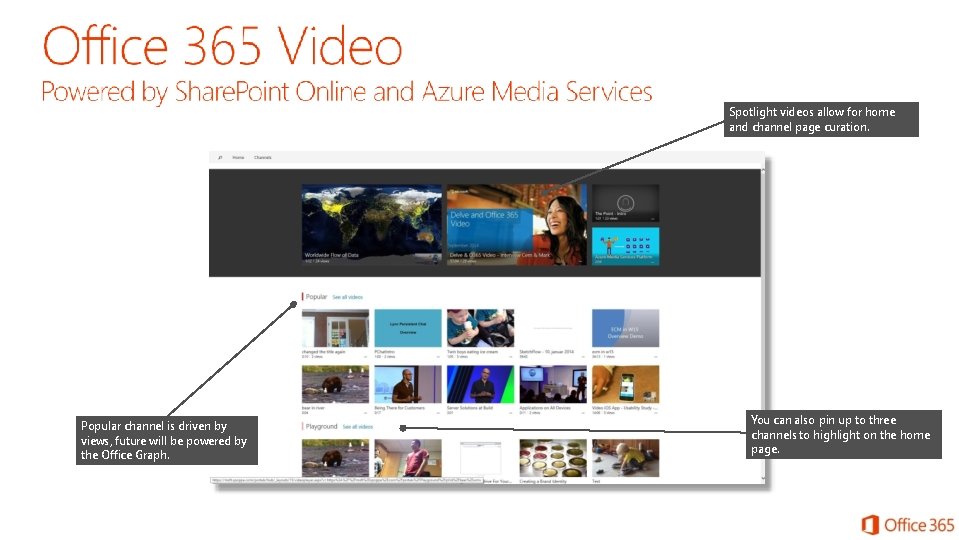
Spotlight videos allow for home and channel page curation. Popular channel is driven by views, future will be powered by the Office Graph. You can also pin up to three channels to highlight on the home page.
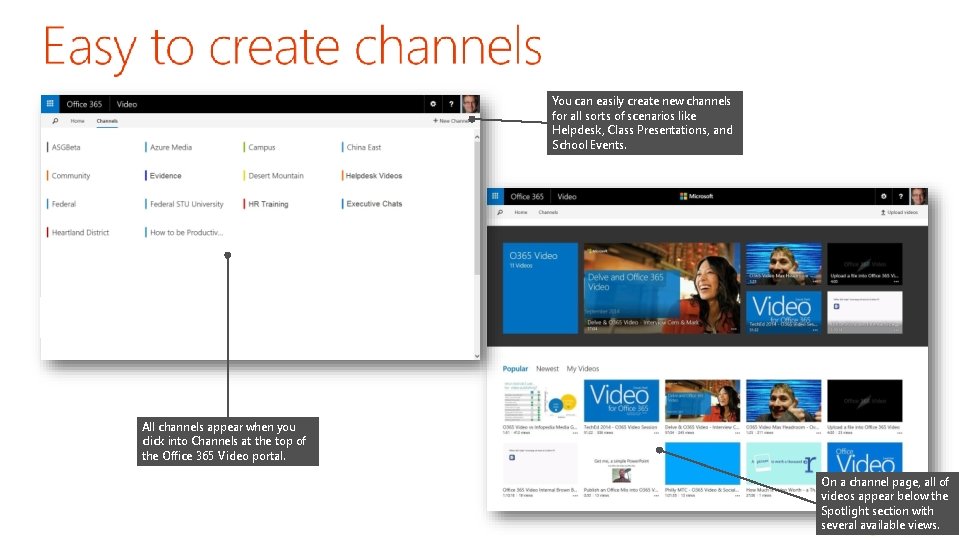
You can easily create new channels for all sorts of scenarios like Helpdesk, Class Presentations, and School Events. All channels appear when you click into Channels at the top of the Office 365 Video portal. On a channel page, all of videos appear below the Spotlight section with several available views.
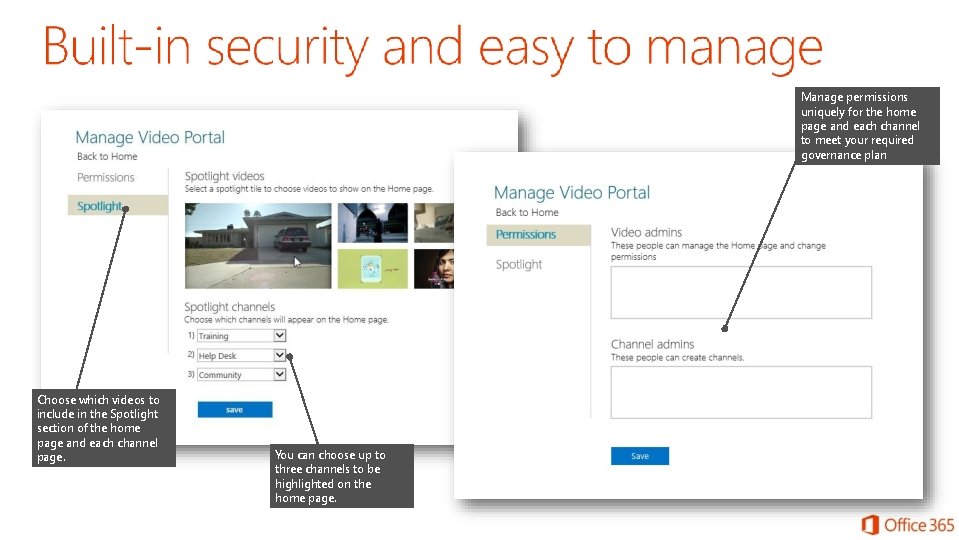
Manage permissions uniquely for the home page and each channel to meet your required governance plan Choose which videos to include in the Spotlight section of the home page and each channel page. You can choose up to three channels to be highlighted on the home page.
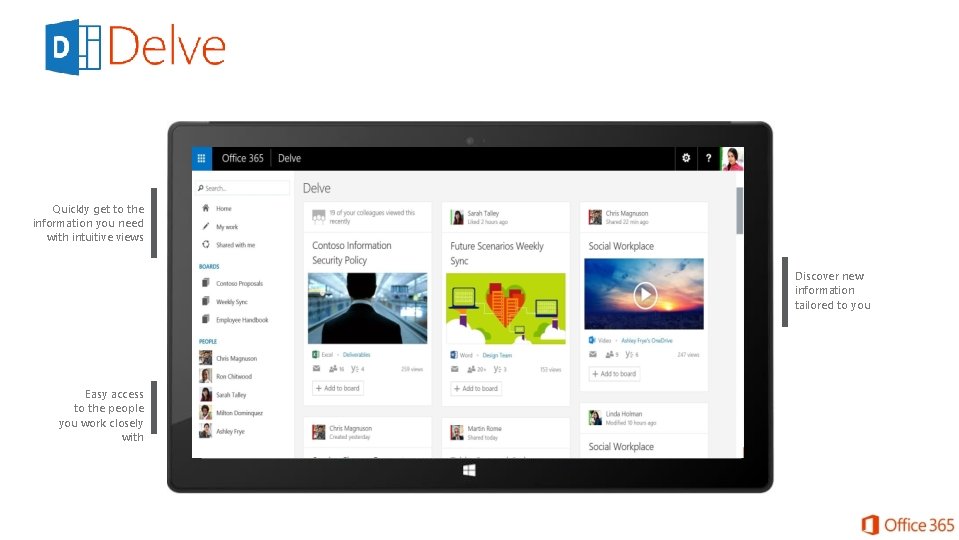
Quickly get to the information you need with intuitive views Discover new information tailored to you Easy access to the people you work closely with
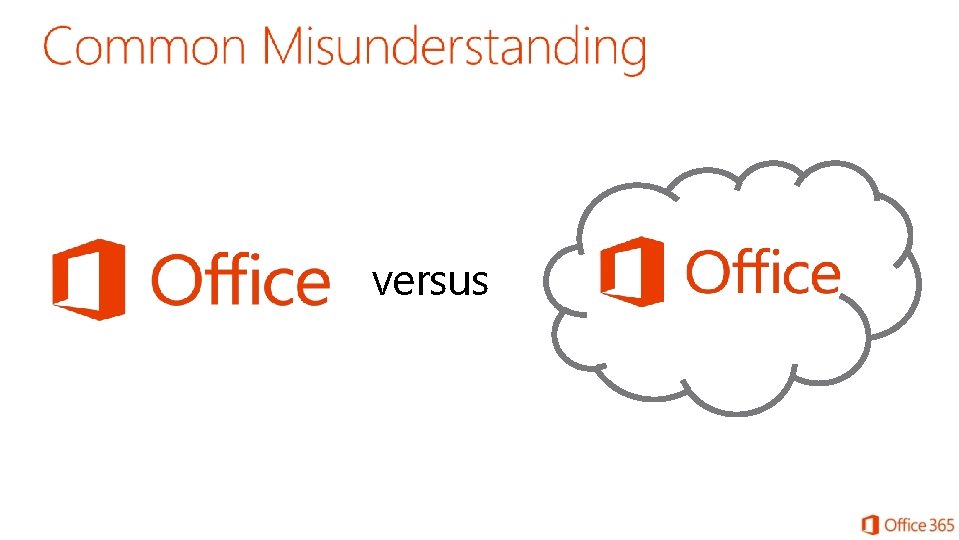
versus
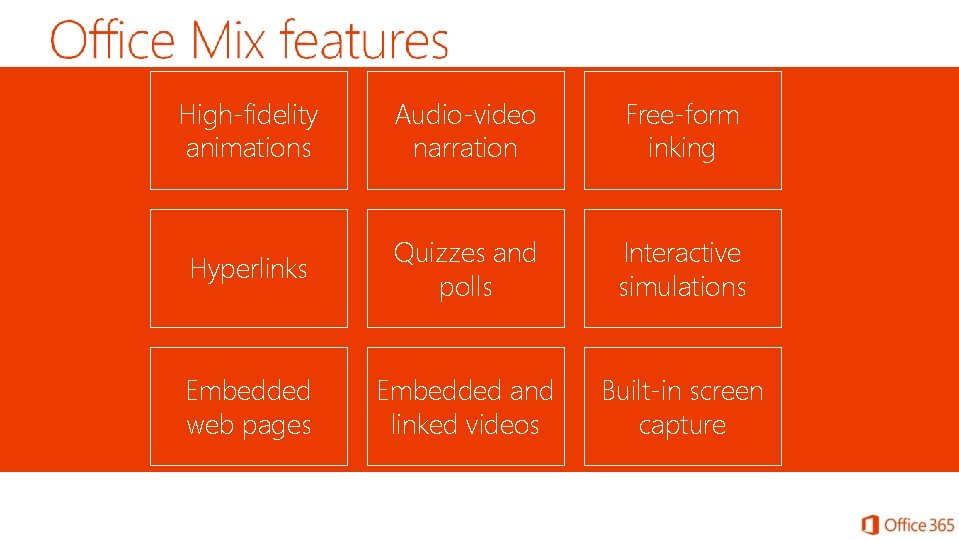
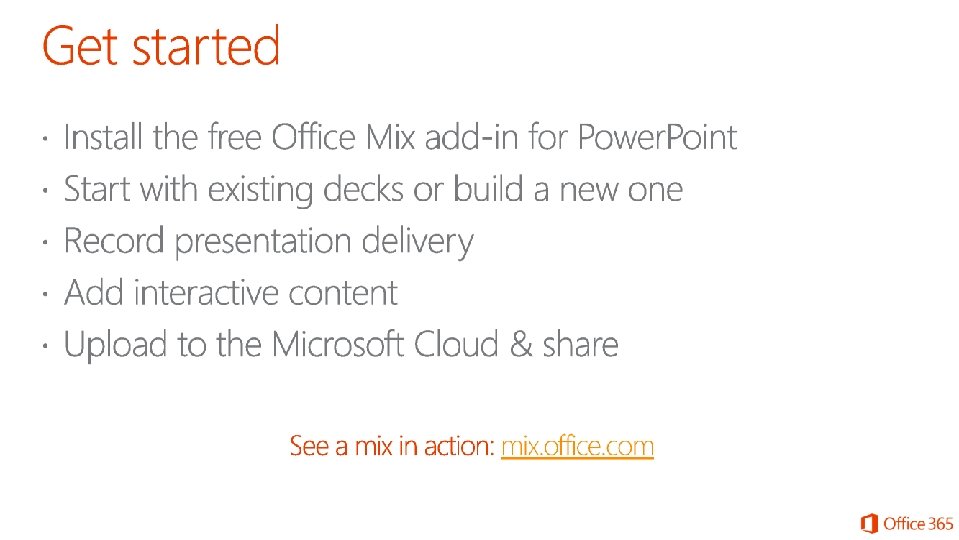
High-fidelity animations Audio-video narration Free-form inking Hyperlinks Quizzes and polls Interactive simulations Embedded web pages Embedded and linked videos Built-in screen capture
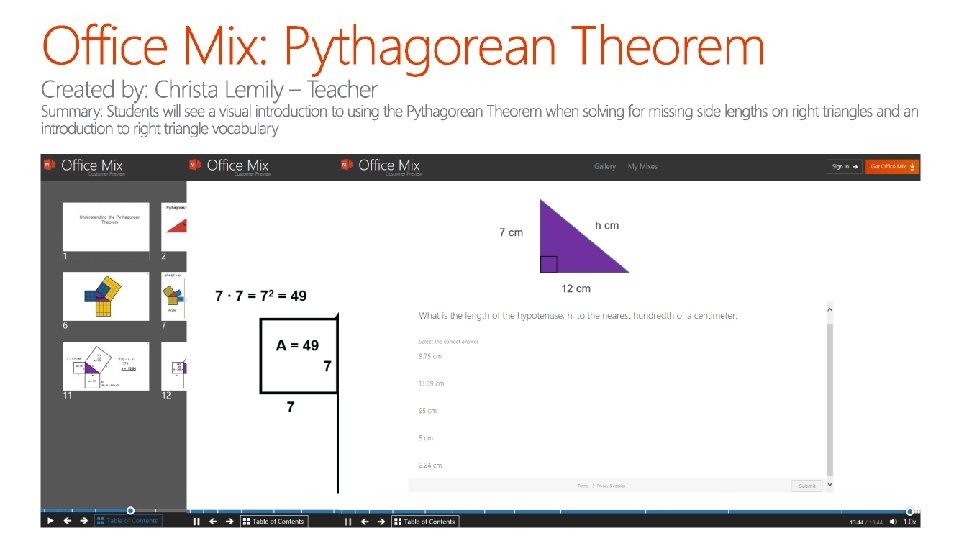
Office Mix Video
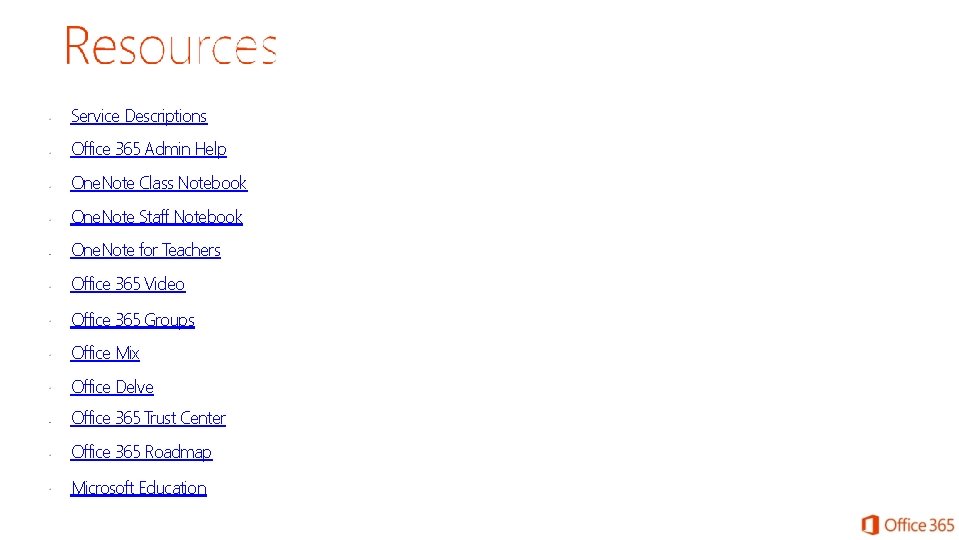
Service Descriptions Office 365 Admin Help One. Note Class Notebook One. Note Staff Notebook One. Note for Teachers Office 365 Video Office 365 Groups Office Mix Office Delve Office 365 Trust Center Office 365 Roadmap Microsoft Education
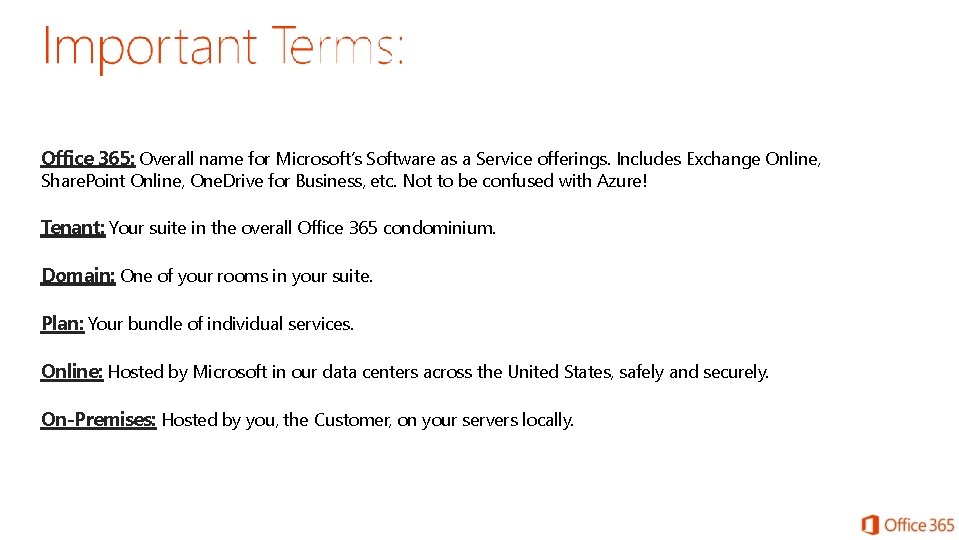
Office 365: Overall name for Microsoft’s Software as a Service offerings. Includes Exchange Online, Share. Point Online, One. Drive for Business, etc. Not to be confused with Azure! Tenant: Your suite in the overall Office 365 condominium. Domain: One of your rooms in your suite. Plan: Your bundle of individual services. Online: Hosted by Microsoft in our data centers across the United States, safely and securely. On-Premises: Hosted by you, the Customer, on your servers locally.