
October 2020 Unit 28 Website Production User Requirements
October 2020 Unit 28 Website Production User Requirements Website Purpose Lesson 5
Objectives l l Define website purpose Understand how to define website requirements Protection mechanisms Building towards assignment 2
Assignment 2 l l l Explain website security and protection Design Create a website and explain features Review and improve Explain accessibility Prove your site fits the design criteria
In the beginning l Websites designs must include: l l l Customer requirements Purpose of the website Additionally l l Features (desirable & essential) Language used Accessibility security
Two main categories l Commercial l Non-commercial
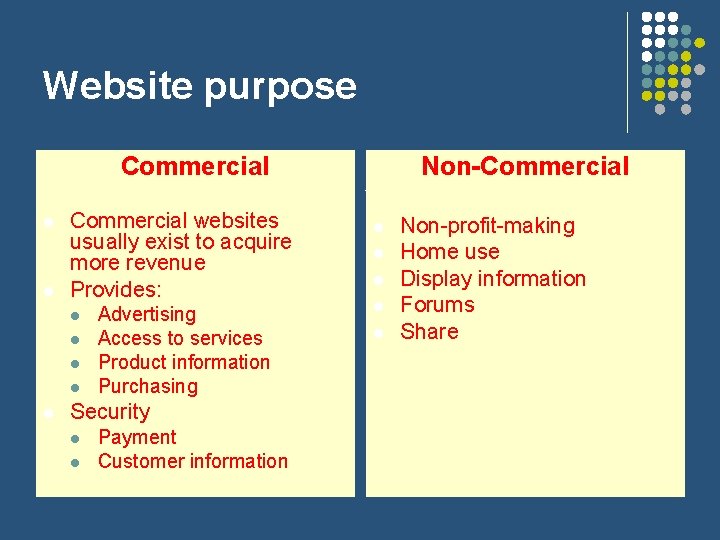
Website purpose Commercial l l Commercial websites usually exist to acquire more revenue Provides: l l l Advertising Access to services Product information Purchasing Security l l Payment Customer information Non-Commercial l l Non-profit-making Home use Display information Forums Share
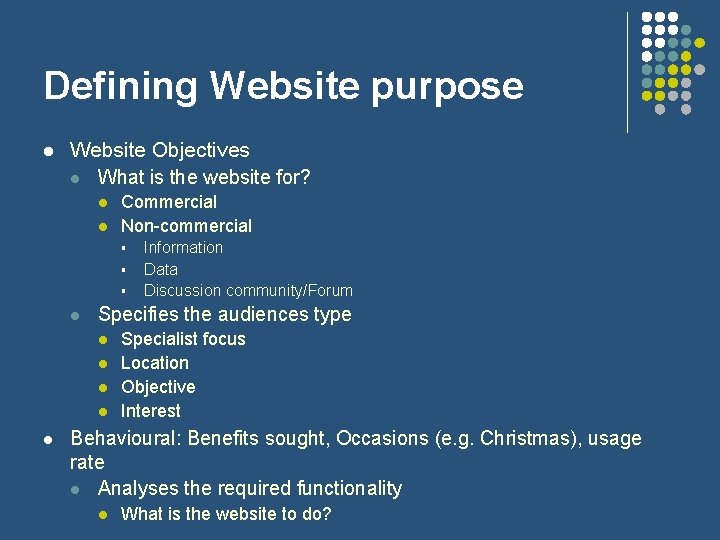
Defining Website purpose l Website Objectives l What is the website for? l l Commercial Non-commercial § § § l Specifies the audiences type l l l Information Data Discussion community/Forum Specialist focus Location Objective Interest Behavioural: Benefits sought, Occasions (e. g. Christmas), usage rate l Analyses the required functionality l What is the website to do?
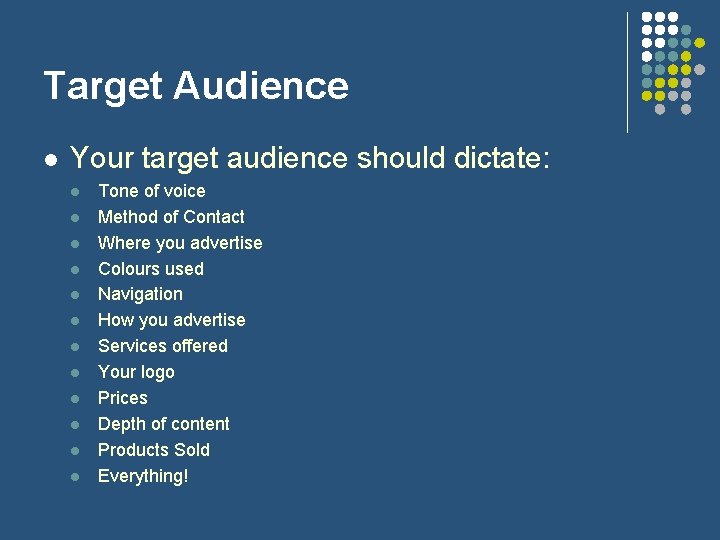
Target Audience l Your target audience should dictate: l l l Tone of voice Method of Contact Where you advertise Colours used Navigation How you advertise Services offered Your logo Prices Depth of content Products Sold Everything!
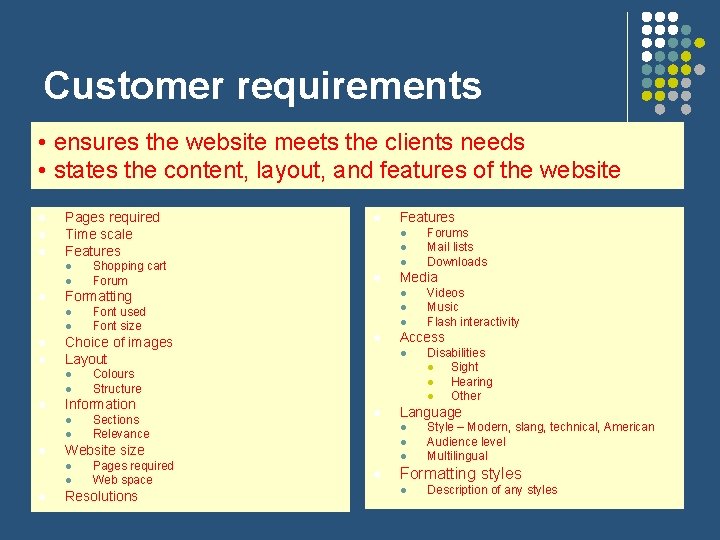
Customer requirements • ensures the website meets the clients needs • states the content, layout, and features of the website l l l Pages required Time scale Features l l l Choice of images Layout l l l l l Sections Relevance l Pages required Web space Resolutions Disabilities l Sight l Hearing l Other Language l l Videos Music Flash interactivity Access l l Forums Mail lists Downloads Media l Website size l l l Colours Structure Information l l Font used Font size Features l Formatting l l Shopping cart Forum l Style – Modern, slang, technical, American Audience level Multilingual Formatting styles l Description of any styles
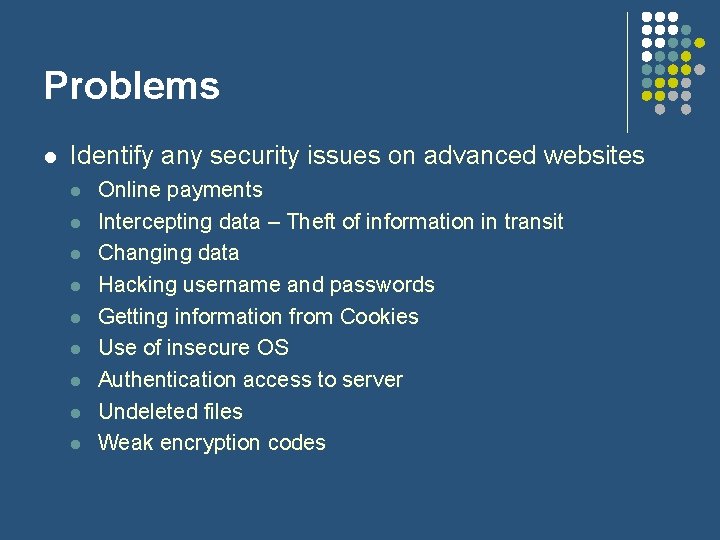
Problems l Identify any security issues on advanced websites l l l l l Online payments Intercepting data – Theft of information in transit Changing data Hacking username and passwords Getting information from Cookies Use of insecure OS Authentication access to server Undeleted files Weak encryption codes
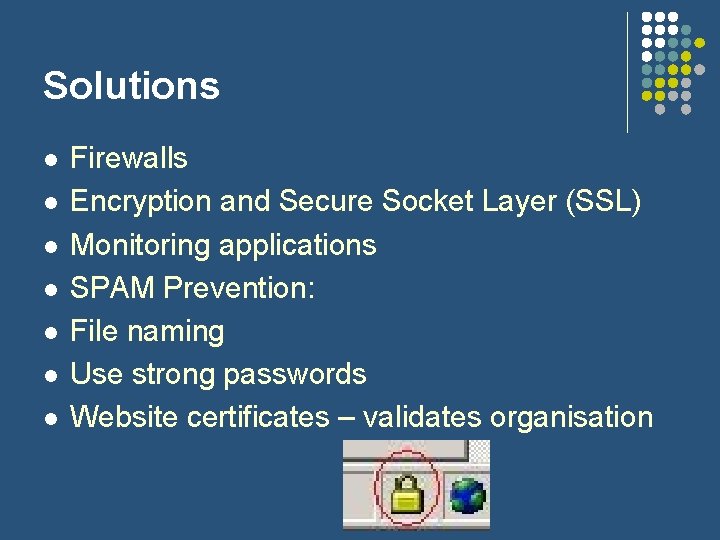
Solutions l l l l Firewalls Encryption and Secure Socket Layer (SSL) Monitoring applications SPAM Prevention: File naming Use strong passwords Website certificates – validates organisation
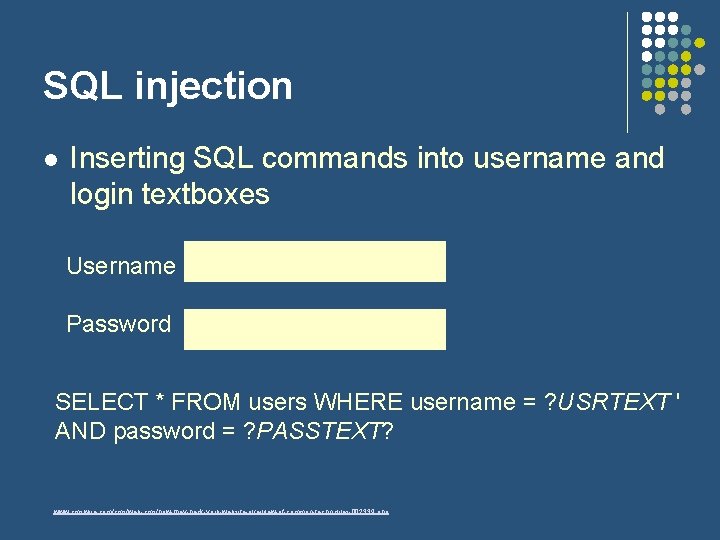
SQL injection l Inserting SQL commands into username and login textboxes Username Password SELECT * FROM users WHERE username = ? USRTEXT ' AND password = ? PASSTEXT? www. cmswire. com/cms/web-cms/how-they-hack-your-website-overview-of-common-techniques-002339. php
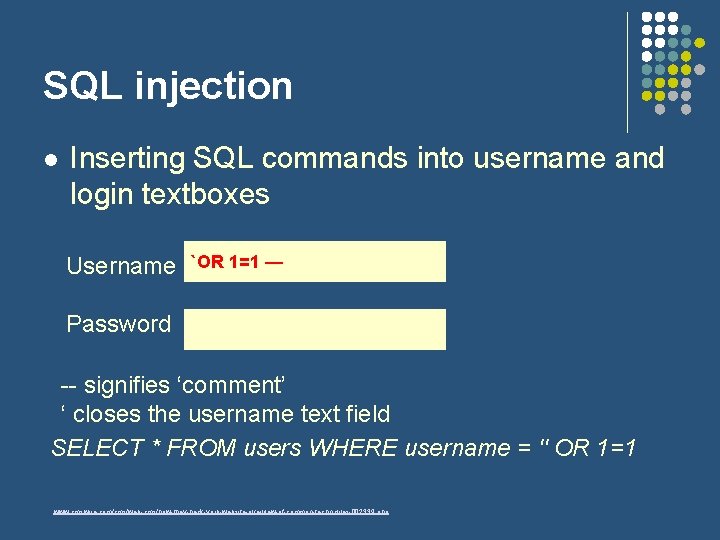
SQL injection l Inserting SQL commands into username and login textboxes Username `OR 1=1 — Password -- signifies ‘comment’ ‘ closes the username text field SELECT * FROM users WHERE username = '' OR 1=1 www. cmswire. com/cms/web-cms/how-they-hack-your-website-overview-of-common-techniques-002339. php
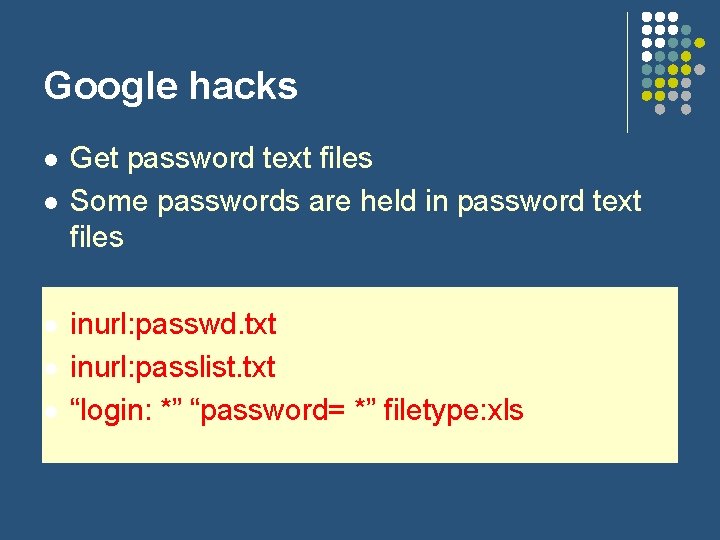
Google hacks l l l Get password text files Some passwords are held in password text files inurl: passwd. txt inurl: passlist. txt “login: *” “password= *” filetype: xls
Cross Site Scripting attacks XSS l l Some websites store username and password in Cookies XSS gets username and password from the Cookie
Protection mechanisms l l l the most important thing after its creation must be implemented at the stage of development individual approach taking into consideration: l the specific character of the particular web project.
High security level for: l l website content, user accounts, confidential information collected from users and protection of admin control from illegal capturing.
Requirements l protection from: l l l spam, automatic form submission, use of single account by multiple users, etc. Also: not decrease website usability by multiple authorization procedures or slow malicious-code testing mechanisms. High level of convenience for users.
Methods l l encoding of HTML-code or its key parts. Access control l l password system must be invisible through web code l i. e. it must be saved in separate file or database on a web server.
security for site users l l l Unreliable security system can badly influence your business reputation. complete protection for users’ personal data, Much of website protection depends on your hosting service.
Assignment 2 – Website design l You have a new post at a local website company as a junior programmer. Your first task is to produce a website for a local company. There are several jobs to be finished, therefore you have a choice.
Assignment 2 - jobs l l l Extreme Sports – Shop that predominantly stocks mountain bike gear. But also provides mountain boards and skateboards. It does not stock cheap items. Website is to be lively, trendy, and simple to navigate. Pot Shot – A local pools hall that is open 24/7. It provides English and American pool tables for hire. It has its own licensed bar. Evolution – A gaming store that provides games for various computer and console formats. Also proves hardware equipment and reviews of products Big Foot – A highly competitive shoe store on the high street. They are a small chain of stores in the Midlands that provide trendy shoes for both genders. Website should be simple and elegant.
Assignment 2 - jobs l l l Unbranded – Local store that stocks specific clothes-wear unavailable in other shops. This is a premier store that provides highly researched and sought-after clothing. Require a clean, simple website. Amplitude – Car and house stereo equipment. Amplitude does not stock low quality equipment. They require a stylish, modern website. Hard snow – a snow boarding information site to promote resort destinations around Europe. They provide information about accommodation, ski-lift access, pricing, board reviews. This is a noncommercial website updated by members My-bad clan – a new gaming clan for a major game. They provide information about the game including, cheats, shortcuts, clan members, schedule of clan tournaments, rankings. This is a non-commercial website updated by members The Bowls Club – this is a real customer that I am still waiting for a detailed brief from.
Assignment 2 l Explain the security risks and protection mechanisms involved in website performance. (P 3) 1. Create the initial designs for the website. (P 4)
Initial thoughts/Market Research l l What is the purpose of your site? What are the customer requirements? Create a Word document with useful competitors websites, review their websites: l l l l How have they structured their website? Do they have a target audience? What tone of voice do they use? What services / extras do they offer? What can you do differently / better? What are their product features / prices? How do they promote themselves (new and existing visitors / customers)?
The Design Elements l l l A domain name for the site A clear and realistic definition of the requirements and purpose of the site. A design table, outlining the details of each page: page name, description of page content, required images and web technologies used. A site map showing the links between pages A storyboard with clearly annotated drawings, one page of illustration per page of the site.
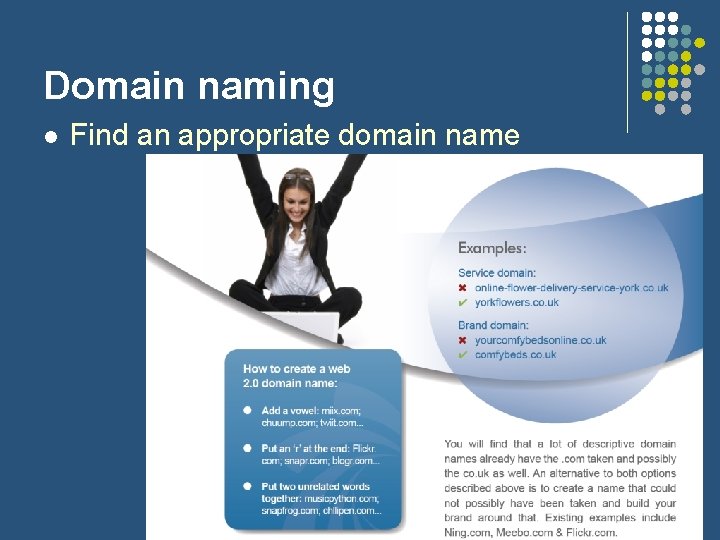
Domain naming l Find an appropriate domain name
Requirements & purpose l Commercial or non-commercial? l content, layout, and features l Required features: l l l Essential Desirable Audience – age, specialised knowledge, etc
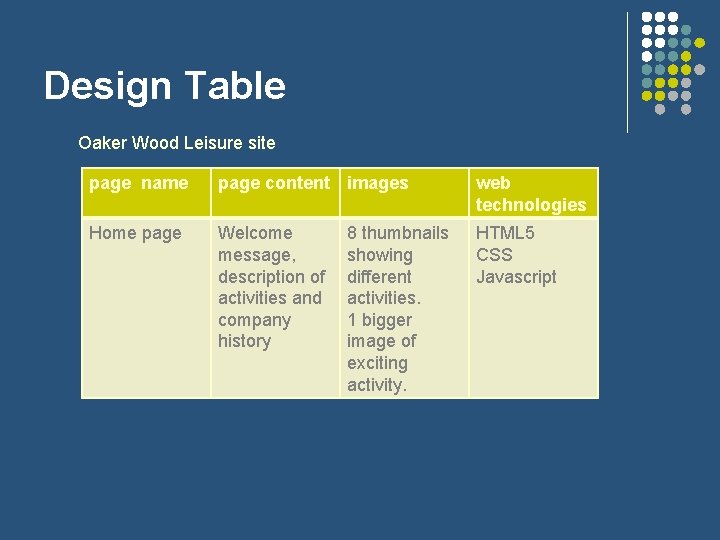
Design Table Oaker Wood Leisure site page name page content images web technologies Home page Welcome message, description of activities and company history HTML 5 CSS Javascript 8 thumbnails showing different activities. 1 bigger image of exciting activity.
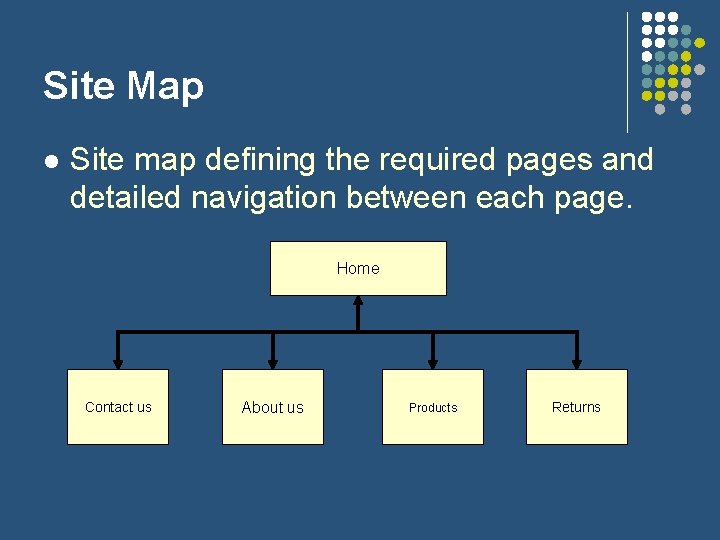
Site Map l Site map defining the required pages and detailed navigation between each page. Home Contact us About us Products Returns
Storyboard l l An artistic version of the proposed site Will give all the information required Need a storyboard for each page – but this could be one storyboard with notes reflecting minor differences Can be hand-drawn or using a computer drawing package
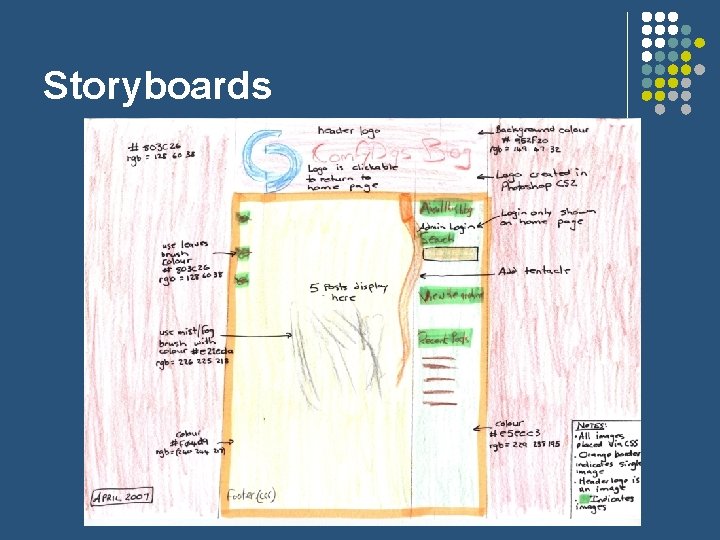
Storyboards
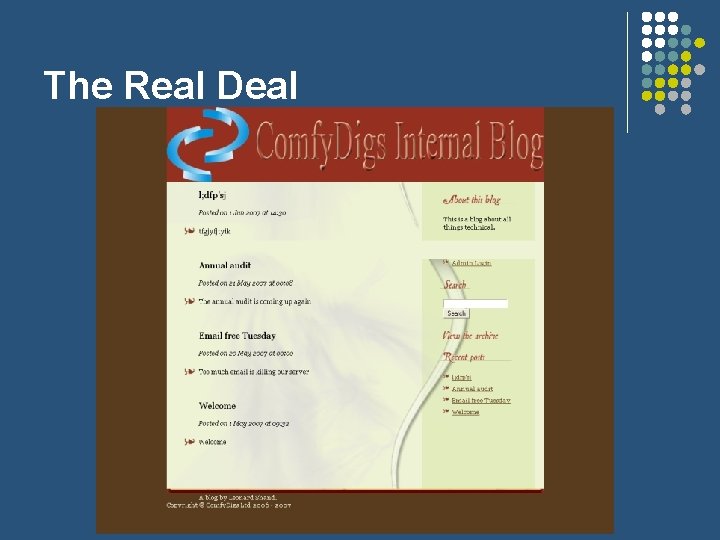
The Real Deal
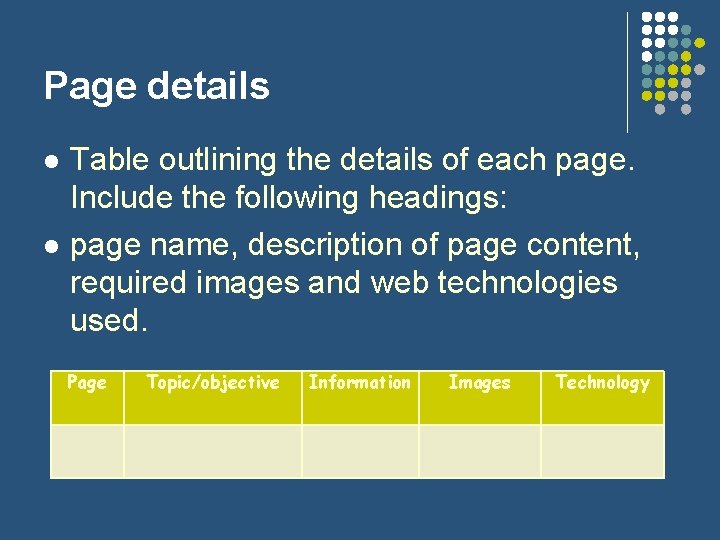
Page details l l Table outlining the details of each page. Include the following headings: page name, description of page content, required images and web technologies used. Page Topic/objective Information Images Technology
Compare and evaluate designs l l Reference your user requirements Criteria: l § l Accessibility to hyperlink/button on page Colours § § Good use of colours Number of colours l Professional appearance l elegance & sophistication Font styles Allowable space for information § Disabilities Aesthetics l l l Navigation l l Layout Accessibility l l l Sections § l Width Height Information clarity Logo position l Does it fit with the users specification? Alignment l Features (if any) l
Introduction to Dreamweaver l l l Dreamweaver is an Integrated development environment (IDE) Allow you to build websites Compliant with: l l l l HTML PHP ASP XML Java. Script JSP CSS Industry standard application
Task – Create a simple Webpage l l l You will design a simple website You will gain Dreamweaver skills Not directly part of the assessment
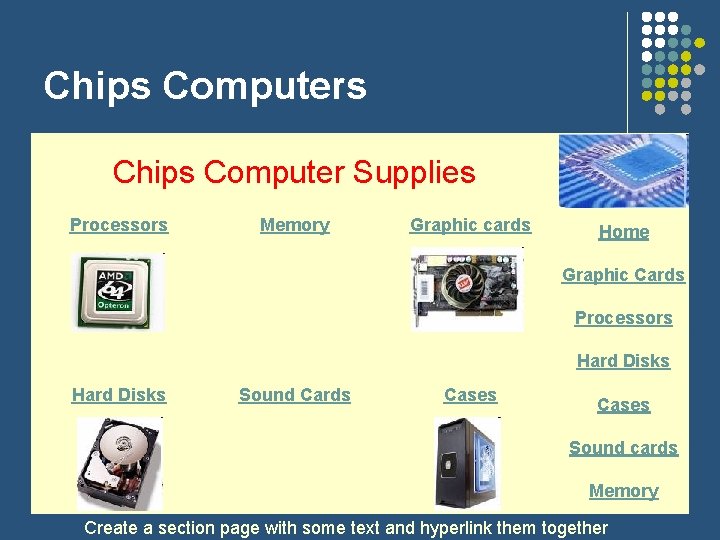
Chips Computers Chips Computer Supplies Processors Memory Graphic cards Home Graphic Cards Processors Hard Disks Sound Cards Cases Sound cards Memory Create a section page with some text and hyperlink them together
Next week: l l l l Complete research Select domain name Refer closely to the ‘job options’ doc on Wiki Prepare and complete design table, outlining the details of each page: page name, description of page content, required images and web technologies used. Prepare and complete storyboard. Prepare and complete site map. If/when you have completed the above you may start work on the actual web-site.
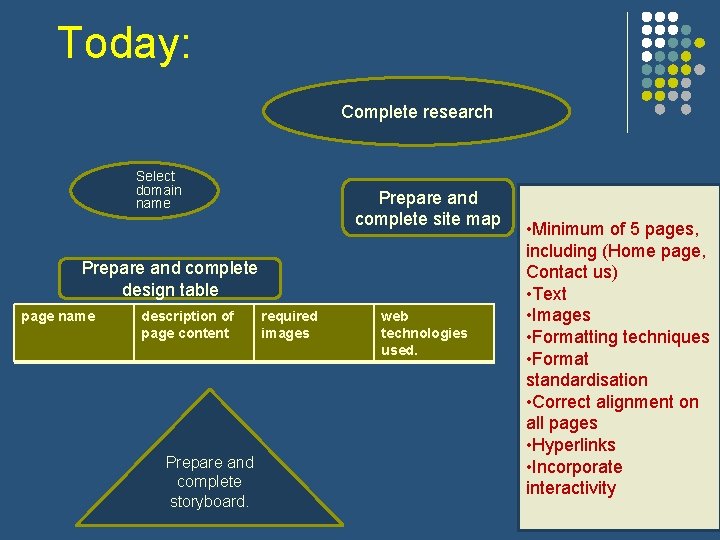
Today: Complete research Select domain name Prepare and complete site map Prepare and complete design table page name description of page content Prepare and complete storyboard. required images web technologies used. • Minimum of 5 pages, including (Home page, Contact us) • Text • Images • Formatting techniques • Format standardisation • Correct alignment on all pages • Hyperlinks • Incorporate interactivity
- Slides: 40