
OCR Reading 1 Class Summary Description Overview of
- Slides: 19
OCR Reading 1
Class Summary • Description – Overview of how to use the OCR softsensor – Advanced Settings • Class Level – Intermediate • Prerequisites – Basic Frame. Work Training 2
OCR Soft. Sensors • Optical Character Recognition (OCR) – Recognizing and reading characters by comparing to list of previously trained ones. Reading any code containing these characters • Optical Character Verification (OCV) – Matching a particular pattern of predetermined characters. Verifying a specific string of characters 3
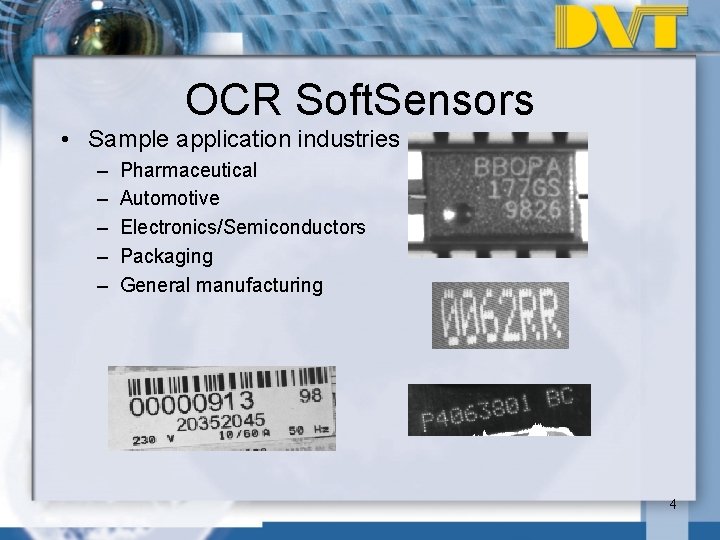
OCR Soft. Sensors • Sample application industries – – – Pharmaceutical Automotive Electronics/Semiconductors Packaging General manufacturing 4
OCR Soft. Sensors • Variety of special threshold options – Computed, linear and non-linear • Train your own characters • Ability to read dot matrix, segmented and stroke (e. g. Japanese) characters • Capability of handling rotation and reading curved text • Control of spacing and character size 5
OCR Soft. Sensors: For Best Results • Characters must be able to be extracted by thresholding • Characters must be repeatable from one image to the next • Avoid images with textured or printed backgrounds • OCR “friendly” fonts – OCR A, OCR B, Semi – Undecorated, non-serif fonts • Character height between 20 and 30 pixels 6
Advanced OCR Features. Thresholding changes: • Dominant Color • Auto. Bimodal ~ Automatically calculates a single threshold value to use based on the entire histogram. Reduces the effects of noise and specular reflections. • Adaptive ~ Calculates a specific threshold value for different areas of the image depending on the contrast found in those areas. Makes the overall threshold more robust when lighting and contrast are not uniform. 10/26/2020 7 7
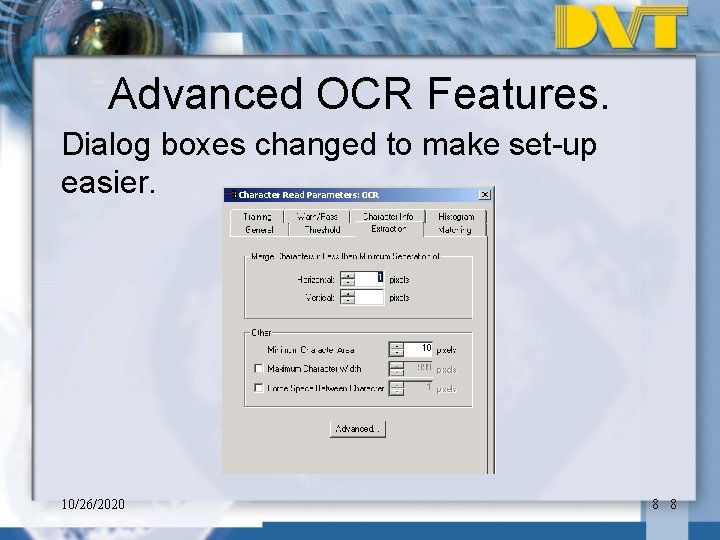
Advanced OCR Features. Dialog boxes changed to make set-up easier. 10/26/2020 8 8
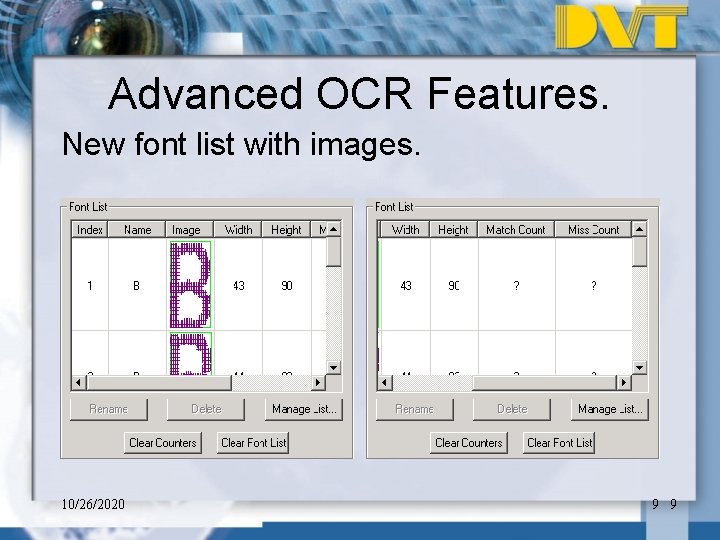
Advanced OCR Features. New font list with images. 10/26/2020 9 9
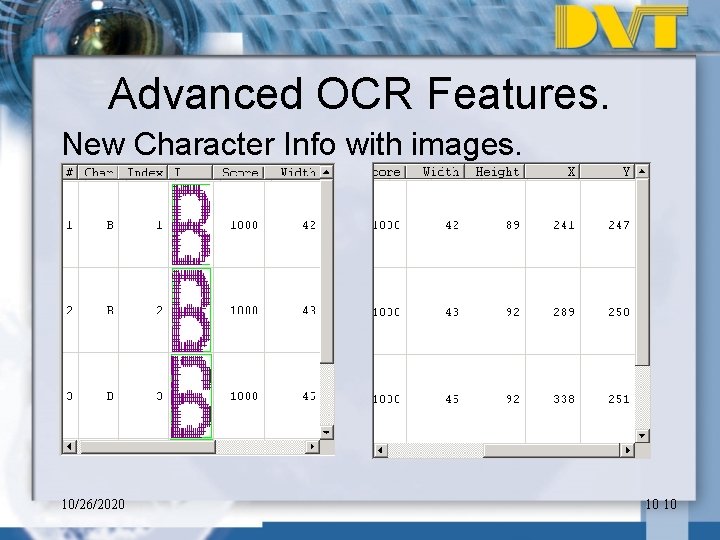
Advanced OCR Features. New Character Info with images. 10/26/2020 10 10
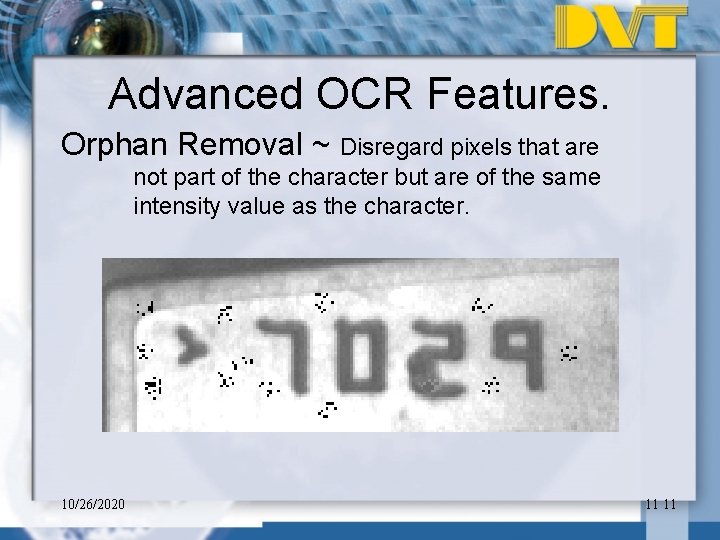
Advanced OCR Features. Orphan Removal ~ Disregard pixels that are not part of the character but are of the same intensity value as the character. 10/26/2020 11 11
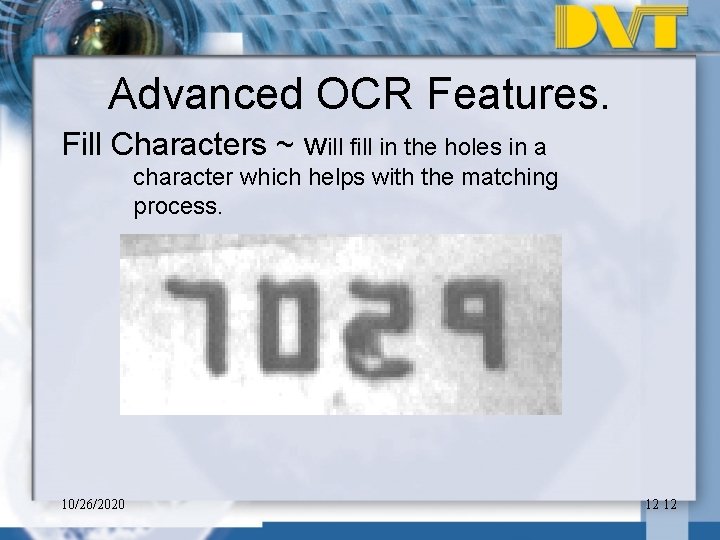
Advanced OCR Features. Fill Characters ~ will fill in the holes in a character which helps with the matching process. 10/26/2020 12 12
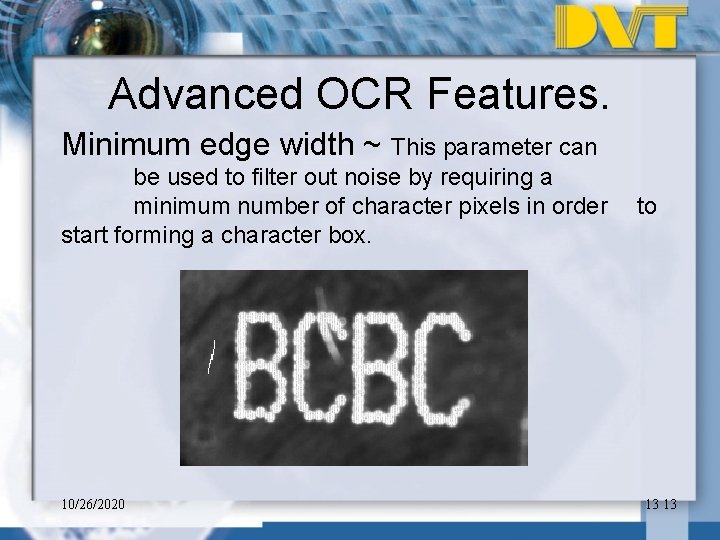
Advanced OCR Features. Minimum edge width ~ This parameter can be used to filter out noise by requiring a minimum number of character pixels in order start forming a character box. 10/26/2020 to 13 13
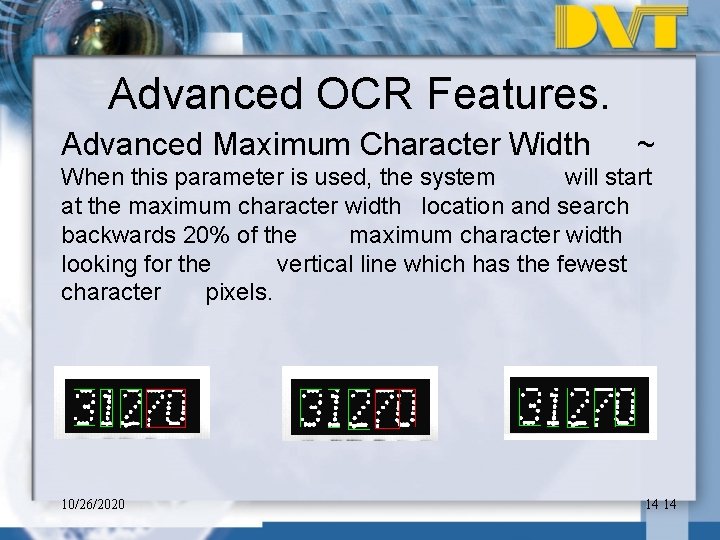
Advanced OCR Features. Advanced Maximum Character Width ~ When this parameter is used, the system will start at the maximum character width location and search backwards 20% of the maximum character width looking for the vertical line which has the fewest character pixels. 10/26/2020 14 14
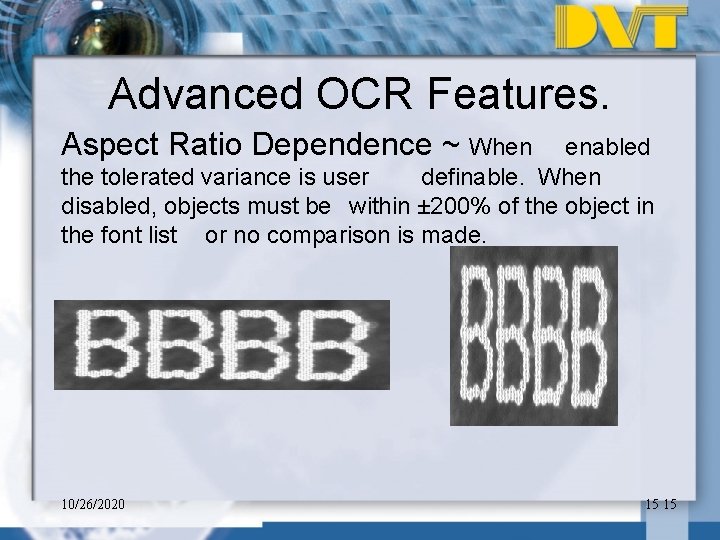
Advanced OCR Features. Aspect Ratio Dependence ~ When enabled the tolerated variance is user definable. When disabled, objects must be within ± 200% of the object in the font list or no comparison is made. 10/26/2020 15 15
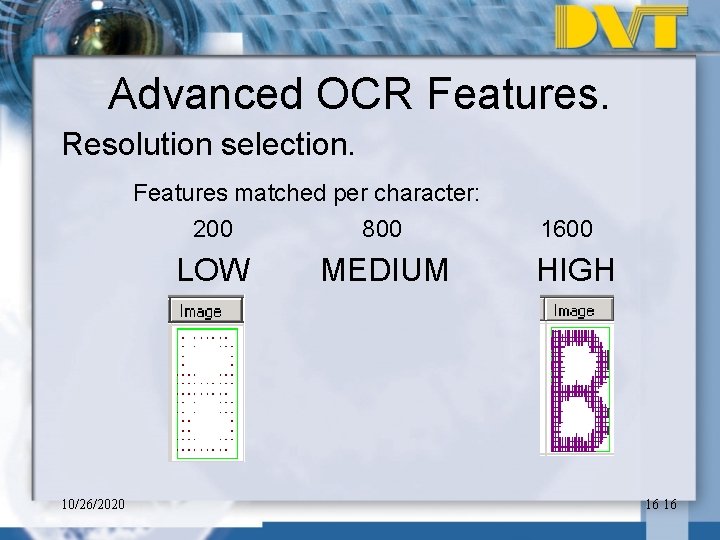
Advanced OCR Features. Resolution selection. Features matched per character: 10/26/2020 200 800 LOW MEDIUM 1600 HIGH 16 16
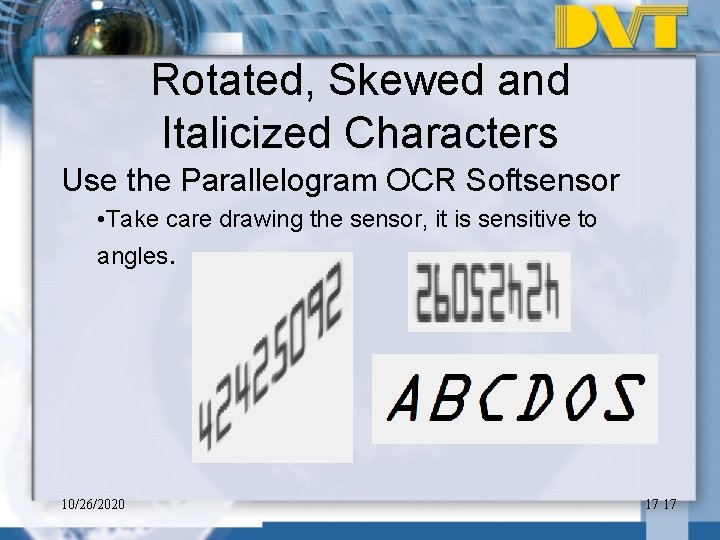
Rotated, Skewed and Italicized Characters Use the Parallelogram OCR Softsensor • Take care drawing the sensor, it is sensitive to angles. 10/26/2020 17 17
Conclusion • Characters must be repeatable from one image to the next • Avoid images with textured or printed backgrounds • OCR “friendly” fonts – OCR A, OCR B, Semi – Undecorated, non-serif fonts • Character height between 20 and 30 pixels • Use OCV whenever possible to eliminate misreads 18
Questions? 19