
Objects At their Best Introduction to Applet Programming
Objects At their Best Introduction to Applet Programming and Java’s Abstract Window Toolkit http: //www. sci. brooklyn. cuny. edu/~arnow/ Gerald Weiss and David Arnow Department of Computer and Information Science Brooklyn College, City University of New York 26 September 2020 Arnow and Weiss: Objects At Their Best— Java's Abstract Window Toolkit 1
The Abstract Window Toolkit (AWT) • Supports GUI • Offers a set of classes – packages java. awt, java. applet, . . . – no new Java • Forms a framework for writing – stand-alone graphic applications – applets 26 September 2020 Arnow and Weiss: Objects At Their Best— Java's Abstract Window Toolkit 2
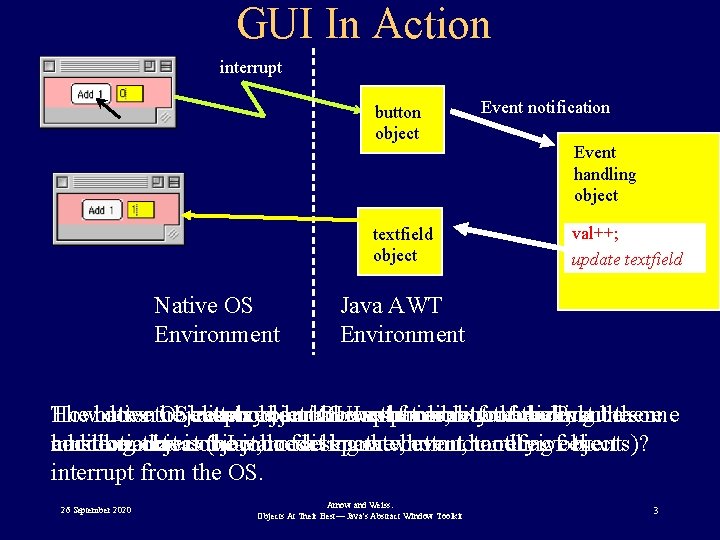
GUI In Action interrupt button object textfield object Native OS Environment Event notification Event handling object val++; update textfield Java AWT Environment The button How native does the OS object button event displays receives should object an our not interrupt know GUI know be responsible controls; what the from identity event mouse butfor occured? there ofhandling click; themust event butbe there some connection must addition; handling be aobject that Java to is our object, (how the. Java jobdoes modeling code of aitseparate, know thewhom button, eventtohandling tonotify receive ofobject events)? the interrupt from the OS. 26 September 2020 Arnow and Weiss: Objects At Their Best— Java's Abstract Window Toolkit 3
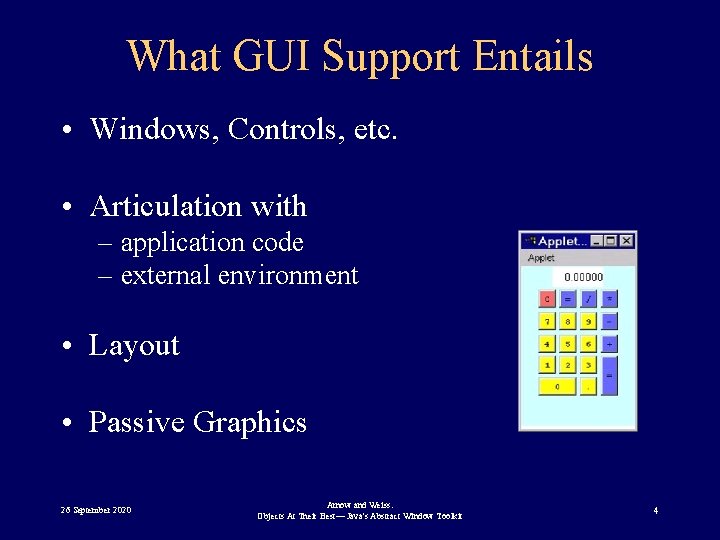
What GUI Support Entails • Windows, Controls, etc. • Articulation with – application code – external environment • Layout • Passive Graphics 26 September 2020 Arnow and Weiss: Objects At Their Best— Java's Abstract Window Toolkit 4
GUI Tasks and Issues • Controls and Events – creation – positioning – Responding to events • Maintaining the Display – Components vs Passive Graphics (“Doodles”) – Components: buttons, text fields: Java objects – Doodles: ovals, lines, etc. • Initialization vs. Ongoing Execution 26 September 2020 Arnow and Weiss: Objects At Their Best— Java's Abstract Window Toolkit 5
Applets • Code referenced in web page • Downloaded by browser • Executes within a browser’s GUI context – Portion of pre-existing window – Executes as threads within browser process – No main! Must provide hooks for browser 26 September 2020 Arnow and Weiss: Objects At Their Best— Java's Abstract Window Toolkit 6

Life Cycle of An Applet • Initialization – Control creation and placement – Initialize event handling – Method: init() • Ongoing Execution – Event handling – Maintenance of display— “doodles” – Methods: paint() + various event handlers 26 September 2020 Arnow and Weiss: Objects At Their Best— Java's Abstract Window Toolkit 7

Applet Class (Default) Behavior • • Control creation: none Control placement: none Event handling: none Display maintenance: dull gray Programmer Task: Extend Applet Class 26 September 2020 Arnow and Weiss: Objects At Their Best— Java's Abstract Window Toolkit 8
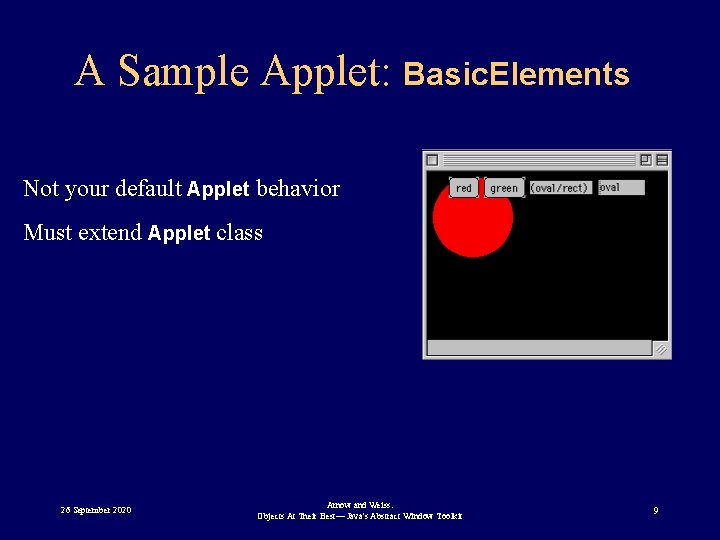
A Sample Applet: Basic. Elements Not your default Applet behavior Must extend Applet class 26 September 2020 Arnow and Weiss: Objects At Their Best— Java's Abstract Window Toolkit 9
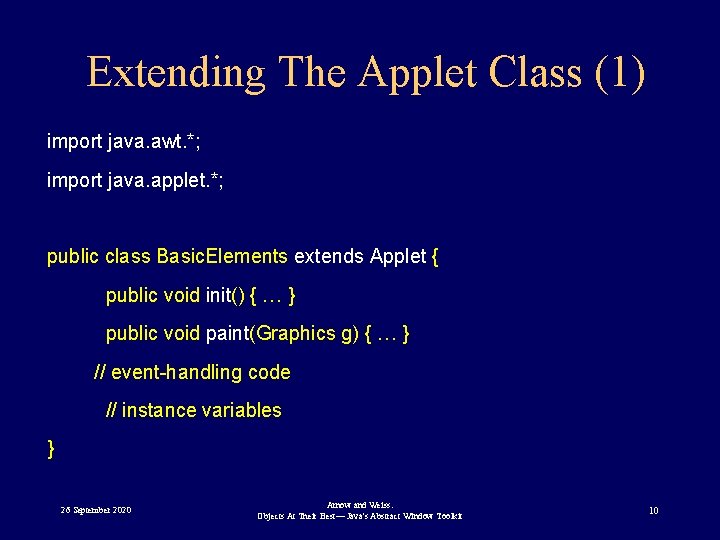
Extending The Applet Class (1) import java. awt. *; import java. applet. *; public class Basic. Elements extends Applet { public void init() { … } public void paint(Graphics g) { … } // event-handling code // instance variables } 26 September 2020 Arnow and Weiss: Objects At Their Best— Java's Abstract Window Toolkit 10
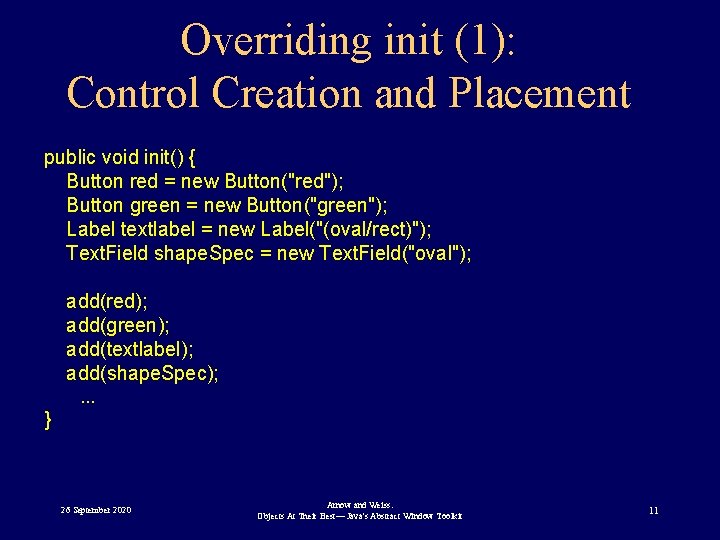
Overriding init (1): Control Creation and Placement public void init() { Button red = new Button("red"); Button green = new Button("green"); Label textlabel = new Label("(oval/rect)"); Text. Field shape. Spec = new Text. Field("oval"); add(red); add(green); add(textlabel); add(shape. Spec); . . . } 26 September 2020 Arnow and Weiss: Objects At Their Best— Java's Abstract Window Toolkit 11
Event Handling: What We Want • The applet must be notified of events • Example: – a button is clicked – applet should do something 26 September 2020 Arnow and Weiss: Objects At Their Best— Java's Abstract Window Toolkit 12
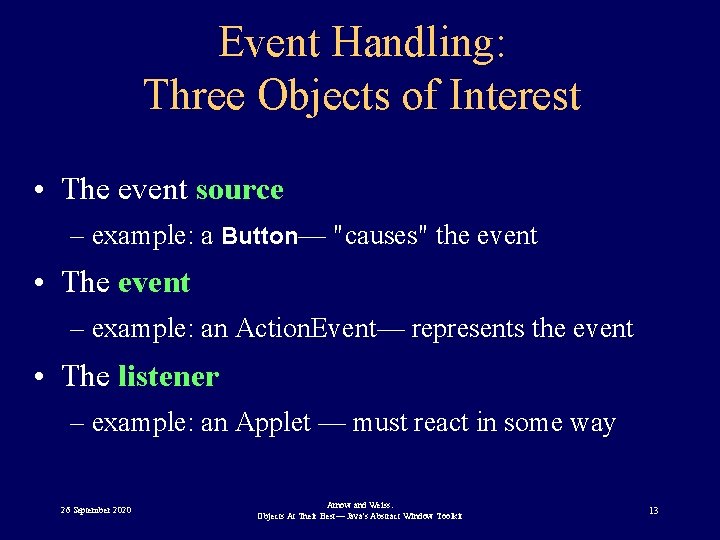
Event Handling: Three Objects of Interest • The event source – example: a Button— "causes" the event • The event – example: an Action. Event— represents the event • The listener – example: an Applet — must react in some way 26 September 2020 Arnow and Weiss: Objects At Their Best— Java's Abstract Window Toolkit 13
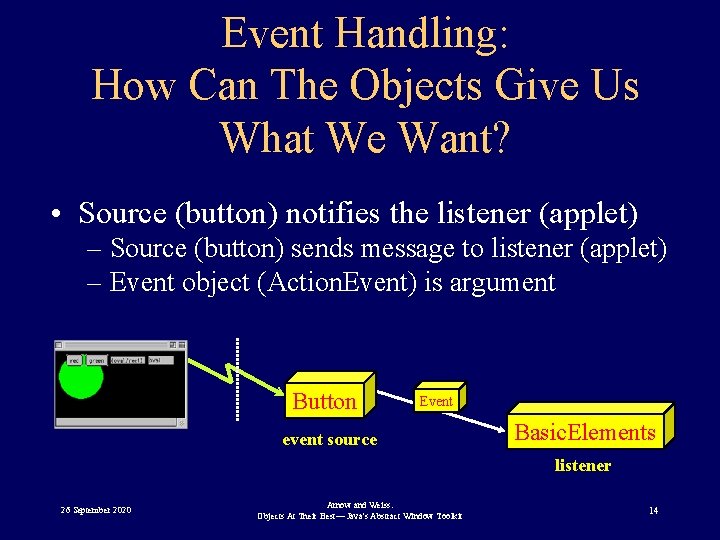
Event Handling: How Can The Objects Give Us What We Want? • Source (button) notifies the listener (applet) – Source (button) sends message to listener (applet) – Event object (Action. Event) is argument Button Event event source Basic. Elements listener 26 September 2020 Arnow and Weiss: Objects At Their Best— Java's Abstract Window Toolkit 14
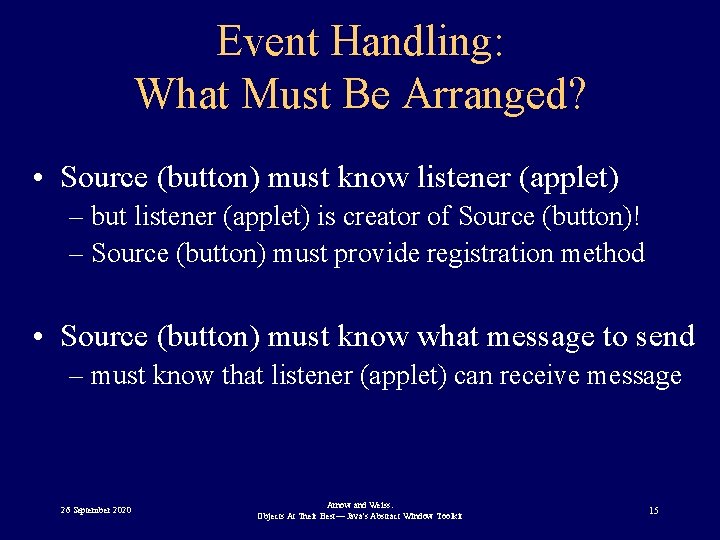
Event Handling: What Must Be Arranged? • Source (button) must know listener (applet) – but listener (applet) is creator of Source (button)! – Source (button) must provide registration method • Source (button) must know what message to send – must know that listener (applet) can receive message 26 September 2020 Arnow and Weiss: Objects At Their Best— Java's Abstract Window Toolkit 15
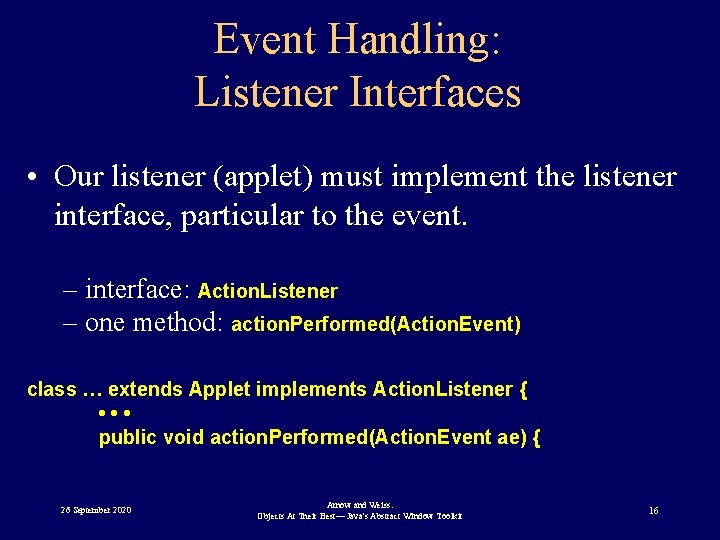
Event Handling: Listener Interfaces • Our listener (applet) must implement the listener interface, particular to the event. – interface: Action. Listener – one method: action. Performed(Action. Event) class … extends Applet implements Action. Listener { • • • public void action. Performed(Action. Event ae) { 26 September 2020 Arnow and Weiss: Objects At Their Best— Java's Abstract Window Toolkit 16
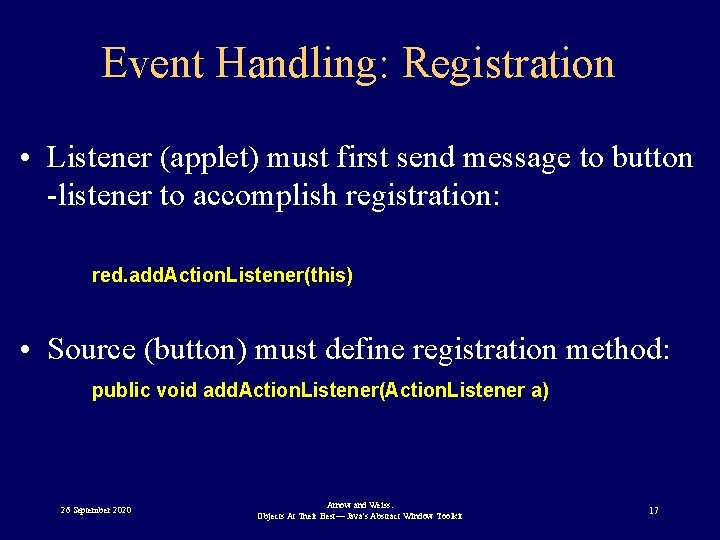
Event Handling: Registration • Listener (applet) must first send message to button -listener to accomplish registration: red. add. Action. Listener(this) • Source (button) must define registration method: public void add. Action. Listener(Action. Listener a) 26 September 2020 Arnow and Weiss: Objects At Their Best— Java's Abstract Window Toolkit 17
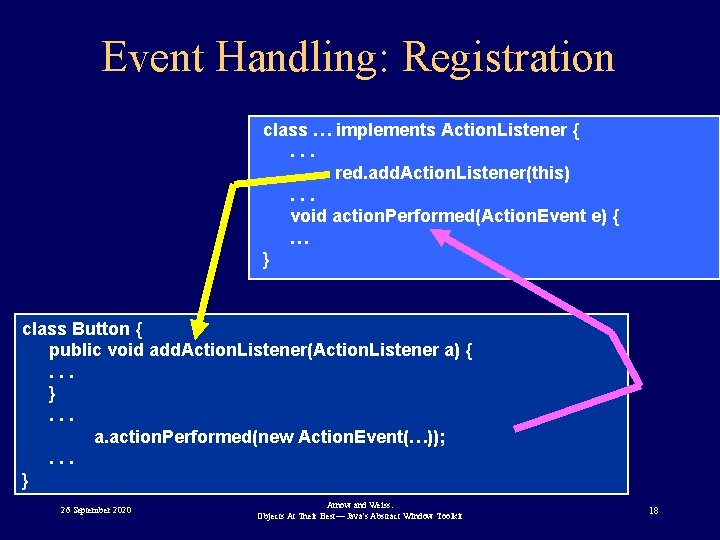
Event Handling: Registration class … implements Action. Listener {. . . red. add. Action. Listener(this). . . void action. Performed(Action. Event e) { … } class Button { public void add. Action. Listener(Action. Listener a) {. . . }. . . a. action. Performed(new Action. Event(…)); . . . } 26 September 2020 Arnow and Weiss: Objects At Their Best— Java's Abstract Window Toolkit 18
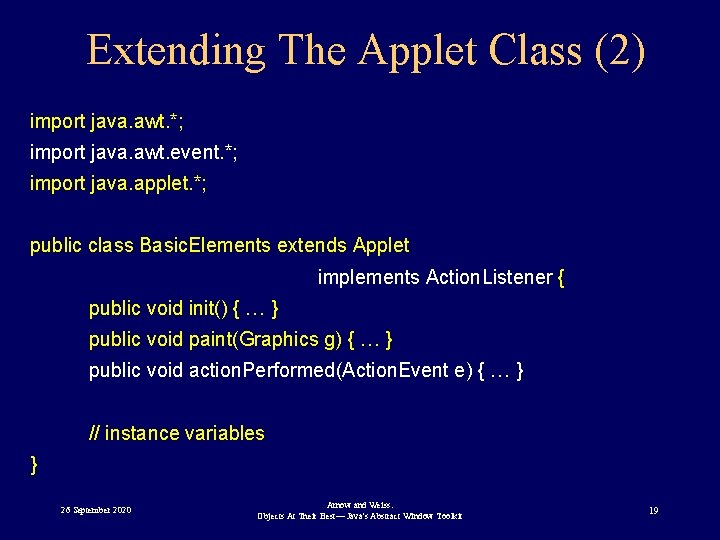
Extending The Applet Class (2) import java. awt. *; import java. awt. event. *; import java. applet. *; public class Basic. Elements extends Applet implements Action. Listener { public void init() { … } public void paint(Graphics g) { … } public void action. Performed(Action. Event e) { … } // instance variables } 26 September 2020 Arnow and Weiss: Objects At Their Best— Java's Abstract Window Toolkit 19
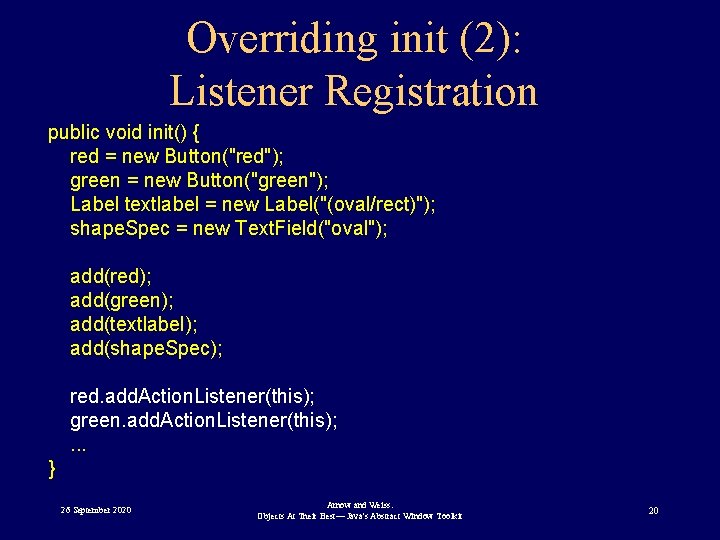
Overriding init (2): Listener Registration public void init() { red = new Button("red"); green = new Button("green"); Label textlabel = new Label("(oval/rect)"); shape. Spec = new Text. Field("oval"); add(red); add(green); add(textlabel); add(shape. Spec); red. add. Action. Listener(this); green. add. Action. Listener(this); . . . } 26 September 2020 Arnow and Weiss: Objects At Their Best— Java's Abstract Window Toolkit 20
Implementing Action. Performed • Gotta make good on our "implements" claim public void action. Performed(Action. Event ae) { // change display } 26 September 2020 Arnow and Weiss: Objects At Their Best— Java's Abstract Window Toolkit 21
Maintaining the Display • Applet's paint method: paint(Graphics g) – Draws an empty gray box – Invoked as needed • By environment • Programmatically • To get USEFUL paint behavior: – Override Applet’s paint method – Applet is responsible for “Doodles” only! 26 September 2020 Arnow and Weiss: Objects At Their Best— Java's Abstract Window Toolkit 22
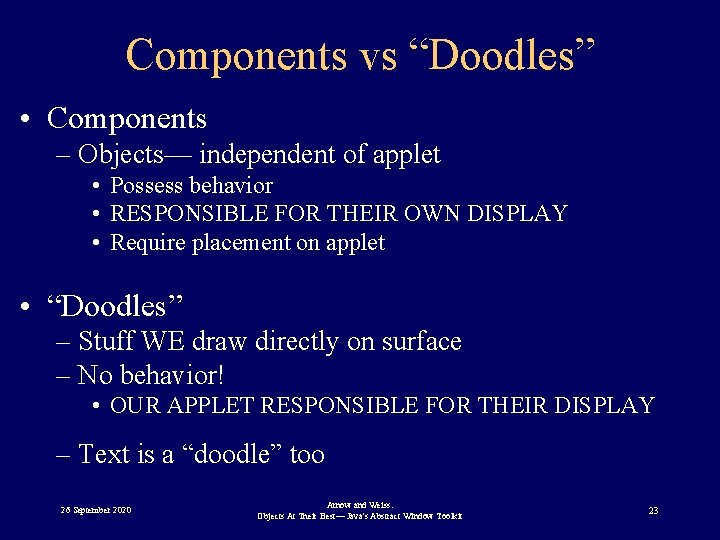
Components vs “Doodles” • Components – Objects— independent of applet • Possess behavior • RESPONSIBLE FOR THEIR OWN DISPLAY • Require placement on applet • “Doodles” – Stuff WE draw directly on surface – No behavior! • OUR APPLET RESPONSIBLE FOR THEIR DISPLAY – Text is a “doodle” too 26 September 2020 Arnow and Weiss: Objects At Their Best— Java's Abstract Window Toolkit 23
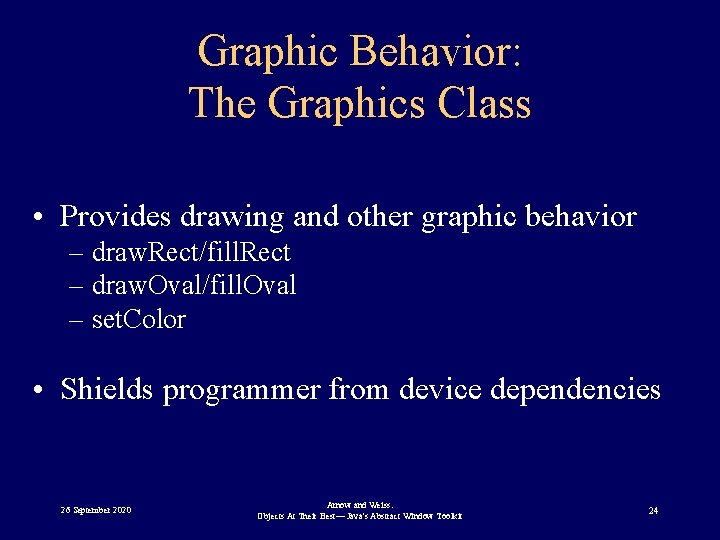
Graphic Behavior: The Graphics Class • Provides drawing and other graphic behavior – draw. Rect/fill. Rect – draw. Oval/fill. Oval – set. Color • Shields programmer from device dependencies 26 September 2020 Arnow and Weiss: Objects At Their Best— Java's Abstract Window Toolkit 24
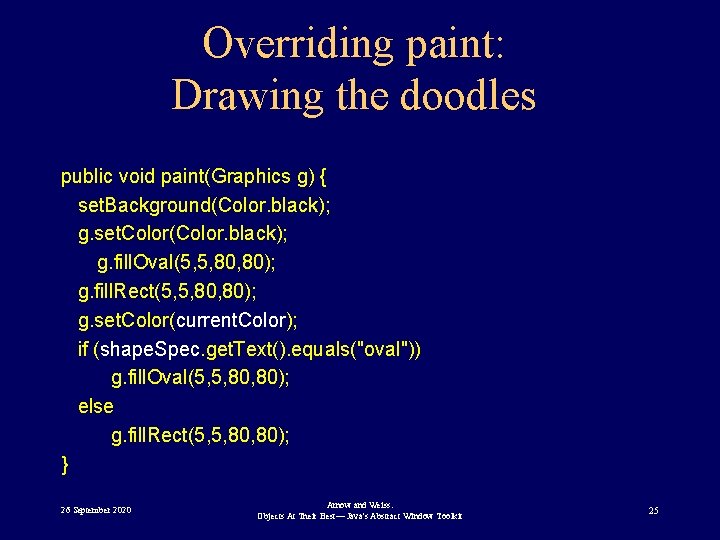
Overriding paint: Drawing the doodles public void paint(Graphics g) { set. Background(Color. black); g. set. Color(Color. black); g. fill. Oval(5, 5, 80); g. fill. Rect(5, 5, 80); g. set. Color(current. Color); if (shape. Spec. get. Text(). equals("oval")) g. fill. Oval(5, 5, 80); else g. fill. Rect(5, 5, 80); } 26 September 2020 Arnow and Weiss: Objects At Their Best— Java's Abstract Window Toolkit 25
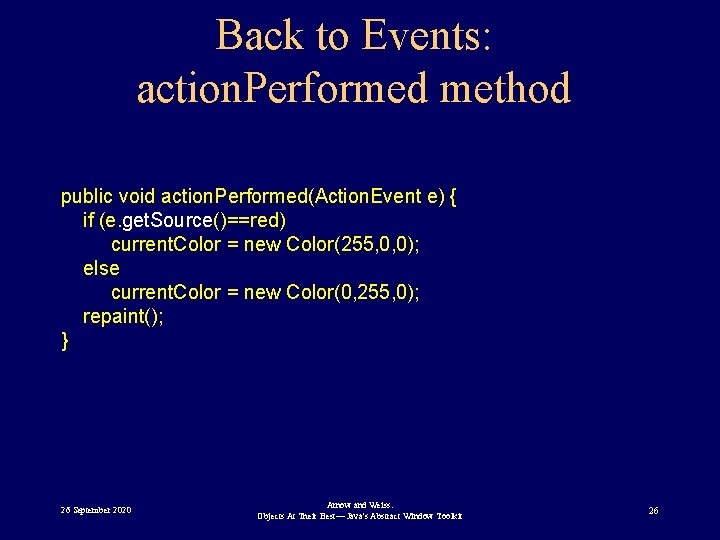
Back to Events: action. Performed method public void action. Performed(Action. Event e) { if (e. get. Source()==red) current. Color = new Color(255, 0, 0); else current. Color = new Color(0, 255, 0); repaint(); } 26 September 2020 Arnow and Weiss: Objects At Their Best— Java's Abstract Window Toolkit 26
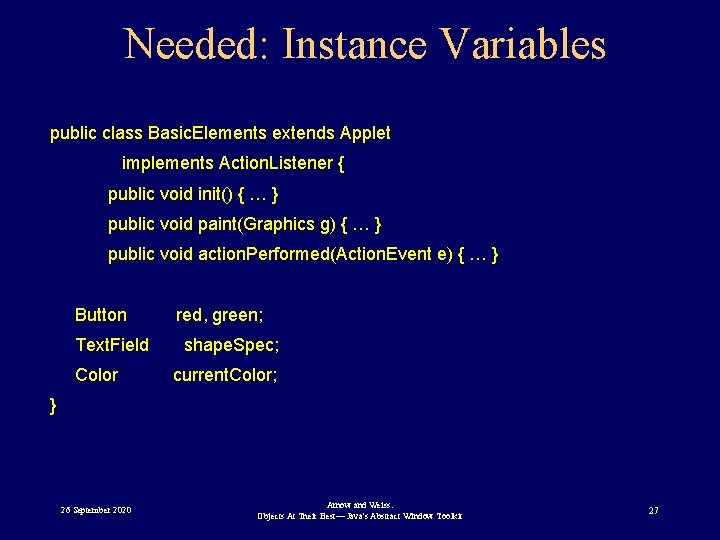
Needed: Instance Variables public class Basic. Elements extends Applet implements Action. Listener { public void init() { … } public void paint(Graphics g) { … } public void action. Performed(Action. Event e) { … } Button Text. Field Color red, green; shape. Spec; current. Color; } 26 September 2020 Arnow and Weiss: Objects At Their Best— Java's Abstract Window Toolkit 27
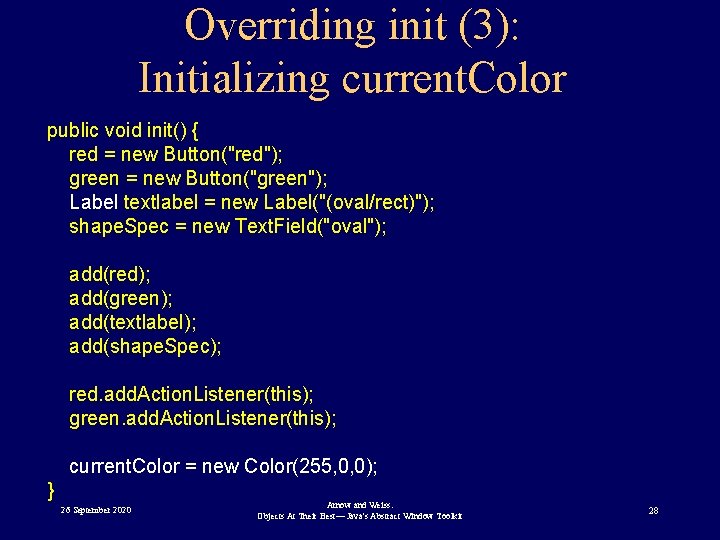
Overriding init (3): Initializing current. Color public void init() { red = new Button("red"); green = new Button("green"); Label textlabel = new Label("(oval/rect)"); shape. Spec = new Text. Field("oval"); add(red); add(green); add(textlabel); add(shape. Spec); red. add. Action. Listener(this); green. add. Action. Listener(this); current. Color = new Color(255, 0, 0); } 26 September 2020 Arnow and Weiss: Objects At Their Best— Java's Abstract Window Toolkit 28
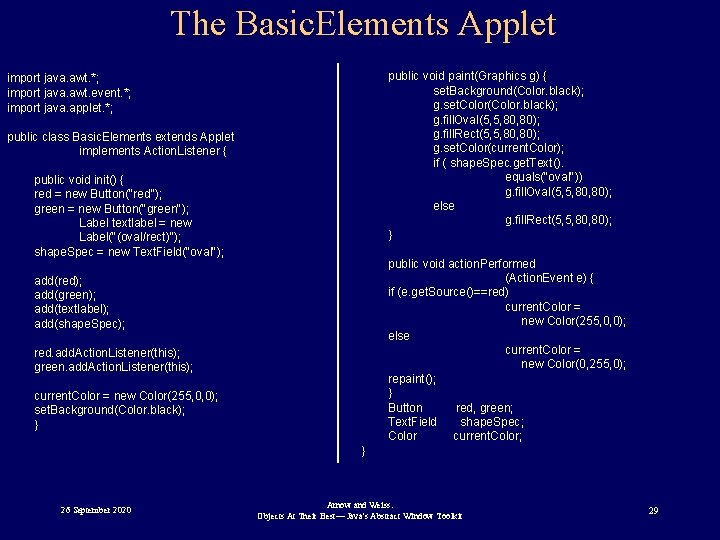
The Basic. Elements Applet public void paint(Graphics g) { set. Background(Color. black); g. set. Color(Color. black); g. fill. Oval(5, 5, 80); g. fill. Rect(5, 5, 80); g. set. Color(current. Color); if ( shape. Spec. get. Text(). equals("oval")) g. fill. Oval(5, 5, 80); else g. fill. Rect(5, 5, 80); } import java. awt. *; import java. awt. event. *; import java. applet. *; public class Basic. Elements extends Applet implements Action. Listener { public void init() { red = new Button("red"); green = new Button("green"); Label textlabel = new Label("(oval/rect)"); shape. Spec = new Text. Field("oval"); public void action. Performed (Action. Event e) { if (e. get. Source()==red) current. Color = new Color(255, 0, 0); else current. Color = new Color(0, 255, 0); repaint(); } Button red, green; Text. Field shape. Spec; Color current. Color; add(red); add(green); add(textlabel); add(shape. Spec); red. add. Action. Listener(this); green. add. Action. Listener(this); current. Color = new Color(255, 0, 0); set. Background(Color. black); } } 26 September 2020 Arnow and Weiss: Objects At Their Best— Java's Abstract Window Toolkit 29
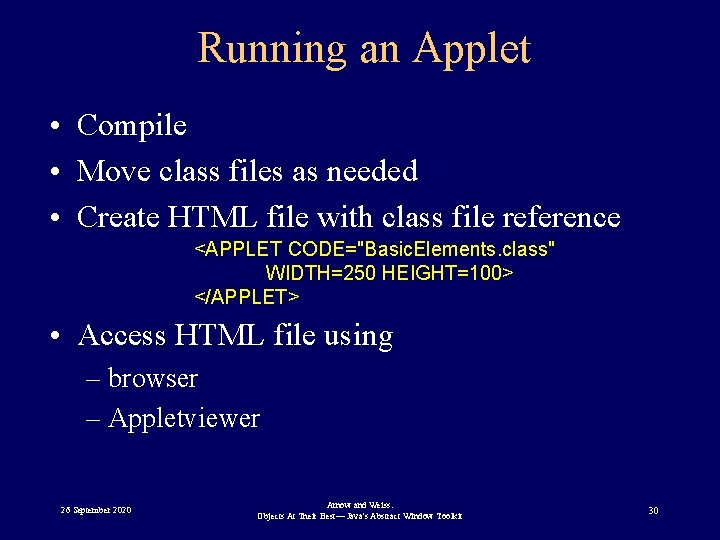
Running an Applet • Compile • Move class files as needed • Create HTML file with class file reference <APPLET CODE="Basic. Elements. class" WIDTH=250 HEIGHT=100> </APPLET> • Access HTML file using – browser – Appletviewer 26 September 2020 Arnow and Weiss: Objects At Their Best— Java's Abstract Window Toolkit 30
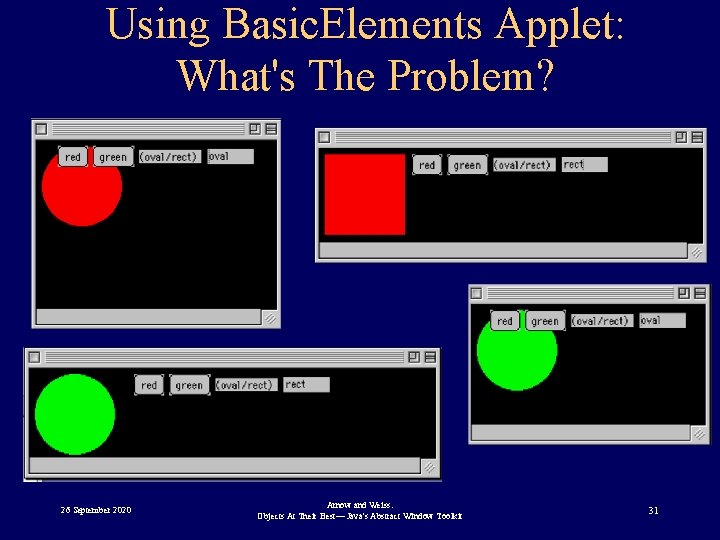
Using Basic. Elements Applet: What's The Problem? 26 September 2020 Arnow and Weiss: Objects At Their Best— Java's Abstract Window Toolkit 31
Wanted: Component for Drawing • Our doodles – Should not occlude buttons, text areas etc – Should not be occluded by buttons, text areas etc • Need Component: – Provides drawing surface – Can be placed along with buttons, text areas, etc. – Solves occlusion problem 26 September 2020 Arnow and Weiss: Objects At Their Best— Java's Abstract Window Toolkit 32
Improving Basic. Elements: Canvas • The add method: – Places components – NEVER on top of each other • Canvas: a component class for doodling! 26 September 2020 Arnow and Weiss: Objects At Their Best— Java's Abstract Window Toolkit 33
General Strategy For Using Canvas • Extend Canvas class: My. Canvas • Move drawing to My. Canvas • Move appropriate event-handling to My. Canvas • Applet's init creates and adds 26 September 2020 Arnow and Weiss: Objects At Their Best— Java's Abstract Window Toolkit 34
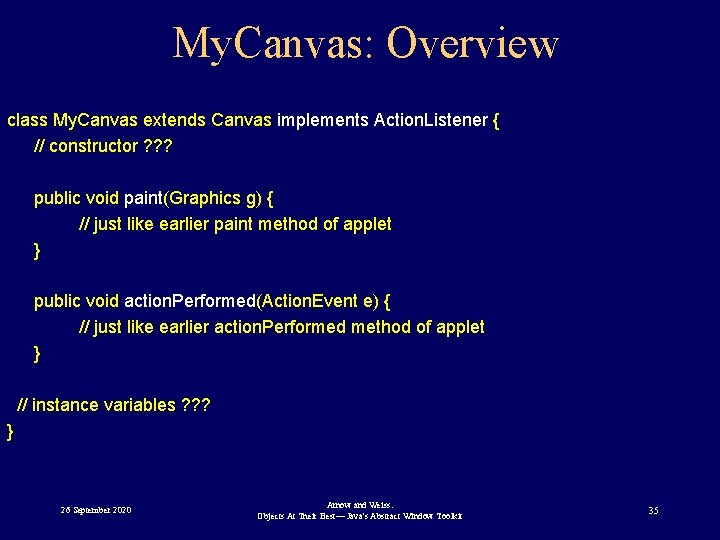
My. Canvas: Overview class My. Canvas extends Canvas implements Action. Listener { // constructor ? ? ? public void paint(Graphics g) { // just like earlier paint method of applet } public void action. Performed(Action. Event e) { // just like earlier action. Performed method of applet } // instance variables ? ? ? } 26 September 2020 Arnow and Weiss: Objects At Their Best— Java's Abstract Window Toolkit 35
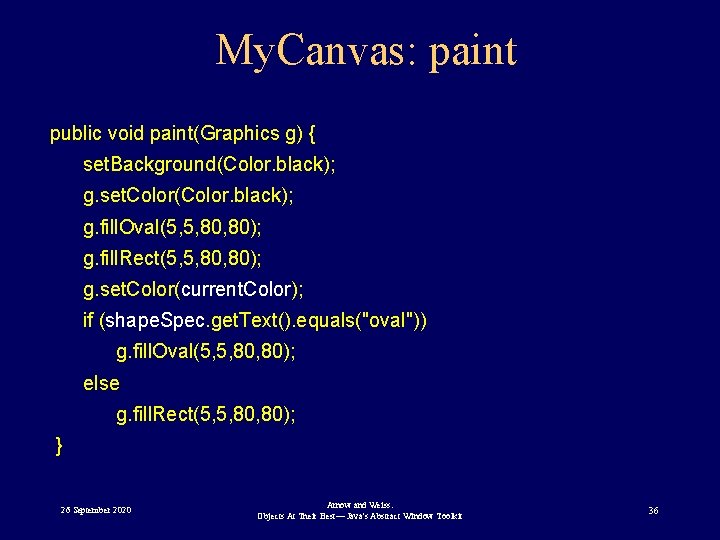
My. Canvas: paint public void paint(Graphics g) { set. Background(Color. black); g. set. Color(Color. black); g. fill. Oval(5, 5, 80); g. fill. Rect(5, 5, 80); g. set. Color(current. Color); if (shape. Spec. get. Text(). equals("oval")) g. fill. Oval(5, 5, 80); else g. fill. Rect(5, 5, 80); } 26 September 2020 Arnow and Weiss: Objects At Their Best— Java's Abstract Window Toolkit 36
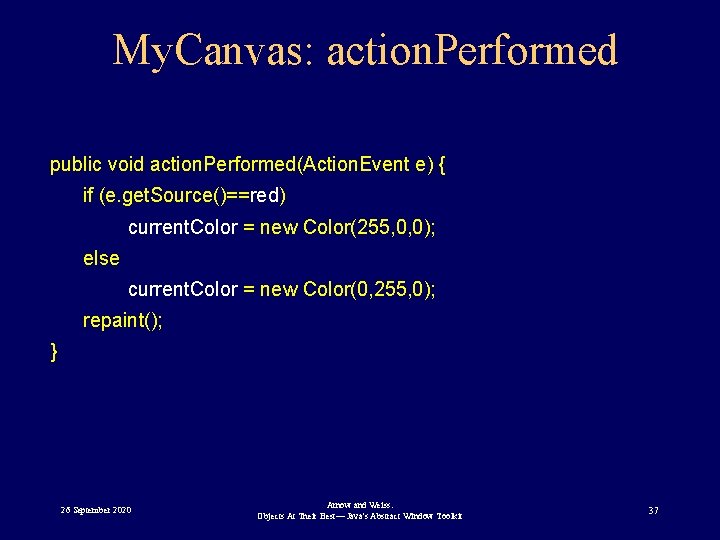
My. Canvas: action. Performed public void action. Performed(Action. Event e) { if (e. get. Source()==red) current. Color = new Color(255, 0, 0); else current. Color = new Color(0, 255, 0); repaint(); } 26 September 2020 Arnow and Weiss: Objects At Their Best— Java's Abstract Window Toolkit 37
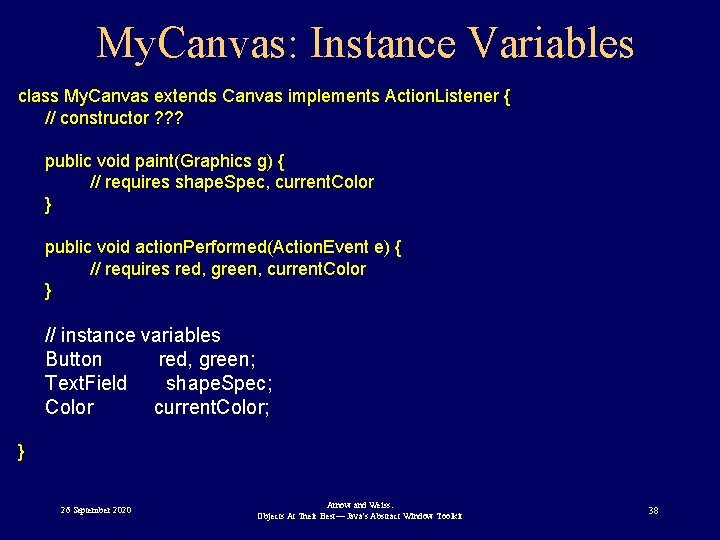
My. Canvas: Instance Variables class My. Canvas extends Canvas implements Action. Listener { // constructor ? ? ? public void paint(Graphics g) { // requires shape. Spec, current. Color } public void action. Performed(Action. Event e) { // requires red, green, current. Color } // instance variables Button red, green; Text. Field shape. Spec; Color current. Color; } 26 September 2020 Arnow and Weiss: Objects At Their Best— Java's Abstract Window Toolkit 38
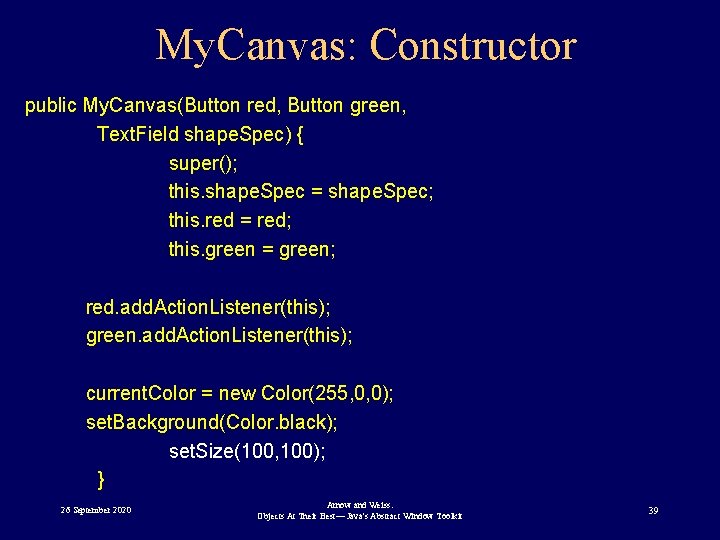
My. Canvas: Constructor public My. Canvas(Button red, Button green, Text. Field shape. Spec) { super(); this. shape. Spec = shape. Spec; this. red = red; this. green = green; red. add. Action. Listener(this); green. add. Action. Listener(this); current. Color = new Color(255, 0, 0); set. Background(Color. black); set. Size(100, 100); } 26 September 2020 Arnow and Weiss: Objects At Their Best— Java's Abstract Window Toolkit 39
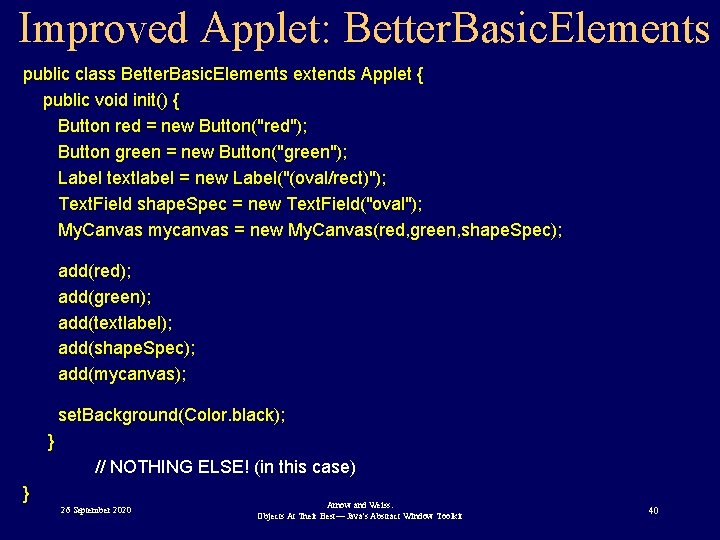
Improved Applet: Better. Basic. Elements public class Better. Basic. Elements extends Applet { public void init() { Button red = new Button("red"); Button green = new Button("green"); Label textlabel = new Label("(oval/rect)"); Text. Field shape. Spec = new Text. Field("oval"); My. Canvas mycanvas = new My. Canvas(red, green, shape. Spec); add(red); add(green); add(textlabel); add(shape. Spec); add(mycanvas); set. Background(Color. black); } // NOTHING ELSE! (in this case) } 26 September 2020 Arnow and Weiss: Objects At Their Best— Java's Abstract Window Toolkit 40
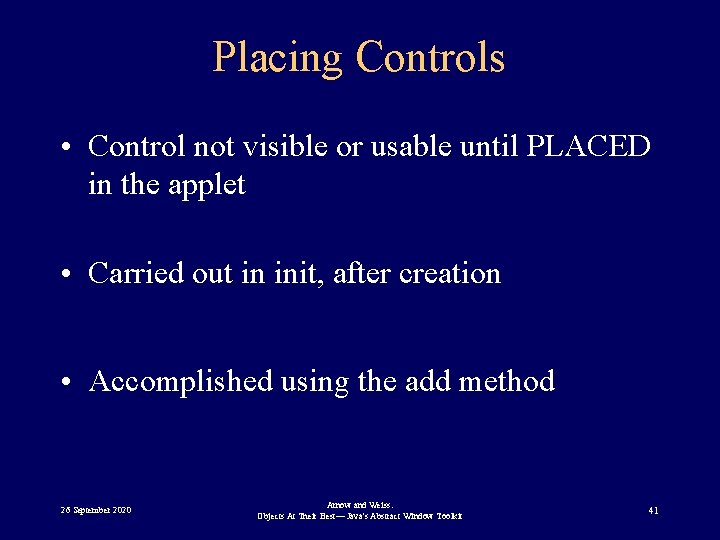
Placing Controls • Control not visible or usable until PLACED in the applet • Carried out in init, after creation • Accomplished using the add method 26 September 2020 Arnow and Weiss: Objects At Their Best— Java's Abstract Window Toolkit 41
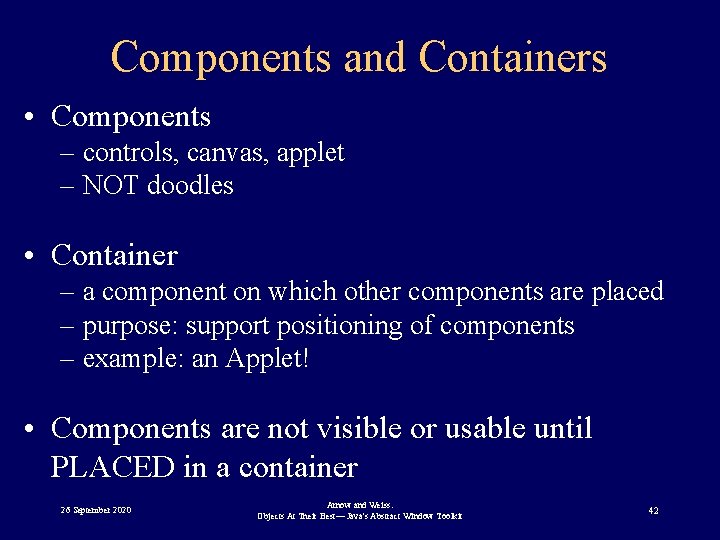
Components and Containers • Components – controls, canvas, applet – NOT doodles • Container – a component on which other components are placed – purpose: support positioning of components – example: an Applet! • Components are not visible or usable until PLACED in a container 26 September 2020 Arnow and Weiss: Objects At Their Best— Java's Abstract Window Toolkit 42
The add Method • Inherited from Container class – Therefore a method of Applet • Places a component onto the container • A container often sends the add message to itself: Button b = new Button("OK"); this. add(b); 26 September 2020 Arnow and Weiss: Objects At Their Best— Java's Abstract Window Toolkit 43
Layout. Manager Objects • Used by containers to position their components. • Layout. Manager: an interface – specifies methods invoked by containers’ add method • Implementations of Layout. Manager differ in – ways of laying out components – degree of programmer control 26 September 2020 Arnow and Weiss: Objects At Their Best— Java's Abstract Window Toolkit 44
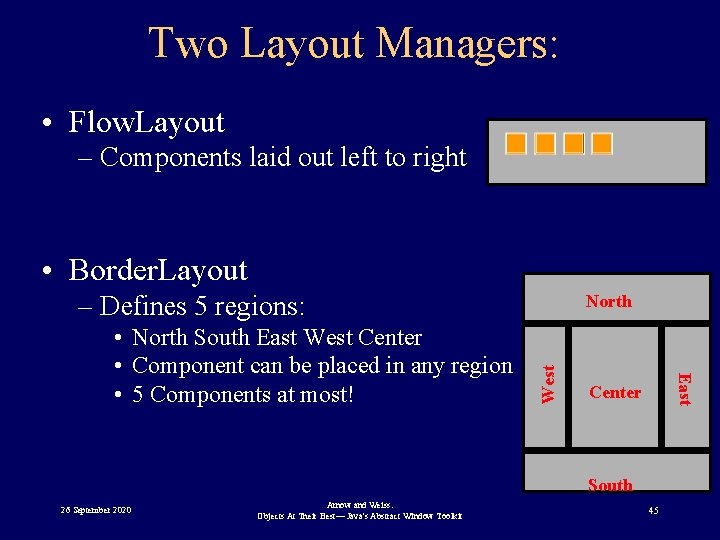
Two Layout Managers: • Flow. Layout – Components laid out left to right • Border. Layout – Defines 5 regions: West East • North South East West Center • Component can be placed in any region • 5 Components at most! North Center South 26 September 2020 Arnow and Weiss: Objects At Their Best— Java's Abstract Window Toolkit 45
Using Layout Managers: set. Layout method • Method of Container class – Inherited by Applet – Inherited by your subclass • Specifies layout manager: prototype: set. Layout(Layout. Manager) example: set. Layout(new Flow. Layout()) 26 September 2020 Arnow and Weiss: Objects At Their Best— Java's Abstract Window Toolkit 46
add method • Method of Container class – Inherited by Applet – Inherited by your subclass • Adds component to the receiving container: add(Component, other arguments) – Delegates actual placement to container's layout manager 26 September 2020 Arnow and Weiss: Objects At Their Best— Java's Abstract Window Toolkit 47
Panel Class • Container class • Sole purpose: – group components – apply Layout. Manager to its components independently of rest of applet 26 September 2020 Arnow and Weiss: Objects At Their Best— Java's Abstract Window Toolkit 48
Using Panels • Strategy: – divide applet's real estate into different Panels – add components to the Panel objects – send set. Layout message to each Panel object • Panels within Panels 26 September 2020 Arnow and Weiss: Objects At Their Best— Java's Abstract Window Toolkit 49
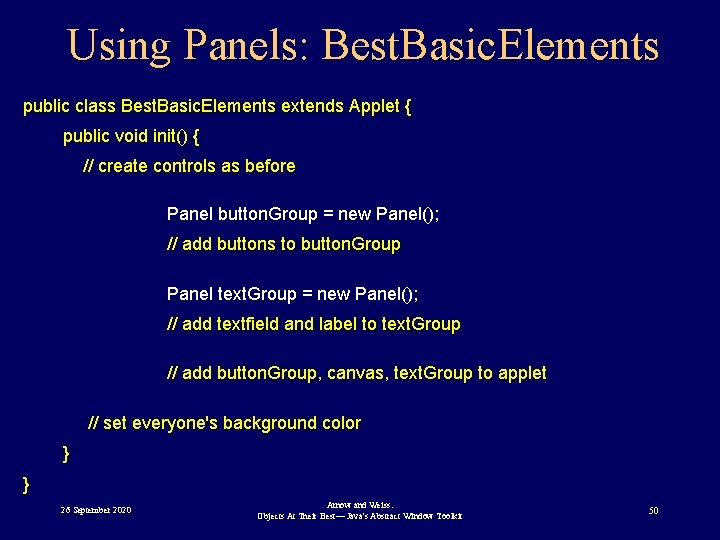
Using Panels: Best. Basic. Elements public class Best. Basic. Elements extends Applet { public void init() { // create controls as before Panel button. Group = new Panel(); // add buttons to button. Group Panel text. Group = new Panel(); // add textfield and label to text. Group // add button. Group, canvas, text. Group to applet // set everyone's background color } } 26 September 2020 Arnow and Weiss: Objects At Their Best— Java's Abstract Window Toolkit 50
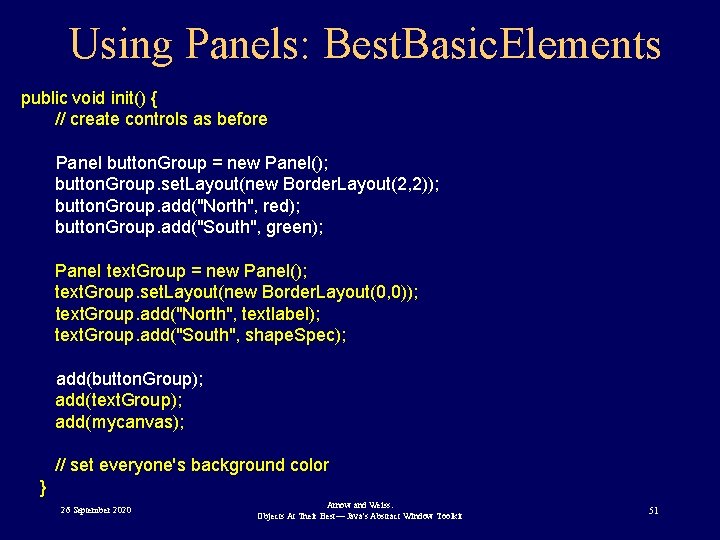
Using Panels: Best. Basic. Elements public void init() { // create controls as before Panel button. Group = new Panel(); button. Group. set. Layout(new Border. Layout(2, 2)); button. Group. add("North", red); button. Group. add("South", green); Panel text. Group = new Panel(); text. Group. set. Layout(new Border. Layout(0, 0)); text. Group. add("North", textlabel); text. Group. add("South", shape. Spec); add(button. Group); add(text. Group); add(mycanvas); // set everyone's background color } 26 September 2020 Arnow and Weiss: Objects At Their Best— Java's Abstract Window Toolkit 51
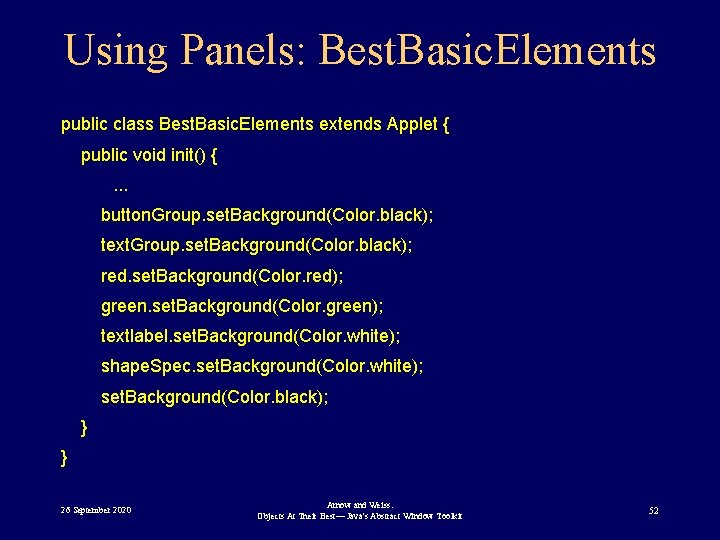
Using Panels: Best. Basic. Elements public class Best. Basic. Elements extends Applet { public void init() {. . . button. Group. set. Background(Color. black); text. Group. set. Background(Color. black); red. set. Background(Color. red); green. set. Background(Color. green); textlabel. set. Background(Color. white); shape. Spec. set. Background(Color. white); set. Background(Color. black); } } 26 September 2020 Arnow and Weiss: Objects At Their Best— Java's Abstract Window Toolkit 52
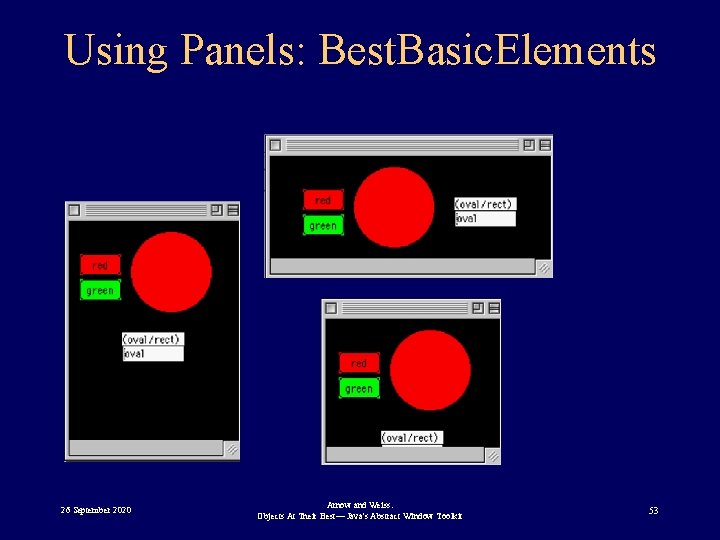
Using Panels: Best. Basic. Elements 26 September 2020 Arnow and Weiss: Objects At Their Best— Java's Abstract Window Toolkit 53
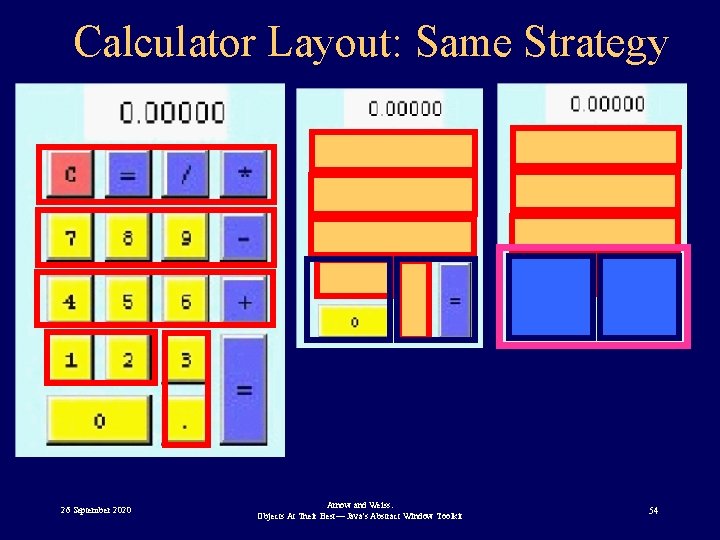
Calculator Layout: Same Strategy 26 September 2020 Arnow and Weiss: Objects At Their Best— Java's Abstract Window Toolkit 54
GUI Ain’t Just Buttons • Other components: – Text fields – Windows • Associated with different events – Changing text – Closing a window • Different events, different Event classes 26 September 2020 Arnow and Weiss: Objects At Their Best— Java's Abstract Window Toolkit 55
Event Summary 26 September 2020 Arnow and Weiss: Objects At Their Best— Java's Abstract Window Toolkit 56
Event Classes • Each Event class is associated with – One or more component classes • event source – A listener interface • Implemented by event handler (listener) class – A registration method • allows listener to register with the event source • defined in component class (event source) 26 September 2020 Arnow and Weiss: Objects At Their Best— Java's Abstract Window Toolkit 57
Java Event Naming Conventions • Event classes – Event. Type. Event – Example: Text. Event, Action. Event • Listener interfaces – Event. Type. Listener – Example: Text. Listener, Action. Listener • Listener registration method – add. Event. Type. Listener or set. Event. Type. Listener – Example: add. Text. Listener, add. Action. Listener 26 September 2020 Arnow and Weiss: Objects At Their Best— Java's Abstract Window Toolkit 58
Listener Interfaces • Contain methods invoked by the event source • No strict naming conventions • Single method (often) – Example: text. Value. Changed, action. Performed 26 September 2020 Arnow and Weiss: Objects At Their Best— Java's Abstract Window Toolkit 59
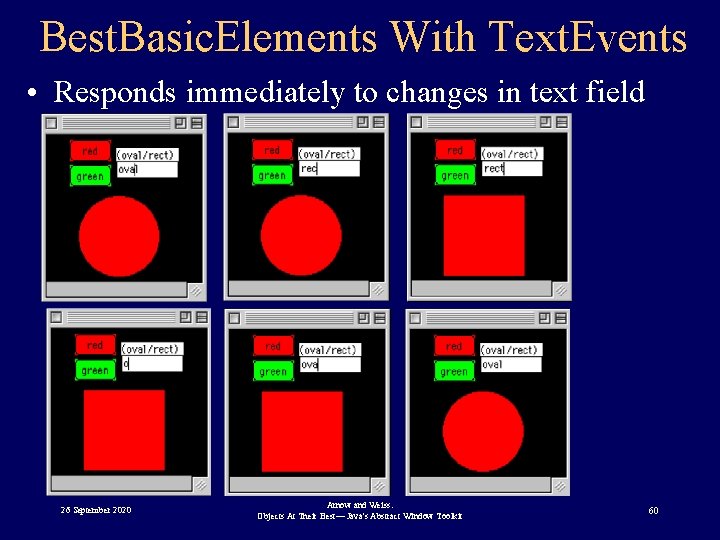
Best. Basic. Elements With Text. Events • Responds immediately to changes in text field 26 September 2020 Arnow and Weiss: Objects At Their Best— Java's Abstract Window Toolkit 60
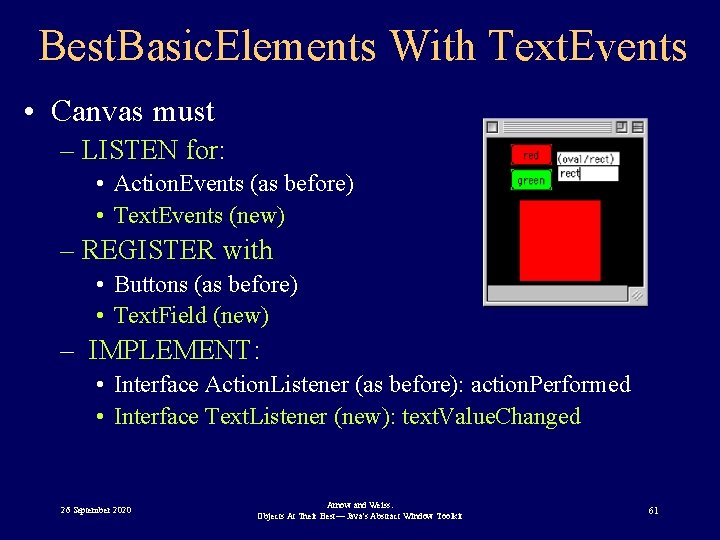
Best. Basic. Elements With Text. Events • Canvas must – LISTEN for: • Action. Events (as before) • Text. Events (new) – REGISTER with • Buttons (as before) • Text. Field (new) – IMPLEMENT: • Interface Action. Listener (as before): action. Performed • Interface Text. Listener (new): text. Value. Changed 26 September 2020 Arnow and Weiss: Objects At Their Best— Java's Abstract Window Toolkit 61
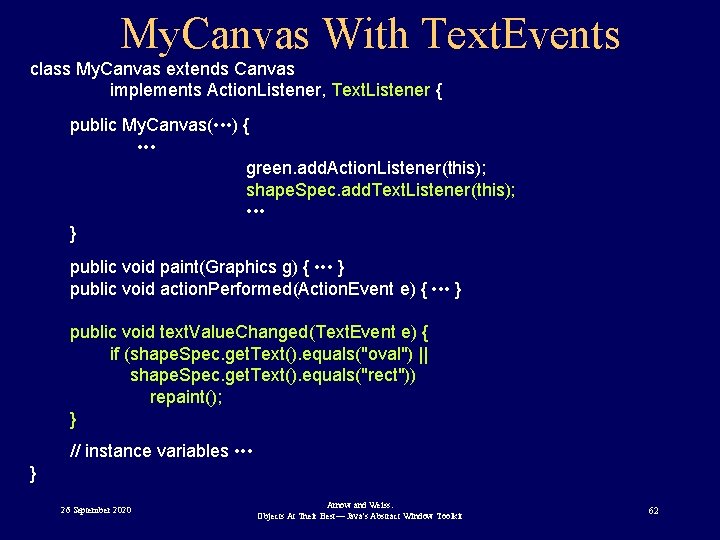
My. Canvas With Text. Events class My. Canvas extends Canvas implements Action. Listener, Text. Listener { public My. Canvas( • • • ) { • • • green. add. Action. Listener(this); shape. Spec. add. Text. Listener(this); • • • } public void paint(Graphics g) { • • • } public void action. Performed(Action. Event e) { • • • } public void text. Value. Changed(Text. Event e) { if (shape. Spec. get. Text(). equals("oval") || shape. Spec. get. Text(). equals("rect")) repaint(); } // instance variables • • • } 26 September 2020 Arnow and Weiss: Objects At Their Best— Java's Abstract Window Toolkit 62
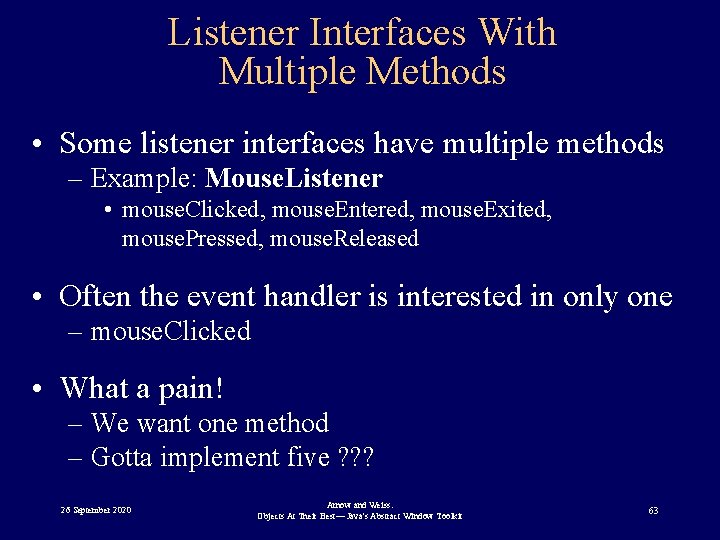
Listener Interfaces With Multiple Methods • Some listener interfaces have multiple methods – Example: Mouse. Listener • mouse. Clicked, mouse. Entered, mouse. Exited, mouse. Pressed, mouse. Released • Often the event handler is interested in only one – mouse. Clicked • What a pain! – We want one method – Gotta implement five ? ? ? 26 September 2020 Arnow and Weiss: Objects At Their Best— Java's Abstract Window Toolkit 63
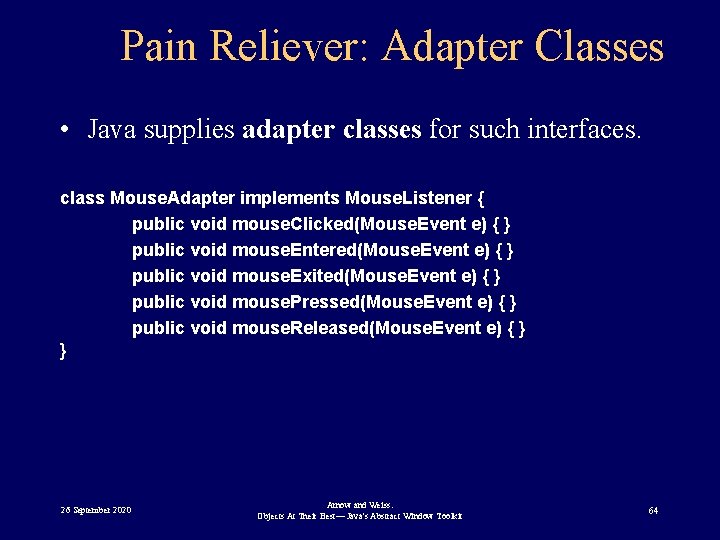
Pain Reliever: Adapter Classes • Java supplies adapter classes for such interfaces. class Mouse. Adapter implements Mouse. Listener { public void mouse. Clicked(Mouse. Event e) { } public void mouse. Entered(Mouse. Event e) { } public void mouse. Exited(Mouse. Event e) { } public void mouse. Pressed(Mouse. Event e) { } public void mouse. Released(Mouse. Event e) { } } 26 September 2020 Arnow and Weiss: Objects At Their Best— Java's Abstract Window Toolkit 64
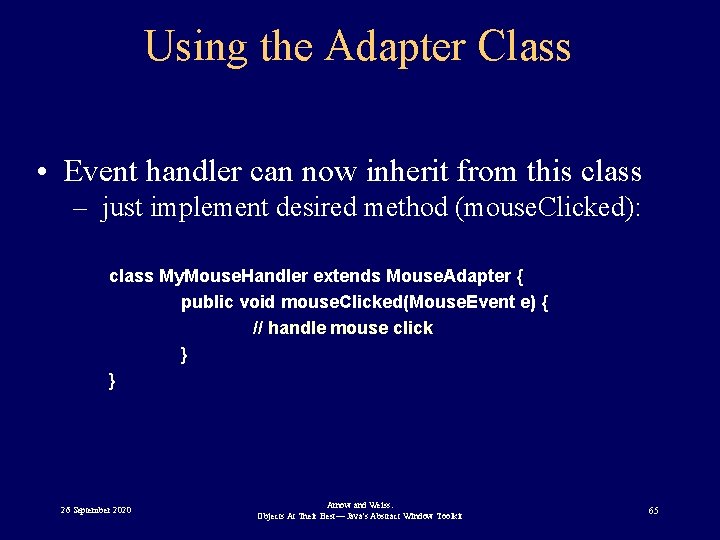
Using the Adapter Class • Event handler can now inherit from this class – just implement desired method (mouse. Clicked): class My. Mouse. Handler extends Mouse. Adapter { public void mouse. Clicked(Mouse. Event e) { // handle mouse click } } 26 September 2020 Arnow and Weiss: Objects At Their Best— Java's Abstract Window Toolkit 65
The Model-View-Controller Paradigm 26 September 2020 Arnow and Weiss: Objects At Their Best— Java's Abstract Window Toolkit 66
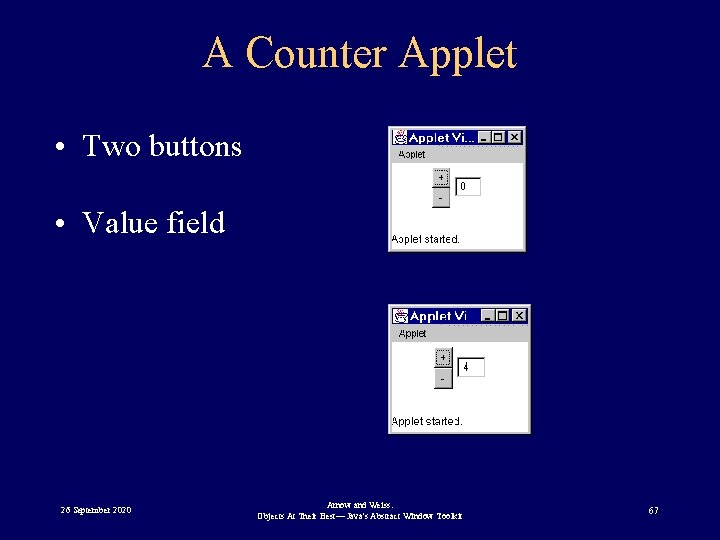
A Counter Applet • Two buttons • Value field 26 September 2020 Arnow and Weiss: Objects At Their Best— Java's Abstract Window Toolkit 67
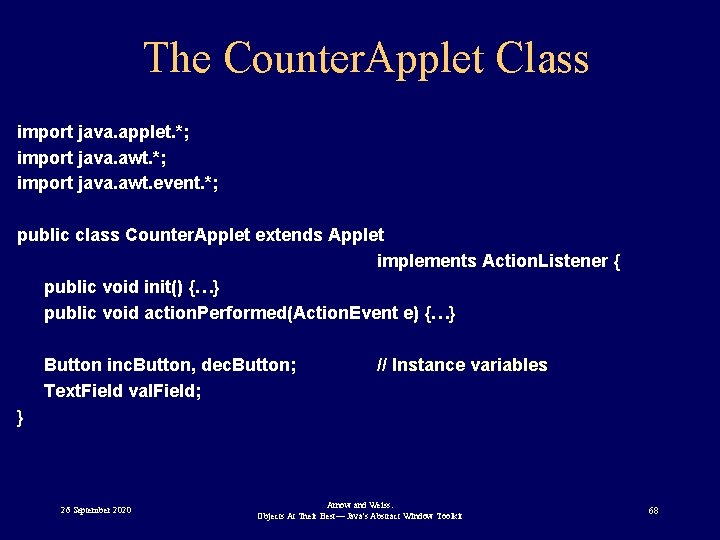
The Counter. Applet Class import java. applet. *; import java. awt. event. *; public class Counter. Applet extends Applet implements Action. Listener { public void init() {…} public void action. Performed(Action. Event e) {…} Button inc. Button, dec. Button; Text. Field val. Field; // Instance variables } 26 September 2020 Arnow and Weiss: Objects At Their Best— Java's Abstract Window Toolkit 68
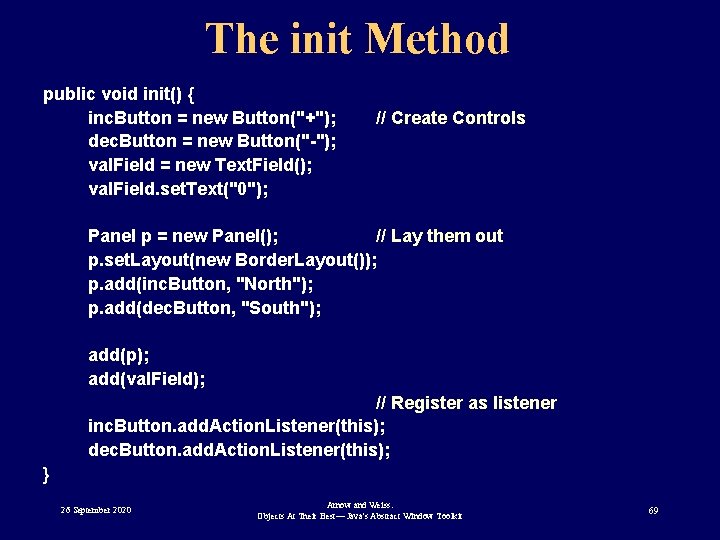
The init Method public void init() { inc. Button = new Button("+"); dec. Button = new Button("-"); val. Field = new Text. Field(); val. Field. set. Text("0"); // Create Controls Panel p = new Panel(); // Lay them out p. set. Layout(new Border. Layout()); p. add(inc. Button, "North"); p. add(dec. Button, "South"); add(p); add(val. Field); // Register as listener inc. Button. add. Action. Listener(this); dec. Button. add. Action. Listener(this); } 26 September 2020 Arnow and Weiss: Objects At Their Best— Java's Abstract Window Toolkit 69
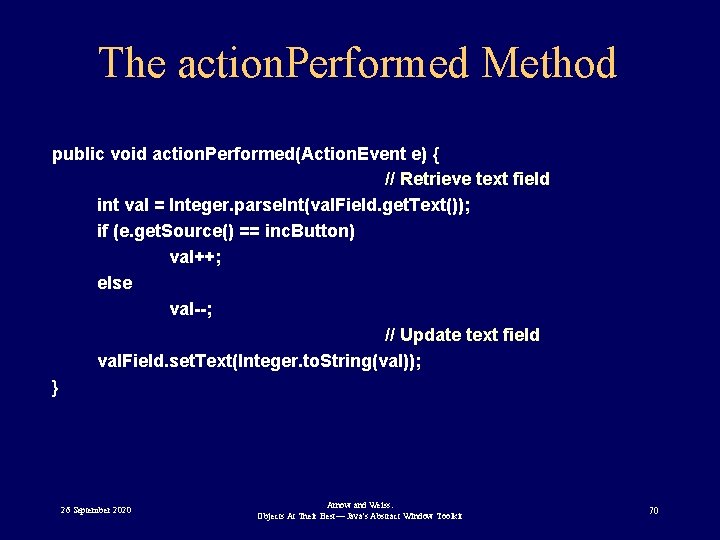
The action. Performed Method public void action. Performed(Action. Event e) { // Retrieve text field int val = Integer. parse. Int(val. Field. get. Text()); if (e. get. Source() == inc. Button) val++; else val--; // Update text field val. Field. set. Text(Integer. to. String(val)); } 26 September 2020 Arnow and Weiss: Objects At Their Best— Java's Abstract Window Toolkit 70
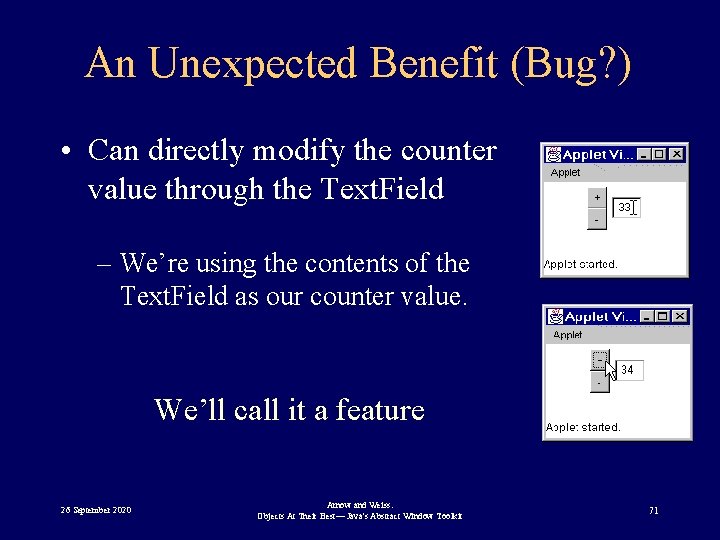
An Unexpected Benefit (Bug? ) • Can directly modify the counter value through the Text. Field – We’re using the contents of the Text. Field as our counter value. We’ll call it a feature 26 September 2020 Arnow and Weiss: Objects At Their Best— Java's Abstract Window Toolkit 71
Concern I • Counter. Applet is modeling too many things: – General behavior of an applet (inherited from Applet) – GUI of our particular application • Display of the two buttons and the text field • Role as listener to the two buttons – Behavior of an up/down counter 26 September 2020 Arnow and Weiss: Objects At Their Best— Java's Abstract Window Toolkit 72
Concern II • The counter logic is all over the place – Initialization is in applet’s init method – Maintenance logic is in action. Performed • No real counter value – "maintained" indirectly as a string in a text field • Makes it difficult to understand maintain 26 September 2020 Arnow and Weiss: Objects At Their Best— Java's Abstract Window Toolkit 73
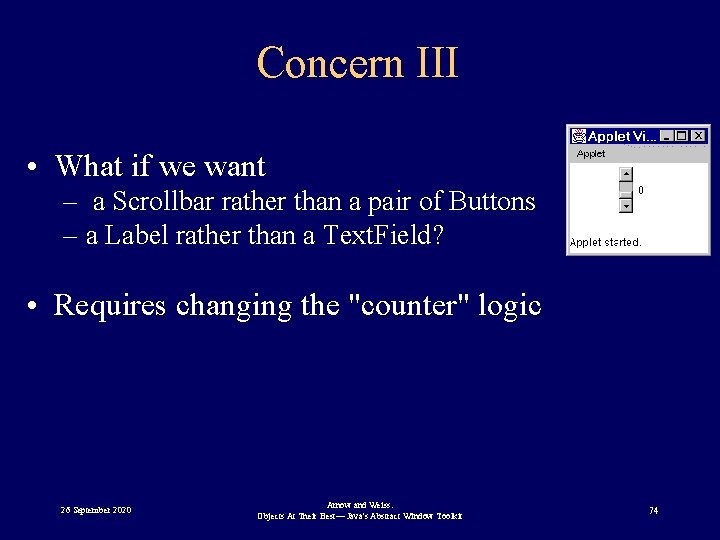
Concern III • What if we want – a Scrollbar rather than a pair of Buttons – a Label rather than a Text. Field? • Requires changing the "counter" logic 26 September 2020 Arnow and Weiss: Objects At Their Best— Java's Abstract Window Toolkit 74
Good Interface Design • Separate interface from application: – Interface: should not affect application logic – Application: should not know about interface. 26 September 2020 Arnow and Weiss: Objects At Their Best— Java's Abstract Window Toolkit 75
Revising the Counter Applet • Have a Counter class – Encapsulate application logic of up/down counter • The Counter. Applet class then uses the Counter class. 26 September 2020 Arnow and Weiss: Objects At Their Best— Java's Abstract Window Toolkit 76
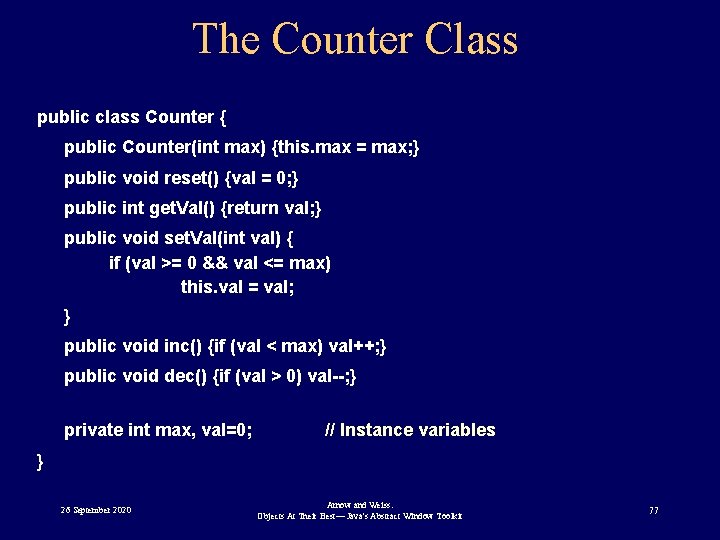
The Counter Class public class Counter { public Counter(int max) {this. max = max; } public void reset() {val = 0; } public int get. Val() {return val; } public void set. Val(int val) { if (val >= 0 && val <= max) this. val = val; } public void inc() {if (val < max) val++; } public void dec() {if (val > 0) val--; } private int max, val=0; // Instance variables } 26 September 2020 Arnow and Weiss: Objects At Their Best— Java's Abstract Window Toolkit 77
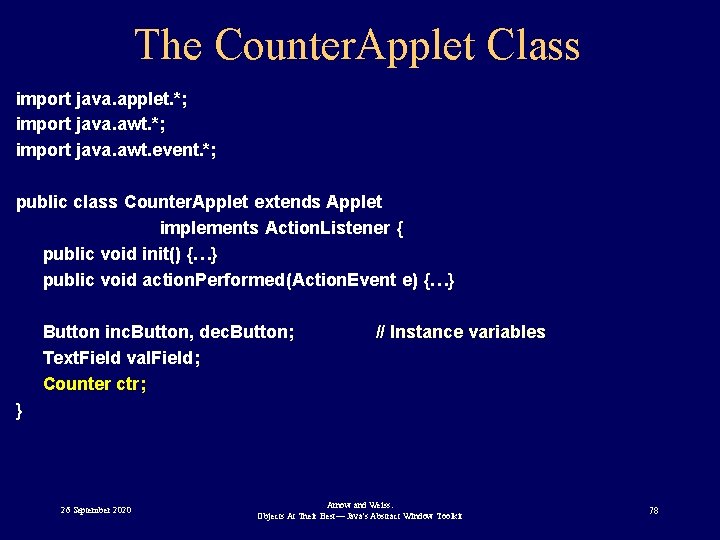
The Counter. Applet Class import java. applet. *; import java. awt. event. *; public class Counter. Applet extends Applet implements Action. Listener { public void init() {…} public void action. Performed(Action. Event e) {…} Button inc. Button, dec. Button; Text. Field val. Field; Counter ctr; // Instance variables } 26 September 2020 Arnow and Weiss: Objects At Their Best— Java's Abstract Window Toolkit 78
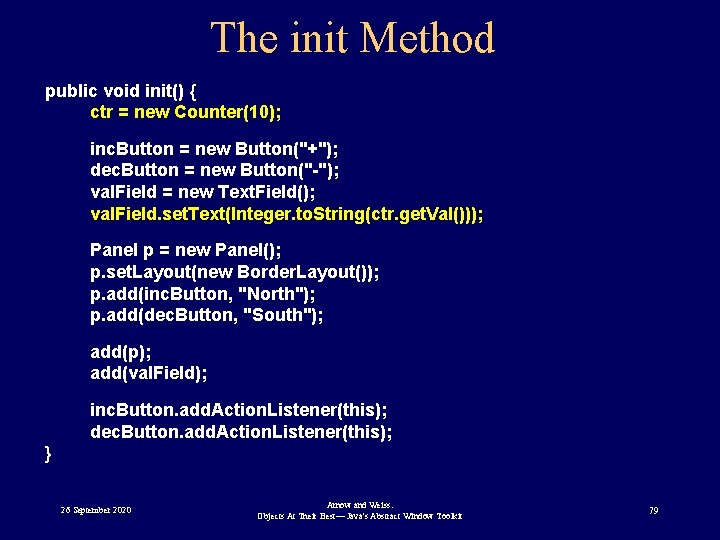
The init Method public void init() { ctr = new Counter(10); inc. Button = new Button("+"); dec. Button = new Button("-"); val. Field = new Text. Field(); val. Field. set. Text(Integer. to. String(ctr. get. Val())); Panel p = new Panel(); p. set. Layout(new Border. Layout()); p. add(inc. Button, "North"); p. add(dec. Button, "South"); add(p); add(val. Field); inc. Button. add. Action. Listener(this); dec. Button. add. Action. Listener(this); } 26 September 2020 Arnow and Weiss: Objects At Their Best— Java's Abstract Window Toolkit 79
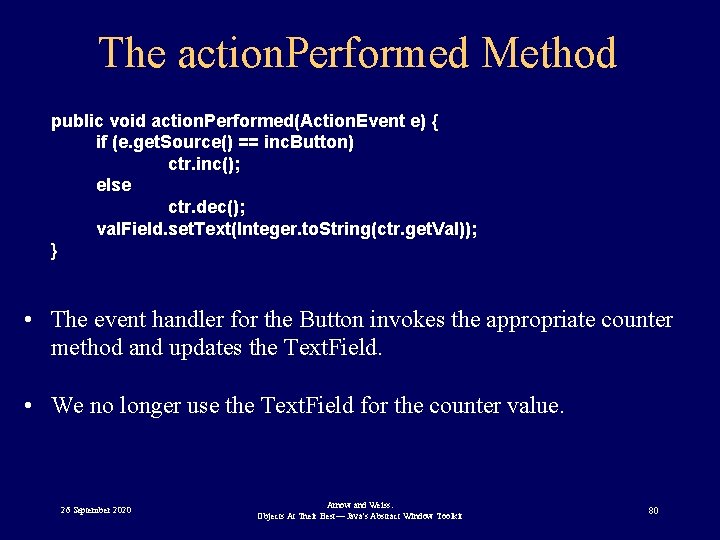
The action. Performed Method public void action. Performed(Action. Event e) { if (e. get. Source() == inc. Button) ctr. inc(); else ctr. dec(); val. Field. set. Text(Integer. to. String(ctr. get. Val)); } • The event handler for the Button invokes the appropriate counter method and updates the Text. Field. • We no longer use the Text. Field for the counter value. 26 September 2020 Arnow and Weiss: Objects At Their Best— Java's Abstract Window Toolkit 80
Better Applet, but. . . • action. Performed still responsible for updating the text. Field. • What if we decide to change the Text. Field to a – Label? – A Scrollbar – A gauge? 26 September 2020 Arnow and Weiss: Objects At Their Best— Java's Abstract Window Toolkit 81
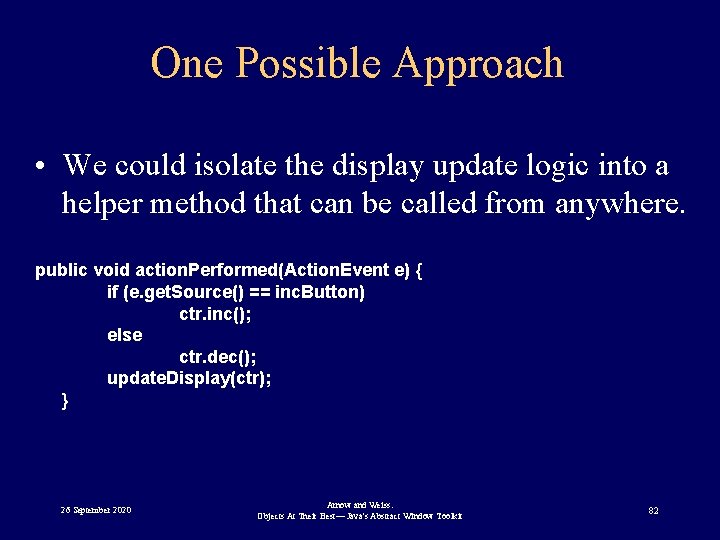
One Possible Approach • We could isolate the display update logic into a helper method that can be called from anywhere. public void action. Performed(Action. Event e) { if (e. get. Source() == inc. Button) ctr. inc(); else ctr. dec(); update. Display(ctr); } 26 September 2020 Arnow and Weiss: Objects At Their Best— Java's Abstract Window Toolkit 82
Not Bad, But. . . • The Counter. Applet still has to know WHEN the Counter has changed. • We will try something a bit different. 26 September 2020 Arnow and Weiss: Objects At Their Best— Java's Abstract Window Toolkit 83
Model-View-Controller (MVC) • Separates application, user input, and display logics. • Makes for an exceptionally clean design • Minimal coupling between interface and application 26 September 2020 Arnow and Weiss: Objects At Their Best— Java's Abstract Window Toolkit 84
Model • Application • Interface-independent • Examples – Spreadsheet data – Counter class 26 September 2020 Arnow and Weiss: Objects At Their Best— Java's Abstract Window Toolkit 85
View • Display • Responsible for maintaining an updated view of the model • Must be notified of changes to the model. • Examples – graph, matrix – Text. Field update 26 September 2020 Arnow and Weiss: Objects At Their Best— Java's Abstract Window Toolkit 86
Controller • Input • Often initiates changes to the model. • Examples – keyboard, mouse – action. Performed 26 September 2020 Arnow and Weiss: Objects At Their Best— Java's Abstract Window Toolkit 87
Document-View • Often easier to combine view and controller. • Sometimes known as document-view. 26 September 2020 Arnow and Weiss: Objects At Their Best— Java's Abstract Window Toolkit 88
Model as the Observed Object • Model must notify view when changes happen • Model must know: – Who is the view? – How to notify the view of the change? 26 September 2020 Arnow and Weiss: Objects At Their Best— Java's Abstract Window Toolkit 89
Symmetric with Event Handling View notification Event Handling • Who is the view? • Who is the listener? • How to notify view? • How to notify listener? 26 September 2020 Arnow and Weiss: Objects At Their Best— Java's Abstract Window Toolkit 90
View as Observer • Who is the view? – View registers with the model • How to notify view that change happened? – View implements an "observer" interface 26 September 2020 Arnow and Weiss: Objects At Their Best— Java's Abstract Window Toolkit 91
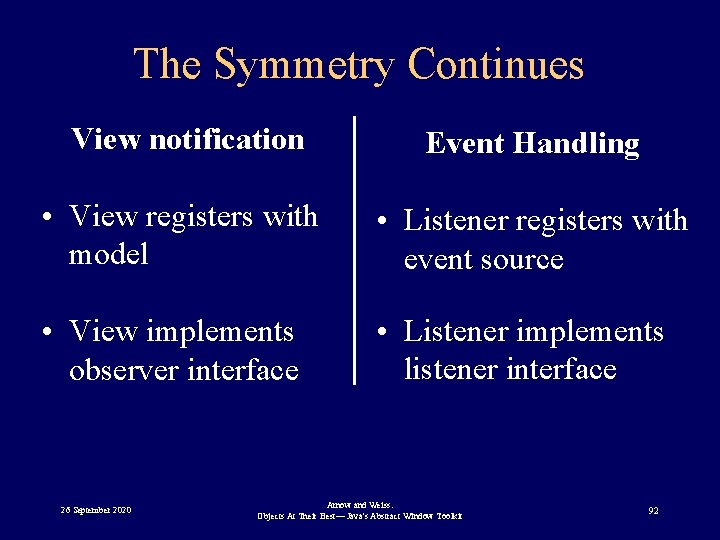
The Symmetry Continues View notification Event Handling • View registers with model • Listener registers with event source • View implements observer interface • Listener implements listener interface 26 September 2020 Arnow and Weiss: Objects At Their Best— Java's Abstract Window Toolkit 92
The Counter Applet Using MVC • class Counter— Model • class Counter. Applet — View/Controller • interface Counter. Observer — observer interface – developed for our applet— not predefined 26 September 2020 Arnow and Weiss: Objects At Their Best— Java's Abstract Window Toolkit 93
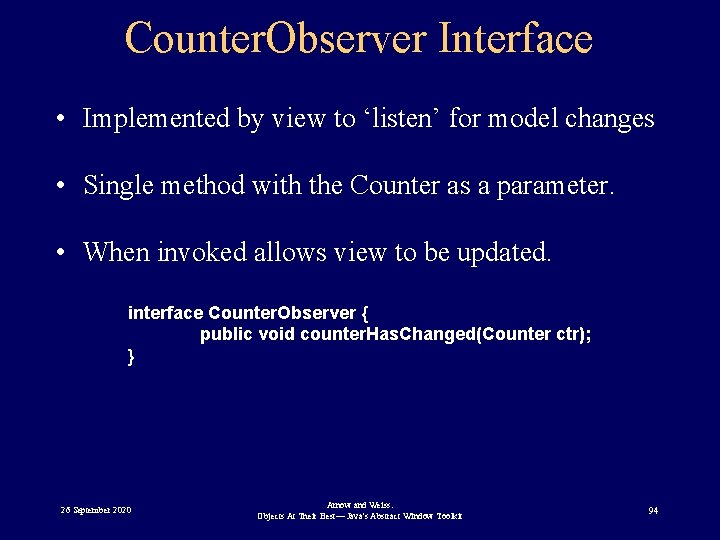
Counter. Observer Interface • Implemented by view to ‘listen’ for model changes • Single method with the Counter as a parameter. • When invoked allows view to be updated. interface Counter. Observer { public void counter. Has. Changed(Counter ctr); } 26 September 2020 Arnow and Weiss: Objects At Their Best— Java's Abstract Window Toolkit 94
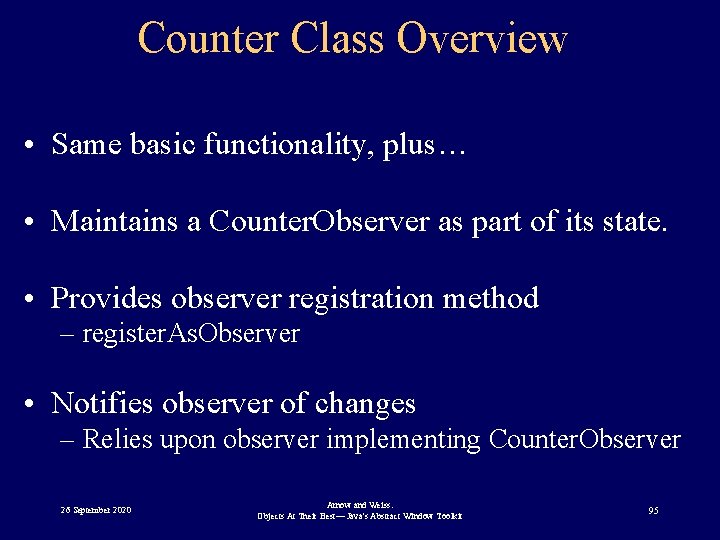
Counter Class Overview • Same basic functionality, plus… • Maintains a Counter. Observer as part of its state. • Provides observer registration method – register. As. Observer • Notifies observer of changes – Relies upon observer implementing Counter. Observer 26 September 2020 Arnow and Weiss: Objects At Their Best— Java's Abstract Window Toolkit 95
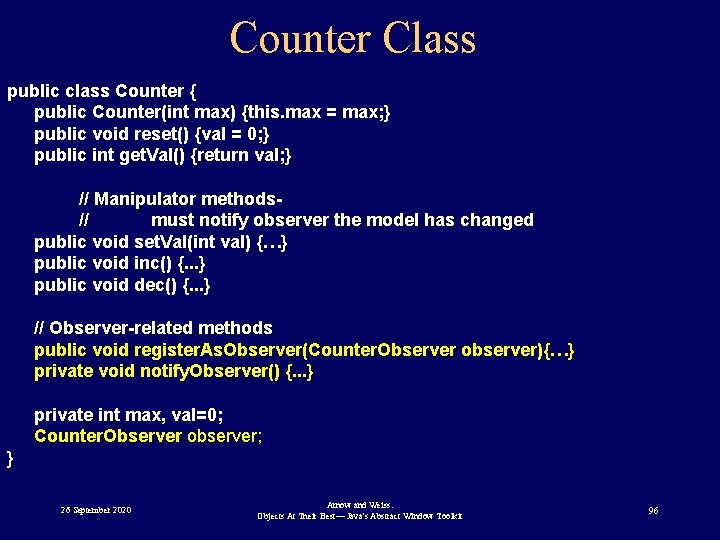
Counter Class public class Counter { public Counter(int max) {this. max = max; } public void reset() {val = 0; } public int get. Val() {return val; } // Manipulator methods// must notify observer the model has changed public void set. Val(int val) {…} public void inc() {. . . } public void dec() {. . . } // Observer-related methods public void register. As. Observer(Counter. Observer observer){…} private void notify. Observer() {. . . } private int max, val=0; Counter. Observer observer; } 26 September 2020 Arnow and Weiss: Objects At Their Best— Java's Abstract Window Toolkit 96
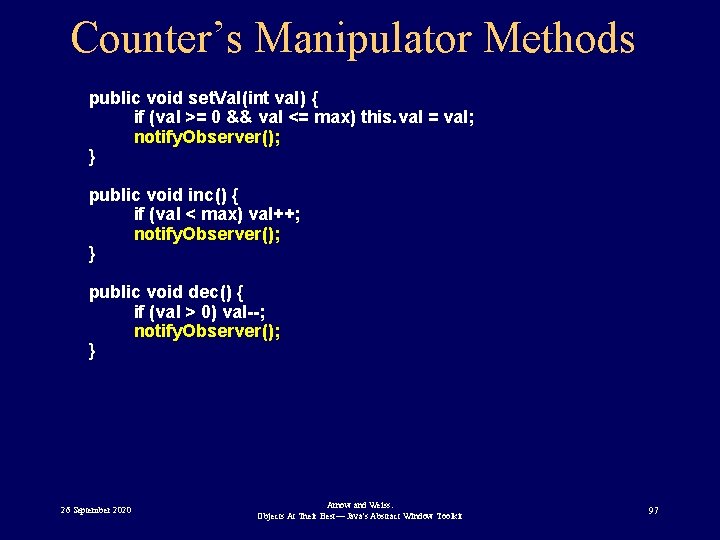
Counter’s Manipulator Methods public void set. Val(int val) { if (val >= 0 && val <= max) this. val = val; notify. Observer(); } public void inc() { if (val < max) val++; notify. Observer(); } public void dec() { if (val > 0) val--; notify. Observer(); } 26 September 2020 Arnow and Weiss: Objects At Their Best— Java's Abstract Window Toolkit 97
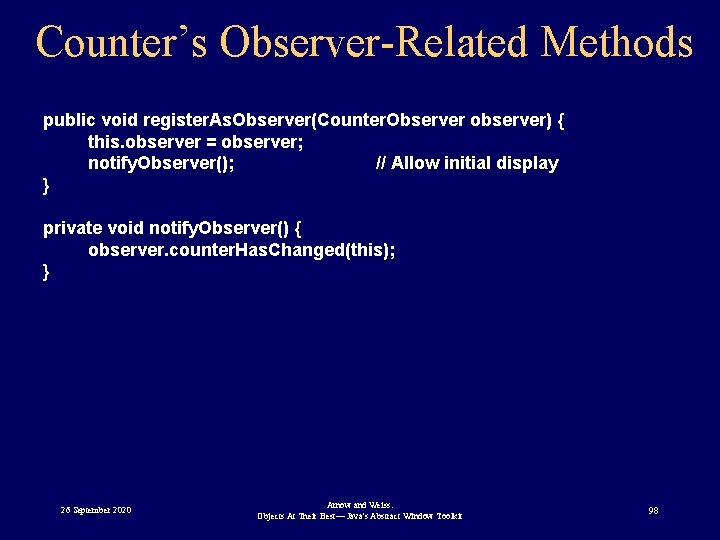
Counter’s Observer-Related Methods public void register. As. Observer(Counter. Observer observer) { this. observer = observer; notify. Observer(); // Allow initial display } private void notify. Observer() { observer. counter. Has. Changed(this); } 26 September 2020 Arnow and Weiss: Objects At Their Best— Java's Abstract Window Toolkit 98
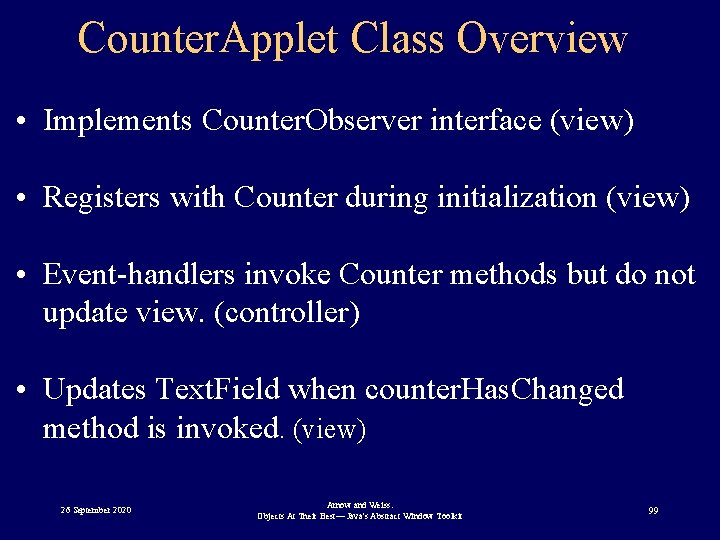
Counter. Applet Class Overview • Implements Counter. Observer interface (view) • Registers with Counter during initialization (view) • Event-handlers invoke Counter methods but do not update view. (controller) • Updates Text. Field when counter. Has. Changed method is invoked. (view) 26 September 2020 Arnow and Weiss: Objects At Their Best— Java's Abstract Window Toolkit 99
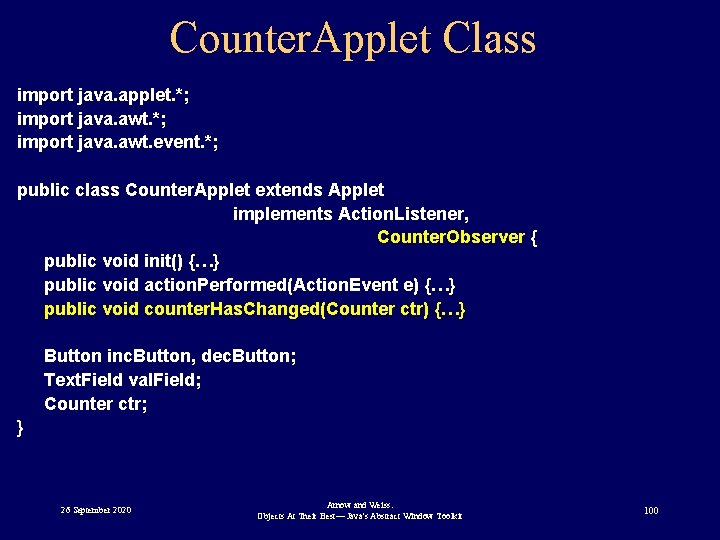
Counter. Applet Class import java. applet. *; import java. awt. event. *; public class Counter. Applet extends Applet implements Action. Listener, Counter. Observer { public void init() {…} public void action. Performed(Action. Event e) {…} public void counter. Has. Changed(Counter ctr) {…} Button inc. Button, dec. Button; Text. Field val. Field; Counter ctr; } 26 September 2020 Arnow and Weiss: Objects At Their Best— Java's Abstract Window Toolkit 100
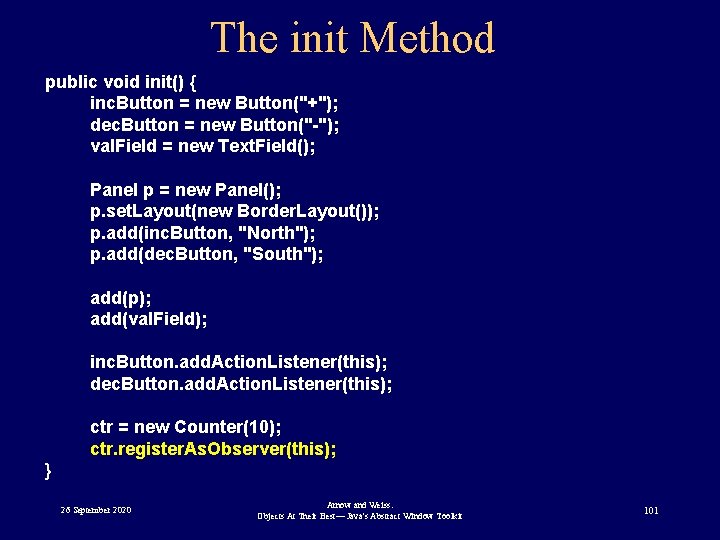
The init Method public void init() { inc. Button = new Button("+"); dec. Button = new Button("-"); val. Field = new Text. Field(); Panel p = new Panel(); p. set. Layout(new Border. Layout()); p. add(inc. Button, "North"); p. add(dec. Button, "South"); add(p); add(val. Field); inc. Button. add. Action. Listener(this); dec. Button. add. Action. Listener(this); ctr = new Counter(10); ctr. register. As. Observer(this); } 26 September 2020 Arnow and Weiss: Objects At Their Best— Java's Abstract Window Toolkit 101
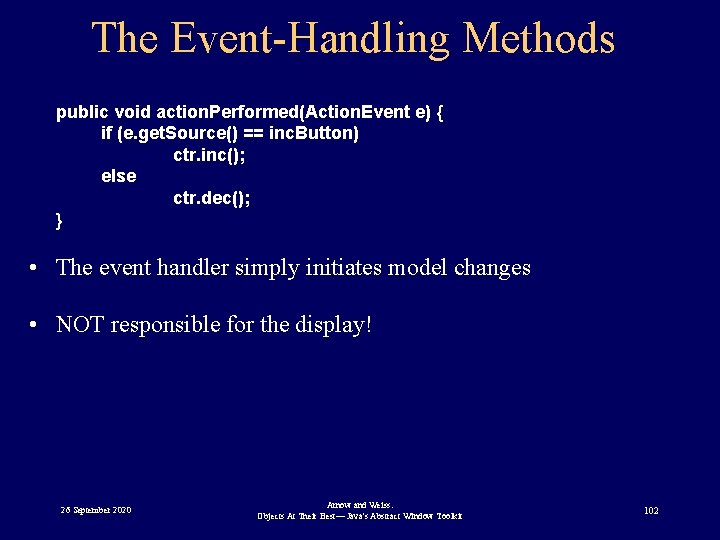
The Event-Handling Methods public void action. Performed(Action. Event e) { if (e. get. Source() == inc. Button) ctr. inc(); else ctr. dec(); } • The event handler simply initiates model changes • NOT responsible for the display! 26 September 2020 Arnow and Weiss: Objects At Their Best— Java's Abstract Window Toolkit 102
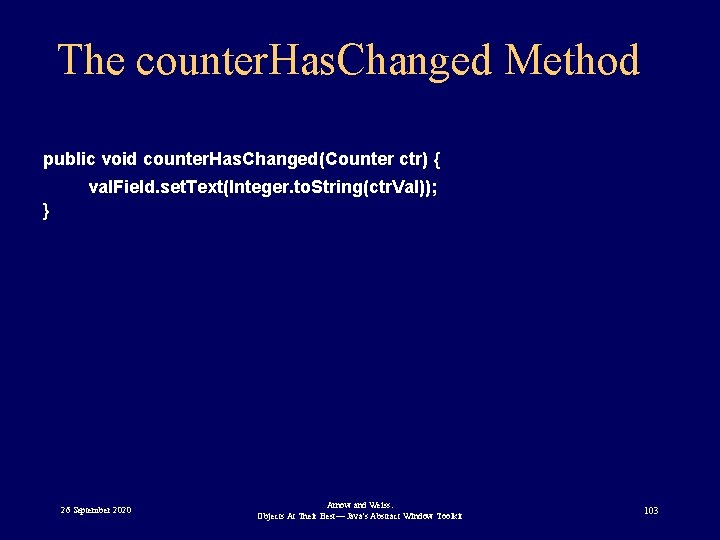
The counter. Has. Changed Method public void counter. Has. Changed(Counter ctr) { val. Field. set. Text(Integer. to. String(ctr. Val)); } 26 September 2020 Arnow and Weiss: Objects At Their Best— Java's Abstract Window Toolkit 103
Now Let’s Have Some Fun! • We’ve shown you the basics of MVC • We’ve also claimed it results in a clean design – Model knows nothing of controller/view’s workings • All this leads to some very unexpected capabilities! 26 September 2020 Arnow and Weiss: Objects At Their Best— Java's Abstract Window Toolkit 104
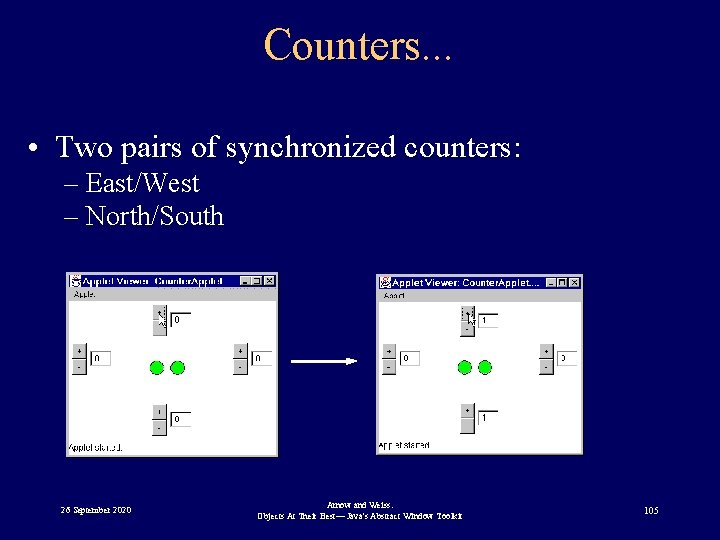
Counters. . . • Two pairs of synchronized counters: – East/West – North/South 26 September 2020 Arnow and Weiss: Objects At Their Best— Java's Abstract Window Toolkit 105
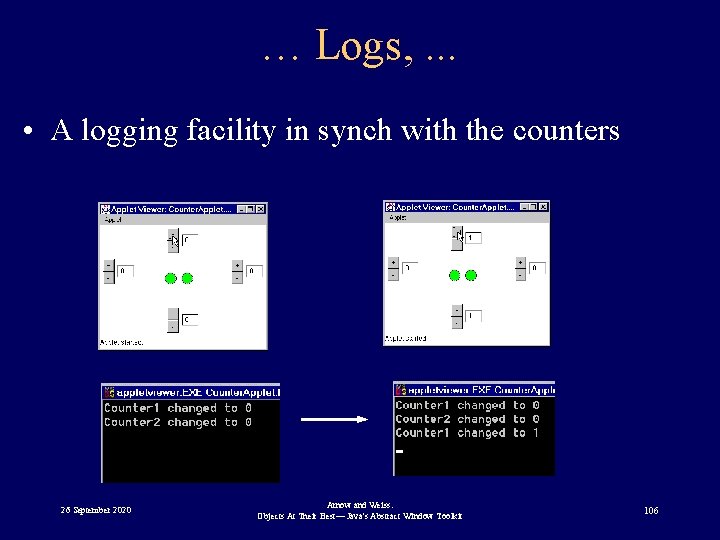
… Logs, . . . • A logging facility in synch with the counters 26 September 2020 Arnow and Weiss: Objects At Their Best— Java's Abstract Window Toolkit 106
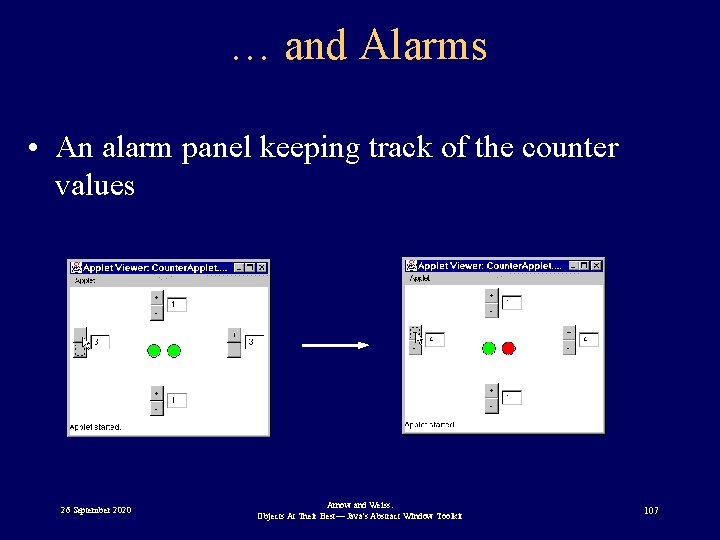
… and Alarms • An alarm panel keeping track of the counter values 26 September 2020 Arnow and Weiss: Objects At Their Best— Java's Abstract Window Toolkit 107
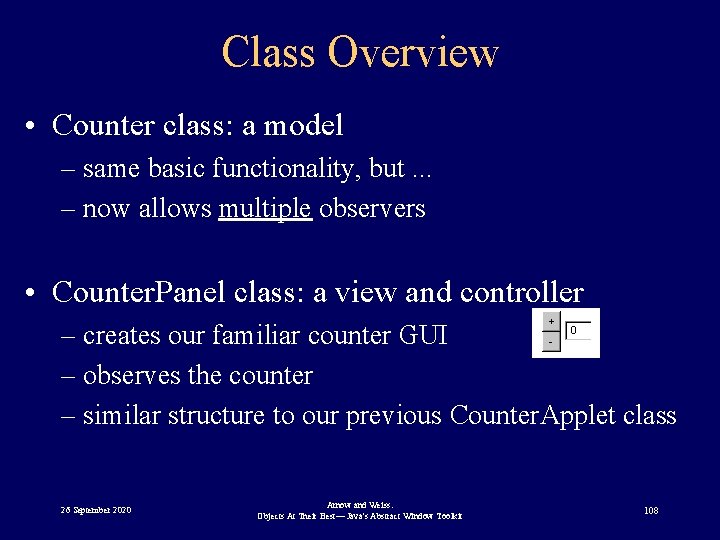
Class Overview • Counter class: a model – same basic functionality, but. . . – now allows multiple observers • Counter. Panel class: a view and controller – creates our familiar counter GUI – observes the counter – similar structure to our previous Counter. Applet class 26 September 2020 Arnow and Weiss: Objects At Their Best— Java's Abstract Window Toolkit 108
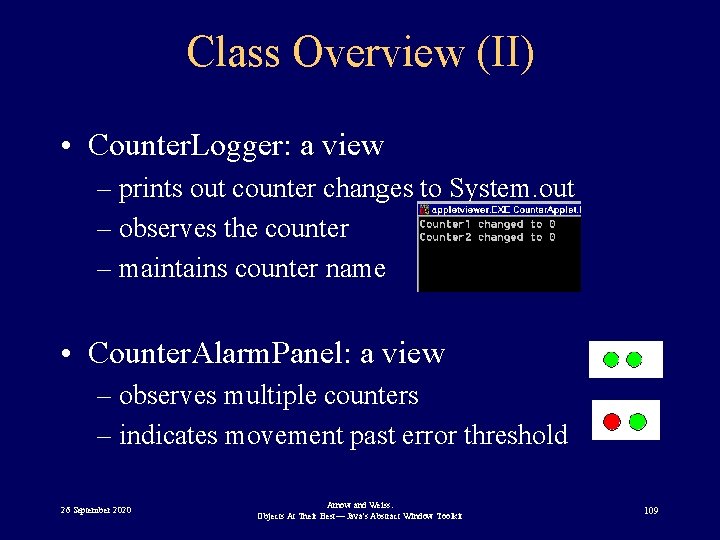
Class Overview (II) • Counter. Logger: a view – prints out counter changes to System. out – observes the counter – maintains counter name • Counter. Alarm. Panel: a view – observes multiple counters – indicates movement past error threshold 26 September 2020 Arnow and Weiss: Objects At Their Best— Java's Abstract Window Toolkit 109
Class Overview (III) • Counter. Applet – creates the various interface components – sits back and let’s them do all the work • Counter. Observer interface – same as before 26 September 2020 Arnow and Weiss: Objects At Their Best— Java's Abstract Window Toolkit 110
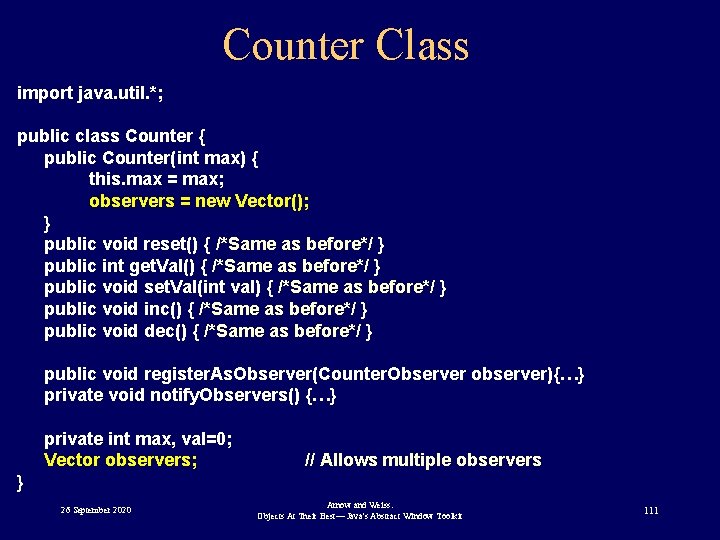
Counter Class import java. util. *; public class Counter { public Counter(int max) { this. max = max; observers = new Vector(); } public void reset() { /*Same as before*/ } public int get. Val() { /*Same as before*/ } public void set. Val(int val) { /*Same as before*/ } public void inc() { /*Same as before*/ } public void dec() { /*Same as before*/ } public void register. As. Observer(Counter. Observer observer){…} private void notify. Observers() {…} private int max, val=0; Vector observers; // Allows multiple observers } 26 September 2020 Arnow and Weiss: Objects At Their Best— Java's Abstract Window Toolkit 111
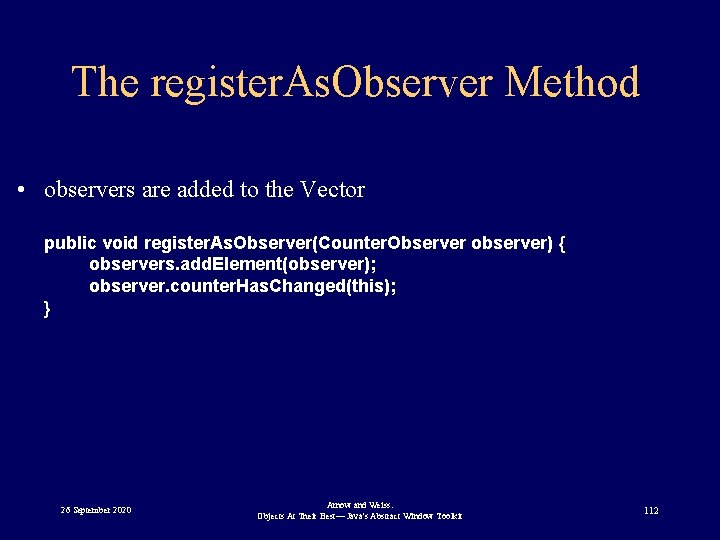
The register. As. Observer Method • observers are added to the Vector public void register. As. Observer(Counter. Observer observer) { observers. add. Element(observer); observer. counter. Has. Changed(this); } 26 September 2020 Arnow and Weiss: Objects At Their Best— Java's Abstract Window Toolkit 112
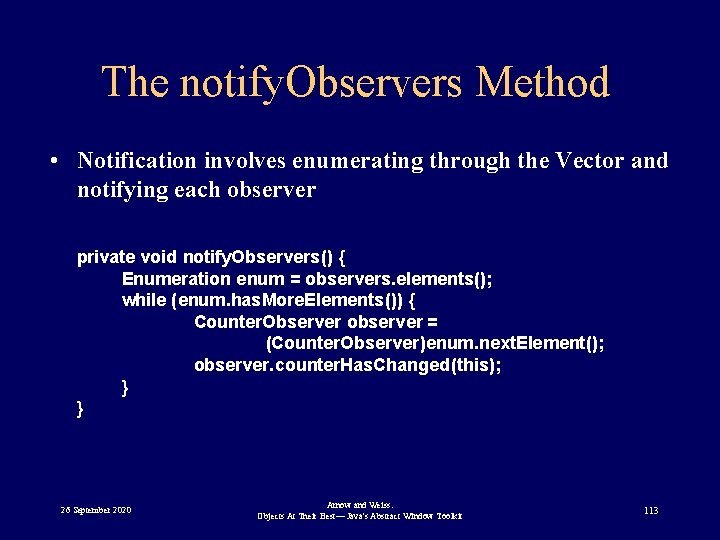
The notify. Observers Method • Notification involves enumerating through the Vector and notifying each observer private void notify. Observers() { Enumeration enum = observers. elements(); while (enum. has. More. Elements()) { Counter. Observer observer = (Counter. Observer)enum. next. Element(); observer. counter. Has. Changed(this); } } 26 September 2020 Arnow and Weiss: Objects At Their Best— Java's Abstract Window Toolkit 113
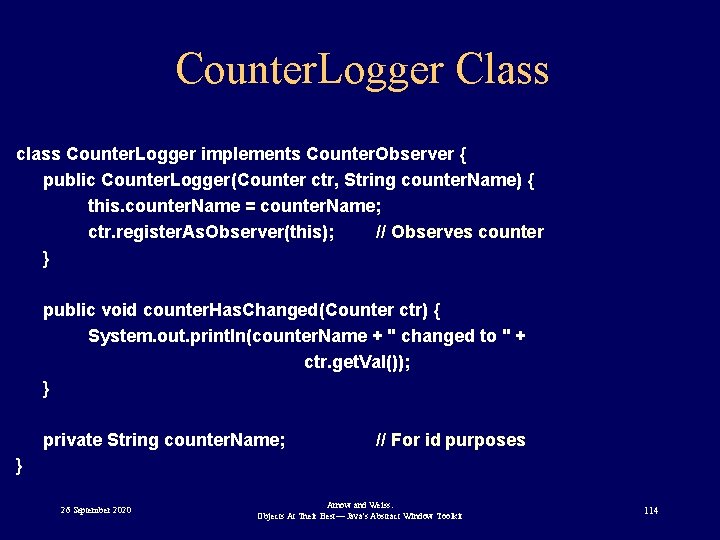
Counter. Logger Class class Counter. Logger implements Counter. Observer { public Counter. Logger(Counter ctr, String counter. Name) { this. counter. Name = counter. Name; ctr. register. As. Observer(this); // Observes counter } public void counter. Has. Changed(Counter ctr) { System. out. println(counter. Name + " changed to " + ctr. get. Val()); } private String counter. Name; // For id purposes } 26 September 2020 Arnow and Weiss: Objects At Their Best— Java's Abstract Window Toolkit 114
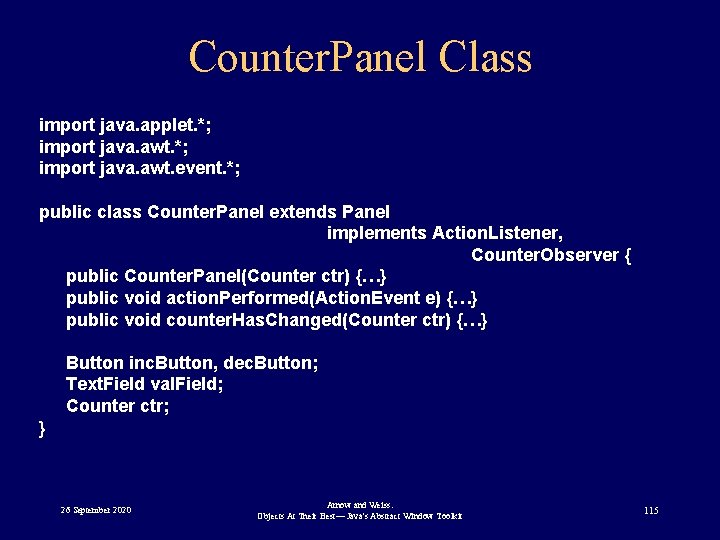
Counter. Panel Class import java. applet. *; import java. awt. event. *; public class Counter. Panel extends Panel implements Action. Listener, Counter. Observer { public Counter. Panel(Counter ctr) {…} public void action. Performed(Action. Event e) {…} public void counter. Has. Changed(Counter ctr) {…} Button inc. Button, dec. Button; Text. Field val. Field; Counter ctr; } 26 September 2020 Arnow and Weiss: Objects At Their Best— Java's Abstract Window Toolkit 115
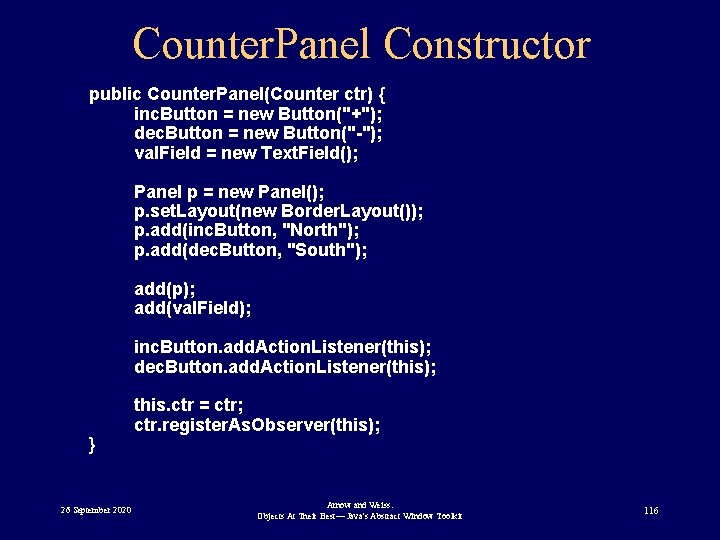
Counter. Panel Constructor public Counter. Panel(Counter ctr) { inc. Button = new Button("+"); dec. Button = new Button("-"); val. Field = new Text. Field(); Panel p = new Panel(); p. set. Layout(new Border. Layout()); p. add(inc. Button, "North"); p. add(dec. Button, "South"); add(p); add(val. Field); inc. Button. add. Action. Listener(this); dec. Button. add. Action. Listener(this); } 26 September 2020 this. ctr = ctr; ctr. register. As. Observer(this); Arnow and Weiss: Objects At Their Best— Java's Abstract Window Toolkit 116
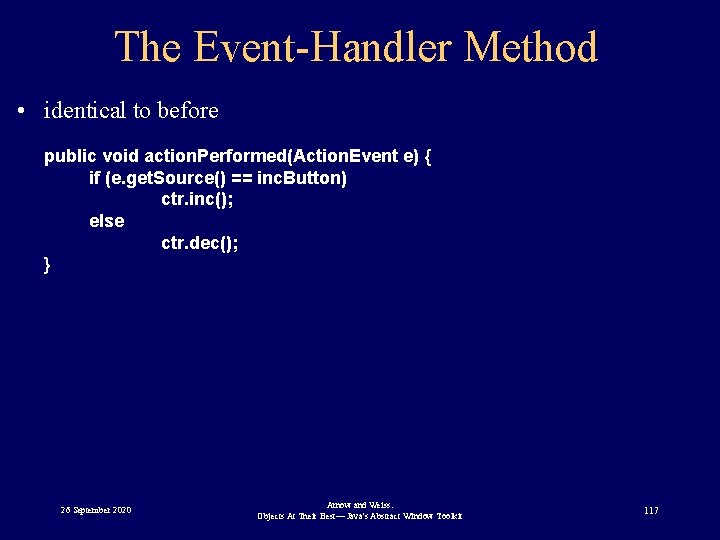
The Event-Handler Method • identical to before public void action. Performed(Action. Event e) { if (e. get. Source() == inc. Button) ctr. inc(); else ctr. dec(); } 26 September 2020 Arnow and Weiss: Objects At Their Best— Java's Abstract Window Toolkit 117
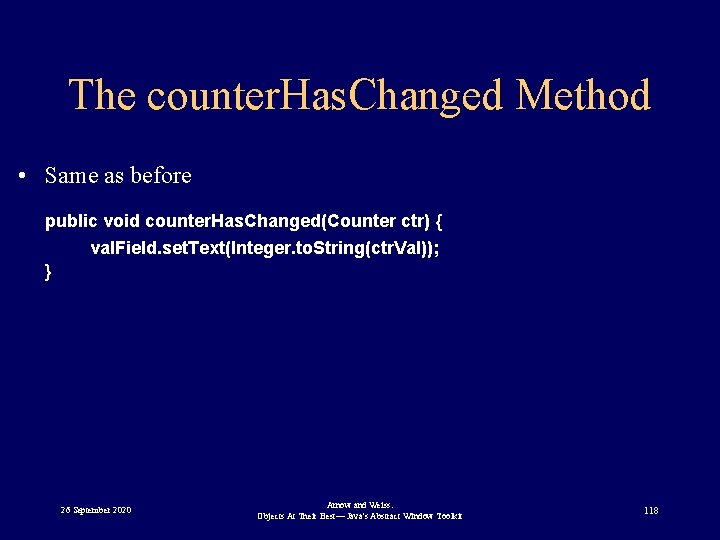
The counter. Has. Changed Method • Same as before public void counter. Has. Changed(Counter ctr) { val. Field. set. Text(Integer. to. String(ctr. Val)); } 26 September 2020 Arnow and Weiss: Objects At Their Best— Java's Abstract Window Toolkit 118
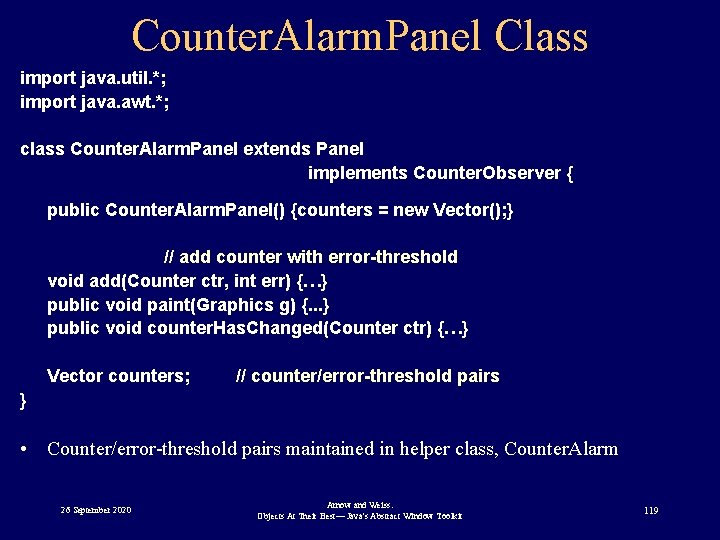
Counter. Alarm. Panel Class import java. util. *; import java. awt. *; class Counter. Alarm. Panel extends Panel implements Counter. Observer { public Counter. Alarm. Panel() {counters = new Vector(); } // add counter with error-threshold void add(Counter ctr, int err) {…} public void paint(Graphics g) {. . . } public void counter. Has. Changed(Counter ctr) {…} Vector counters; // counter/error-threshold pairs } • Counter/error-threshold pairs maintained in helper class, Counter. Alarm 26 September 2020 Arnow and Weiss: Objects At Their Best— Java's Abstract Window Toolkit 119
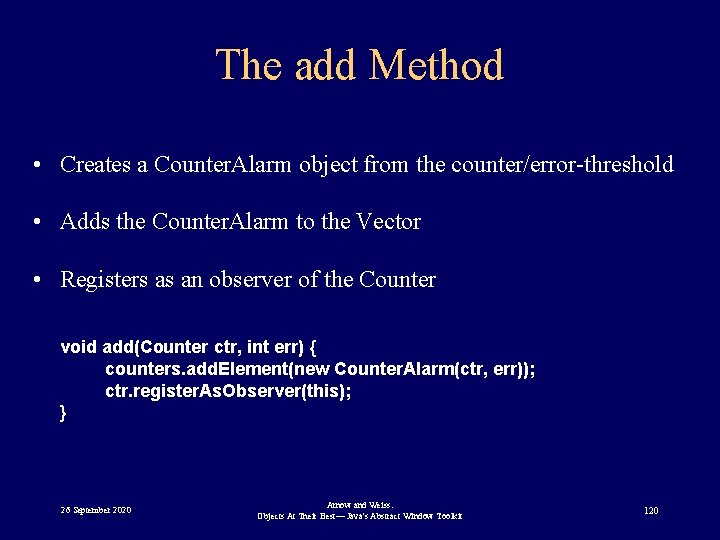
The add Method • Creates a Counter. Alarm object from the counter/error-threshold • Adds the Counter. Alarm to the Vector • Registers as an observer of the Counter void add(Counter ctr, int err) { counters. add. Element(new Counter. Alarm(ctr, err)); ctr. register. As. Observer(this); } 26 September 2020 Arnow and Weiss: Objects At Their Best— Java's Abstract Window Toolkit 120
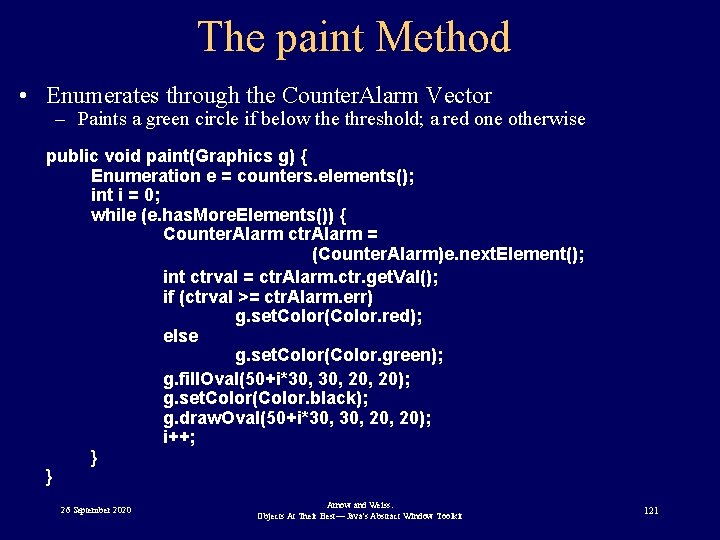
The paint Method • Enumerates through the Counter. Alarm Vector – Paints a green circle if below the threshold; a red one otherwise public void paint(Graphics g) { Enumeration e = counters. elements(); int i = 0; while (e. has. More. Elements()) { Counter. Alarm ctr. Alarm = (Counter. Alarm)e. next. Element(); int ctrval = ctr. Alarm. ctr. get. Val(); if (ctrval >= ctr. Alarm. err) g. set. Color(Color. red); else g. set. Color(Color. green); g. fill. Oval(50+i*30, 20, 20); g. set. Color(Color. black); g. draw. Oval(50+i*30, 20, 20); i++; } } 26 September 2020 Arnow and Weiss: Objects At Their Best— Java's Abstract Window Toolkit 121
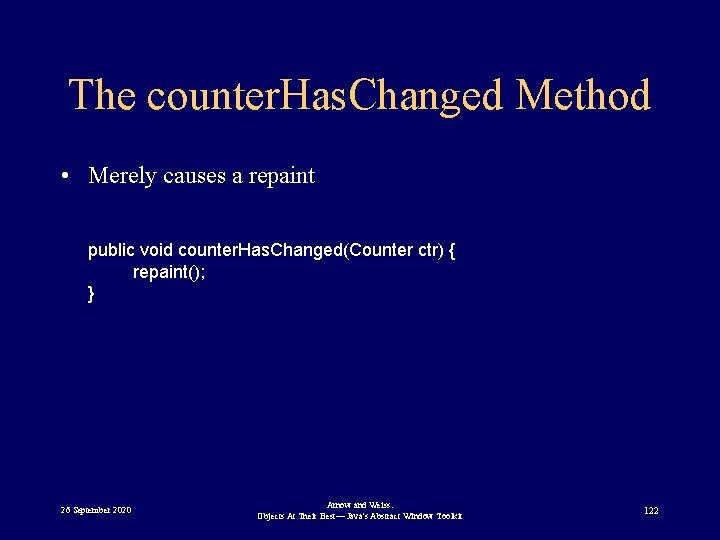
The counter. Has. Changed Method • Merely causes a repaint public void counter. Has. Changed(Counter ctr) { repaint(); } 26 September 2020 Arnow and Weiss: Objects At Their Best— Java's Abstract Window Toolkit 122
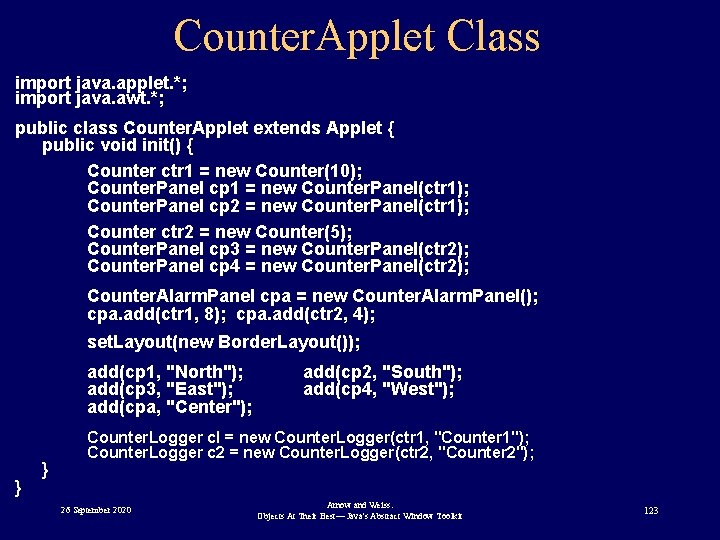
Counter. Applet Class import java. applet. *; import java. awt. *; public class Counter. Applet extends Applet { public void init() { Counter ctr 1 = new Counter(10); Counter. Panel cp 1 = new Counter. Panel(ctr 1); Counter. Panel cp 2 = new Counter. Panel(ctr 1); Counter ctr 2 = new Counter(5); Counter. Panel cp 3 = new Counter. Panel(ctr 2); Counter. Panel cp 4 = new Counter. Panel(ctr 2); Counter. Alarm. Panel cpa = new Counter. Alarm. Panel(); cpa. add(ctr 1, 8); cpa. add(ctr 2, 4); set. Layout(new Border. Layout()); add(cp 1, "North"); add(cp 3, "East"); add(cpa, "Center"); } } add(cp 2, "South"); add(cp 4, "West"); Counter. Logger cl = new Counter. Logger(ctr 1, "Counter 1"); Counter. Logger c 2 = new Counter. Logger(ctr 2, "Counter 2"); 26 September 2020 Arnow and Weiss: Objects At Their Best— Java's Abstract Window Toolkit 123
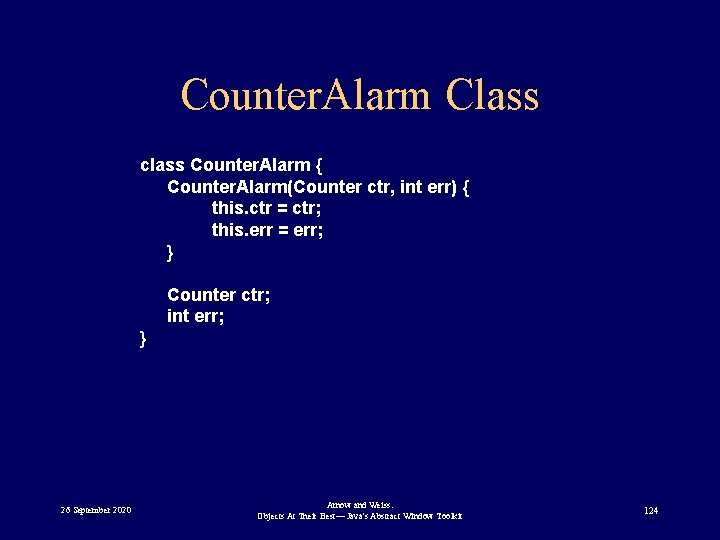
Counter. Alarm Class class Counter. Alarm { Counter. Alarm(Counter ctr, int err) { this. ctr = ctr; this. err = err; } Counter ctr; int err; } 26 September 2020 Arnow and Weiss: Objects At Their Best— Java's Abstract Window Toolkit 124
Where Do You Go From Here? Net Resources • www. javasoft. com – Sun’s Java site – Join Java Developer’s Connection (JDC) - it’s free (actually it costs a cookie) • http: //developer. netscape. com/ – Netscape’s Dev. Edge Online 26 September 2020 Arnow and Weiss: Objects At Their Best— Java's Abstract Window Toolkit 125
Where Do You Go From Here? Books – core Java - Cornell & Horstmann, Prentice Hall • good technical Java material – Intro to OOP (Using Java) - Budd, Addison-Wesley • Has good handle on OOP – Practical OO Development in C++ and Java Horstmann • Nice intro to both, good discussion of OO techniques (inheritance vs composition, class design, access control) 26 September 2020 Arnow and Weiss: Objects At Their Best— Java's Abstract Window Toolkit 126
Where Do You Go From Here? Development Tools – Java Development Kit (JDK) • • Sun’s product Currently 1. 2 beta, 1. 1. 7 product release Free! www. javasoft. com (only 7 M+ of download) De Facto operational definition – Microsoft J++ – Code. Warrior – Inprise (Borland) Jbuilder 26 September 2020 Arnow and Weiss: Objects At Their Best— Java's Abstract Window Toolkit 127
- Slides: 127