
Objects and Names There are two types of
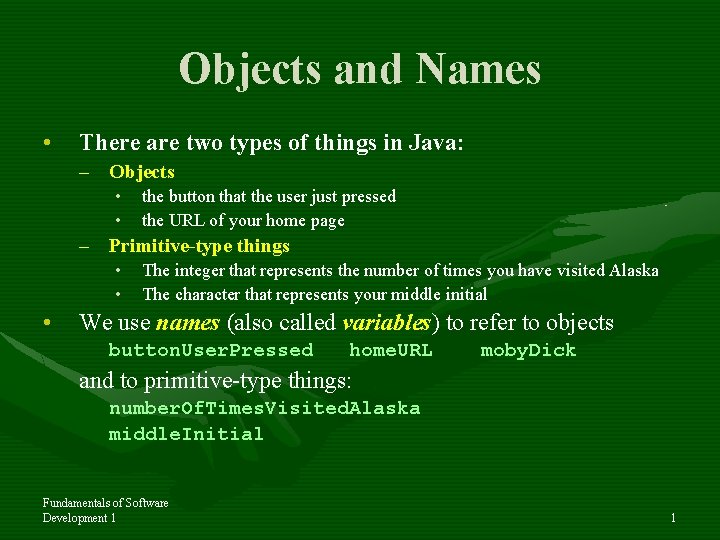
Objects and Names • There are two types of things in Java: – Objects • • the button that the user just pressed the URL of your home page – Primitive-type things • • • The integer that represents the number of times you have visited Alaska The character that represents your middle initial We use names (also called variables) to refer to objects button. User. Pressed home. URL moby. Dick and to primitive-type things: number. Of. Times. Visited. Alaska middle. Initial Fundamentals of Software Development 1 1
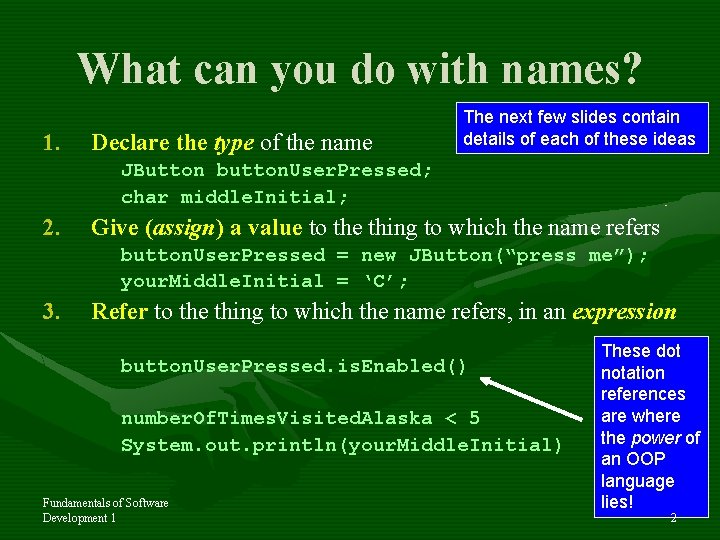
What can you do with names? 1. Declare the type of the name The next few slides contain details of each of these ideas JButton button. User. Pressed; char middle. Initial; 2. Give (assign) a value to the thing to which the name refers button. User. Pressed = new JButton(“press me”); your. Middle. Initial = ‘C’; 3. Refer to the thing to which the name refers, in an expression button. User. Pressed. is. Enabled() number. Of. Times. Visited. Alaska < 5 System. out. println(your. Middle. Initial) Fundamentals of Software Development 1 These dot notation references are where the power of an OOP language lies! 2
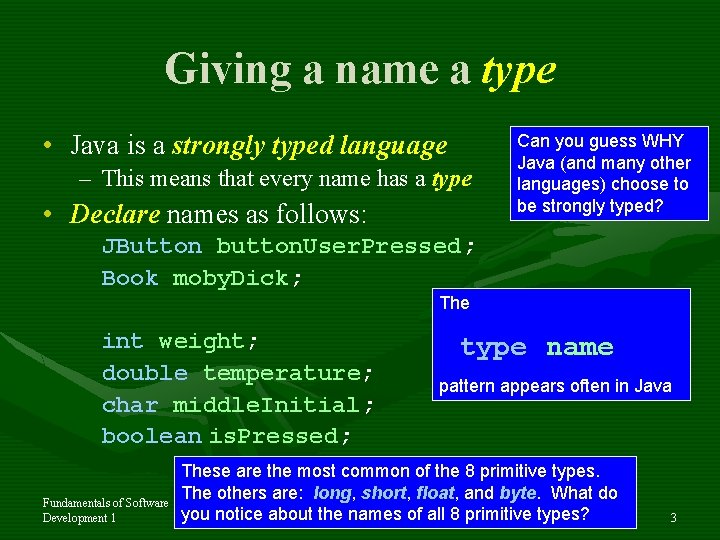
Giving a name a type • Java is a strongly typed language – This means that every name has a type • Declare names as follows: Can you guess WHY Java (and many other languages) choose to be strongly typed? JButton button. User. Pressed; Book moby. Dick; The int weight; double temperature; char middle. Initial; boolean is. Pressed; Fundamentals of Software Development 1 type name pattern appears often in Java These are the most common of the 8 primitive types. The others are: long, short, float, and byte. What do you notice about the names of all 8 primitive types? 3
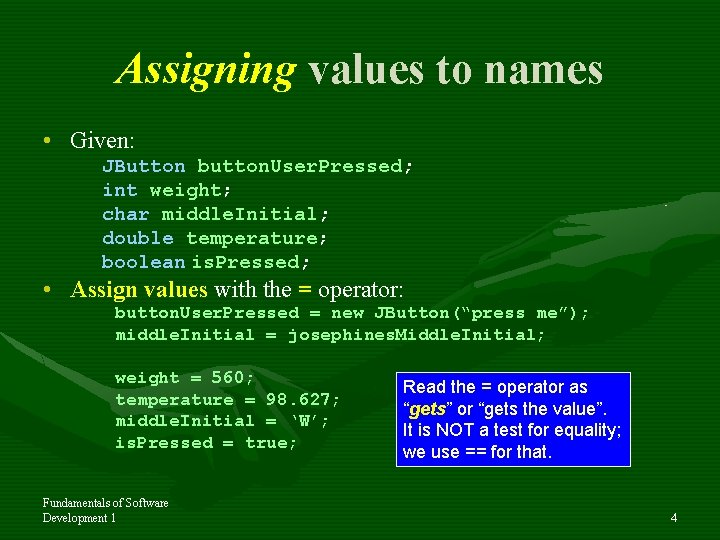
Assigning values to names • Given: JButton button. User. Pressed; int weight; char middle. Initial; double temperature; boolean is. Pressed; • Assign values with the = operator: button. User. Pressed = new JButton(“press me”); middle. Initial = josephines. Middle. Initial; weight = 560; temperature = 98. 627; middle. Initial = ‘W’; is. Pressed = true; Fundamentals of Software Development 1 Read the = operator as “gets” or “gets the value”. It is NOT a test for equality; we use == for that. 4
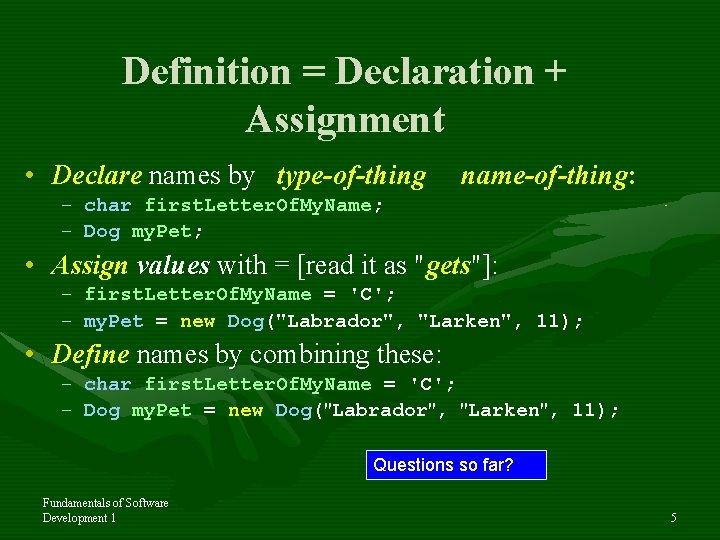
Definition = Declaration + Assignment • Declare names by type-of-thing name-of-thing: – char first. Letter. Of. My. Name; – Dog my. Pet; • Assign values with = [read it as "gets"]: – first. Letter. Of. My. Name = 'C'; – my. Pet = new Dog("Labrador", "Larken", 11); • Define names by combining these: – char first. Letter. Of. My. Name = 'C'; – Dog my. Pet = new Dog("Labrador", "Larken", 11); Questions so far? Fundamentals of Software Development 1 5
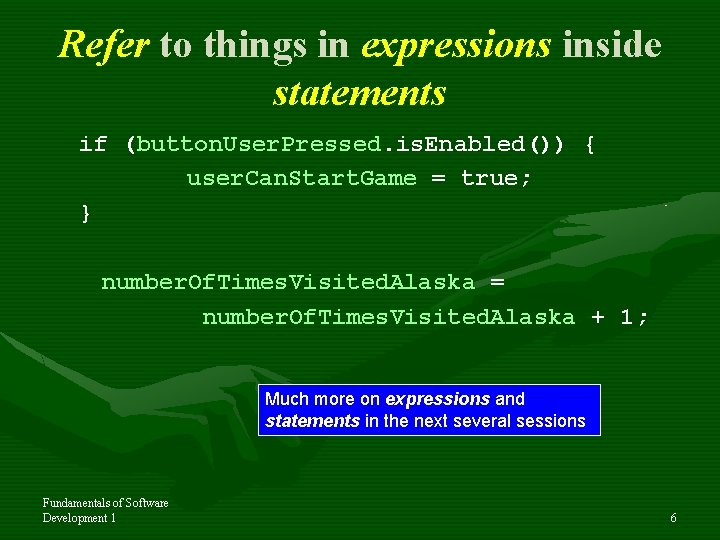
Refer to things in expressions inside statements if (button. User. Pressed. is. Enabled()) { user. Can. Start. Game = true; } number. Of. Times. Visited. Alaska = number. Of. Times. Visited. Alaska + 1; Much more on expressions and statements in the next several sessions Fundamentals of Software Development 1 6
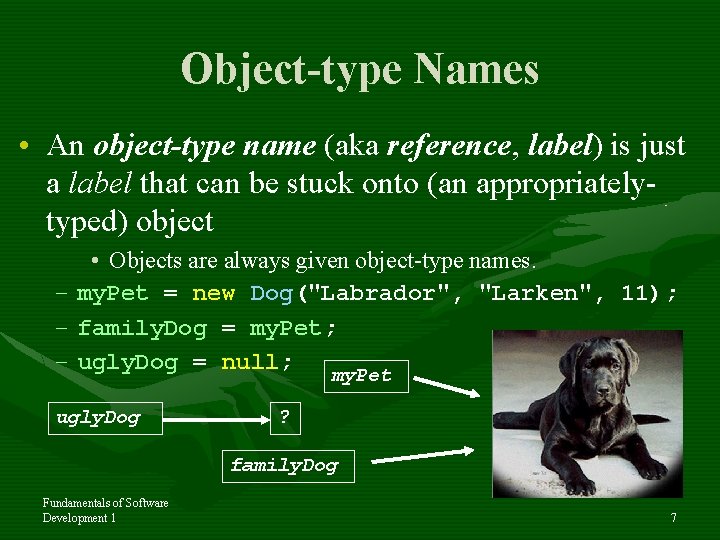
Object-type Names • An object-type name (aka reference, label) is just a label that can be stuck onto (an appropriatelytyped) object • Objects are always given object-type names. – my. Pet = new Dog("Labrador", "Larken", 11); – family. Dog = my. Pet; – ugly. Dog = null; my. Pet ugly. Dog ? family. Dog Fundamentals of Software Development 1 7
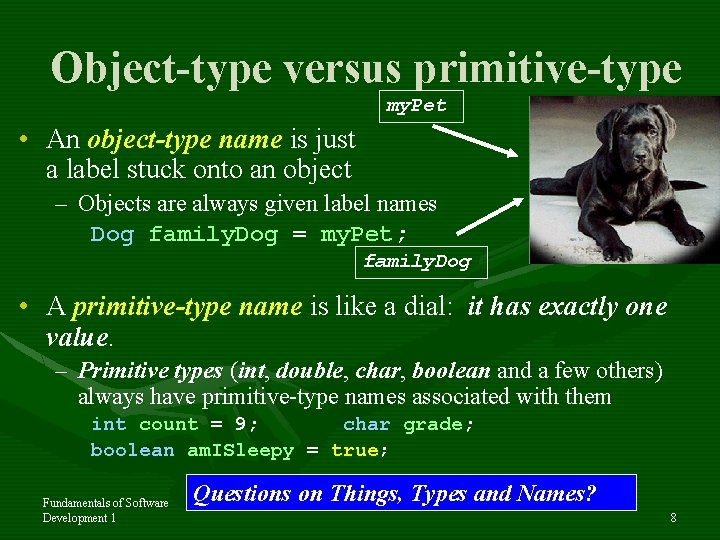
Object-type versus primitive-type my. Pet • An object-type name is just a label stuck onto an object – Objects are always given label names Dog family. Dog = my. Pet; family. Dog • A primitive-type name is like a dial: it has exactly one value. – Primitive types (int, double, char, boolean and a few others) always have primitive-type names associated with them int count = 9; char grade; boolean am. ISleepy = true; Fundamentals of Software Development 1 Questions on Things, Types and Names? 8
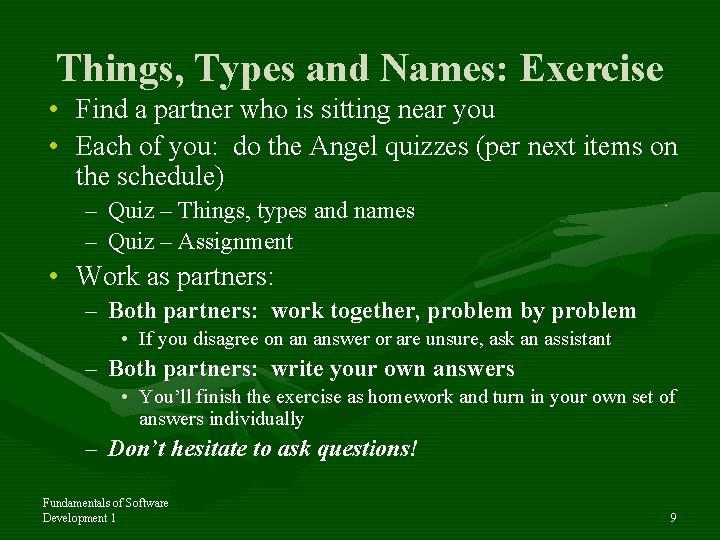
Things, Types and Names: Exercise • Find a partner who is sitting near you • Each of you: do the Angel quizzes (per next items on the schedule) – Quiz – Things, types and names – Quiz – Assignment • Work as partners: – Both partners: work together, problem by problem • If you disagree on an answer or are unsure, ask an assistant – Both partners: write your own answers • You’ll finish the exercise as homework and turn in your own set of answers individually – Don’t hesitate to ask questions! Fundamentals of Software Development 1 9
- Slides: 9