
ObjectOriented Design And Software Testing In this section
Object-Oriented Design And Software Testing In this section of notes you will learn about principles of good design as well how testing is an important part of good design James Tam
Some Principles Of Good Design 1. 2. 3. 4. 5. 6. Avoid going “method mad” Keep an eye on your parameter lists Minimize modifying immutable objects Be cautious in the use of references Be cautious when writing accessor and mutator methods Consider where you declare local variables This list was partially derived from “Effective Java” by Joshua Bloch and is by no means complete. It is meant only as a starting point to get students thinking more about why a practice may be regarded as “good” or “bad” style. James Tam
1. Avoid Going Method Mad • There should be a reason for each method • Creating too many methods makes a class difficult to understand, use and maintain • A good approach is to check for redundancies that exist between different methods James Tam
2. Keep An Eye On Your Parameter Lists • Avoid long parameter lists • Rule of thumb: Three parameters is the maximum • Avoid distinguishing overloaded methods solely by the order of the parameters James Tam

3. Minimize Modifying Immutable Objects • Immutable objects • Once instantiated they cannot change (all or nothing) e. g. , String s = "hello"; s = s + " there"; James Tam
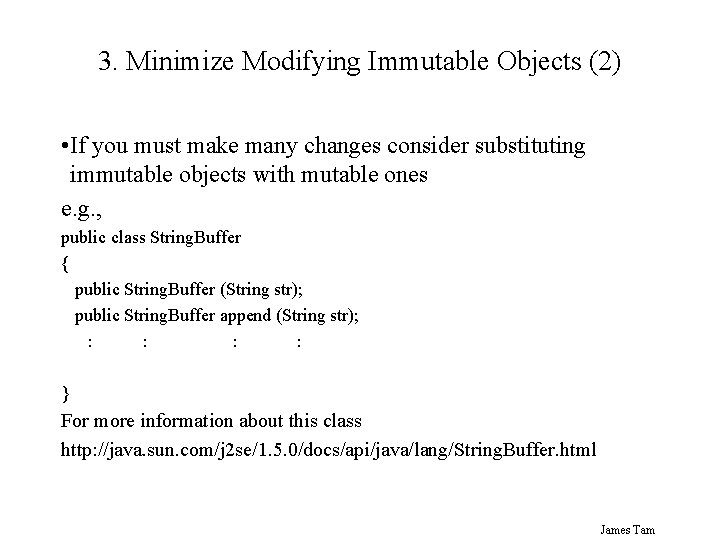
3. Minimize Modifying Immutable Objects (2) • If you must make many changes consider substituting immutable objects with mutable ones e. g. , public class String. Buffer { public String. Buffer (String str); public String. Buffer append (String str); : : } For more information about this class http: //java. sun. com/j 2 se/1. 5. 0/docs/api/java/lang/String. Buffer. html James Tam
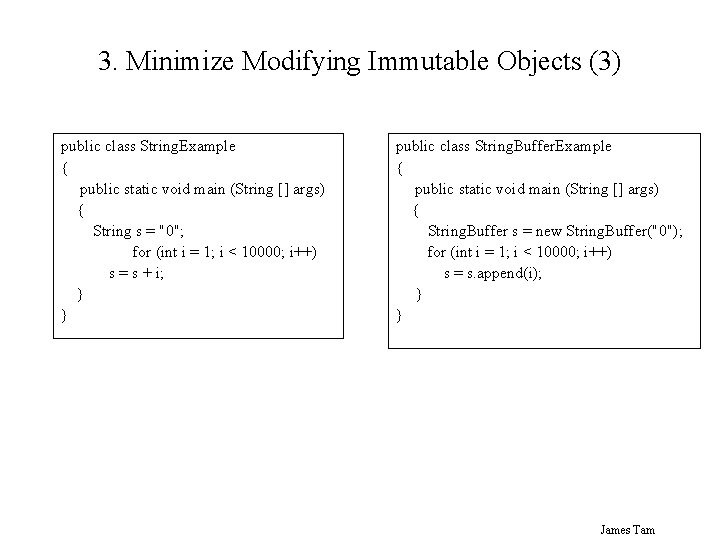
3. Minimize Modifying Immutable Objects (3) public class String. Example { public static void main (String [] args) { String s = "0"; for (int i = 1; i < 10000; i++) s = s + i; } } public class String. Buffer. Example { public static void main (String [] args) { String. Buffer s = new String. Buffer("0"); for (int i = 1; i < 10000; i++) s = s. append(i); } } James Tam
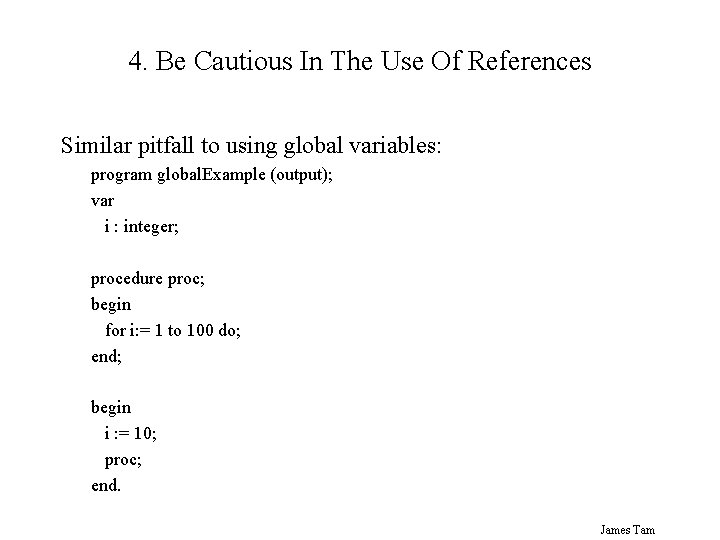
4. Be Cautious In The Use Of References Similar pitfall to using global variables: program global. Example (output); var i : integer; procedure proc; begin for i: = 1 to 100 do; end; begin i : = 10; proc; end. James Tam
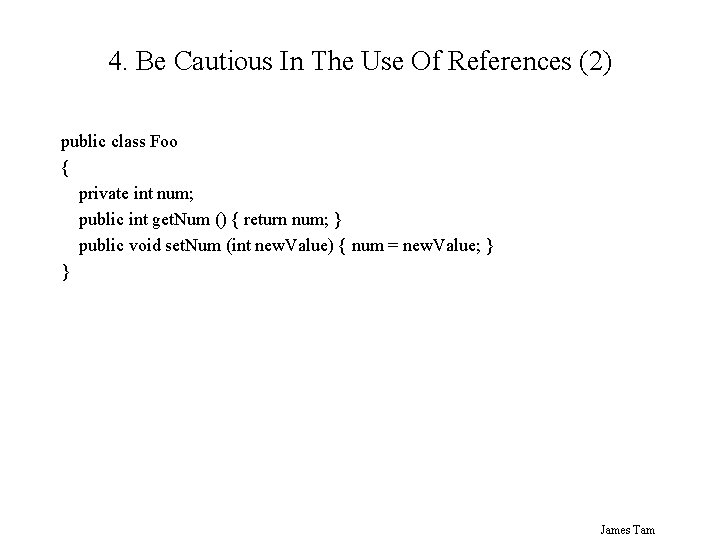
4. Be Cautious In The Use Of References (2) public class Foo { private int num; public int get. Num () { return num; } public void set. Num (int new. Value) { num = new. Value; } } James Tam
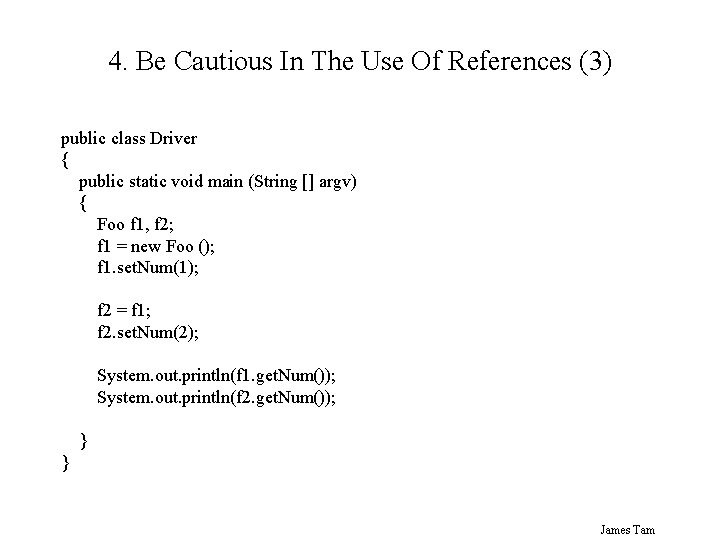
4. Be Cautious In The Use Of References (3) public class Driver { public static void main (String [] argv) { Foo f 1, f 2; f 1 = new Foo (); f 1. set. Num(1); f 2 = f 1; f 2. set. Num(2); System. out. println(f 1. get. Num()); System. out. println(f 2. get. Num()); } } James Tam
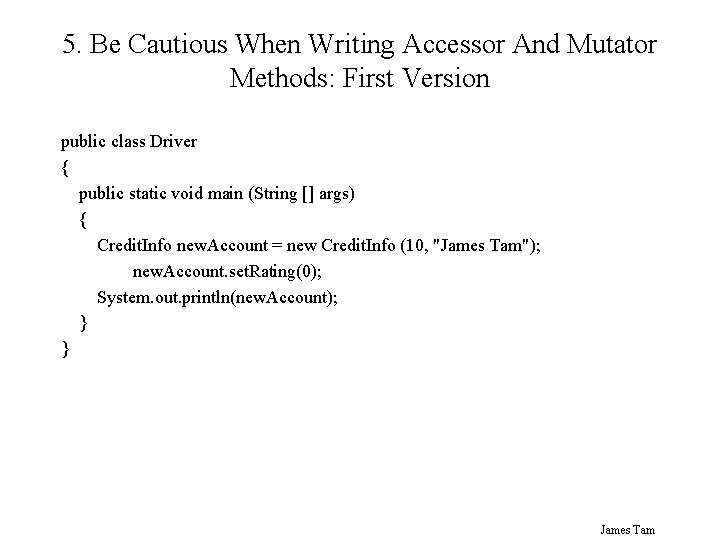
5. Be Cautious When Writing Accessor And Mutator Methods: First Version public class Driver { public static void main (String [] args) { Credit. Info new. Account = new Credit. Info (10, "James Tam"); new. Account. set. Rating(0); System. out. println(new. Account); } } James Tam
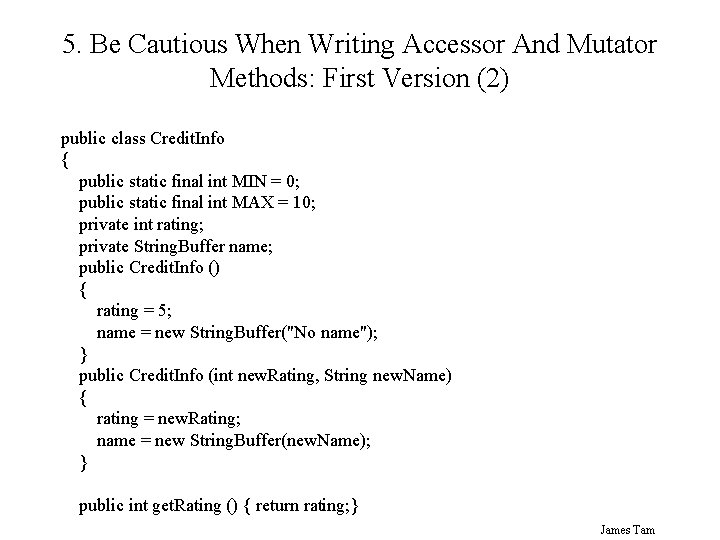
5. Be Cautious When Writing Accessor And Mutator Methods: First Version (2) public class Credit. Info { public static final int MIN = 0; public static final int MAX = 10; private int rating; private String. Buffer name; public Credit. Info () { rating = 5; name = new String. Buffer("No name"); } public Credit. Info (int new. Rating, String new. Name) { rating = new. Rating; name = new String. Buffer(new. Name); } public int get. Rating () { return rating; } James Tam
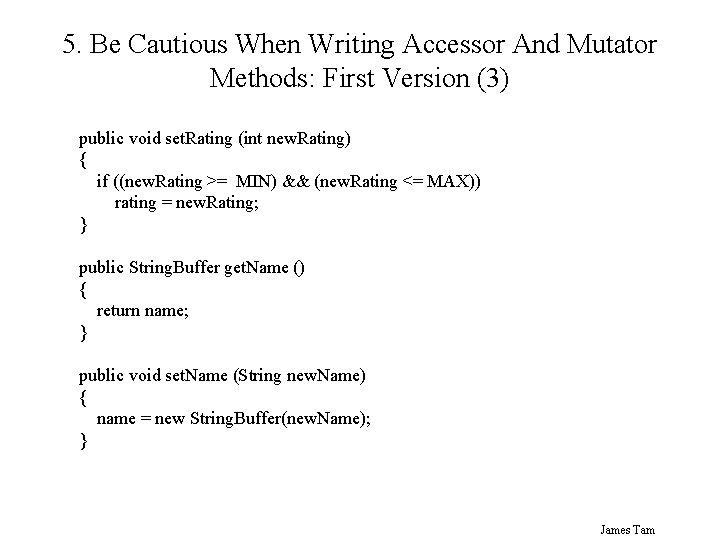
5. Be Cautious When Writing Accessor And Mutator Methods: First Version (3) public void set. Rating (int new. Rating) { if ((new. Rating >= MIN) && (new. Rating <= MAX)) rating = new. Rating; } public String. Buffer get. Name () { return name; } public void set. Name (String new. Name) { name = new String. Buffer(new. Name); } James Tam
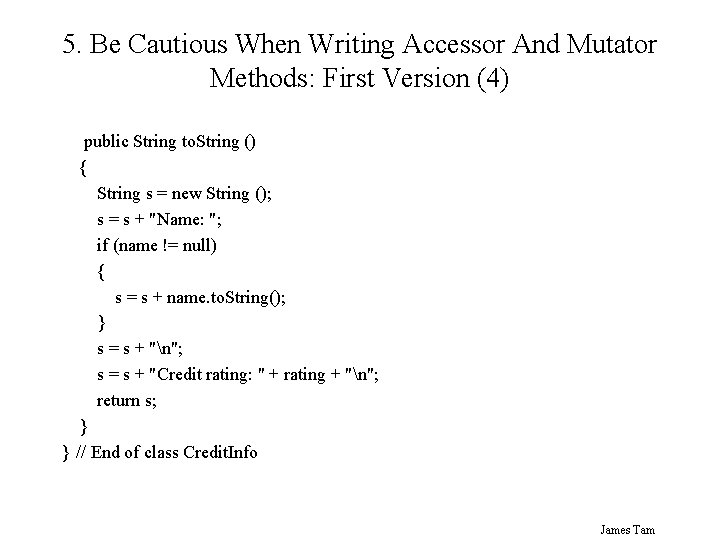
5. Be Cautious When Writing Accessor And Mutator Methods: First Version (4) public String to. String () { String s = new String (); s = s + "Name: "; if (name != null) { s = s + name. to. String(); } s = s + "n"; s = s + "Credit rating: " + rating + "n"; return s; } } // End of class Credit. Info James Tam
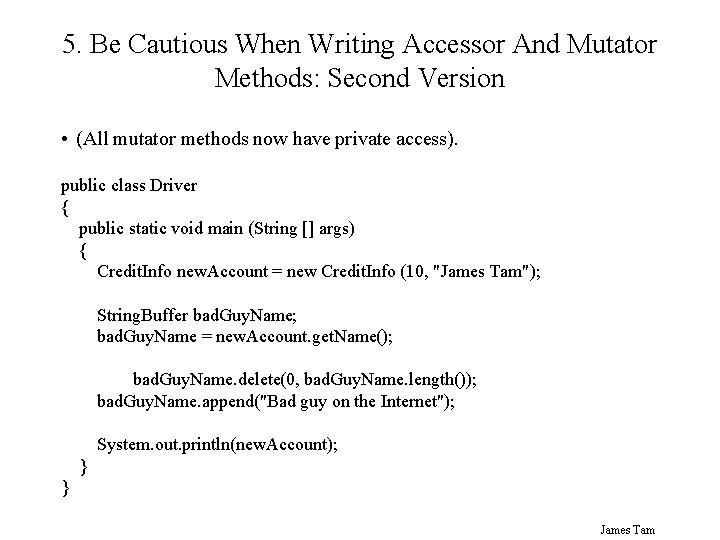
5. Be Cautious When Writing Accessor And Mutator Methods: Second Version • (All mutator methods now have private access). public class Driver { public static void main (String [] args) { Credit. Info new. Account = new Credit. Info (10, "James Tam"); String. Buffer bad. Guy. Name; bad. Guy. Name = new. Account. get. Name(); bad. Guy. Name. delete(0, bad. Guy. Name. length()); bad. Guy. Name. append("Bad guy on the Internet"); System. out. println(new. Account); } } James Tam
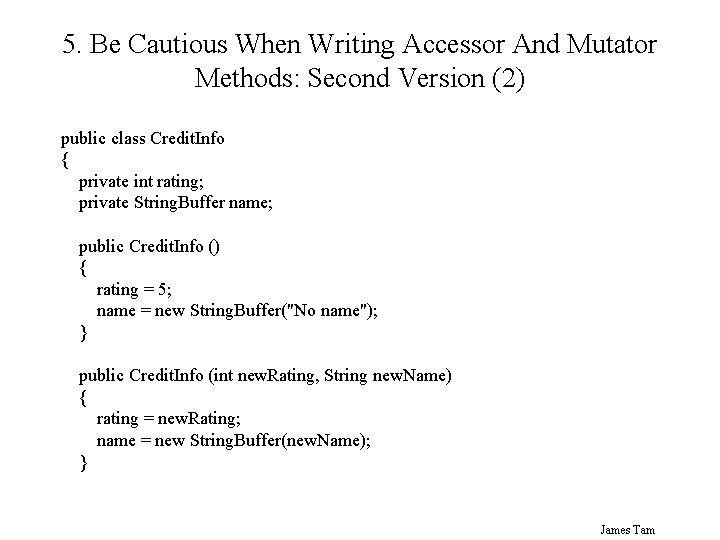
5. Be Cautious When Writing Accessor And Mutator Methods: Second Version (2) public class Credit. Info { private int rating; private String. Buffer name; public Credit. Info () { rating = 5; name = new String. Buffer("No name"); } public Credit. Info (int new. Rating, String new. Name) { rating = new. Rating; name = new String. Buffer(new. Name); } James Tam
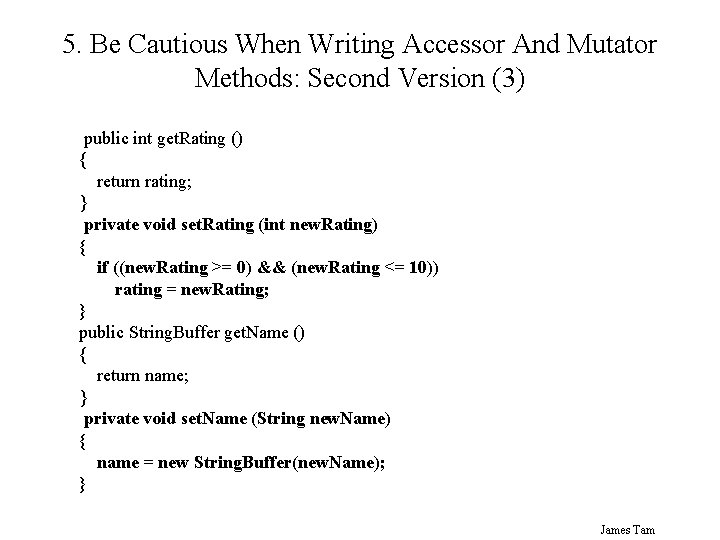
5. Be Cautious When Writing Accessor And Mutator Methods: Second Version (3) public int get. Rating () { return rating; } private void set. Rating (int new. Rating) { if ((new. Rating >= 0) && (new. Rating <= 10)) rating = new. Rating; } public String. Buffer get. Name () { return name; } private void set. Name (String new. Name) { name = new String. Buffer(new. Name); } James Tam
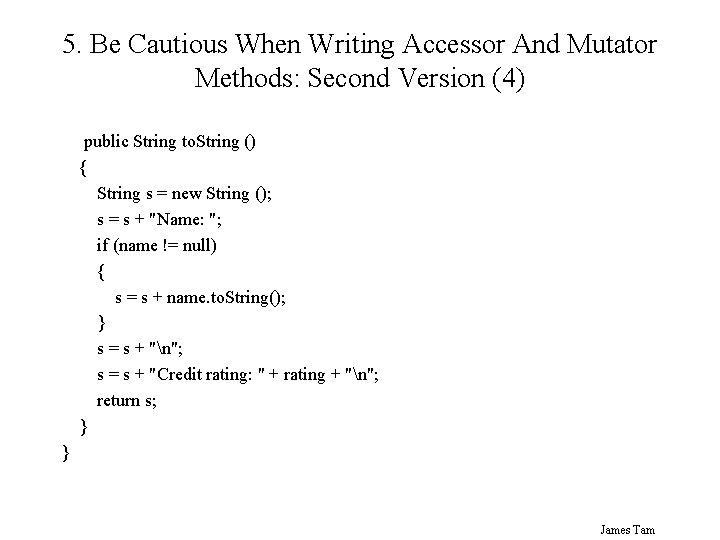
5. Be Cautious When Writing Accessor And Mutator Methods: Second Version (4) public String to. String () { String s = new String (); s = s + "Name: "; if (name != null) { s = s + name. to. String(); } s = s + "n"; s = s + "Credit rating: " + rating + "n"; return s; } } James Tam
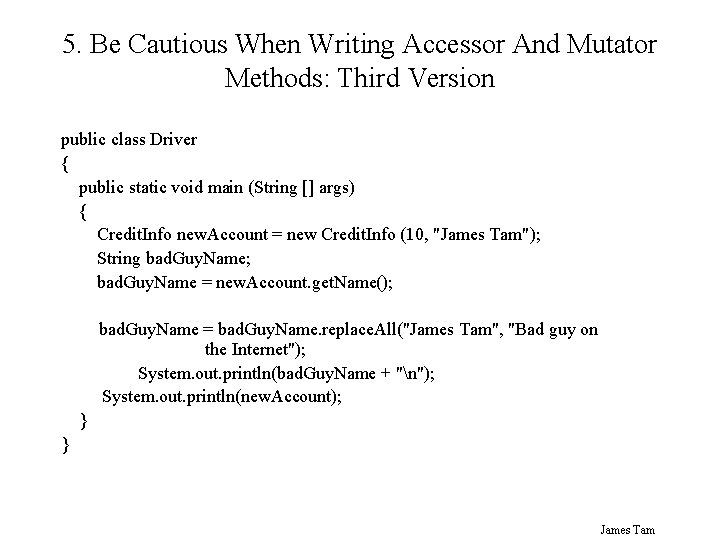
5. Be Cautious When Writing Accessor And Mutator Methods: Third Version public class Driver { public static void main (String [] args) { Credit. Info new. Account = new Credit. Info (10, "James Tam"); String bad. Guy. Name; bad. Guy. Name = new. Account. get. Name(); bad. Guy. Name = bad. Guy. Name. replace. All("James Tam", "Bad guy on the Internet"); System. out. println(bad. Guy. Name + "n"); System. out. println(new. Account); } } James Tam
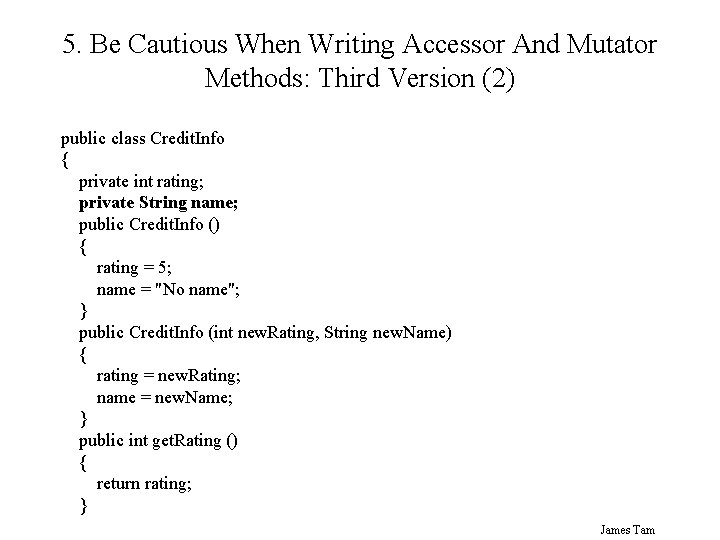
5. Be Cautious When Writing Accessor And Mutator Methods: Third Version (2) public class Credit. Info { private int rating; private String name; public Credit. Info () { rating = 5; name = "No name"; } public Credit. Info (int new. Rating, String new. Name) { rating = new. Rating; name = new. Name; } public int get. Rating () { return rating; } James Tam
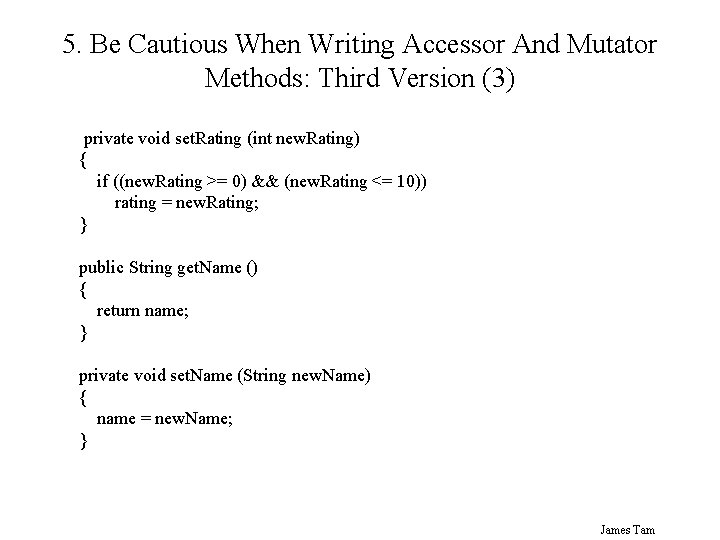
5. Be Cautious When Writing Accessor And Mutator Methods: Third Version (3) private void set. Rating (int new. Rating) { if ((new. Rating >= 0) && (new. Rating <= 10)) rating = new. Rating; } public String get. Name () { return name; } private void set. Name (String new. Name) { name = new. Name; } James Tam
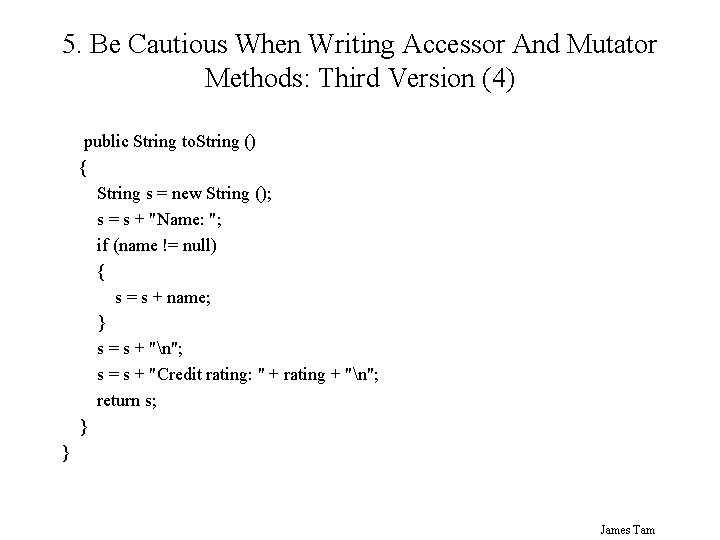
5. Be Cautious When Writing Accessor And Mutator Methods: Third Version (4) public String to. String () { String s = new String (); s = s + "Name: "; if (name != null) { s = s + name; } s = s + "n"; s = s + "Credit rating: " + rating + "n"; return s; } } James Tam
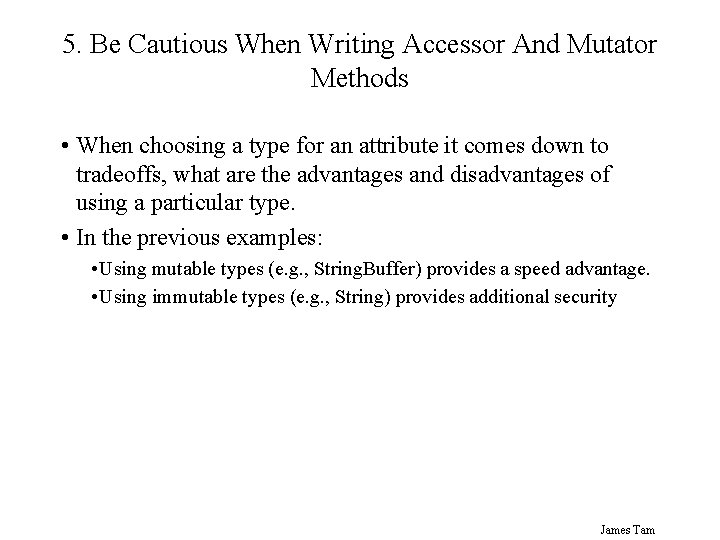
5. Be Cautious When Writing Accessor And Mutator Methods • When choosing a type for an attribute it comes down to tradeoffs, what are the advantages and disadvantages of using a particular type. • In the previous examples: • Using mutable types (e. g. , String. Buffer) provides a speed advantage. • Using immutable types (e. g. , String) provides additional security James Tam
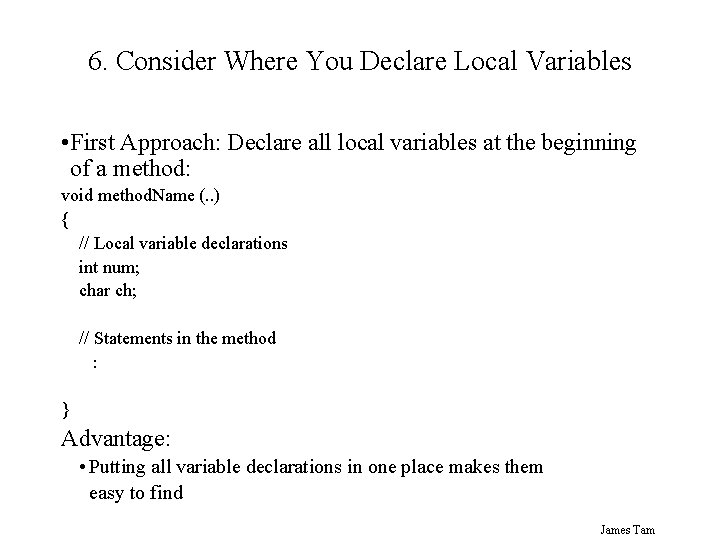
6. Consider Where You Declare Local Variables • First Approach: Declare all local variables at the beginning of a method: void method. Name (. . ) { // Local variable declarations int num; char ch; // Statements in the method : } Advantage: • Putting all variable declarations in one place makes them easy to find James Tam
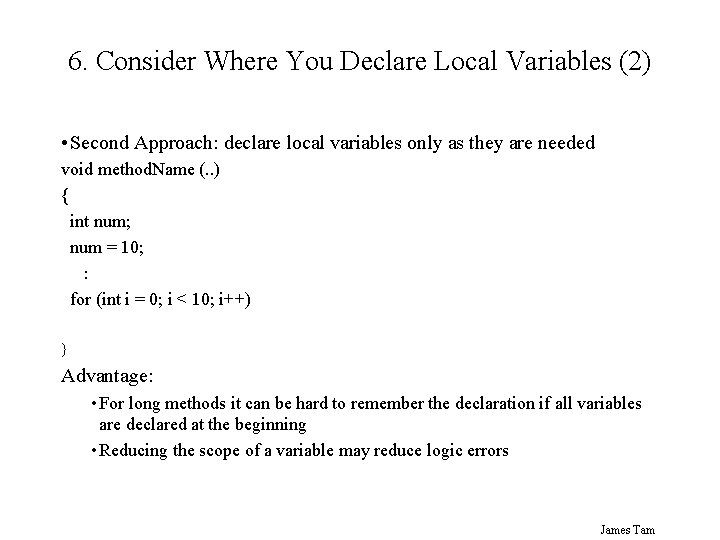
6. Consider Where You Declare Local Variables (2) • Second Approach: declare local variables only as they are needed void method. Name (. . ) { int num; num = 10; : for (int i = 0; i < 10; i++) } Advantage: • For long methods it can be hard to remember the declaration if all variables are declared at the beginning • Reducing the scope of a variable may reduce logic errors James Tam
Object-Oriented Design And Testing • Start by employing a top-down approach to design • Start by determining the candidate classes in the system • Outline a skeleton for candidate classes (methods are stubs) • Implement each method one-at-a-time. • Create test drivers for methods. • Fix any bugs in these methods • Add the working methods to the code for the class. James Tam
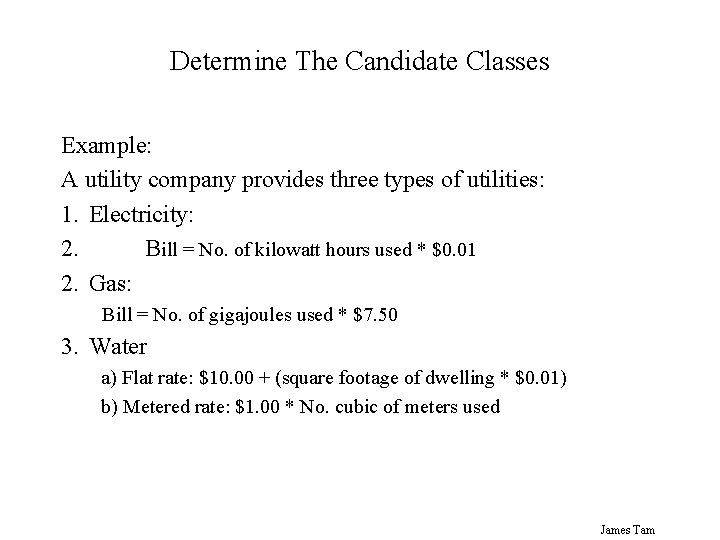
Determine The Candidate Classes Example: A utility company provides three types of utilities: 1. Electricity: 2. Bill = No. of kilowatt hours used * $0. 01 2. Gas: Bill = No. of gigajoules used * $7. 50 3. Water a) Flat rate: $10. 00 + (square footage of dwelling * $0. 01) b) Metered rate: $1. 00 * No. cubic of meters used James Tam
Determine The Candidate Classes (2) Some candidate classes • Electricity. Bill • Water. Bill • Gas. Bill James Tam
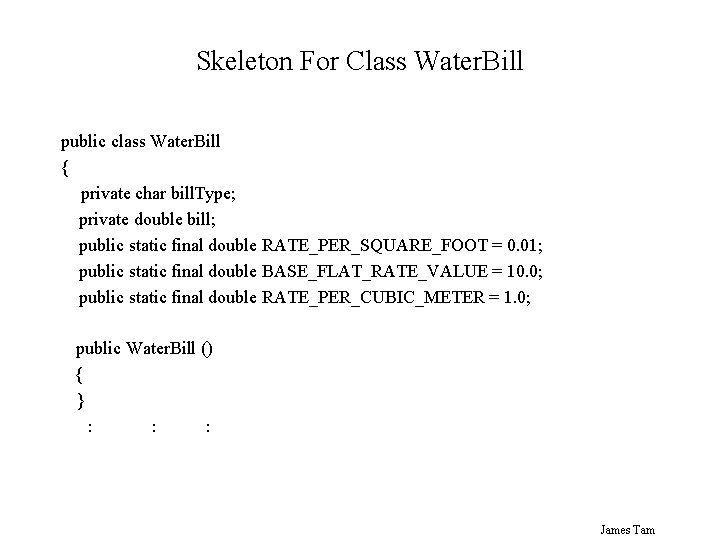
Skeleton For Class Water. Bill public class Water. Bill { private char bill. Type; private double bill; public static final double RATE_PER_SQUARE_FOOT = 0. 01; public static final double BASE_FLAT_RATE_VALUE = 10. 0; public static final double RATE_PER_CUBIC_METER = 1. 0; public Water. Bill () { } : : : James Tam
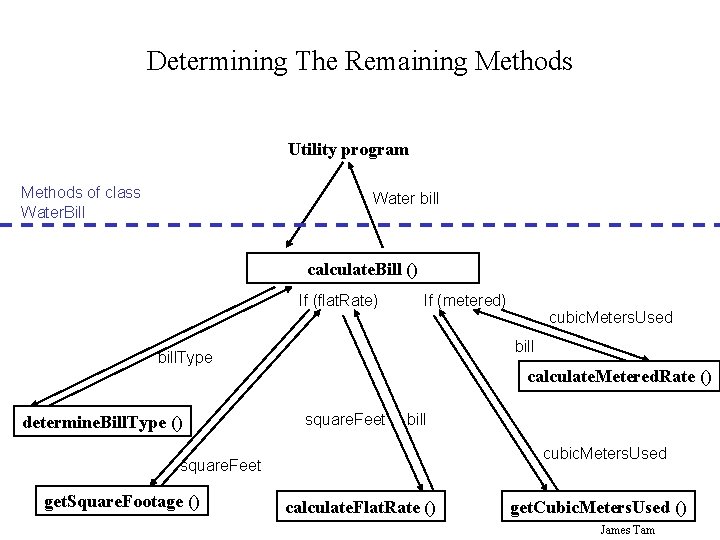
Determining The Remaining Methods Utility program Methods of class Water. Bill Water bill calculate. Bill () If (flat. Rate) If (metered) bill. Type determine. Bill. Type () calculate. Metered. Rate () square. Feet bill cubic. Meters. Used square. Feet get. Square. Footage () cubic. Meters. Used calculate. Flat. Rate () get. Cubic. Meters. Used () James Tam
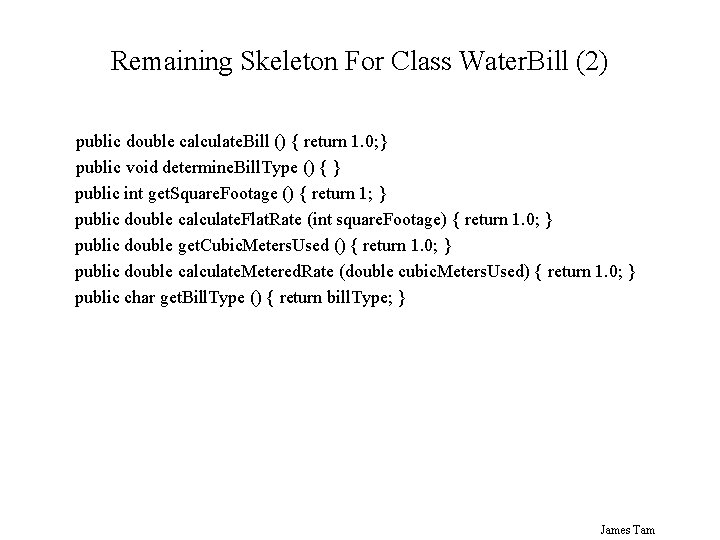
Remaining Skeleton For Class Water. Bill (2) public double calculate. Bill () { return 1. 0; } public void determine. Bill. Type () { } public int get. Square. Footage () { return 1; } public double calculate. Flat. Rate (int square. Footage) { return 1. 0; } public double get. Cubic. Meters. Used () { return 1. 0; } public double calculate. Metered. Rate (double cubic. Meters. Used) { return 1. 0; } public char get. Bill. Type () { return bill. Type; } James Tam
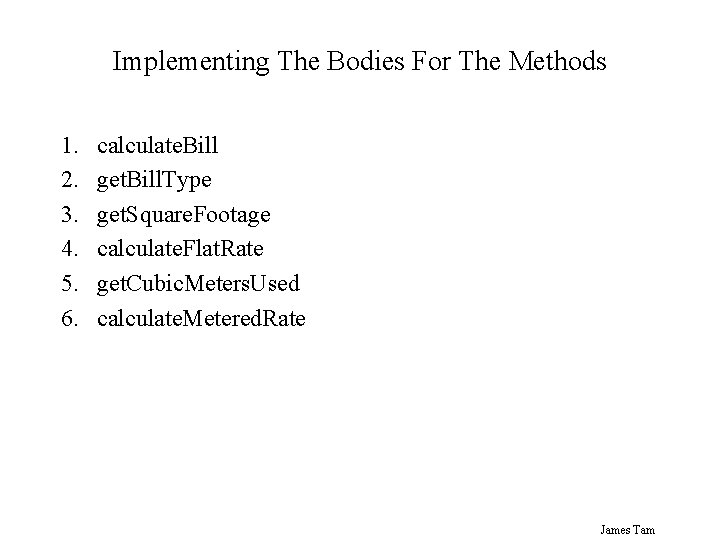
Implementing The Bodies For The Methods 1. 2. 3. 4. 5. 6. calculate. Bill get. Bill. Type get. Square. Footage calculate. Flat. Rate get. Cubic. Meters. Used calculate. Metered. Rate James Tam
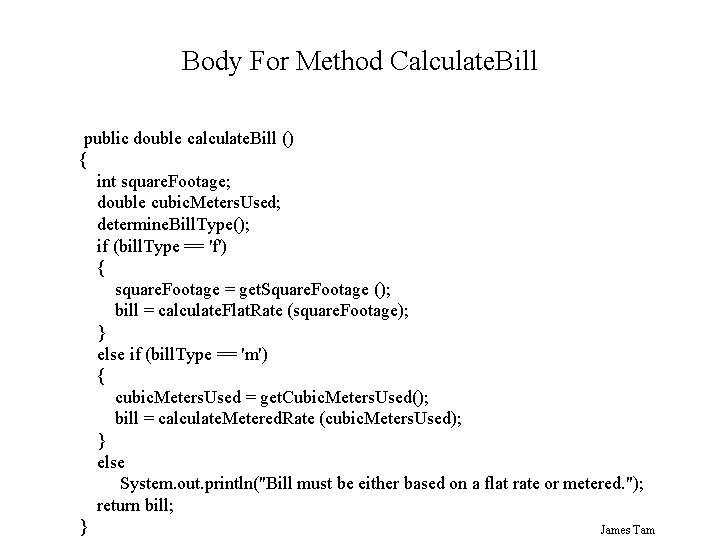
Body For Method Calculate. Bill public double calculate. Bill () { int square. Footage; double cubic. Meters. Used; determine. Bill. Type(); if (bill. Type == 'f') { square. Footage = get. Square. Footage (); bill = calculate. Flat. Rate (square. Footage); } else if (bill. Type == 'm') { cubic. Meters. Used = get. Cubic. Meters. Used(); bill = calculate. Metered. Rate (cubic. Meters. Used); } else System. out. println("Bill must be either based on a flat rate or metered. "); return bill; } James Tam
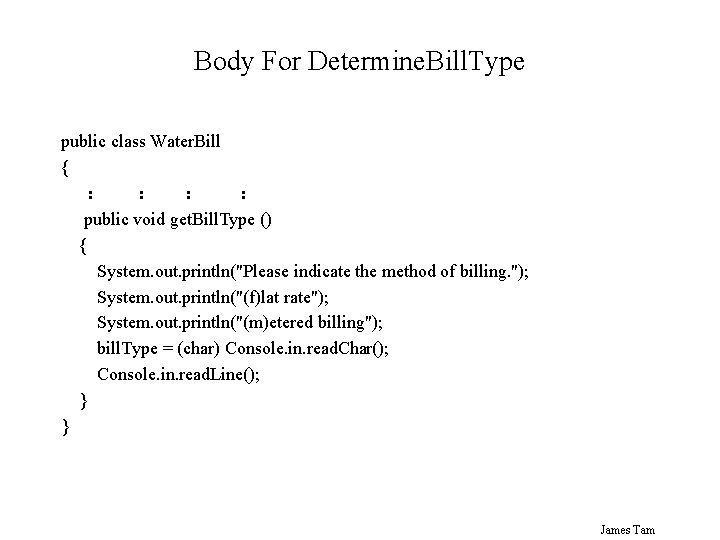
Body For Determine. Bill. Type public class Water. Bill { : : public void get. Bill. Type () { System. out. println("Please indicate the method of billing. "); System. out. println("(f)lat rate"); System. out. println("(m)etered billing"); bill. Type = (char) Console. in. read. Char(); Console. in. read. Line(); } } James Tam
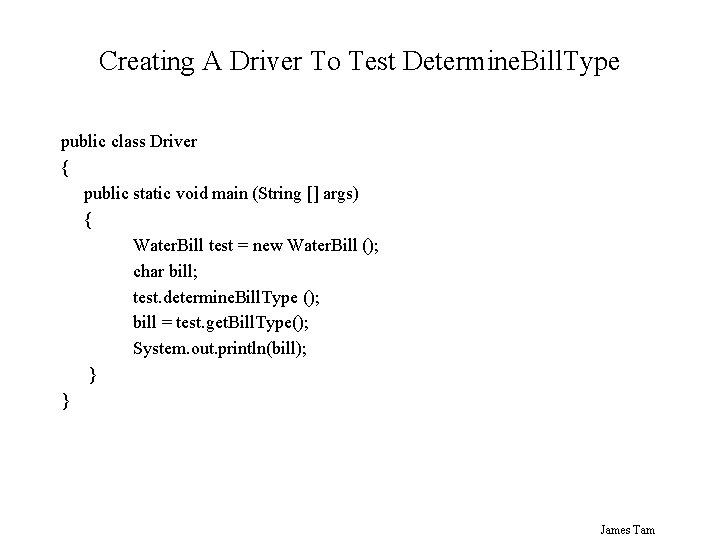
Creating A Driver To Test Determine. Bill. Type public class Driver { public static void main (String [] args) { Water. Bill test = new Water. Bill (); char bill; test. determine. Bill. Type (); bill = test. get. Bill. Type(); System. out. println(bill); } } James Tam
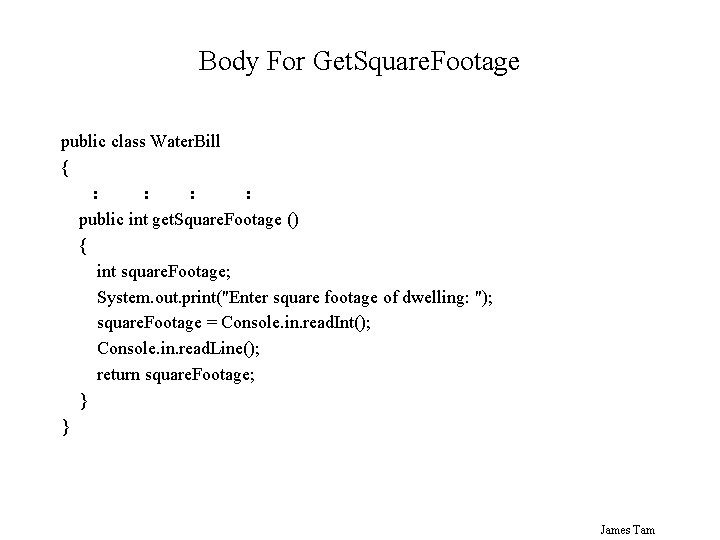
Body For Get. Square. Footage public class Water. Bill { : : public int get. Square. Footage () { int square. Footage; System. out. print("Enter square footage of dwelling: "); square. Footage = Console. in. read. Int(); Console. in. read. Line(); return square. Footage; } } James Tam
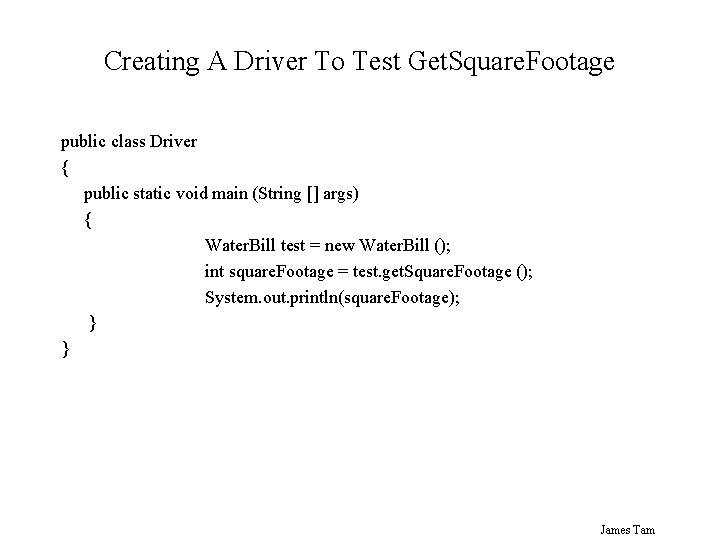
Creating A Driver To Test Get. Square. Footage public class Driver { public static void main (String [] args) { Water. Bill test = new Water. Bill (); int square. Footage = test. get. Square. Footage (); System. out. println(square. Footage); } } James Tam
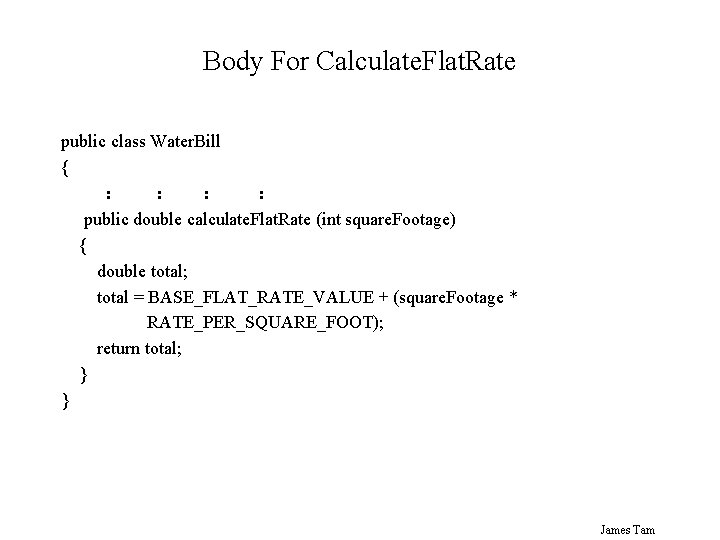
Body For Calculate. Flat. Rate public class Water. Bill { : : public double calculate. Flat. Rate (int square. Footage) { double total; total = BASE_FLAT_RATE_VALUE + (square. Footage * RATE_PER_SQUARE_FOOT); return total; } } James Tam
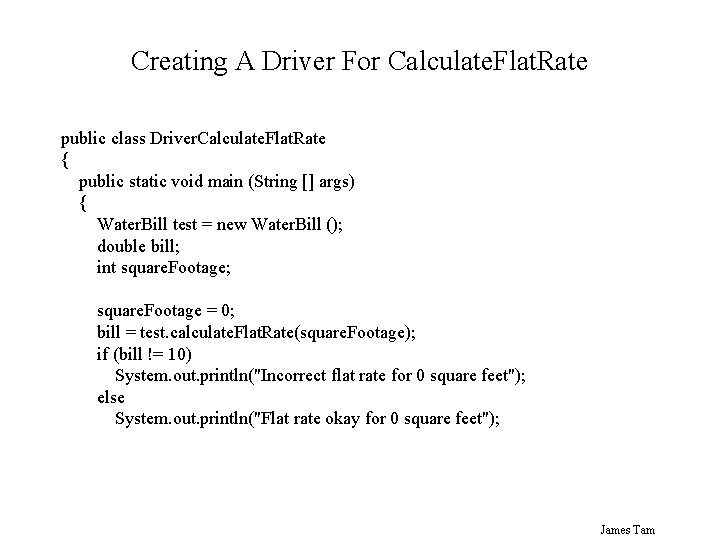
Creating A Driver For Calculate. Flat. Rate public class Driver. Calculate. Flat. Rate { public static void main (String [] args) { Water. Bill test = new Water. Bill (); double bill; int square. Footage; square. Footage = 0; bill = test. calculate. Flat. Rate(square. Footage); if (bill != 10) System. out. println("Incorrect flat rate for 0 square feet"); else System. out. println("Flat rate okay for 0 square feet"); James Tam
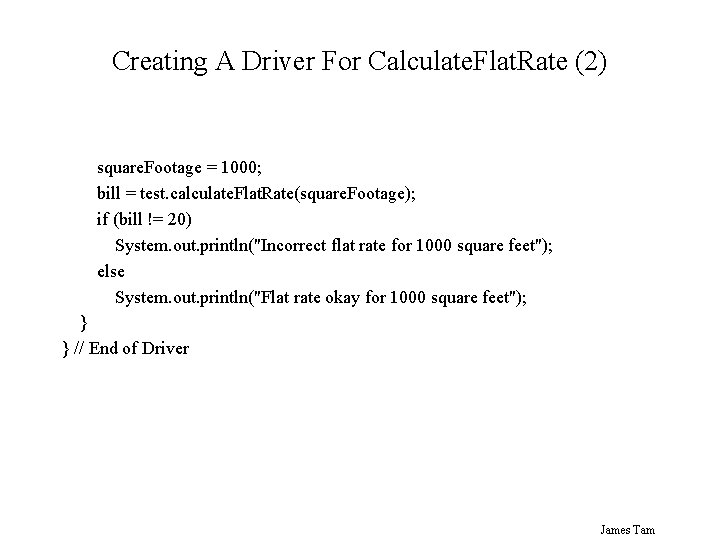
Creating A Driver For Calculate. Flat. Rate (2) square. Footage = 1000; bill = test. calculate. Flat. Rate(square. Footage); if (bill != 20) System. out. println("Incorrect flat rate for 1000 square feet"); else System. out. println("Flat rate okay for 1000 square feet"); } } // End of Driver James Tam
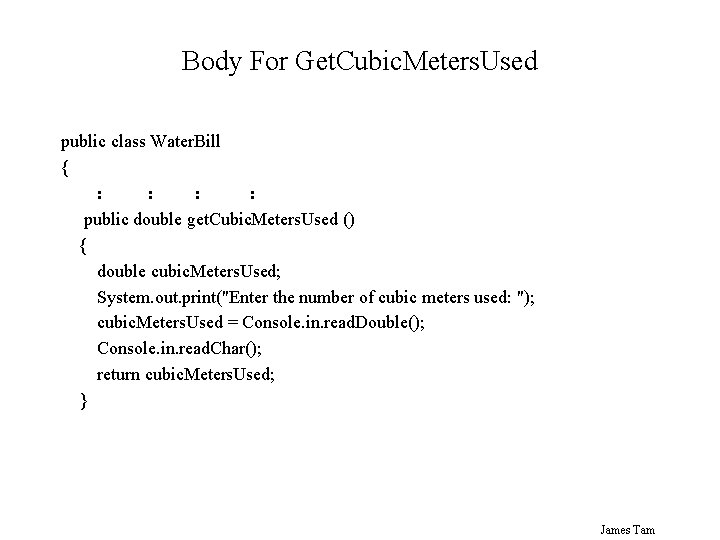
Body For Get. Cubic. Meters. Used public class Water. Bill { : : public double get. Cubic. Meters. Used () { double cubic. Meters. Used; System. out. print("Enter the number of cubic meters used: "); cubic. Meters. Used = Console. in. read. Double(); Console. in. read. Char(); return cubic. Meters. Used; } James Tam
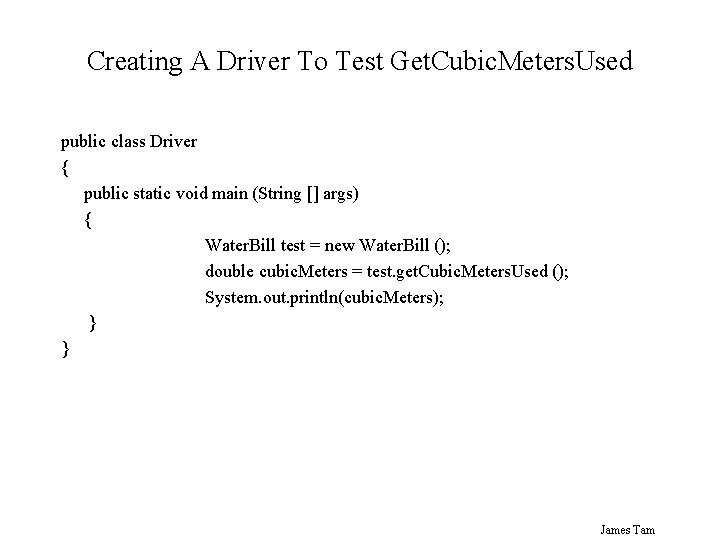
Creating A Driver To Test Get. Cubic. Meters. Used public class Driver { public static void main (String [] args) { Water. Bill test = new Water. Bill (); double cubic. Meters = test. get. Cubic. Meters. Used (); System. out. println(cubic. Meters); } } James Tam
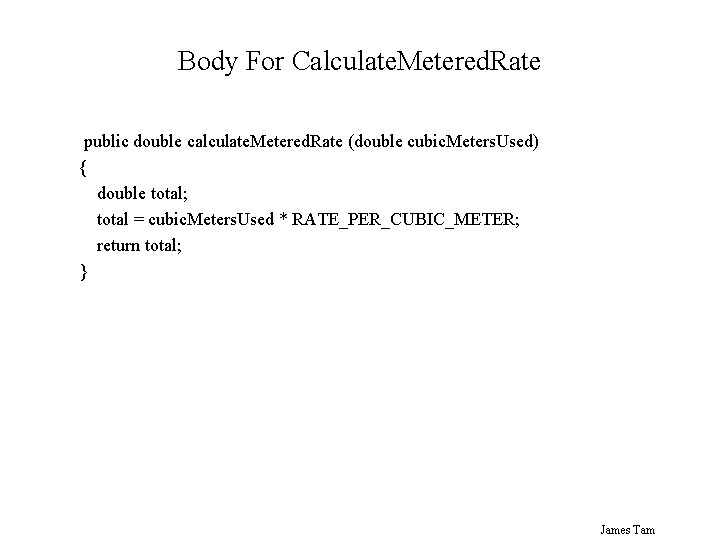
Body For Calculate. Metered. Rate public double calculate. Metered. Rate (double cubic. Meters. Used) { double total; total = cubic. Meters. Used * RATE_PER_CUBIC_METER; return total; } James Tam
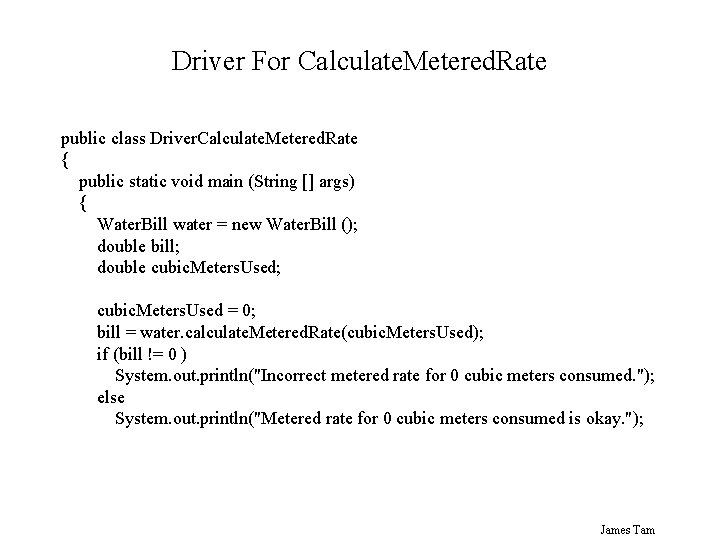
Driver For Calculate. Metered. Rate public class Driver. Calculate. Metered. Rate { public static void main (String [] args) { Water. Bill water = new Water. Bill (); double bill; double cubic. Meters. Used; cubic. Meters. Used = 0; bill = water. calculate. Metered. Rate(cubic. Meters. Used); if (bill != 0 ) System. out. println("Incorrect metered rate for 0 cubic meters consumed. "); else System. out. println("Metered rate for 0 cubic meters consumed is okay. "); James Tam
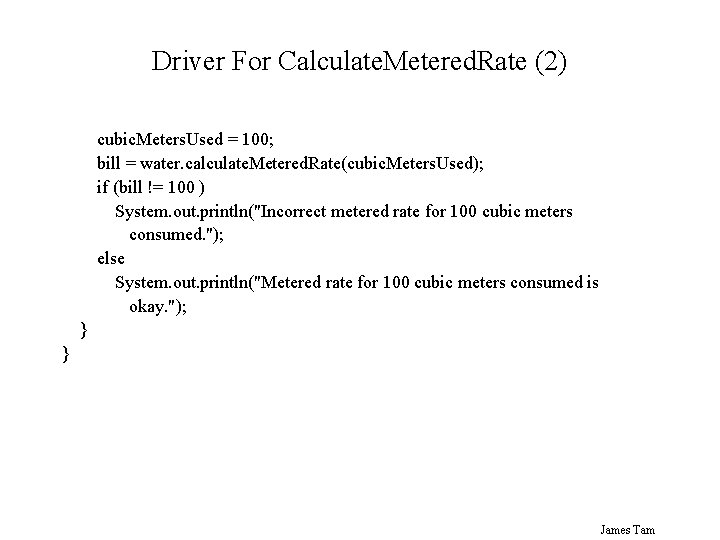
Driver For Calculate. Metered. Rate (2) cubic. Meters. Used = 100; bill = water. calculate. Metered. Rate(cubic. Meters. Used); if (bill != 100 ) System. out. println("Incorrect metered rate for 100 cubic meters consumed. "); else System. out. println("Metered rate for 100 cubic meters consumed is okay. "); } } James Tam
General Rule Of Thumb: Test Drivers • Write a test driver class if you need to verify that a method does what it is supposed to do (determining if it is correct). • • e. g. , When a method performs a calculation, if a method is getting input Benefits of writing test drivers: 1. Ensuring that you know precisely what your code is supposed to do. 2. Making code more robust (test it before adding it a code library). James Tam
You Should Now Know • Some general design principles • What constitutes a good or a bad design. • How to write test drives and what are the benefits of using test drivers in your programs James Tam
- Slides: 47