
Objectives Why PLSQL n Language features n Basic
Objectives Why PL-SQL ? n Language features n Basic Structure of PL/SQL program n Data Types n Control Flow in PL-SQL n Loops in PL-SQL n
Why PL SQL ? n PL/SQL stands for Procedural Language/SQL. n PL/SQL extends SQL by adding constructs found in procedural languages like procedures, loops, variables, objects etc. n Resulting a structural language that is more powerful than SQL
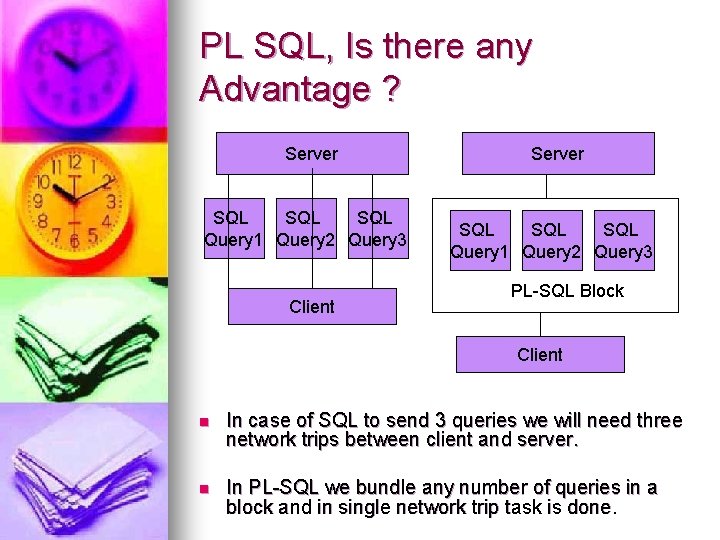
PL SQL, Is there any Advantage ? Server SQL SQL Query 1 Query 2 Query 3 Client Server SQL SQL Query 1 Query 2 Query 3 PL-SQL Block Client n In case of SQL to send 3 queries we will need three network trips between client and server. n In PL-SQL we bundle any number of queries in a block and in single network trip task is done.
Language features n Supports constructs like any other 4 th generation language: l l l l Variables and Data types Loops and Control statements Procedures and Functions Packages Triggers Objects Records (Its like structure in C language)
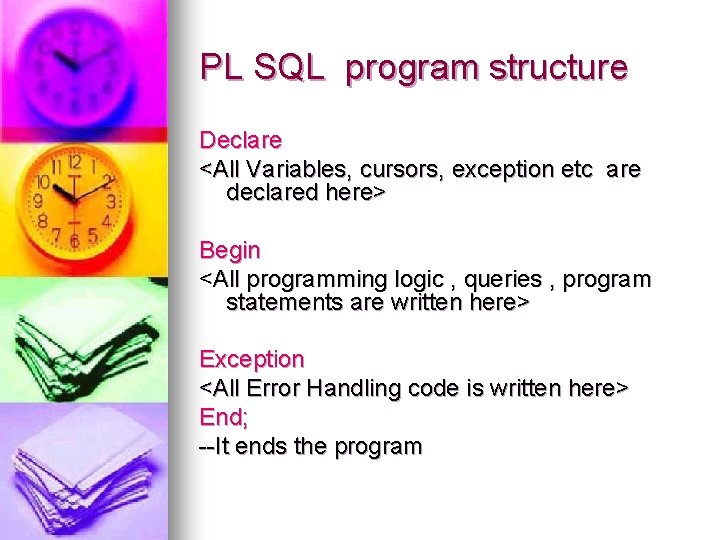
PL SQL program structure Declare <All Variables, cursors, exception etc are declared here> Begin <All programming logic , queries , program statements are written here> Exception <All Error Handling code is written here> End; --It ends the program
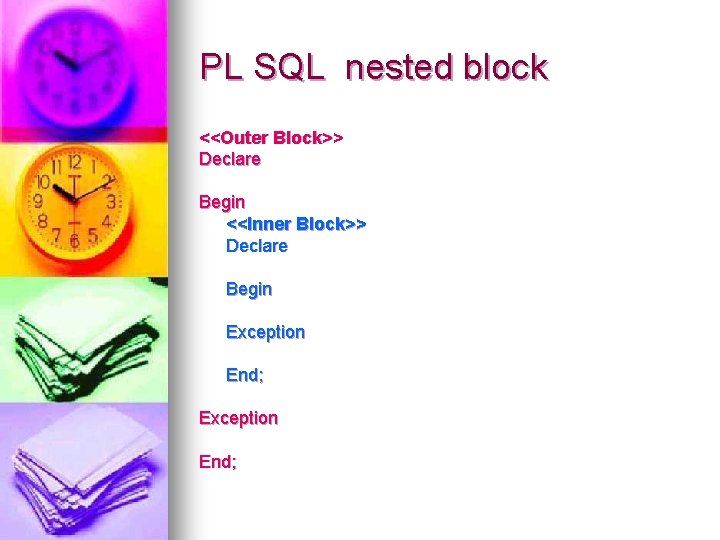
PL SQL nested block <<Outer Block>> Declare Begin <<Inner Block>> Declare Begin Exception End;
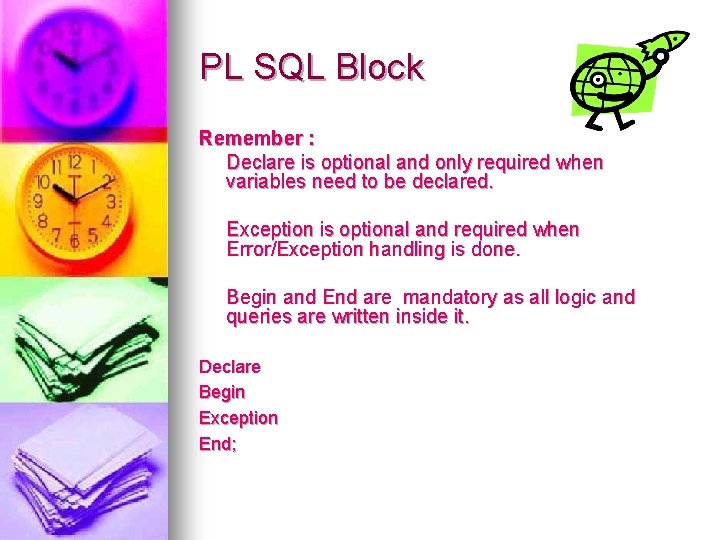
PL SQL Block Remember : Declare is optional and only required when variables need to be declared. Exception is optional and required when Error/Exception handling is done. Begin and End are mandatory as all logic and queries are written inside it. Declare Begin Exception End;
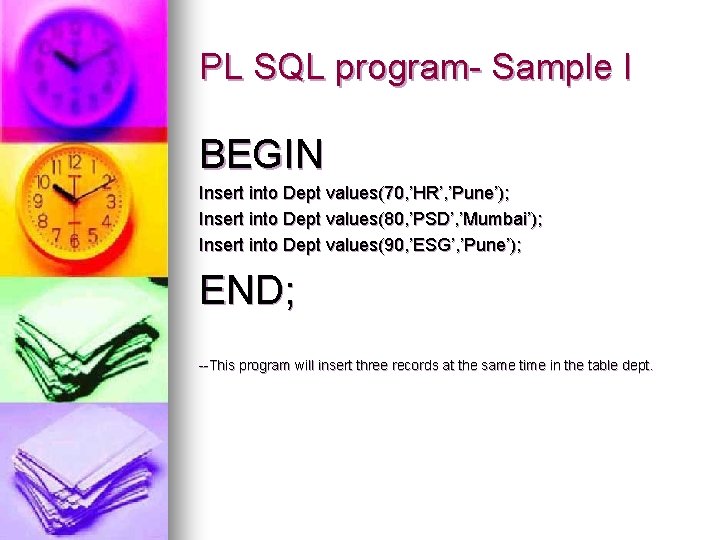
PL SQL program- Sample I BEGIN Insert into Dept values(70, ’HR’, ’Pune’); Insert into Dept values(80, ’PSD’, ’Mumbai’); Insert into Dept values(90, ’ESG’, ’Pune’); END; --This program will insert three records at the same time in the table dept.
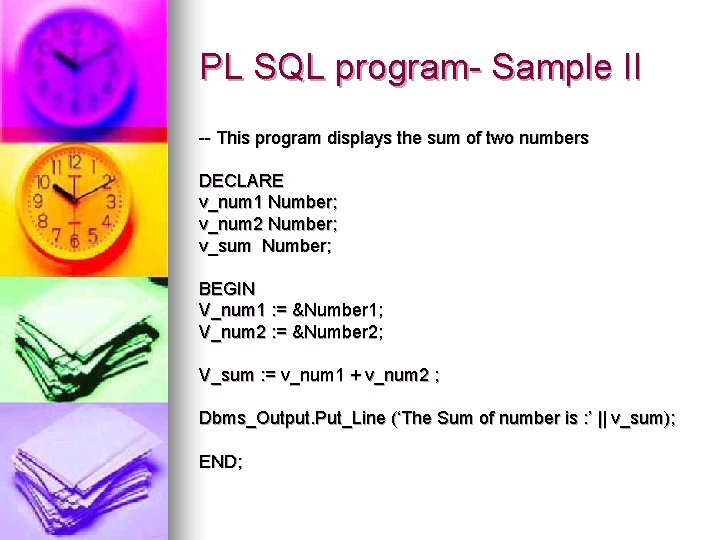
PL SQL program- Sample II -- This program displays the sum of two numbers DECLARE v_num 1 Number; v_num 2 Number; v_sum Number; BEGIN V_num 1 : = &Number 1; V_num 2 : = &Number 2; V_sum : = v_num 1 + v_num 2 ; Dbms_Output. Put_Line (‘The Sum of number is : ’ || v_sum); END;
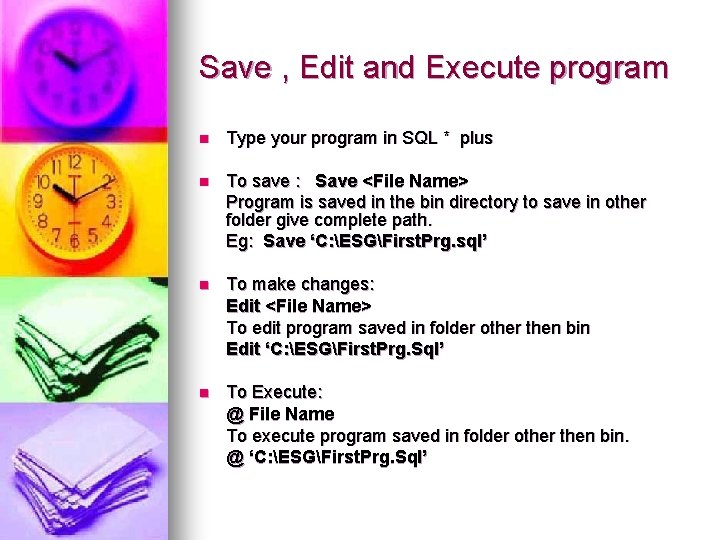
Save , Edit and Execute program n Type your program in SQL * plus n To save : Save <File Name> Program is saved in the bin directory to save in other folder give complete path. Eg: Save ‘C: ESGFirst. Prg. sql’ n To make changes: Edit <File Name> To edit program saved in folder other then bin Edit ‘C: ESGFirst. Prg. Sql’ n To Execute: @ File Name To execute program saved in folder other then bin. @ ‘C: ESGFirst. Prg. Sql’
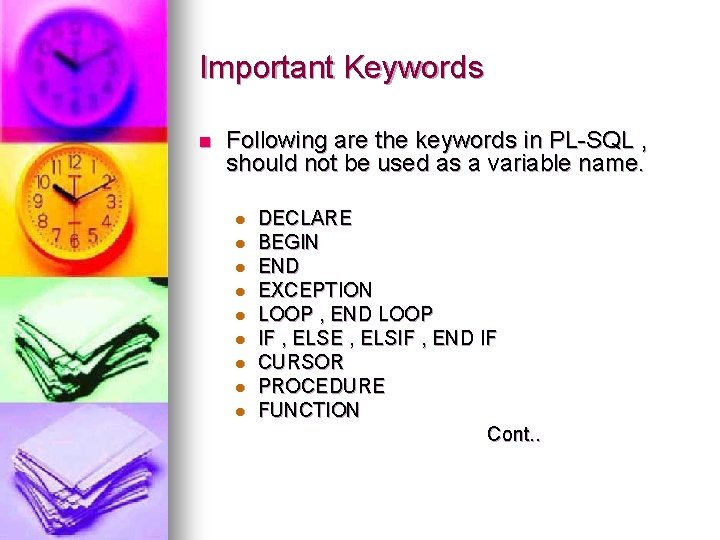
Important Keywords n Following are the keywords in PL-SQL , should not be used as a variable name. l l l l l DECLARE BEGIN END EXCEPTION LOOP , END LOOP IF , ELSE , ELSIF , END IF CURSOR PROCEDURE FUNCTION Cont. .
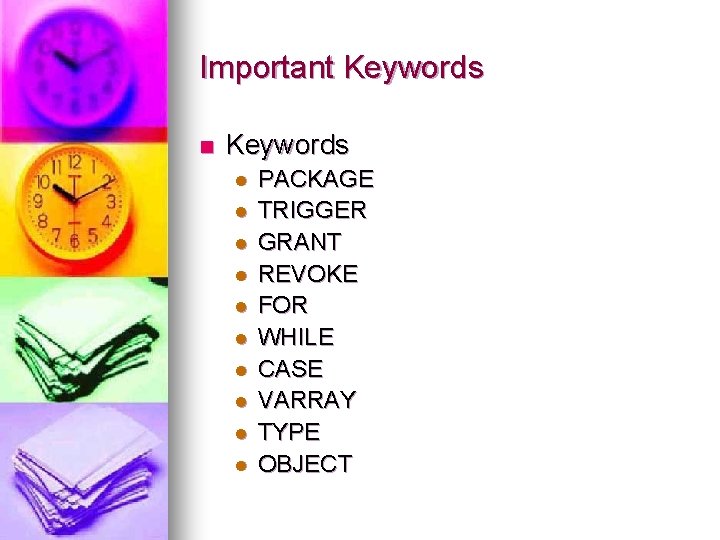
Important Keywords n Keywords l l l l l PACKAGE TRIGGER GRANT REVOKE FOR WHILE CASE VARRAY TYPE OBJECT
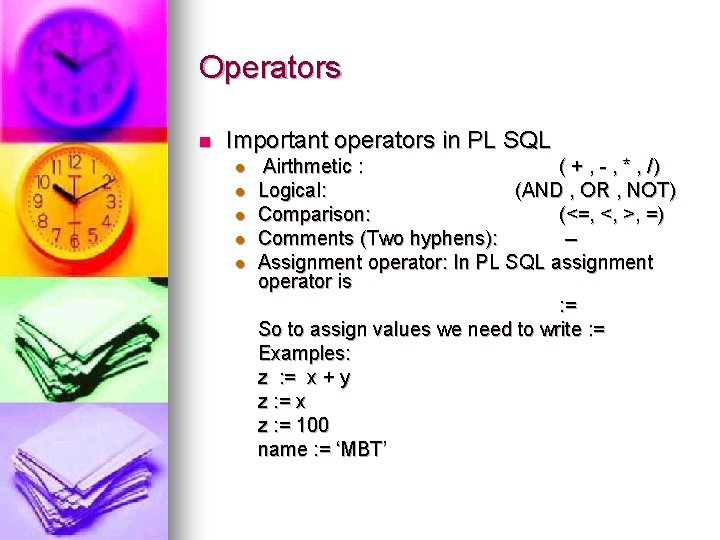
Operators n Important operators in PL SQL l l l Airthmetic : ( + , - , * , /) Logical: (AND , OR , NOT) Comparison: (<=, <, >, =) Comments (Two hyphens): -Assignment operator: In PL SQL assignment operator is : = So to assign values we need to write : = Examples: z : = x + y z : = x z : = 100 name : = ‘MBT’
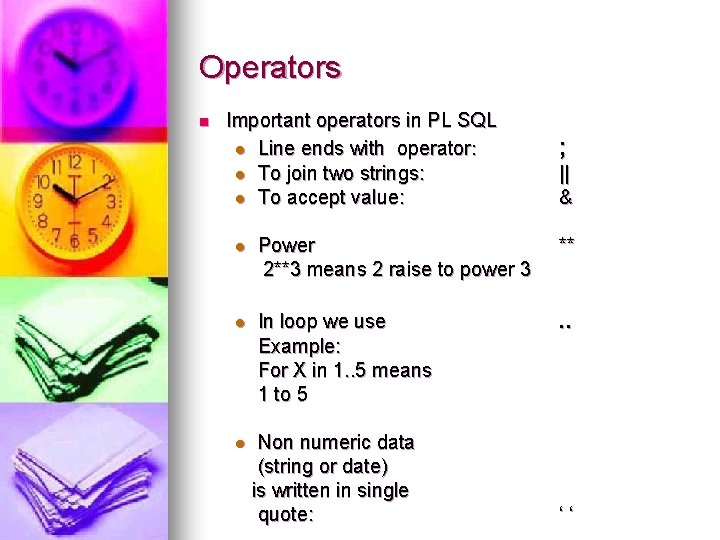
Operators n Important operators in PL SQL l Line ends with operator: l To join two strings: l To accept value: ; || & l Power 2**3 means 2 raise to power 3 ** l In loop we use Example: For X in 1. . 5 means 1 to 5 . . l Non numeric data (string or date) is written in single quote: ‘‘
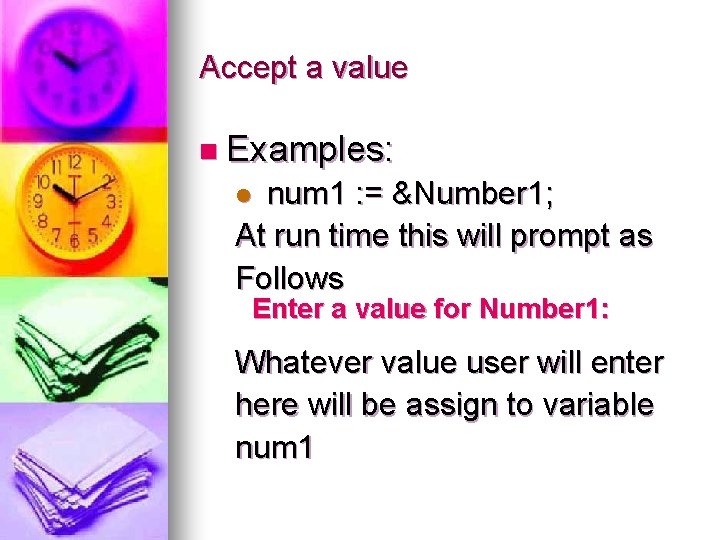
Accept a value n Examples: num 1 : = &Number 1; At run time this will prompt as Follows l Enter a value for Number 1: Whatever value user will enter here will be assign to variable num 1
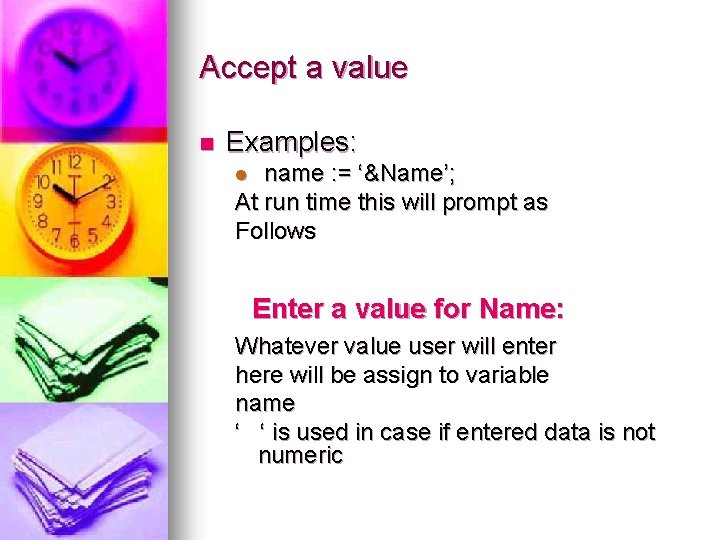
Accept a value n Examples: name : = ‘&Name’; At run time this will prompt as Follows l Enter a value for Name: Whatever value user will enter here will be assign to variable name ‘ ‘ is used in case if entered data is not numeric
Display value n To display on same line: dbms_output. put() n To display on new line. dbms_output. put_line() n Here dbms_output is a Oracle package its like header file or library in C language. n . Put and. Put_Line are functions like printf in ‘C’ language
Display value : Examples n Dbms_output. put (‘Mahindra’); Dbms_output. put (‘British’); Dbms_output. put (‘Telecom’); Dbms_output. put_line(‘ ‘); It will display Mahindra British Telecom on same line. Note : 1. On SQL prompt after Login you need to set one command to see displayed values. SET SERVEROUTPUT ON 2. It is important that at least once you write. put_line after any number of. put functions else values are not displayed.
Display value : Examples n Dbms_output. put_line (‘Mahindra’); Dbms_output. put_line (‘British’); Dbms_output. put_line (‘Telecom’); It will display Mahindra British Telecom on different lines. Note : 1. On SQL prompt after Login you need to set one command to see displayed values. SET SERVEROUTPUT ON
DML operations in Pl-SQL n All DML operations (Insert/Update/Delete /Select) are to be written in Begin part of the block. n No change in the Syntax of Insert , Update and Delete , it is same as SQL. n Select syntax is different then SQL , it contains INTO clause. n If Select query can return more then one rows then you should always use cursors.
Select Syntax for a Single Row Query. n Select column 1, column 2 INTO Variable 1, Variable 2 From Table Name Where condition …. . n The only change is as many columns you want to get from the query you need to declare that many variables and use INTO clause. n All other parts of query are unchanged n If Where condition here is such that query will return multiple records then CURSOR should be used. Without that it will give error.
Examples n Sample 1: Sample 1. SQL n Sample 2: Sample 2. SQL
Data Types in PL SQL n Scalar Types l Char CHAR datatype to store fixed-length character data. Maximum size = 2000 bytes l Varchar 2 VARCHAR 2 datatype to store variable-length character . Maximum size = 4000 bytes l Number types let you store numeric data (integers, real numbers, and floating-point numbers), represent quantities, and do calculations.
Data Types in PL SQL n Scalar Types l Binary_Integer The BINARY_INTEGER datatype to store signed integers (-2**31 to 2**31) l Date DATE datatype to store fixed-length datetimes l Long The LONG datatype to store variable-length character strings. The LONG datatype is like the VARCHAR 2 datatype, except that the maximum size of a LONG value is 32760 bytes.
Data Types in PL SQL n Scalar Types l NChar To store multi byte fixed length character data. Its same as Char only difference is it is used to store characters of different language like Japenese , chinese etc. Number of characters it can store depend on language. l NVarchar To store multi byte variable length character data. Its same as Varchar 2 only difference is it is used to store characters of different language like Japenese , chinese etc. Number of characters it can store depend on language.
Data Types in PL SQL n Composite Types l Record l Table Its like structure in C Language. To be discussed in Second day session. Its like Array in C Language. To be discussed in detail in Second day session. This Array type is un-constrained array l VArray Its like Array in C Language. To be discussed in detail in Fourth day session. This Array type is constrained array
Data Types in PL SQL n Reference l Ref Cursor Types Its used for dynamic cursor. To be discussed in Second day session.
Data Types in PL SQL n LOB l BLOB Binary Large Object A column or variable of type BLOB can store up to 4 GB of binary data in each record. l CLOB Character Large Object A column or variable of type CLOB can store up to 4 GB of character data in each record. l BFILE It can store a file of size 4 GB externally outside database for each record and can refer to that from inside the database.
Data Types in PL SQL n LOB l Column or variable of this type can be accessed only using a Oracle package DBMS_LOB. l This should be used only if required to store a large amount of data in each record of a table l You should avoid making un-necessary use of LOB’s. l To be discussed in last session of PL-SQL
Variable Declaration in PL SQL n Variables are always declared in DECLARE section of the program. n Variable Name <Data Type> n Various way to declare them v_empno Number; V_ename varchar 2; v_job Char(10);
Variable Declaration in PL SQL n Dynamic and preferred way to declare a variable Variable Name Table. Name. Col. Name%Type v_empno Empno%Type; V_ename Emp. Ename%Type; v_deptno Deptno%Type; Advantages of declaring in above way. n l Variable will always have same datatype as column l Any change in column will change the type of variable also, so we need not have to change and recompile the program to run.
Variable Declaration in PL SQL n %Row. Type Variable Name Table. Name%Row. Type v_emp Emp%Row. Type; Advantages of declaring in above way. n l Variable will become like a structure variable in C (i. e. v_emp will have same structure like Emp Table) and you can refer to individual element as follows: v_emp. empno v_emp. ename v_emp. sal
Variable Declaration in PL SQL n Type : You can also make your own type in program and use in the declare section to declare variable. Type t_name is Varchar 2(50); -- now you can make variable of this type v_name t_name; v_name 2 t_name; v_name and v_name 2 both will become varchar 2(50)
Examples 3 and 4 are same as sample 1 and sample 2 but here we are using variable declaration style of %Type n Sample 3: Sample 3. SQL n Sample 4: Sample 4. SQL n Sample 5: Sample 5. SQL n Sample 6: Sample 6. SQL n Sample 7: Sample 7. SQL
Conditional Statements n IF … Then … ELSE If <condition 1> Then <Code> ELSIF <Condition 2> Then <Code> ELSE <Code> END IF; n n Note here that for one IF we only need one END IF; No END IF is required for ELSIF i. e for one set of IF condition only one END IF; is required
Conditional Statements n IF … Then … ELSE If v_deptno = 10 Then DBMS_OUTPUT. PUT_LINE ('Accounting'); ELSIF v_deptno = 20 Then DBMS_OUTPUT. PUT_LINE (‘ESG'); ELSE DBMS_OUTPUT. PUT_LINE (‘Invalid'); END IF;
Conditional Statements n CASE : This is available from ORACLE 8 i onwards only , not in ORACLE 8 and version prior to that. CASE WHEN <Variable> = <Value 1> Then <Code> WHEN <Variable> = <Value 2> Then <Code> ELSE <Code> END CASE;
Conditional Statements n CASE : CASE When v_deptno =10 Then DBMS_OUTPUT. PUT_LINE ('Accounting'); When v_deptno =20 Then ELSE DBMS_OUTPUT. PUT_LINE (‘ESG'); DBMS_OUTPUT. PUT_LINE (‘Invalid'); END CASE;
Examples n Sample 8: Sample 8. SQL n Sample 9: Sample 9. SQL n Sample 10: Sample 10. SQL n Sample 11: Sample 11. SQL
TYPES OF LOOPS n Simple Loop Exit When <Condition> <Code> End Loop; n Exit when is required to give the condition to end the loop n It is pre tested as condition is checked first and then code is executed
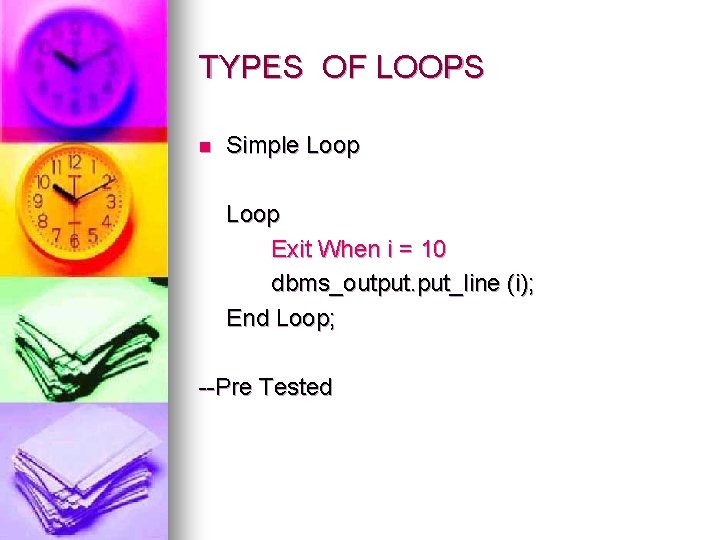
TYPES OF LOOPS n Simple Loop Exit When i = 10 dbms_output. put_line (i); End Loop; --Pre Tested
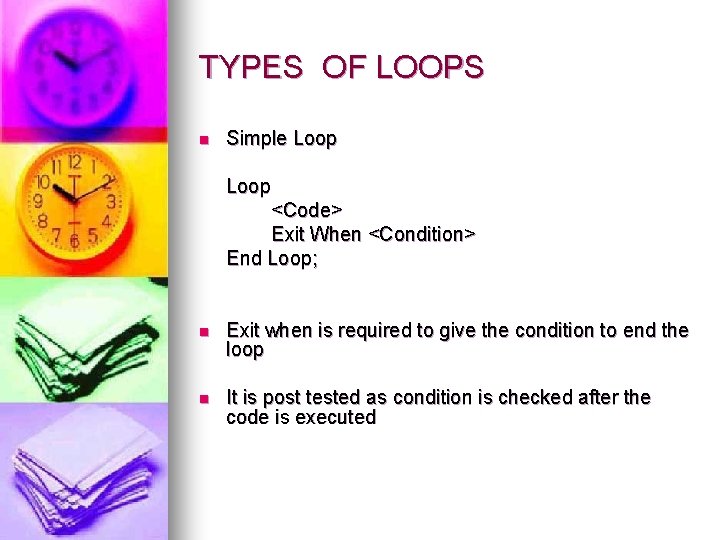
TYPES OF LOOPS n Simple Loop <Code> Exit When <Condition> End Loop; n Exit when is required to give the condition to end the loop n It is post tested as condition is checked after the code is executed
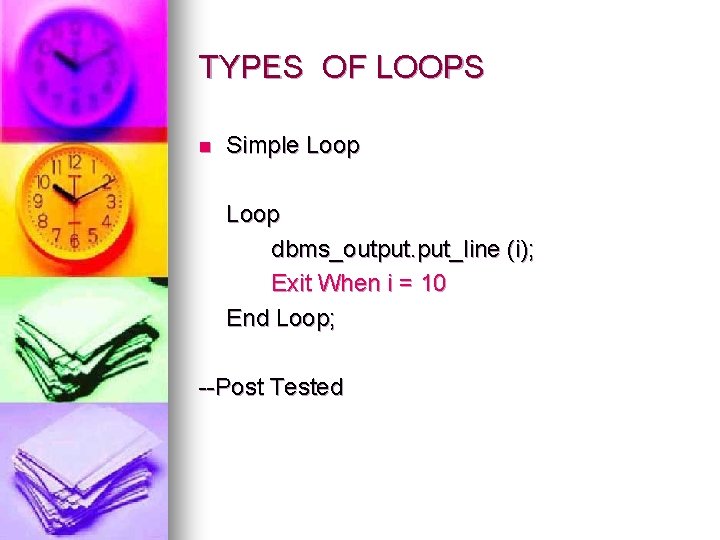
TYPES OF LOOPS n Simple Loop dbms_output. put_line (i); Exit When i = 10 End Loop; --Post Tested
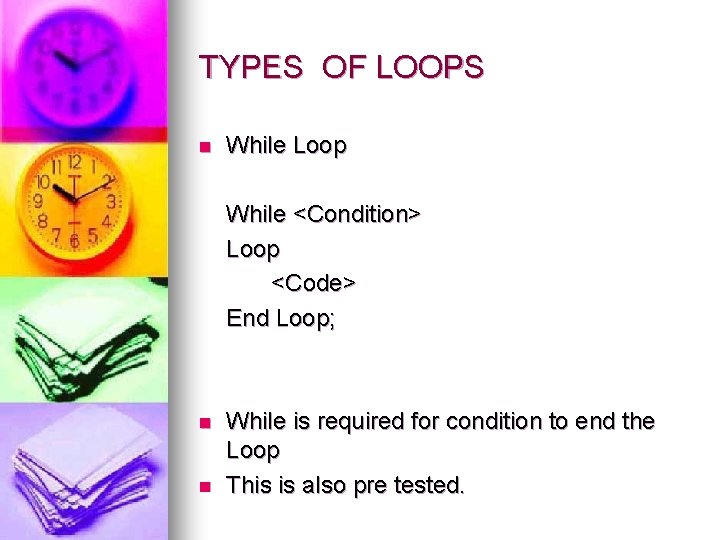
TYPES OF LOOPS n While Loop While <Condition> Loop <Code> End Loop; n n While is required for condition to end the Loop This is also pre tested.
TYPES OF LOOPS n While Loop While i < 10 Loop dbms_output. put_line (i); End Loop;
TYPES OF LOOPS n FOR Loop FOR <Variable> IN <Min>. . <Max> Loop <Code> End Loop; n n This Loop is used when we know the number of time the loop is to be executed. This is also pre tested.
TYPES OF LOOPS n FOR Loop FOR i IN 1. . 100 Loop <Code> End Loop; n This Loop will execute the given code 100 times for i = 1 to 100
TYPES OF LOOPS n FOR Loop Reverse FOR i IN Reverse 1. . 100 Loop <Code> End Loop; n n This Loop will execute the given code 100 times for i = 100 to 1 This is reverse i. e from last value to first value
Examples n Sample 12: Sample 12. SQL n Sample 13: Sample 13. SQL n Sample 14: Sample 14. SQL n Sample 15: Sample 15. SQL

Thank you !! Next Session : Tomorrow Cursor , Record and Exception
- Slides: 50