
Objectives To understand when and why digital evidence

Objectives • To understand when and why digital evidence is collected. • To discover the various types of digital crimes and their societal impacts. • To emphasize legal issues associated with digital evidence. 2
Main Menu • Introduction to Digital Forensics • Laws & Regulations of Digital Forensics • Digital Evidence Collection & Analysis 3
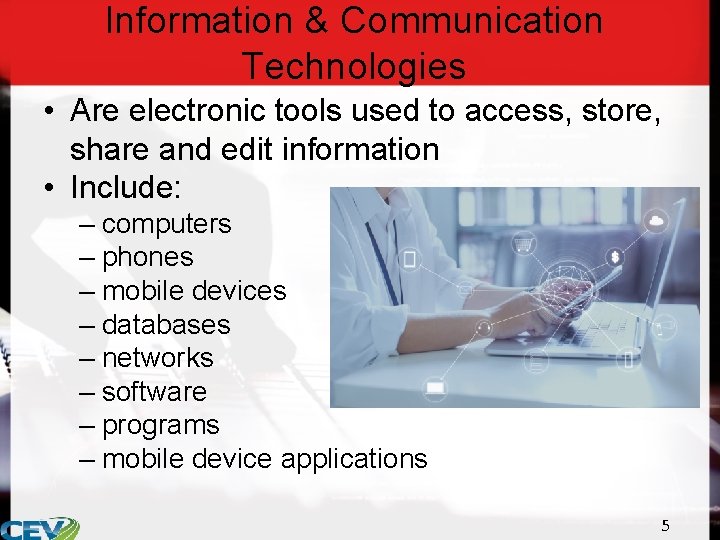
Information & Communication Technologies • Are electronic tools used to access, store, share and edit information • Include: – computers – phones – mobile devices – databases – networks – software – programs – mobile device applications 5
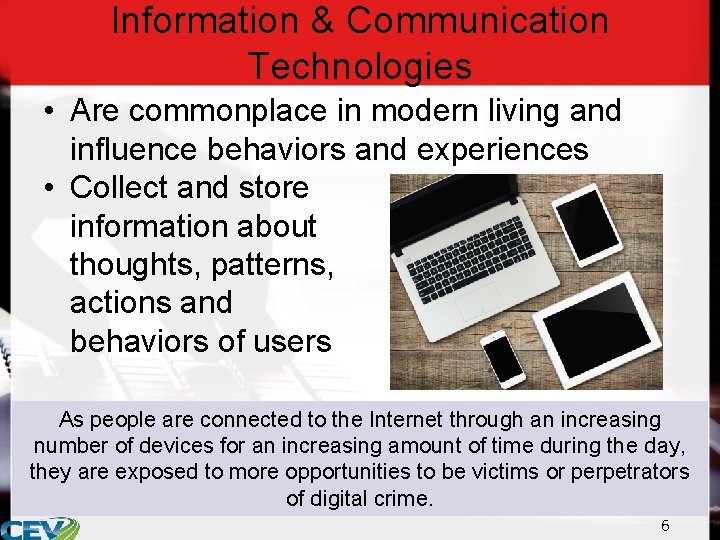
Information & Communication Technologies • Are commonplace in modern living and influence behaviors and experiences • Collect and store information about thoughts, patterns, actions and behaviors of users As people are connected to the Internet through an increasing number of devices for an increasing amount of time during the day, they are exposed to more opportunities to be victims or perpetrators of digital crime. 6
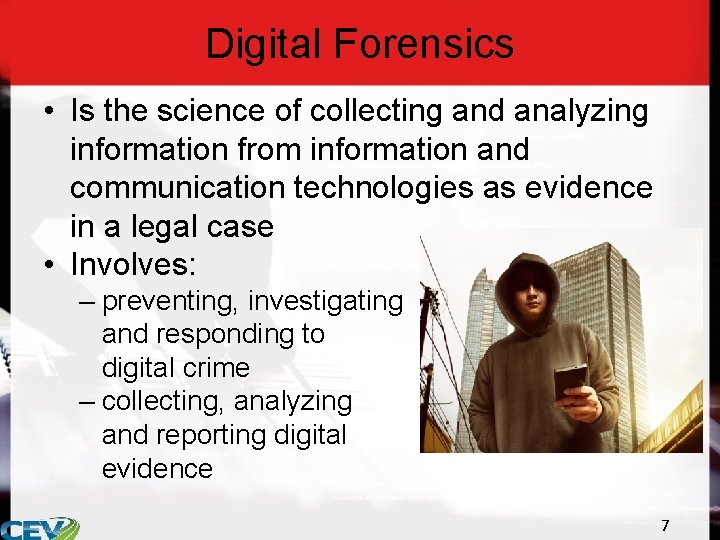
Digital Forensics • Is the science of collecting and analyzing information from information and communication technologies as evidence in a legal case • Involves: – preventing, investigating and responding to digital crime – collecting, analyzing and reporting digital evidence 7
Digital Crimes • Are any crimes which are related to information and communication technologies • Are divided into four types: – technology as object – technology as target – technology as tool – offensive content 8
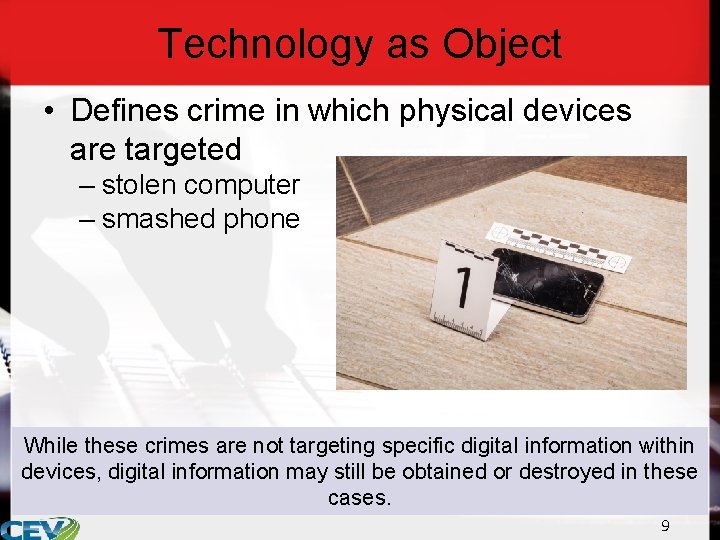
Technology as Object • Defines crime in which physical devices are targeted – stolen computer – smashed phone While these crimes are not targeting specific digital information within devices, digital information may still be obtained or destroyed in these cases. 9
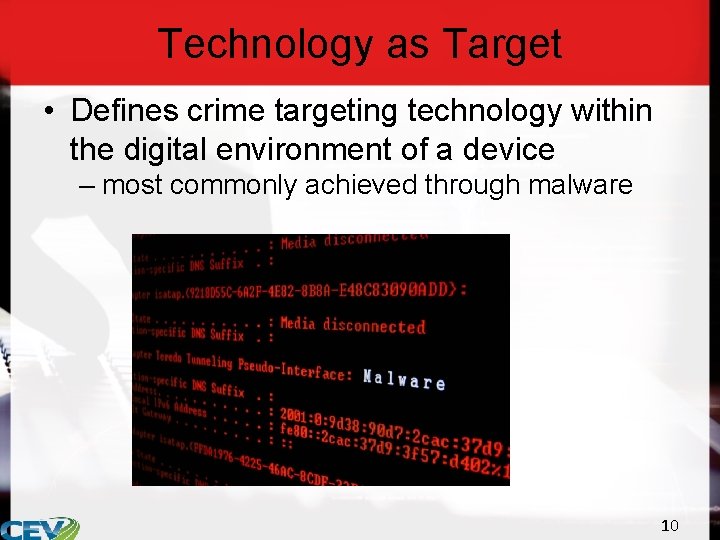
Technology as Target • Defines crime targeting technology within the digital environment of a device – most commonly achieved through malware 10
Malware • Refers to software programs designed with malicious intent • May be designed to: – slow computing processes – delete or alter files – send spam mail – crash computer systems – allow unauthorized remote access to a device 11
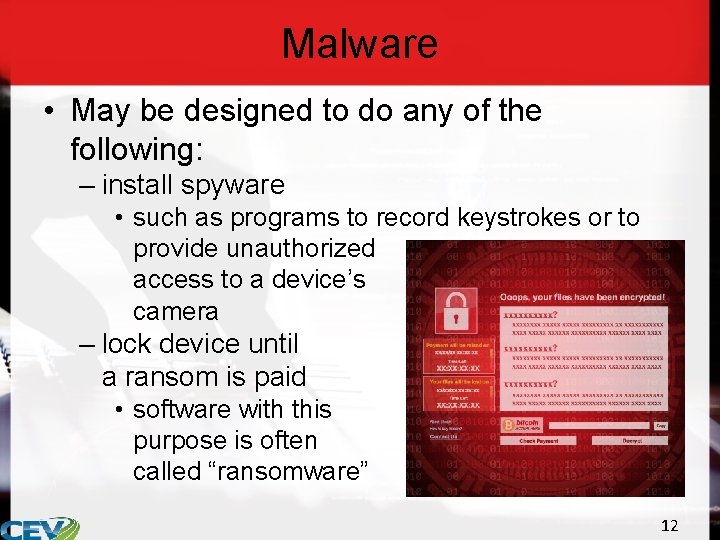
Malware • May be designed to do any of the following: – install spyware • such as programs to record keystrokes or to provide unauthorized access to a device’s camera – lock device until a ransom is paid • software with this purpose is often called “ransomware” 12
Technology as Tool • Defines any crime in which technology is utilized to commit the crime • Includes: – phishing • obtaining sensitive information such as usernames, passwords and credit card information by masquerading as a trusted site or e-mail – spoofing • falsifying data in order to appear as a different person or program – often used to intercept and alter communications between two parties or access restricted content 13
Technology as Tool • Includes: – hacking • gaining unauthorized access to a device – may be used to install malware or to obtain sensitive information – fraud • deception for financial or personal gain – can be done in a variety of ways online • catfishing: pretending to be someone else, particularly common on dating sites and may be used to obtain money from others • e-mail scams: offering money or free products and services in exchange for a transfer fee 14
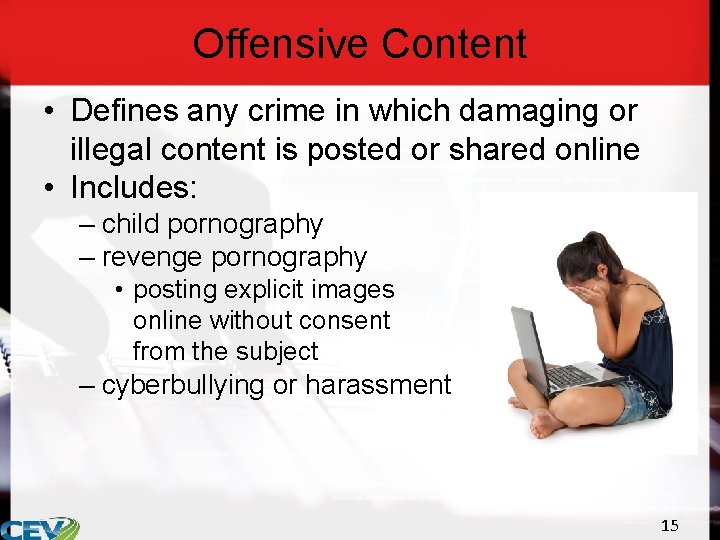
Offensive Content • Defines any crime in which damaging or illegal content is posted or shared online • Includes: – child pornography – revenge pornography • posting explicit images online without consent from the subject – cyberbullying or harassment 15
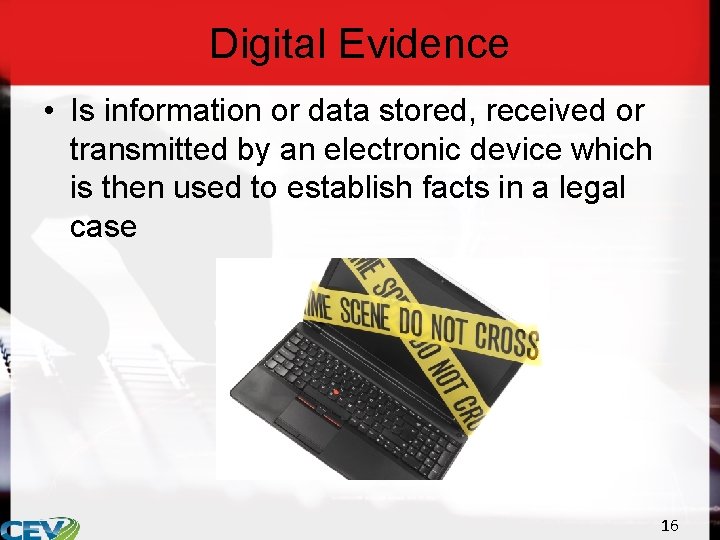
Digital Evidence • Is information or data stored, received or transmitted by an electronic device which is then used to establish facts in a legal case 16
Digital Evidence • Can include: – social media accounts and activity – texts and instant messages – e-mails – contact lists – web browsing history – audio files – device back-ups – digital calendars and reminders – mobile device applications and usage – cookies • packets of data sent from a server to a browser which can be used to identify a browser 17
Digital Evidence • Can include: – compressed files • such as. zip or. rar files – databases – hidden or deleted files – system files – logs – pictures and images – videos 18
Digital Evidence • Can be used in digital and non-digital crimes – in digital crimes, often digital evidence can be used as direct evidence – in non-digital crimes, often digital evidence can be used as circumstantial evidence direct evidence: based on fact or records of an event circumstantial evidence: evidence which infers a fact about an event 19
Direct Digital Evidence • Can help law enforcement prove: – crime was committed • for example, records of illegal money transfers – suspect involvement • for example, IP used for crime linked to suspect’s password-protected device – specific tools used to facilitate digital crime • for example, software has record of crime being committed 20
Circumstantial Digital Evidence • Can help law enforcement: – determine motive of the crime • for example, e-mails may imply the suspect was angry with a victim – place suspect at the scene of the crime • for example, GPS can show a suspect was present at the scene during the time-frame of the crime – establish relationship between involved parties • for example, text messages may show the suspect and victim were in an intimate relationship 21
Digital Forensics Laws • Address the following issues: – legal definition – jurisdiction – search and seizure 23
Defining Digital Crime • Can be difficult because information and communication technologies are constantly changing and updating faster than legislation and law enforcement can develop laws and procedure 24
Current Legislation on Digital Crime • Includes: – Computer Fraud and Abuse Act – Wire Tap Act – Unlawful Access to Stored Communications Act – Identity Theft Statute – Access Device Fraud Statute – Privacy Protection Act of 1980 – The Patriot Act – CAN-SPAM Act – Fair and Accurate Credit Transaction Statute – Children’s Online Privacy Protection Rule 25
Computer Fraud & Abuse Act • Criminalizes: – using a computer to access information which will harm the U. S. government or benefit other nations without authorization or exceeding authorized access – sharing information which will harm the U. S. government or benefit other nations without authorization or exceeding authorized access or preventing information from reaching parties entitled to have access to it 26
Computer Fraud & Abuse Act • Criminalizes: – intentionally accessing a computer without authorization or exceeding authorized access to obtain financial records, consumer reports, information from any department or agency of the United States or information from any protected computer – intentionally accessing any nonpublic computer belonging to the United States government in any department or agency or used for government purposes 27
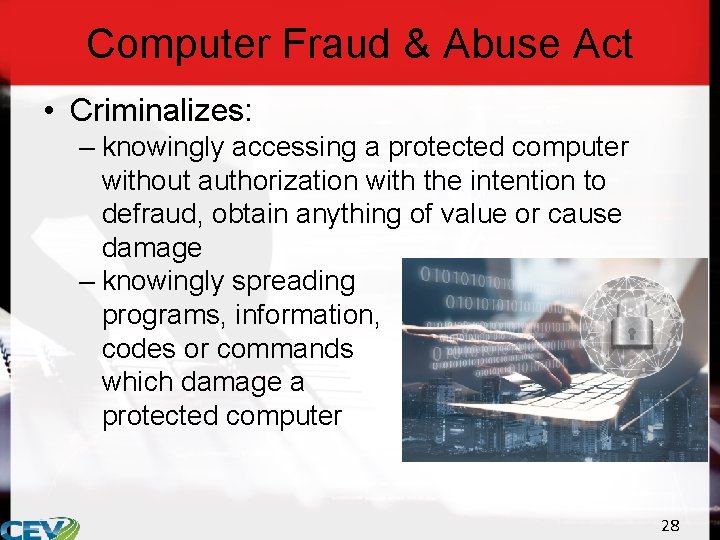
Computer Fraud & Abuse Act • Criminalizes: – knowingly accessing a protected computer without authorization with the intention to defraud, obtain anything of value or cause damage – knowingly spreading programs, information, codes or commands which damage a protected computer 28
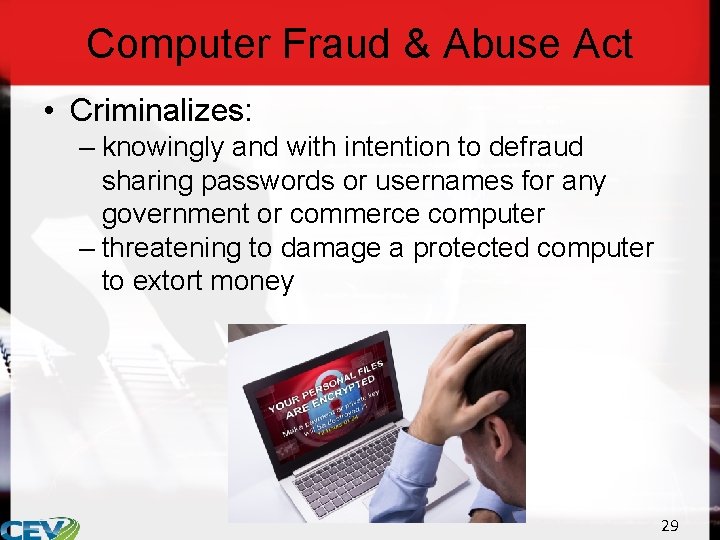
Computer Fraud & Abuse Act • Criminalizes: – knowingly and with intention to defraud sharing passwords or usernames for any government or commerce computer – threatening to damage a protected computer to extort money 29
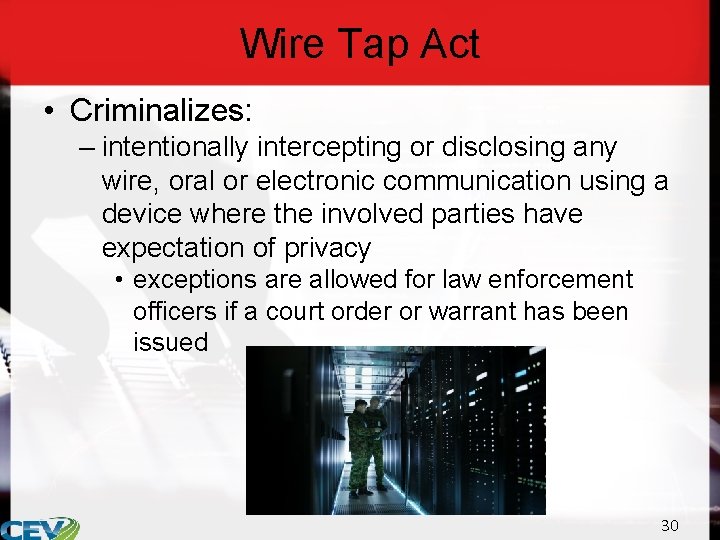
Wire Tap Act • Criminalizes: – intentionally intercepting or disclosing any wire, oral or electronic communication using a device where the involved parties have expectation of privacy • exceptions are allowed for law enforcement officers if a court order or warrant has been issued 30
Unlawful Access to Stored Communications Act • Criminalizes: – intentionally accessing a server which provides electronic communication to obtain or alter any electronic communication – intentionally preventing authorized access to any electronic communication stored in a server 31
Identity Theft Statute • Criminalizes: – knowingly creating, transferring or possessing false identification documents – aggravated identity theft • includes false identification along with another felony offense or act of terrorism 32
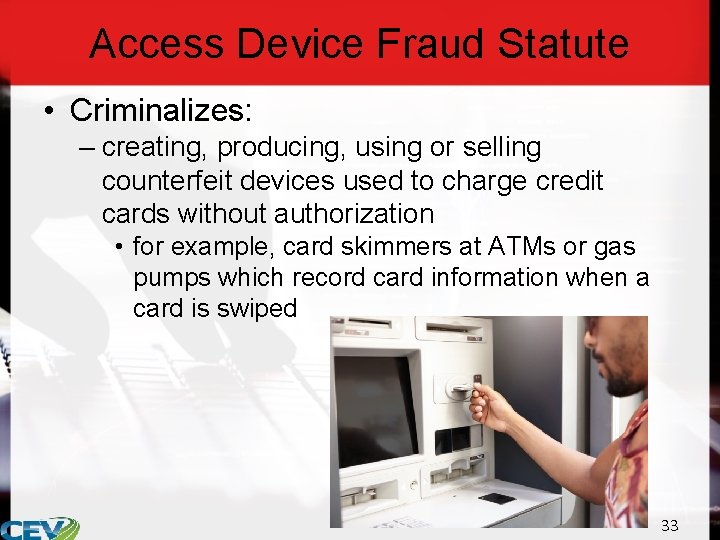
Access Device Fraud Statute • Criminalizes: – creating, producing, using or selling counterfeit devices used to charge credit cards without authorization • for example, card skimmers at ATMs or gas pumps which record card information when a card is swiped 33

Privacy Protection Act of 1980 • Allows journalists and newsrooms to keep work products and documentary materials private before being published – for example: • a suspect talks to a journalist who promises not to print his name because he is in fear of arrest • Allows law enforcement access to information with a subpoena 34
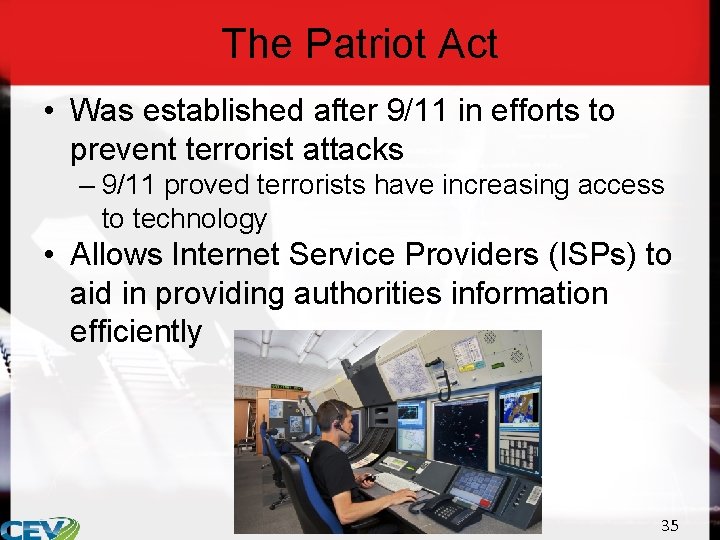
The Patriot Act • Was established after 9/11 in efforts to prevent terrorist attacks – 9/11 proved terrorists have increasing access to technology • Allows Internet Service Providers (ISPs) to aid in providing authorities information efficiently 35
The Patriot Act • Expands the power of law enforcement – government has the ability to intercept communication through the Internet – government has the ability to track suspected terrorists by hacking into accounts • ‘threat to life and limb’ provision provides access to authorities quickly, without a search warrant – government has the ability to conduct searches against citizens without probable cause when suspecting a terror threat 36
CAN-SPAM Act • Regulates commercial e-mail • Requirements include: – must not use false information in the “From, ” “To” or “Reply-To” fields – must not use deceptive subject lines – must identify messages are advertisements – must provide physical postal addresses – must provide a way for recipients to opt-out of future e-mail – must honor opt-out requests within ten business days 37
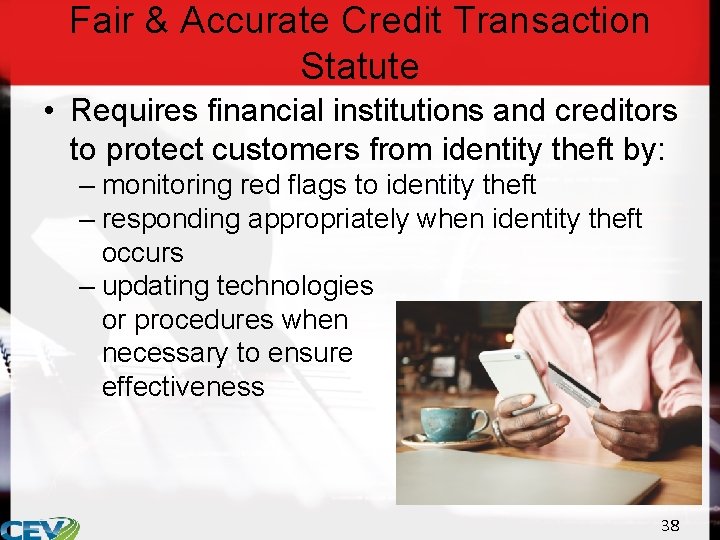
Fair & Accurate Credit Transaction Statute • Requires financial institutions and creditors to protect customers from identity theft by: – monitoring red flags to identity theft – responding appropriately when identity theft occurs – updating technologies or procedures when necessary to ensure effectiveness 38
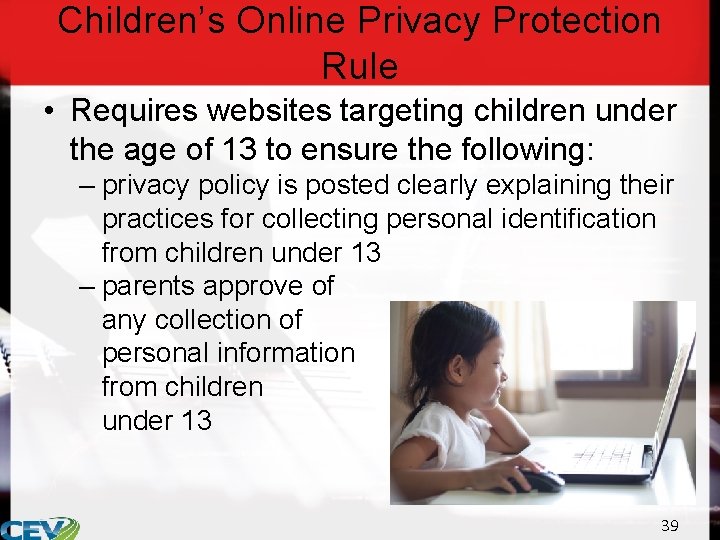
Children’s Online Privacy Protection Rule • Requires websites targeting children under the age of 13 to ensure the following: – privacy policy is posted clearly explaining their practices for collecting personal identification from children under 13 – parents approve of any collection of personal information from children under 13 39
Children’s Online Privacy Protection Rule • Requires websites targeting children younger than 13 to ensure the following: – efforts are made to inform parents of any disclosure of personal information from children under 13, including changes to personal information which was previously approved by a parent – limit the storage of personal information from children under 13 to only what is necessary and must be deleted once the information serves the intended purpose 40
Jurisdiction • Is complicated in digital crimes because the Internet provides criminals with access to victims from anywhere in the world – countries have different legislation on digital crimes • if a victim experienced a crime in a place where the action was illegal, but the perpetrator committed the action in a country where the action is not illegal, then there is very little which can be done to prosecute the crime 41
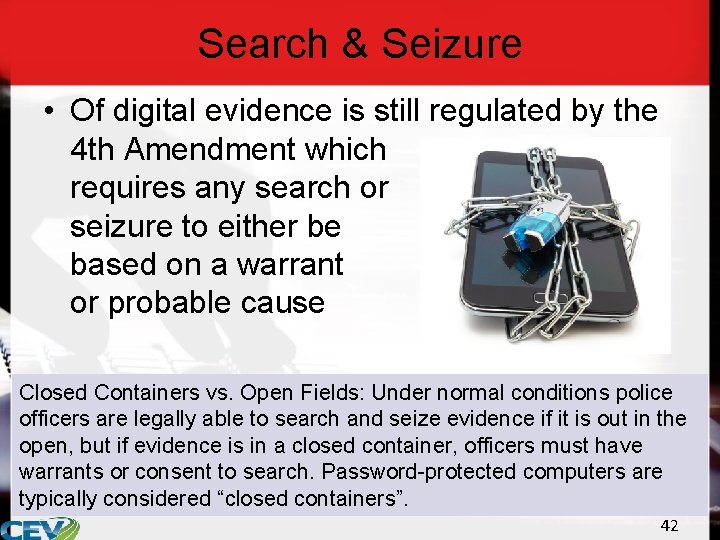
Search & Seizure • Of digital evidence is still regulated by the 4 th Amendment which requires any search or seizure to either be based on a warrant or probable cause Closed Containers vs. Open Fields: Under normal conditions police officers are legally able to search and seize evidence if it is out in the open, but if evidence is in a closed container, officers must have warrants or consent to search. Password-protected computers are typically considered “closed containers”. 42
Warrants • May not be required in the following situations: – voluntary search or seizure • either by the owner of the device or a third party such as a parent or spouse – shared information • information shared with a third party or on social media are not subjected to the 4 th Amendment and may be searched if brought to the attention of law enforcement 43
United States vs. David, 1991 The Case: During an interrogation for drug trafficking Agent Peterson observed David put in a password for a computer which contained evidence on the case. Upon seeing David was going to delete evidence from the computer, Agent Peterson seized the computer memo book. Later, at his leisure, Agent Peterson accessed the computer to obtain the remainder of the evidence he wanted. The Question: Did seizing and searching the technology violate David’s 4 th Amendment rights? 44
United States vs. David, 1991 The Ruling: The court determined seizing the computer was appropriate because of threat to the evidence. However, upon seizing the computer there was sufficient time for Agent Peterson to obtain a warrant for the contents of the computer and knowing the password did not constitute consent to the search. Thus all evidence from the computer was thrown out. 45
Digital Evidence Collection & Analysis • Requires the following steps: – collection – examination – analysis – reporting 47
Digital Evidence Collection • Requires the following preparatory steps: – obtaining proper search authority – gathering physical devices and charging devices if possible – documenting chain of custody for physical devices 48
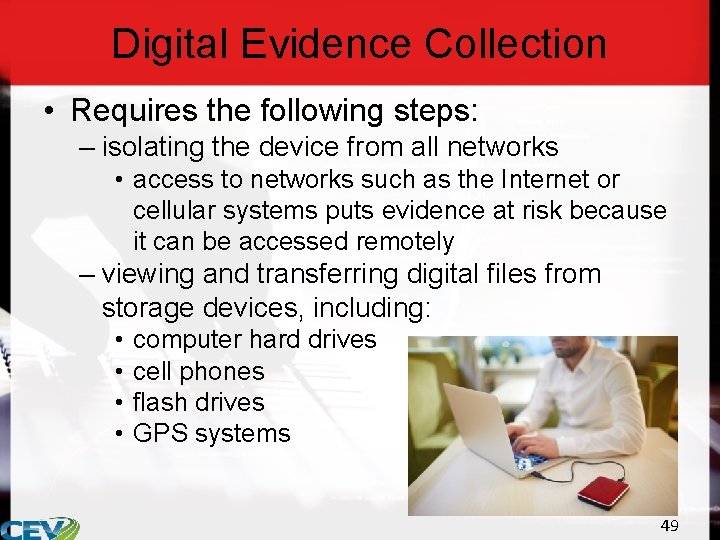
Digital Evidence Collection • Requires the following steps: – isolating the device from all networks • access to networks such as the Internet or cellular systems puts evidence at risk because it can be accessed remotely – viewing and transferring digital files from storage devices, including: • • computer hard drives cell phones flash drives GPS systems 49
Digital Evidence Collection • May require tools such as: – file viewing tools • simplify searching for files and recovering deleted files – digital forensic platforms • aid in documenting evidence – mobile device tools • recover information from mobile devices and allow data to be extracted to a PC – password crackers • used to bypasswords on a system Any tools used to aid in an investigation must be validated by the department before use to ensure the tool will function as expected and will produce accurate results. 50
Data • Should be collected quickly because some information may be time-sensitive • Should be collected in the following order: – CPU, cache and register content • records of the computer’s operations – routing table, ARP cache • records of the network use on a computer – process table and kernel statistics • records of the computer’s operating system 51
Data • Should be collected in the following order: – memory • this is the record of what is stored on the computer and the computation processes – temporary file systems • created to contain information temporarily until a permanent file is made; commonly used when a program does not have enough memory to complete a task – data on hard drive • any saved files 52
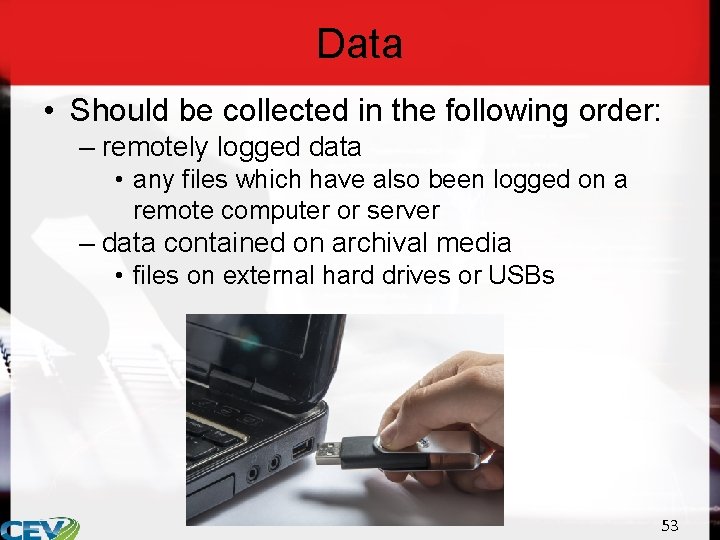
Data • Should be collected in the following order: – remotely logged data • any files which have also been logged on a remote computer or server – data contained on archival media • files on external hard drives or USBs 53
Data • Must be documented by recording the following information: – date and time data was accessed – type of data – location of the data – who discovered the data – how the data was collected – imaging and hashing • an image must be taken of the data, this can be done by cloning (or copying over) a hard drive • hashing is a tool which can be used to confirm the clone of the data is exact 54
Digital Evidence Examination • Requires establishing: – legal hypotheses – forensic hypotheses 55
Legal Hypotheses • Are theories investigators or detectives are attempting to support with evidence – for example, the suspect contacted the victim to meet at the scene of the crime on the night of the crime 56
Forensic Hypotheses • Describe how the legal hypotheses provided by investigators could be supported by forensic examination of digital evidence • Are scientific or technical statements • Are determined to allow experts to identify the types of data which might be located in the case 57
Forensic Hypotheses • Examples: – there will be files showing correspondence between the suspect and the victim about meeting the night of the crime OR there will be evidence files were deleted which would have shown correspondence between the suspect and the victim about meeting – there will be evidence showing the suspect and victim have corresponded previously – there will be evidence the suspect had the victim’s contact information and ability to contact the victim through an application or program – there will be evidence the suspect used a program or application which would have allowed him to contact the victim during the appropriate time frame 58
Digital Evidence Examination • Is most effective when analysts know where to look for evidence – evidence can be located using the following criteria • scope of legal search: what does the analyst have legal access to • likely applications or application types: what programs were likely used in context of the crime • time frame: when was the digital evidence likely created 59
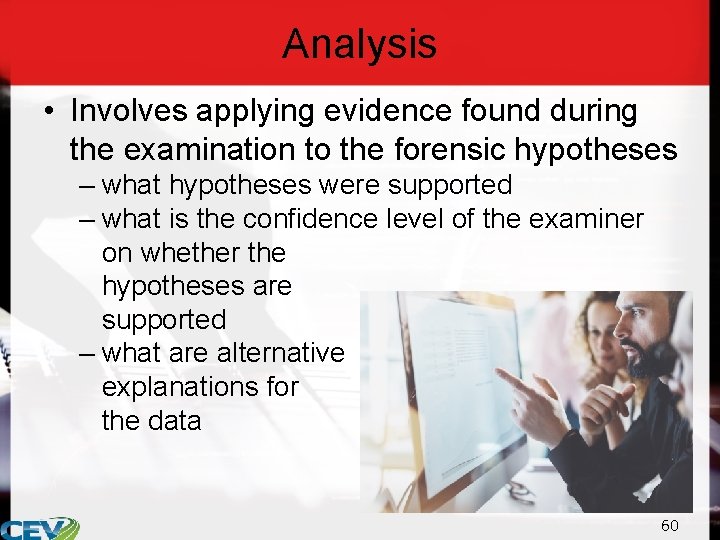
Analysis • Involves applying evidence found during the examination to the forensic hypotheses – what hypotheses were supported – what is the confidence level of the examiner on whether the hypotheses are supported – what are alternative explanations for the data 60
Reporting • Requires: – writing a detailed report for investigators in clear, concise language – potentially providing expert testimony in court • requires ensuring notes and documentation have been maintained 61
References • https: //www. ncjrs. gov/pdffiles 1/nij/grants/248770. pdf • http: //resources. infosecinstitute. com/computer-forensics-tools/#gref • https: //www. forensicmag. com/article/2014/01/digital-evidenceanalysis • http: //www. infosecurityeurope. com/__novadocuments/83665? v=635 652368156170000 • http: //www. forensicsciencesimplified. org/digital/how. html • https: //www. justice. gov/sites/default/files/criminalccips/legacy/2015/01/14/ccmanual. pdf 62
Acknowledgements Production Coordinator Quay Owens Brand Manager Whitney Orth Graphics Editor Melody Rowell V. P. of Brand Management Clayton Franklin Quality Control Director Angela Dehls © MMXVIII CEV Multimedia, Ltd. Executive Producer Gordon W. Davis, Ph. D. 63
- Slides: 63