
OBJECTIVES 1 Understanding the Intelligence Portal 2 Viewing
OBJECTIVES 1. Understanding the Intelligence Portal 2. Viewing & Formatting Reports 3. Using the Tools & Analyzing the Data
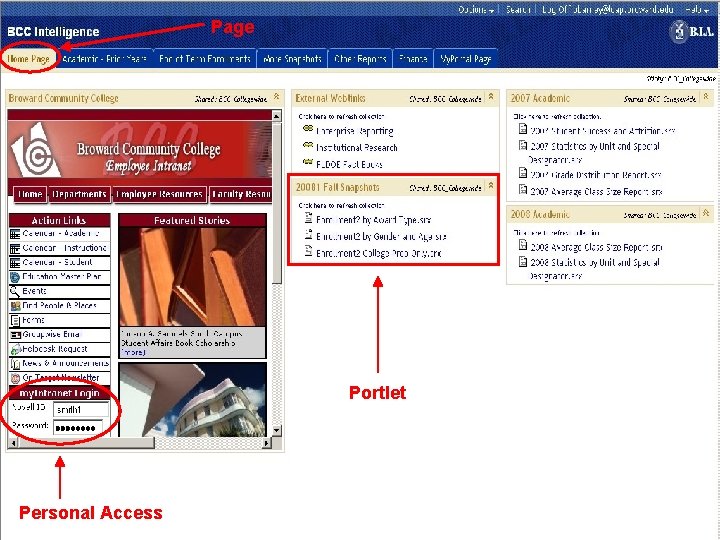
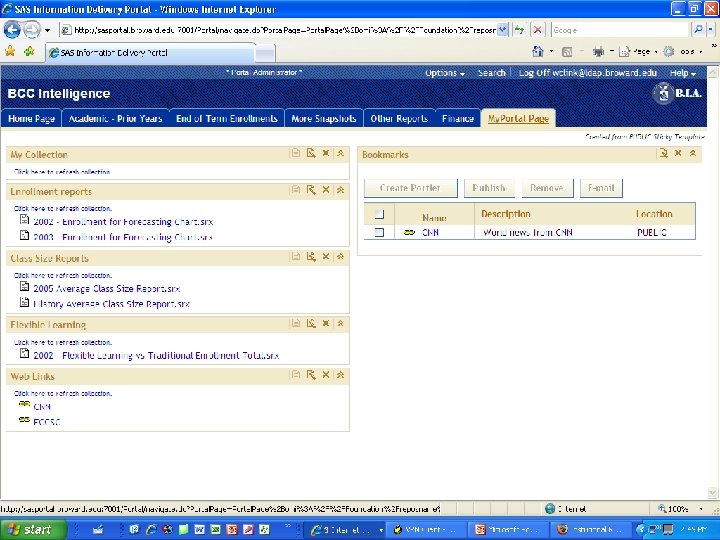
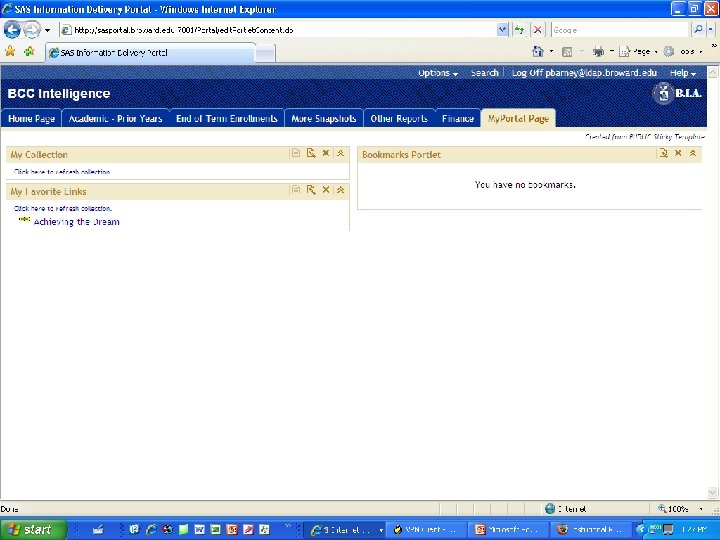
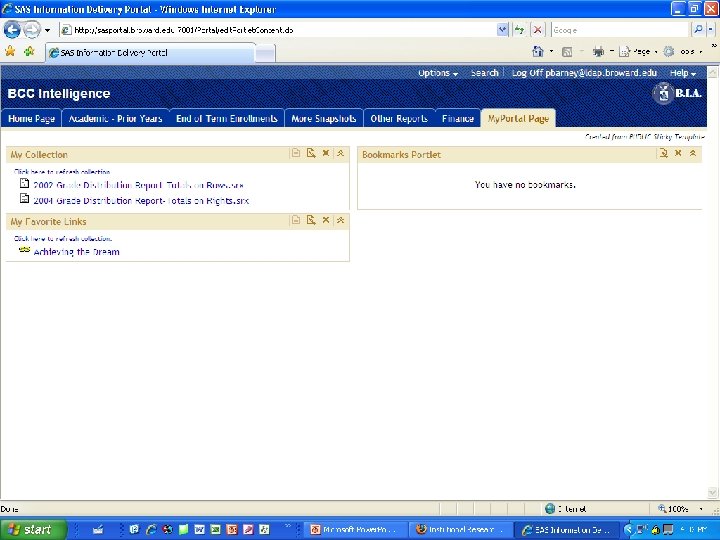
Page Portlet Personal Access

PORTLETS

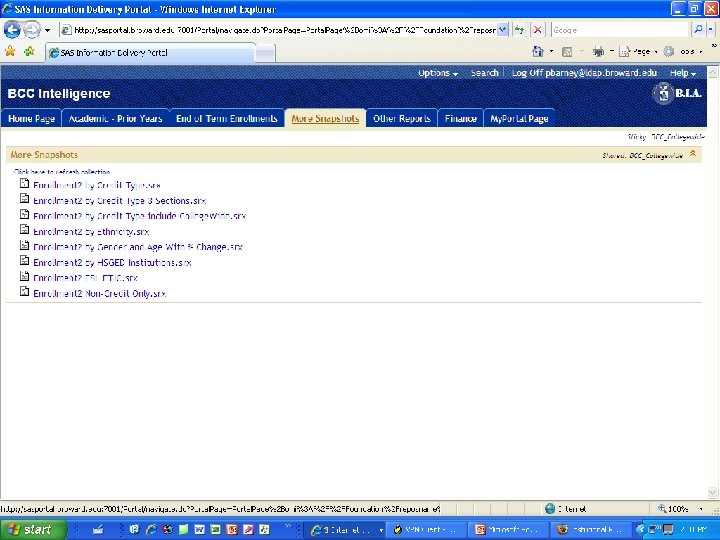
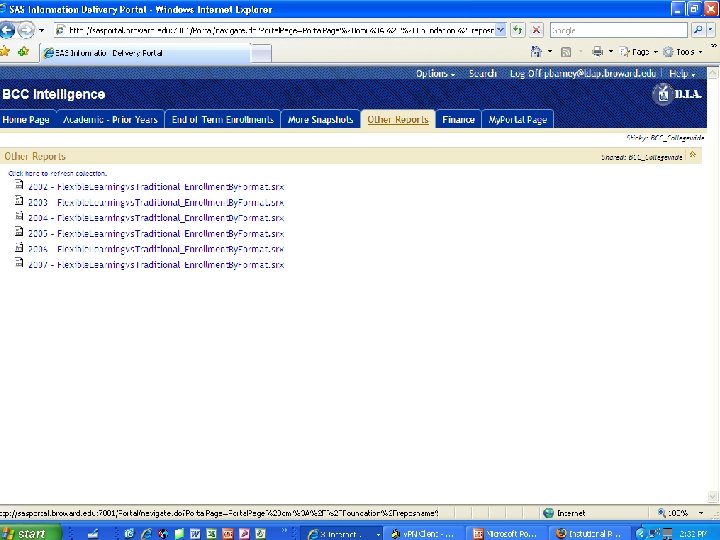
VIEWING REPORTS l Available Reports in SAS l What Data is Accessible Using These Reports? l Drill-Down vs Expanding Data l Formatting Reports l Exporting Reports to MS-Excel
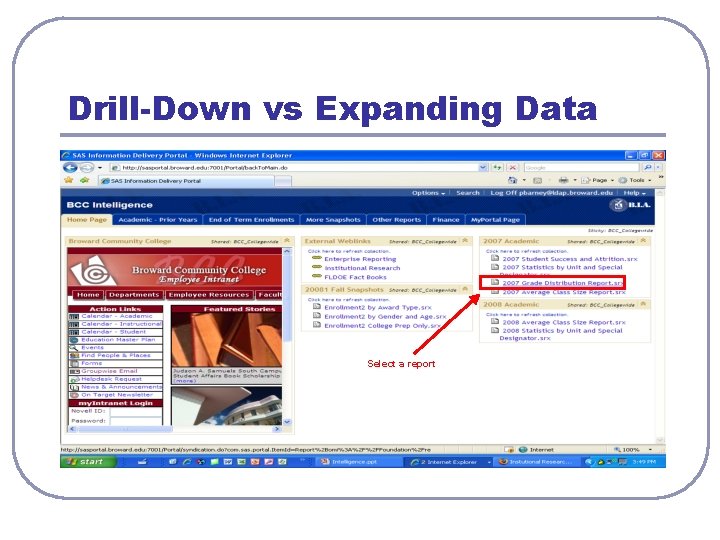
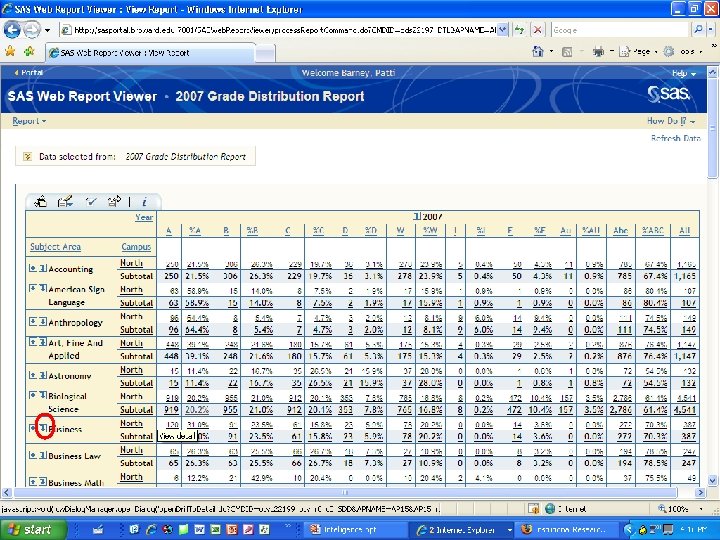
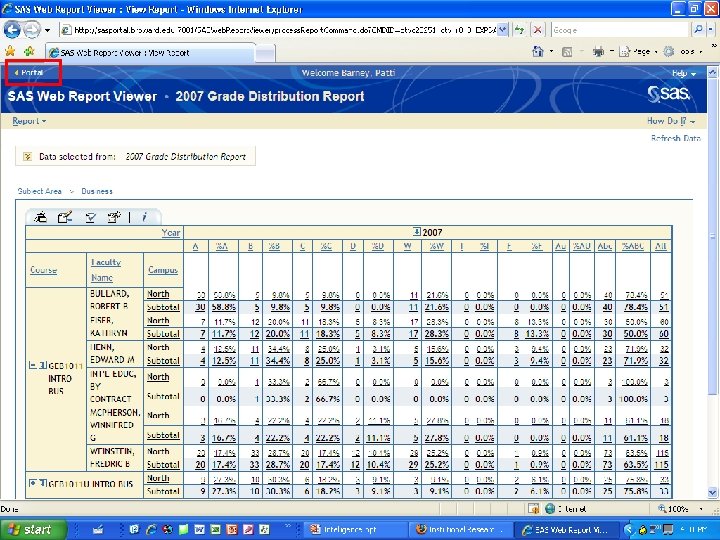
Drill-Down vs Expanding Data Select a report
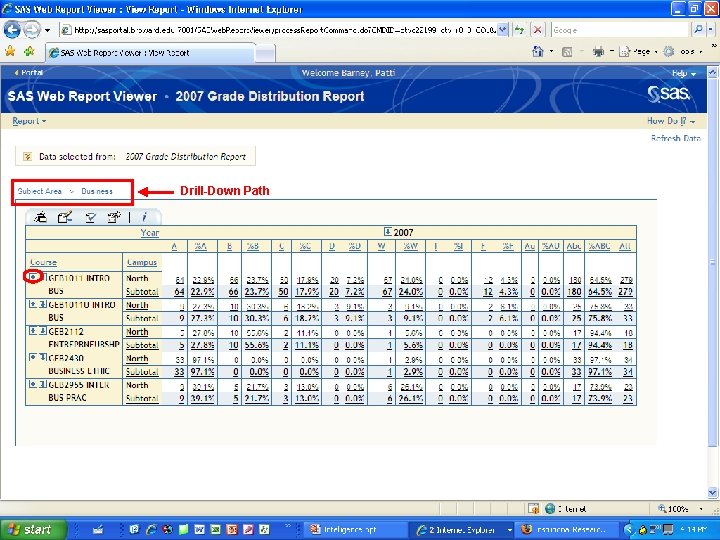
Drill-Down Path
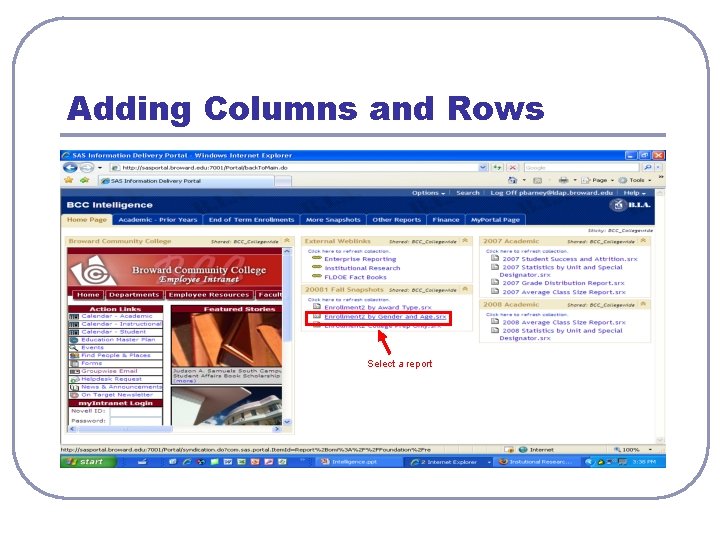
Adding Columns and Rows Select a report
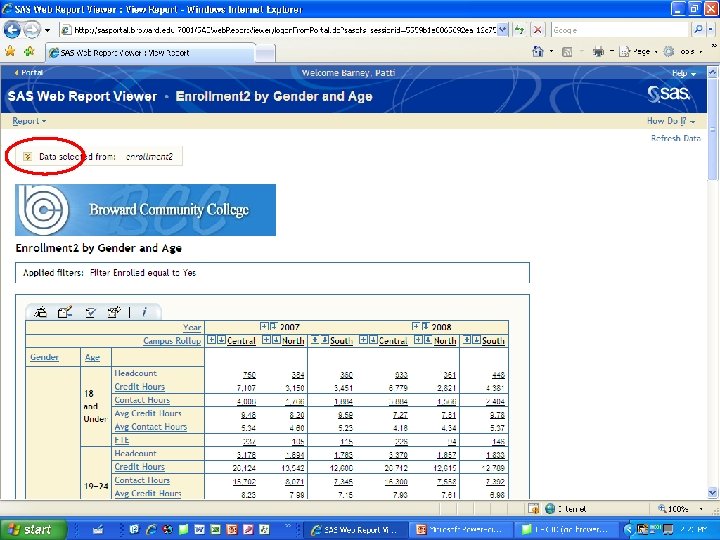
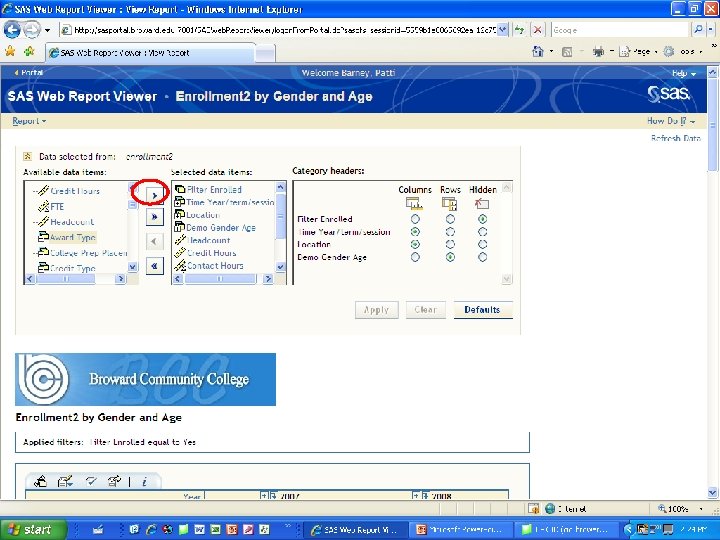
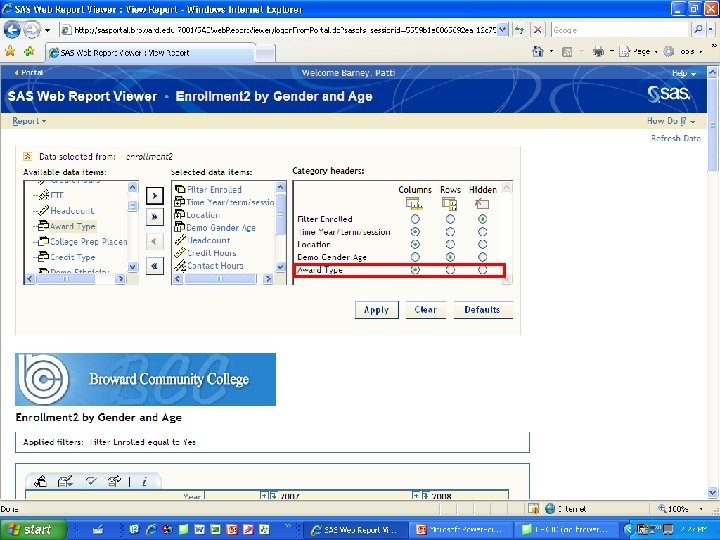
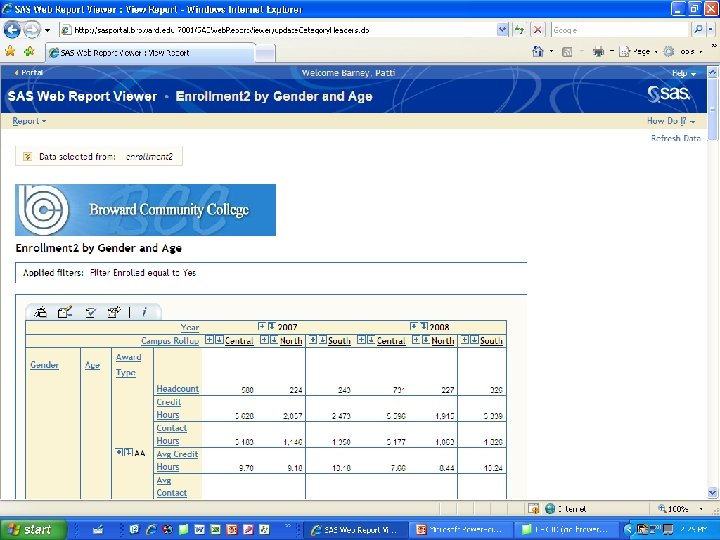
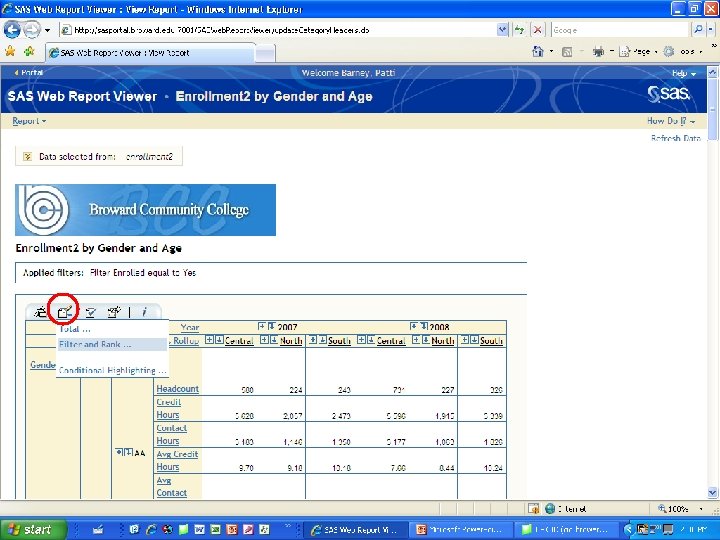
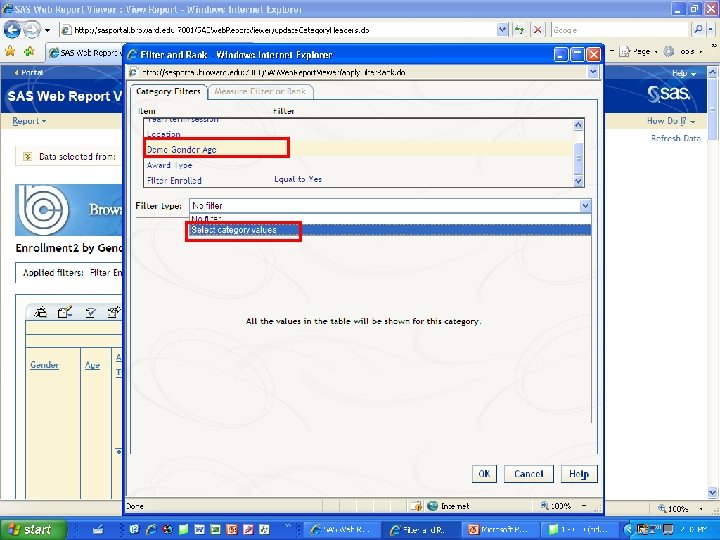
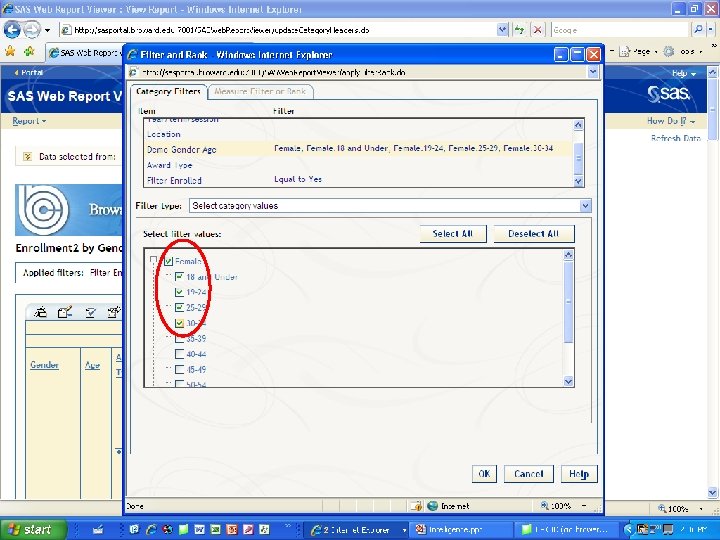
Filtering Data from the Report
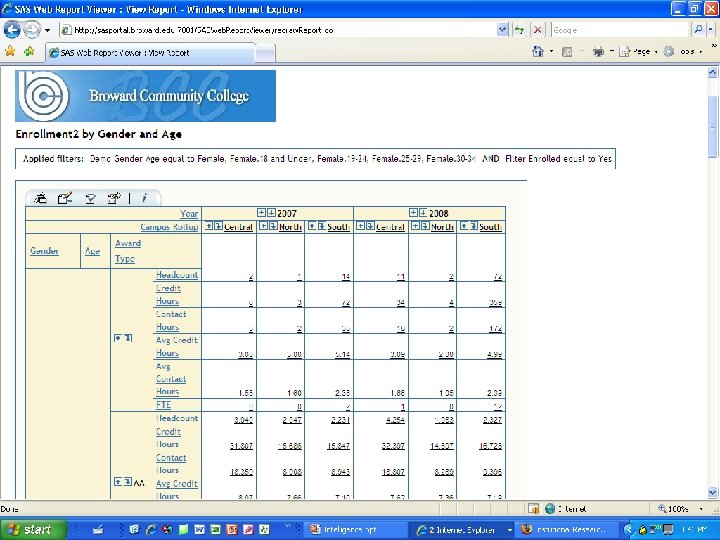
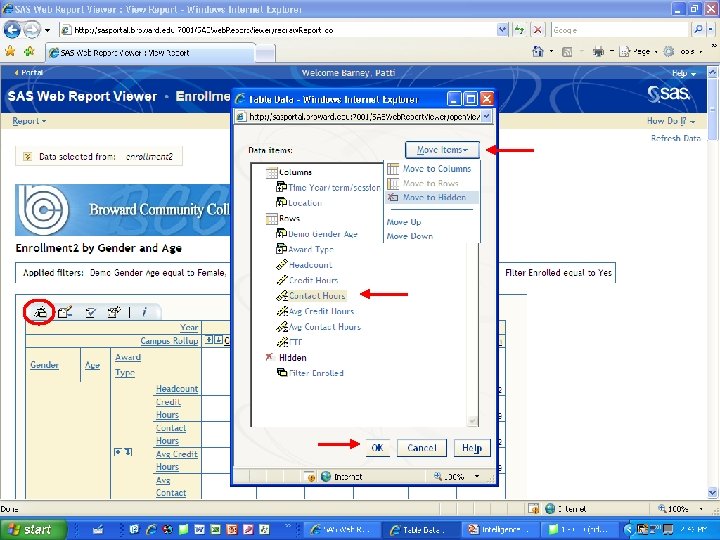
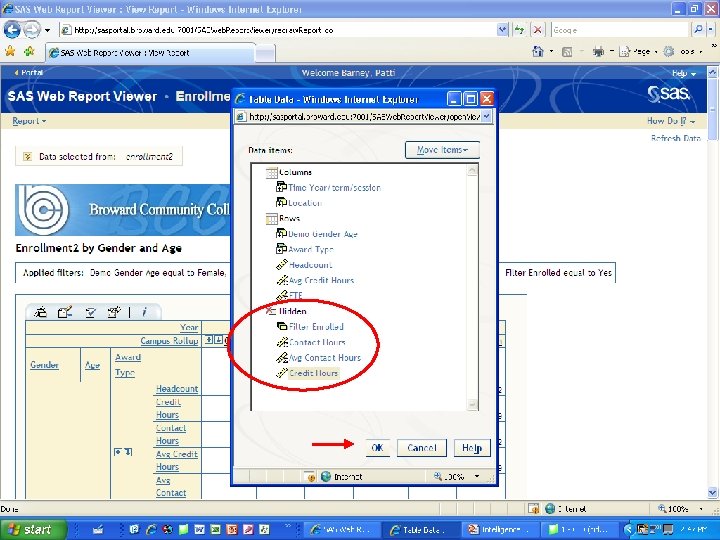
Hidden Data
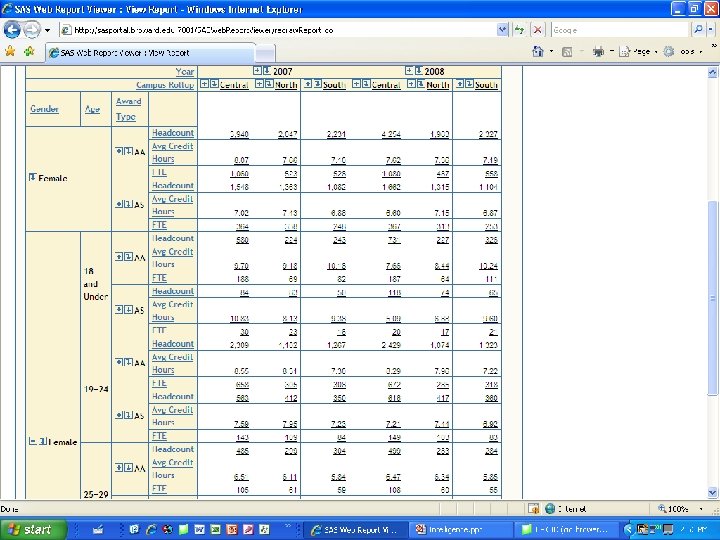
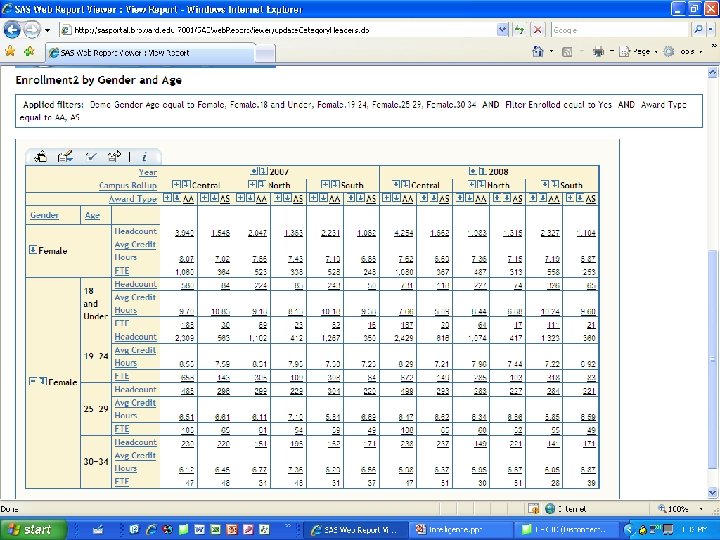
Transposing Columns & Rows
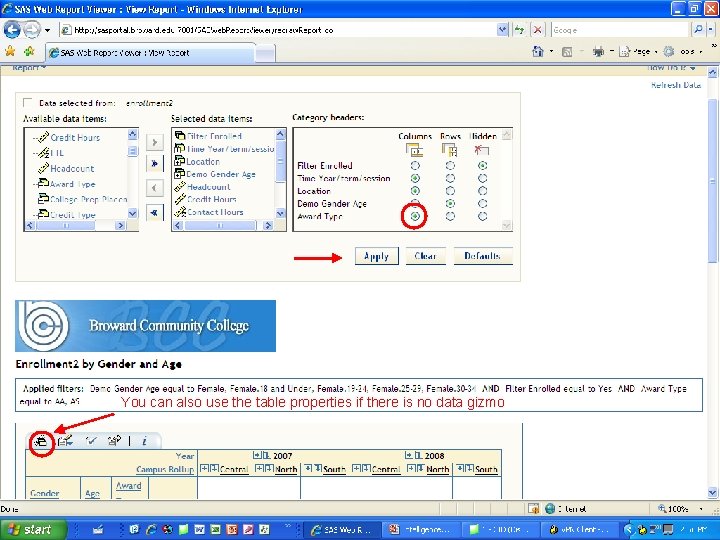
You can also use the table properties if there is no data gizmo
Exporting Data to Excel
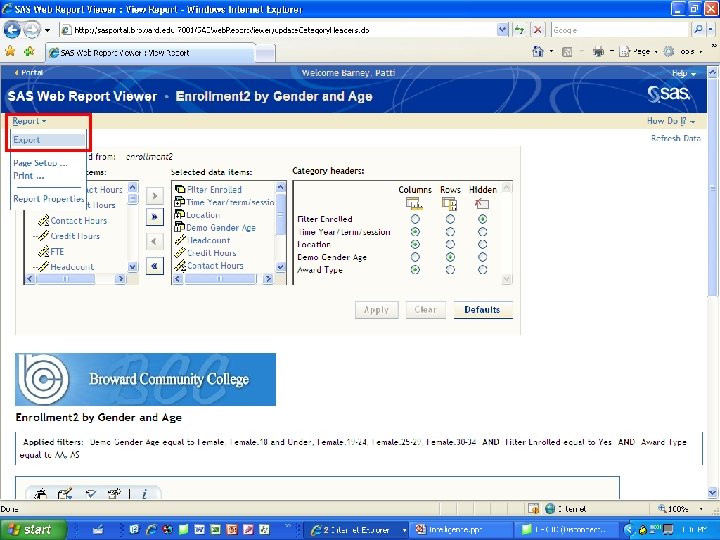
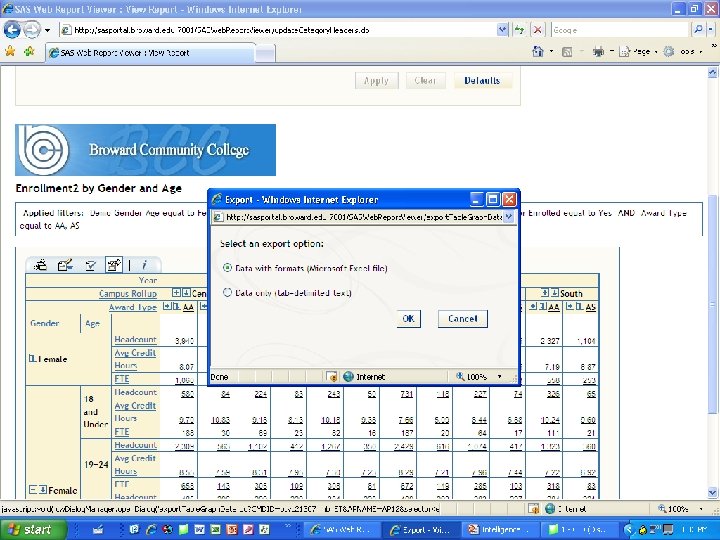
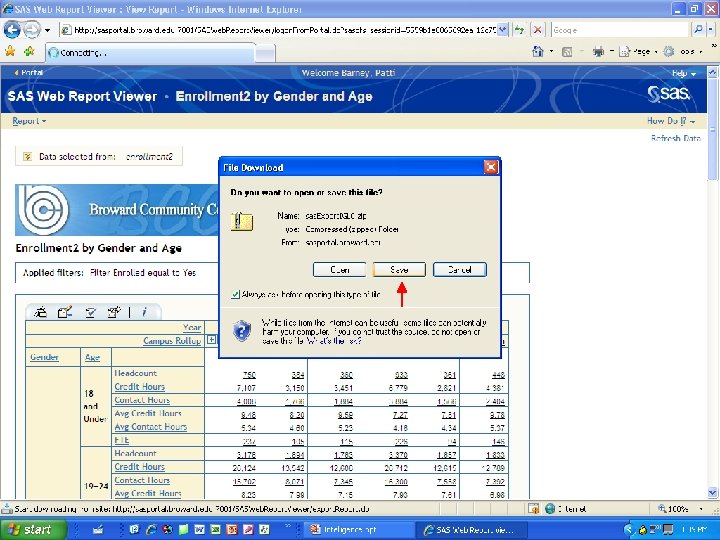
TIME FOR A 10 MINUTE BREAK NEXT on AGENDA: Create My. Portal Page
Hands-on Workshops l l Academic Success & Attrition Student Enrollments Grade Reporting Flexible Learning
Workshop Recap & Discussion l l Did you successfully complete your assignment? Did you find anything interesting during your analysis? Share your results & comments with the group Suggestions and Feedback
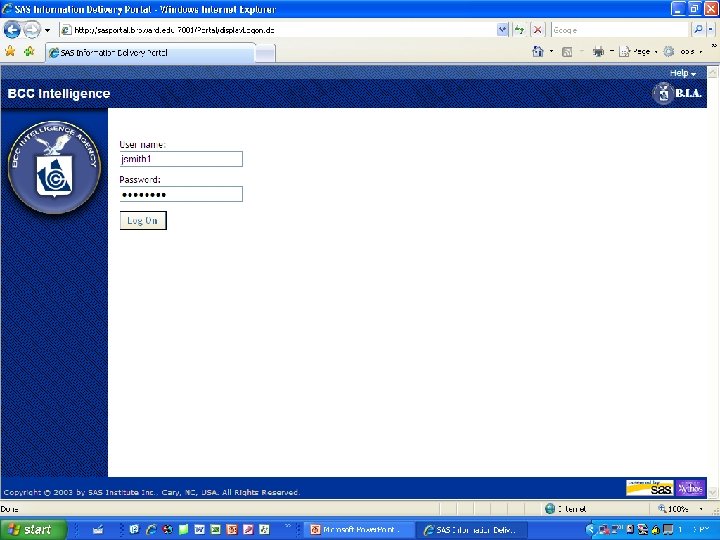
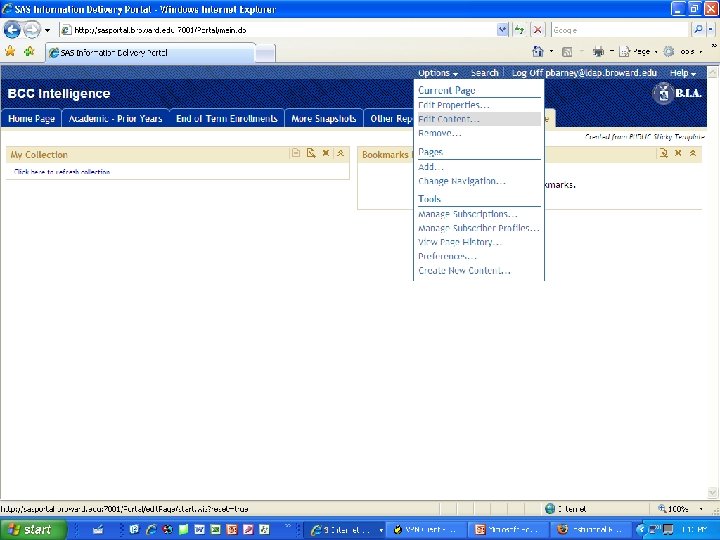
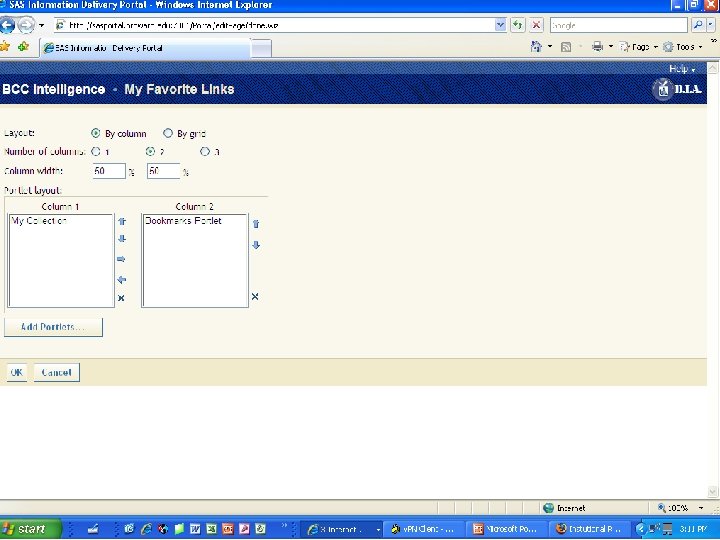
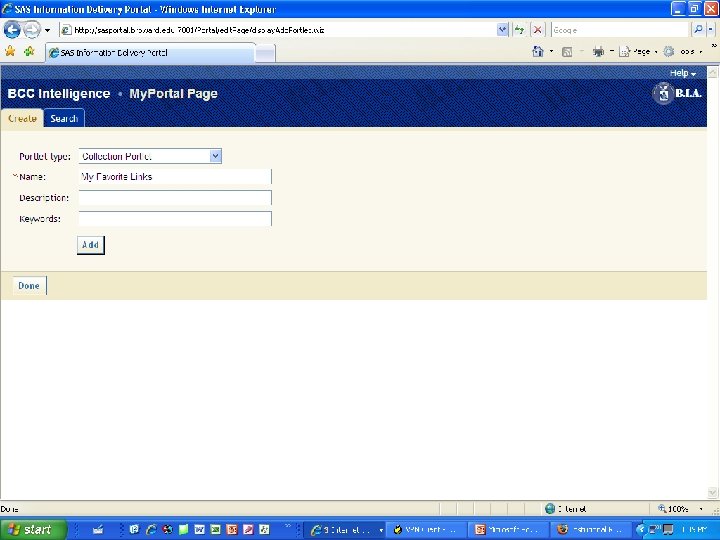
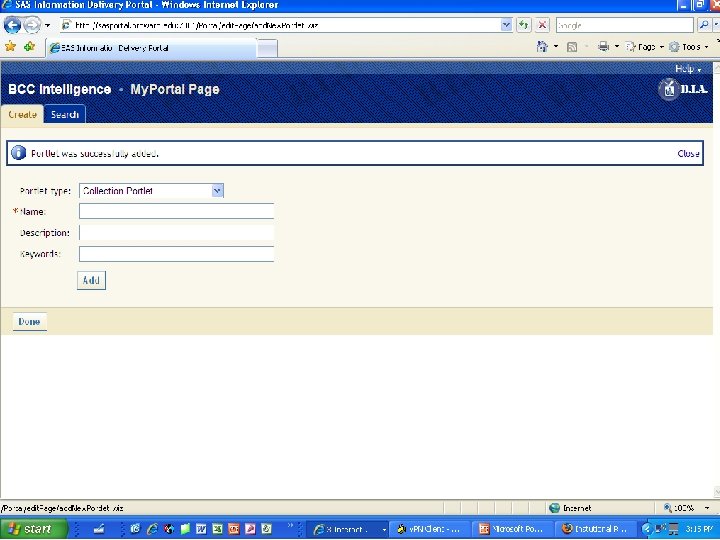
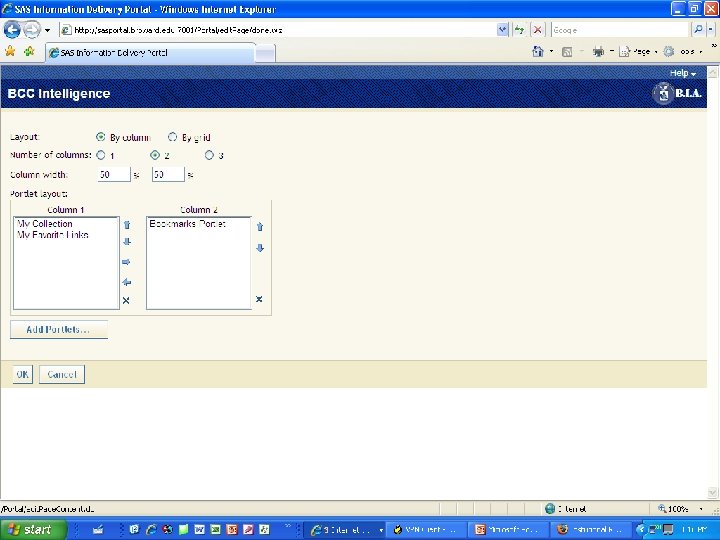
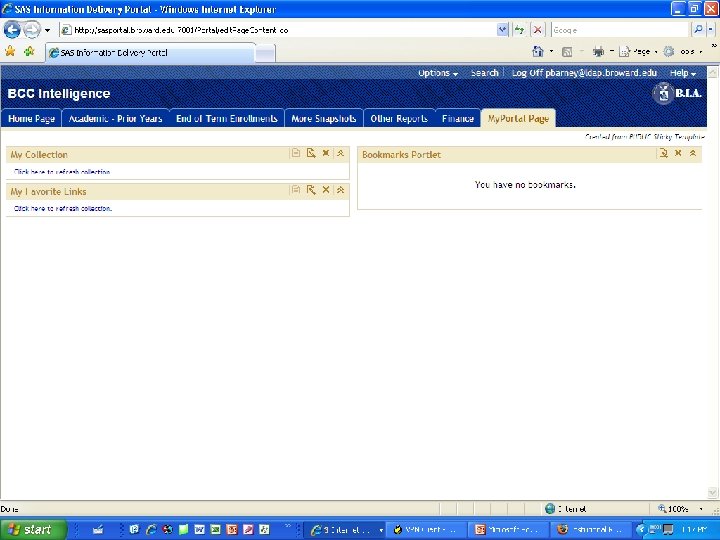
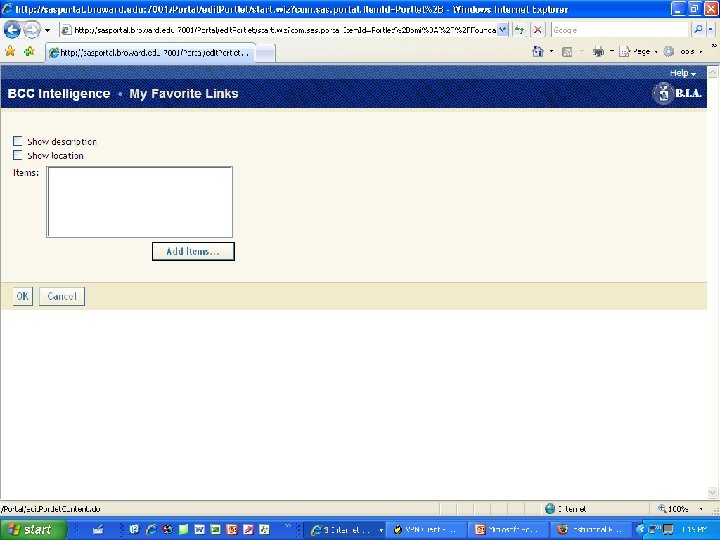
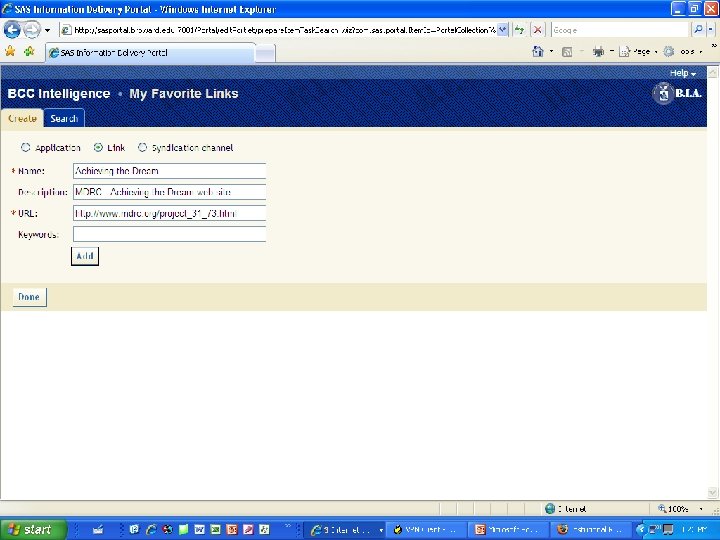
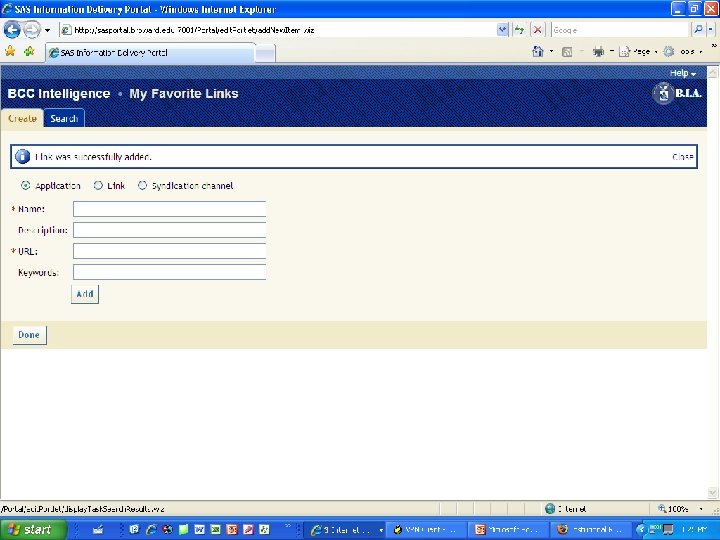
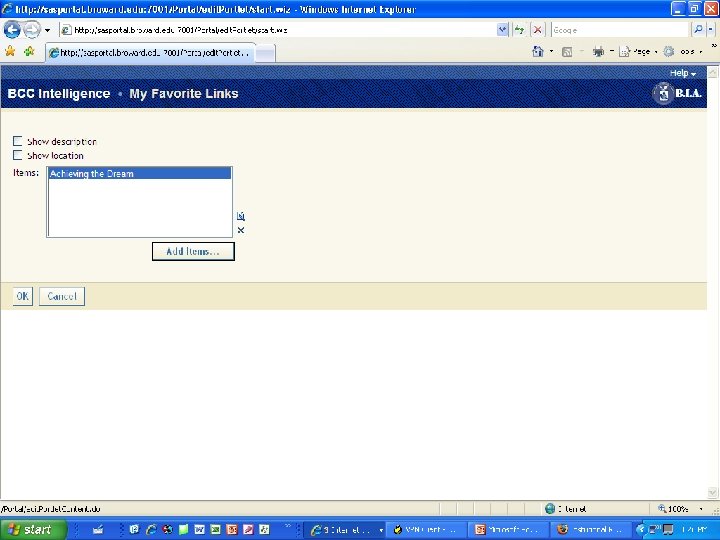
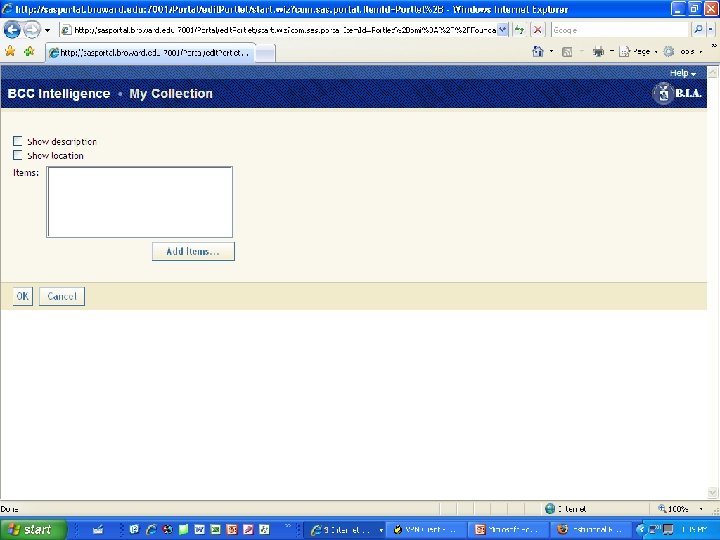
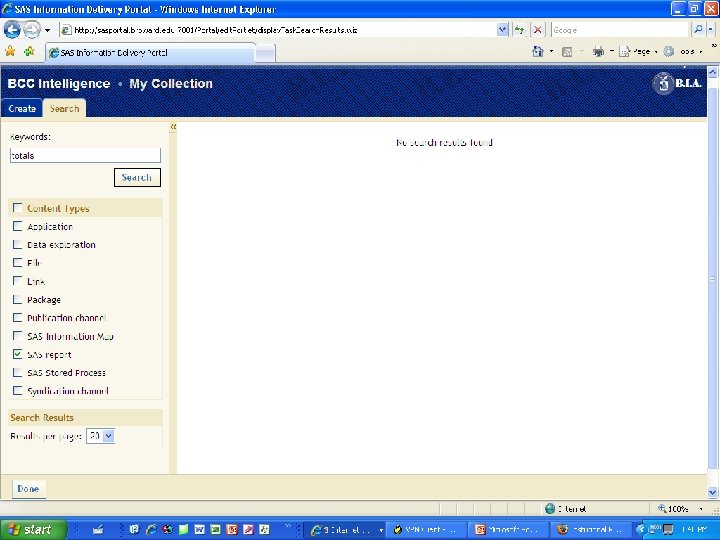
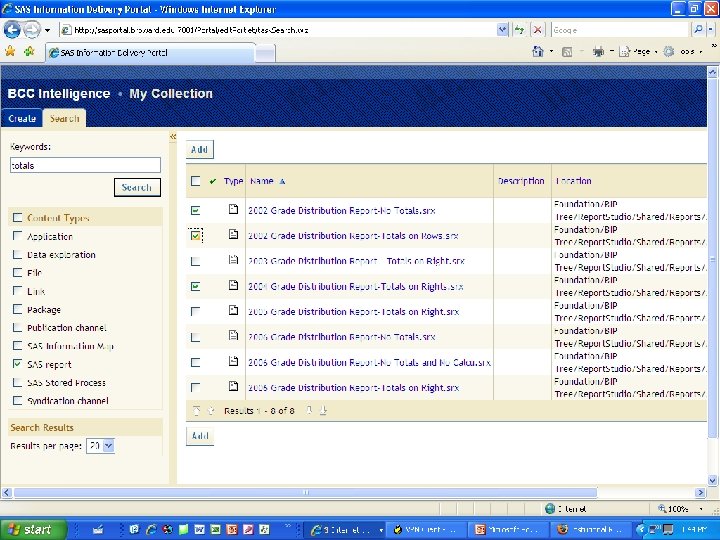
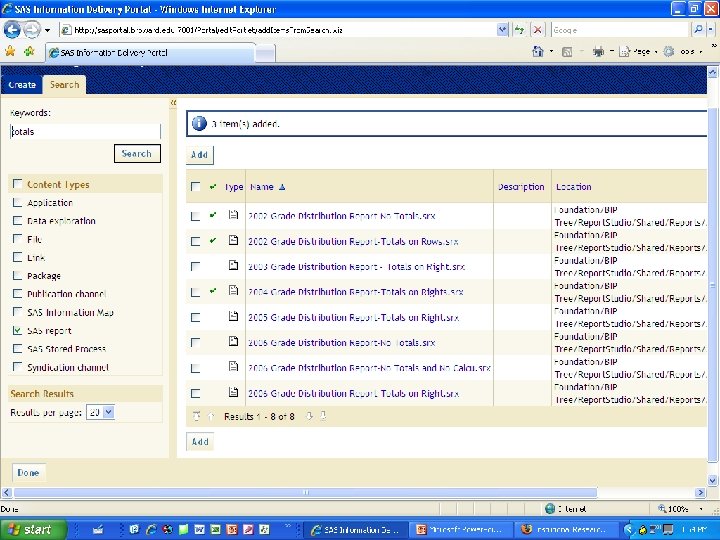
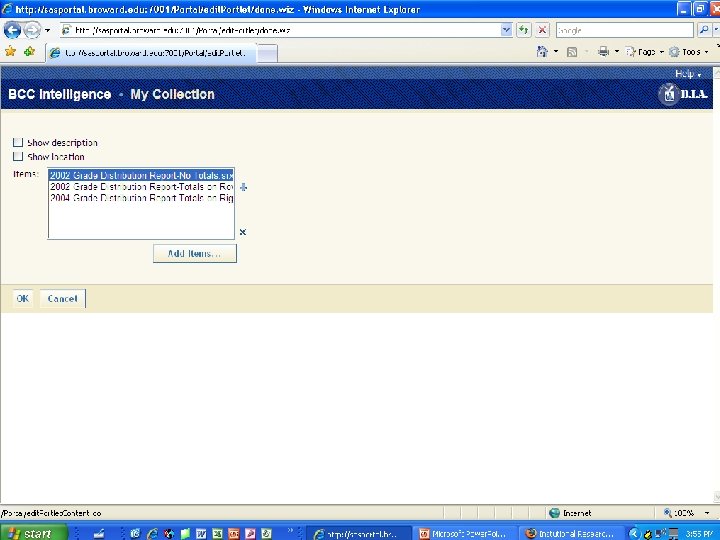
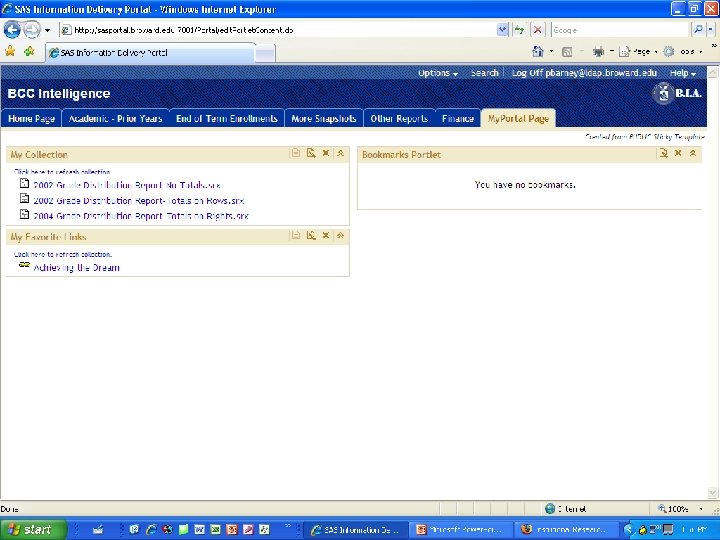
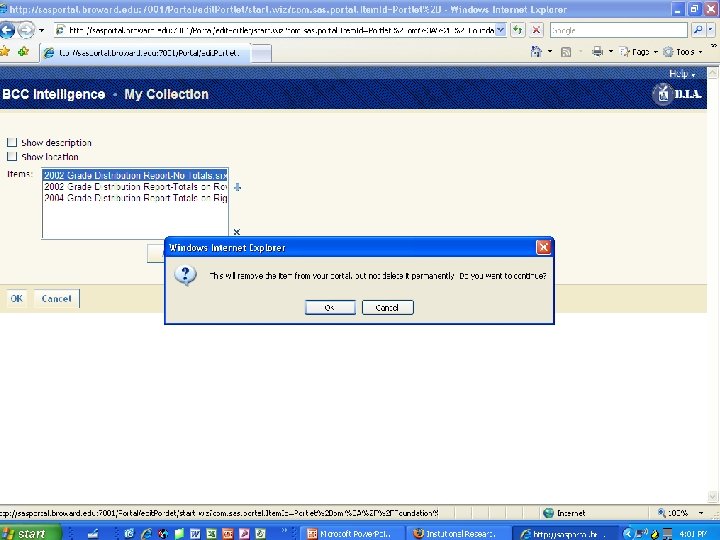
WORKSHOP: My. Portal Page l l l Change Portal Navigation Update Web Links Search, Select and Remove Reports Create a New Portlet & Group Reports Add your favorite URL in an I-Frame! *See handouts or training staff for help
- Slides: 58