
Object Oriented Programming Java Language Introduction for Python
Object Oriented Programming Java Language Introduction for Python programmer Lecture 4 Tatsuo Minohara
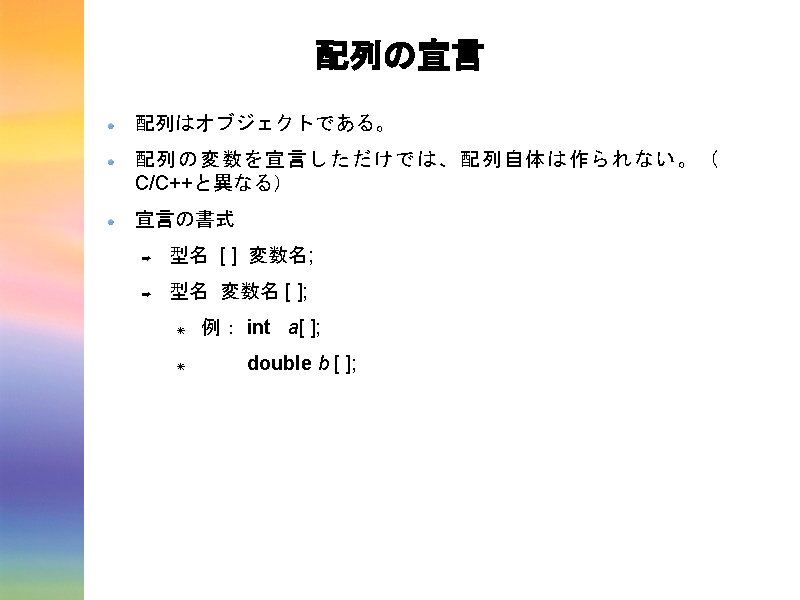

![宣言と共に確保してもOK 例: ➡ int a [ ]= new int[ 8 ]; ➡ double b](http://slidetodoc.com/presentation_image_h2/bcdec2a1efed3bddfeab02d86c18625f/image-4.jpg "宣言と共に確保してもOK 例: ➡ int a [ ]= new int[ 8 ]; ➡ double b")
宣言と共に確保してもOK 例: ➡ int a [ ]= new int[ 8 ]; ➡ double b [ ] = new double[ 20 ]; ➡ ➡ int a [ ]; a = new int[ 8 ]; C/C++の場合: ➡ int a [ 8 ]; ➡ double b [ 20 ]; ➡ ➡ int *a; a = (int *)( malloc( sizeof( int ) * 8 );
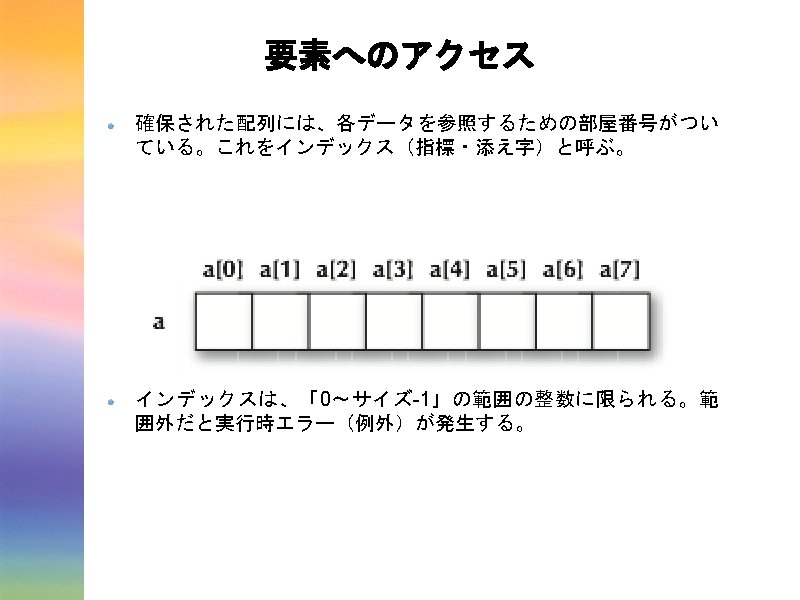
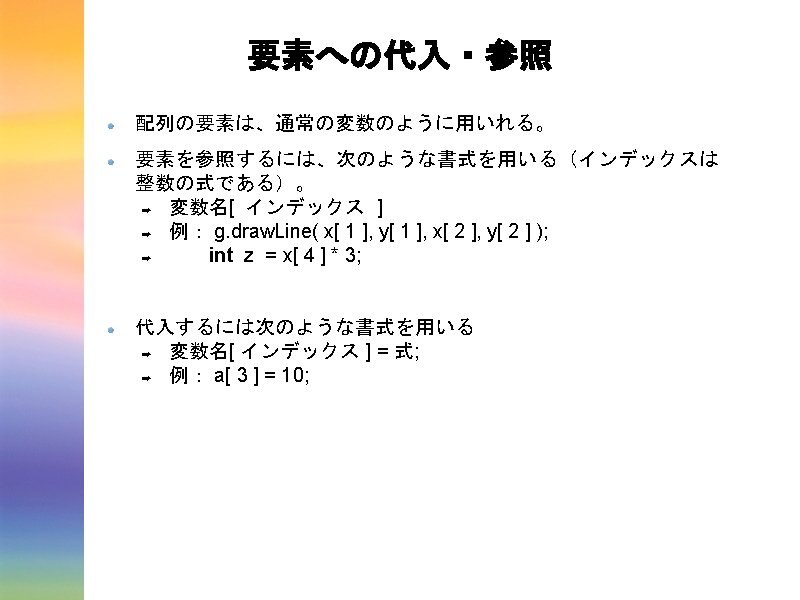
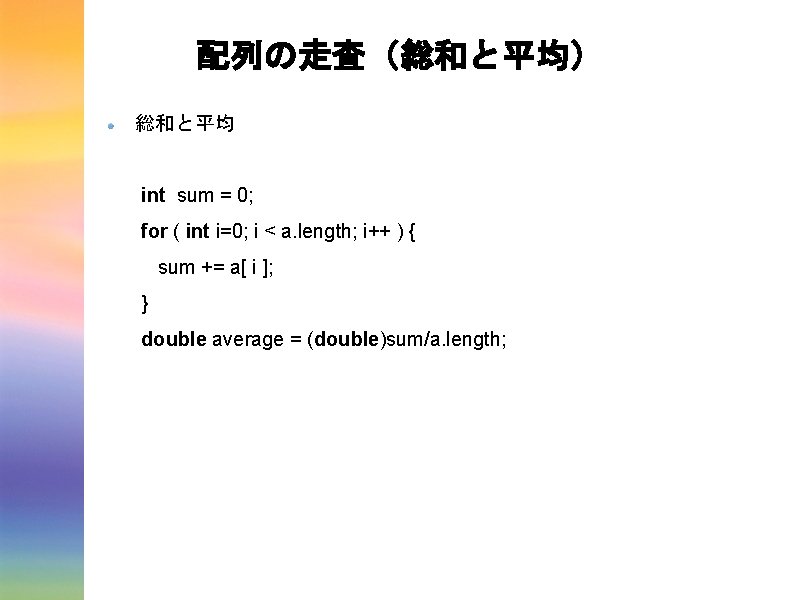
配列の走査(総和と平均) 総和と平均 int sum = 0; for ( int i=0; i < a. length; i++ ) { sum += a[ i ]; } double average = (double)sum/a. length;
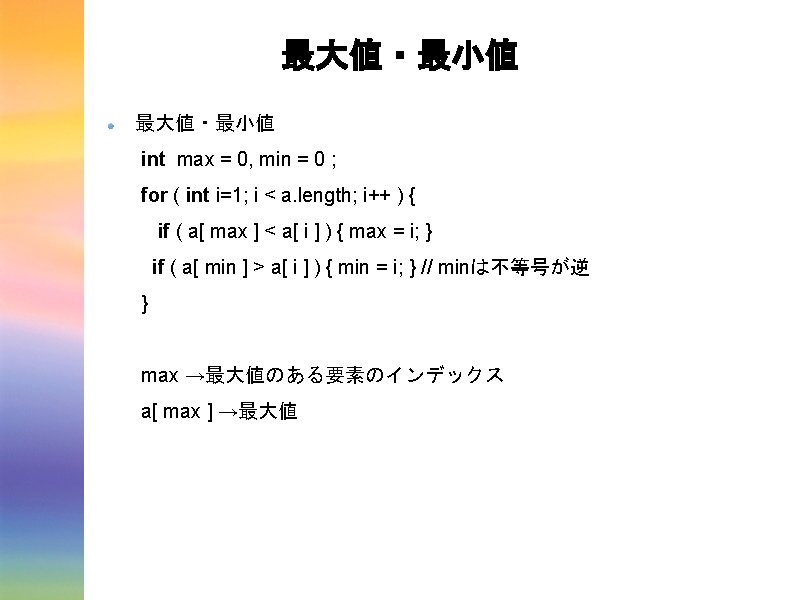
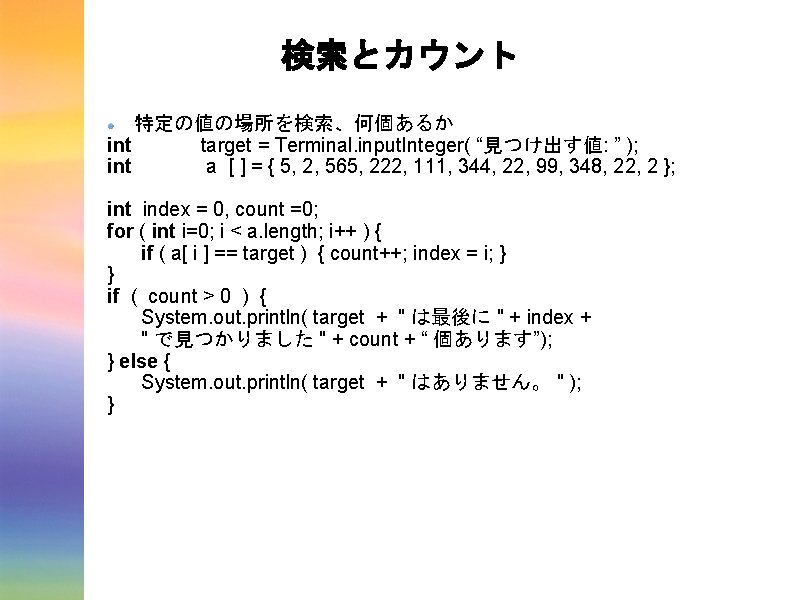
検索とカウント 特定の値の場所を検索、何個あるか int target = Terminal. input. Integer( “見つけ出す値: ” ); int a [ ] = { 5, 2, 565, 222, 111, 344, 22, 99, 348, 22, 2 }; int index = 0, count =0; for ( int i=0; i < a. length; i++ ) { if ( a[ i ] == target ) { count++; index = i; } } if ( count > 0 ) { System. out. println( target + " は最後に " + index + " で見つかりました " + count + “ 個あります”); } else { System. out. println( target + " はありません。 " ); }
![頻度表 誕生月の頻度を求める int birth [ ] = { 1, 3, 5, 2, 8, 11,](http://slidetodoc.com/presentation_image_h2/bcdec2a1efed3bddfeab02d86c18625f/image-17.jpg "頻度表 誕生月の頻度を求める int birth [ ] = { 1, 3, 5, 2, 8, 11,")
頻度表 誕生月の頻度を求める int birth [ ] = { 1, 3, 5, 2, 8, 11, 4, … , 6, 7, 12, 4, 2}; int month [ ] = new int [ 13 ]; for ( int i = 1; i < month. length; i++ ) { month[ i ] = 0; } for ( int index = 0; index < birth. length; index++ ) { month[ birth[ index ] ]++; } for ( int i = 1; i < month. length; i++ ) { System. out. println( i + "月の誕生日の人は" + month[ i ] +"人 いました" ); }
![配列の並べ替え ランダムにシャッフルする int a [ ] = new int[ 100 ]; for ( int](http://slidetodoc.com/presentation_image_h2/bcdec2a1efed3bddfeab02d86c18625f/image-18.jpg "配列の並べ替え ランダムにシャッフルする int a [ ] = new int[ 100 ]; for ( int")
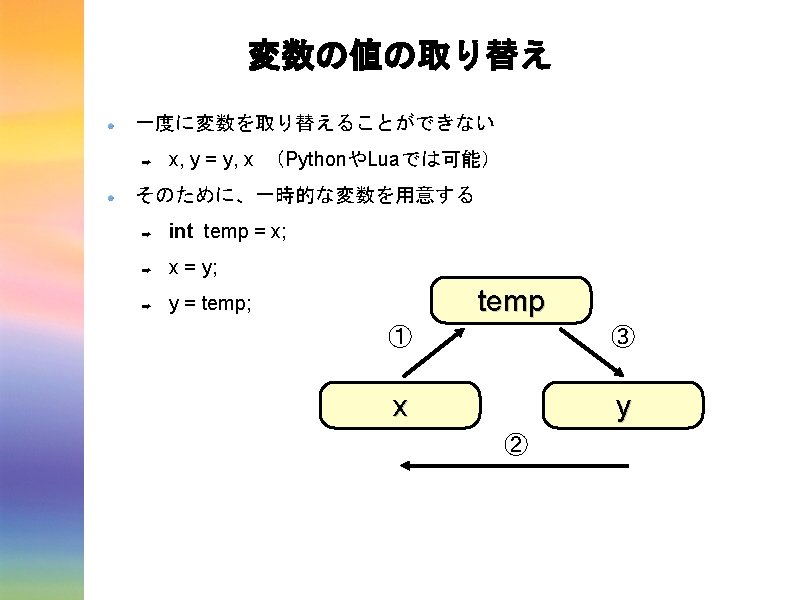
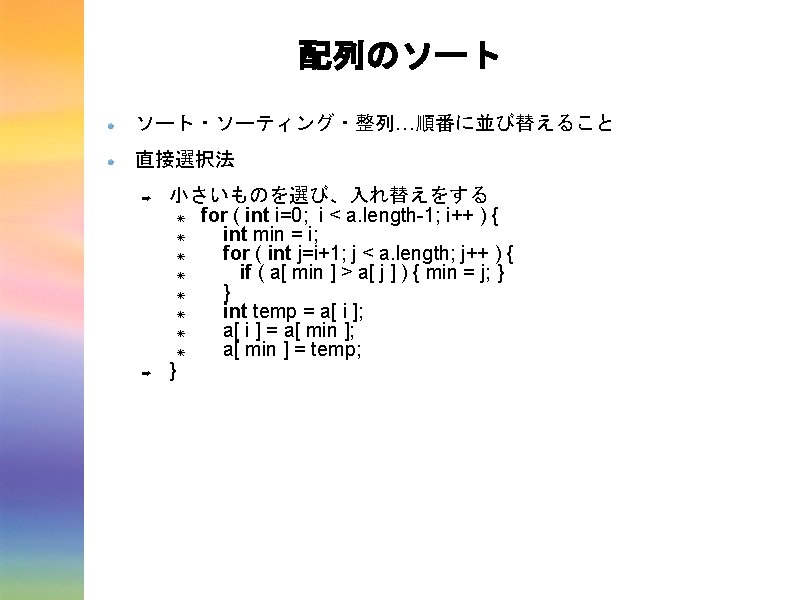
配列の並べ替え ランダムにシャッフルする int a [ ] = new int[ 100 ]; for ( int index = 0; index < a. length; index++ ) { a[ index ] = index + 1; } for ( int i = 0; i < a. length * 2; i++ ) { int index 1 = (int)( Math. random( ) * a. length ); int index 2 = (int)( Math. random( ) * a. length ); int temp = a[ index 1 ]; a[ index 1 ] = a[ index 2 ]; a[ index 2 ] = temp; }
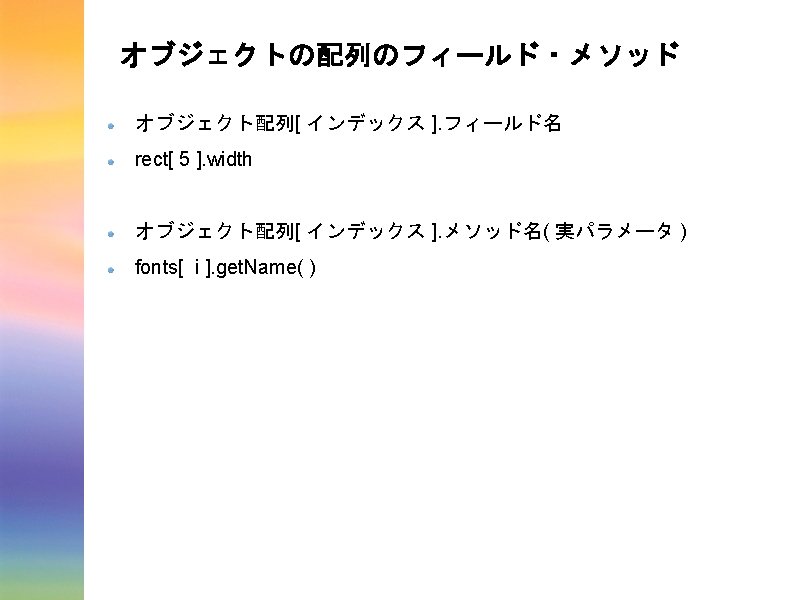
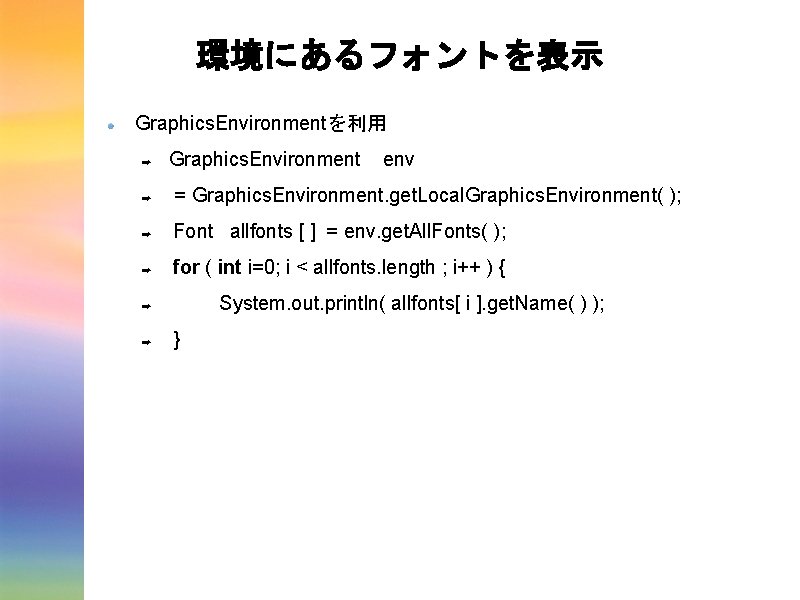
環境にあるフォントを表示 Graphics. Environmentを利用 ➡ Graphics. Environment env ➡ = Graphics. Environment. get. Local. Graphics. Environment( ); ➡ Font allfonts [ ] = env. get. All. Fonts( ); ➡ for ( int i=0; i < allfonts. length ; i++ ) { System. out. println( allfonts[ i ]. get. Name( ) ); ➡ ➡ }
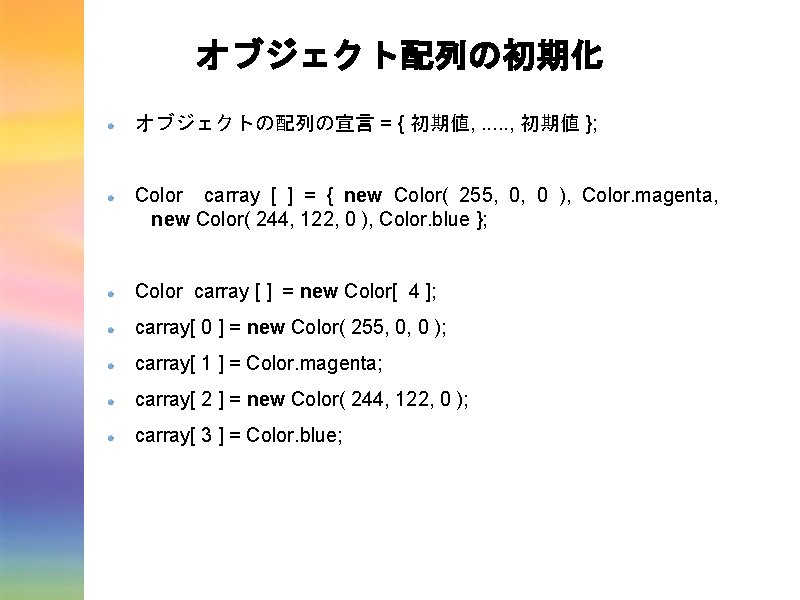
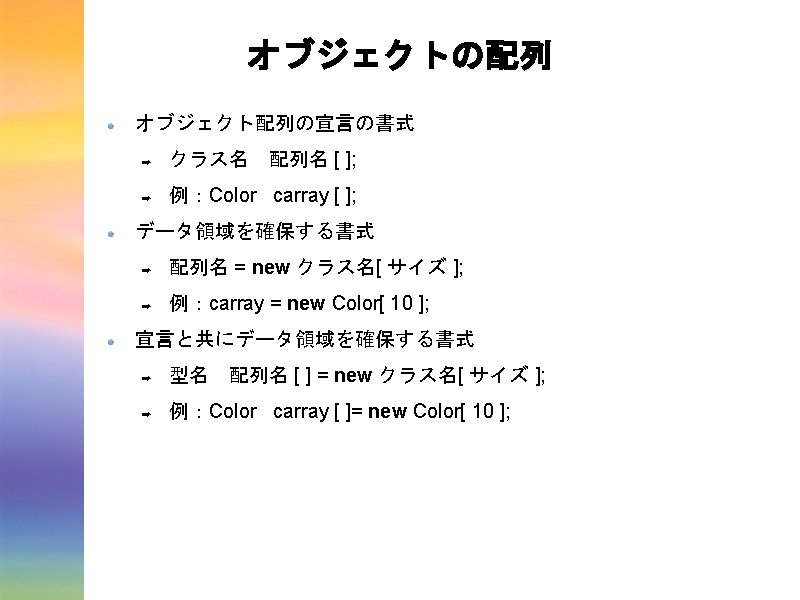
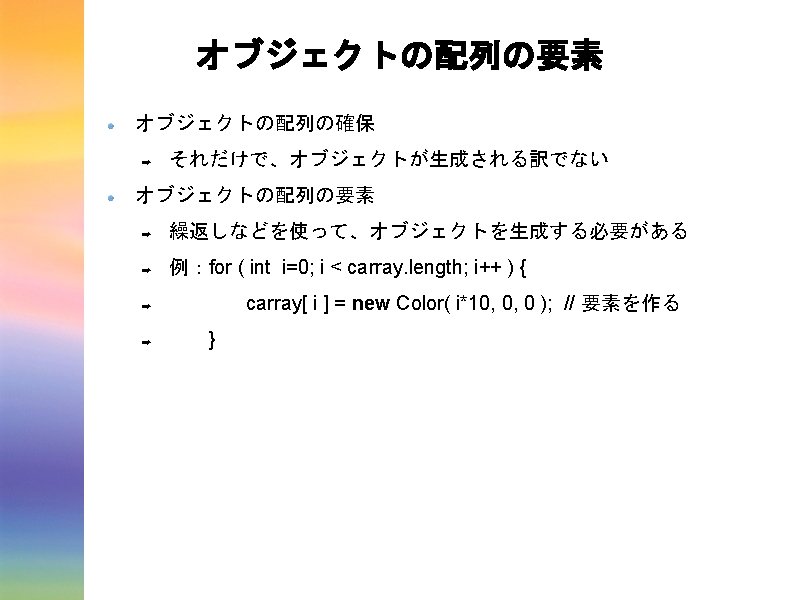
オブジェクト配列の初期化 オブジェクトの配列の宣言 = { 初期値, . . . , 初期値 }; Color carray [ ] = { new Color( 255, 0, 0 ), Color. magenta, new Color( 244, 122, 0 ), Color. blue }; Color carray [ ] = new Color[ 4 ]; carray[ 0 ] = new Color( 255, 0, 0 ); carray[ 1 ] = Color. magenta; carray[ 2 ] = new Color( 244, 122, 0 ); carray[ 3 ] = Color. blue;
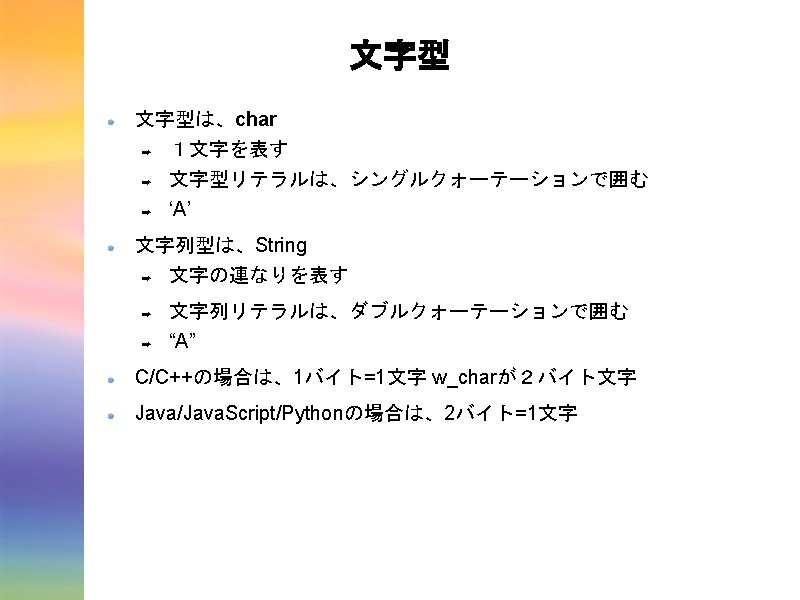
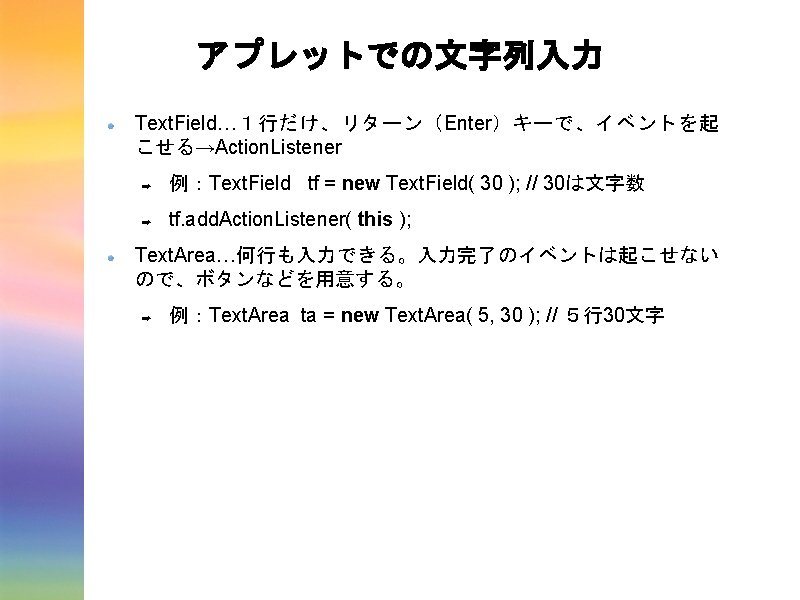
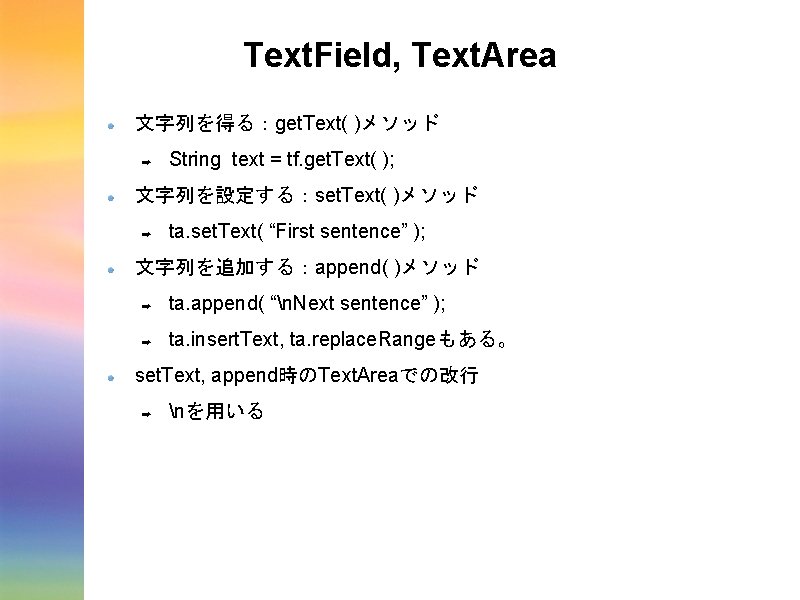
Text. Field, Text. Area 文字列を得る:get. Text( )メソッド ➡ String text = tf. get. Text( ); 文字列を設定する:set. Text( )メソッド ➡ ta. set. Text( “First sentence” ); 文字列を追加する:append( )メソッド ➡ ta. append( “n. Next sentence” ); ➡ ta. insert. Text, ta. replace. Rangeもある。 set. Text, append時のText. Areaでの改行 ➡ nを用いる
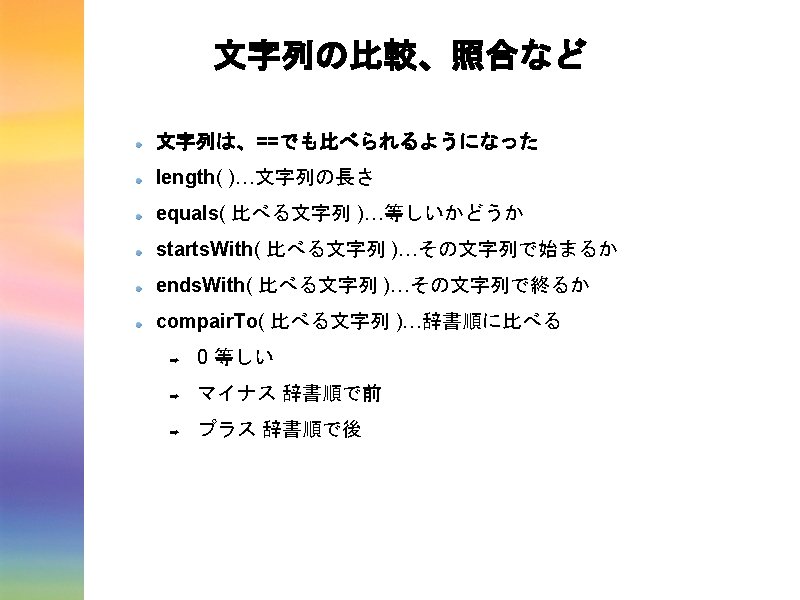
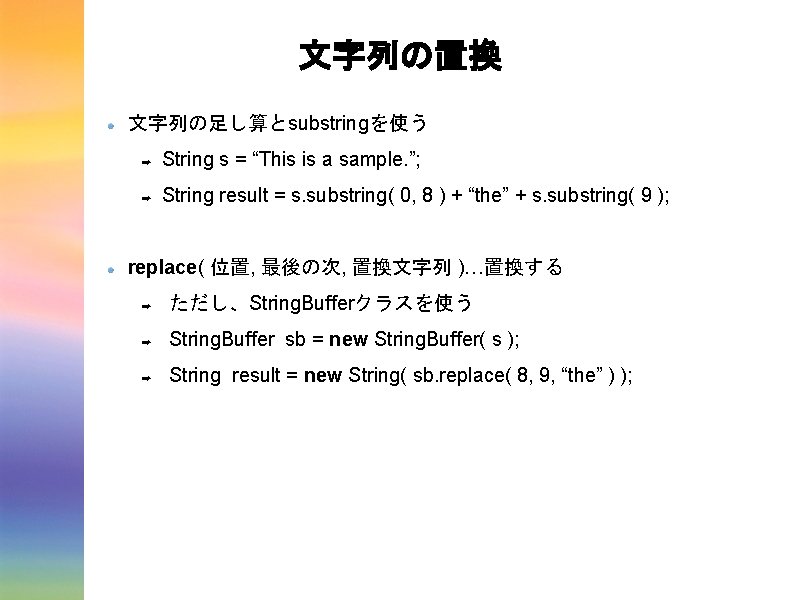
文字列の置換 文字列の足し算とsubstringを使う ➡ String s = “This is a sample. ”; ➡ String result = s. substring( 0, 8 ) + “the” + s. substring( 9 ); replace( 位置, 最後の次, 置換文字列 )…置換する ➡ ただし、String. Bufferクラスを使う ➡ String. Buffer sb = new String. Buffer( s ); ➡ String result = new String( sb. replace( 8, 9, “the” ) );
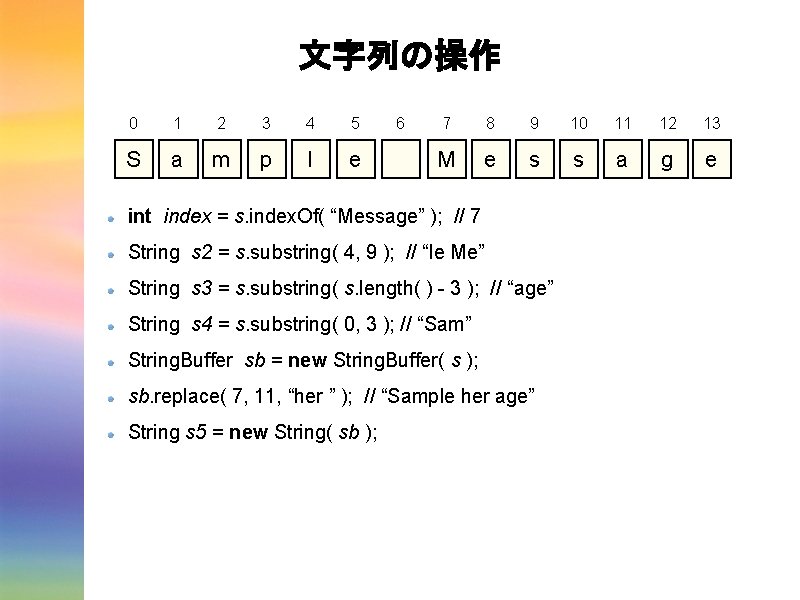
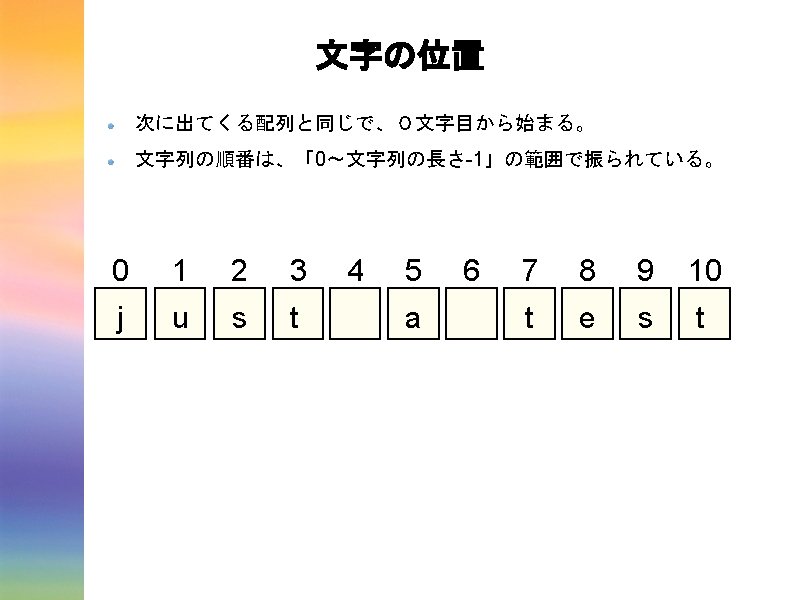
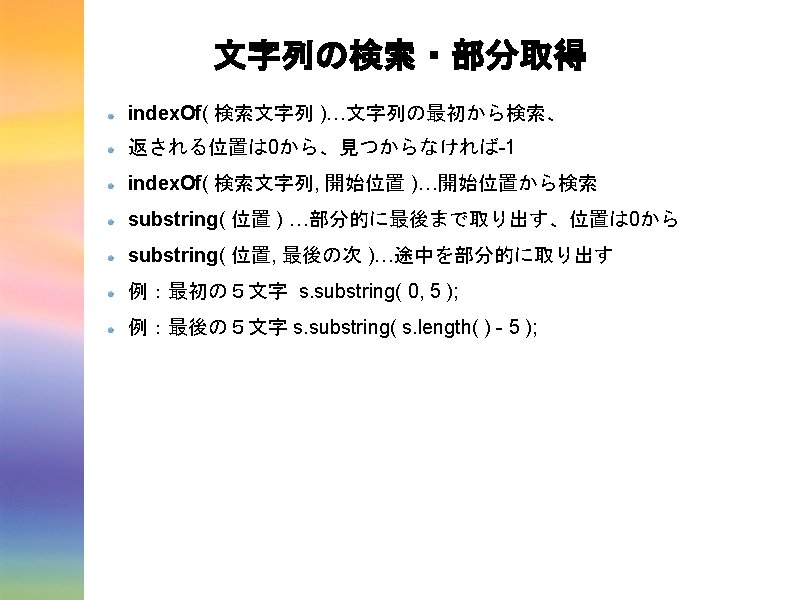
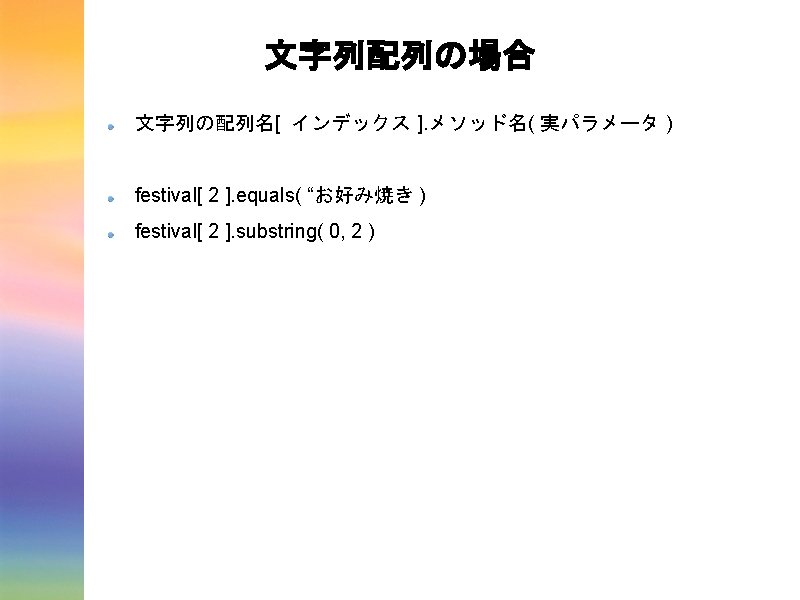
文字列の操作 0 1 2 3 4 5 S a m p l e 6 7 8 9 10 11 12 13 M e s s a g e int index = s. index. Of( “Message” ); // 7 String s 2 = s. substring( 4, 9 ); // “le Me” String s 3 = s. substring( s. length( ) - 3 ); // “age” String s 4 = s. substring( 0, 3 ); // “Sam” String. Buffer sb = new String. Buffer( s ); sb. replace( 7, 11, “her ” ); // “Sample her age” String s 5 = new String( sb );
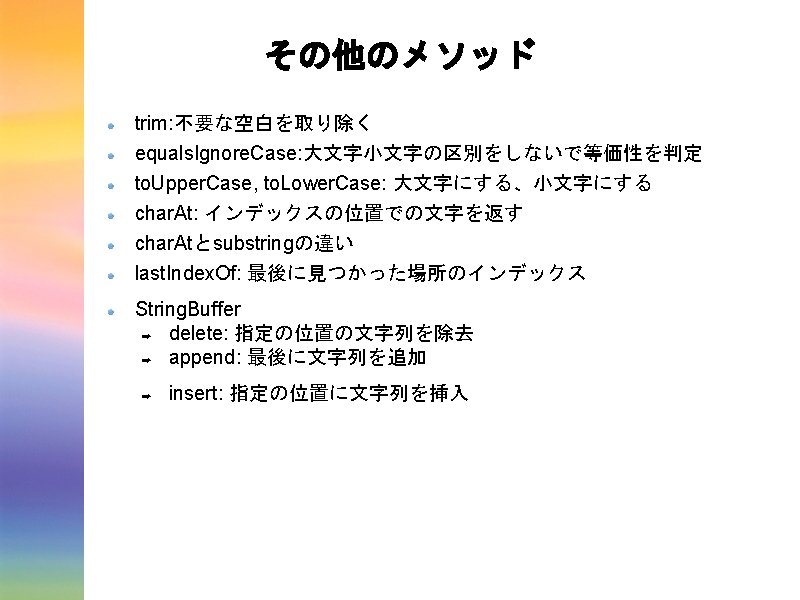
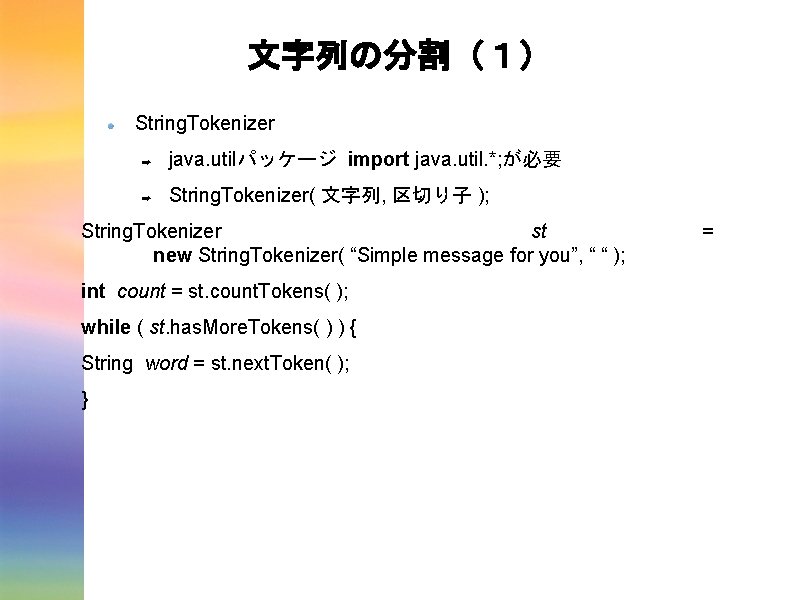
文字列の分割(1) String. Tokenizer ➡ java. utilパッケージ import java. util. *; が必要 ➡ String. Tokenizer( 文字列, 区切り子 ); String. Tokenizer st new String. Tokenizer( “Simple message for you”, “ “ ); int count = st. count. Tokens( ); while ( st. has. More. Tokens( ) ) { String word = st. next. Token( ); } =
![文字列の分割(2) Stringクラスのsplitメソッド String [ ] 文字列. split( 区切りとなる正規文字列 ) ➡ 例: String tokens [](http://slidetodoc.com/presentation_image_h2/bcdec2a1efed3bddfeab02d86c18625f/image-47.jpg "文字列の分割(2) Stringクラスのsplitメソッド String [ ] 文字列. split( 区切りとなる正規文字列 ) ➡ 例: String tokens [")
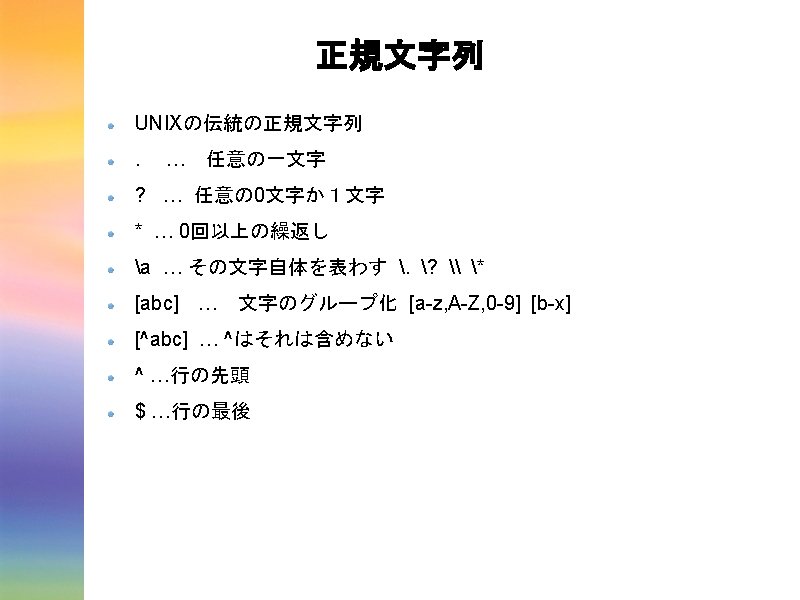
文字列の分割(2) Stringクラスのsplitメソッド String [ ] 文字列. split( 区切りとなる正規文字列 ) ➡ 例: String tokens [ ]; tokens = “A sample message”. split( “ “ ); for ( int i=0; i < tokens. length; i++ ) { System. out. println( tokens[ i ] ); }
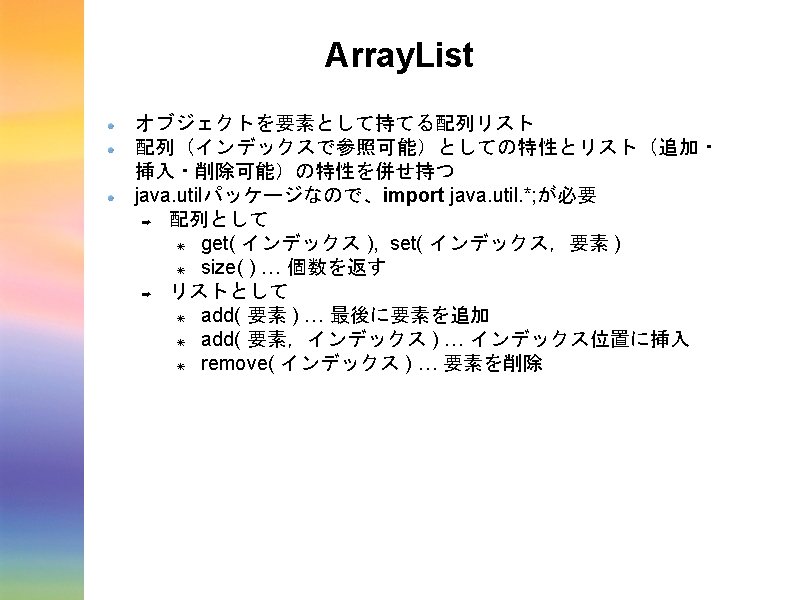
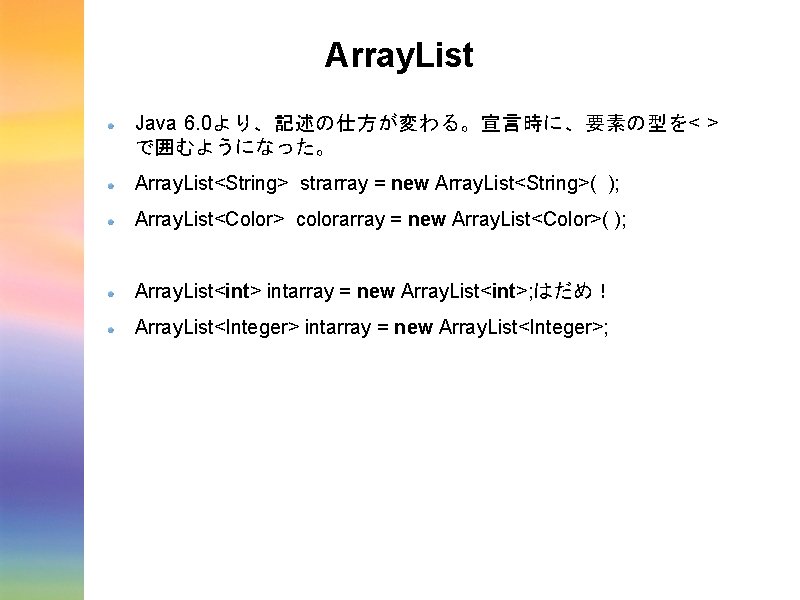
Array. List Java 6. 0より、記述の仕方が変わる。宣言時に、要素の型を< > で囲むようになった。 Array. List<String> strarray = new Array. List<String>( ); Array. List<Color> colorarray = new Array. List<Color>( ); Array. List<int> intarray = new Array. List<int>; はだめ! Array. List<Integer> intarray = new Array. List<Integer>;
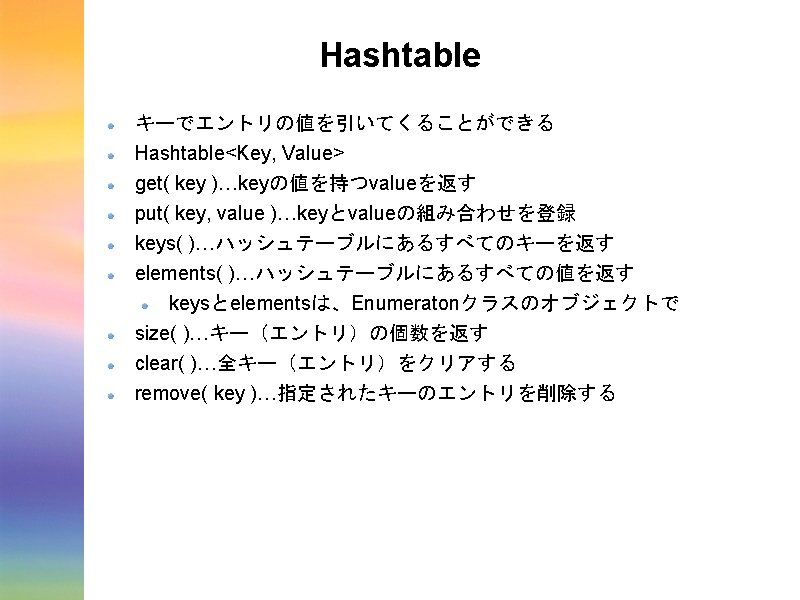
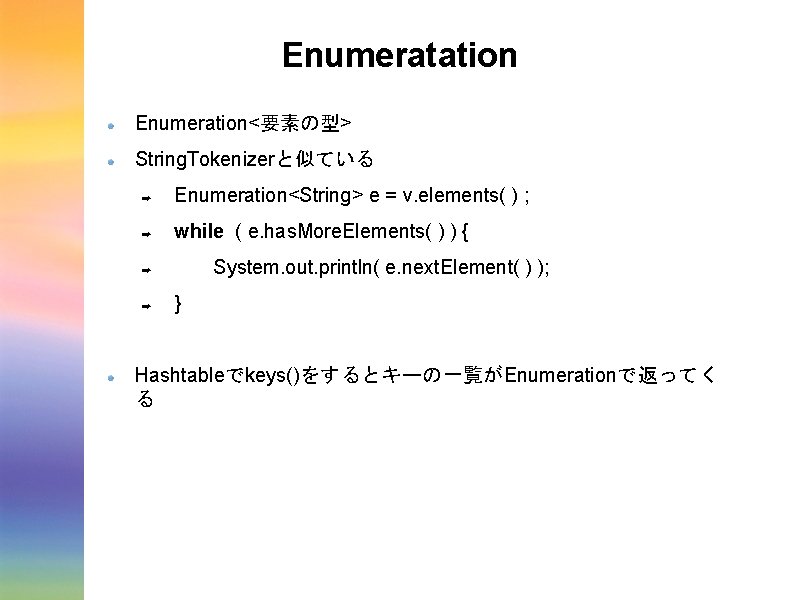
Enumeratation Enumeration<要素の型> String. Tokenizerと似ている ➡ Enumeration<String> e = v. elements( ) ; ➡ while ( e. has. More. Elements( ) ) { System. out. println( e. next. Element( ) ); ➡ ➡ } Hashtableでkeys()をするとキーの一覧がEnumerationで返ってく る
![Collection<要素の型> 要素の配列にすれば、オブジェクトのクラスにすることができる ➡ Collection<String> c = v. values( ) ; ➡ String [] words](http://slidetodoc.com/presentation_image_h2/bcdec2a1efed3bddfeab02d86c18625f/image-53.jpg "Collection<要素の型> 要素の配列にすれば、オブジェクトのクラスにすることができる ➡ Collection<String> c = v. values( ) ; ➡ String [] words")
Collection<要素の型> 要素の配列にすれば、オブジェクトのクラスにすることができる ➡ Collection<String> c = v. values( ) ; ➡ String [] words = c. to. Array( ); ➡ for ( String word : words ) { System. out. println( word ); ➡ ➡ }
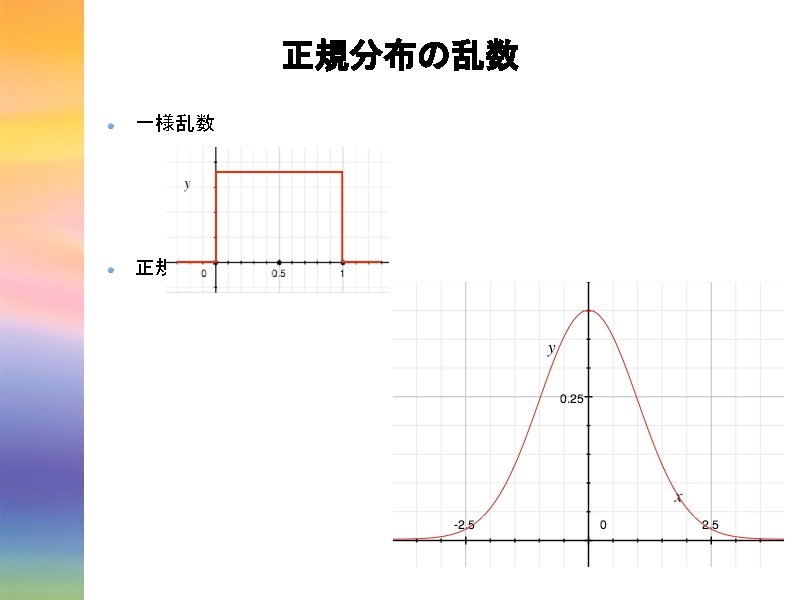
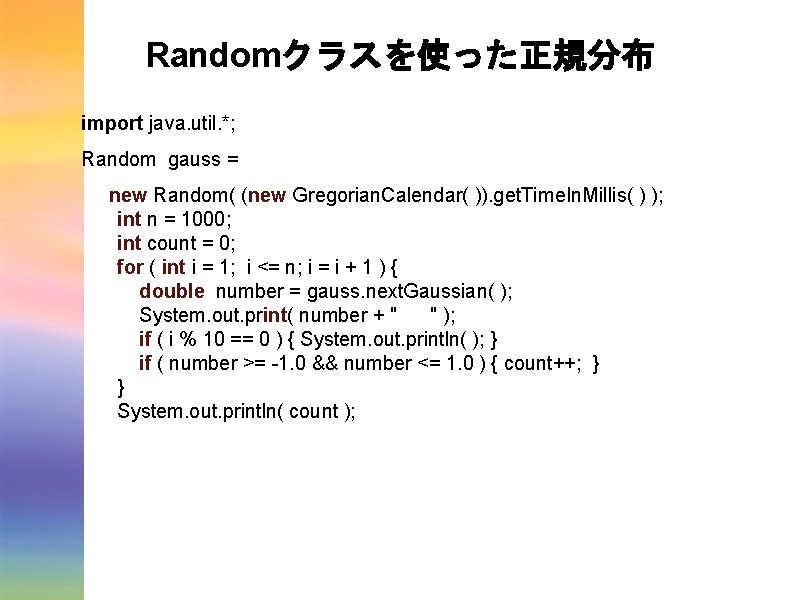
Randomクラスを使った正規分布 import java. util. *; Random gauss = new Random( (new Gregorian. Calendar( )). get. Time. In. Millis( ) ); int n = 1000; int count = 0; for ( int i = 1; i <= n; i = i + 1 ) { double number = gauss. next. Gaussian( ); System. out. print( number + " " ); if ( i % 10 == 0 ) { System. out. println( ); } if ( number >= -1. 0 && number <= 1. 0 ) { count++; } } System. out. println( count );
- Slides: 55