
NTFS The workhorse file system for the Windows
- Slides: 67
NTFS - The workhorse file system for the Windows Platform Neal Christiansen Principal Development Lead Microsoft
Agenda � High level overview of NTFS � Features added in Windows 2000 � Features added in Vista Features added in Windows 7 � Features added in Windows 8 � Questions? 2
What is NTFS � NTFS is a Journaled File System � Developed in the early 1990’s � Primary architect was Tom Miller � Part of the original Windows NT 3. 1 release � Windows 2000 included an incompatible physical format change ◦ No incompatible physical format change has occurred since � Current on-disk format version is 3. 1 � http: //en. wikipedia. org/wiki/NTFS 3
What is a Journaled File system? � NTFS uses ARIES style of journaling ◦ http: //www. cs. berkeley. edu/~brewer/cs 262/Aries. pdf � Uses a transaction model to make atomic updates to file system metadata ◦ A circular log ($Log) is used to track meta data changes ◦ Metadata changes are committed to $LOG before the actual metadata file ◦ Every 5 seconds NTFS checkpoints $LOG ◦ After an unclean dismount the file system metadata can quickly be restored to a consistent state by processing $LOG 4
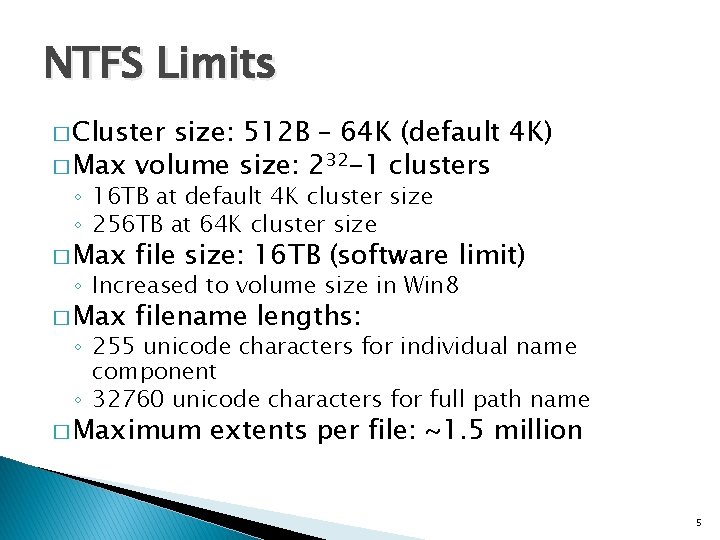
NTFS Limits � Cluster size: 512 B – 64 K (default 4 K) � Max volume size: 232 -1 clusters ◦ 16 TB at default 4 K cluster size ◦ 256 TB at 64 K cluster size � Max file size: 16 TB (software limit) � Max filename lengths: ◦ Increased to volume size in Win 8 ◦ 255 unicode characters for individual name component ◦ 32760 unicode characters for full path name � Maximum extents per file: ~1. 5 million 5
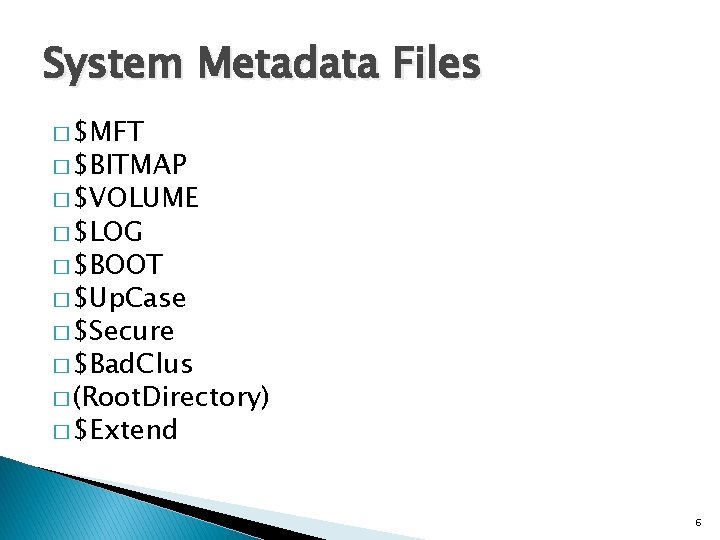
System Metadata Files � $MFT � $BITMAP � $VOLUME � $LOG � $BOOT � $Up. Case � $Secure � $Bad. Clus � (Root. Directory) � $Extend 6
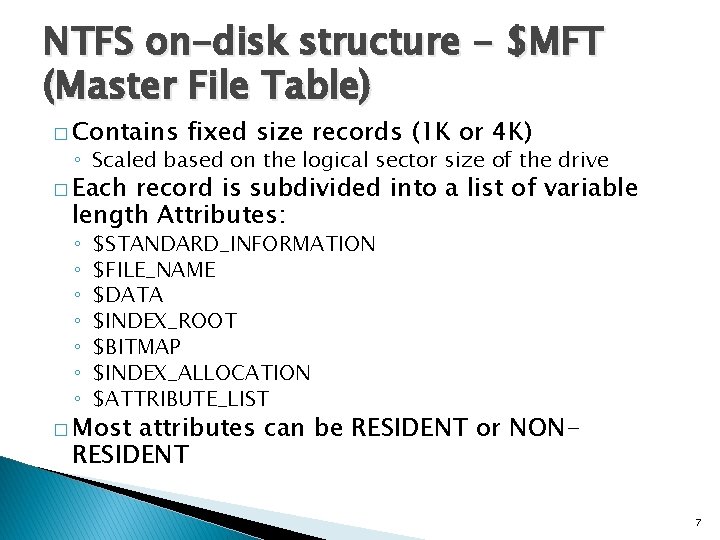
NTFS on-disk structure - $MFT (Master File Table) � Contains fixed size records (1 K or 4 K) ◦ Scaled based on the logical sector size of the drive � Each record is subdivided into a list of variable length Attributes: ◦ ◦ ◦ ◦ $STANDARD_INFORMATION $FILE_NAME $DATA $INDEX_ROOT $BITMAP $INDEX_ALLOCATION $ATTRIBUTE_LIST � Most attributes can be RESIDENT or NONRESIDENT 7
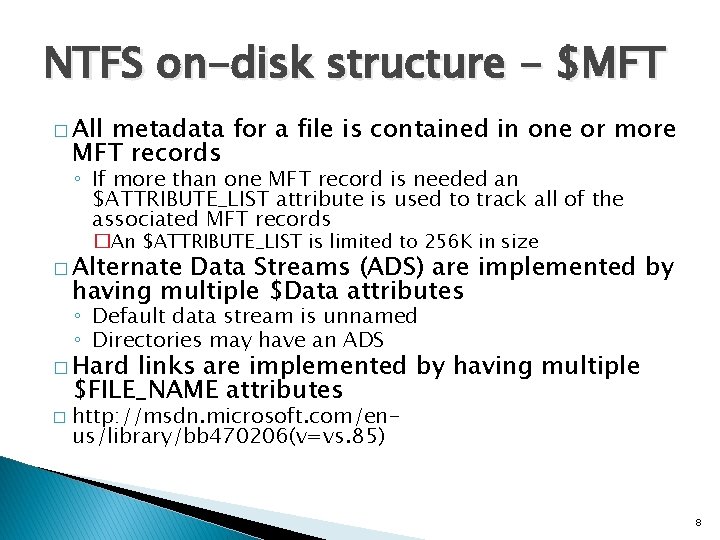
NTFS on-disk structure - $MFT � All metadata for a file is contained in one or more MFT records ◦ If more than one MFT record is needed an $ATTRIBUTE_LIST attribute is used to track all of the associated MFT records �An $ATTRIBUTE_LIST is limited to 256 K in size � Alternate Data Streams (ADS) are implemented by having multiple $Data attributes ◦ Default data stream is unnamed ◦ Directories may have an ADS � Hard links are implemented by having multiple $FILE_NAME attributes � http: //msdn. microsoft. com/enus/library/bb 470206(v=vs. 85) 8
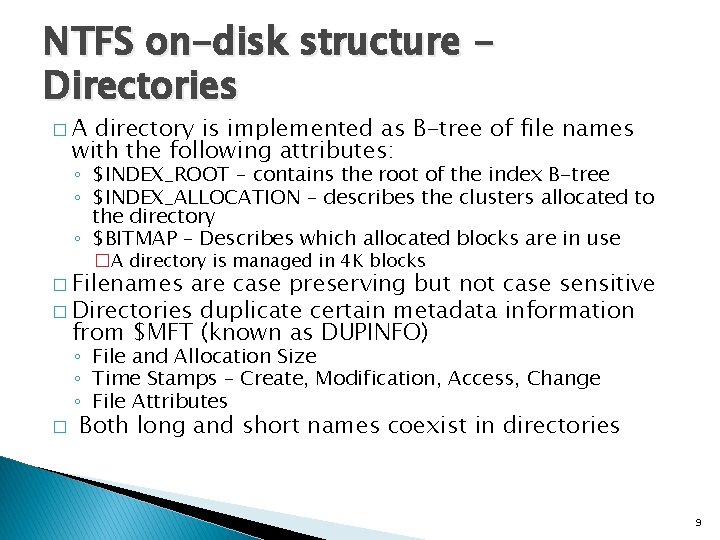
NTFS on-disk structure Directories �A directory is implemented as B-tree of file names with the following attributes: ◦ $INDEX_ROOT – contains the root of the index B-tree ◦ $INDEX_ALLOCATION – describes the clusters allocated to the directory ◦ $BITMAP – Describes which allocated blocks are in use �A directory is managed in 4 K blocks � Filenames are case preserving but not case sensitive � Directories duplicate certain metadata information from $MFT (known as DUPINFO) ◦ File and Allocation Size ◦ Time Stamps – Create, Modification, Access, Change ◦ File Attributes � Both long and short names coexist in directories 9
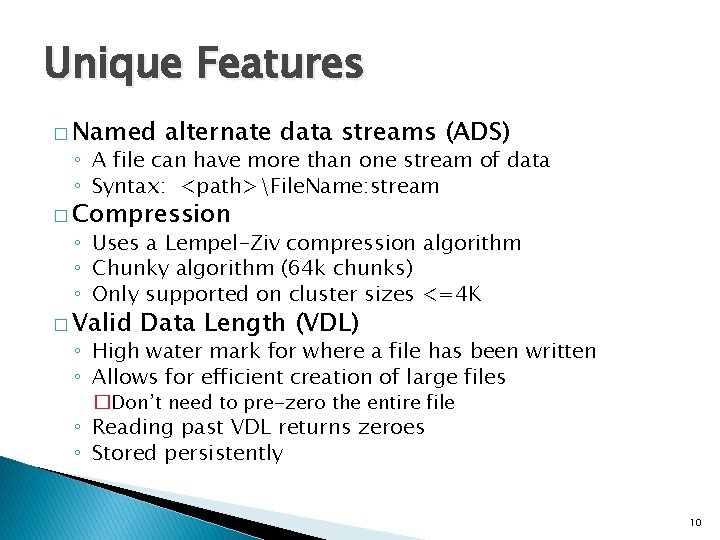
Unique Features � Named alternate data streams (ADS) ◦ A file can have more than one stream of data ◦ Syntax: <path>File. Name: stream � Compression ◦ Uses a Lempel-Ziv compression algorithm ◦ Chunky algorithm (64 k chunks) ◦ Only supported on cluster sizes <=4 K � Valid Data Length (VDL) ◦ High water mark for where a file has been written ◦ Allows for efficient creation of large files �Don’t need to pre-zero the entire file ◦ Reading past VDL returns zeroes ◦ Stored persistently 10
Features added in Windows 2000
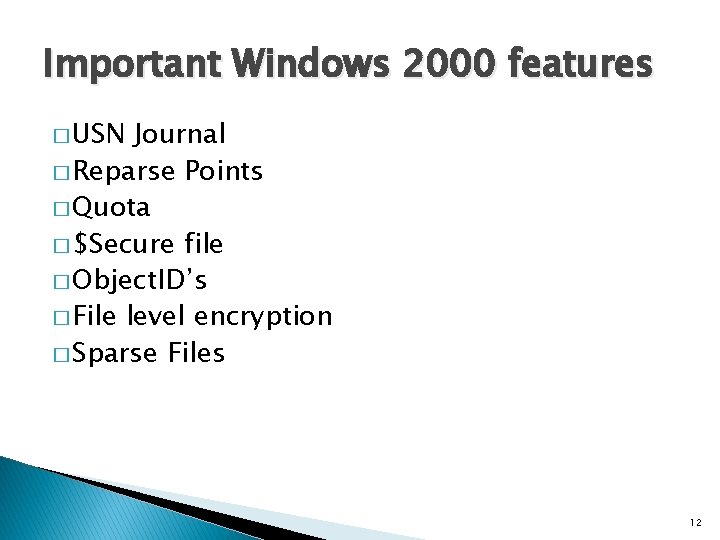
Important Windows 2000 features � USN Journal � Reparse Points � Quota � $Secure file � Object. ID’s � File level encryption � Sparse Files 12
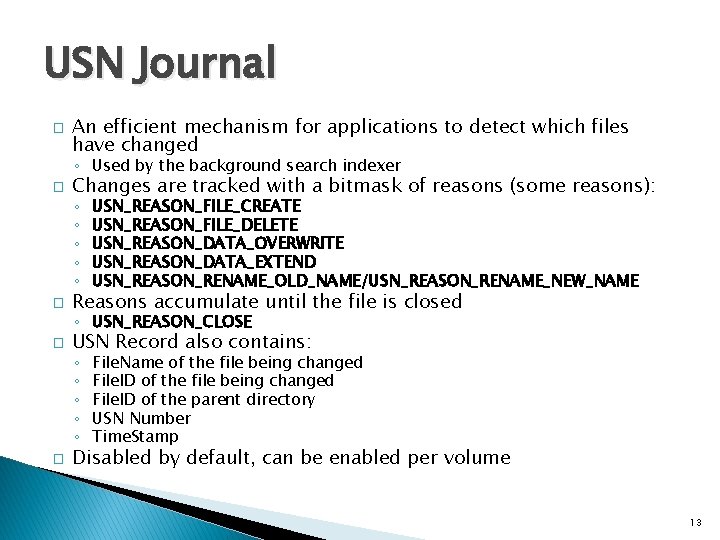
USN Journal � An efficient mechanism for applications to detect which files have changed ◦ Used by the background search indexer � Changes are tracked with a bitmask of reasons (some reasons): ◦ ◦ ◦ � USN_REASON_FILE_CREATE USN_REASON_FILE_DELETE USN_REASON_DATA_OVERWRITE USN_REASON_DATA_EXTEND USN_REASON_RENAME_OLD_NAME/USN_REASON_RENAME_NEW_NAME Reasons accumulate until the file is closed ◦ USN_REASON_CLOSE � USN Record also contains: ◦ ◦ ◦ � File. Name of the file being changed File. ID of the parent directory USN Number Time. Stamp Disabled by default, can be enabled per volume 13
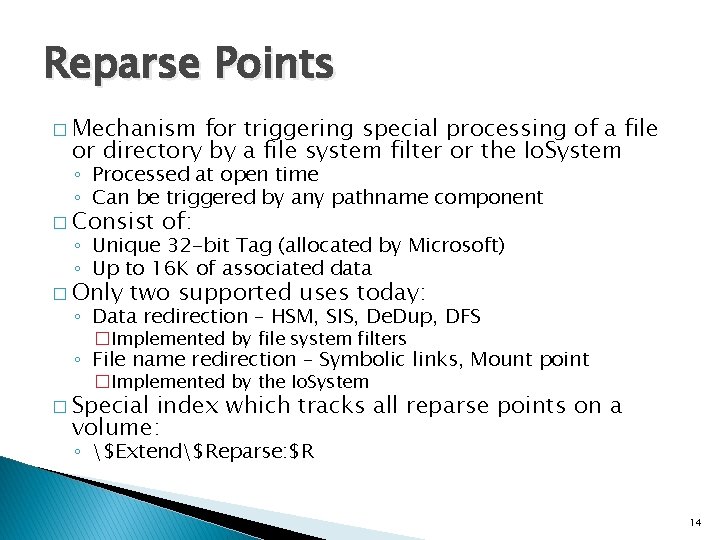
Reparse Points � Mechanism for triggering special processing of a file or directory by a file system filter or the Io. System ◦ Processed at open time ◦ Can be triggered by any pathname component � Consist of: ◦ Unique 32 -bit Tag (allocated by Microsoft) ◦ Up to 16 K of associated data � Only two supported uses today: ◦ Data redirection – HSM, SIS, De. Dup, DFS �Implemented by file system filters ◦ File name redirection – Symbolic links, Mount point �Implemented by the Io. System � Special index which tracks all reparse points on a volume: ◦ $Extend$Reparse: $R 14
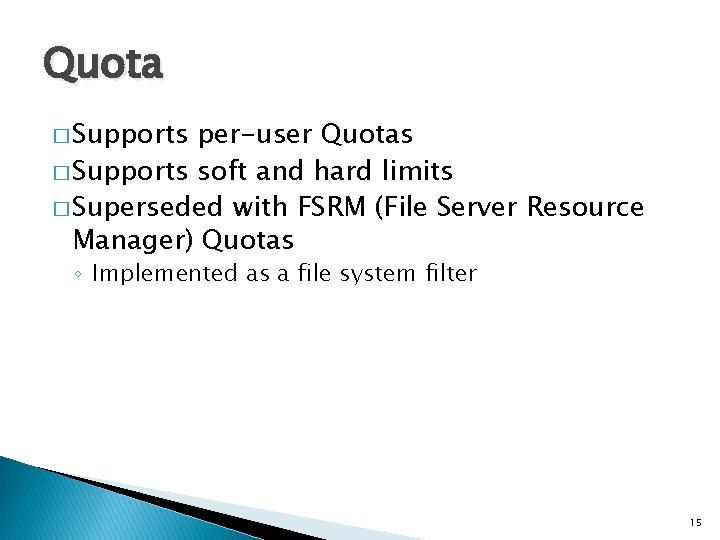
Quota � Supports per-user Quotas � Supports soft and hard limits � Superseded with FSRM (File Server Resource Manager) Quotas ◦ Implemented as a file system filter 15
Features added in Vista
Tx. F
What is Tx. F? � Adds basic database like transaction semantics to file system operations ◦ Provides ACID guarantees for transacted file system operations: �Atomicity – All operations either commit or rollback together �Consistency – Consistent state across multiple files can be maintained �Isolation – Changes are not visible outside the transaction �Durability – On commit changes are durably stored to storage media � Supports ◦ ◦ ◦ Create Close Write Delete Rename file system operations like: 18
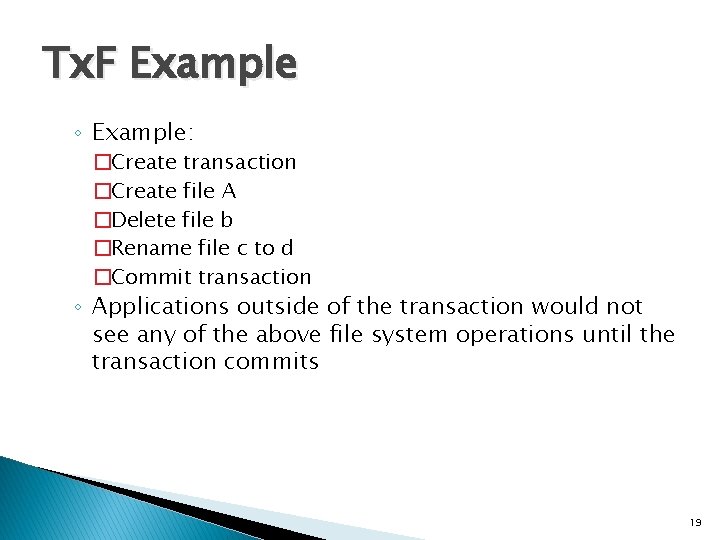
Tx. F Example ◦ Example: �Create transaction �Create file A �Delete file b �Rename file c to d �Commit transaction ◦ Applications outside of the transaction would not see any of the above file system operations until the transaction commits 19
Tx. F Limitations �A file can only be in 1 transaction at a time � A file in a transaction can not be modified outside the transaction � File names used in transactions impact what file names can be used outside of a transaction � Functionality being deprecated in Windows 8 and beyond ◦ Not supported by Re. FS 20
Self-healing � NTFS has always had the ability to detect metadata corruptions ◦ Its response was to: �Mark the volume as corrupt �Fail the operation � With self-healing NTFS can not only detect corruptions but it can also repair some corruptions ◦ Only repairs certain MFT related corruptions ◦ Repairs failure without failing operation 21
Features added in Windows 7
Per-volume Control of Short Filename Generation
Short Filename generation � Before Windows 7 short filename generation could only be disabled globally per system ◦ fsutil behavior set disable 8 dot 3 1|0 ◦ Required a reboot to take effect � Windows 7 added the ability to enable/disable short filename generation on a per-volume basis ◦ When disabled prevents short filename generation �Existing short filenames continue to function ◦ Added support for stripping short filenames from a directory hierarchy �fsutil 8 dot 3 name strip ◦ Improved the short filename hashing function 24
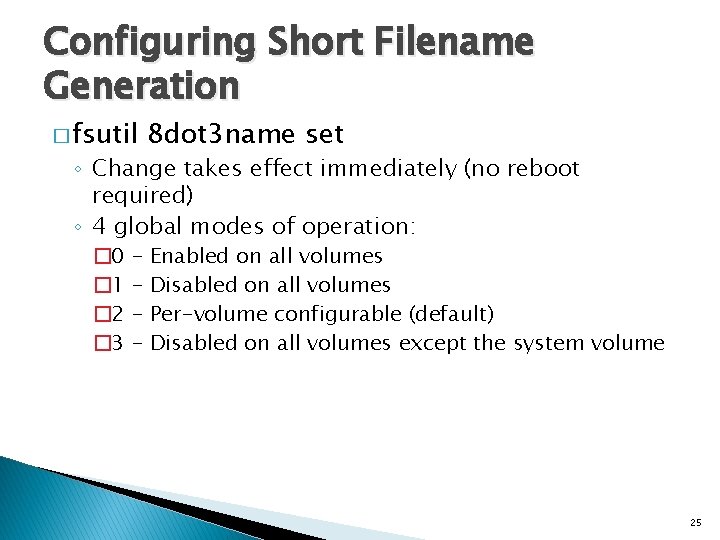
Configuring Short Filename Generation � fsutil 8 dot 3 name set ◦ Change takes effect immediately (no reboot required) ◦ 4 global modes of operation: � 0 � 1 � 2 � 3 - Enabled on all volumes Disabled on all volumes Per-volume configurable (default) Disabled on all volumes except the system volume 25
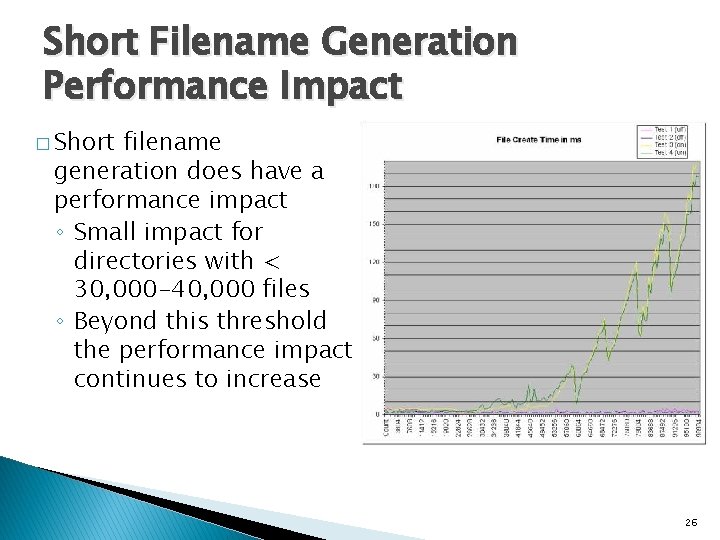
Short Filename Generation Performance Impact � Short filename generation does have a performance impact ◦ Small impact for directories with < 30, 000 -40, 000 files ◦ Beyond this threshold the performance impact continues to increase 26
ATA Trim
What is ATA Trim? � The ability for a file system to tell the underlying storage system that the contents of sectors are no longer important � Is part of the T 13 ATA specification
Why Trim is Important to SSDs � They need to maintain a pool of erased blocks � They need to wear-level blocks ◦ Wear-leveling is more effective the more blocks that are available � Trim allows file systems to identify sectors that are no longer in use ◦ More space is available for internal block management 29
Trim Implementation in NTFS � When a volume is formatted all clusters on the volume are trimmed � Anytime clusters are freed they are trimmed: ◦ ◦ File Deletion File Defrag Superseding Create Superseding Rename � Not ◦ FSCTL_SET_ZERO_DATA ◦ Volume shrink supported on SCSI/SAS devices ◦ Would be useful for thinly provisioned volumes 30
Example of how Trim works � Application calls Delete. File � File system metadata is updated and written to device � Metadata is flushed and checkpoint record written to $Log � Device is notified that blocks are no longer in use via TRIM � Blocks are made available for reuse 31
Disabling Trim � Trim is always sent by NTFS � To disable NTFS from sending Trims: ◦ fsutil behavior set disabledeletenotify 1 ◦ Takes effect immediately, no reboot required � Useful in situations where data recovery is more important than SSD efficiency: ◦ Offline undelete tools �Online undelete tools that use a file system filter should function correctly with trim enabled ◦ Unformat tools 32
Enhanced Oplocks
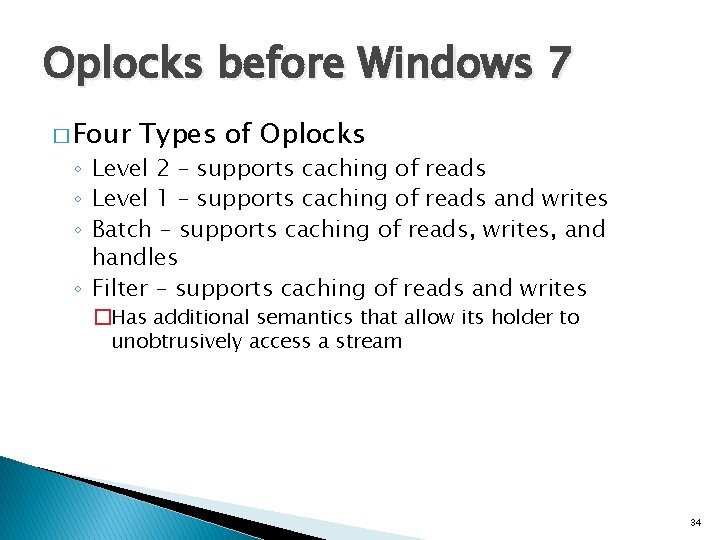
Oplocks before Windows 7 � Four Types of Oplocks ◦ Level 2 – supports caching of reads ◦ Level 1 – supports caching of reads and writes ◦ Batch – supports caching of reads, writes, and handles ◦ Filter – supports caching of reads and writes �Has additional semantics that allow its holder to unobtrusively access a stream 34
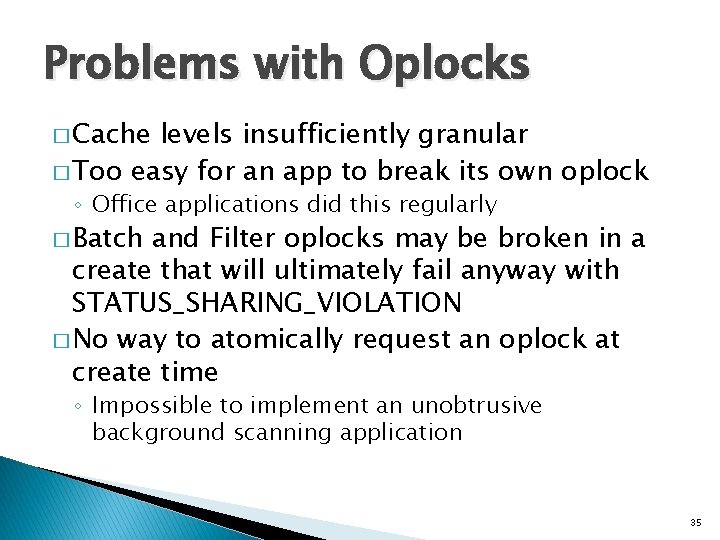
Problems with Oplocks � Cache levels insufficiently granular � Too easy for an app to break its own oplock ◦ Office applications did this regularly � Batch and Filter oplocks may be broken in a create that will ultimately fail anyway with STATUS_SHARING_VIOLATION � No way to atomically request an oplock at create time ◦ Impossible to implement an unobtrusive background scanning application 35
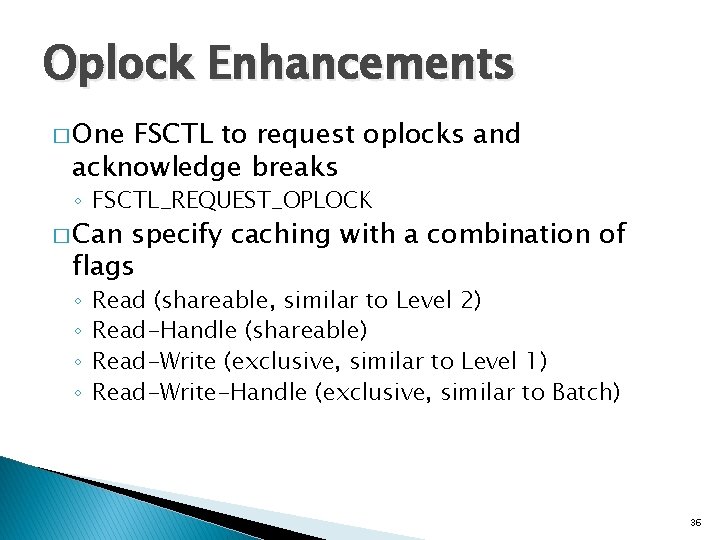
Oplock Enhancements � One FSCTL to request oplocks and acknowledge breaks ◦ FSCTL_REQUEST_OPLOCK � Can specify caching with a combination of flags ◦ ◦ Read (shareable, similar to Level 2) Read-Handle (shareable) Read-Write (exclusive, similar to Level 1) Read-Write-Handle (exclusive, similar to Batch) 36
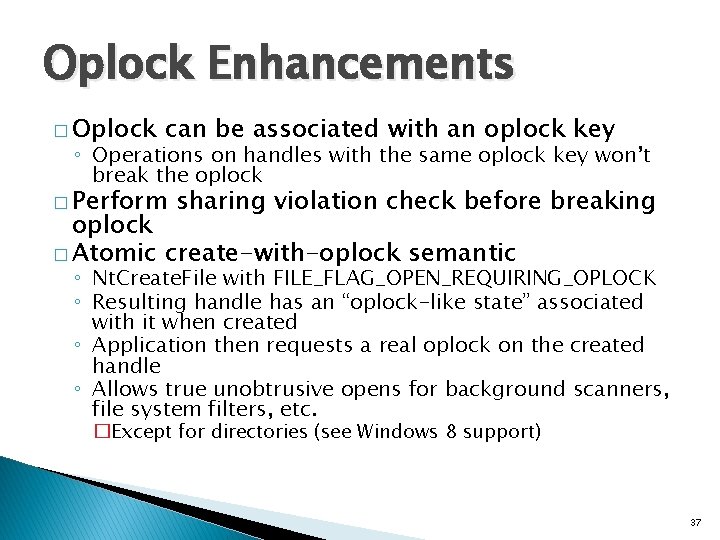
Oplock Enhancements � Oplock can be associated with an oplock key ◦ Operations on handles with the same oplock key won’t break the oplock � Perform sharing violation check before breaking oplock � Atomic create-with-oplock semantic ◦ Nt. Create. File with FILE_FLAG_OPEN_REQUIRING_OPLOCK ◦ Resulting handle has an “oplock-like state” associated with it when created ◦ Application then requests a real oplock on the created handle ◦ Allows true unobtrusive opens for background scanners, file system filters, etc. �Except for directories (see Windows 8 support) 37
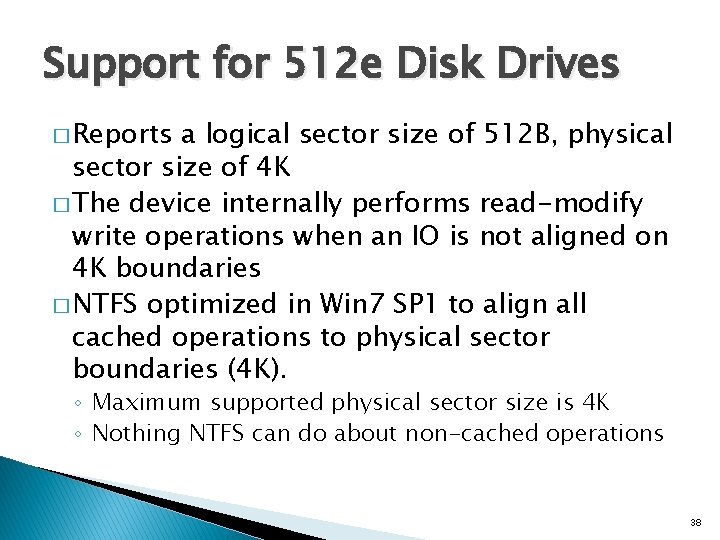
Support for 512 e Disk Drives � Reports a logical sector size of 512 B, physical sector size of 4 K � The device internally performs read-modify write operations when an IO is not aligned on 4 K boundaries � NTFS optimized in Win 7 SP 1 to align all cached operations to physical sector boundaries (4 K). ◦ Maximum supported physical sector size is 4 K ◦ Nothing NTFS can do about non-cached operations 38
Features added in Windows 8
Offload Data Transfers (ODX)
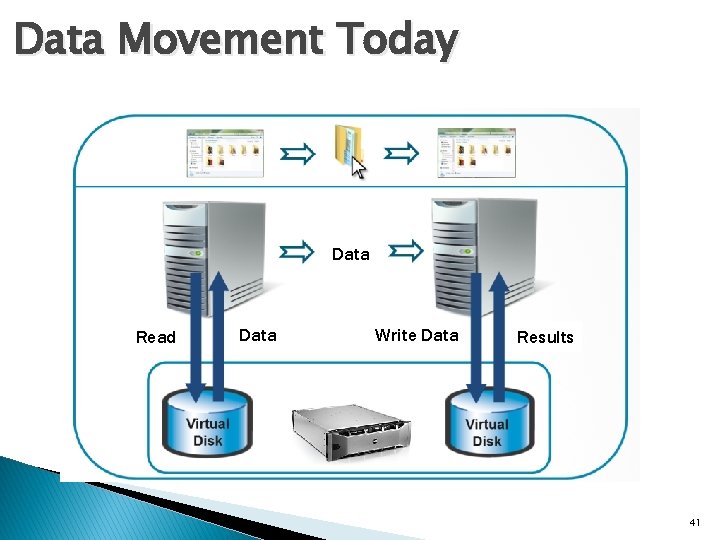
Data Movement Today Data Read Data Write Data Results 41
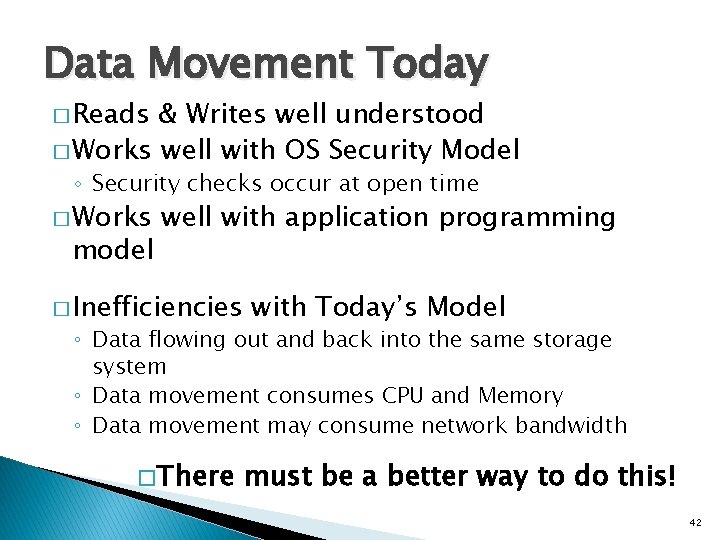
Data Movement Today � Reads & Writes well understood � Works well with OS Security Model ◦ Security checks occur at open time � Works model well with application programming � Inefficiencies with Today’s Model ◦ Data flowing out and back into the same storage system ◦ Data movement consumes CPU and Memory ◦ Data movement may consume network bandwidth � There must be a better way to do this! 42
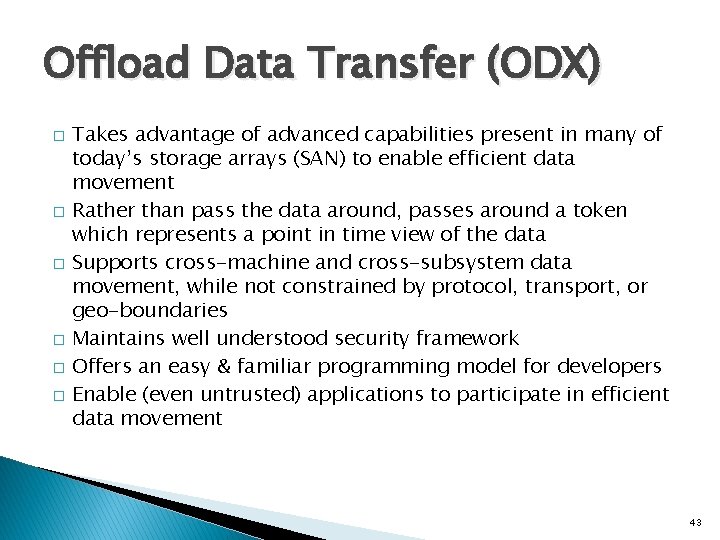
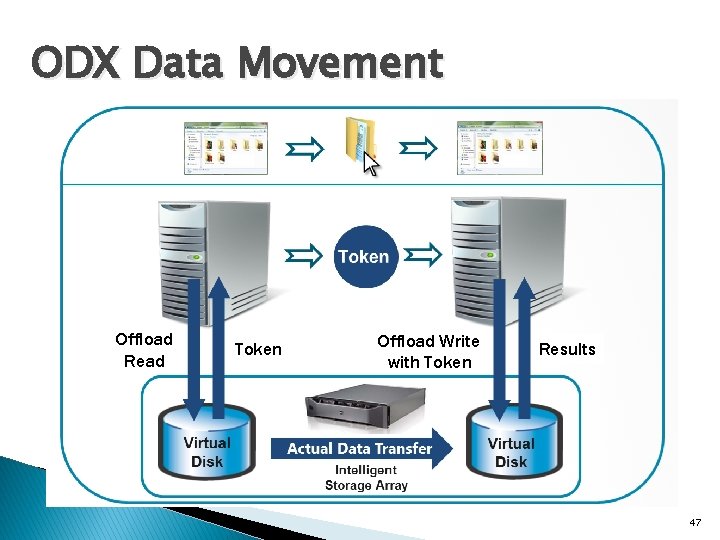
Offload Data Transfer (ODX) � � � Takes advantage of advanced capabilities present in many of today’s storage arrays (SAN) to enable efficient data movement Rather than pass the data around, passes around a token which represents a point in time view of the data Supports cross-machine and cross-subsystem data movement, while not constrained by protocol, transport, or geo-boundaries Maintains well understood security framework Offers an easy & familiar programming model for developers Enable (even untrusted) applications to participate in efficient data movement 43
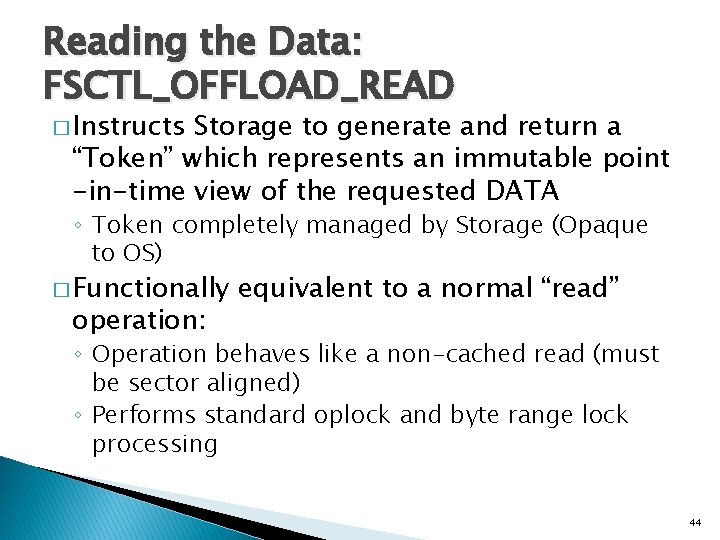
Reading the Data: FSCTL_OFFLOAD_READ � Instructs Storage to generate and return a “Token” which represents an immutable point -in-time view of the requested DATA ◦ Token completely managed by Storage (Opaque to OS) � Functionally operation: equivalent to a normal “read” ◦ Operation behaves like a non-cached read (must be sector aligned) ◦ Performs standard oplock and byte range lock processing 44
Writing the Data: FSCTL_OFFLOAD_WRITE � Given a Token, the Storage attempts to independently execute data movement to the desired destination ◦ Attempts to recognize Token ◦ Determines where the DATA represented by the Token is located ◦ Determines if the data movement is possible ◦ Performs the data movement ◦ All of this happens without OS intervention 45
Writing the Data: FSCTL_OFFLOAD_WRITE � Functionally equivalent to a normal “write” operation ◦ Operation behaves like a non-cached write (must be sector aligned) ◦ Performs standard oplock and byte range lock processing ◦ Updates the USN Journal with a USN_REASON_DATA_OVERWRITE record ◦ Limitation: does not allocate disk space (space must be pre-allocated) 46
ODX Data Movement Offload Read Token Offload Write with Token Results 47
Support in Windows 8 � Enables offloaded transfers between LUNs, arrays, or data centers: ◦ Supported to the same volume on the same machine ◦ Supported across different volumes on different machines via SMB ◦ Supported by Hyper-V � Integrated into the Win 32 Copy. File API ◦ Any component that uses this API will automatically use ODX when available ◦ If ODX is not supported, normal read/write copy semantics are used ◦ Supported by copy, xcopy, robocopy, as well as Explorer drag and drop � Implemented using new T 10 (SCSI) “XCOPY Lite” command � Microsoft co-authored T 10 specification � Part of T 10 11 -059 r 9 specification 48
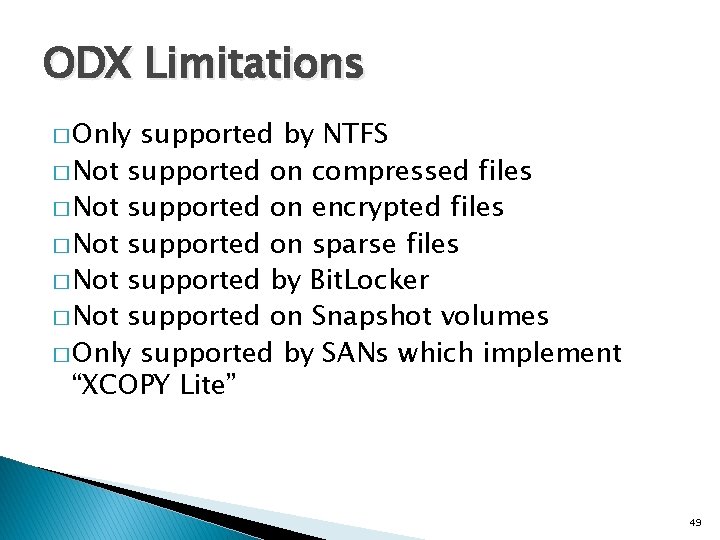
ODX Limitations � Only supported by NTFS � Not supported on compressed files � Not supported on encrypted files � Not supported on sparse files � Not supported by Bit. Locker � Not supported on Snapshot volumes � Only supported by SANs which implement “XCOPY Lite” 49
CHKDSK Overhaul 50
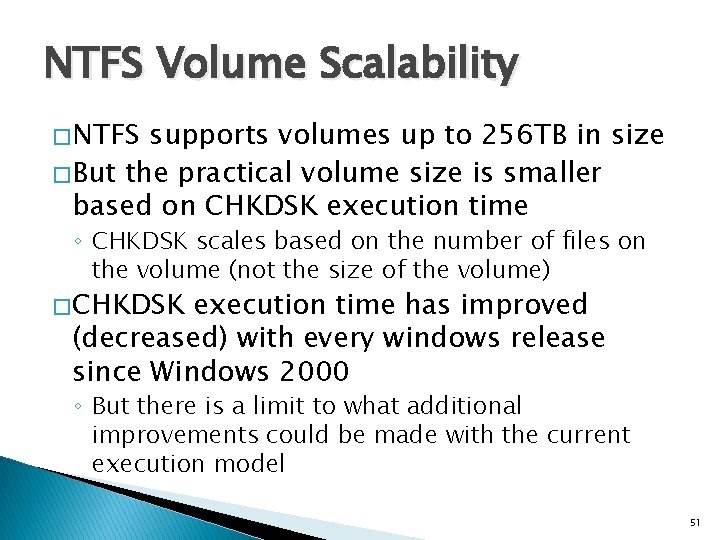
NTFS Volume Scalability � NTFS supports volumes up to 256 TB in size � But the practical volume size is smaller based on CHKDSK execution time ◦ CHKDSK scales based on the number of files on the volume (not the size of the volume) � CHKDSK execution time has improved (decreased) with every windows release since Windows 2000 ◦ But there is a limit to what additional improvements could be made with the current execution model 51
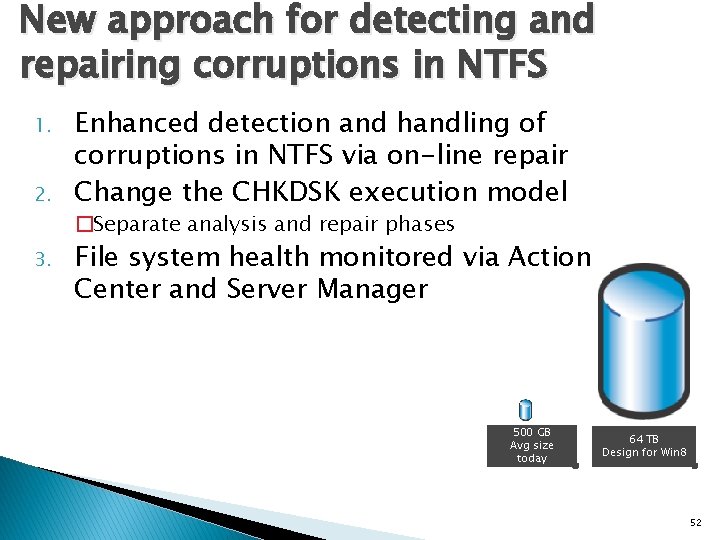
New approach for detecting and repairing corruptions in NTFS 1. 2. 3. Enhanced detection and handling of corruptions in NTFS via on-line repair Change the CHKDSK execution model �Separate analysis and repair phases File system health monitored via Action Center and Server Manager 500 GB Avg size today 64 TB Design for Win 8 52
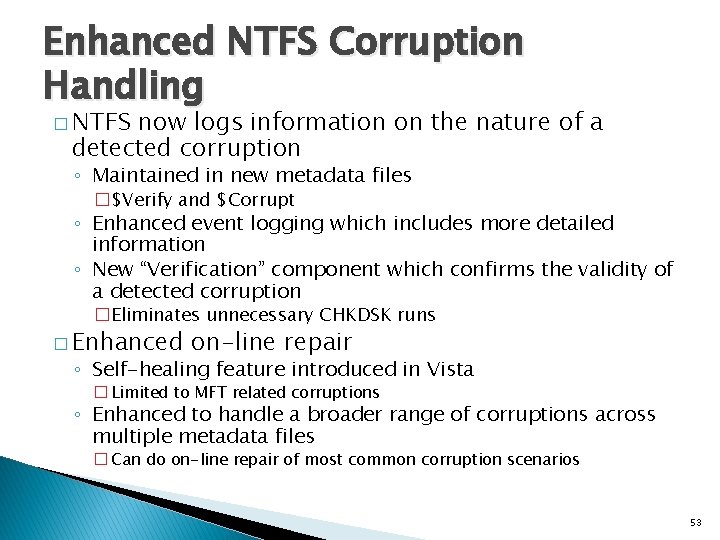
Enhanced NTFS Corruption Handling � NTFS now logs information on the nature of a detected corruption ◦ Maintained in new metadata files �$Verify and $Corrupt ◦ Enhanced event logging which includes more detailed information ◦ New “Verification” component which confirms the validity of a detected corruption �Eliminates unnecessary CHKDSK runs � Enhanced on-line repair ◦ Self-healing feature introduced in Vista � Limited to MFT related corruptions ◦ Enhanced to handle a broader range of corruptions across multiple metadata files � Can do on-line repair of most common corruption scenarios 53
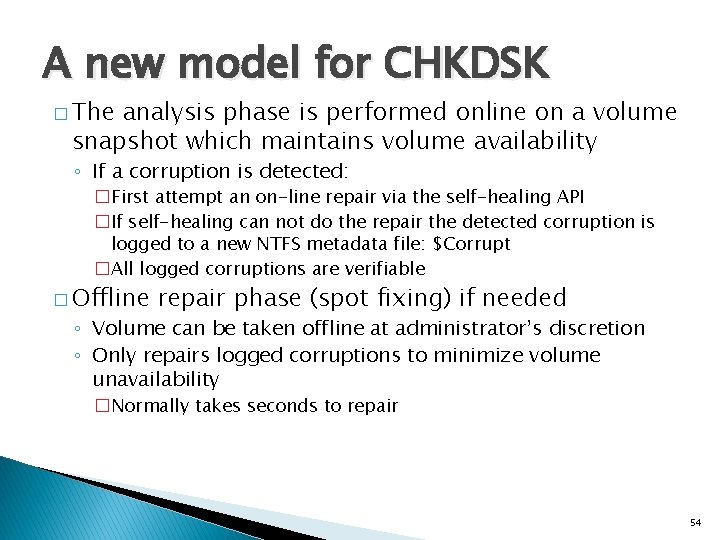
A new model for CHKDSK � The analysis phase is performed online on a volume snapshot which maintains volume availability ◦ If a corruption is detected: �First attempt an on-line repair via the self-healing API �If self-healing can not do the repair the detected corruption is logged to a new NTFS metadata file: $Corrupt �All logged corruptions are verifiable � Offline repair phase (spot fixing) if needed ◦ Volume can be taken offline at administrator’s discretion ◦ Only repairs logged corruptions to minimize volume unavailability �Normally takes seconds to repair 54
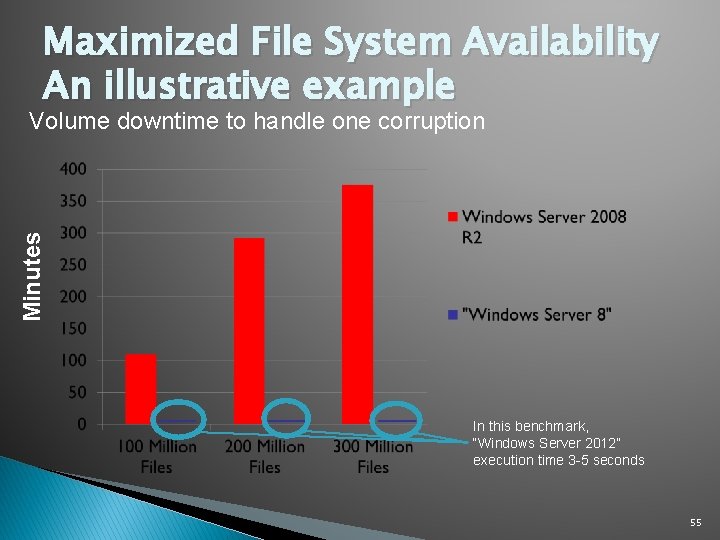
Maximized File System Availability An illustrative example Minutes Volume downtime to handle one corruption In this benchmark, “Windows Server 2012” execution time 3 -5 seconds 55
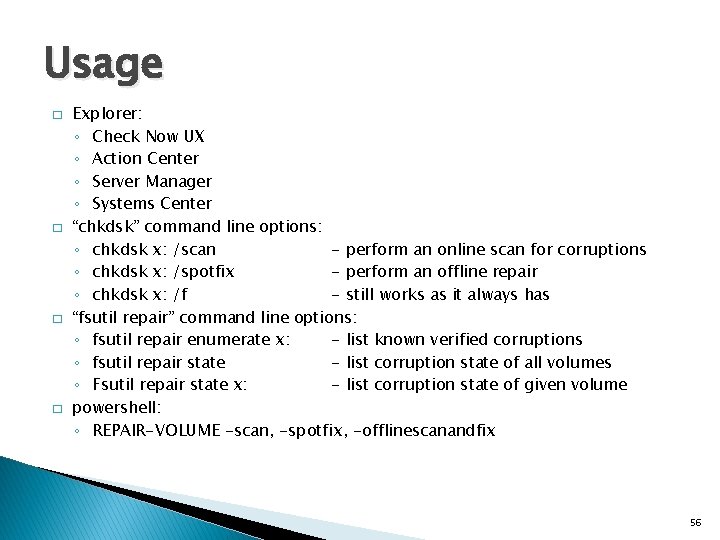
Usage � � Explorer: ◦ Check Now UX ◦ Action Center ◦ Server Manager ◦ Systems Center “chkdsk” command line options: ◦ chkdsk x: /scan - perform an online scan for corruptions ◦ chkdsk x: /spotfix - perform an offline repair ◦ chkdsk x: /f - still works as it always has “fsutil repair” command line options: ◦ fsutil repair enumerate x: - list known verified corruptions ◦ fsutil repair state - list corruption state of all volumes ◦ Fsutil repair state x: - list corruption state of given volume powershell: ◦ REPAIR-VOLUME -scan, -spotfix, -offlinescanandfix 56
Reliability using Flush instead of FUA (Forced Unit Access) 57
History of FUA � � What is FUA (Forced Unit Access) ◦ A flag originally implemented in the SCSI (T 10) specification that indicates a given write should go directly to media, writing through a devices write cache NTFS is a Journaled File System which uses FUA to guarantee write ordering to maintain its metadata integrity The ATA (T 13) specification did not originally define FUA ◦ FUA support was added to T 13 in 2002 as part of the ATA 7 specification ◦ Since FUA has not been consistently implemented on ATA devices it has never been enabled on Windows platforms NTFS was designed to rely on proper FUA implementation to maintain robustness 58
The switch to Flush � To make NTFS robust on SATA devices it has switched in Windows 8 to issuing a flush of a drives write cache instead of relying on FUA � Delivers improved reliability on industry standard SATA storage ◦ Reduces possibility of corruption on power loss � Improves performance on SCSI devices ◦ Allows the disk to cache data for as long as safely possible 59
Additional Short Filename Improvements � Windows 8 disables short filename generation on all volumes except the boot volume ◦ Only affects volumes formatted under Windows 8 �format x: /s: enable - to enable at format time ◦ Volumes migrated from down level versions of windows will maintain their existing short filename generation policy ◦ Still have the ability to enable/disable short filename generation policy on a per-volume basis � Name tunneling is now disabled when short filename generation is disabled 60
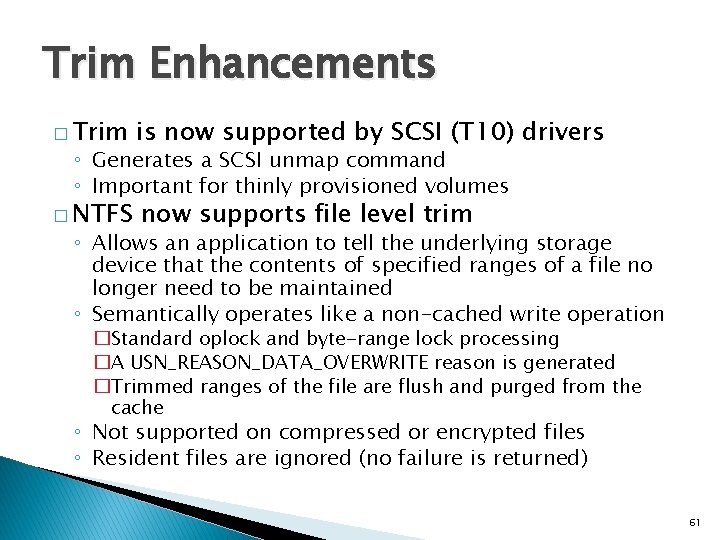
Trim Enhancements � Trim is now supported by SCSI (T 10) drivers � NTFS now supports file level trim ◦ Generates a SCSI unmap command ◦ Important for thinly provisioned volumes ◦ Allows an application to tell the underlying storage device that the contents of specified ranges of a file no longer need to be maintained ◦ Semantically operates like a non-cached write operation �Standard oplock and byte-range lock processing �A USN_REASON_DATA_OVERWRITE reason is generated �Trimmed ranges of the file are flush and purged from the cache ◦ Not supported on compressed or encrypted files ◦ Resident files are ignored (no failure is returned) 61
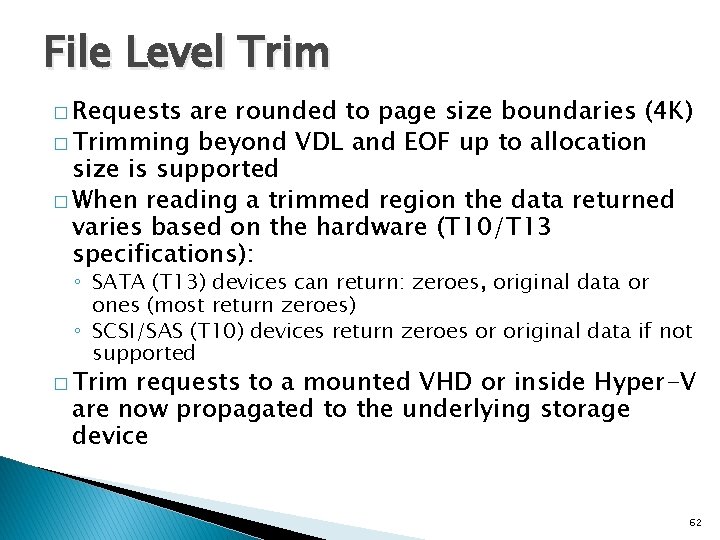
File Level Trim � Requests are rounded to page size boundaries (4 K) � Trimming beyond VDL and EOF up to allocation size is supported � When reading a trimmed region the data returned varies based on the hardware (T 10/T 13 specifications): ◦ SATA (T 13) devices can return: zeroes, original data or ones (most return zeroes) ◦ SCSI/SAS (T 10) devices return zeroes or original data if not supported � Trim requests to a mounted VHD or inside Hyper-V are now propagated to the underlying storage device 62
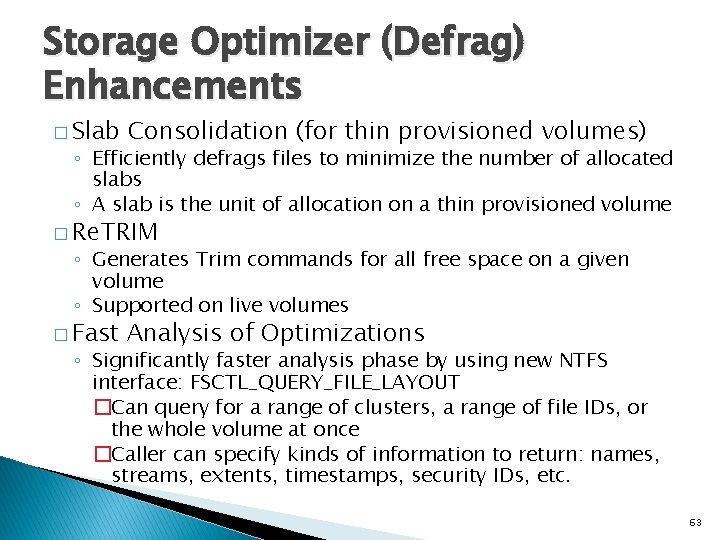
Storage Optimizer (Defrag) Enhancements � Slab Consolidation (for thin provisioned volumes) ◦ Efficiently defrags files to minimize the number of allocated slabs ◦ A slab is the unit of allocation on a thin provisioned volume � Re. TRIM ◦ Generates Trim commands for all free space on a given volume ◦ Supported on live volumes � Fast Analysis of Optimizations ◦ Significantly faster analysis phase by using new NTFS interface: FSCTL_QUERY_FILE_LAYOUT �Can query for a range of clusters, a range of file IDs, or the whole volume at once �Caller can specify kinds of information to return: names, streams, extents, timestamps, security IDs, etc. 63
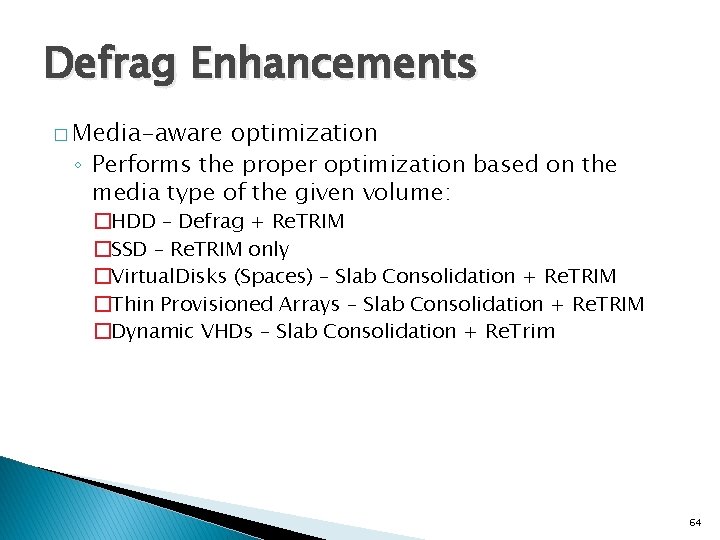
Defrag Enhancements � Media-aware optimization ◦ Performs the proper optimization based on the media type of the given volume: �HDD – Defrag + Re. TRIM �SSD – Re. TRIM only �Virtual. Disks (Spaces) – Slab Consolidation + Re. TRIM �Thin Provisioned Arrays – Slab Consolidation + Re. TRIM �Dynamic VHDs – Slab Consolidation + Re. Trim 64
Directory Oplocks � Allows applications and network clients to cache directory handles and enumeration results ◦ No more stale directory information cached on clients � Background scanner and file system filters can now unobtrusively open directory handles using a Read-Handle (RH) oplock, just like with files ◦ Resolves conflict between scanning empty directories and directory deletion 65
Native 4 K Sector Booting � NTFS has always supported native 4 K sectors ◦ Not well tested in previous OS versions ◦ MFT records are 4 K in size � Requires UEFI firmware (instead of BIOS) 66
Questions? 67