
NTFS and Share Permissions Lecture 6 Hassan Shuja



- Slides: 14
NTFS and Share Permissions Lecture 6 Hassan Shuja 10/26/2004 Page 1
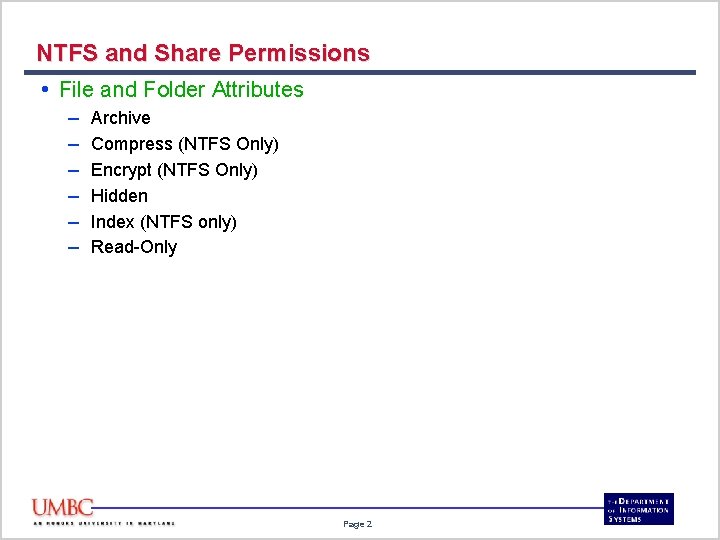
NTFS and Share Permissions • File and Folder Attributes – – – Archive Compress (NTFS Only) Encrypt (NTFS Only) Hidden Index (NTFS only) Read-Only Page 2
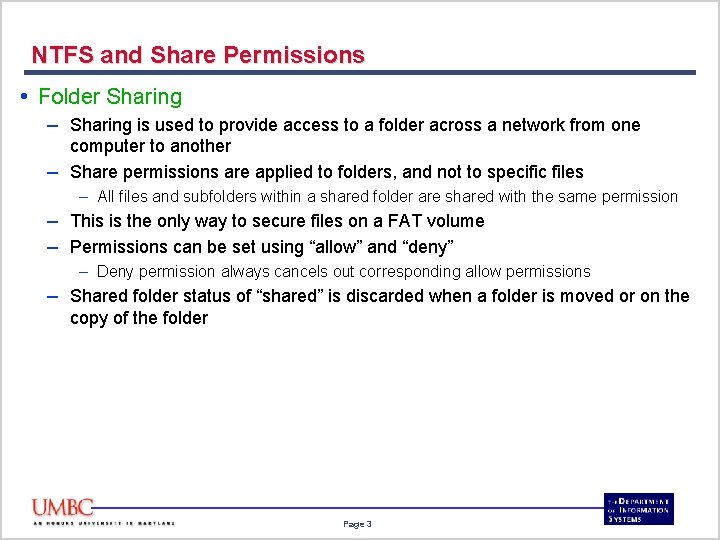
NTFS and Share Permissions • Folder Sharing – Sharing is used to provide access to a folder across a network from one computer to another – Share permissions are applied to folders, and not to specific files – All files and subfolders within a shared folder are shared with the same permission – This is the only way to secure files on a FAT volume – Permissions can be set using “allow” and “deny” – Deny permission always cancels out corresponding allow permissions – Shared folder status of “shared” is discarded when a folder is moved or on the copy of the folder Page 3
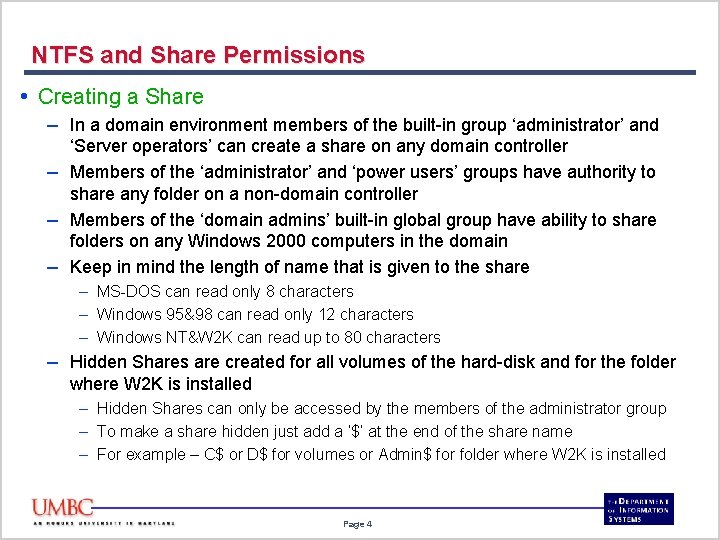
NTFS and Share Permissions • Creating a Share – In a domain environment members of the built-in group ‘administrator’ and ‘Server operators’ can create a share on any domain controller – Members of the ‘administrator’ and ‘power users’ groups have authority to share any folder on a non-domain controller – Members of the ‘domain admins’ built-in global group have ability to share folders on any Windows 2000 computers in the domain – Keep in mind the length of name that is given to the share – MS-DOS can read only 8 characters – Windows 95&98 can read only 12 characters – Windows NT&W 2 K can read up to 80 characters – Hidden Shares are created for all volumes of the hard-disk and for the folder where W 2 K is installed – Hidden Shares can only be accessed by the members of the administrator group – To make a share hidden just add a ‘$’ at the end of the share name – For example – C$ or D$ for volumes or Admin$ for folder where W 2 K is installed Page 4
NTFS and Share Permissions • Accessing a Share – Once a share has been created, clients can connect to it using various different methods – – – Map a network drive Use My Network Places to browse Use the Run menu option by identifying the correct UNC path UNC - \server_nameshare_name FQDN – server_name. domain_name. root_domain_nameshare_name Page 5
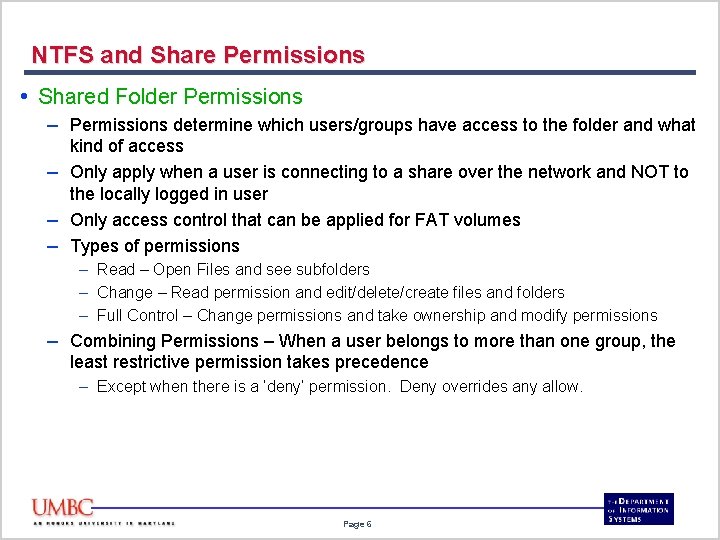
NTFS and Share Permissions • Shared Folder Permissions – Permissions determine which users/groups have access to the folder and what kind of access – Only apply when a user is connecting to a share over the network and NOT to the locally logged in user – Only access control that can be applied for FAT volumes – Types of permissions – Read – Open Files and see subfolders – Change – Read permission and edit/delete/create files and folders – Full Control – Change permissions and take ownership and modify permissions – Combining Permissions – When a user belongs to more than one group, the least restrictive permission takes precedence – Except when there is a ‘deny’ permission. Deny overrides any allow. Page 6
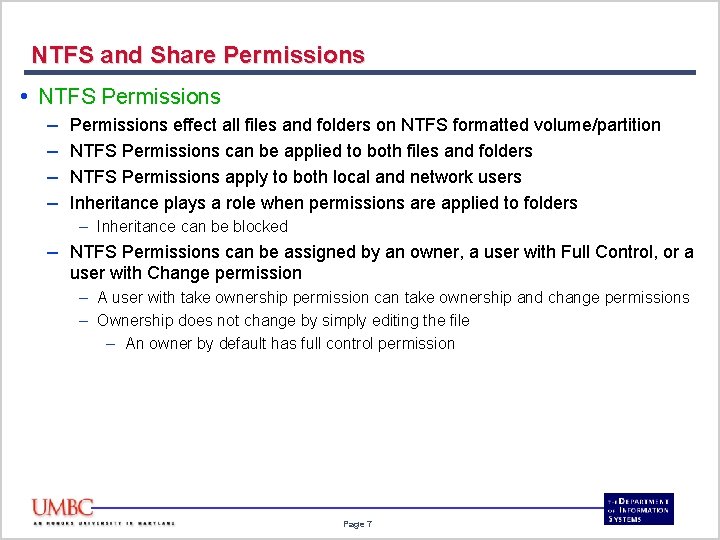
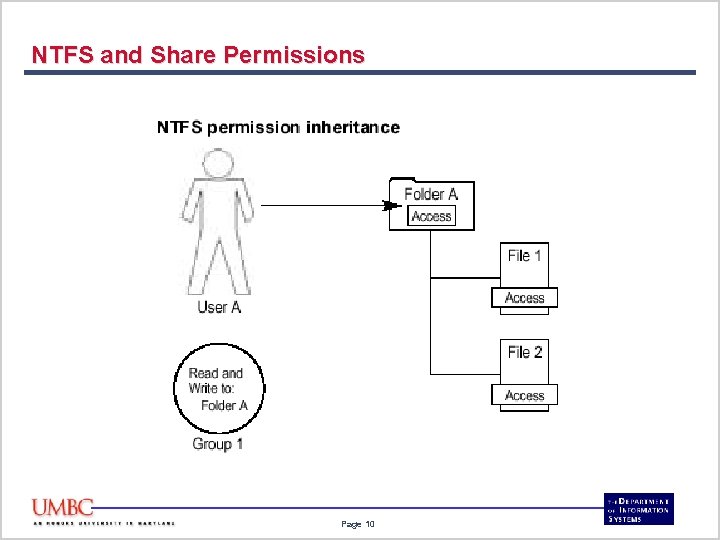
NTFS and Share Permissions • NTFS Permissions – – Permissions effect all files and folders on NTFS formatted volume/partition NTFS Permissions can be applied to both files and folders NTFS Permissions apply to both local and network users Inheritance plays a role when permissions are applied to folders – Inheritance can be blocked – NTFS Permissions can be assigned by an owner, a user with Full Control, or a user with Change permission – A user with take ownership permission can take ownership and change permissions – Ownership does not change by simply editing the file – An owner by default has full control permission Page 7
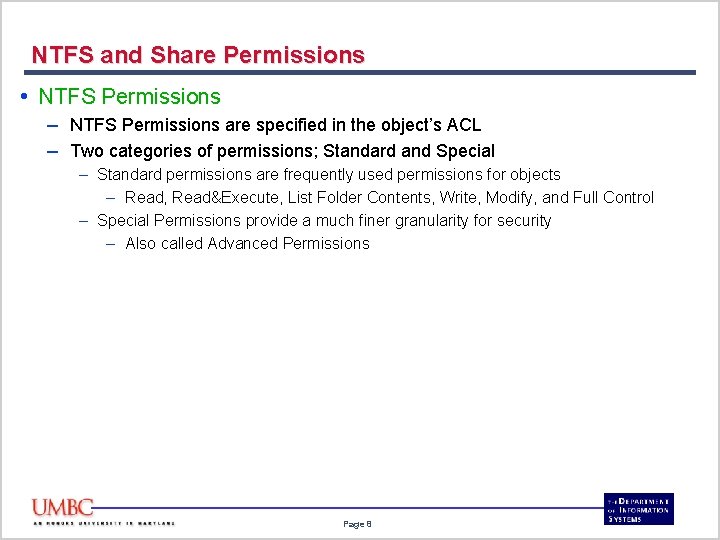
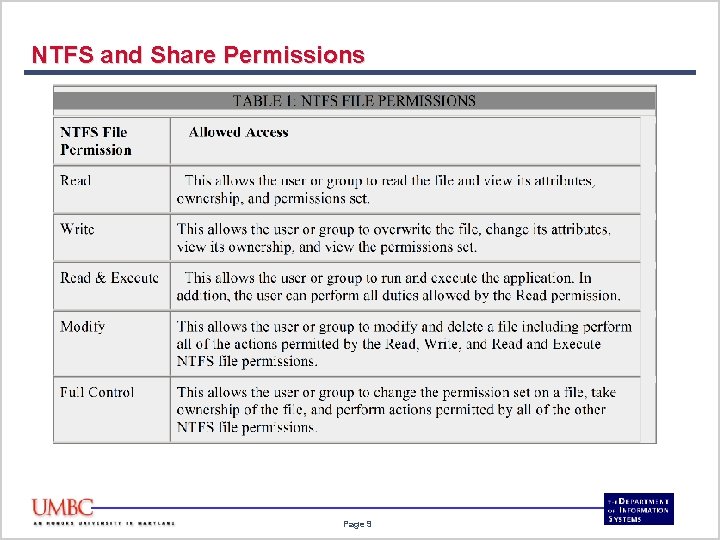
NTFS and Share Permissions • NTFS Permissions – NTFS Permissions are specified in the object’s ACL – Two categories of permissions; Standard and Special – Standard permissions are frequently used permissions for objects – Read, Read&Execute, List Folder Contents, Write, Modify, and Full Control – Special Permissions provide a much finer granularity for security – Also called Advanced Permissions Page 8
NTFS and Share Permissions Page 9
NTFS and Share Permissions Page 10
NTFS and Share Permissions • NTFS Permissions for New/Moved/Copied Files and Folders – A New file or subfolder is created – It inherits the NTFS permissions of the parent folder – Moving or coping a file or folder to a different volume – It inherits the NTFS permissions of the destination folder – Coping a file or folder on the same volume – It inherits the NTFS permissions of the destination folder – Moving a file or folder on the same volume – All original NTFS permissions are retained Page 11
NTFS and Share Permissions • Combining of NTFS Permissions – When a user belongs to multiple groups that have permissions, the least restrictive permission wins – Unless there is a deny in one of those permissions. A deny overrides any allows Page 12
NTFS and Share Permissions • Effective Permissions – When NTFS and Share Permissions are combined the MOST restrictive permission becomes the users effective permission – Choice the least restrictive share permission – Choice the least restrictive NTFS permission – Combine these two and select the MOST restrictive permission Page 13
NTFS and Share Permissions • Disk Quotas – – Set on NTFS volumes It tracks and restricts space usage on the whole volume for users This feature needs to be enabled and is not set by default Disk Quota warnings ca be recorded in the Event log Page 14