
Ntdsutil exe and the Microsoft Active Directory Curtis
- Slides: 33
Ntdsutil. exe and the Microsoft Active Directory Curtis Clay III Charleta Mc. Koy Windows 2000 Directory Services Team Microsoft Corporation
The Ntdsutil Tool u u Ntdsutil. exe is a command-line tool that provides management facilities for Microsoft® Active Directory™ By default, Ntdsutil is located in the \WinntSystem 32 folder 2
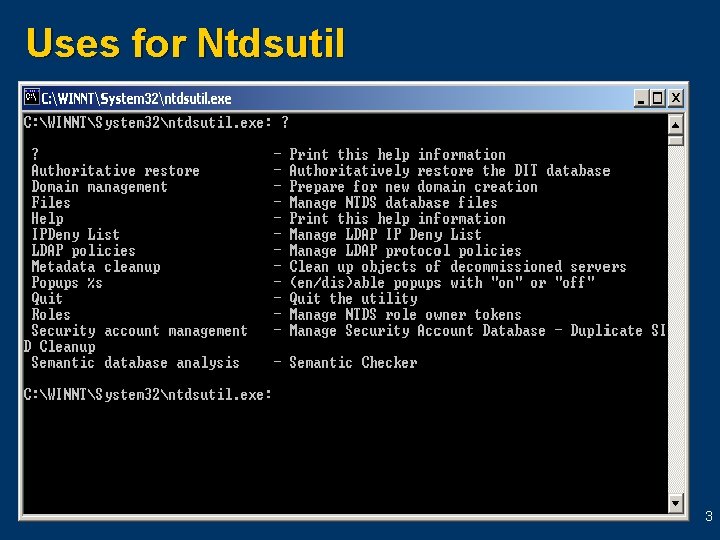
Uses for Ntdsutil 3
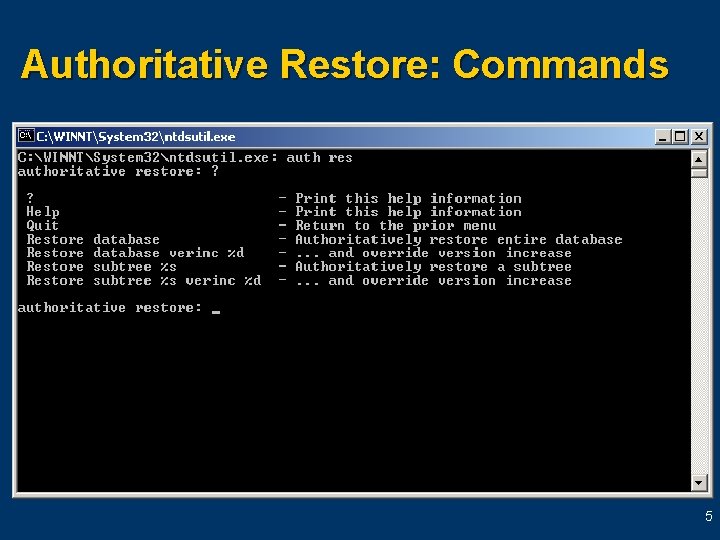
Authoritative Restore u u Used to recover deleted or missing objects from Active Directory Performed in DS Restore mode Offers the ability to restore an entire database or a single object Note: This command is used only in DS Restore mode 4
Authoritative Restore: Commands 5
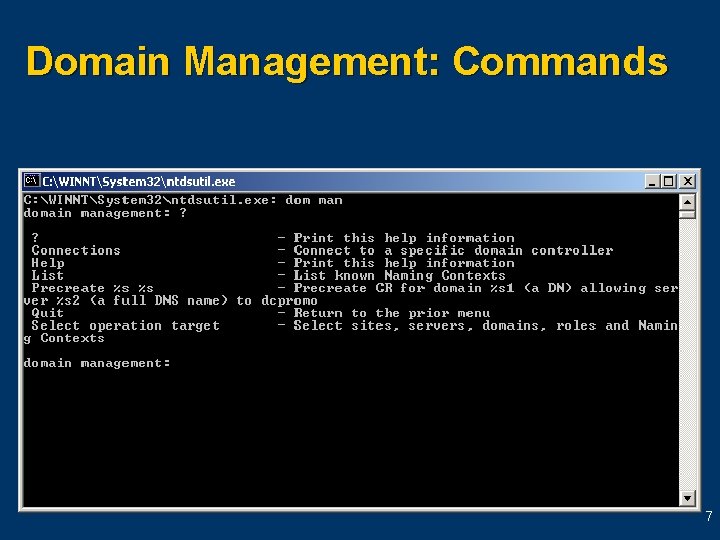
Domain Management u Allows Enterprise Administrators to pre-create cross-reference and server objects in the directory u Note: This command is used only in DS Restore mode 6
Domain Management: Commands 7
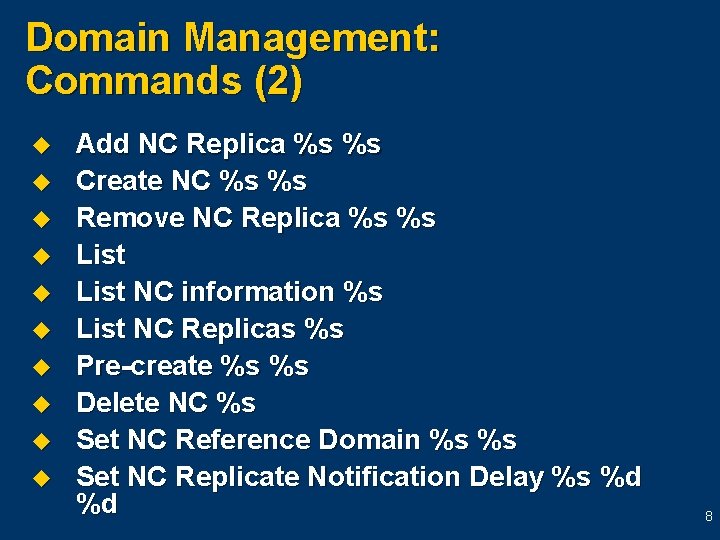
Domain Management: Commands (2) u u u u u Add NC Replica %s %s Create NC %s %s Remove NC Replica %s %s List NC information %s List NC Replicas %s Pre-create %s %s Delete NC %s Set NC Reference Domain %s %s Set NC Replicate Notification Delay %s %d %d 8
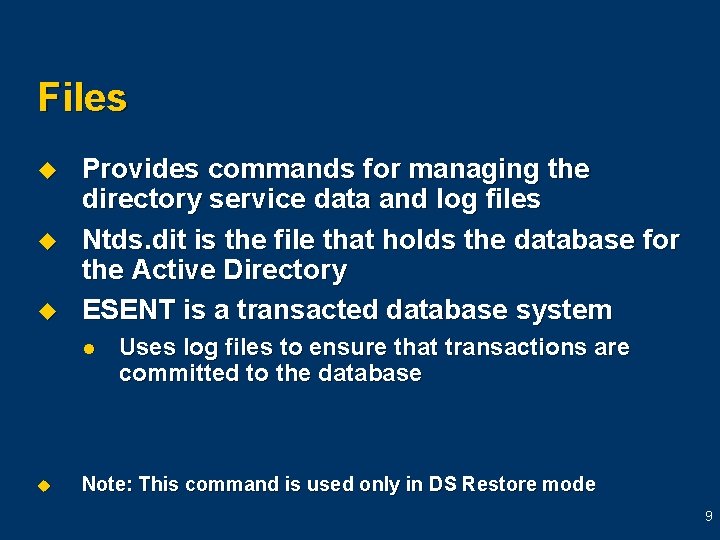
Files u u u Provides commands for managing the directory service data and log files Ntds. dit is the file that holds the database for the Active Directory ESENT is a transacted database system l u Uses log files to ensure that transactions are committed to the database Note: This command is used only in DS Restore mode 9
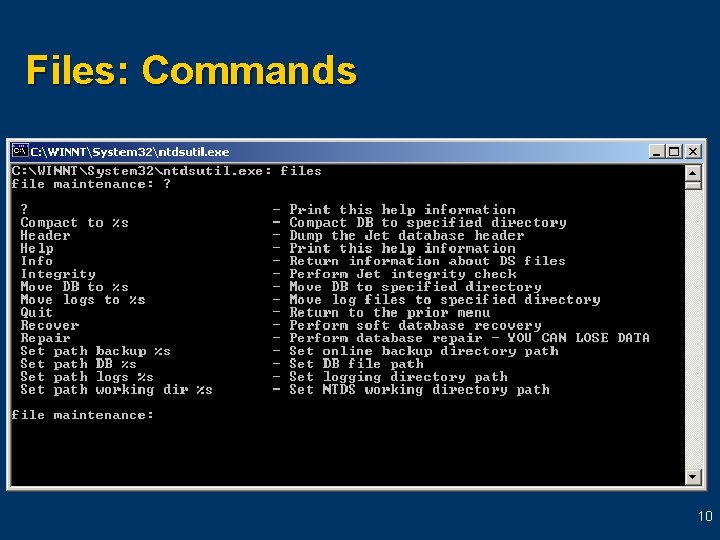
Files: Commands 10
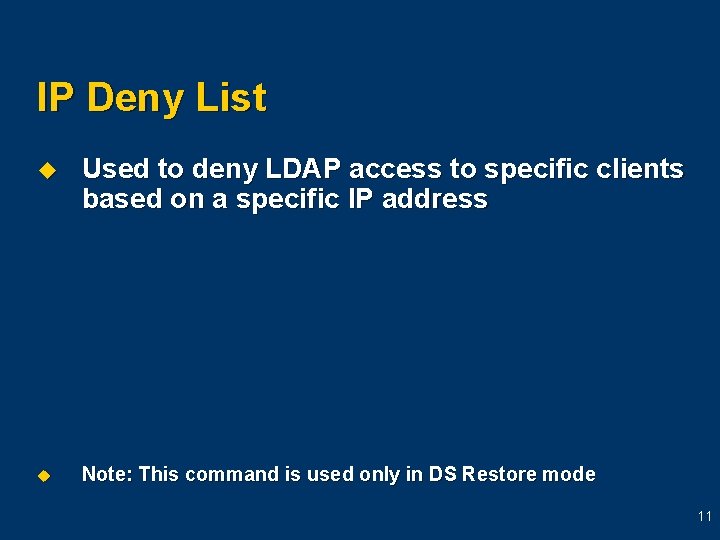
IP Deny List u Used to deny LDAP access to specific clients based on a specific IP address u Note: This command is used only in DS Restore mode 11
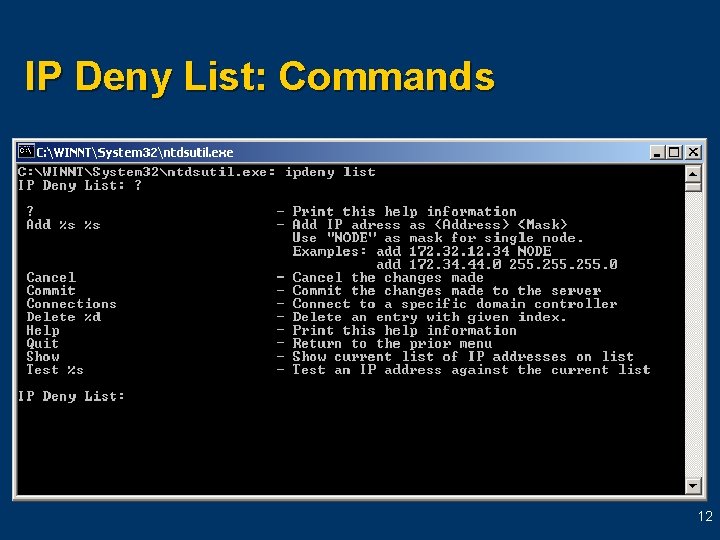
IP Deny List: Commands 12
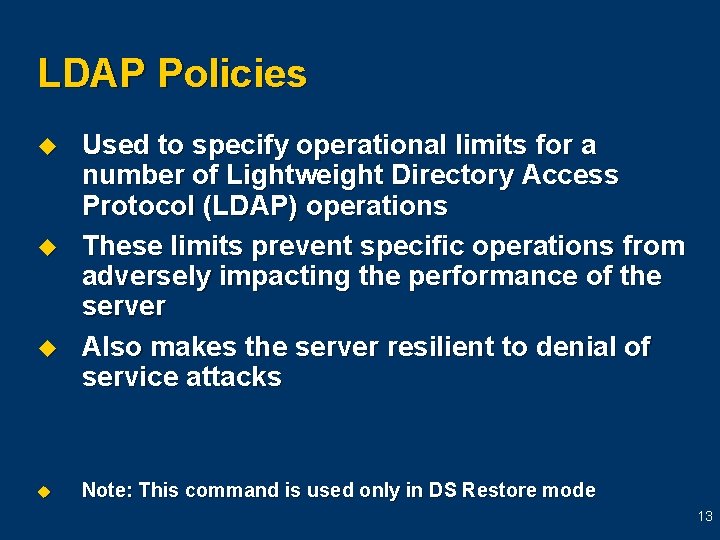
LDAP Policies u u Used to specify operational limits for a number of Lightweight Directory Access Protocol (LDAP) operations These limits prevent specific operations from adversely impacting the performance of the server Also makes the server resilient to denial of service attacks Note: This command is used only in DS Restore mode 13
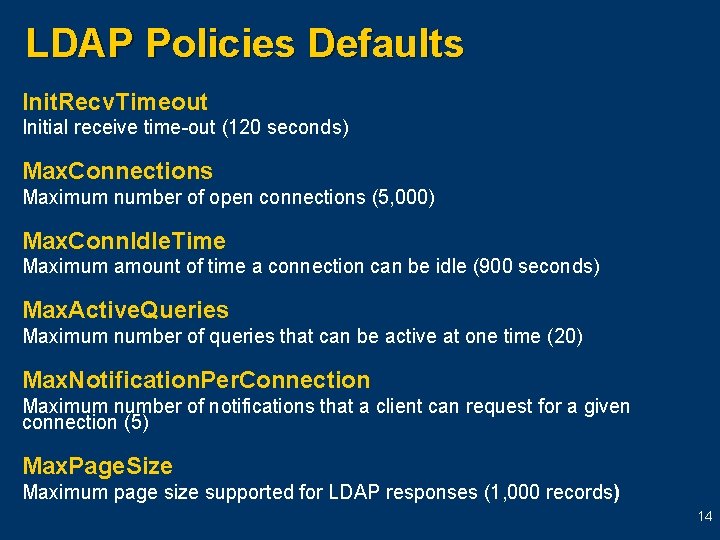
LDAP Policies Defaults Init. Recv. Timeout Initial receive time-out (120 seconds) Max. Connections Maximum number of open connections (5, 000) Max. Conn. Idle. Time Maximum amount of time a connection can be idle (900 seconds) Max. Active. Queries Maximum number of queries that can be active at one time (20) Max. Notification. Per. Connection Maximum number of notifications that a client can request for a given connection (5) Max. Page. Size Maximum page size supported for LDAP responses (1, 000 records) 14
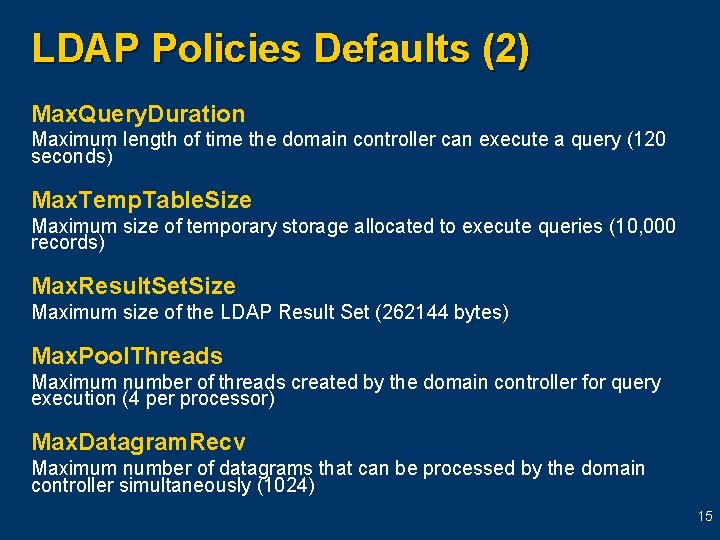
LDAP Policies Defaults (2) Max. Query. Duration Maximum length of time the domain controller can execute a query (120 seconds) Max. Temp. Table. Size Maximum size of temporary storage allocated to execute queries (10, 000 records) Max. Result. Set. Size Maximum size of the LDAP Result Set (262144 bytes) Max. Pool. Threads Maximum number of threads created by the domain controller for query execution (4 per processor) Max. Datagram. Recv Maximum number of datagrams that can be processed by the domain controller simultaneously (1024) 15
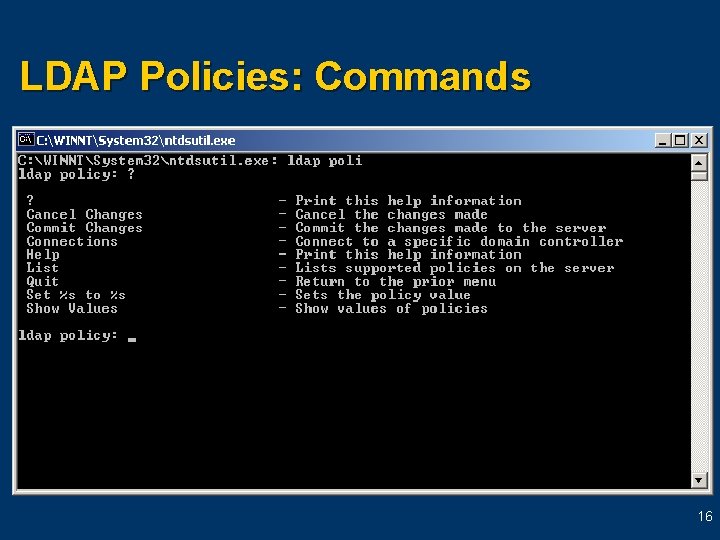
LDAP Policies: Commands 16
Metadata Cleanup u u Used to remove data or objects from the Active Directory database The directory service maintains various metadata for each domain and server known to the forest 17
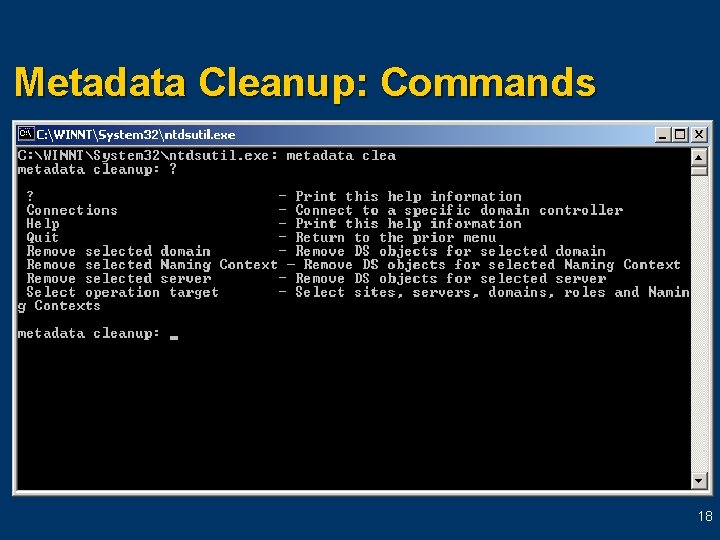
Metadata Cleanup: Commands 18
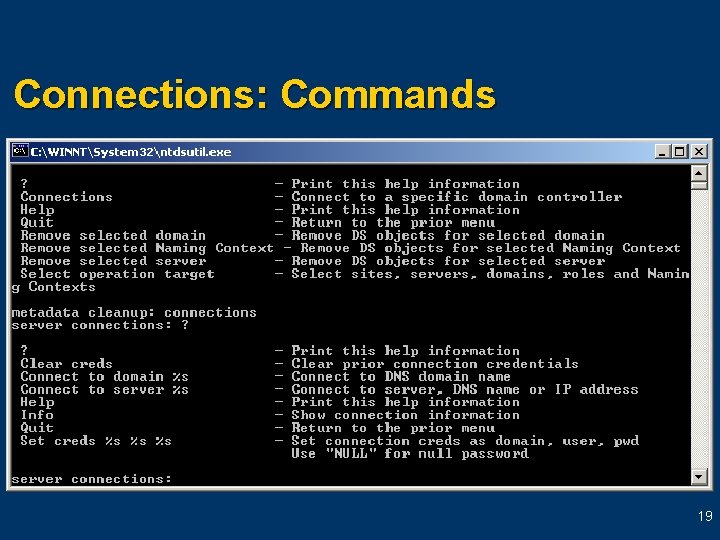
Connections: Commands 19
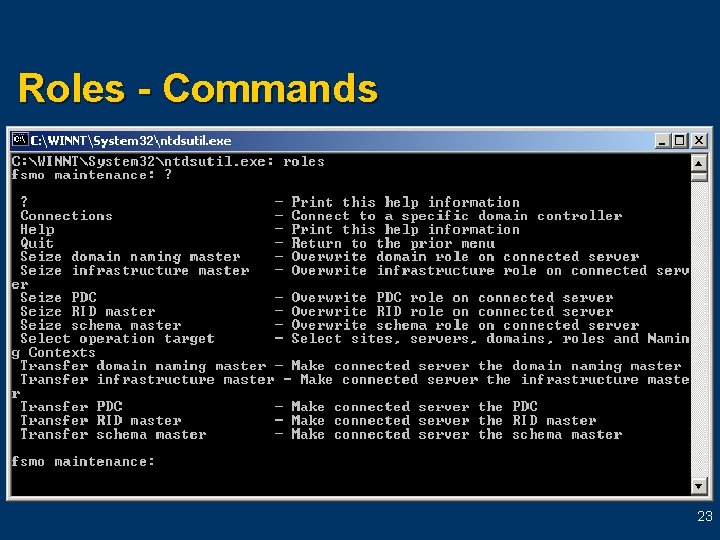
Roles u Used to manage the placement of FSMO roles within the Active Directory 20
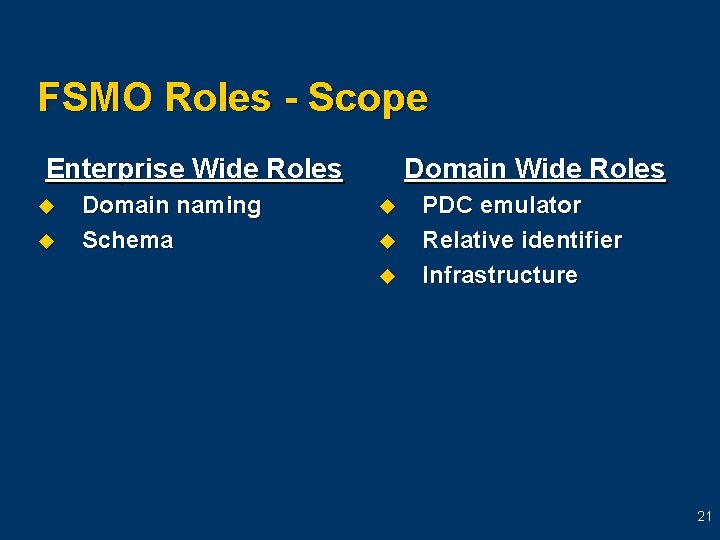
FSMO Roles - Scope Enterprise Wide Roles u u Domain naming Schema Domain Wide Roles u u u PDC emulator Relative identifier Infrastructure 21
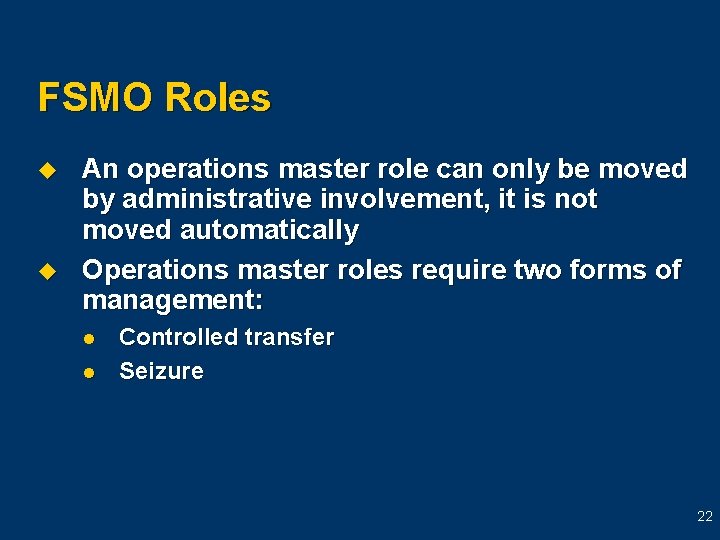
FSMO Roles u u An operations master role can only be moved by administrative involvement, it is not moved automatically Operations master roles require two forms of management: l l Controlled transfer Seizure 22
Roles - Commands 23
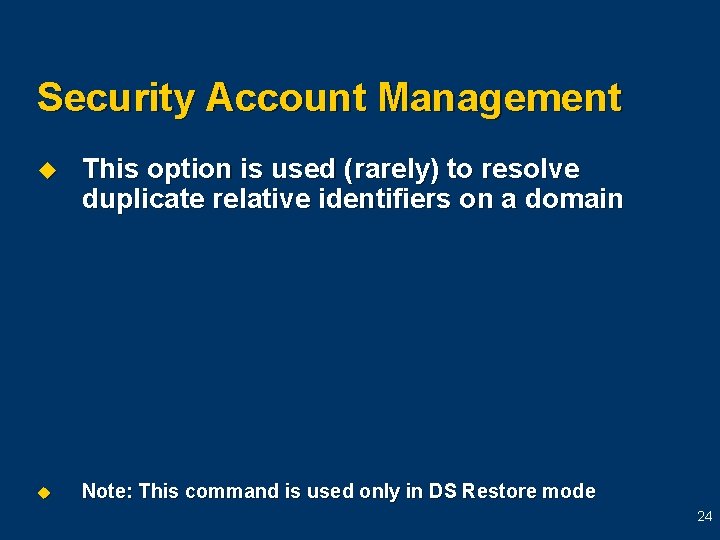
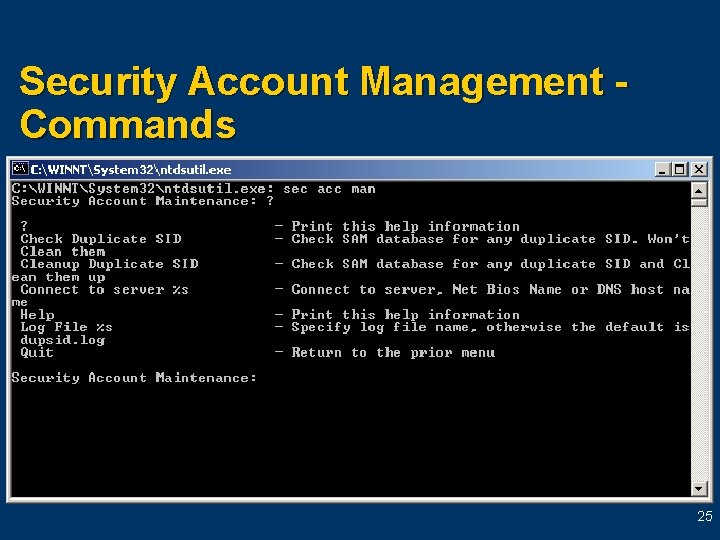
Security Account Management u This option is used (rarely) to resolve duplicate relative identifiers on a domain u Note: This command is used only in DS Restore mode 24
Security Account Management Commands 25
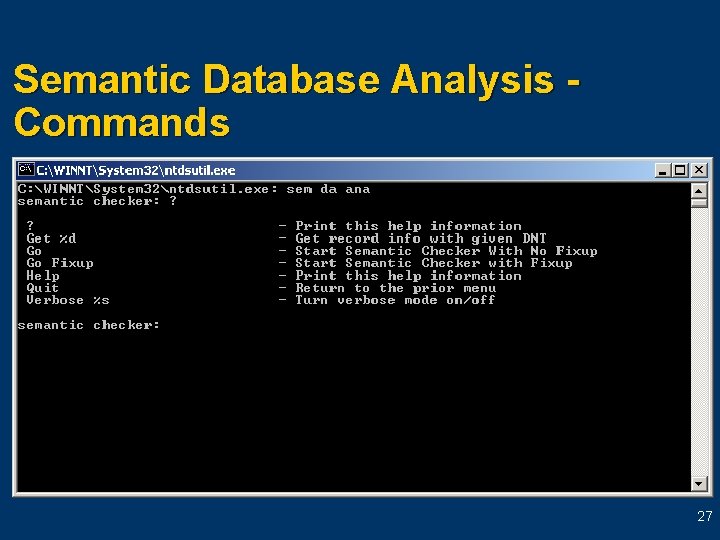
Semantic Database Analysis u u Analyzes the data with respect to Active Directory semantics It generates reports on the number of records present, including deleted and phantom records 26
Semantic Database Analysis Commands 27
Automate Ntdsutil Commands u u Ntdsutil can be scripted The following commands allow for silent operation: l l popups no - no user interaction popups yes - full user interaction 28
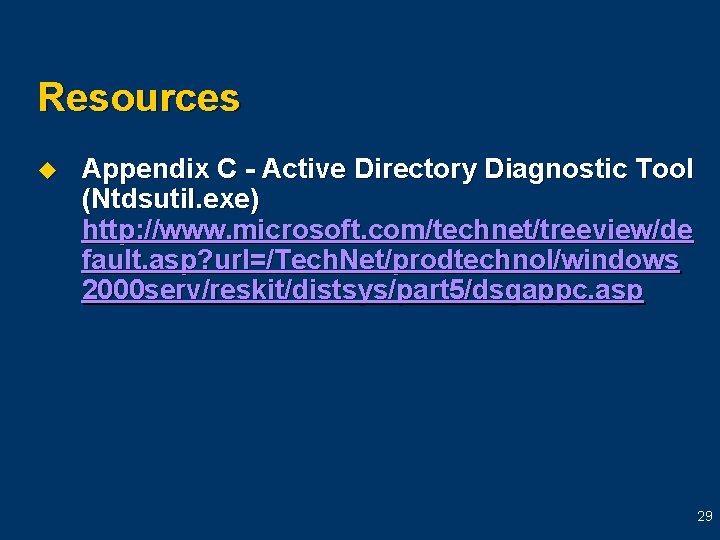
Resources u Appendix C - Active Directory Diagnostic Tool (Ntdsutil. exe) http: //www. microsoft. com/technet/treeview/de fault. asp? url=/Tech. Net/prodtechnol/windows 2000 serv/reskit/distsys/part 5/dsgappc. asp 29
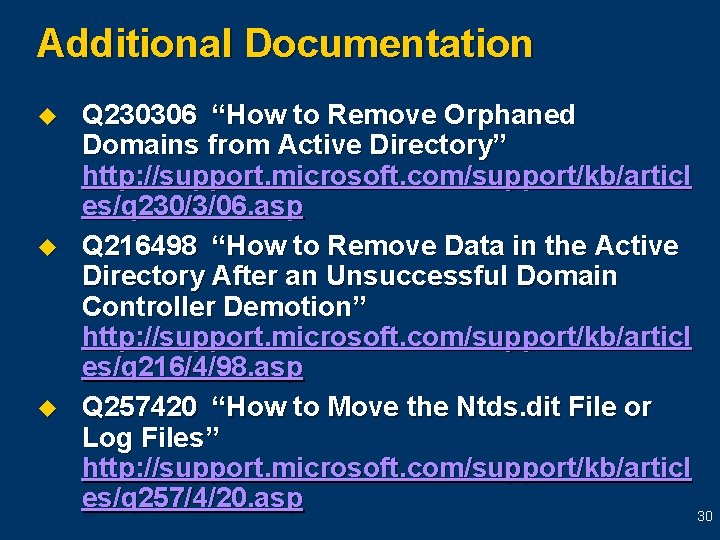
Additional Documentation u u u Q 230306 “How to Remove Orphaned Domains from Active Directory” http: //support. microsoft. com/support/kb/articl es/q 230/3/06. asp Q 216498 “How to Remove Data in the Active Directory After an Unsuccessful Domain Controller Demotion” http: //support. microsoft. com/support/kb/articl es/q 216/4/98. asp Q 257420 “How to Move the Ntds. dit File or Log Files” http: //support. microsoft. com/support/kb/articl es/q 257/4/20. asp 30
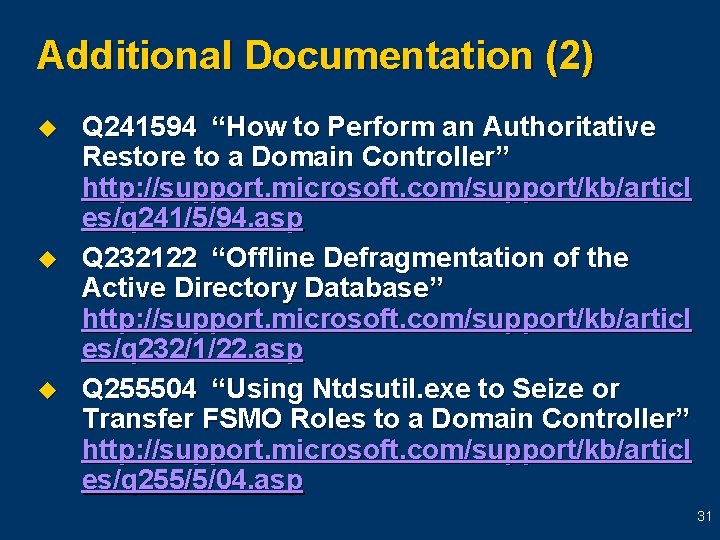
Additional Documentation (2) u u u Q 241594 “How to Perform an Authoritative Restore to a Domain Controller” http: //support. microsoft. com/support/kb/articl es/q 241/5/94. asp Q 232122 “Offline Defragmentation of the Active Directory Database” http: //support. microsoft. com/support/kb/articl es/q 232/1/22. asp Q 255504 “Using Ntdsutil. exe to Seize or Transfer FSMO Roles to a Domain Controller” http: //support. microsoft. com/support/kb/articl es/q 255/5/04. asp 31
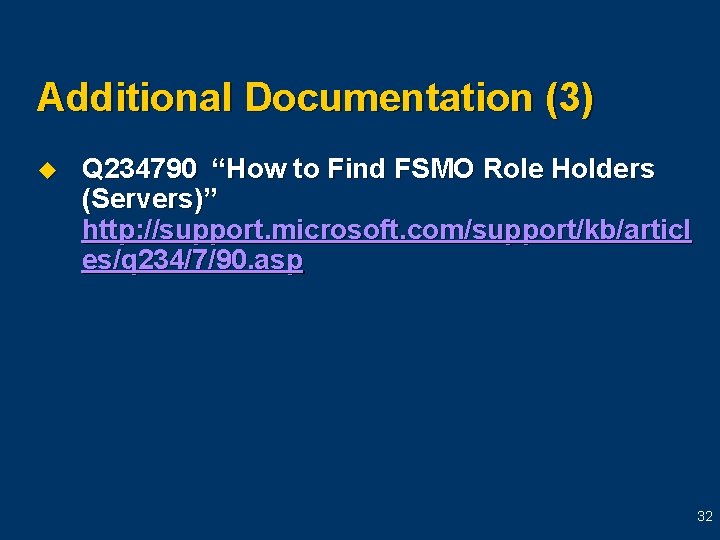
Additional Documentation (3) u Q 234790 “How to Find FSMO Role Holders (Servers)” http: //support. microsoft. com/support/kb/articl es/q 234/7/90. asp 32
Thank you for joining us for today’s Microsoft Support Web. Cast. For information about all upcoming Support Web. Casts and access to the archived content (streaming media files, Power. Point slides, and transcripts), please visit: http: //support. microsoft. com/webcasts/ We sincerely appreciate your feedback. Please send any comments or suggestions regarding the Support Web. Casts to feedback@microsoft. com and include “Support Web. Casts” in the subject line.