
NPSG 3 Improve the Safety of Using Medications
- Slides: 18
NPSG #3: Improve the Safety of Using Medications
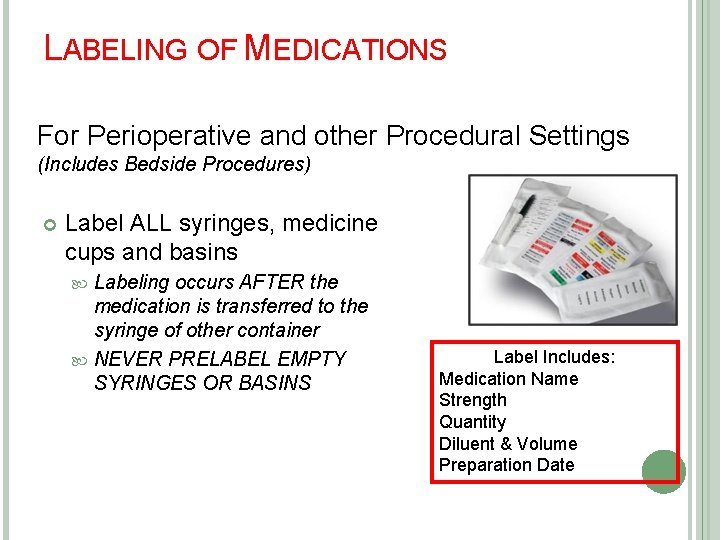
LABELING OF MEDICATIONS For Perioperative and other Procedural Settings (Includes Bedside Procedures) Label ALL syringes, medicine cups and basins Labeling occurs AFTER the medication is transferred to the syringe of other container NEVER PRELABEL EMPTY SYRINGES OR BASINS Label Includes: Medication Name Strength Quantity Diluent & Volume Preparation Date
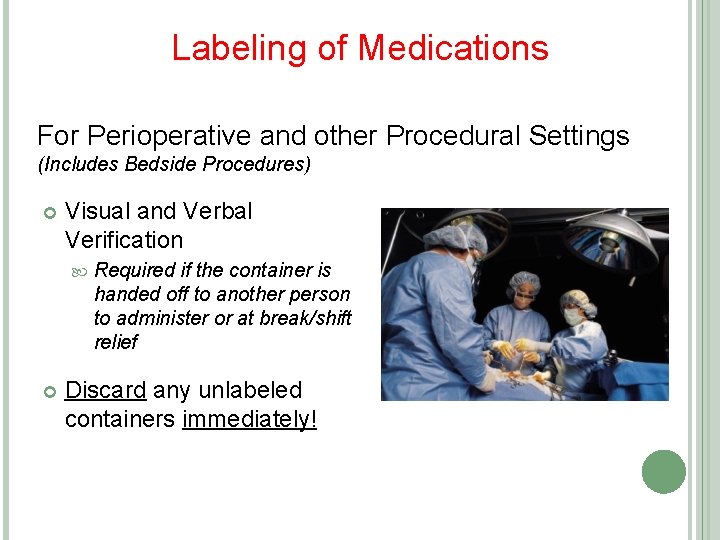
Labeling of Medications For Perioperative and other Procedural Settings (Includes Bedside Procedures) Visual and Verbal Verification Required if the container is handed off to another person to administer or at break/shift relief Discard any unlabeled containers immediately!
MEDICATION RECONCILIATION From The Beginning To The End
WHY DO WE RECONCILE MEDICATIONS? To accurately and completely reconcile medications across the continuum of care To reduce the risk of transition related adverse drug events To correct any discrepancies that are identified while the patient is in the hospital
WHO CAN DO THE RECONCILIATION PROCESS? The nurse or physician can do the reconciliation process
ADMISSION PROCESS Obtain list of medications from patient Document on Medication Reconciliation Module Call Physician and reconcile medication Print Medication Reconciliation and sign that you have reconciled with the physician Place Medication Reconciliation in the chart Medications listed on the Medication Reconciliation will auto populate on the Medication Transfer Form
TRANSFER PROCESS TO A HIGHER/LOWER LEVEL OF CARE When a patient is being transferred to another unit use the Medication Transfer Form Call the physician and reconcile the medications on the Medication Transfer Form prior to transferring the patient Place an “Y” or “N” to indicate whether or not the current medication will be ordered and continued upon transfer The receiving unit will scan the Medication Transfer Form to the pharmacy
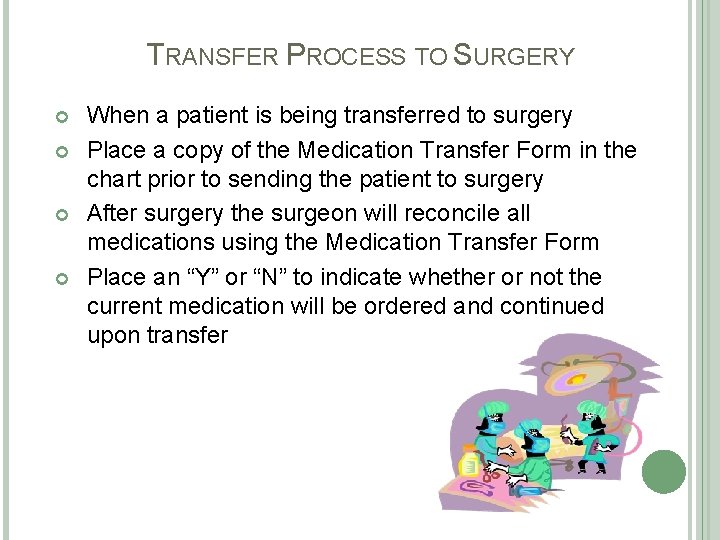
TRANSFER PROCESS TO SURGERY When a patient is being transferred to surgery Place a copy of the Medication Transfer Form in the chart prior to sending the patient to surgery After surgery the surgeon will reconcile all medications using the Medication Transfer Form Place an “Y” or “N” to indicate whether or not the current medication will be ordered and continued upon transfer
DISCHARGE HOME PROCESS New medications will be listed on the Discharge Instructions The patient will get a copy of their discharge instructions and the medication reconciliation form Provide education on medication management to the patient and or family
MEDICATION LIST TO THE NEXT CARE PROVIDER A copy of the discharge instructions and medication reconciliation form will be given to the patient and or family to take to the next care provider We no longer fax to the next care provider
DOCUMENTATION OF REFUSAL OF MEDICATIONS
DIFFERENCE BETWEEN A REFUSED MEDICATION VS. A HELD MEDICATION A Refused medication is one that the patient refuses to be administered A Held medication is one that is not administered due to: A hold parameter BP medications (BP to low) Insulin (Blood sugar is too low) Patient is off the unit for a procedure
WHEN TO USE THE HOLD ACKNOWLEDGE FUNCTION ON THE EMAR Use only when there is a problem with the order that you are acknowledging For Example: Incorrect dose or frequency entered Missing PRN indication This function is not to be used for held meds If a medication is to be held, document it in the e. MAR on the designated time of administration If a medication is being held because the patient is off the unit but still needs to be administered, document it only when given. It will be RED on the e. MAR but you can type your reason in the comment section
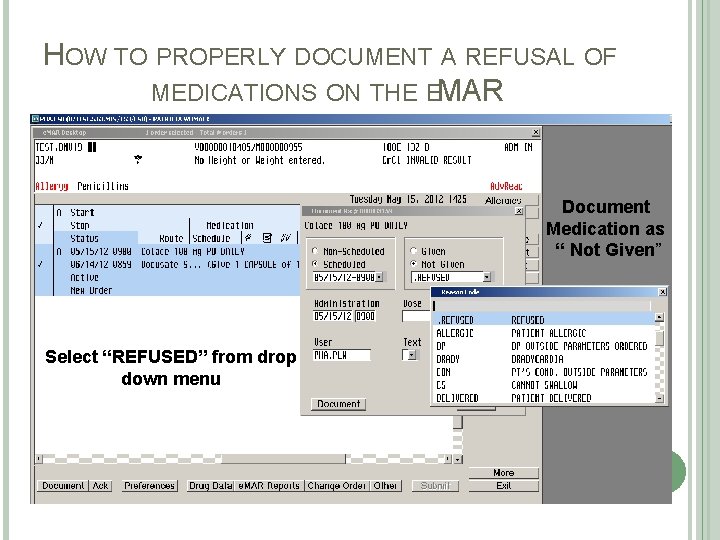
HOW TO PROPERLY DOCUMENT A REFUSAL OF MEDICATIONS ON THE EMAR Document Medication as “ Not Given” Select “REFUSED” from drop down menu
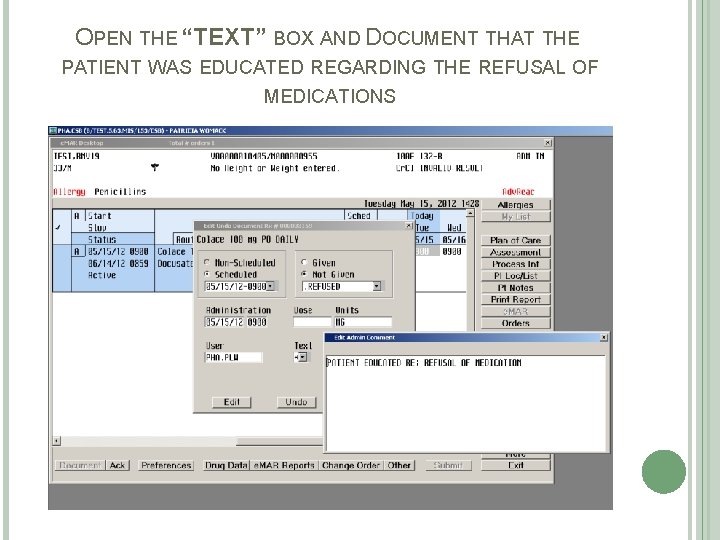
OPEN THE “TEXT” BOX AND DOCUMENT THAT THE PATIENT WAS EDUCATED REGARDING THE REFUSAL OF MEDICATIONS
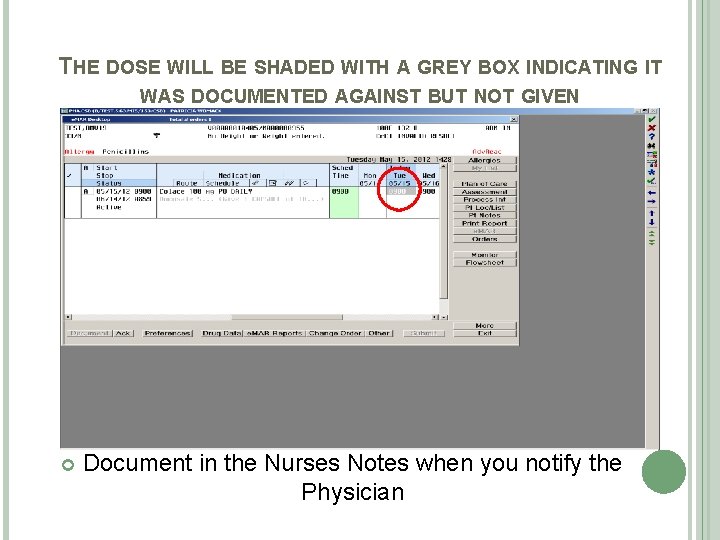
THE DOSE WILL BE SHADED WITH A GREY BOX INDICATING IT WAS DOCUMENTED AGAINST BUT NOT GIVEN Document in the Nurses Notes when you notify the Physician
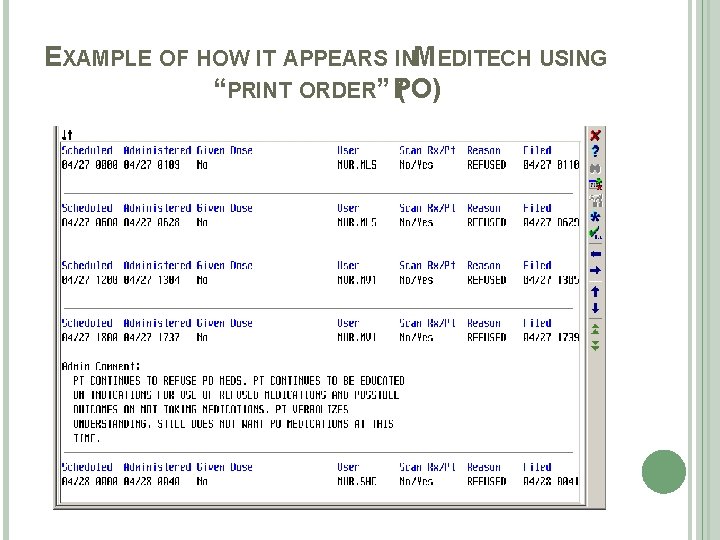
EXAMPLE OF HOW IT APPEARS INMEDITECH USING “PRINT ORDER” PO) (