
NOTE TAKING STRATEGIES Project IMPACT TRi O SSS



- Slides: 28
NOTE TAKING STRATEGIES Project IMPACT, TRi. O SSS
OVERVIEW OF WORKSHOP Note taking from lecture § Decide on typing or writing § Decide on a format § Capture main ideas § Assistive technology/ accommodations Note taking from text § Develop your personal system § Capturing main ideas
THE CHALLENGES OF TAKING NOTES FROM A LECTURE How should I organize my notes? How do I keep up with the professor? How can I concentrate on what the professor is saying, participate AND take notes? How do I summarize a lecture?
TAKING NOTES FROM A LECTURE
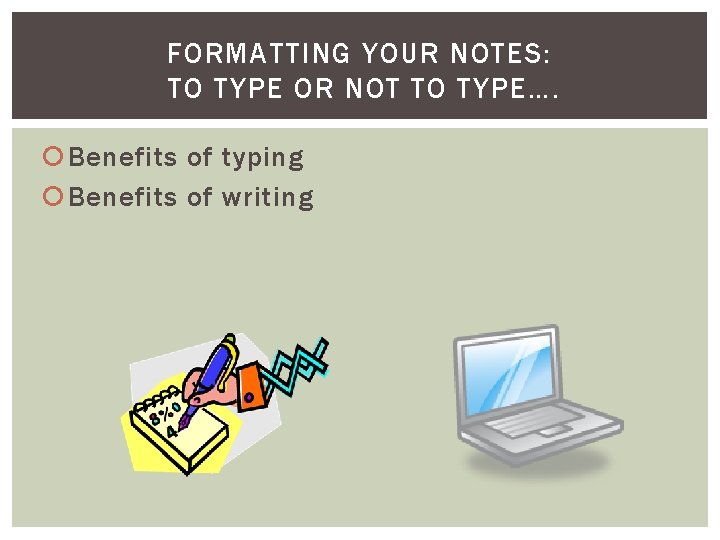
FORMATTING YOUR NOTES: TO TYPE OR NOT TO TYPE…. Benefits of typing Benefits of writing
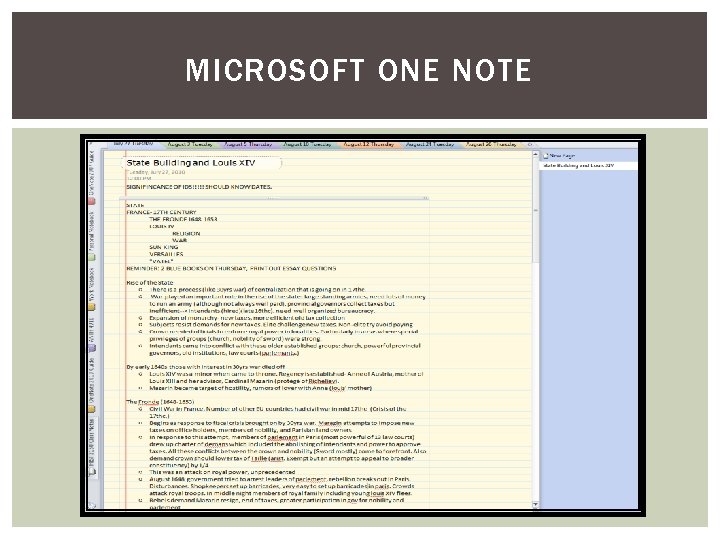
MICROSOFT ONE NOTE
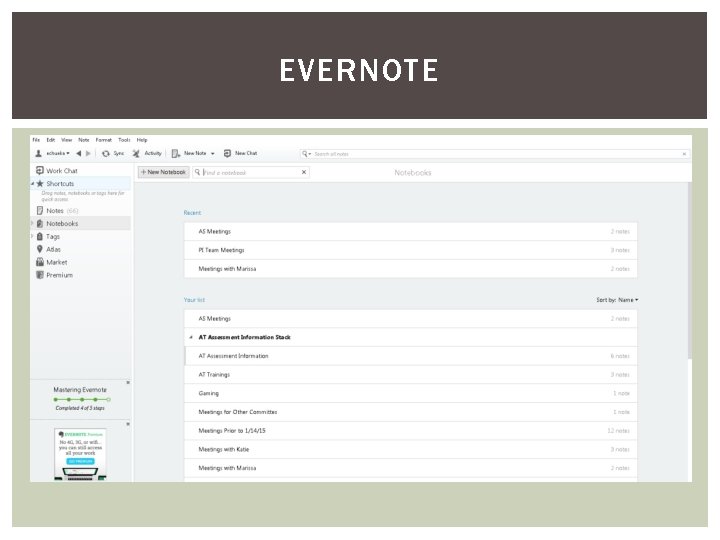
EVERNOTE
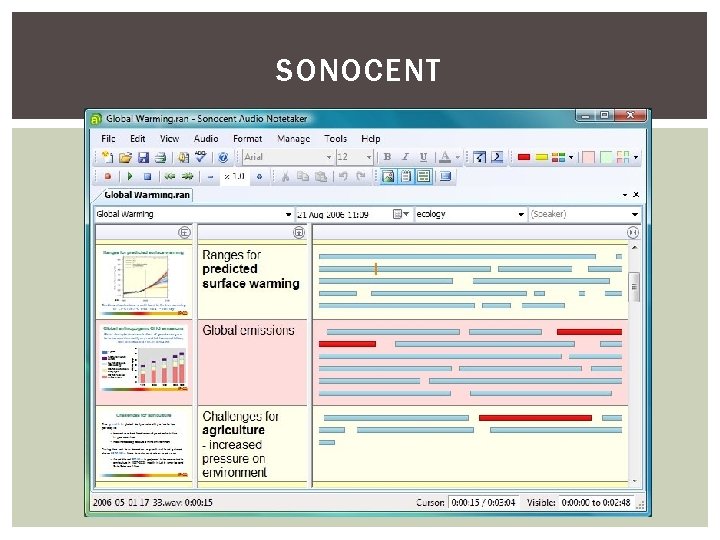
SONOCENT
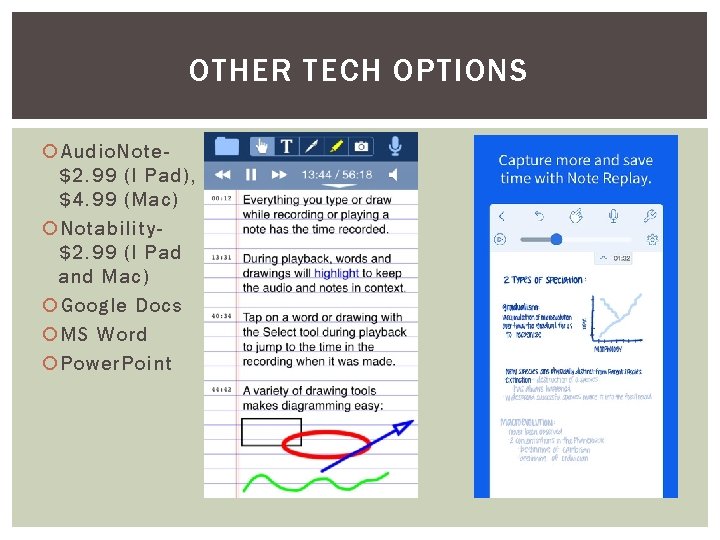
OTHER TECH OPTIONS Audio. Note$2. 99 (I Pad), $4. 99 (Mac) Notability$2. 99 (I Pad and Mac) Google Docs MS Word Power. Point
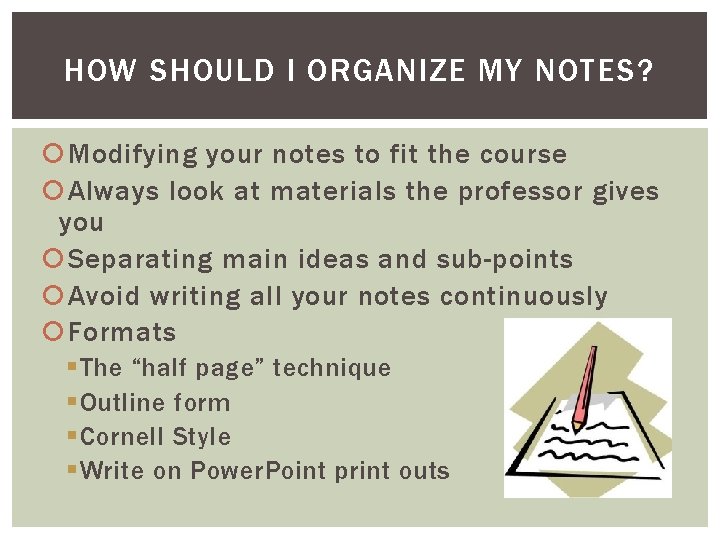
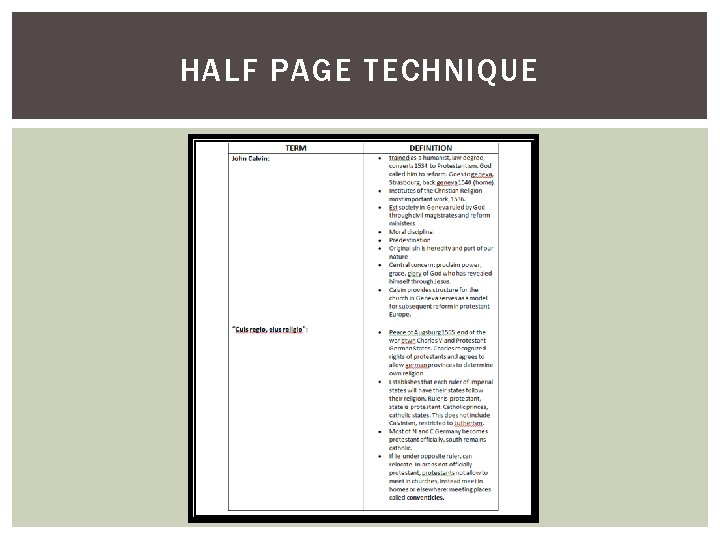
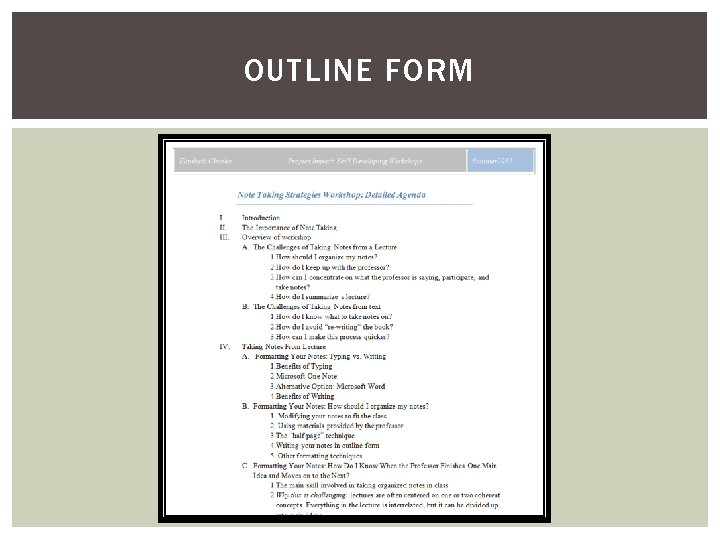
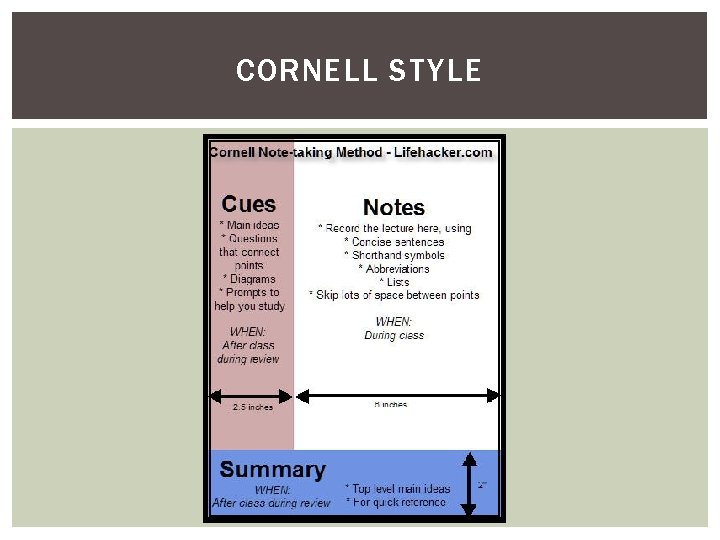
HOW SHOULD I ORGANIZE MY NOTES? Modifying your notes to fit the course Always look at materials the professor gives you Separating main ideas and sub-points Avoid writing all your notes continuously Formats § The “half page” technique § Outline form § Cornell Style § Write on Power. Point print outs
HALF PAGE TECHNIQUE
OUTLINE FORM
CORNELL STYLE
PRINTING POWER POINTS FOR NOTE TAKING
HOW DO I KNOW WHEN THE PROFESSOR FINISHES ONE MAIN POINT AND MOVES ONTO THE NEXT? Prepare beforehand § Make use of materials the professor gives you! § Do reading before corresponding lecture § Read the lecture slides before lecture Other techniques § Practice selecting a main idea in reading § Go back and listen to audio recordings of lecture to practice § Listen for key terms and changes in key terms
SELECTING THE MAIN IDEA If you’d like additional help with this… ask! We have another workshop!
HOW DO I KEEP UP WITH MY PROFESSOR? Use abbreviations- keep them consistent Consider typing Compare notes with a classmate to see if you missed any key points Use assistive technology
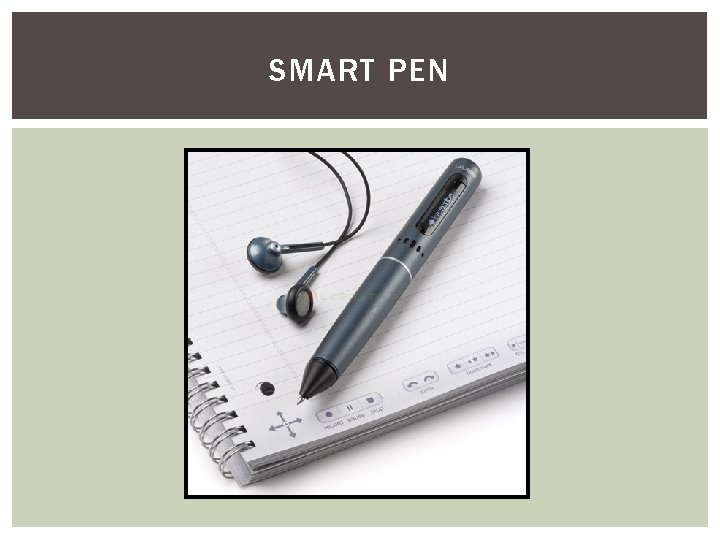
HELP! HOW CAN I ACTIVELY LISTEN, TAKE NOTES, AND PARTICIPATE? The challenge of doing two things at once Talk to your professor Accommodations- Discuss with your AS counselor § Have a note taker § Assistive Technology § Voice Recorders § Livescribe Smart Pen § Sonocent
SMART PEN
HOW DO I SUMMARIZE A LECTURE? SHOULD I WRITE EVERYTHING THE PROFESSOR SAYS? How much you write depends on several things § Your own ability to juggle writing while listening § Are you using a voice recorder or smart pen? § Did your professor provide PPT slides? § Was there a topic you were confused about in the reading?
AFTER CLASS THE NEXT STEP: REVIEWING YOUR NOTES Immediately after class § Star information, put question marks § Five minute essay Reorganizing notes § Rewrite in better format/ Adjust formatting § Use different colored fonts and pens § Note Key Terms § Numbering Lists
AFTER CLASS THE NEXT STEP: REVIEWING YOUR NOTES (CONTD. ) For the over-zealous note taker… For the over-burdened note taker… Making use of accommodations
TAKING NOTES FROM TEXT
CHALLENGES OF TAKING NOTES FROM TEXT Do I really need to take notes from my text book? How do I know what to take notes on? How do I avoid “re-writing” the book? Taking notes from a text seems to take forever! How can I make this process quicker?
DEVELOP YOUR PERSONAL SYSTEM Do you want to annotate your book or take separate notes? Are you going to underline/ highlight? Are your books digital or traditional? Do you want to use an app or assistive technology?
WHAT SHOULD I TAKE NOTES ON? Identify the main idea of a paragraph § If you want to underline/ highlight- only mark this § Or- write this in the margin § Or- write this in your notes Always put information in your own words Keep it short and to the point
WHAT ELSE SHOULD I DO? Use the books structure § Use headings and sub-headings to format your notes, if you are taking separate notes § But be judicious! Five minute summary strategy Use effective reading strategies § PQRST
CONCLUSION