
Northstar Digital Literacy Assessment Rhode Island Why Northstar
- Slides: 12
Northstar Digital Literacy Assessment – Rhode Island
Why Northstar? • A tool to assess students’ computer skills • RIFLI and others – classes - no tool to assess and measure • Most straightforward, others available • Clear set of standards • Pre-assessments – unofficial • Post-assessments – official proctored tests
Northstar Digital Literacy Assessment • Seven Assessment Modules – 30 - 45 questions each Computer Basics • World Wide Web • Operating Systems • • Windows 7 • Mac OS Email Basics • Social Media • MS Word • MS Excel • • Coming Soon: MS Power. Point
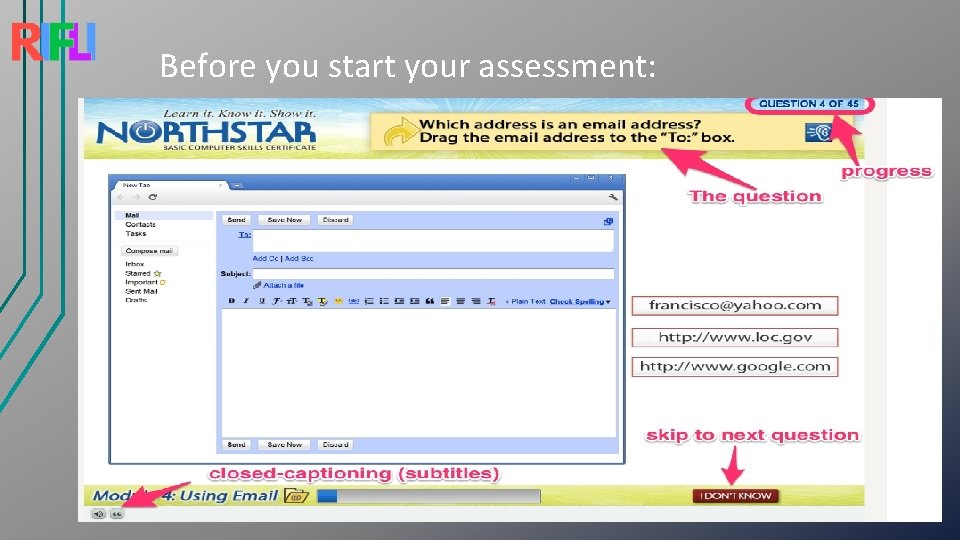
Before you start your assessment:
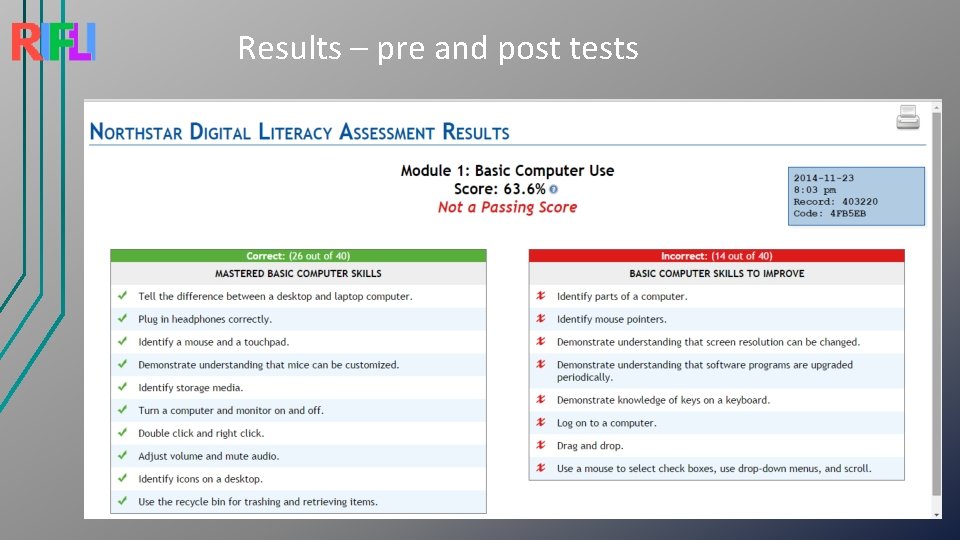
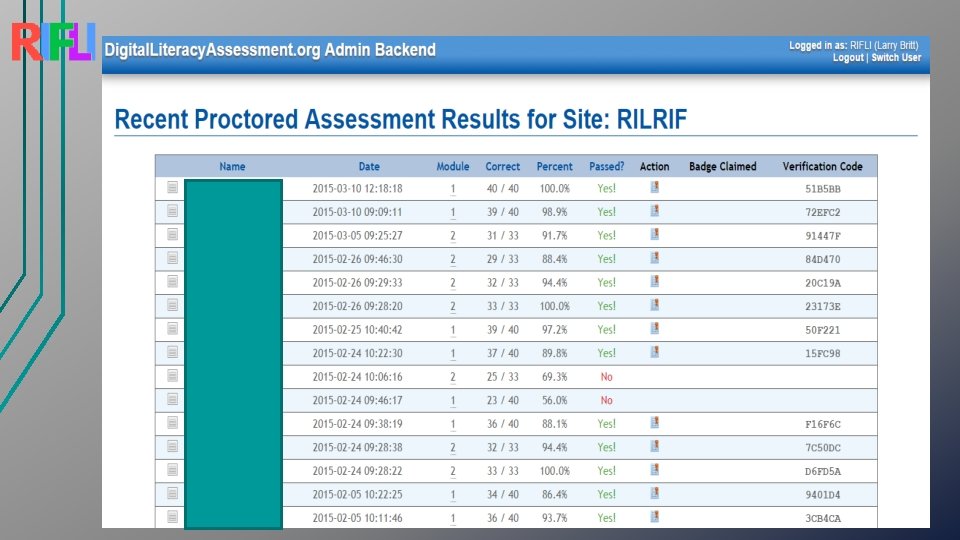
Results – pre and post tests
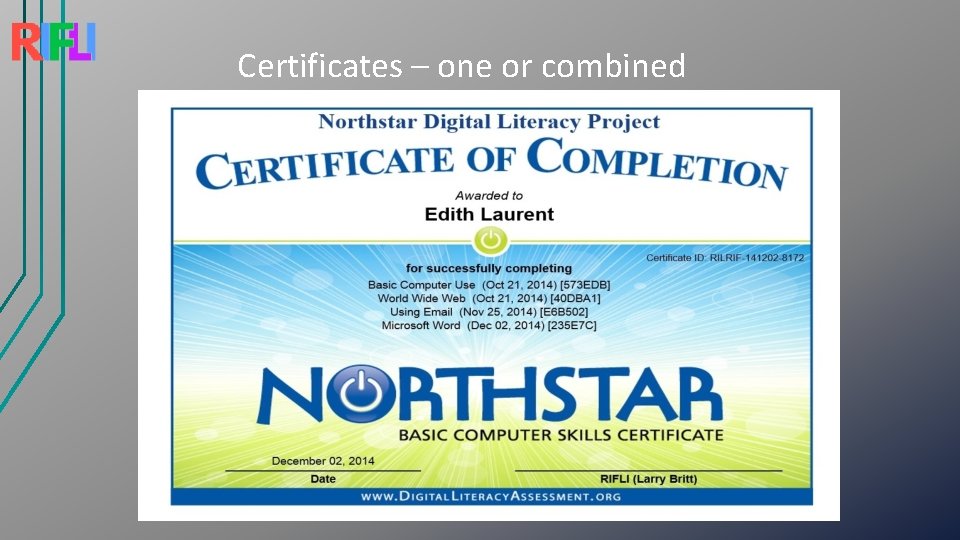
Certificates – one or combined
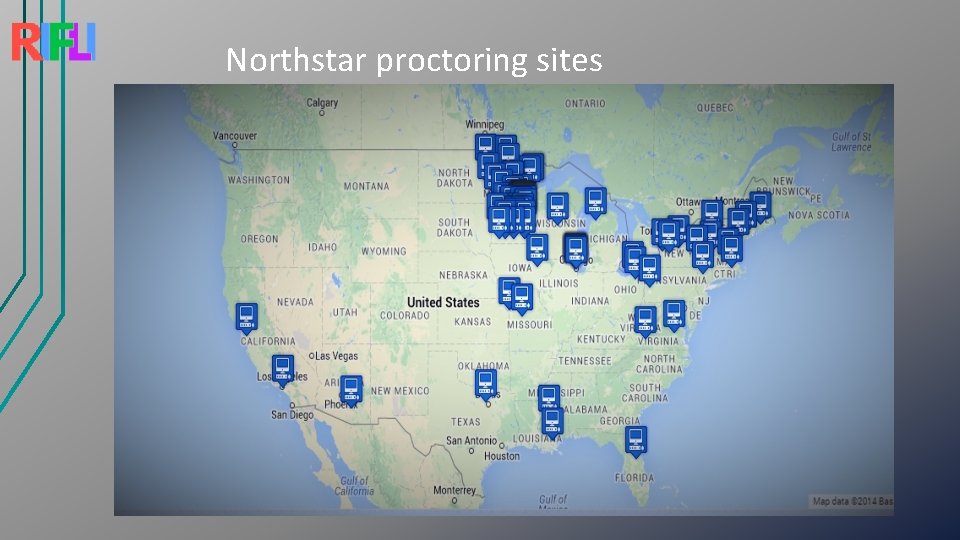
Northstar proctoring sites
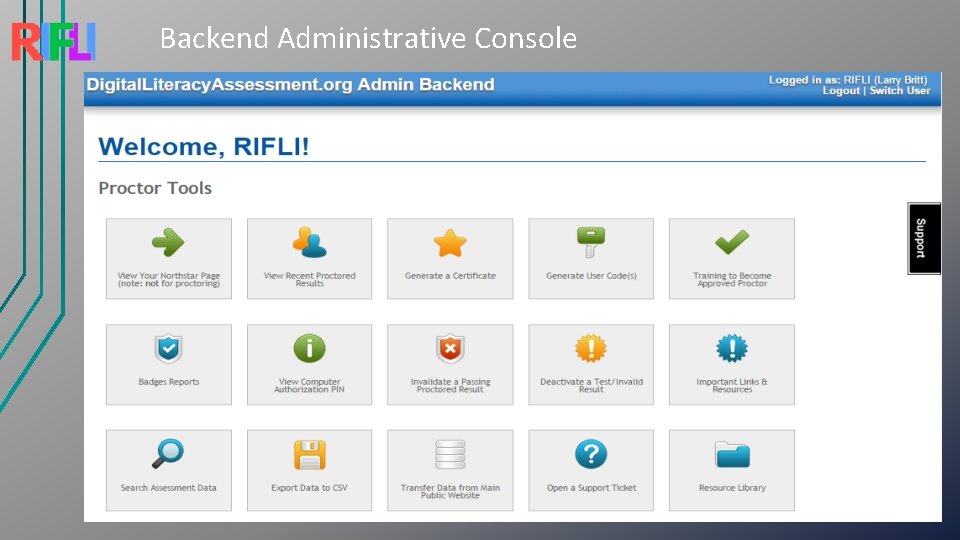
Public vs. Sponsoring Agency Websites • Public web site – digitalliteracyassessment. org • Data inaccessible • Agency web site Student Login • Retrievable data • • Agency proctored testing website – RIFLI and PPL Student/Client Login – unique code • Proctored Assessment • Grant Certificates/Digital Badges – 85%+ • • Appointments for testing at Providence Public Library
Backend Administrative Console
RIFLI’s Role • RI Technology Breakthrough Grant • Share with RI Adult Education • Provide Northstar Overviews statewide • Our own curriculum - Most important modules – more needed • 10 Power. Point presentations – Basics, WWW, Safety, Email, MS Word • Aligned with Northstar standards • More visuals – Annotated Screen Captures • Lots of practice time • At home • Starting to flip • Digital Literacy Corps
Lessons Learned/Comments/Questions • Paper based pre-assessment screeners – Somali • Northstar - background and history on website • Assessments – more than one way to answer • Time Limits • Tech words are ESL Lessons • Some students - overwhelmed doing an assessment and learning new content during same class session • More than one way to answer • If you use it – please attribute to RIFLI - www. rifli. org/find-resources/ • lbritt@provlib. org