
Northern Arizona University WiFi 2005 Flagstaff Campus Wireless
- Slides: 17
Northern Arizona University Wi-Fi 2005 Flagstaff Campus Wireless Plan 4/11/2005
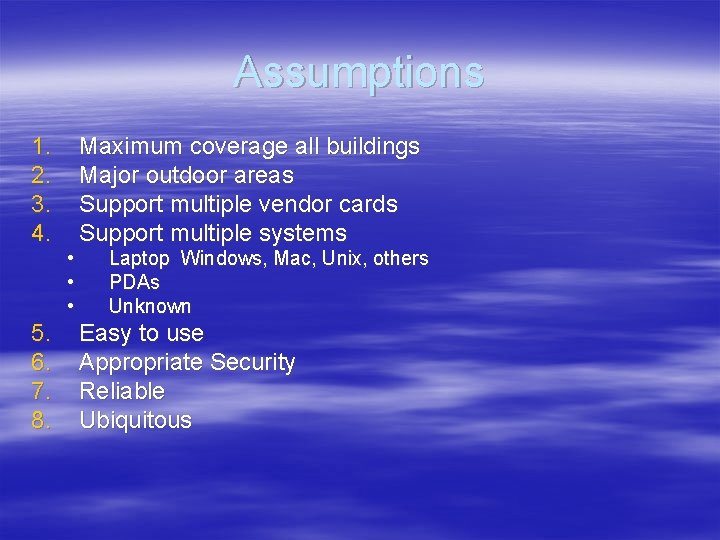
Assumptions 1. 2. 3. 4. Maximum coverage all buildings Major outdoor areas Support multiple vendor cards Support multiple systems • • • 5. 6. 7. 8. Laptop Windows, Mac, Unix, others PDAs Unknown Easy to use Appropriate Security Reliable Ubiquitous
More Assumptions § Users – – – Students Faculty Staff Guests Conference Residence Hall students
More Assumptions § Applications – Casual – E-mail – Web surfing – Collaboration – Presentations – Administrative Web Applications
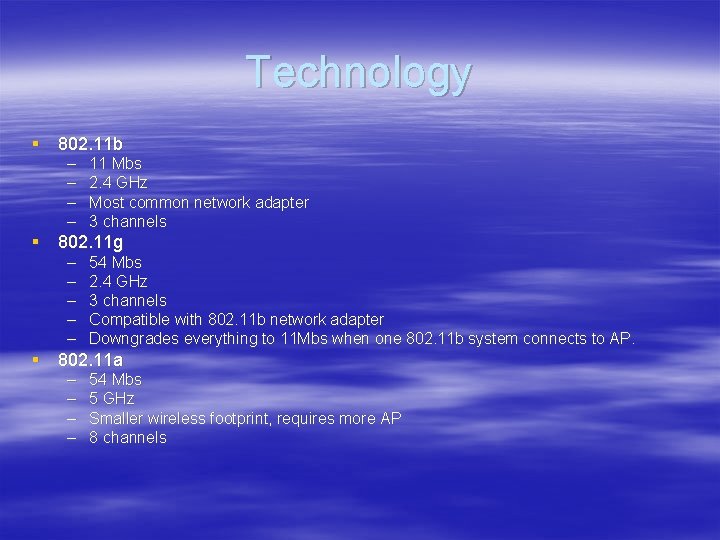
Technology § 802. 11 b – – 11 Mbs 2. 4 GHz Most common network adapter 3 channels § 802. 11 g – – – 54 Mbs 2. 4 GHz 3 channels Compatible with 802. 11 b network adapter Downgrades everything to 11 Mbs when one 802. 11 b system connects to AP. § 802. 11 a – – 54 Mbs 5 GHz Smaller wireless footprint, requires more AP 8 channels
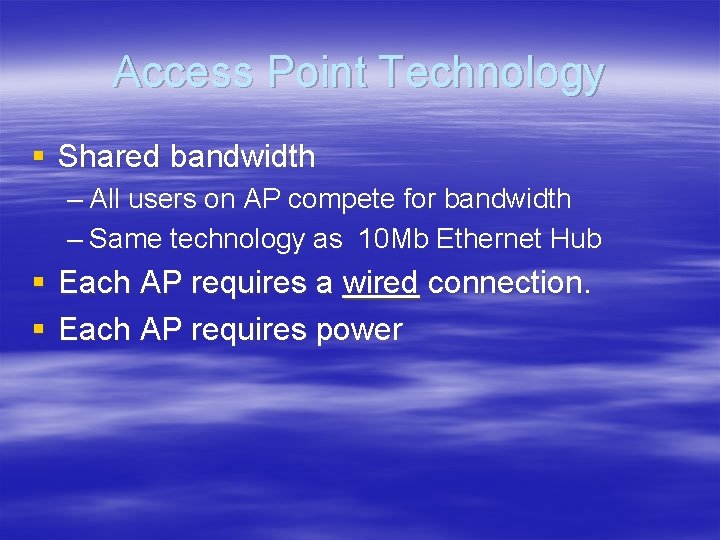
Access Point Technology § Shared bandwidth – All users on AP compete for bandwidth – Same technology as 10 Mb Ethernet Hub § Each AP requires a wired connection. § Each AP requires power
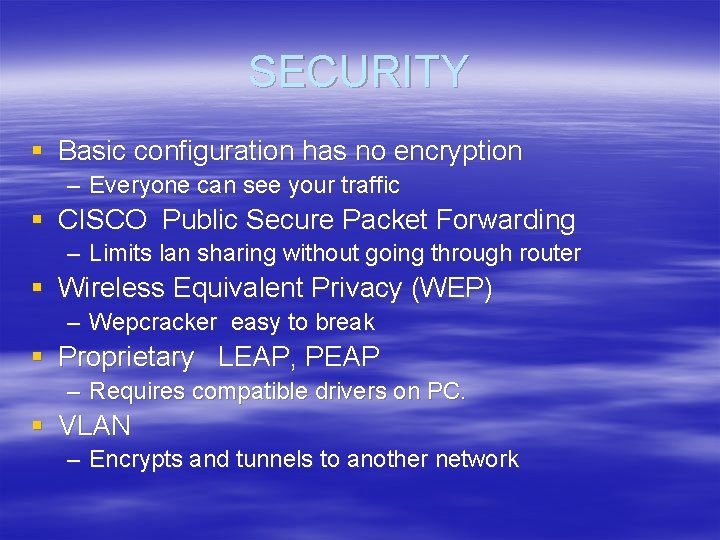
SECURITY § Basic configuration has no encryption – Everyone can see your traffic § CISCO Public Secure Packet Forwarding – Limits lan sharing without going through router § Wireless Equivalent Privacy (WEP) – Wepcracker easy to break § Proprietary LEAP, PEAP – Requires compatible drivers on PC. § VLAN – Encrypts and tunnels to another network
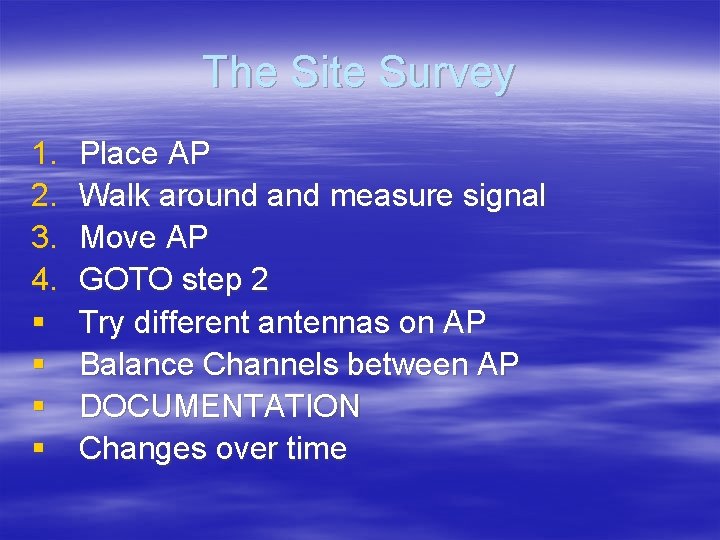
The Site Survey 1. 2. 3. 4. § § Place AP Walk around and measure signal Move AP GOTO step 2 Try different antennas on AP Balance Channels between AP DOCUMENTATION Changes over time
Interference § § § 2. 4 Ghz 802. 11 b & 802. 11 g Unlicensed Cordless Phones Microwave Rogue APs, Routers, Bridges Very difficult to troubleshoot
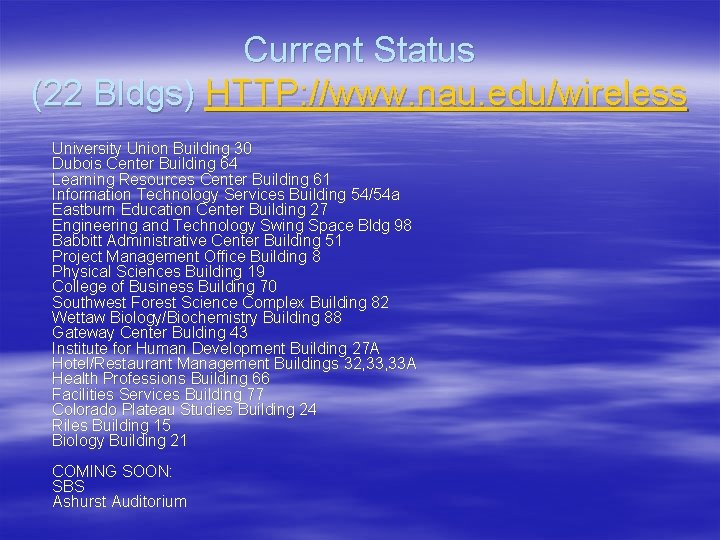
Current Status (22 Bldgs) HTTP: //www. nau. edu/wireless University Union Building 30 Dubois Center Building 64 Learning Resources Center Building 61 Information Technology Services Building 54/54 a Eastburn Education Center Building 27 Engineering and Technology Swing Space Bldg 98 Babbitt Administrative Center Building 51 Project Management Office Building 8 Physical Sciences Building 19 College of Business Building 70 Southwest Forest Science Complex Building 82 Wettaw Biology/Biochemistry Building 88 Gateway Center Bulding 43 Institute for Human Development Building 27 A Hotel/Restaurant Management Buildings 32, 33 A Health Professions Building 66 Facilities Services Building 77 Colorado Plateau Studies Building 24 Riles Building 15 Biology Building 21 COMING SOON: SBS Ashurst Auditorium
The Plan § Network Security – Balance security & ease of use – Allow ports 80, 443, VPN protocols – Deploy Perfigo for network scanning – Evaluate 802. 1 x for future deployment
The Plan § Upgrade network core – 3 core router upgrades needed – Upgrade to GB capacity per building – VLAN capacity – Quality of Service capacity – Intrusion Detection capability – Stability – Availability
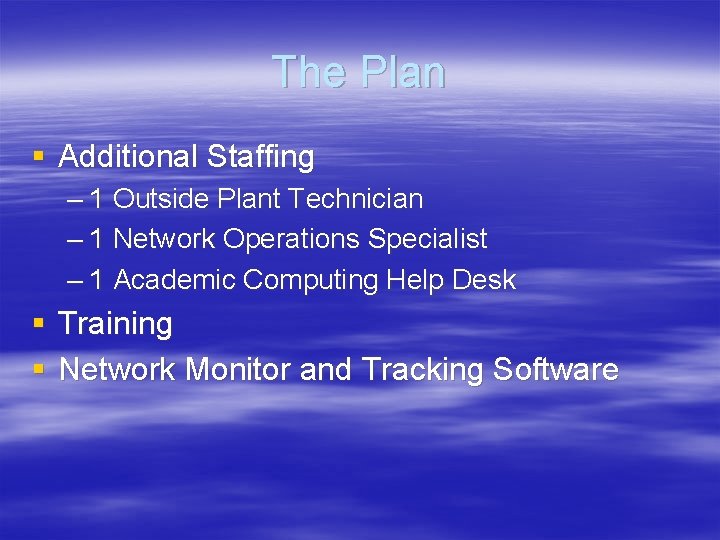
The Plan § Additional Staffing – 1 Outside Plant Technician – 1 Network Operations Specialist – 1 Academic Computing Help Desk § Training § Network Monitor and Tracking Software
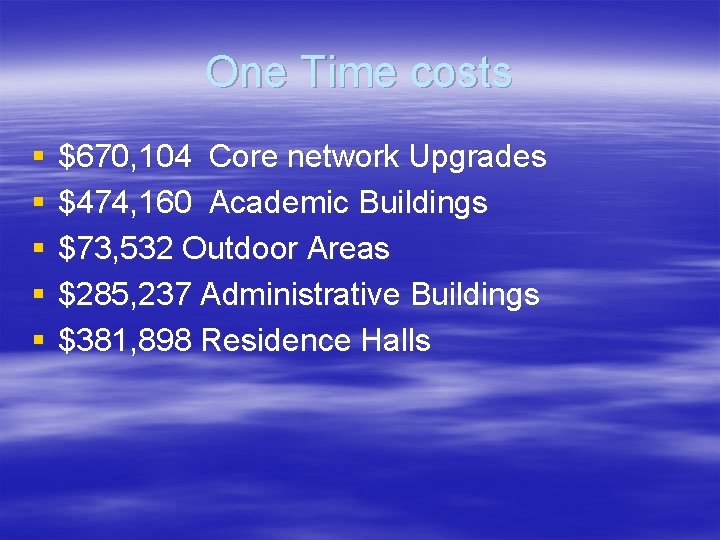
One Time costs § § § $670, 104 Core network Upgrades $474, 160 Academic Buildings $73, 532 Outdoor Areas $285, 237 Administrative Buildings $381, 898 Residence Halls
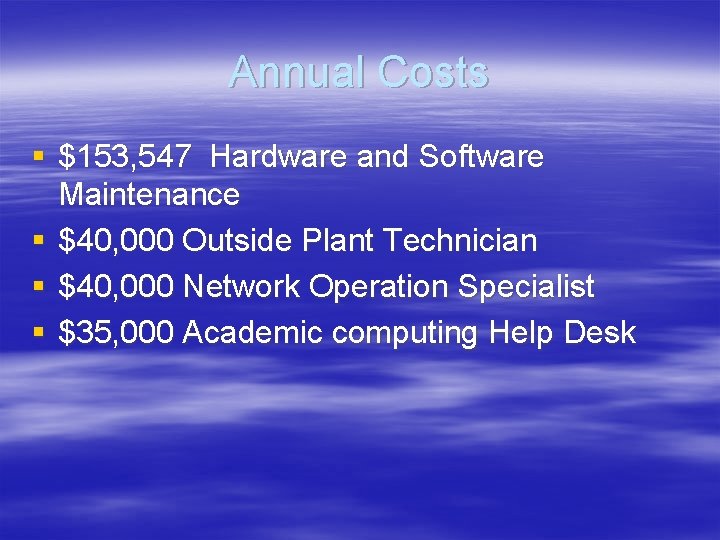
Annual Costs § $153, 547 Hardware and Software Maintenance § $40, 000 Outside Plant Technician § $40, 000 Network Operation Specialist § $35, 000 Academic computing Help Desk
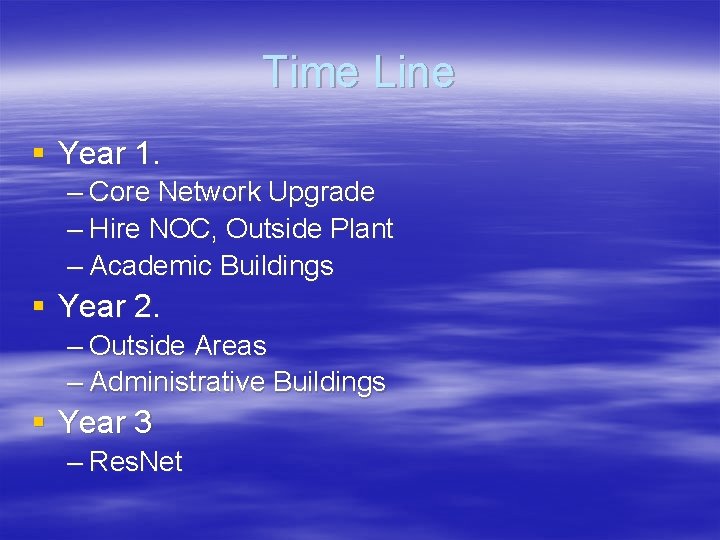
Time Line § Year 1. – Core Network Upgrade – Hire NOC, Outside Plant – Academic Buildings § Year 2. – Outside Areas – Administrative Buildings § Year 3 – Res. Net
Install APs & Building Switches § § 1. Academic Buildings 2. Outdoor Areas 3. Administrative Buildings 4. Residence Halls