
North Panola School District Technology Department 2016 2017




- Slides: 44
North Panola School District Technology Department 2016 -2017 North Panola School District
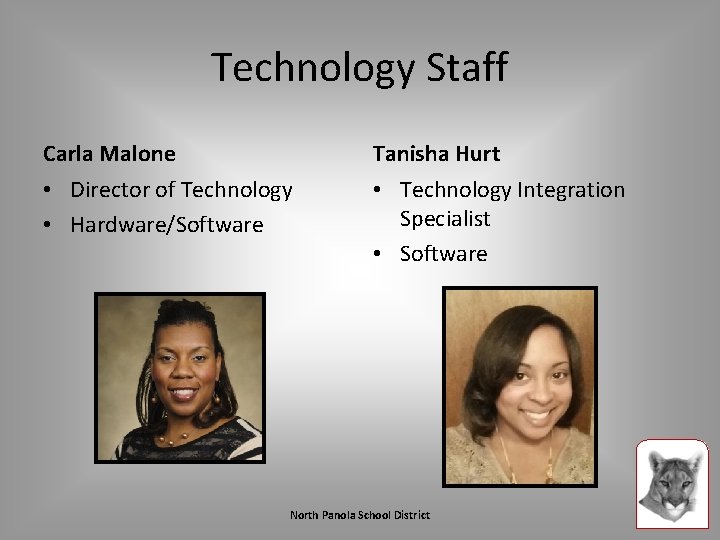
Technology Staff Carla Malone Tanisha Hurt • Director of Technology • Hardware/Software • Technology Integration Specialist • Software North Panola School District
Technology Vision • To be a technology driven district that fosters a creative and innovative learning environment that provides students with career and/or college-ready skills for success. North Panola School District
COMMUNICATION North Panola School District
Contacting the Technology Department • All request for help must be submitted through the Helpdesk application. – No emails or phone calls • Unless you are a school or district administrator, please do not call our cell phones for help. That is reserved for administration only. If you have a dire emergency, contact your principal and he/she will contact us. – We will more than likely be in your building at least once a week. North Panola School District
HELPDESK North Panola School District
Account Registration • If you do not currently have an account with Helpdesk, you must create one before you can submit a ticket. North Panola School District
Creating a Helpdesk Account • To register for an account: 1. Click the Helpdesk icon in the upper left corner on the homepage and complete the “Register-Required” section and the “Password Retrieval-Required” section. 2. Click “Register. ” • You have successfully created a helpdesk user account. North Panola School District
Creating a Ticket/Task 1. Login to the Helpdesk application. a. Access from the district website. 2. 3. 4. 5. 6. 7. Click “Create Task. ” Select your location from the “Task Manager Group. ” Select the “Priority” level. Change the status to “Open. ” Enter your information in the “User Info” section. Select the “Task Group, ” “Category, ” and provide a description of the problem. 8. Click “Create Task. ” North Panola School District
Helpdesk Tips/FAQs • The best way to access the Helpdesk application is from the district website. Click the Helpdesk icon in the upper left corner on the homepage. • Submitting a ticket/task is the only way to ensure your needs are not forgotten. • Tickets will be closed/resolved by a member of the technology department. North Panola School District
Helpdesk FAQs • How often is the Helpdesk application checked? – Tickets/Tasks are checked daily. • How long will it take for tickets to be completed? – Tickets will be completed based on the severity of the issue. • Minor • Major North Panola School District
NETWORK, EMAIL, AND MEDIA STREAMING North Panola School District
Network • Network Login – Always use CTRL-ALT-DEL to login and the domain should always say : ”NPSD. ” The same sequence can be used to lock your screen and change your network password. – Username are typically your first initial and last name and the default password is “npsd 2016. ” – The system will lock you out for 2 minutes if you use the wrong password 3 times in a row. The lockout will automatically clear itself after 2 minutes have elapsed. . • Do not create a task/ticket for this. • Always check to make sure your CAPS or NUMLOCK is not on. North Panola School District
Email • NPSD uses the Gmail system for email. – You can access it from the district webpage or from gmail. – If you access it from gmail, you must enter firstinitallastname@northpanolaschools. org and your password. – You have 25 GB of storage capacity. – You also have access to Google Apps North Panola School District
Email (cont’d) • All student grades 6 -12 have their own Gmail logins. – Their logins are typically their first initial and lastname followed by the last 4 -digits of their MSIS numbers. – This allows them to use Chromebooks. North Panola School District
Media Streaming • In an effort to limit the amount of bandwidth that each schools demands from the District Office, we block high traffic/streaming sites such as: – You. Tube – Netflix – Internet Radio Sites (Pandora, i. Heart, etc. ) – Graphic intensive game sites – Any site that does not have an educational use. North Panola School District
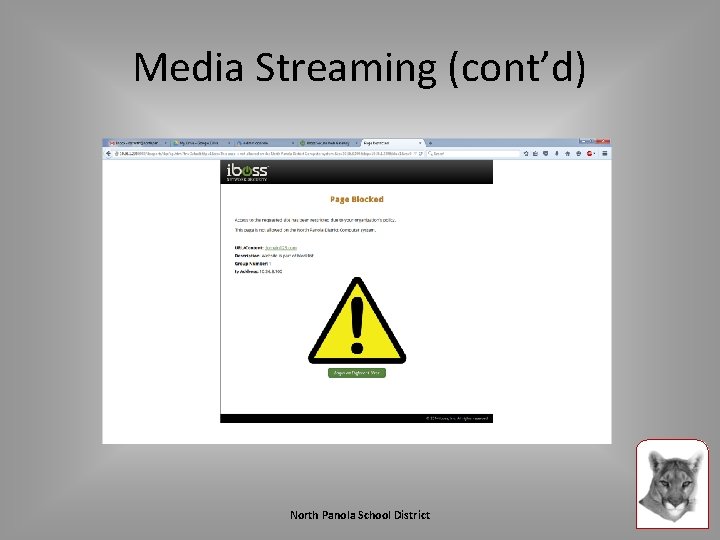
Media Streaming (cont’d) • Why do we block sites? • CIPA = Children’s Internet Protection – CIPA governs the use of technology in schools and libraries in the United States that receive federal funding. It states that schools must take measures to prevent any harmful or inappropriate internet activity by students (and staff). It was recently amended to include cyber-bullying. North Panola School District
Media Streaming (cont’d) • i. Boss – The NPSD network uses i. Boss network filtering to provide for CIPA compliance. When using a school district Windows computer, the i. Boss can identify that you are a teacher and will allow you to visit more sites than a regular student. – If you are using a non Active Directory machine (Apple, Chromebooks, etc) then you may have to use a secondary login. Otherwise you will be placed on a more restrictive allow list. North Panola School District
Media Streaming (cont’d) North Panola School District
SOCIAL MEDIA North Panola School District
Social Media • It is the opinion of the District Office that teachers are not to be ‘friends” or otherwise interact with their students through social media sites. • Do not place pictures or videos of students on a public website without approval/permission. North Panola School District
PURCHASES North Panola School District
Classroom Materials • We do not purchase classroom materials. – VGA splitters – Monitors – CPUs – Printers and printer parts • We will provide a list of what needs to be purchased to each principal. • Contact your school office for any equipment needs. – This includes ink and toner for printers. North Panola School District
SITE SOFTWARE ADMINISTRATORS North Panola School District
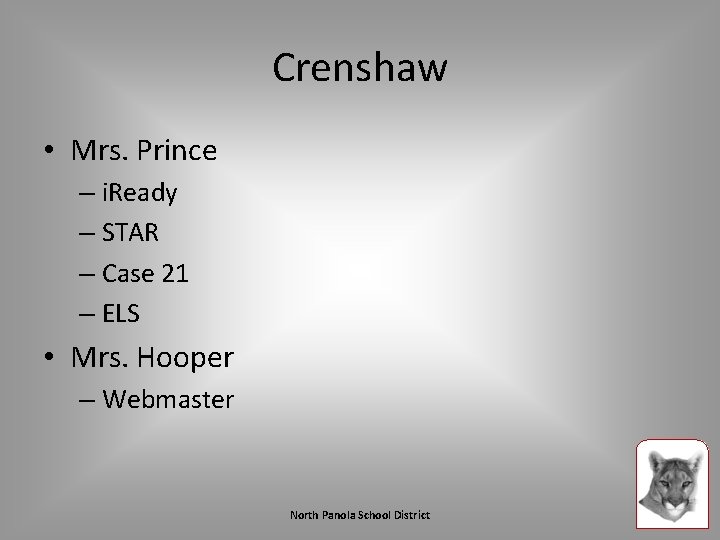
Crenshaw • Mrs. Prince – i. Ready – STAR – Case 21 – ELS • Mrs. Hooper – Webmaster North Panola School District
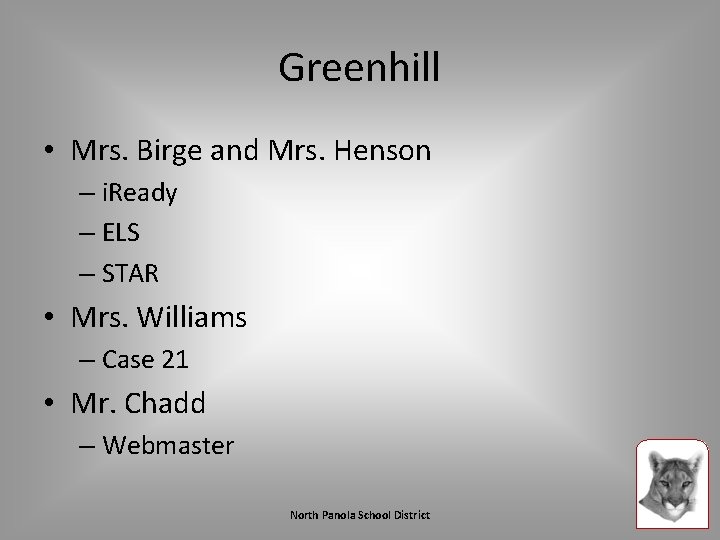
Greenhill • Mrs. Birge and Mrs. Henson – i. Ready – ELS – STAR • Mrs. Williams – Case 21 • Mr. Chadd – Webmaster North Panola School District
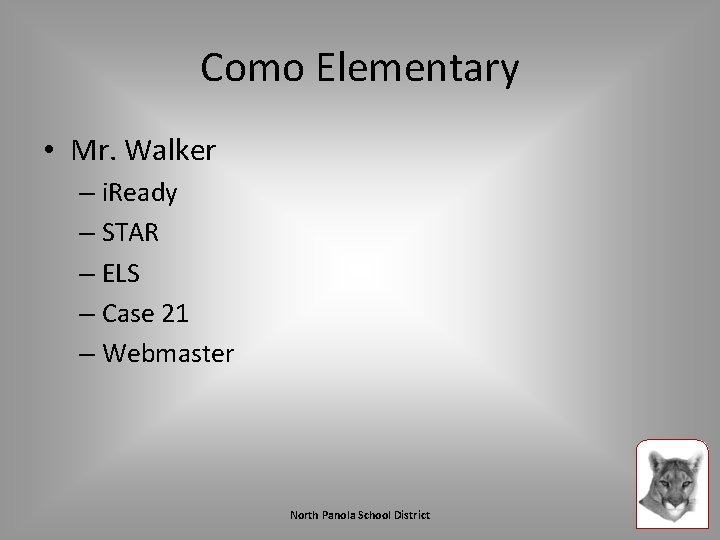
Como Elementary • Mr. Walker – i. Ready – STAR – ELS – Case 21 – Webmaster North Panola School District
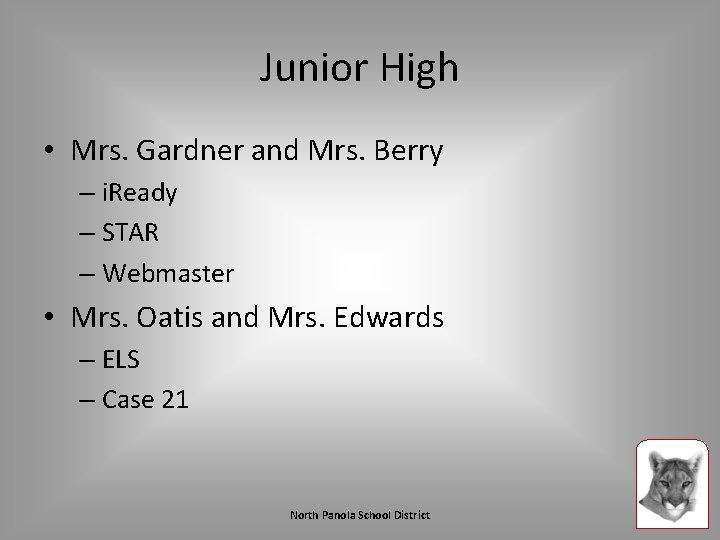
Junior High • Mrs. Gardner and Mrs. Berry – i. Ready – STAR – Webmaster • Mrs. Oatis and Mrs. Edwards – ELS – Case 21 North Panola School District
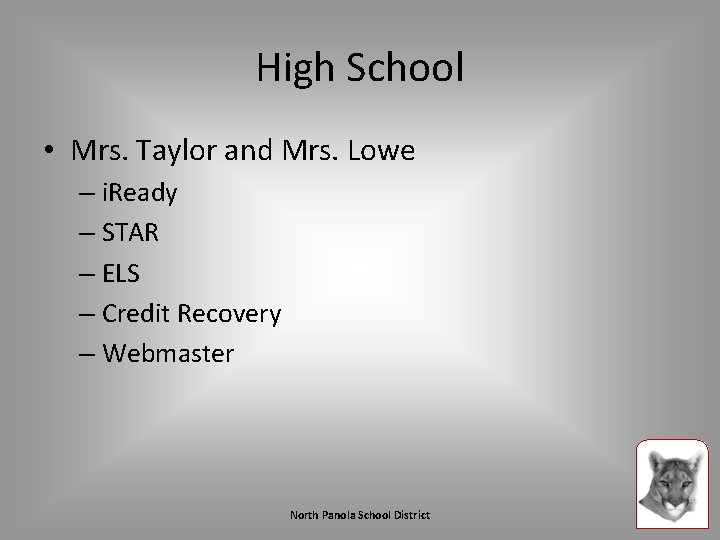
High School • Mrs. Taylor and Mrs. Lowe – i. Ready – STAR – ELS – Credit Recovery – Webmaster North Panola School District
CTC • Mrs. King – All instructional programs – Webmaster North Panola School District
Active Resources • Contact: Faye Robertson – You cannot access Active Resources from home. – You must be in the district to access Active Resources. – You can access Active Resources through the district website by clicking the Active Resources icon. North Panola School District
PROMETHEAN BOARDS North Panola School District
Do’s and Don’ts Do’s Don’t • Do calibrate your board daily. • Do turn your board off when it will not be used for more than 30 minutes. This will help preserve bulb life. • Do turn your boards off daily before leaving work • Do not tape any paper to the board. • Do not use anything sticky on the board • Do not write on the boards or allow students to write on the board with markers or pens. North Panola School District
Classroom Usage • The board should be used for more than a display. • Allow the students to interact with the board. • Promethean Planet – http: //www. prometheanplanet. com/enus/resources/ – Provides pre-built lesson by subject area and grade level. – Create an account North Panola School District
Promethean Filters • It is the responsibility of the teacher or school staff to clean the filters on the projectors. • They need to be cleaned weekly. – Due to the number of board in the district, monthly will suffice. • We are happy to demonstrate the procedure. – This can be done by the janitorial staff. • How to Clean Promethean Projector Filters [1: 11] – Black/gray • Promethean Projector Cleaning Demo [5: 01] – Orange North Panola School District
TECHNOLOGY LESSONS North Panola School District
Preparation • Please test all technology needed for lessons before class time. • Always have a backup lesson in case there are issues with technology. • If you need videos from You. Tube for your lesson, check to see if they are on Teacher. Tube or download them by using the Easy You. Tube Downloader add-on for Firefox and save them to a USB drive. North Panola School District
WEB TOOLBOX North Panola School District
What is a Web Toolbox? • A web toolbox is a personal box of web tools that you have to pull from for classroom activities. • Your toolbox should include: – Lessons – Activities – Educational Games – Web 2. 0 tools North Panola School District
HOUSEKEEPING North Panola School District
Housekeeping • AUP = Acceptable Use Policy – You must have on file. A grace period has been provided. – Deadline: September 20 th • Computers are assigned to rooms, not teachers. Do not move computers between rooms. – The tech staff does not move computers. North Panola School District
Housekeeping • Do not plug any unauthorized device the school computer network. – Specifically unsecured routers. – This is a CIPA violation and can cause the district federal funding. North Panola School District
North Panola School District
Have a Great Year!