
Noise Slide Set 10 32 Examples Examine and
- Slides: 20
Noise Slide Set 10. 32
Examples • • Examine and visualize noise Clouds Marble Noise generation in a shader 2
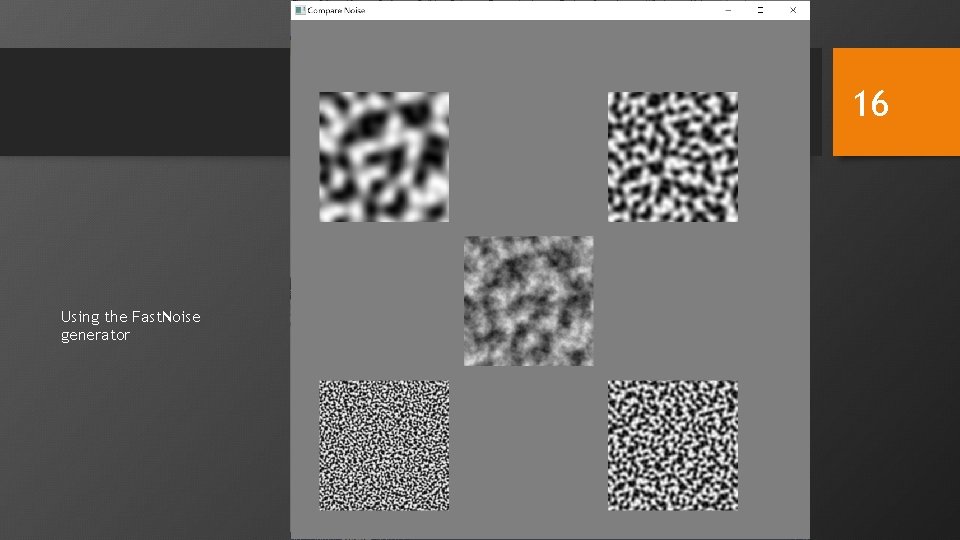
Examine and Visualize Noise • Noise on square • Gray scale image of noise intensity (next slide) • Investigate noise • Console only program looking at max and min sample values of noise function • Compare noise • Show each octave: increasing frequency, decreasing amplitude (slide after next) • Show the total 3
Noise on Square • Driver • Square to take texture • Four functions to create textures in various ways • Fragment shader • Uses sample to create fragment color • Run • Try each generator with various sizes • Try 3 D textures in various orientations (isotropic) 4
5 2 D noise
Noise on Square Create Texture • init_texture 2 D_F • Creates a 2 D noise texture • Uses the Fast. Noise. Lite library • Parameters • Data layout in driver • Creating texture 6
Parameters • texture_size • Texture width and height • number_of_octaves • How many octaves will be generated • Frequency • Fundamental frequency • Number of cycles as input varies from 0 to 1 7
Data Layout in Driver • Data stored in one dimensional array • Row by row or column by column • 1 byte per element • The bytes at 0, 4, 8, 12, … store samples of the first octave, the fundamental • The bytes at 1, 5, 9, 13, … store samples of the second octave, the first overtone • The bytes at 2, 6, 10, 14, … store samples of the third octave • The bytes at 3, 7, 11, 15, … store samples of the fourth octave • Four bytes together will be treated as one pixel: RGBA • Each pixel will have samples from all four octaves 8
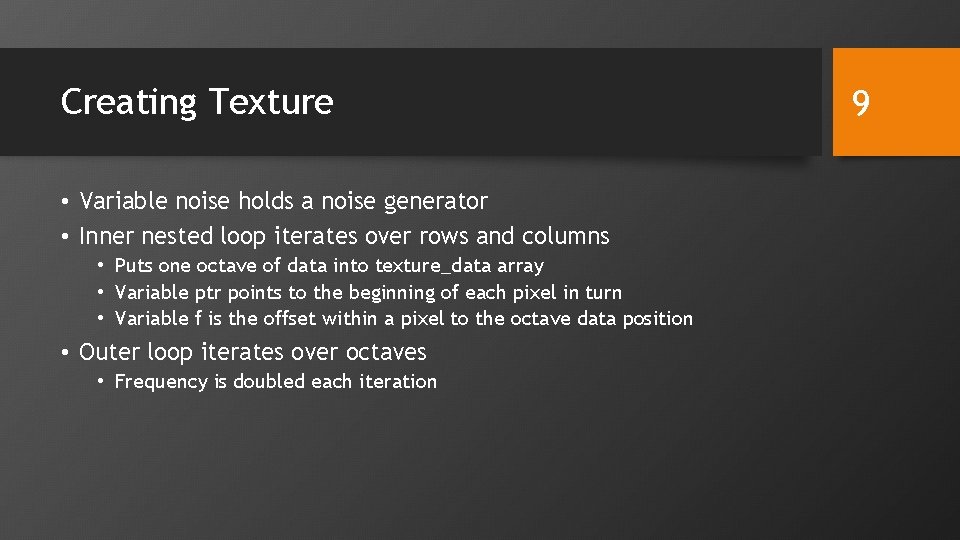
Creating Texture • Variable noise holds a noise generator • Inner nested loop iterates over rows and columns • Puts one octave of data into texture_data array • Variable ptr points to the beginning of each pixel in turn • Variable f is the offset within a pixel to the octave data position • Outer loop iterates over octaves • Frequency is doubled each iteration 9
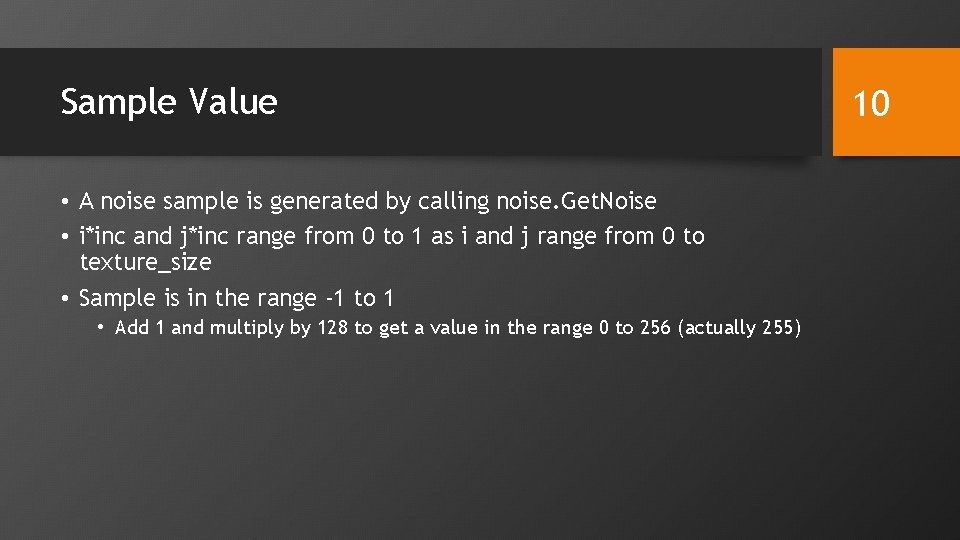
Sample Value • A noise sample is generated by calling noise. Get. Noise • i*inc and j*inc range from 0 to 1 as i and j range from 0 to texture_size • Sample is in the range -1 to 1 • Add 1 and multiply by 128 to get a value in the range 0 to 256 (actually 255) 10
Creating Texture • The same steps used in previous examples • The texture unit is 2 and the sampler is properly initialized 11
Other Texture Functions • Three others • init_texture 2 D • Similar to init_texture 2 D_F but uses the glm noise functions • Slower • init_texture 3 D • Creates a 3 D texture using the glm noise functions • init_textured 3 D_F • Creates a 3 D texture using the Fast. Noise. Lite library 12
Texture Sizes • A 3 D texture of size 128 is 128 by 128 • 8, 388, 608 bytes • Takes significant time to compute, especially using the glm functions • With size 2048 (the maximum texture size in some versions of Open. GL) • 34, 359, 738, 368 bytes (32 G) • A lot of memory needed both in the driver and in the GPU 13
3 D vs 2 D • 3 D textures take more memory and more time to generate • Only part of a 3 D texture may be used • Only one slice in this example • 2 D textures cannot be smoothly applied to many surfaces • Whorls, such as poles of a sphere • Seams, such as on a torus • 3 D textures can look better, applied using the original object coordinates 14
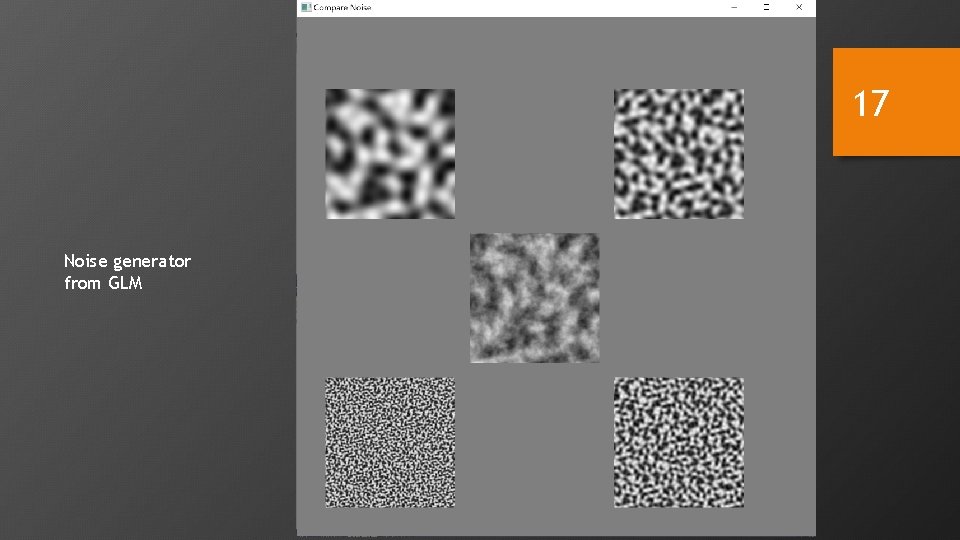
05 -compare-noise • Visualize four separate octaves and the sum • The next two slides show using glm noise and Fast. Noise. Lite 15
16 Using the Fast. Noise generator
17 Noise generator from GLM
Clouds • Fragment shader • Use the noise value to mix two colors • Shading calculations, for diffuse lighting, done in the vertex shader 18
Marble • The noise is sampled • Mc. Position is based on the object coordinates for the fragment • Ranges from 0 to a scale factor set to. 5 in the example • A mixture of the y coordinate of Mc. Position and the noise sample are mixed • Taking the sin results in a value between -1 and 1 • Further manipulation results in a value between 0 and 1 • The resulting value is used to determine the fragment color • There are numerous parameters in this example that can be adjusted to change the effect 19
06 -clouds-glsl • Noise is computed in the fragment shader as needed • No texture involved • The noise functions in GLSL are deprecated so inserted noise generator code from an online source • Multiplying the argument times the frequency is how you get various frequency samples • The texture_unit attribute is used to decide whether to create clouds or marble texture 20