
Nodes Scripts Created by Ed VE 7 ED
Nodes & Scripts Created by Ed, VE 7 ED, ver. 1. 0
Kantronics Node’s and Stacks Kantronics Nodes can be…. Personal (KA node) Network Node (K-Net Node) They both are like a repeater and they use encryption (unlike a digipeater!) Nodes can be singular or stacked to cross frequencies or bands. Depending on the type of Node as to its capabilities 2
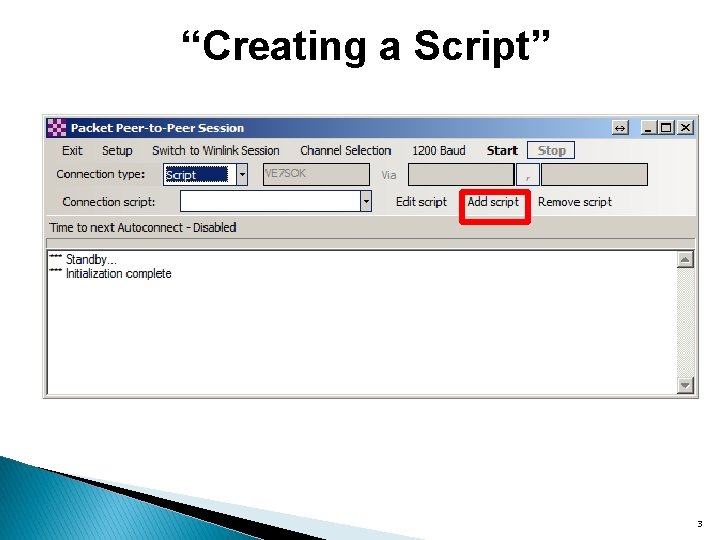
“Creating a Script” 3
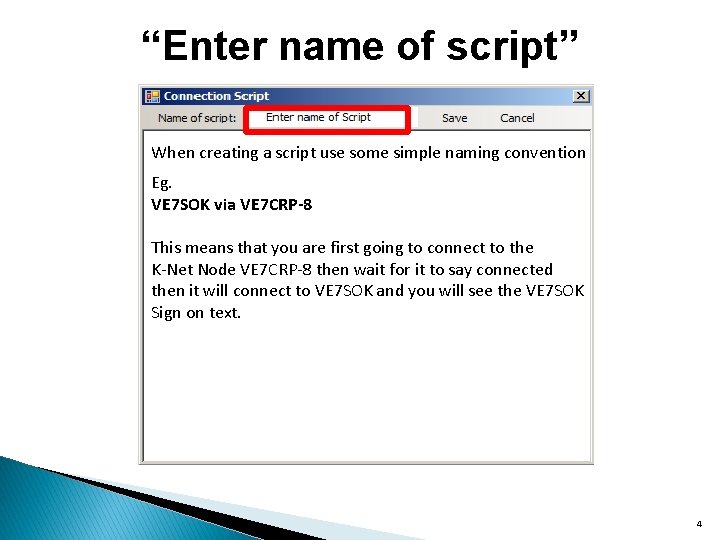
“Enter name of script” When creating a script use some simple naming convention Eg. VE 7 SOK via VE 7 CRP-8 This means that you are first going to connect to the K-Net Node VE 7 CRP-8 then wait for it to say connected then it will connect to VE 7 SOK and you will see the VE 7 SOK Sign on text. 4
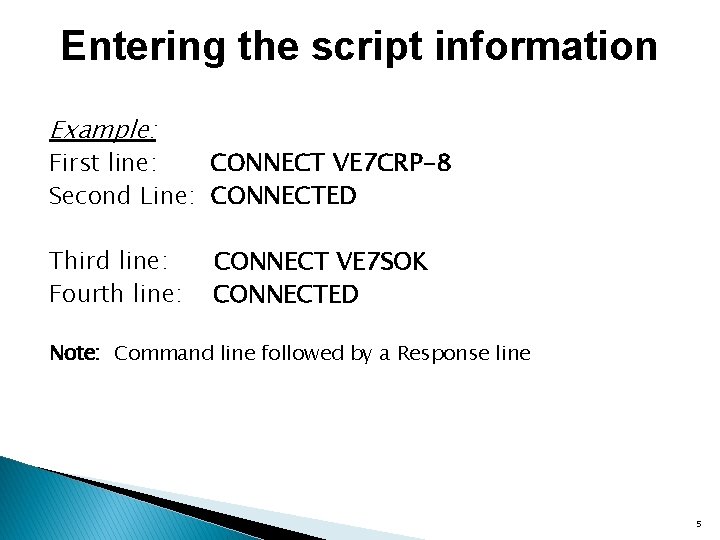
Entering the script information Example: First line: CONNECT VE 7 CRP-8 Second Line: CONNECTED Third line: Fourth line: CONNECT VE 7 SOK CONNECTED Note: Command line followed by a Response line 5

“Save your script” 6
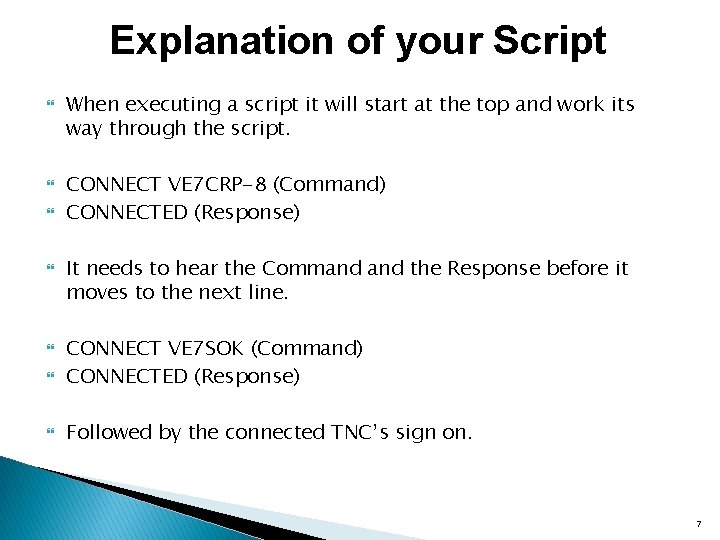
Explanation of your Script When executing a script it will start at the top and work its way through the script. CONNECT VE 7 CRP-8 (Command) CONNECTED (Response) It needs to hear the Command the Response before it moves to the next line. CONNECT VE 7 SOK (Command) CONNECTED (Response) Followed by the connected TNC’s sign on. 7

Q&A 8
Presentations History Hardware Software Whitelist Precedence Node Scripts Com. Ports Diagnostics
- Slides: 9