
Nine Realms of Power BI Delivery Options for
Nine Realms of Power BI Delivery Options for Planning a Solution Paul Turley, Intelligent Business, Microsoft Data Platform MVP Moderated By: William Wolf Presenting Sponsors
Technical Assistance If you require assistance during the session, type your inquiry into the question pane on the right side. Maximize your screen with the zoom button on the top of the presentation window. Please fill in the short evaluation following the session. It will appear in your web browser.
Thank You to Our Presenting Sponsors Quest helps IT Professionals simplify administration tasks so they can focus on the evolving needs of their businesses. Combined with its commitment to help companies protect today’s investment while planning for the future, Quest continues to deliver the most comprehensive solutions to monitor, manage, protect and replicate database environments Empower users with new insights through familiar tools while balancing the need for IT to monitor and manage user created content. Deliver access to all data types across structured and unstructured sources. Sentry. One empowers Microsoft data professionals to achieve breakthrough performance across physical, virtual and cloud environments. We develop solutions to monitor, diagnose, and optimize SQL Server performance, including Plan Explorer, the query-tuning tool with more than 100, 000 downloads. IDERA designs powerful software with one goal in mind – to solve customers’ most complex challenges with easy-to-use solutions. IDERA’s awardwinning SQL Server database solutions and multiplatform database, application and cloud monitoring tools ensure your business never slows down. Supporting Sponsor
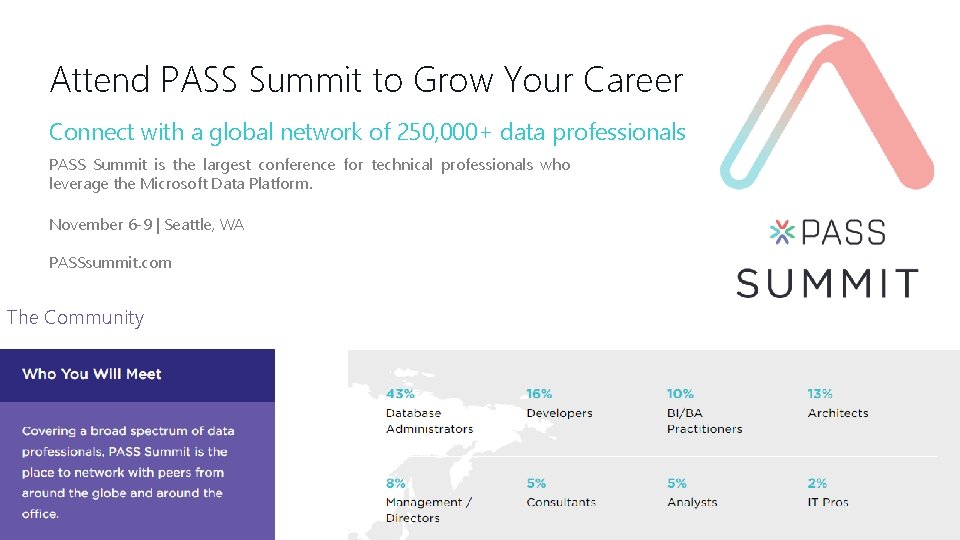
Attend PASS Summit to Grow Your Career Connect with a global network of 250, 000+ data professionals PASS Summit is the largest conference for technical professionals who leverage the Microsoft Data Platform. November 6 -9 | Seattle, WA PASSsummit. com The Community

Paul Turley Microsoft Data Platform MVP Principal Consultant, Intelligent Business LLC About 25 years working with companies to visualize and deliver critical information to make informed business decisions @paul_turley paul@Intelligent. Biz. net Sqlserverbi. blog Director of the Oregon SQL PASS chapter & user group Author of Professional SQL Server 2016 Reporting Services and 14 other titles from Wrox & Microsoft Press
Nine Realms of Power BI Paul Turley, Intelligent Business, Microsoft Data Platform MVP Presenting Sponsors
Solution Criteria …to select candidate solution architectures Consider requirements & restrictions • Cloud service restriction/aversion • Cloud data storage • Data volume • Sharing & delivery • Calculation & analytics profile • Calculation language expertise • Security needs • Visualization needs
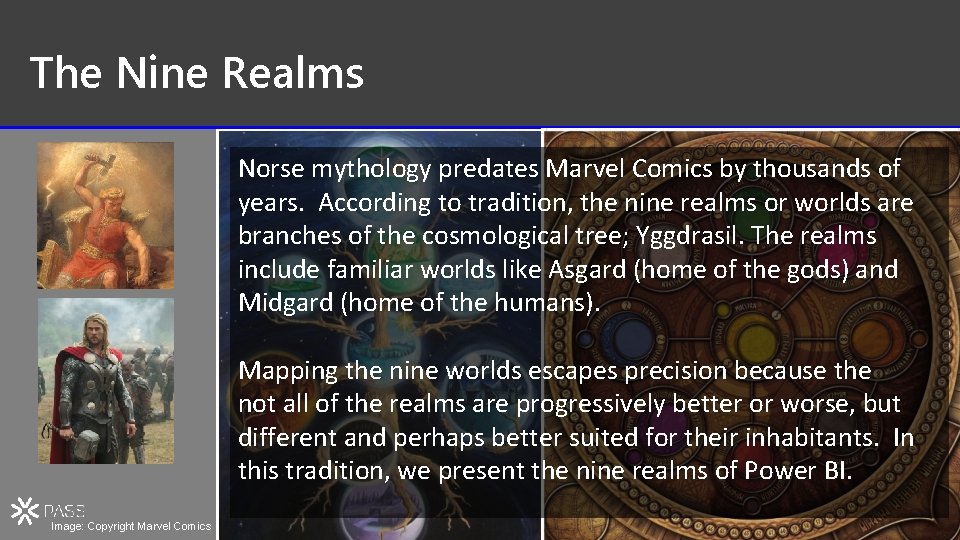
The Nine Realms Norse mythology predates Marvel Comics by thousands of years. According to tradition, the nine realms or worlds are branches of the cosmological tree; Yggdrasil. The realms include familiar worlds like Asgard (home of the gods) and Midgard (home of the humans). Mapping the nine worlds escapes precision because the not all of the realms are progressively better or worse, but different and perhaps better suited for their inhabitants. In this tradition, we present the nine realms of Power BI. Image: Copyright Marvel Comics
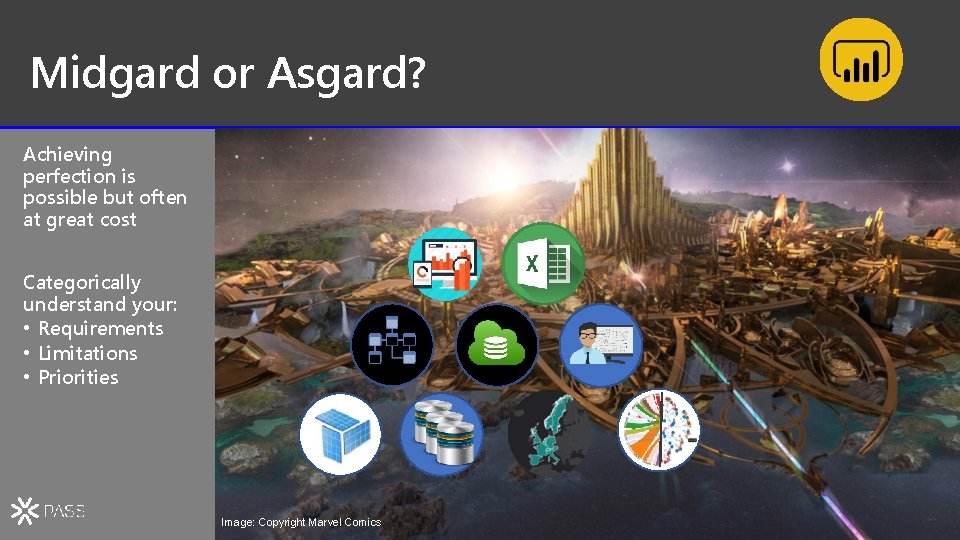
Midgard or Asgard? Achieving perfection is possible but often at great cost Categorically understand your: • Requirements • Limitations • Priorities Image: Copyright Marvel Comics
Understand Your Capabilities Be optimistic • solutions often require creative problem solving Ask for help & advice Stay focused & don’t get distracted • There are so many options! Image: Copyright Marvel Comics
Keep Your Enemies Close Forces are working against the success of your project You will rarely get all requirements up front Work in iterations Fail fast Learn through selfservice Create prototypes & keep what works Balance data governance with self-service BI Image: Copyright Marvel Comics
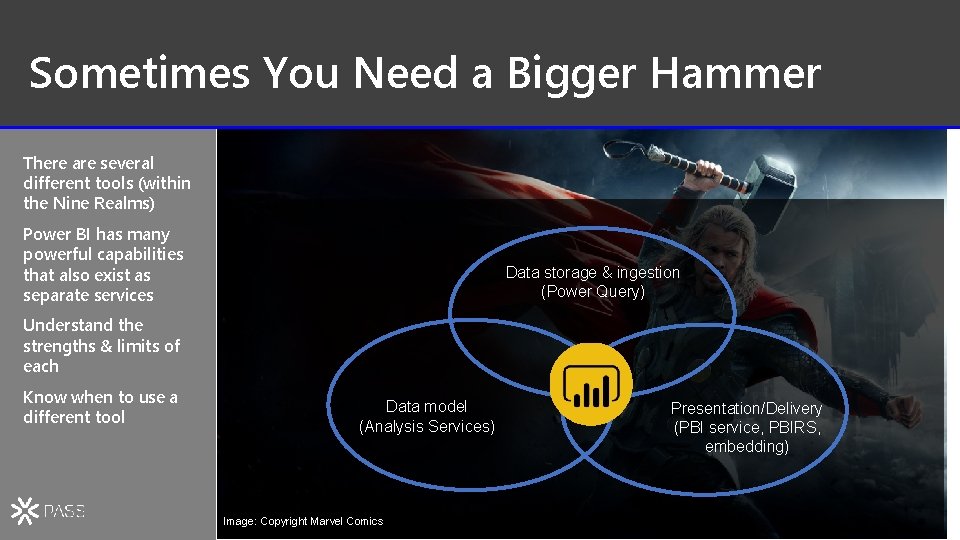
Sometimes You Need a Bigger Hammer There are several different tools (within the Nine Realms) Power BI has many powerful capabilities that also exist as separate services Data storage & ingestion (Power Query) Understand the strengths & limits of each Know when to use a different tool Data model (Analysis Services) Image: Copyright Marvel Comics Presentation/Delivery (PBI service, PBIRS, embedding)
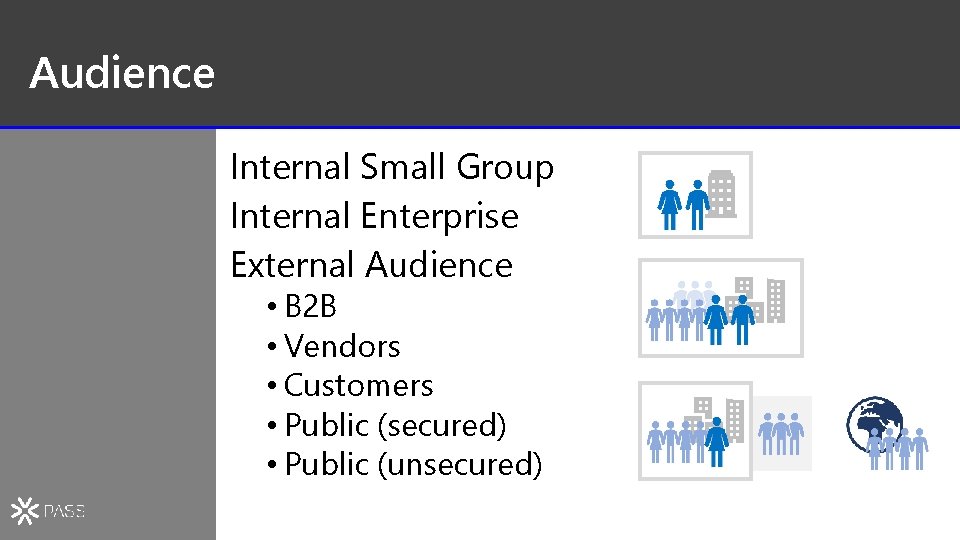
Audience Internal Small Group Internal Enterprise External Audience • B 2 B • Vendors • Customers • Public (secured) • Public (unsecured)
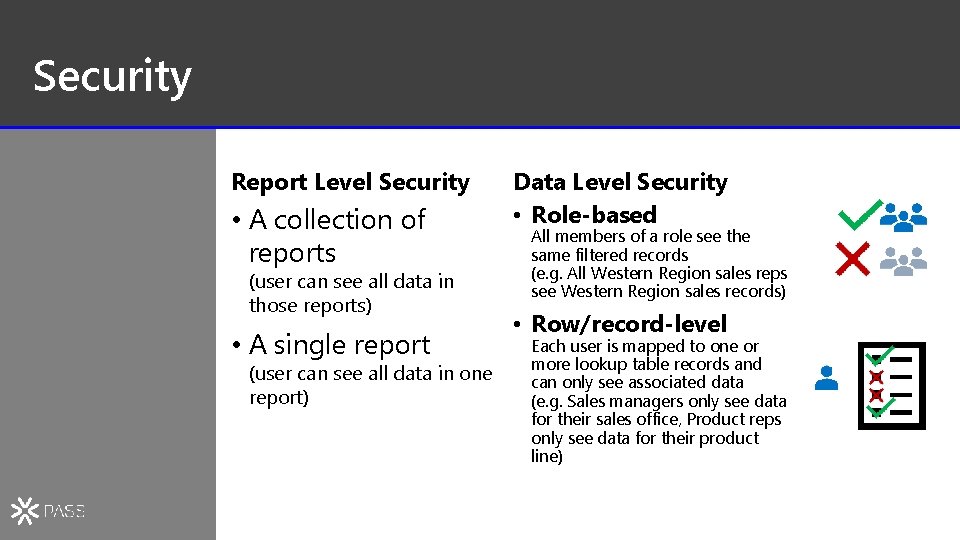
Security Report Level Security • A collection of reports (user can see all data in those reports) • A single report (user can see all data in one report) Data Level Security • Role-based All members of a role see the same filtered records (e. g. All Western Region sales reps see Western Region sales records) • Row/record-level Each user is mapped to one or more lookup table records and can only see associated data (e. g. Sales managers only see data for their sales office, Product reps only see data for their product line)

Power BI Service Dashboards Q&A Mobile Alerts Subscriptions Sharing Management & administration Gateway connections

On-premises Solutions
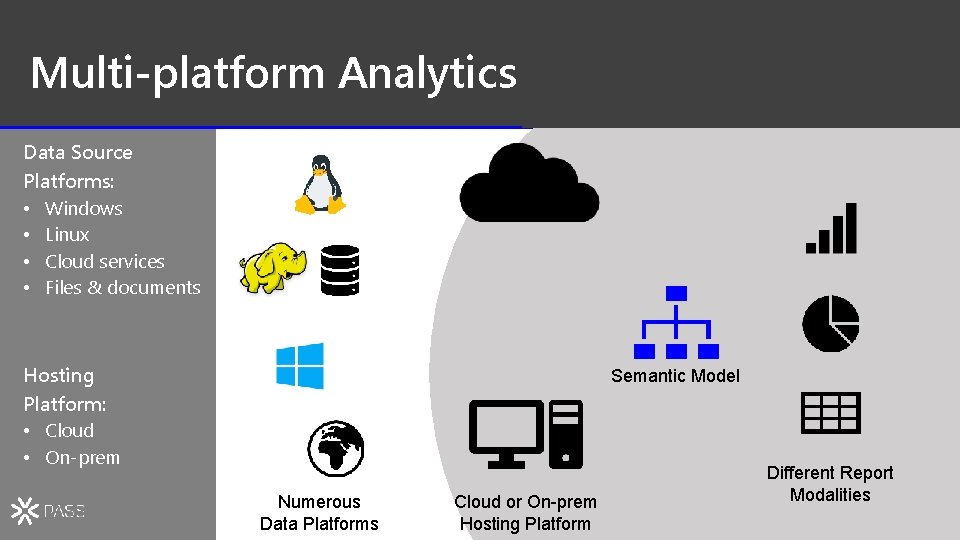
Multi-platform Analytics Data Source Platforms: • Windows • Linux • Cloud services • Files & documents Hosting Platform: • Cloud • On-prem Semantic Model Numerous Data Platforms Cloud or On-prem Hosting Platform Different Report Modalities
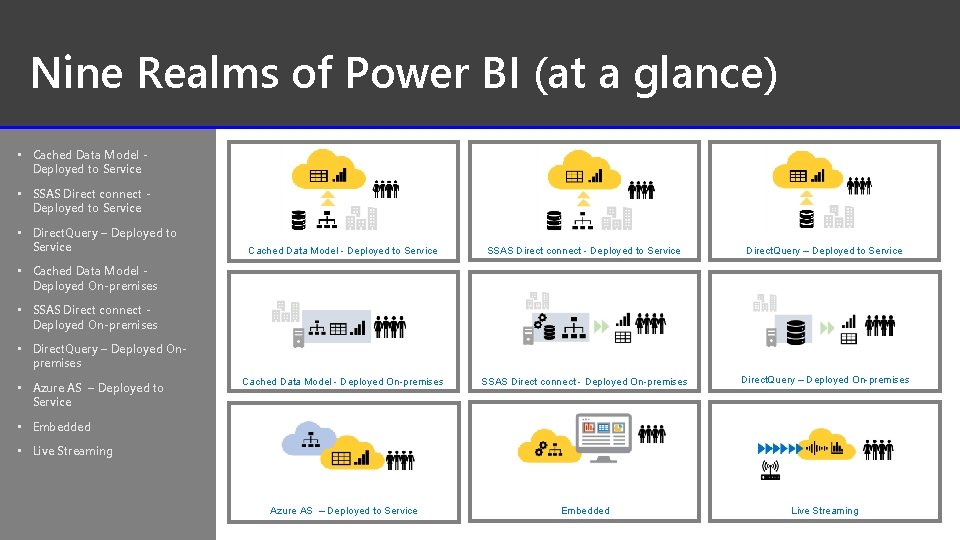
Nine Realms of Power BI (at a glance) • Cached Data Model Deployed to Service • SSAS Direct connect Deployed to Service • Direct. Query – Deployed to Service Cached Data Model - Deployed to Service SSAS Direct connect - Deployed to Service Direct. Query – Deployed to Service Cached Data Model - Deployed On-premises SSAS Direct connect - Deployed On-premises Direct. Query – Deployed On-premises Azure AS – Deployed to Service Embedded Live Streaming • Cached Data Model Deployed On-premises • SSAS Direct connect Deployed On-premises • Direct. Query – Deployed Onpremises • Azure AS – Deployed to Service • Embedded • Live Streaming 18
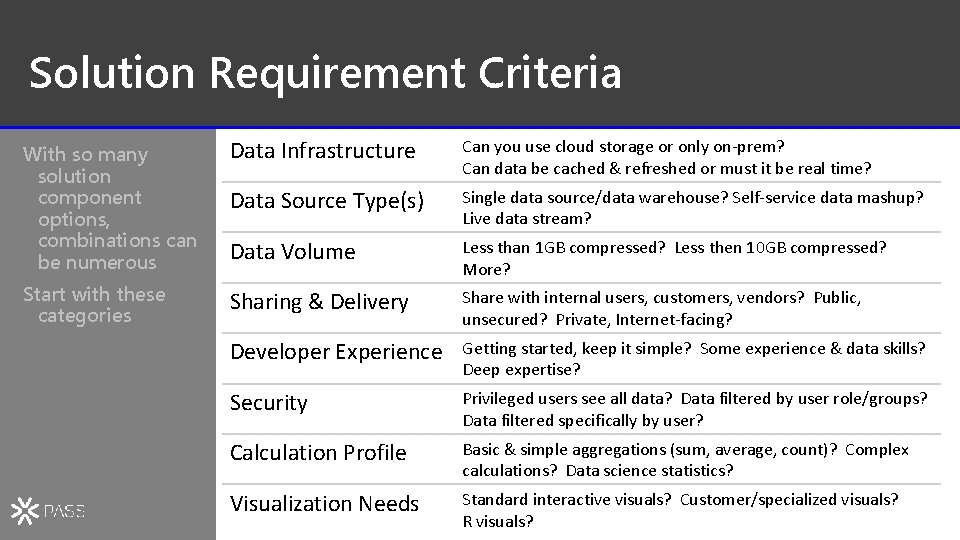
Solution Requirement Criteria With so many solution component options, combinations can be numerous Data Infrastructure Can you use cloud storage or only on-prem? Can data be cached & refreshed or must it be real time? Data Source Type(s) Single data source/data warehouse? Self-service data mashup? Live data stream? Data Volume Start with these categories Less than 1 GB compressed? Less then 10 GB compressed? More? Sharing & Delivery Share with internal users, customers, vendors? Public, unsecured? Private, Internet-facing? Developer Experience Getting started, keep it simple? Some experience & data skills? Deep expertise? Security Privileged users see all data? Data filtered by user role/groups? Data filtered specifically by user? Calculation Profile Basic & simple aggregations (sum, average, count)? Complex calculations? Data science statistics? Visualization Needs Standard interactive visuals? Customer/specialized visuals? R visuals?
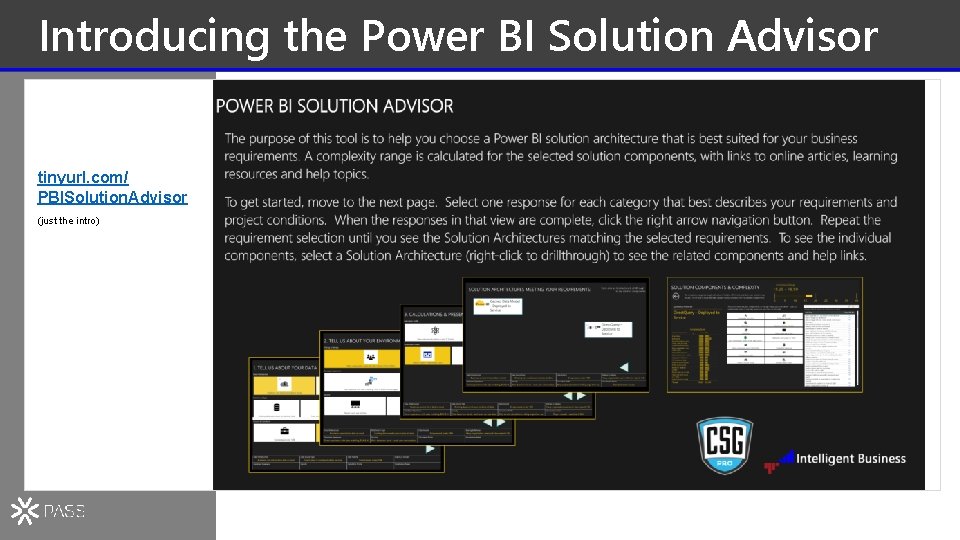
Introducing the Power BI Solution Advisor tinyurl. com/ PBISolution. Advisor (just the intro)
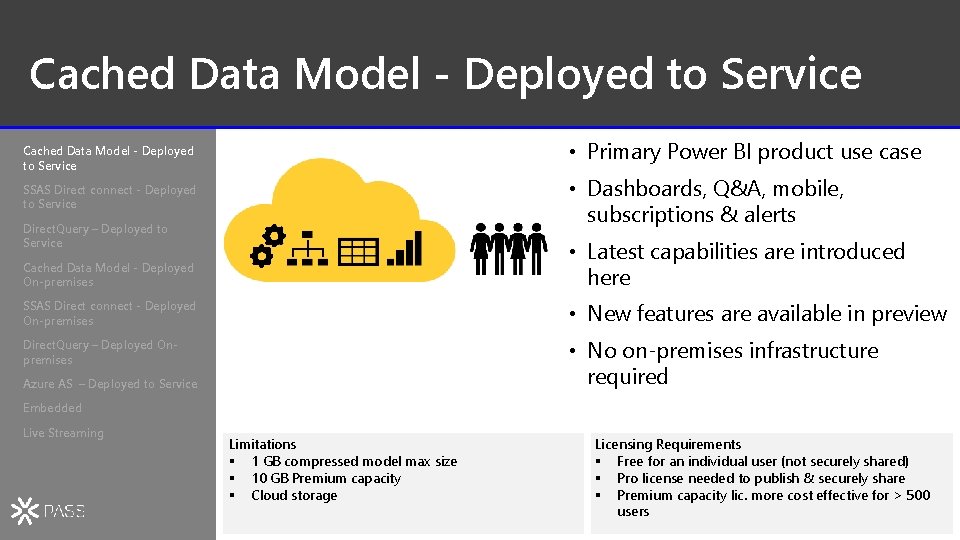
Cached Data Model - Deployed to Service • Primary Power BI product use case Cached Data Model - Deployed to Service • Dashboards, Q&A, mobile, subscriptions & alerts SSAS Direct connect - Deployed to Service Direct. Query – Deployed to Service Cached Data Model - Deployed On-premises • Latest capabilities are introduced here SSAS Direct connect - Deployed On-premises • New features are available in preview Direct. Query – Deployed Onpremises • No on-premises infrastructure required Azure AS – Deployed to Service Embedded Live Streaming Limitations § 1 GB compressed model max size § 10 GB Premium capacity § Cloud storage Licensing Requirements § Free for an individual user (not securely shared) § Pro license needed to publish & securely share § Premium capacity lic. more cost effective for > 500 users 21
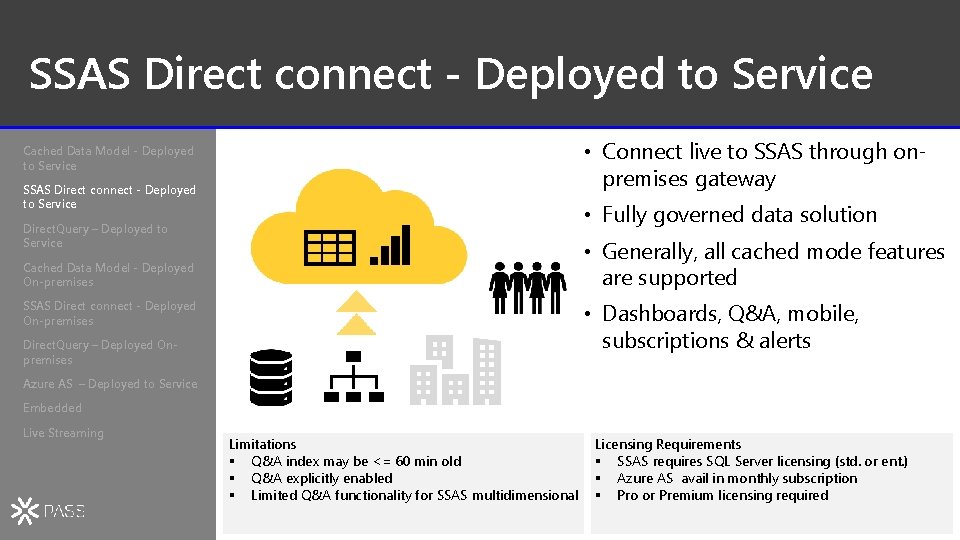
SSAS Direct connect - Deployed to Service • Connect live to SSAS through onpremises gateway Cached Data Model - Deployed to Service SSAS Direct connect - Deployed to Service • Fully governed data solution Direct. Query – Deployed to Service • Generally, all cached mode features are supported Cached Data Model - Deployed On-premises SSAS Direct connect - Deployed On-premises • Dashboards, Q&A, mobile, subscriptions & alerts Direct. Query – Deployed Onpremises Azure AS – Deployed to Service Embedded Live Streaming Limitations § Q&A index may be <= 60 min old § Q&A explicitly enabled § Limited Q&A functionality for SSAS multidimensional Licensing Requirements § SSAS requires SQL Server licensing (std. or ent. ) § Azure AS avail in monthly subscription § Pro or Premium licensing required 22
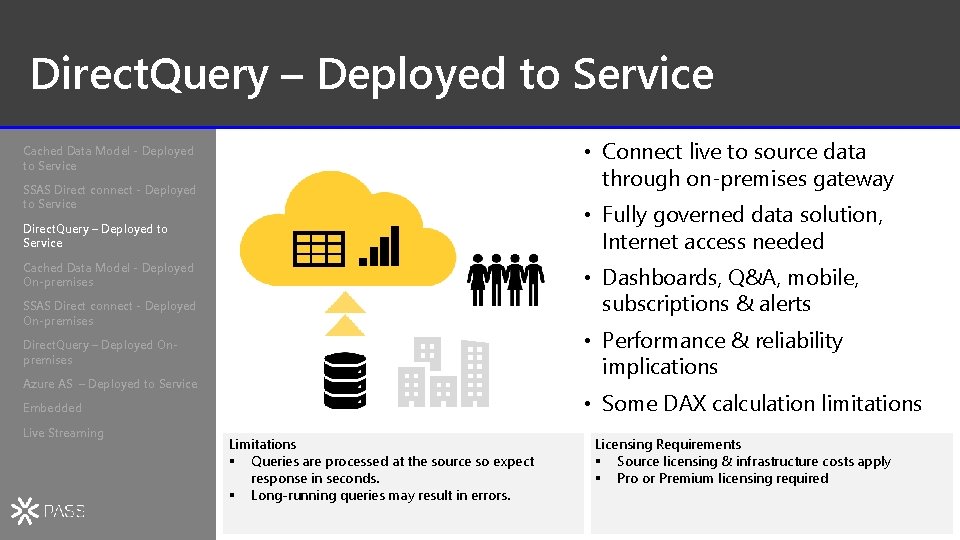
Direct. Query – Deployed to Service • Connect live to source data through on-premises gateway Cached Data Model - Deployed to Service SSAS Direct connect - Deployed to Service • Fully governed data solution, Internet access needed Direct. Query – Deployed to Service Cached Data Model - Deployed On-premises • Dashboards, Q&A, mobile, subscriptions & alerts SSAS Direct connect - Deployed On-premises • Performance & reliability implications Direct. Query – Deployed Onpremises Azure AS – Deployed to Service • Some DAX calculation limitations Embedded Live Streaming Limitations § Queries are processed at the source so expect response in seconds. § Long-running queries may result in errors. Licensing Requirements § Source licensing & infrastructure costs apply § Pro or Premium licensing required 23
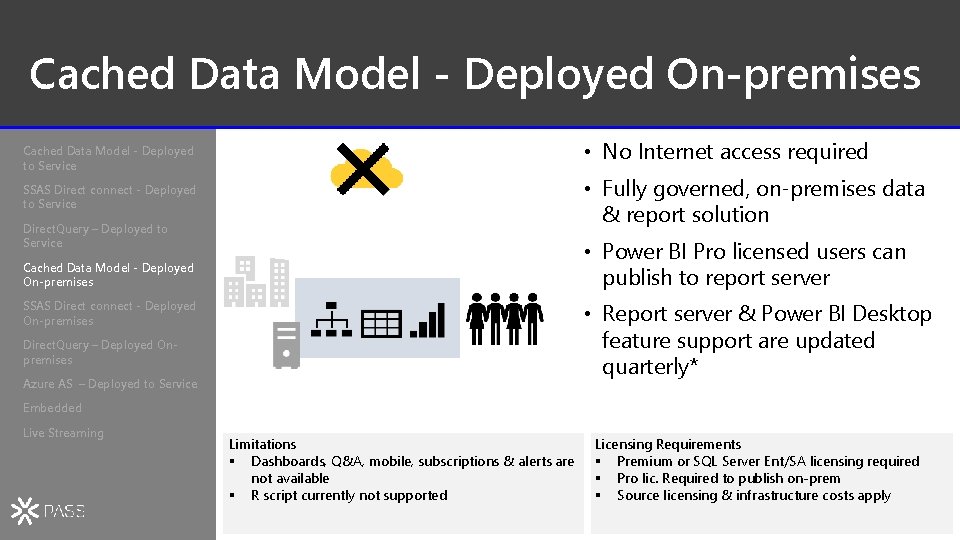
Cached Data Model - Deployed On-premises • No Internet access required Cached Data Model - Deployed to Service • Fully governed, on-premises data & report solution SSAS Direct connect - Deployed to Service Direct. Query – Deployed to Service • Power BI Pro licensed users can publish to report server Cached Data Model - Deployed On-premises SSAS Direct connect - Deployed On-premises • Report server & Power BI Desktop feature support are updated quarterly* Direct. Query – Deployed Onpremises Azure AS – Deployed to Service Embedded Live Streaming Limitations § Dashboards, Q&A, mobile, subscriptions & alerts are not available § R script currently not supported Licensing Requirements § Premium or SQL Server Ent/SA licensing required § Pro lic. Required to publish on-prem § Source licensing & infrastructure costs apply 24
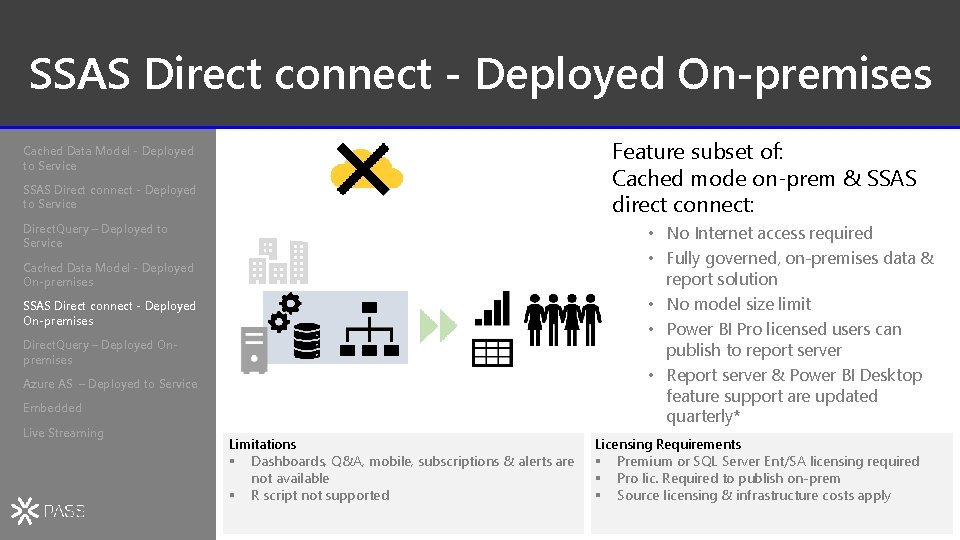
SSAS Direct connect - Deployed On-premises Feature subset of: Cached mode on-prem & SSAS direct connect: Cached Data Model - Deployed to Service SSAS Direct connect - Deployed to Service Direct. Query – Deployed to Service • No Internet access required • Fully governed, on-premises data & report solution • No model size limit • Power BI Pro licensed users can publish to report server • Report server & Power BI Desktop feature support are updated quarterly* Cached Data Model - Deployed On-premises SSAS Direct connect - Deployed On-premises Direct. Query – Deployed Onpremises Azure AS – Deployed to Service Embedded Live Streaming Limitations § Dashboards, Q&A, mobile, subscriptions & alerts are not available § R script not supported Licensing Requirements § Premium or SQL Server Ent/SA licensing required § Pro lic. Required to publish on-prem § Source licensing & infrastructure costs apply 25
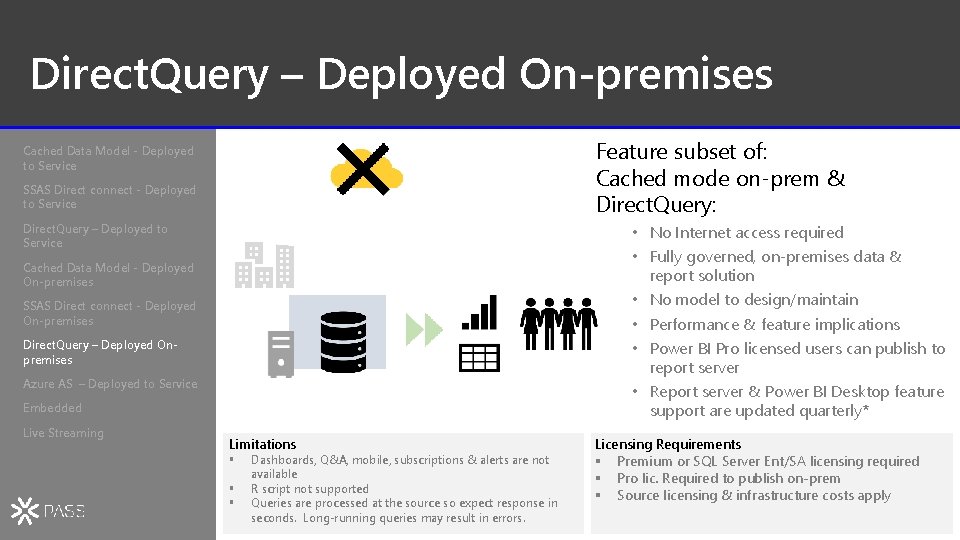
Direct. Query – Deployed On-premises Feature subset of: Cached mode on-prem & Direct. Query: Cached Data Model - Deployed to Service SSAS Direct connect - Deployed to Service Direct. Query – Deployed to Service • No Internet access required • Fully governed, on-premises data & report solution • No model to design/maintain • Performance & feature implications • Power BI Pro licensed users can publish to report server • Report server & Power BI Desktop feature support are updated quarterly* Cached Data Model - Deployed On-premises SSAS Direct connect - Deployed On-premises Direct. Query – Deployed Onpremises Azure AS – Deployed to Service Embedded Live Streaming Limitations § § § Dashboards, Q&A, mobile, subscriptions & alerts are not available R script not supported Queries are processed at the source so expect response in seconds. Long-running queries may result in errors. Licensing Requirements § Premium or SQL Server Ent/SA licensing required § Pro lic. Required to publish on-prem § Source licensing & infrastructure costs apply 26
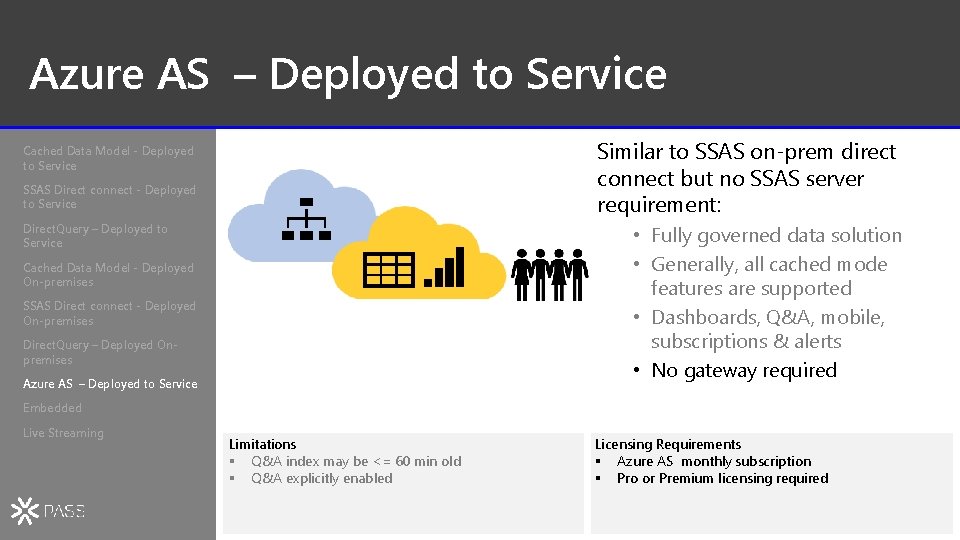
Azure AS – Deployed to Service Similar to SSAS on-prem direct connect but no SSAS server requirement: Cached Data Model - Deployed to Service SSAS Direct connect - Deployed to Service Direct. Query – Deployed to Service • Fully governed data solution • Generally, all cached mode features are supported • Dashboards, Q&A, mobile, subscriptions & alerts • No gateway required Cached Data Model - Deployed On-premises SSAS Direct connect - Deployed On-premises Direct. Query – Deployed Onpremises Azure AS – Deployed to Service Embedded Live Streaming Limitations § Q&A index may be <= 60 min old § Q&A explicitly enabled Licensing Requirements § Azure AS monthly subscription § Pro or Premium licensing required 27
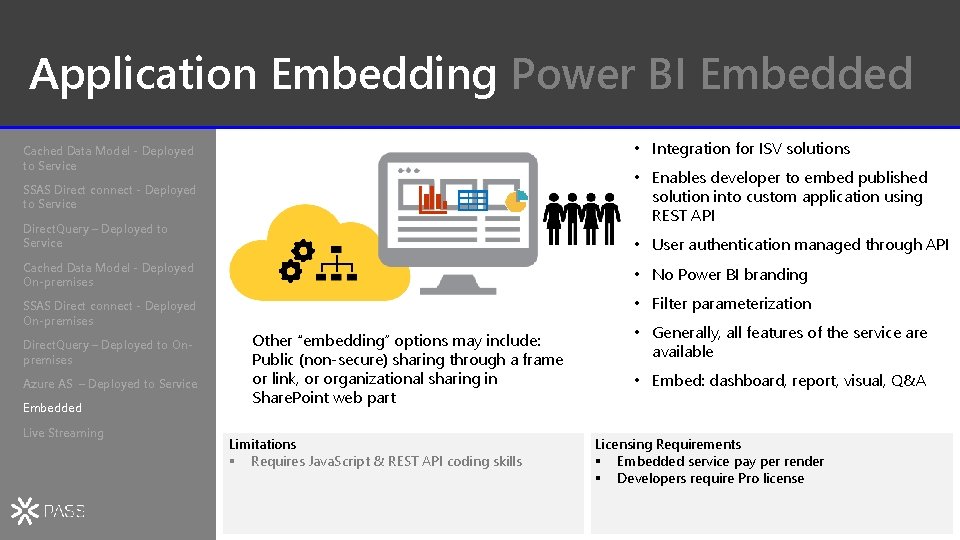
Application Embedding Power BI Embedded • Integration for ISV solutions Cached Data Model - Deployed to Service • Enables developer to embed published solution into custom application using REST API SSAS Direct connect - Deployed to Service Direct. Query – Deployed to Service • User authentication managed through API Cached Data Model - Deployed On-premises • No Power BI branding SSAS Direct connect - Deployed On-premises • Filter parameterization Direct. Query – Deployed to Onpremises Azure AS – Deployed to Service Embedded Live Streaming Other “embedding” options may include: Public (non-secure) sharing through a frame or link, or organizational sharing in Share. Point web part Limitations § Requires Java. Script & REST API coding skills • Generally, all features of the service are available • Embed: dashboard, report, visual, Q&A Licensing Requirements § Embedded service pay per render § Developers require Pro license 28
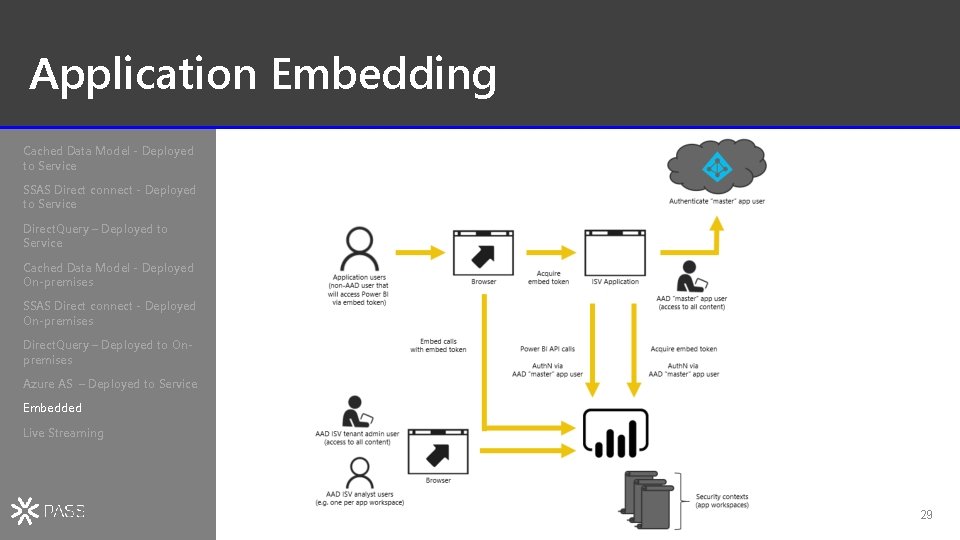
Application Embedding Cached Data Model - Deployed to Service SSAS Direct connect - Deployed to Service Direct. Query – Deployed to Service Cached Data Model - Deployed On-premises SSAS Direct connect - Deployed On-premises Direct. Query – Deployed to Onpremises Azure AS – Deployed to Service Embedded Live Streaming 29
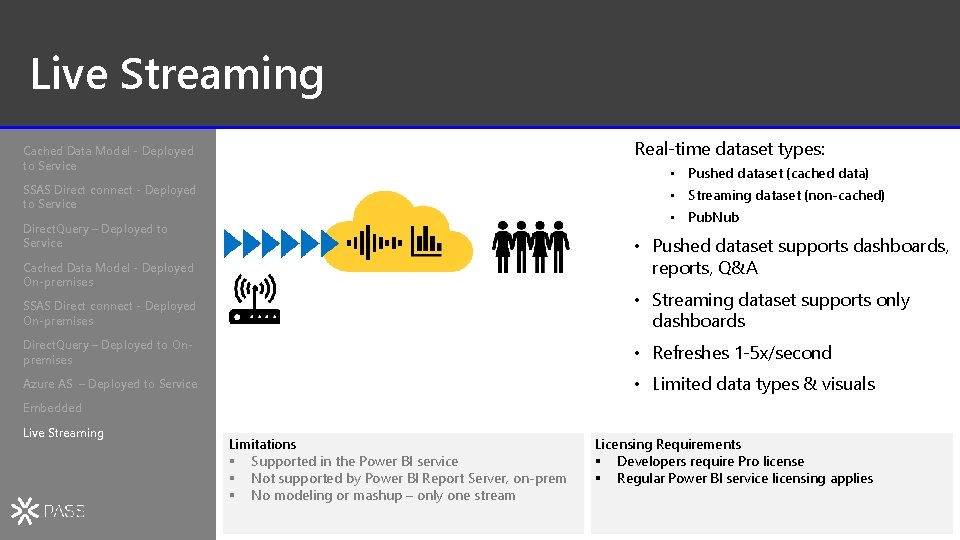
Live Streaming Real-time dataset types: Cached Data Model - Deployed to Service • Pushed dataset (cached data) SSAS Direct connect - Deployed to Service • Streaming dataset (non-cached) • Pub. Nub Direct. Query – Deployed to Service • Pushed dataset supports dashboards, reports, Q&A Cached Data Model - Deployed On-premises SSAS Direct connect - Deployed On-premises • Streaming dataset supports only dashboards Direct. Query – Deployed to Onpremises • Refreshes 1 -5 x/second Azure AS – Deployed to Service • Limited data types & visuals Embedded Live Streaming Limitations § Supported in the Power BI service § Not supported by Power BI Report Server, on-prem § No modeling or mashup – only one stream Licensing Requirements § Developers require Pro license § Regular Power BI service licensing applies 30
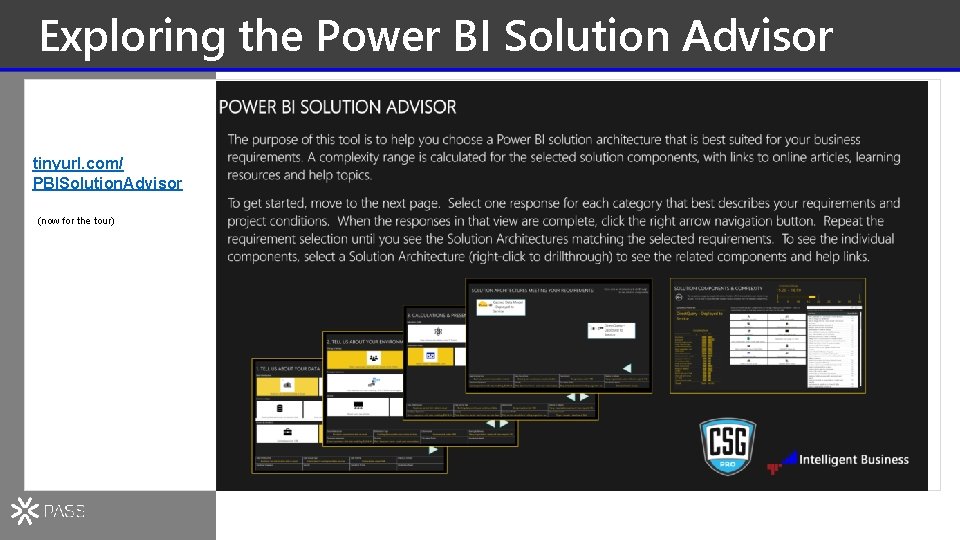
Exploring the Power BI Solution Advisor tinyurl. com/ PBISolution. Advisor (now for the tour)
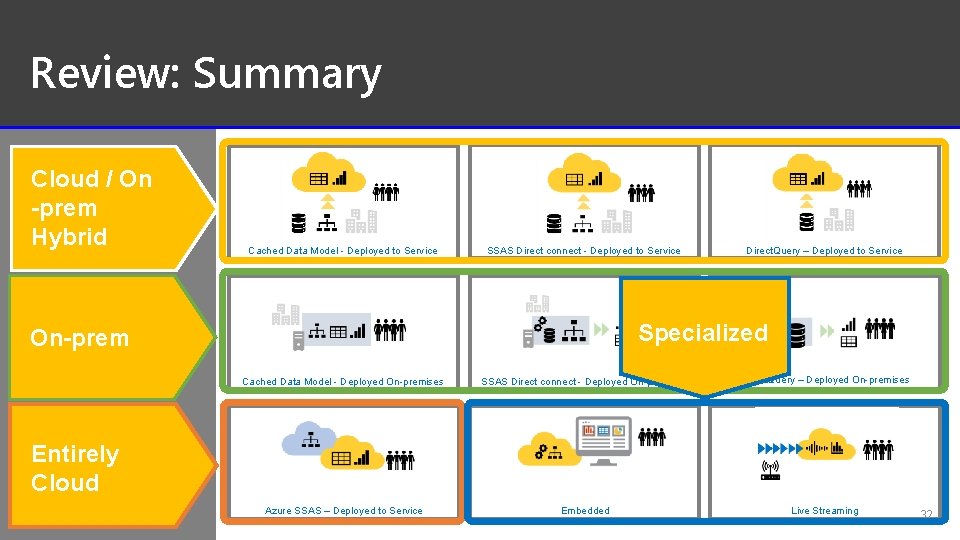
Review: Summary Cloud / On -prem Hybrid Cached Data Model - Deployed to Service SSAS Direct connect - Deployed to Service Direct. Query – Deployed to Service Specialized On-prem Cached Data Model - Deployed On-premises SSAS Direct connect - Deployed On-premises Direct. Query – Deployed On-premises Azure SSAS – Deployed to Service Embedded Live Streaming Entirely Cloud 32

QUESTIONS?

Coming up next… Goldilocks and The Three Linux Bears Andrew Nakamura

THANK YOU FOR ATTENDING @sqlpass #sqlpass @PASScommunity Presenting Sponsors

- Slides: 36