
NIGHTLY BUILD SCRIPT FOR THE LEVEL 1 TRIGGER
NIGHTLY BUILD SCRIPT FOR THE LEVEL 1 TRIGGER ONLINE SOFTWARE 14 th October 2010 Wolfgang Schlichtner
CMS L 1 Trigger Supervisor Nightly Builds Introduction • Aim: – Build and test all the source code together – Execute automatically every night – Show the results via web interface > So the developers can take a look at the build results of the whole system every morning 14 th October 2010 Wolfgang Schlichtner
CMS L 1 Trigger Supervisor Nightly Builds Conditions • Based on LCG Nightly Builds • Runs on SLC 4 32 bit, gcc-3. 4 • Language: Python 14 th October 2010 Wolfgang Schlichtner
CMS L 1 Trigger Supervisor Nightly Builds Steps of the nightly script • Setup of the environment for build and installation • Checkout of the source code from the CVS Repository • Installation of XDAQ • Compilation of the source codes • Generation of RPMs (Red Hat Package Manager software packages) • Installation of the RPMs • Execution of SOAP-tests • Uninstallation of everything 14 th October 2010 Wolfgang Schlichtner
CMS L 1 Trigger Supervisor Nightly Builds Incorporate other L 1 TS subsystems – Requirements: • makefile to compile code and make RPMs • test scripts (e. g. SOAP-Tests) 14 th October 2010 Wolfgang Schlichtner
CMS L 1 Trigger Supervisor Nightly Builds How LCG nightlies work. . . • Client / Server structure • One configuration. xml file • Clients send their capabilities (architecture, OS, …) to the server, server starts the build jobs according to the configuration … 14 th October 2010 Wolfgang Schlichtner
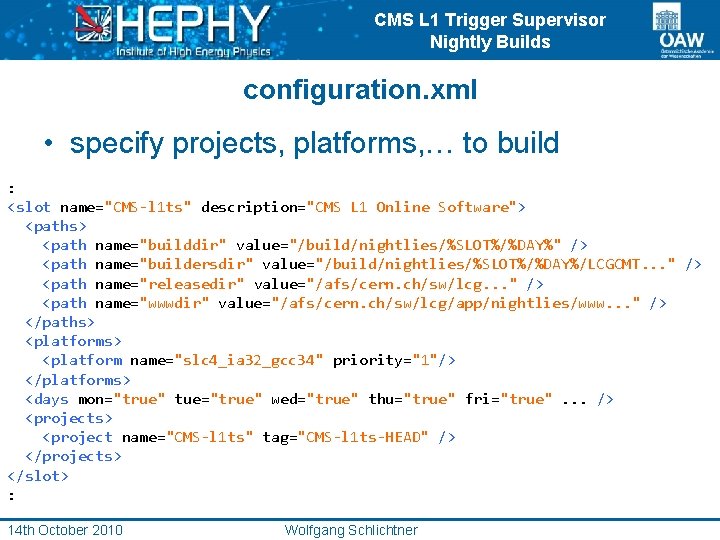
CMS L 1 Trigger Supervisor Nightly Builds configuration. xml • specify projects, platforms, … to build : <slot name="CMS-l 1 ts" description="CMS L 1 Online Software"> <paths> <path name="builddir" value="/build/nightlies/%SLOT%/%DAY%" /> <path name="buildersdir" value="/build/nightlies/%SLOT%/%DAY%/LCGCMT. . . " /> <path name="releasedir" value="/afs/cern. ch/sw/lcg. . . " /> <path name="wwwdir" value="/afs/cern. ch/sw/lcg/app/nightlies/www. . . " /> </paths> <platforms> <platform name="slc 4_ia 32_gcc 34" priority="1"/> </platforms> <days mon="true" tue="true" wed="true" thu="true" fri="true". . . /> <projects> <project name="CMS-l 1 ts" tag="CMS-l 1 ts-HEAD" /> </projects> </slot> : 14 th October 2010 Wolfgang Schlichtner
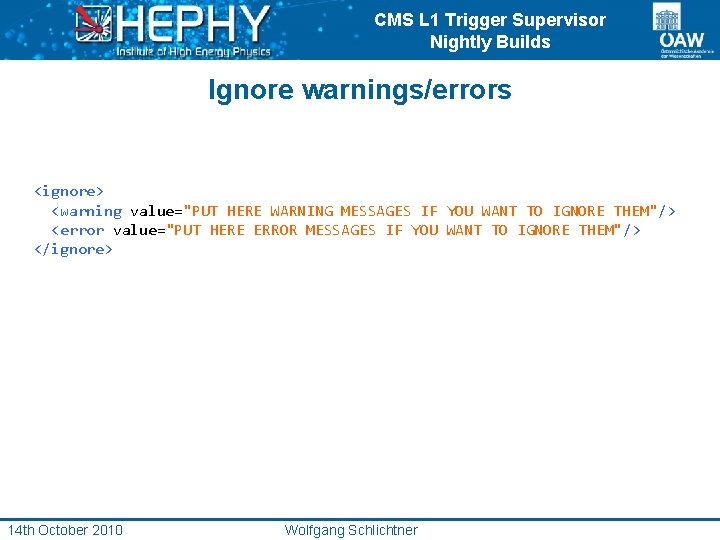
CMS L 1 Trigger Supervisor Nightly Builds Ignore warnings/errors <ignore> <warning value="PUT HERE WARNING MESSAGES IF YOU WANT TO IGNORE THEM"/> <error value="PUT HERE ERROR MESSAGES IF YOU WANT TO IGNORE THEM"/> </ignore> 14 th October 2010 Wolfgang Schlichtner
CMS L 1 Trigger Supervisor Nightly Builds Implementation to the LCG scripts • There is just one main Builder class for all the LCG projects • Therefore Karol from LHCb changed the scripts, so that external Builder classes can be used, this work is still in progress • No documentation! try & error 14 th October 2010 Wolfgang Schlichtner
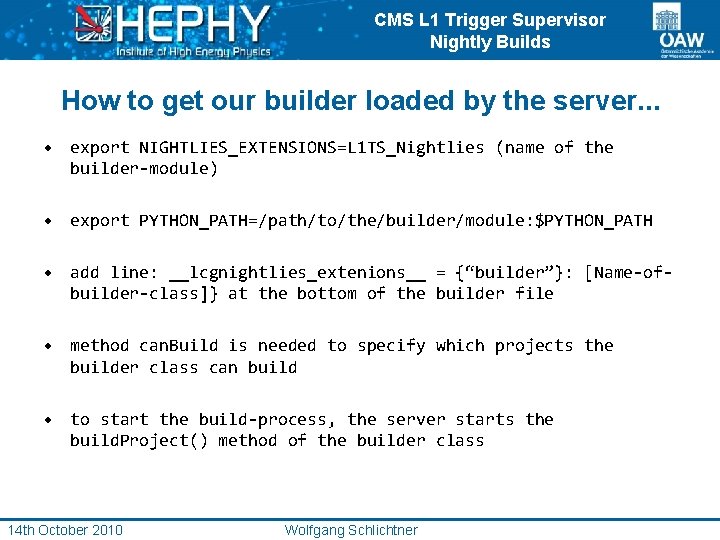
CMS L 1 Trigger Supervisor Nightly Builds How to get our builder loaded by the server. . . • export NIGHTLIES_EXTENSIONS=L 1 TS_Nightlies (name of the builder-module) • export PYTHON_PATH=/path/to/the/builder/module: $PYTHON_PATH • add line: __lcgnightlies_extenions__ = {“builder”}: [Name-ofbuilder-class]} at the bottom of the builder file • method can. Build is needed to specify which projects the builder class can build • to start the build-process, the server starts the build. Project() method of the builder class 14 th October 2010 Wolfgang Schlichtner
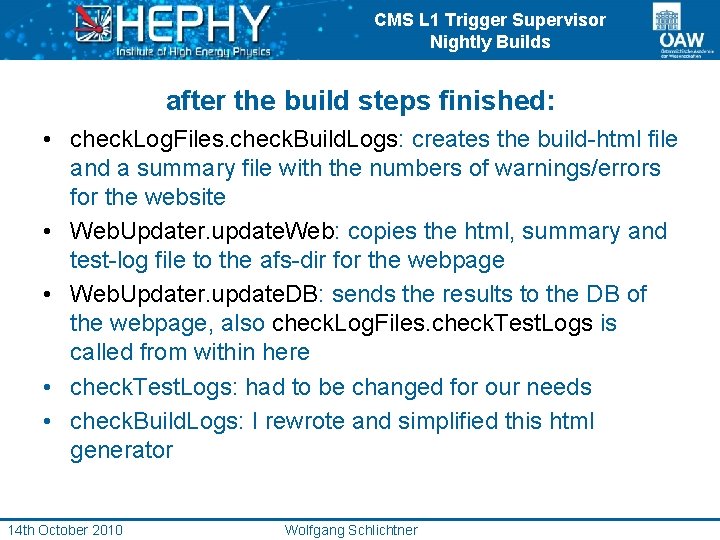
CMS L 1 Trigger Supervisor Nightly Builds after the build steps finished: • check. Log. Files. check. Build. Logs: creates the build-html file and a summary file with the numbers of warnings/errors for the website • Web. Updater. update. Web: copies the html, summary and test-log file to the afs-dir for the webpage • Web. Updater. update. DB: sends the results to the DB of the webpage, also check. Log. Files. check. Test. Logs is called from within here • check. Test. Logs: had to be changed for our needs • check. Build. Logs: I rewrote and simplified this html generator 14 th October 2010 Wolfgang Schlichtner
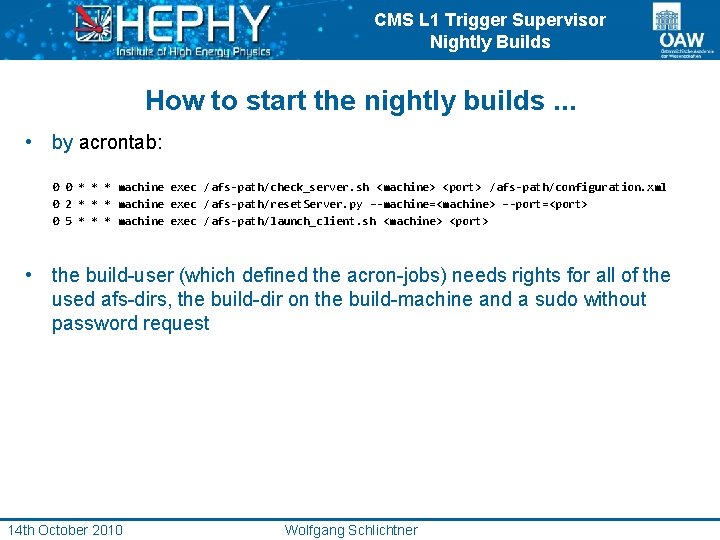
CMS L 1 Trigger Supervisor Nightly Builds How to start the nightly builds. . . • by acrontab: 0 0 * * * machine exec /afs-path/check_server. sh <machine> <port> /afs-path/configuration. xml 0 2 * * * machine exec /afs-path/reset. Server. py –-machine=<machine> –-port=<port> 0 5 * * * machine exec /afs-path/launch_client. sh <machine> <port> • the build-user (which defined the acron-jobs) needs rights for all of the used afs-dirs, the build-dir on the build-machine and a sudo without password request 14 th October 2010 Wolfgang Schlichtner
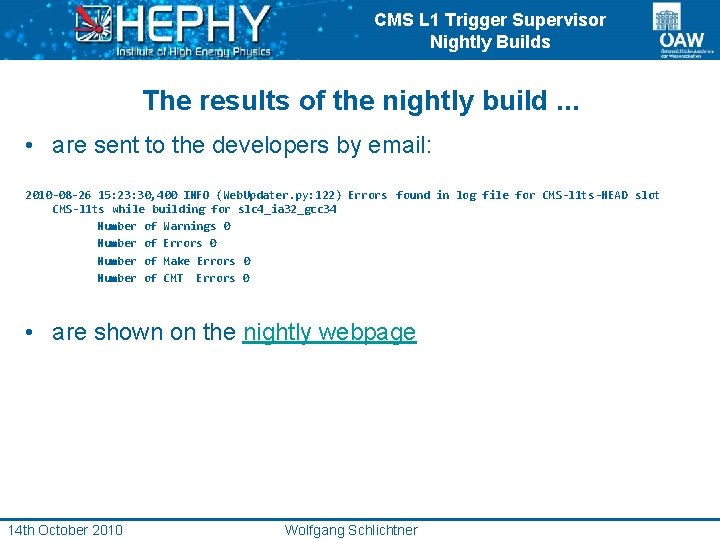
CMS L 1 Trigger Supervisor Nightly Builds The results of the nightly build. . . • are sent to the developers by email: 2010 -08 -26 15: 23: 30, 400 INFO (Web. Updater. py: 122) Errors found in log file for CMS-l 1 ts-HEAD slot CMS-l 1 ts while building for slc 4_ia 32_gcc 34 Number of Warnings 0 Number of Errors 0 Number of Make Errors 0 Number of CMT Errors 0 • are shown on the nightly webpage 14 th October 2010 Wolfgang Schlichtner
CMS L 1 Trigger Supervisor Nightly Builds Thanks for your attention! 14 th October 2010 Wolfgang Schlichtner
- Slides: 14