
New User commands in Dyalog APL Dan Baronet
New User commands in Dyalog APL Dan Baronet 2013 *
User commands are akin to System commands start with a right parenthesis, e. g. )SAVE User commands start with a right square bracket, e. g. ]SAVE
User commands are akin to System commands are case insensitive User commands too
User commands are akin to System commands are provided with the system User commands are WRITTEN by the user
User commands are akin to System commands may take 0 or more arguments User commands too
Example System command WSID takes 0 or 1 argument: )WSID by itself returns the name of the active workspace. )WSID with an argument sets the name of the active workspace.
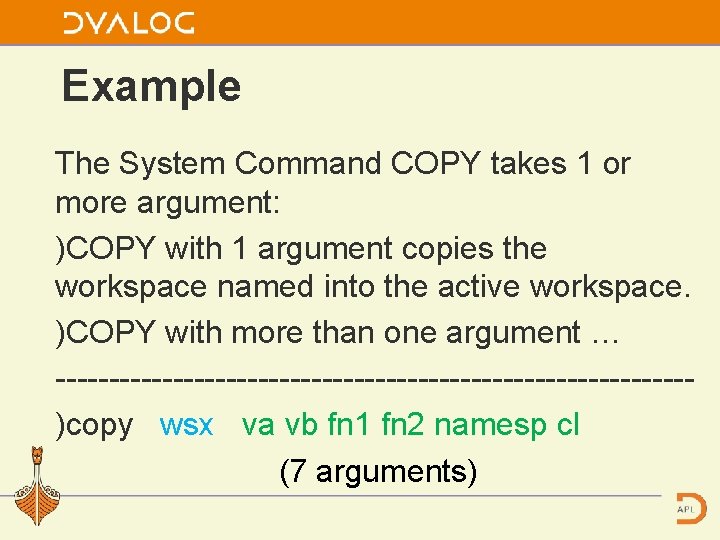
Example The System Command COPY takes 1 or more argument: )COPY with 1 argument copies the workspace named into the active workspace. )COPY with more than one argument … ------------------------------)copy wsx va vb fn 1 fn 2 namesp cl (7 arguments)
![One major difference System commands have no modifiers (switches) User commands do ]XYZ argx](http://slidetodoc.com/presentation_image_h/91fff0eaddd8b2ee3232aeccecf1c659/image-8.jpg "One major difference System commands have no modifiers (switches) User commands do ]XYZ argx")
One major difference System commands have no modifiers (switches) User commands do ]XYZ argx -modifier *
Program control Some system commands can be called under program ctrl, they have a system function equivalent, e. g. )WSID �WSID User commands can be called under pgm control too, via �SE. UCMD
User commands are not new User commands came to life in APL/PC (STSC) about 1990 They were simulated in some other systems (e. g. Sharp APL)
User commands are not no new The original implementation was different (component files) but the idea was the same: read the code in, execute it and get rid of it afterwards. Dyalog’s implementation uses text files. It was introduced 4 years ago with V 12. 1 *
User commands are not new One major problem was the lack of line parser. Manugistics eventually incorporated one in the system but it was limited. Dyalog incorporates a comprehensive line parser.
Prepackaged commands Dyalog ships with predefined user commands. User commands fall into several categories.
This year’s word: reorganisation New addition to the company staff: Fiona With her the revision of names was made.
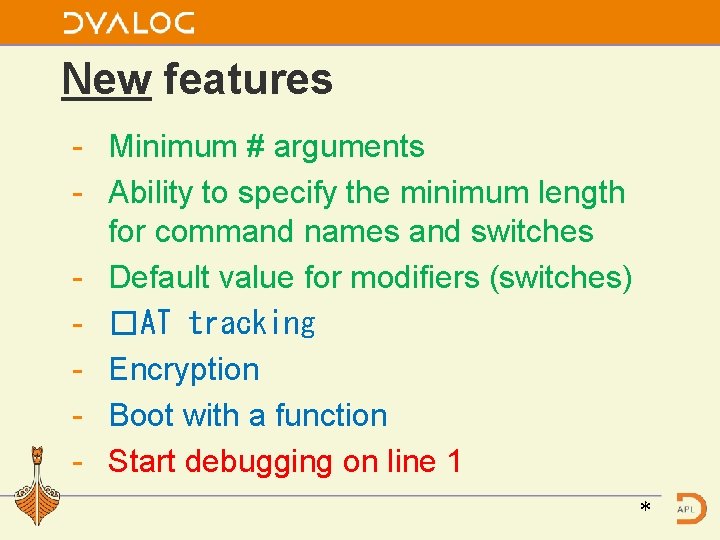
New features - Minimum # arguments - Ability to specify the minimum length for command names and switches - Default value for modifiers (switches) - �AT tracking - Encryption - Boot with a function - Start debugging on line 1 *
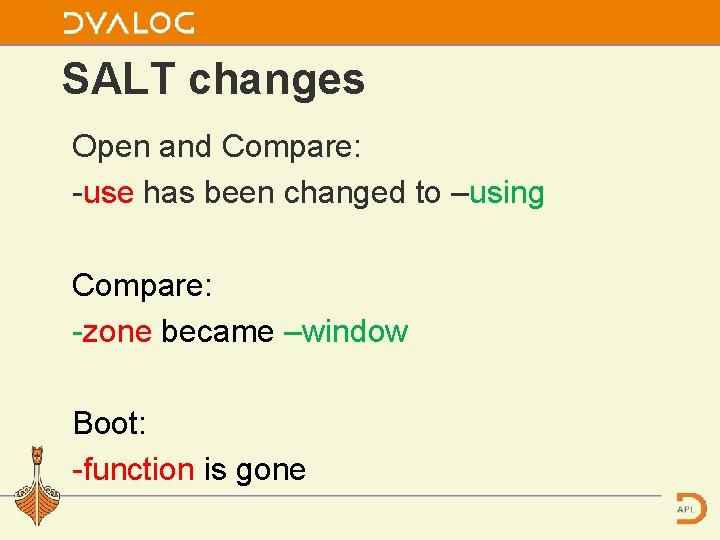
SALT changes Open and Compare: -use has been changed to –using Compare: -zone became –window Boot: -function is gone
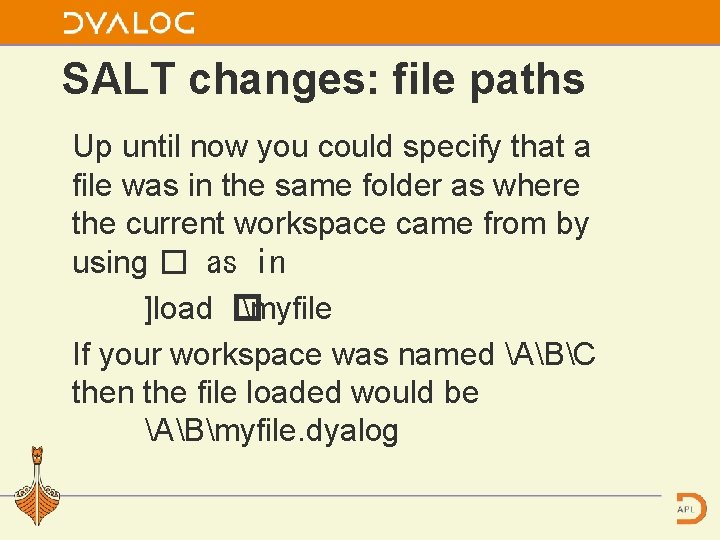
SALT changes: file paths Up until now you could specify that a file was in the same folder as where the current workspace came from by using � as in ]load � myfile If your workspace was named ABC then the file loaded would be ABmyfile. dyalog
![SALT changes: file paths There is a proposal to change this, e. g. ]load](http://slidetodoc.com/presentation_image_h/91fff0eaddd8b2ee3232aeccecf1c659/image-18.jpg "SALT changes: file paths There is a proposal to change this, e. g. ]load")
SALT changes: file paths There is a proposal to change this, e. g. ]load [w]myfile
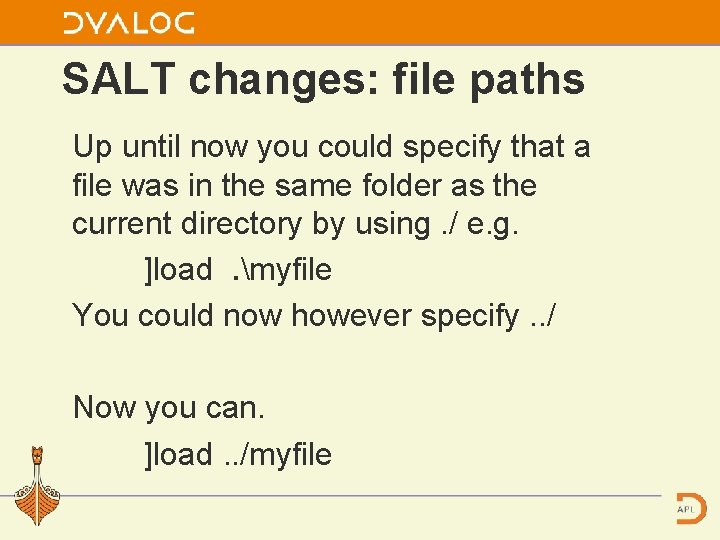
SALT changes: file paths Up until now you could specify that a file was in the same folder as the current directory by using. / e. g. ]load. myfile You could now however specify. . / Now you can. ]load. . /myfile
![]? Display format change The display now shows groups followed by a list of](http://slidetodoc.com/presentation_image_h/91fff0eaddd8b2ee3232aeccecf1c659/image-20.jpg "]? Display format change The display now shows groups followed by a list of")
]? Display format change The display now shows groups followed by a list of commands If a command is ambiguous (e. g. Compare) then its group is prepended. e. g. SALT. Compare and FN. Compare
![]? Display format change](http://slidetodoc.com/presentation_image_h/91fff0eaddd8b2ee3232aeccecf1c659/image-21.jpg "]? Display format change")
]? Display format change
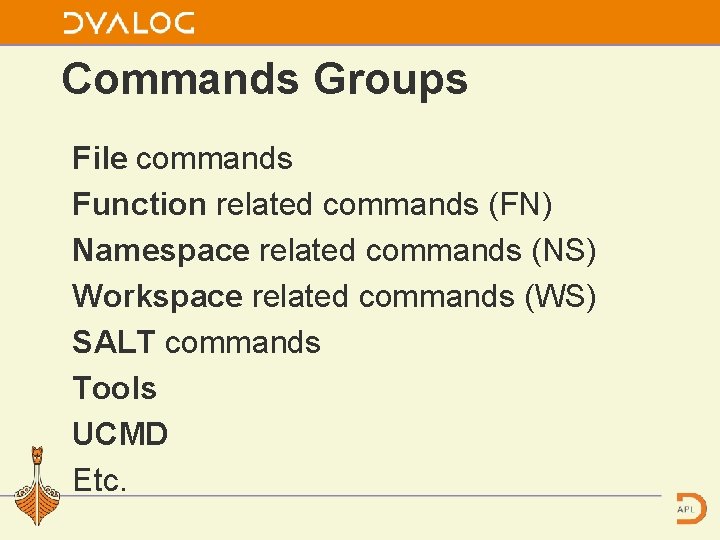
Commands Groups File commands Function related commands (FN) Namespace related commands (NS) Workspace related commands (WS) SALT commands Tools UCMD Etc.
New / changed In v 1. 34 a few commands have been added and many commands have been renamed Or Assigned a new group
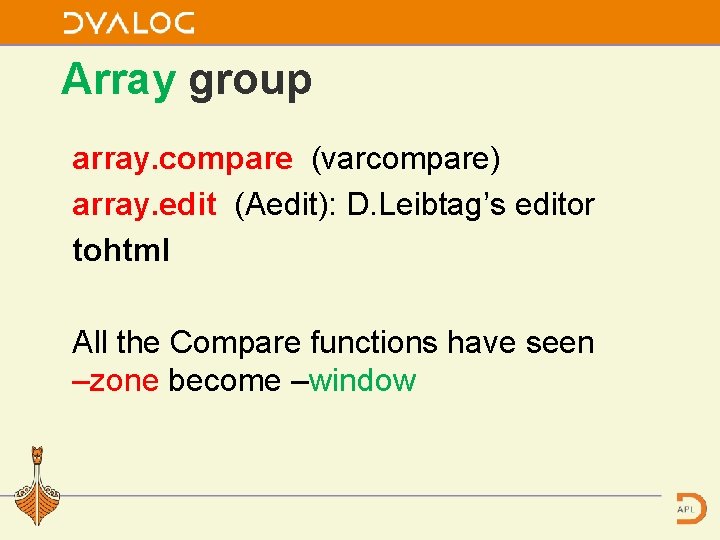
Array group array. compare (varcompare) array. edit (Aedit): D. Leibtag’s editor tohtml All the Compare functions have seen –zone become –window
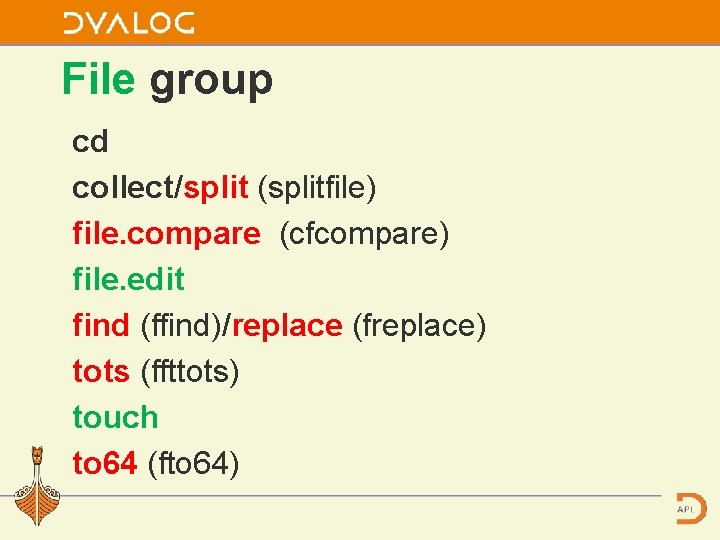
File group cd collect/split (splitfile) file. compare (cfcompare) file. edit find (ffind)/replace (freplace) tots (ffttots) touch to 64 (fto 64)
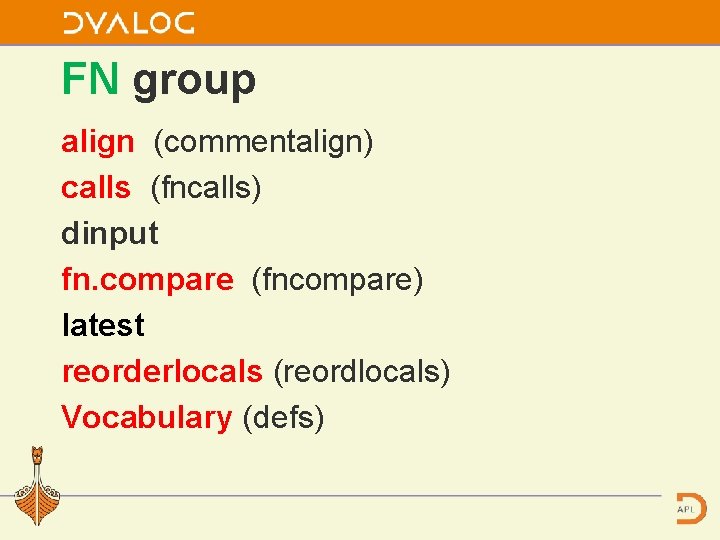
FN group align (commentalign) calls (fncalls) dinput fn. compare (fncompare) latest reorderlocals (reordlocals) Vocabulary (defs)
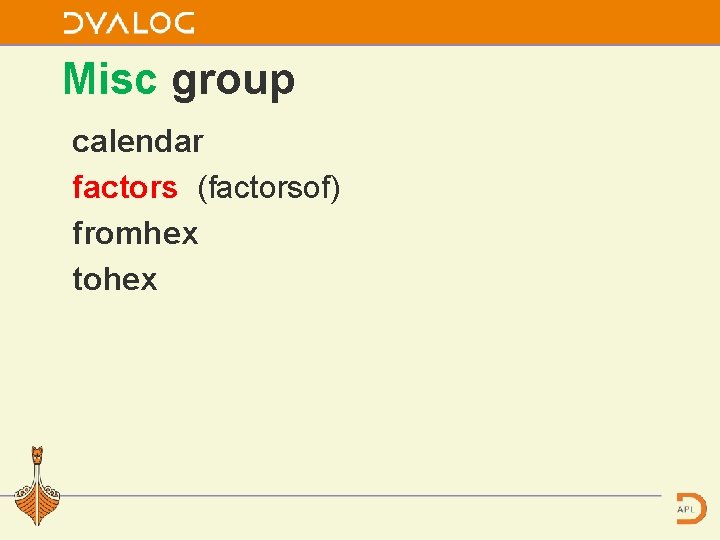
Misc group calendar factors (factorsof) fromhex tohex
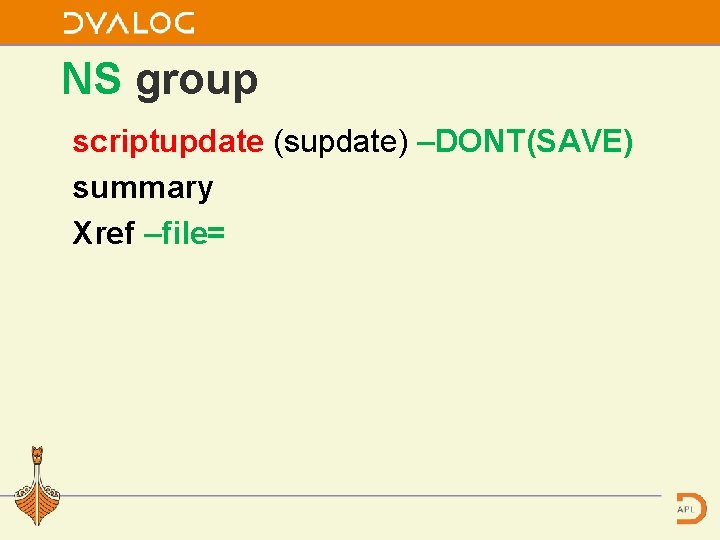
NS group scriptupdate (supdate) –DONT(SAVE) summary Xref –file=
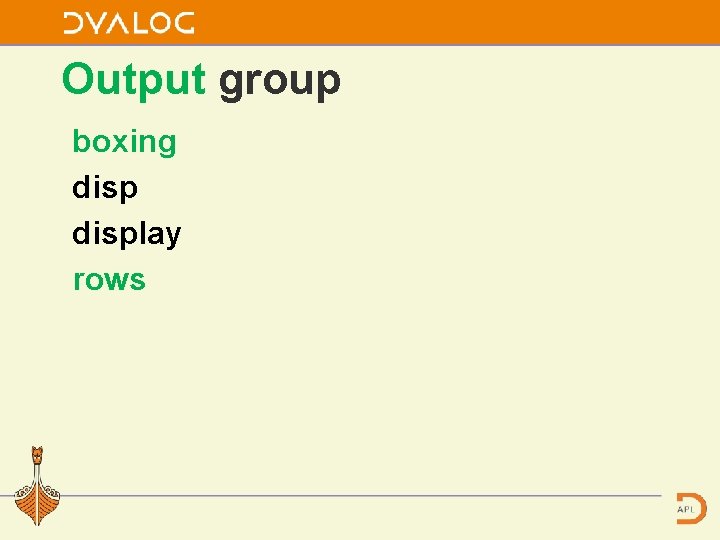
Output group boxing display rows
![Output group rows ]rows wrap Was off 2 22�� 88 1 2 3 4](http://slidetodoc.com/presentation_image_h/91fff0eaddd8b2ee3232aeccecf1c659/image-32.jpg "Output group rows ]rows wrap Was off 2 22�� 88 1 2 3 4")
Output group rows ]rows wrap Was off 2 22�� 88 1 2 3 4 5 6 7 8 9 10 11 12 13 14 15 16 17 18 19 20 21 22 23 24 25 26 27 28 29 30 31 32 33 34 35 36 37 38 39 40 41 42 43 44
![Output group rows ]rows cut Was WRAP 2 22�� 88 1 2 3 4](http://slidetodoc.com/presentation_image_h/91fff0eaddd8b2ee3232aeccecf1c659/image-33.jpg "Output group rows ]rows cut Was WRAP 2 22�� 88 1 2 3 4")
Output group rows ]rows cut Was WRAP 2 22�� 88 1 2 3 4 5 6 7 8 9 10 11 12 13· 23 24 25 26 27 28 29 30 31 32 33 34 35· d o t
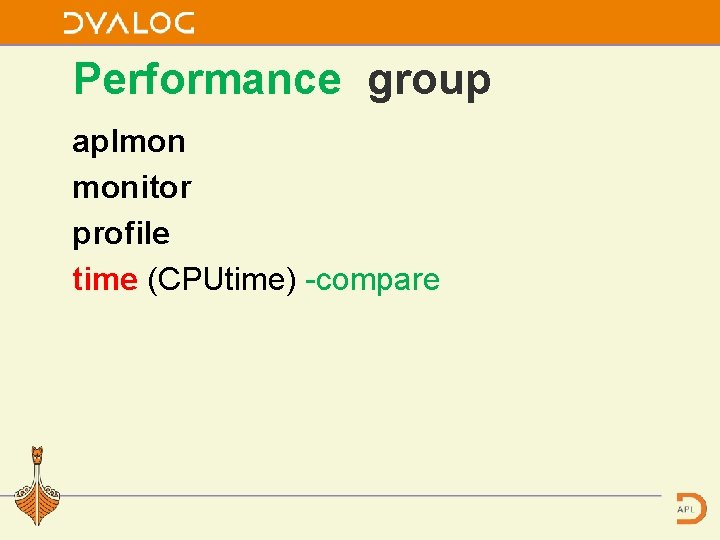
Performance group aplmon monitor profile time (CPUtime) -compare
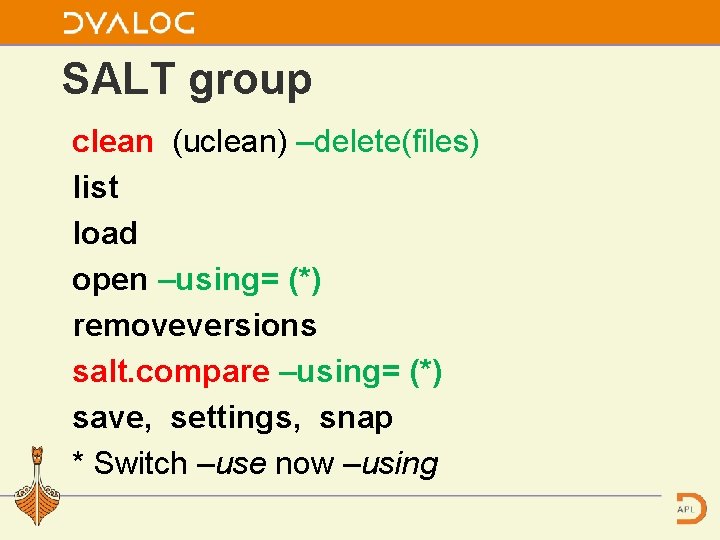
SALT group clean (uclean) –delete(files) list load open –using= (*) removeversions salt. compare –using= (*) save, settings, snap * Switch –use now –using
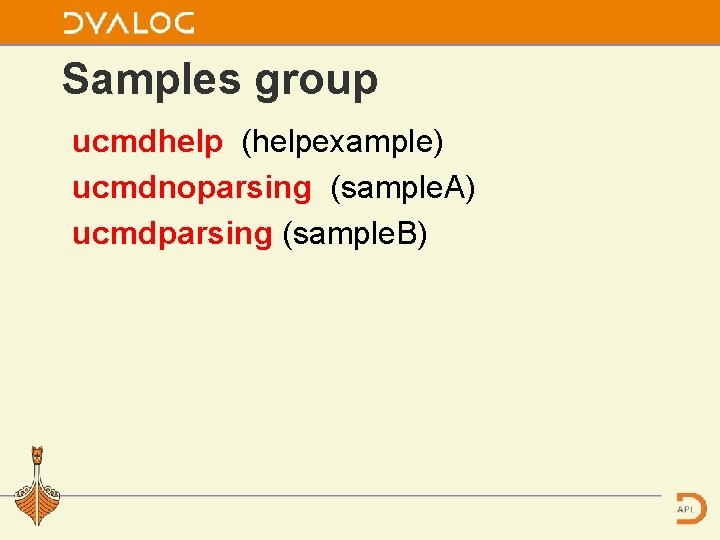
Samples group ucmdhelp (helpexample) ucmdnoparsing (sample. A) ucmdparsing (sample. B)
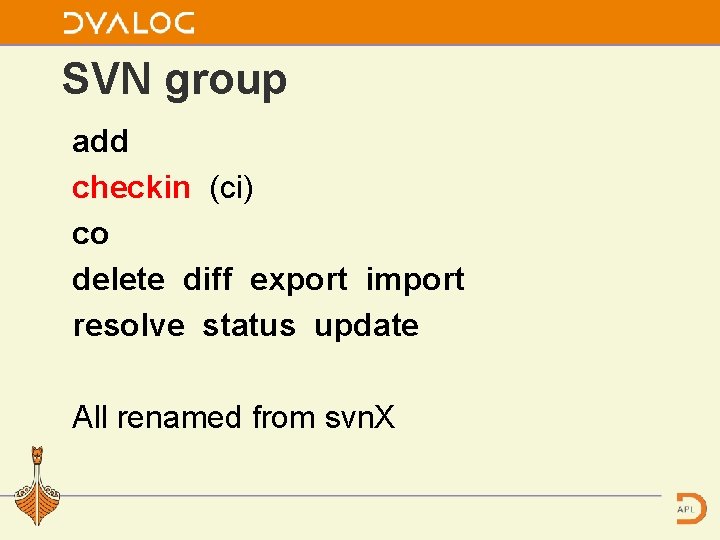
SVN group add checkin (ci) co delete diff export import resolve status update All renamed from svn. X
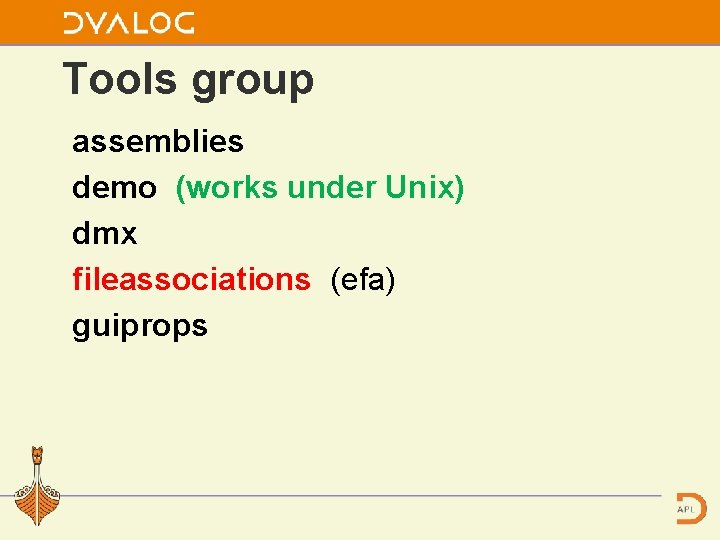
Tools group assemblies demo (works under Unix) dmx fileassociations (efa) guiprops
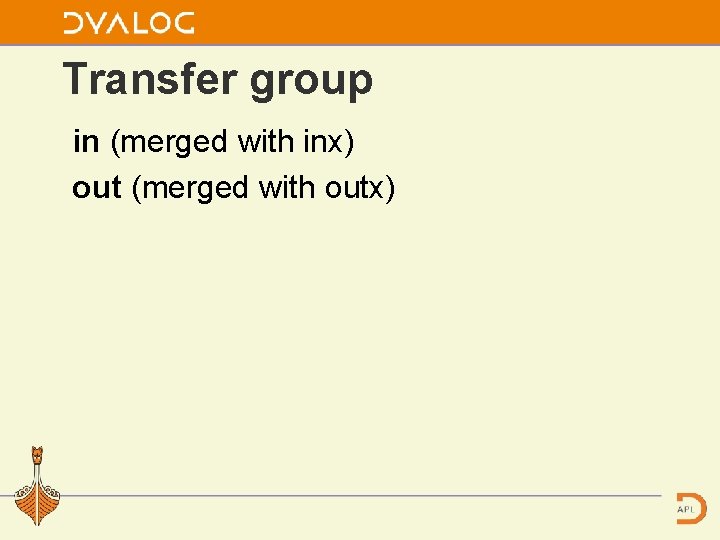
Transfer group in (merged with inx) out (merged with outx)
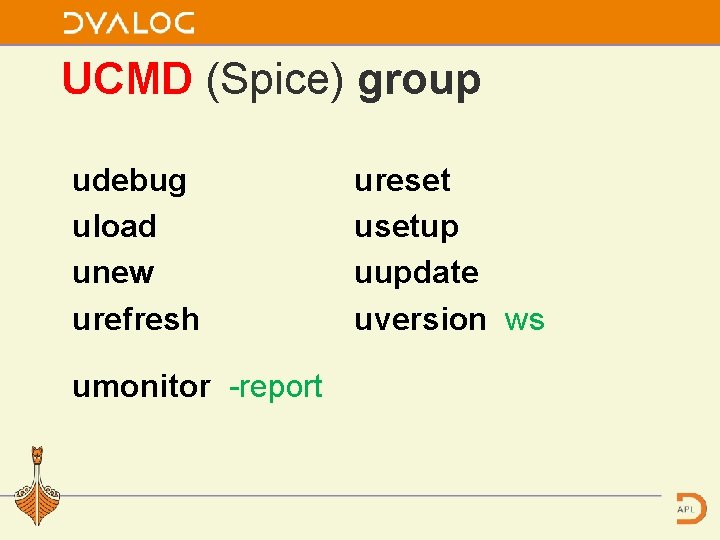
UCMD (Spice) group udebug uload unew urefresh umonitor -report ureset usetup uupdate uversion ws
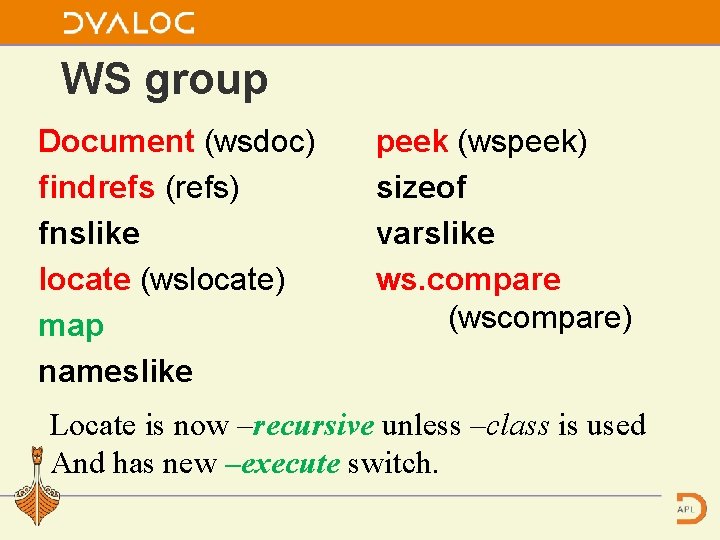
WS group Document (wsdoc) findrefs (refs) fnslike locate (wslocate) map nameslike peek (wspeek) sizeof varslike ws. compare (wscompare) Locate is now –recursive unless –class is used And has new –execute switch.
This is it …for this year Most of the changes relate to renaming commands and reassigning them to groups. Some of the switches’ names has yet to change.
This is it For details see SALT-UCMD release notes(V 14) and the User Commands documents.
- Slides: 43