
New Technology Ipad The Inventor Steve Jobs was
New Technology Ipad
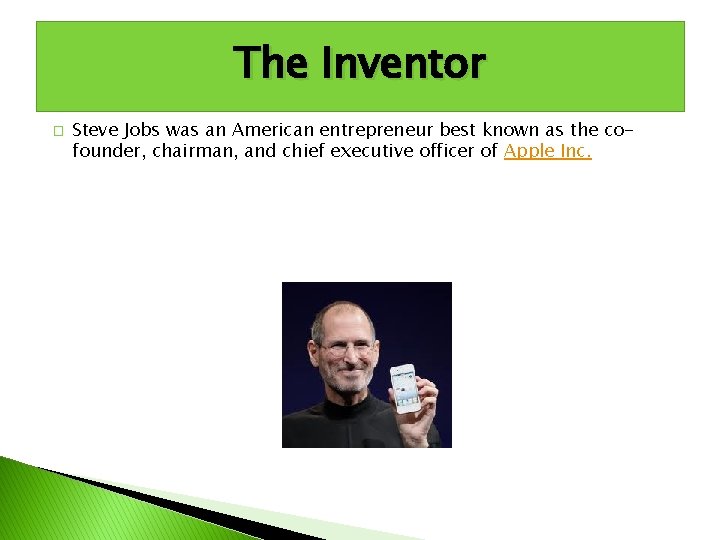
The Inventor � Steve Jobs was an American entrepreneur best known as the cofounder, chairman, and chief executive officer of Apple Inc.
Basics � The Apple i. Pad is a tablet computer, essentially a touch-screen laptop. It was built on the i. Phone model, but with an expanded processor, longer battery life and more memory. Also, it does not have any of the i. Phone calling capabilities. The i. Pad can be viewed horizontally or vertically, and the screen changes accordingly. There is no need for an additional computer keyboard or a mouse.
How it Works � Press the central bottom "Sleep/Wake" button to turn the i. Pad on. The Home screen appears, so tap with your finger on any of the icons to open the software program. Additional taps on different parts of the screen within a program will result in different functions. You can listen to a song, send an email, view a photo or read an e. Book. To type on an i. Pad, a touch-screen computer keyboard appears so now additional keyboard is necessary. Press the central "Sleep/Wake" button to turn the i. Pad off.
Key Features � The i. Pad's key feature that separates it from a laptop or desktop computer is its 1024 x 768 pixel touch screen. The screen is larger than an i. Phone and smaller than a Mac. Book, at 9. 7 inches. The screen is LED-backlit so you can see it in dim lighting and you can adjust the screen dimness like on a laptop. To discourage fingerprints and damage, the screen has an oleophobic coating. You can interact with the i. Pad screen through tapping or sliding your finger.
Operating System � The i. Pad uses a different operating system than a Mac laptop or desktop computer. The operating system is the i. OS 3. 2. 2. This is actually the same operating system as the i. Pod touch and the i. Phone. The i. Pad can run its own specific i. Pad applications as well as i. Phone or Mac. Book applications. This operating system supports Apple products only, not applications or software for Microsoft or Windows.
- Slides: 6