
New Solicitation Process For items with IT components
- Slides: 13
New Solicitation Process For items with IT components 1
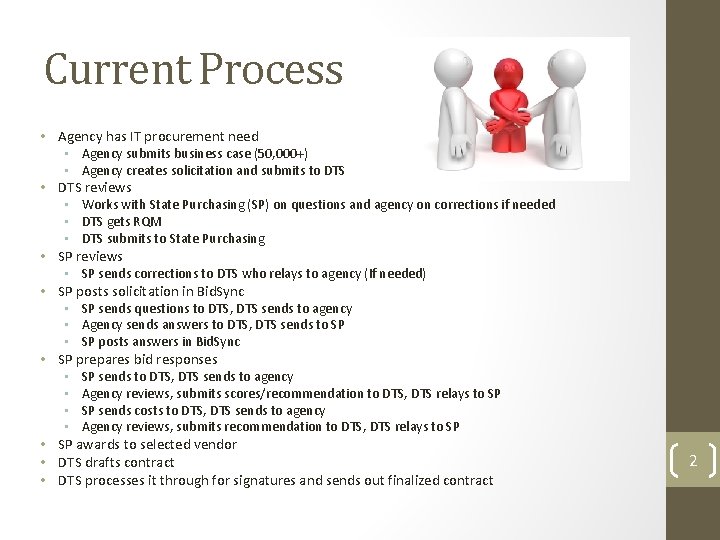
Current Process • Agency has IT procurement need • • Agency submits business case (50, 000+) • Agency creates solicitation and submits to DTS reviews • Works with State Purchasing (SP) on questions and agency on corrections if needed • DTS gets RQM • DTS submits to State Purchasing SP reviews • SP sends corrections to DTS who relays to agency (If needed) SP posts solicitation in Bid. Sync • SP sends questions to DTS, DTS sends to agency • Agency sends answers to DTS, DTS sends to SP • SP posts answers in Bid. Sync SP prepares bid responses • SP sends to DTS, DTS sends to agency • Agency reviews, submits scores/recommendation to DTS, DTS relays to SP • SP sends costs to DTS, DTS sends to agency • Agency reviews, submits recommendation to DTS, DTS relays to SP SP awards to selected vendor DTS drafts contract DTS processes it through for signatures and sends out finalized contract 2
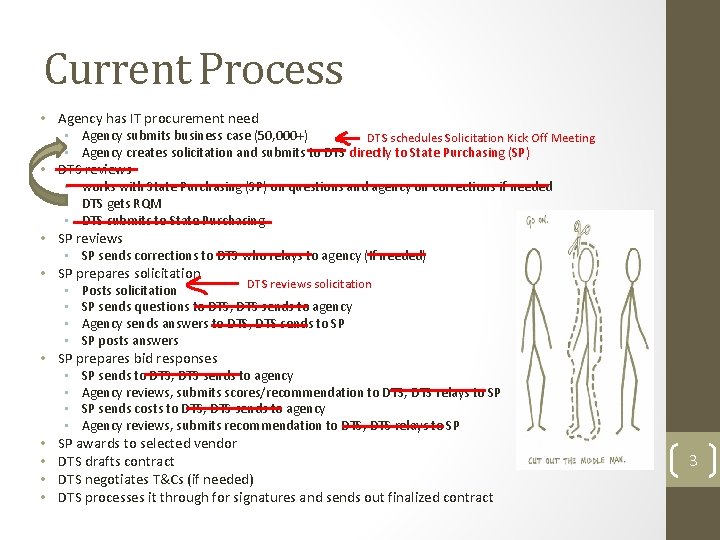
Current Process • Agency has IT procurement need • • • Agency submits business case (50, 000+) DTS schedules Solicitation Kick Off Meeting • Agency creates solicitation and submits to DTS directly to State Purchasing (SP) DTS reviews • works with State Purchasing (SP) on questions and agency on corrections if needed • DTS gets RQM • DTS submits to State Purchasing SP reviews • SP sends corrections to DTS who relays to agency (If needed) SP prepares solicitation DTS reviews solicitation • Posts solicitation • SP sends questions to DTS, DTS sends to agency • Agency sends answers to DTS, DTS sends to SP • SP posts answers SP prepares bid responses • SP sends to DTS, DTS sends to agency • Agency reviews, submits scores/recommendation to DTS, DTS relays to SP • SP sends costs to DTS, DTS sends to agency • Agency reviews, submits recommendation to DTS, DTS relays to SP SP awards to selected vendor DTS drafts contract DTS negotiates T&Cs (if needed) DTS processes it through for signatures and sends out finalized contract 3
New “MORE EFFICIENT” Process • Agency has IT procurement need • Agency submits business case (50, 000+) • DTS gets RQM information from Agency • DTS will create RQM in FINET • DTS schedules Solicitation Kickoff Meeting • Meeting includes DTS, State Purchasing, and agency • Agency creates solicitation (RFP, IFB or Multi-Stage IFB) and submits directly to State Purchasing (SP) along with the signed Solicitation Check Sheet 4
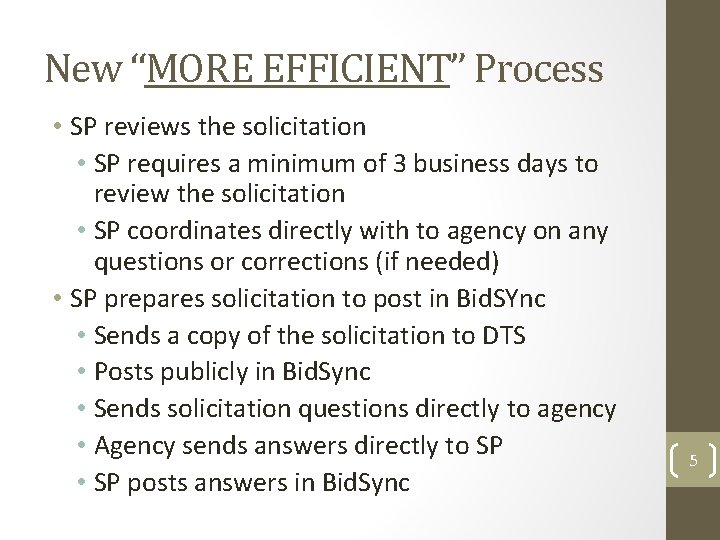
New “MORE EFFICIENT” Process • SP reviews the solicitation • SP requires a minimum of 3 business days to review the solicitation • SP coordinates directly with to agency on any questions or corrections (if needed) • SP prepares solicitation to post in Bid. SYnc • Sends a copy of the solicitation to DTS • Posts publicly in Bid. Sync • Sends solicitation questions directly to agency • Agency sends answers directly to SP • SP posts answers in Bid. Sync 5
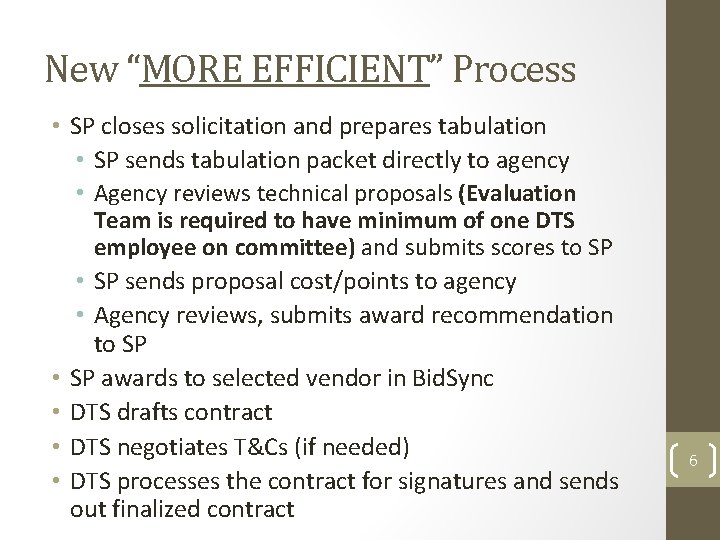
New “MORE EFFICIENT” Process • SP closes solicitation and prepares tabulation • SP sends tabulation packet directly to agency • Agency reviews technical proposals (Evaluation • • Team is required to have minimum of one DTS employee on committee) and submits scores to SP • SP sends proposal cost/points to agency • Agency reviews, submits award recommendation to SP SP awards to selected vendor in Bid. Sync DTS drafts contract DTS negotiates T&Cs (if needed) DTS processes the contract for signatures and sends out finalized contract 6
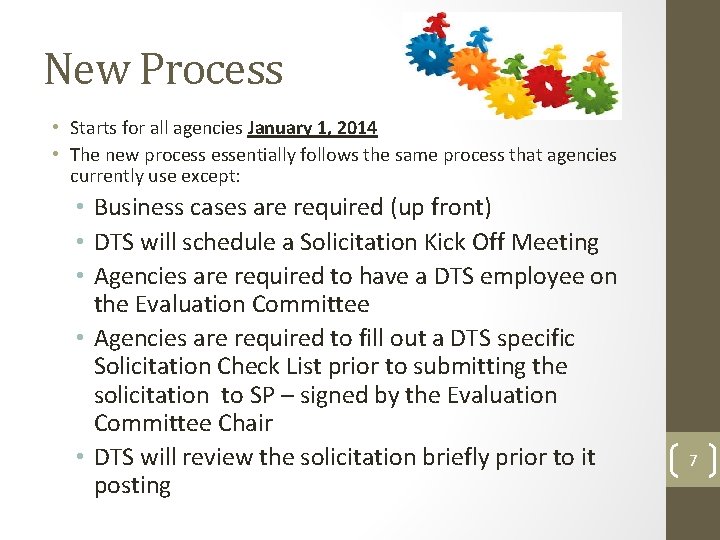
New Process • Starts for all agencies January 1, 2014 • The new process essentially follows the same process that agencies currently use except: • Business cases are required (up front) • DTS will schedule a Solicitation Kick Off Meeting • Agencies are required to have a DTS employee on the Evaluation Committee • Agencies are required to fill out a DTS specific Solicitation Check List prior to submitting the solicitation to SP – signed by the Evaluation Committee Chair • DTS will review the solicitation briefly prior to it posting 7
Things to keep in mind… • DTS will continue to be responsible for managing the contract and invoice payments • The Sole Source process will not change • No solicitation will be reviewed until: • Agency business case is reviewed/approved • RQM is complete and printed at SP • DTS schedules the solicitation kickoff meeting • No solicitation will be posted without a signed DTS Solicitation Check Sheet • DTS will receive a copy of the solicitation posting for review • DTS will still be involved and kept informed throughout the entire solicitation process 8
Revised IT RFP Template State Purchasing has created a specific template for Information Technology RFP’s – updates include: • Language that allows DTS the ability to have additional agencies “piggy back” on current contracts provided the contract is amended to add the new scope of work • Specific IT Terms and Conditions (a blend of State of Utah Standard, Professional Services, and DTS T’s & C’s) • Performance evaluation language • Interactive RFP Score Sheet 9
Interactive IT RFP Score Sheet The interactive IT RFP Score Sheet was designed to assist the RFP Evaluation Team in identifying and organizing the minimum mandatory requirements and scorable technical criteria included in the RFP. 10
Interactive IT RFP Score Sheet Instructions for the Interactive IT RFP Score Sheet: • Identify Important Criteria • Prioritize Important Criteria • Identify "Pass - Fail" Criteria • Insert Minimum Mandatory Requirements • Insert Remaining Technical Criteria • Ensure All Scorable Criteria is Included in RFP • Identify RFP Page Numbers for all Scorable Criteria • Identify Weights for All Scorable Criteria • Optional - Identify Required Minimum Technical Percentage • Identify Cost Percentage 11
Questions ? ? ? • Does anyone have any questions on the more efficient DTS/Purchasing solicitation process? 12
Thank You Thank you for your time and attendance at today’s training 13