
NEW SLIDE PROCEDURE A single combined Power Point
NEW SLIDE PROCEDURE A single combined Power. Point™ file should be submitted for the entire session. • • Must be coordinated with your Program Chair Slides should be in presentation order Slides should use the official slide template Slides are considered final as submitted Slides 1 -3 are for your information only. Delete these slides before submitting your presentation.
Instructions Slides are due on April 1 and are final as submitted. Required: § Use Calibri Font, minimum size 22. § Do not use copyrighted material without permission. § Self-Assessment Questions (Pre-Test): See slide 5 • Should correspond to the content of your session. • Do not include the answers. § Self-Assessment Questions (Post-Test): See slides 12 -13 • Re-list each self-assessment question / 1 per slide. • Include the answers. They are animated and will fly in. Optional: § Polling Questions: See slide 8 § Videos: • Notify us if you embed videos in your slides and indicate which slide #s contain the videos. • Send your video(s) separately as a backup. • AVI, MPG/MPEG, WMV file formats only. Slides 1 -3 are for your information only. Delete these slides before submitting your presentation.

Active Learning Techniques § Pre and Post Questions: Present questions related to learning objectives or key takeaways § Self-Assessment Questions: Present questions for attendees to reflect on what has been taught, to self-assess their learning § Interactive Scenarios/Case Study: Present a scenario, ask attendees to discuss possible solutions in small groups § Practice Reflection Questions: Present questions for attendees to reflect on impact to current and future practice Required Slides 1 -3 are for your information only. Delete these slides before submitting your presentation.

Self-Assessment Questions § Question 1 § Question 2
Basic Layout 1 § Add text
Basic Layout 2 § Add text

Polling Question What is your favorite color? § Blue § Green All polls are multiple-choice, single answer with strict character limits. § Red • Question: max 60 chars (including spaces) • Answers: max 5 choices, 30 § Black chars each (including spaces) § Orange
Sample Question Insert answer
(True or False) Sample Statement True False
Sample Question Yes No
Self-Assessment Question 1 § Question 1 Answer: xyz
Self-Assessment Question 2 § Question 2 Answer: xyz
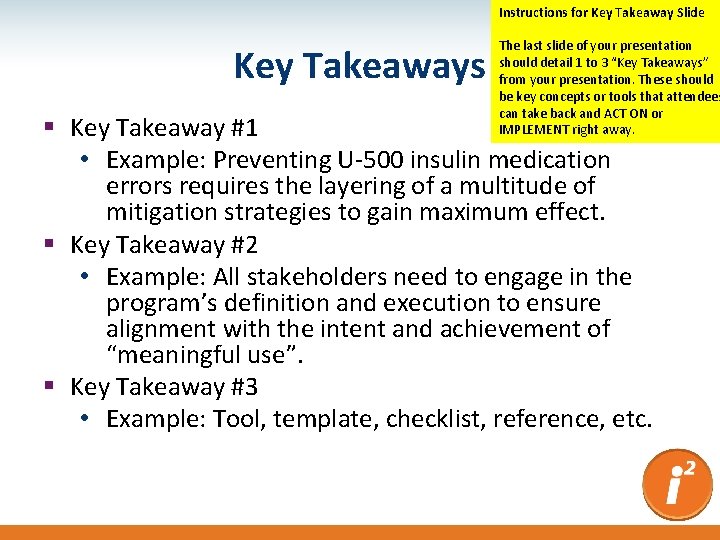
Instructions for Key Takeaway Slide Key Takeaways The last slide of your presentation should detail 1 to 3 “Key Takeaways” from your presentation. These should be key concepts or tools that attendees can take back and ACT ON or IMPLEMENT right away. § Key Takeaway #1 • Example: Preventing U-500 insulin medication errors requires the layering of a multitude of mitigation strategies to gain maximum effect. § Key Takeaway #2 • Example: All stakeholders need to engage in the program’s definition and execution to ensure alignment with the intent and achievement of “meaningful use”. § Key Takeaway #3 • Example: Tool, template, checklist, reference, etc.
- Slides: 14