
New REZ Correspondent AUS through Loan Scorecard com
- Slides: 11
New. REZ Correspondent AUS through Loan. Scorecard. com
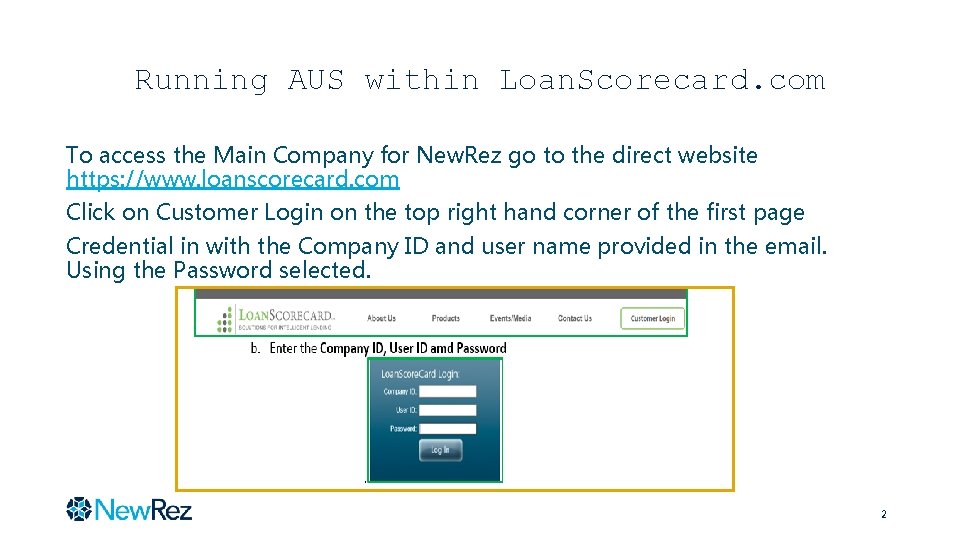
Running AUS within Loan. Scorecard. com To access the Main Company for New. Rez go to the direct website https: //www. loanscorecard. com Click on Customer Login on the top right hand corner of the first page Credential in with the Company ID and user name provided in the email. Using the Password selected. 2
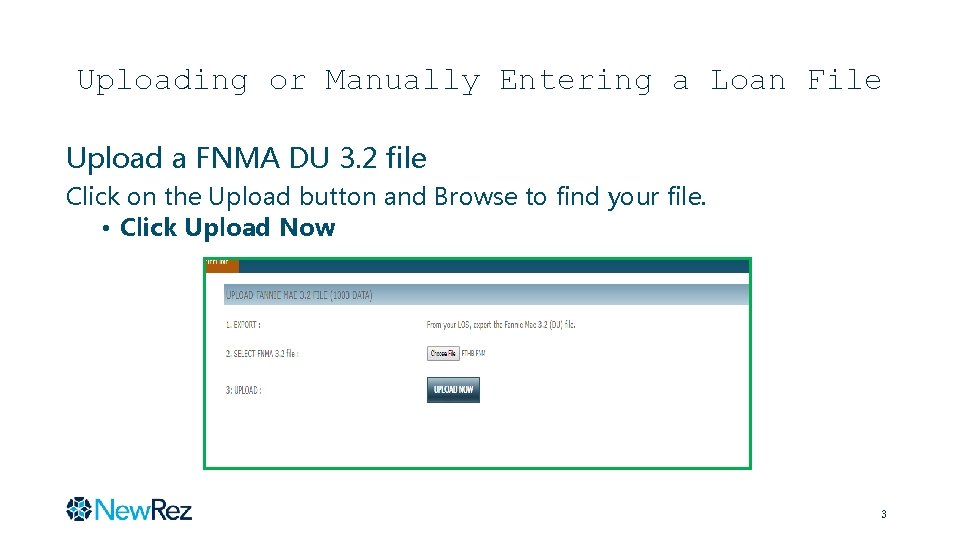
Uploading or Manually Entering a Loan File Upload a FNMA DU 3. 2 file Click on the Upload button and Browse to find your file. • Click Upload Now 3
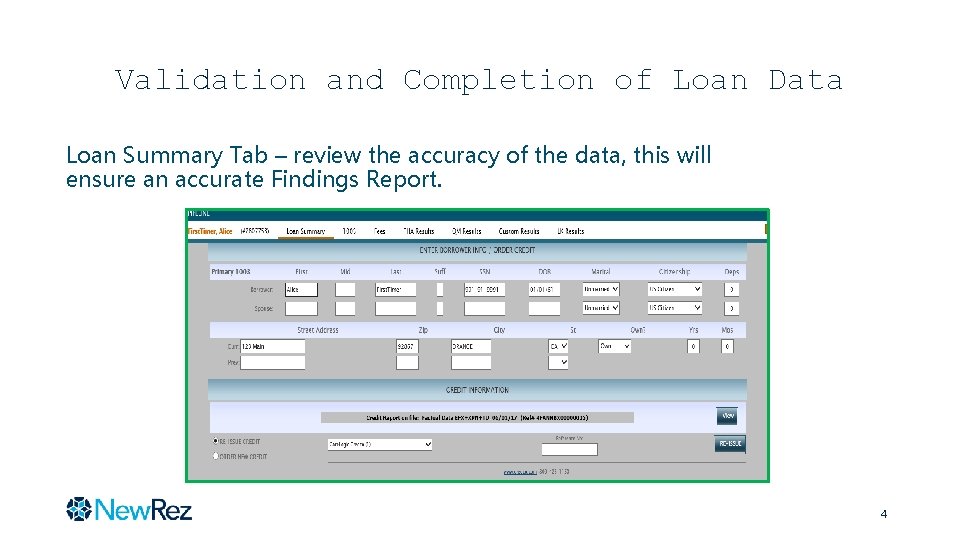
Validation and Completion of Loan Data Loan Summary Tab – review the accuracy of the data, this will ensure an accurate Findings Report. 4
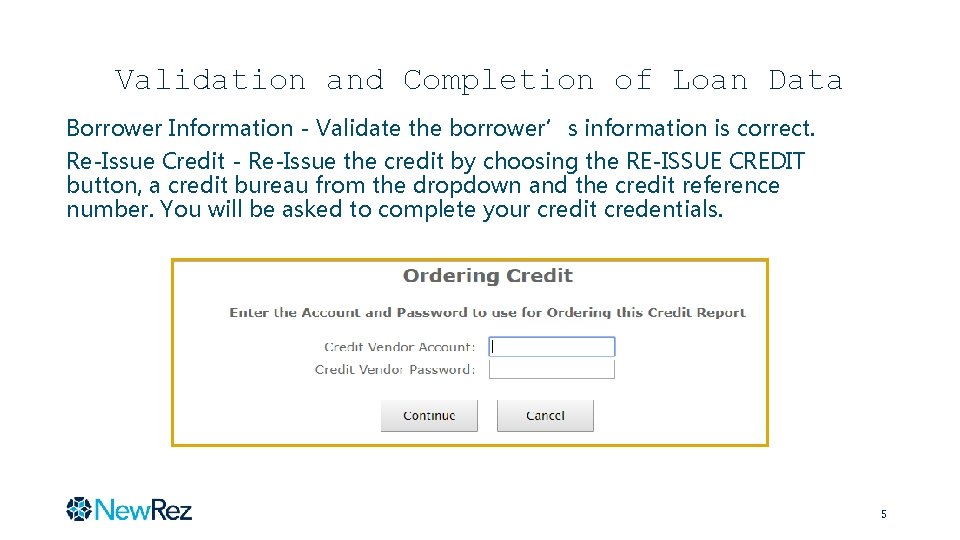
Validation and Completion of Loan Data Borrower Information - Validate the borrower’s information is correct. Re-Issue Credit - Re-Issue the credit by choosing the RE-ISSUE CREDIT button, a credit bureau from the dropdown and the credit reference number. You will be asked to complete your credit credentials. 5
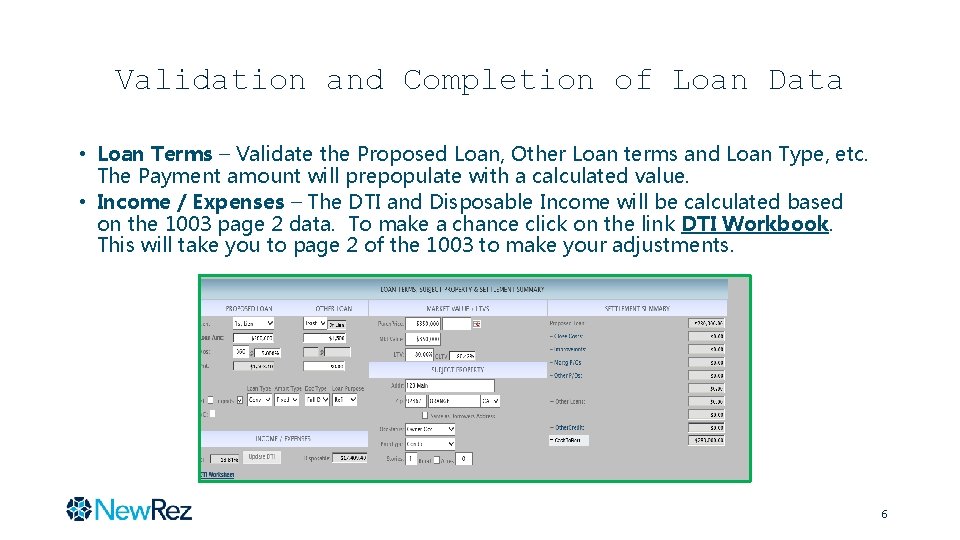
Validation and Completion of Loan Data • Loan Terms – Validate the Proposed Loan, Other Loan terms and Loan Type, etc. The Payment amount will prepopulate with a calculated value. • Income / Expenses – The DTI and Disposable Income will be calculated based on the 1003 page 2 data. To make a chance click on the link DTI Workbook. This will take you to page 2 of the 1003 to make your adjustments. 6
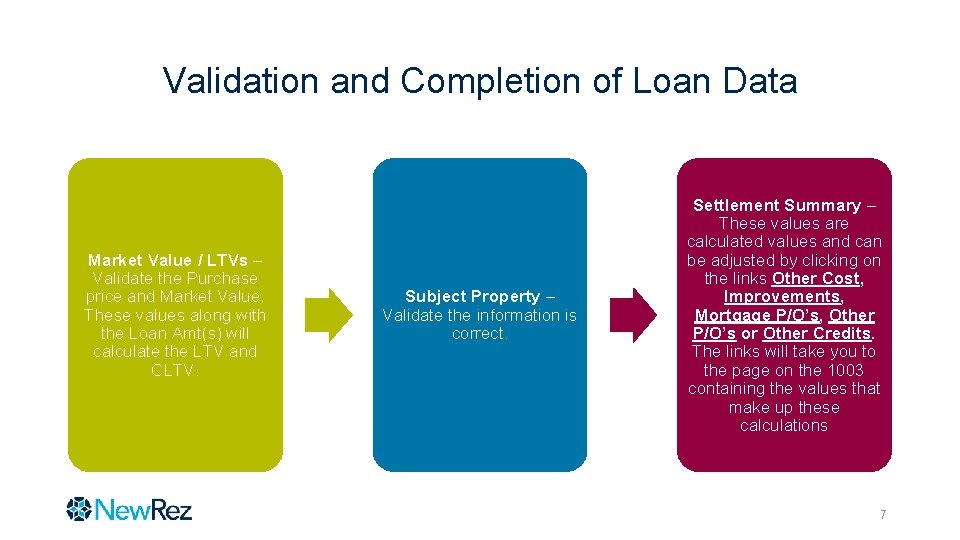
Validation and Completion of Loan Data Market Value / LTVs – Validate the Purchase price and Market Value. These values along with the Loan Amt(s) will calculate the LTV and CLTV. Subject Property – Validate the information is correct. Settlement Summary – These values are calculated values and can be adjusted by clicking on the links Other Cost, Improvements, Mortgage P/O’s, Other P/O’s or Other Credits. The links will take you to the page on the 1003 containing the values that make up these calculations 7
Validation and Completion of Loan Data 1003 Tabs – Complete or Validate the Data found in all three pages of the 1003. The 1003 is formatted the same as the standard FNMA 1003 form. 1003 Page 1 - Enter any Gift Fund Down Payment values in the Down. Pmt section The system will look to these values first for Gift Funds amounts and should it not find any it will then go to the Asset Section on page 2. 8
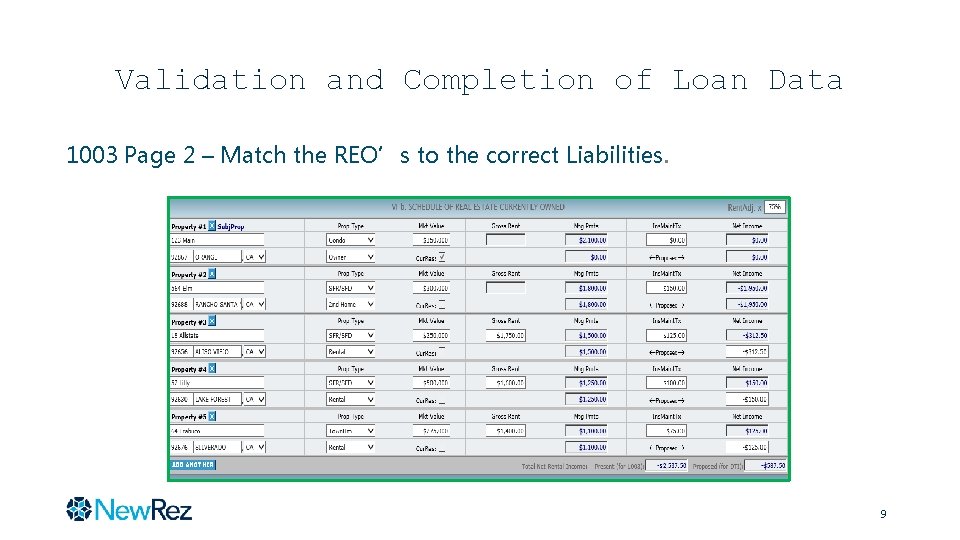
Validation and Completion of Loan Data 1003 Page 2 – Match the REO’s to the correct Liabilities. 9
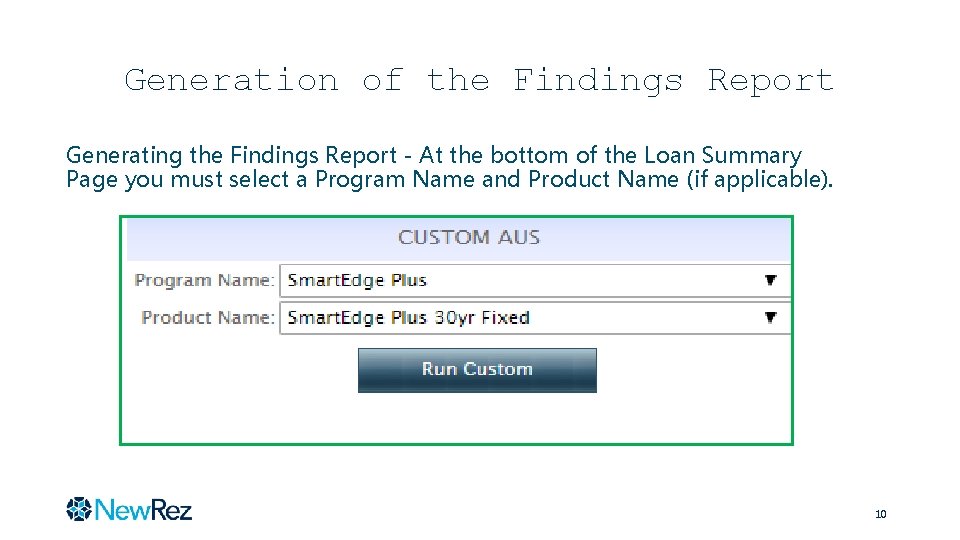
Generation of the Findings Report Generating the Findings Report - At the bottom of the Loan Summary Page you must select a Program Name and Product Name (if applicable). 10
The AUS Findings Report The Findings Report consist of the following: Correspondent’s Name Borrower Information Requested Terms Monthly Payments Funds Summary Loan Details Monthly Income Program Guidelines validated/Actual Loan Data and a Pass/Fail or Refer for each guideline (See the Attached) • Advisories established by Underwriting • • 11