
New Innovations for Residents Introduction Resident Introduction Objectives
New Innovations for Residents Introduction
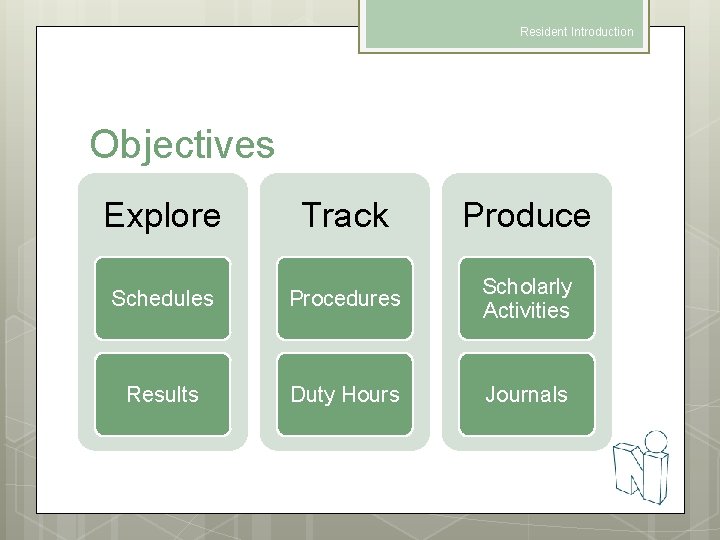
Resident Introduction Objectives Explore Track Produce Schedules Procedures Scholarly Activities Results Duty Hours Journals
Resident Introduction Log In Using LSU Info http: //new-innov. lsuhsc. edu Lsumc-masterYour LSU Username Your If LSU Password logged in to a computer on campus, you will be automatically logged in to New Innovations
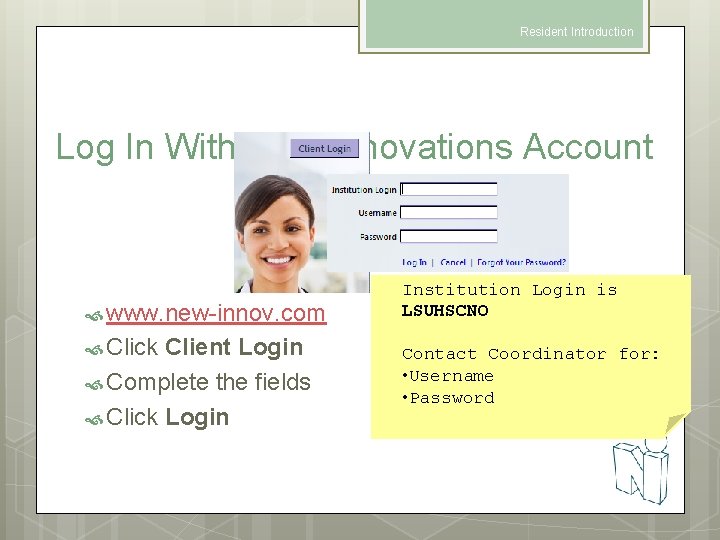
Resident Introduction Log In With New Innovations Account www. new-innov. com Click Client Login Complete the fields Click Login Institution Login is LSUHSCNO Contact Coordinator for: • Username • Password
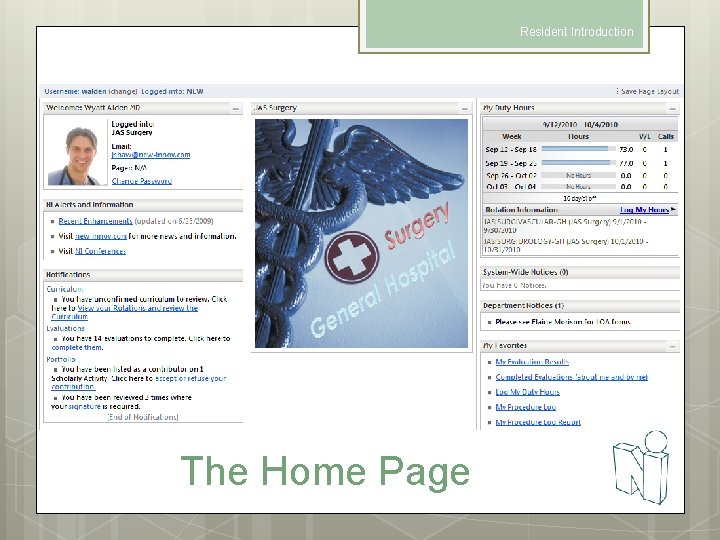
Resident Introduction The Home Page
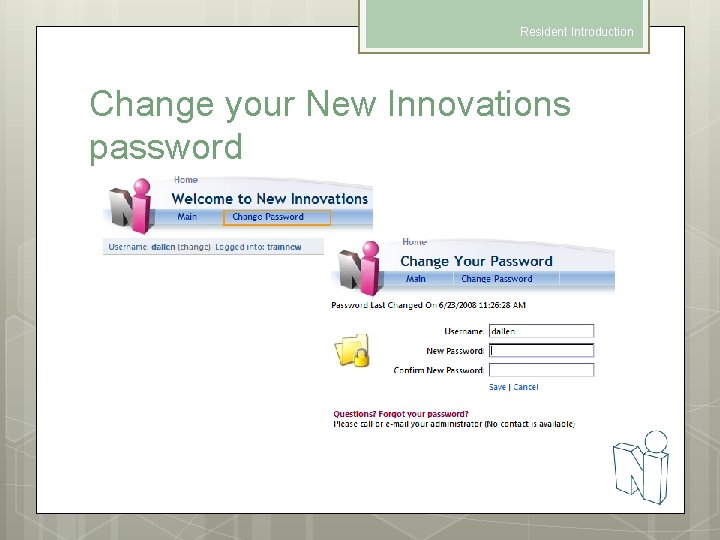
Resident Introduction Change your New Innovations password
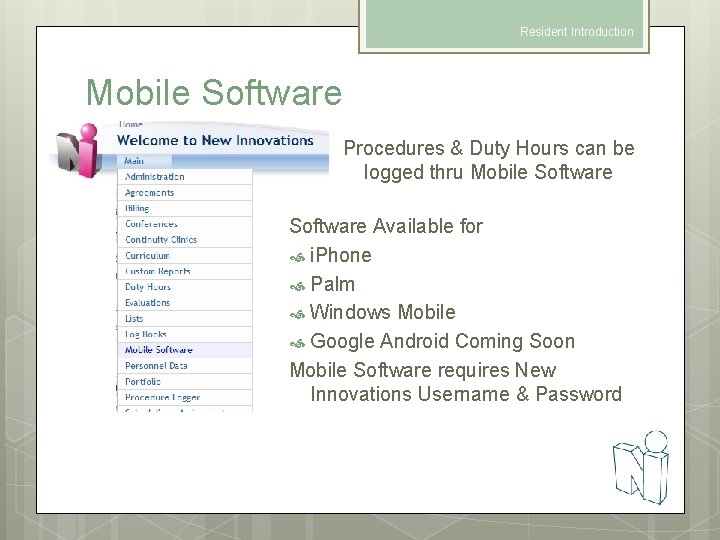
Resident Introduction Mobile Software Procedures & Duty Hours can be logged thru Mobile Software Available for i. Phone Palm Windows Mobile Google Android Coming Soon Mobile Software requires New Innovations Username & Password
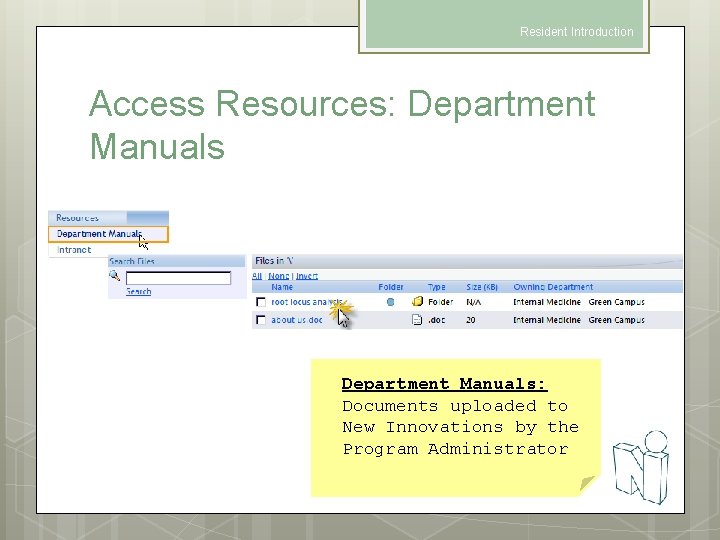
Resident Introduction Access Resources: Department Manuals: Documents uploaded to New Innovations by the Program Administrator
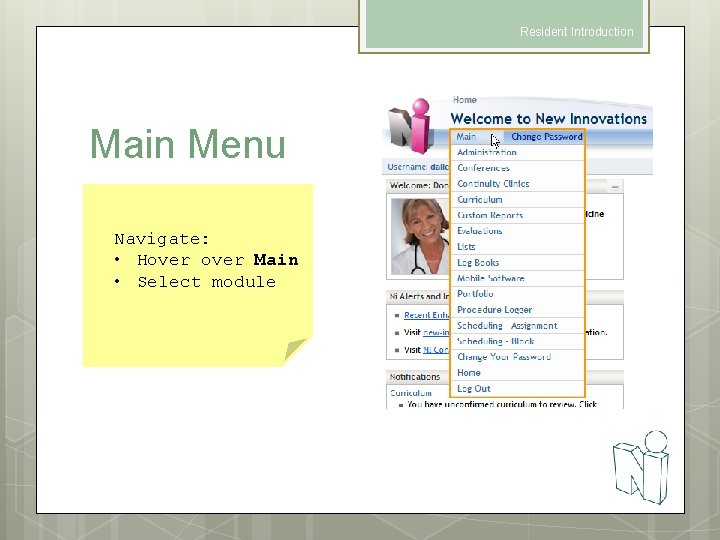
Resident Introduction Main Menu Navigate: • Hover Main • Select module
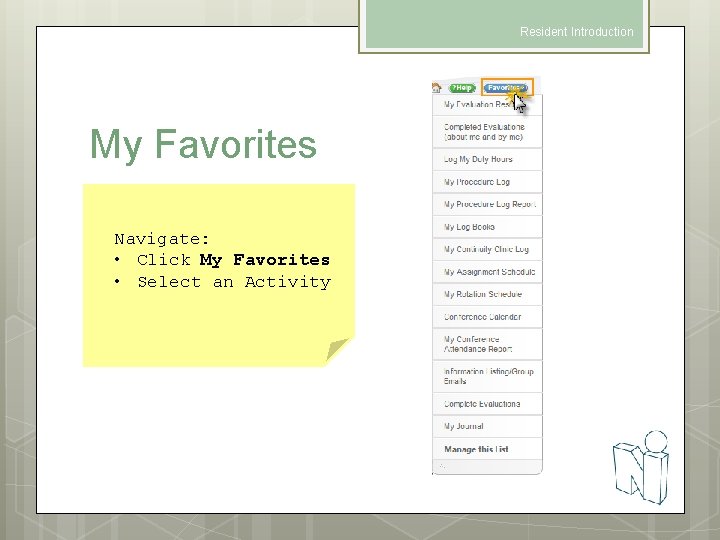
Resident Introduction My Favorites Navigate: • Click My Favorites • Select an Activity
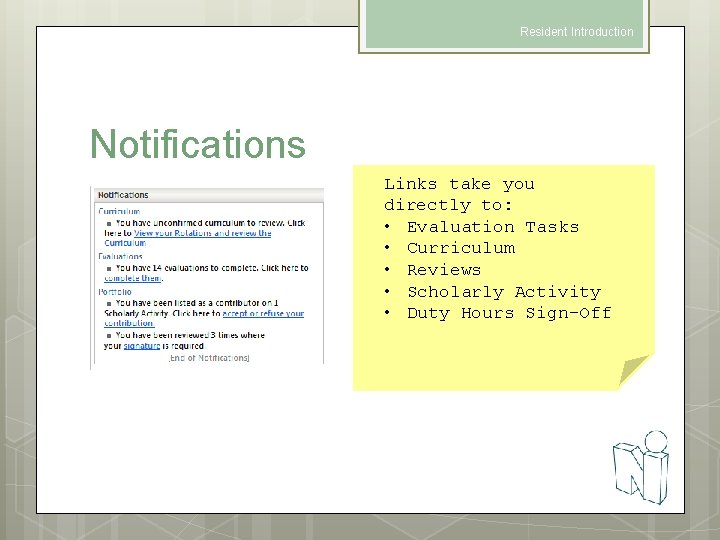
Resident Introduction Notifications Links take you directly to: • Evaluation Tasks • Curriculum • Reviews • Scholarly Activity • Duty Hours Sign-Off
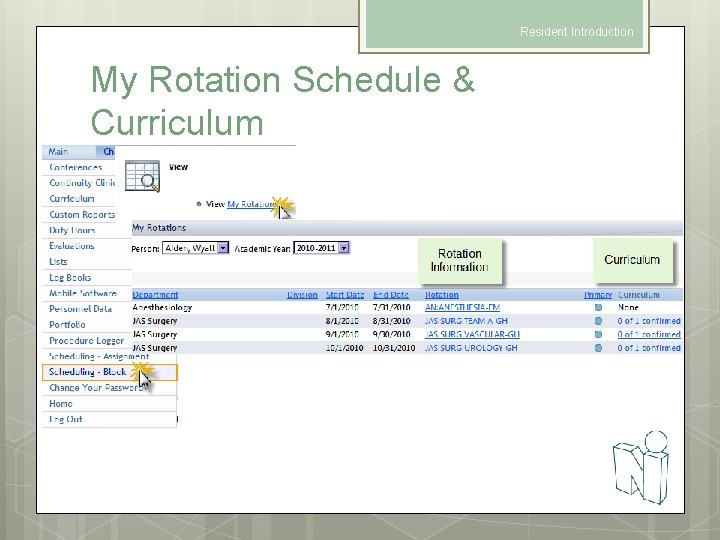
Resident Introduction My Rotation Schedule & Curriculum
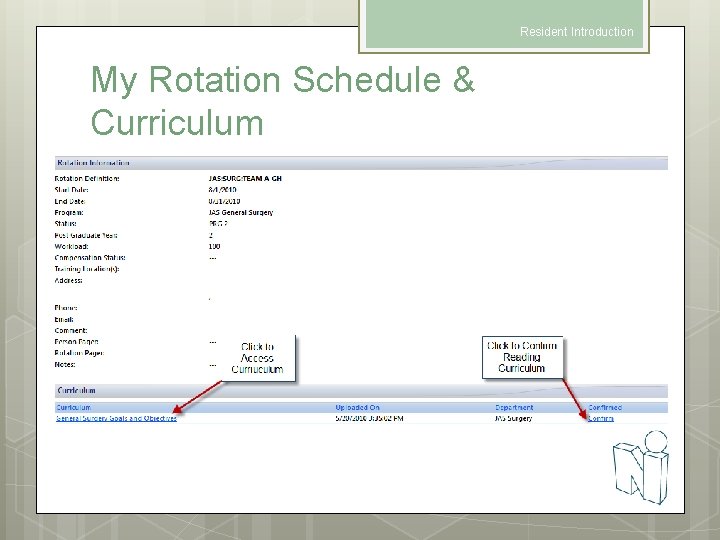
Resident Introduction My Rotation Schedule & Curriculum
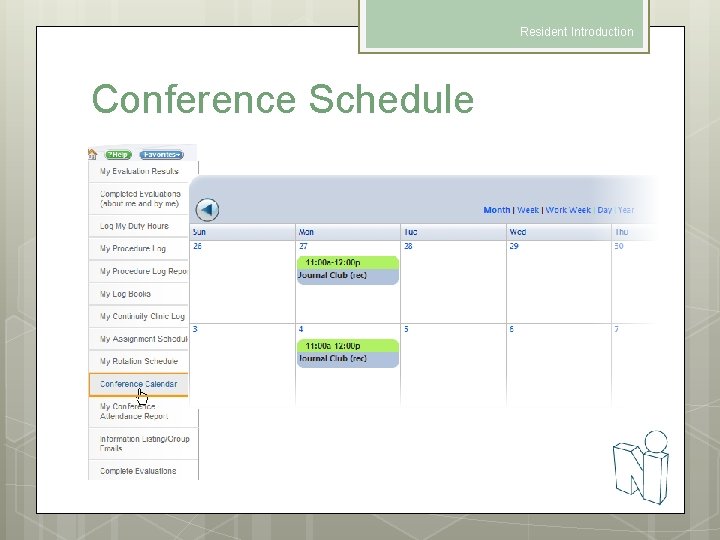
Resident Introduction Conference Schedule
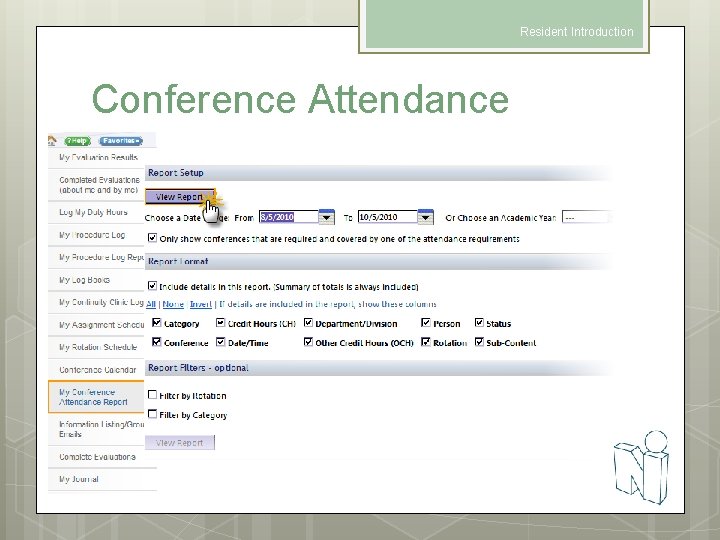
Resident Introduction Conference Attendance
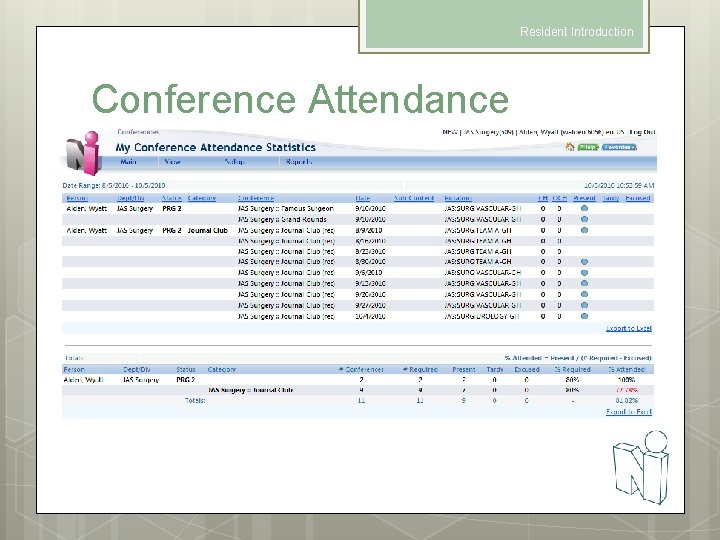
Resident Introduction Conference Attendance
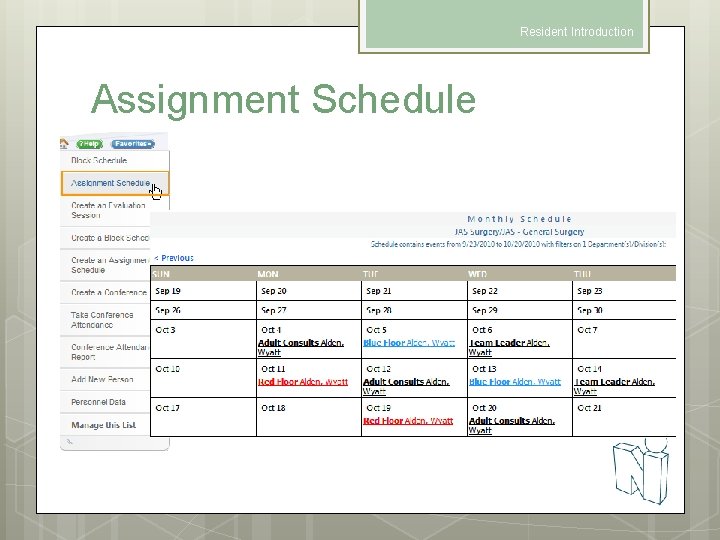
Resident Introduction Assignment Schedule
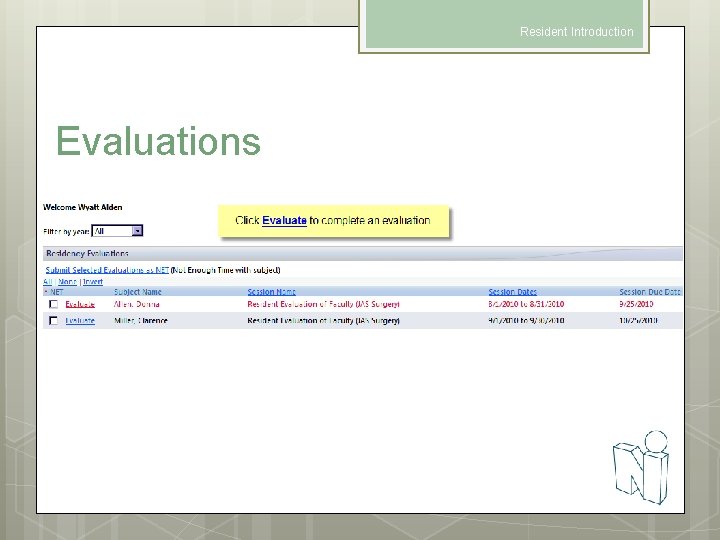
Resident Introduction Evaluations
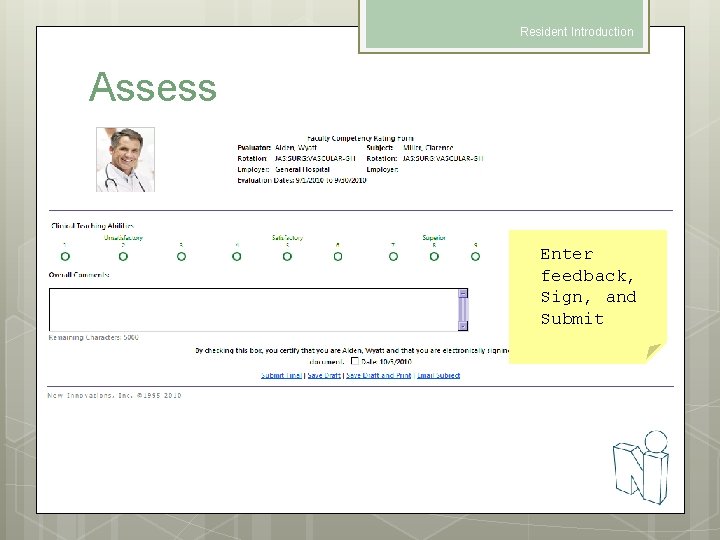
Resident Introduction Assess Enter feedback, Sign, and Submit
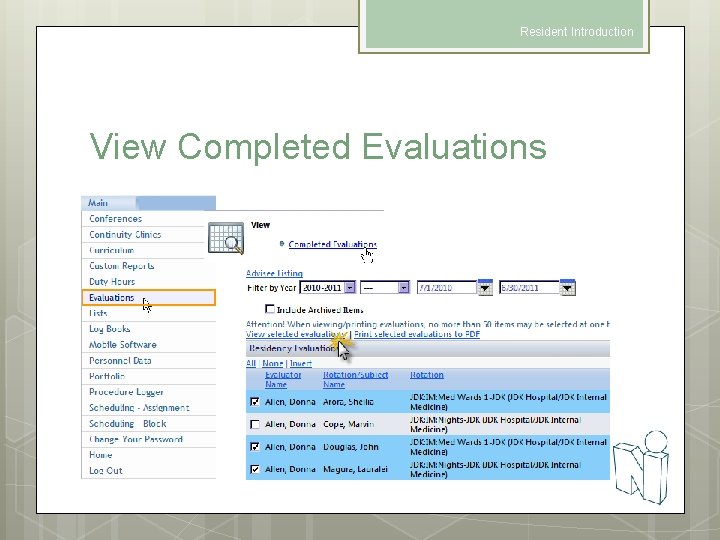
Resident Introduction View Completed Evaluations
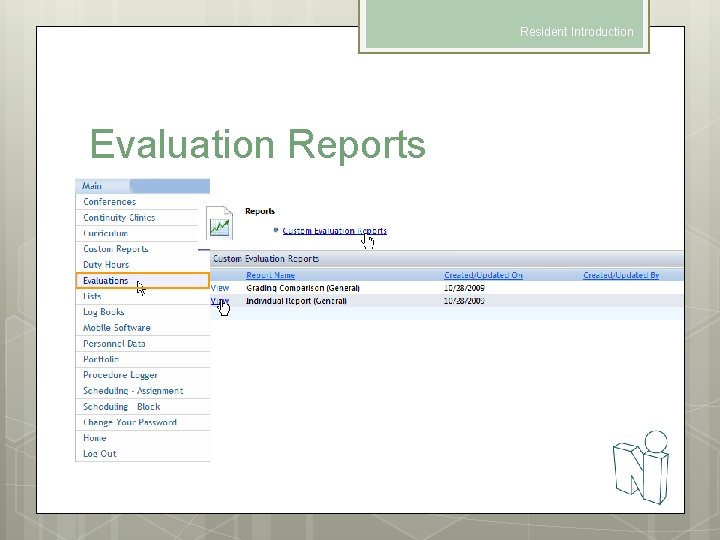
Resident Introduction Evaluation Reports
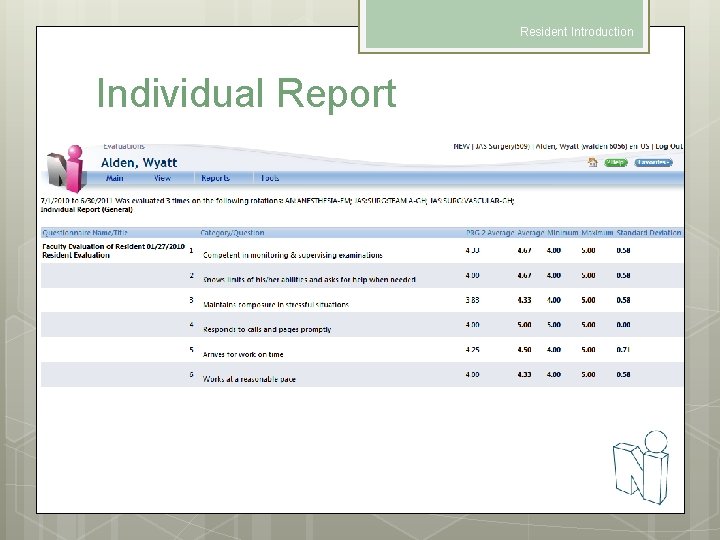
Resident Introduction Individual Report
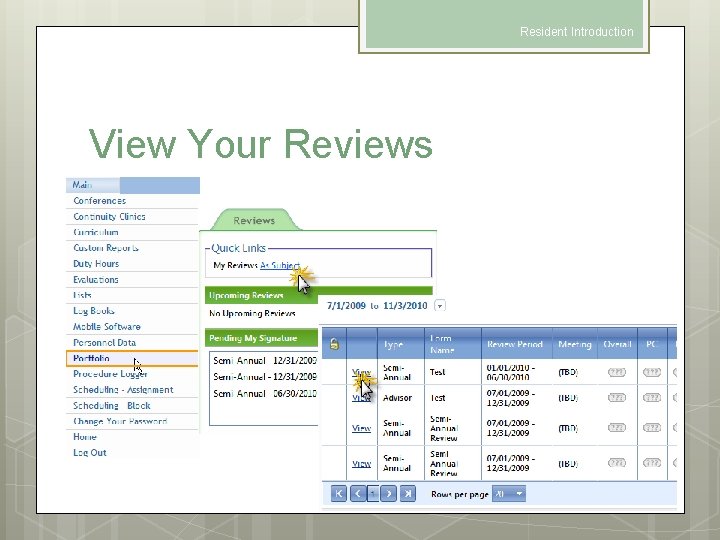
Resident Introduction View Your Reviews
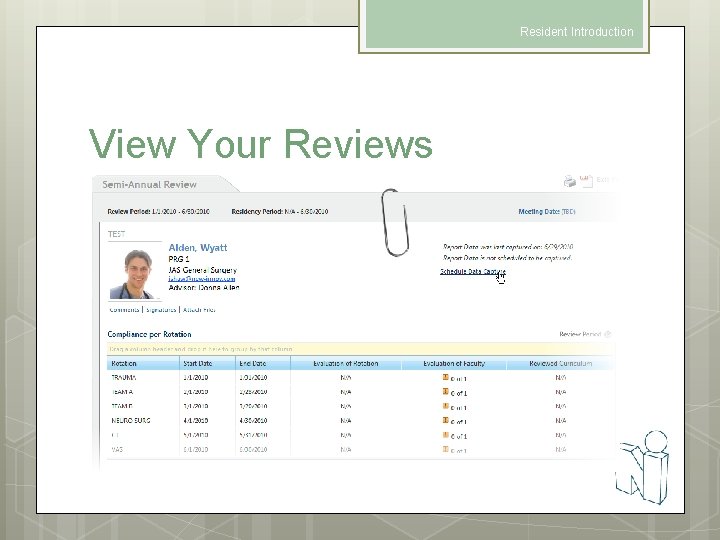
Resident Introduction View Your Reviews
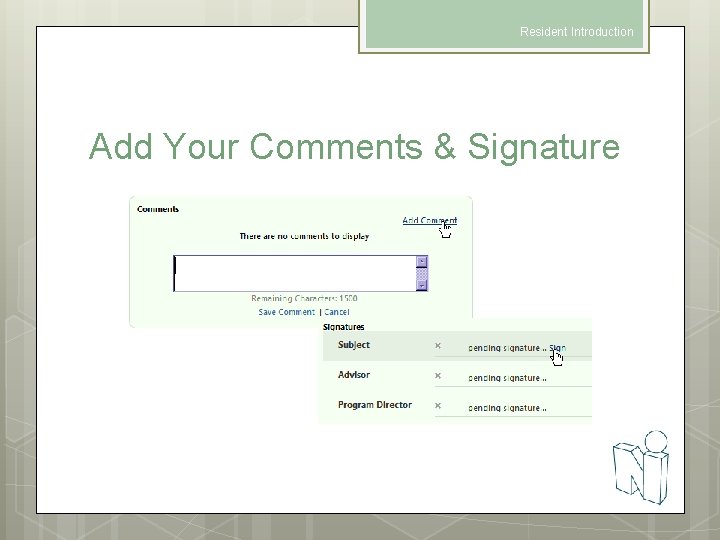
Resident Introduction Add Your Comments & Signature
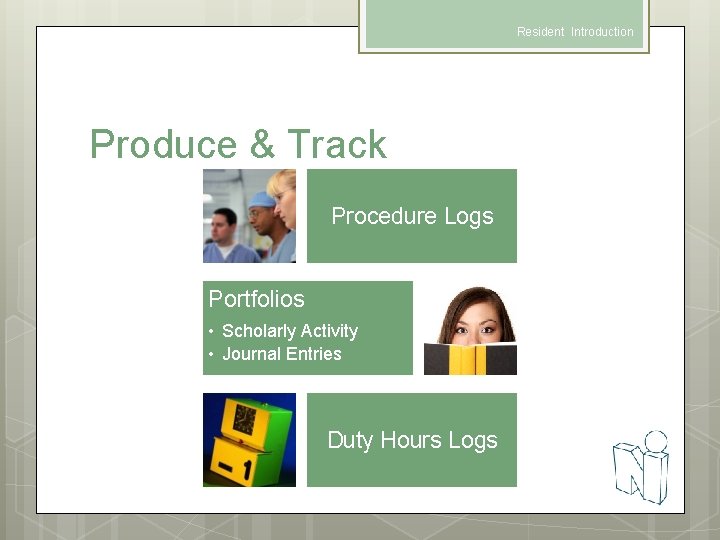
Resident Introduction Produce & Track Procedure Logs Portfolios • Scholarly Activity • Journal Entries Duty Hours Logs
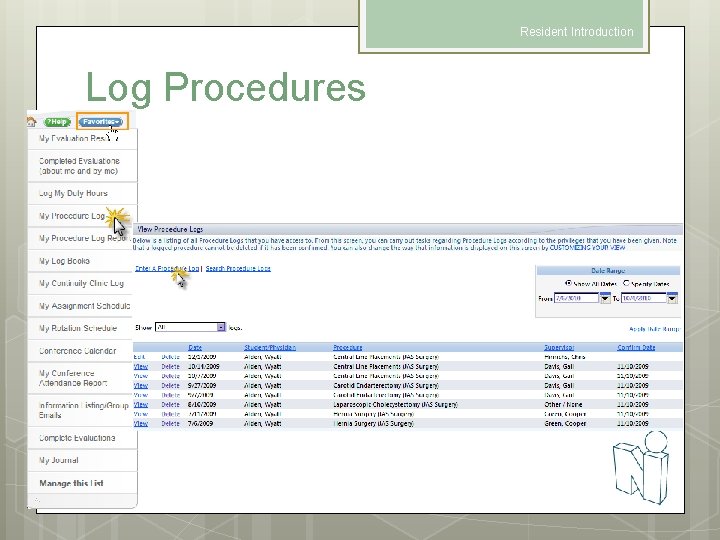
Resident Introduction Log Procedures
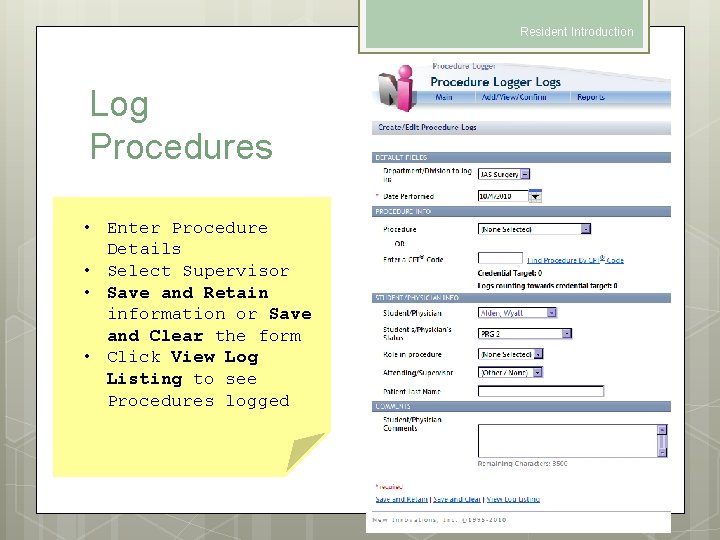
Resident Introduction Log Procedures • Enter Procedure Details • Select Supervisor • Save and Retain information or Save and Clear the form • Click View Log Listing to see Procedures logged
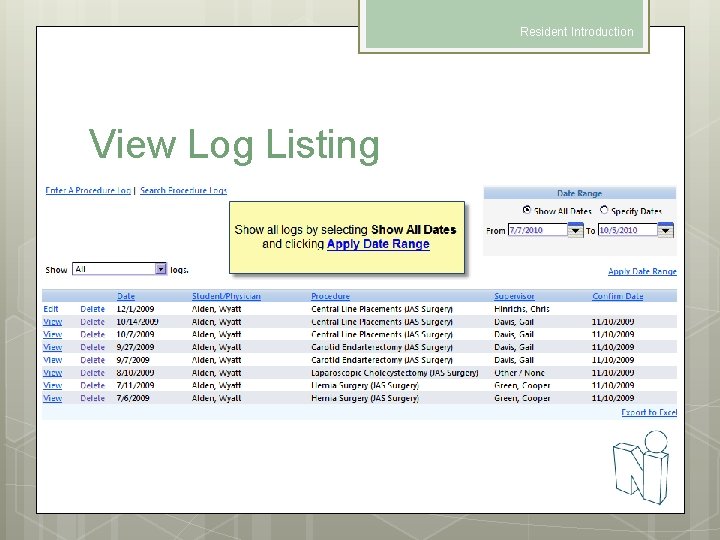
Resident Introduction View Log Listing
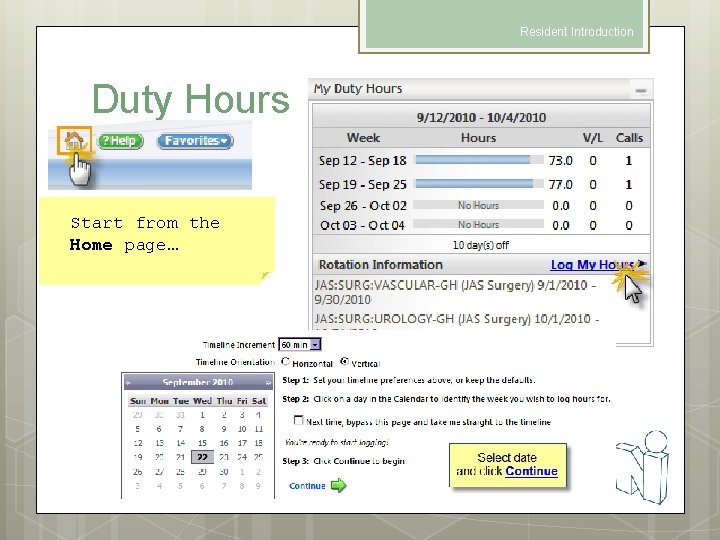
Resident Introduction Duty Hours Start from the Home page…
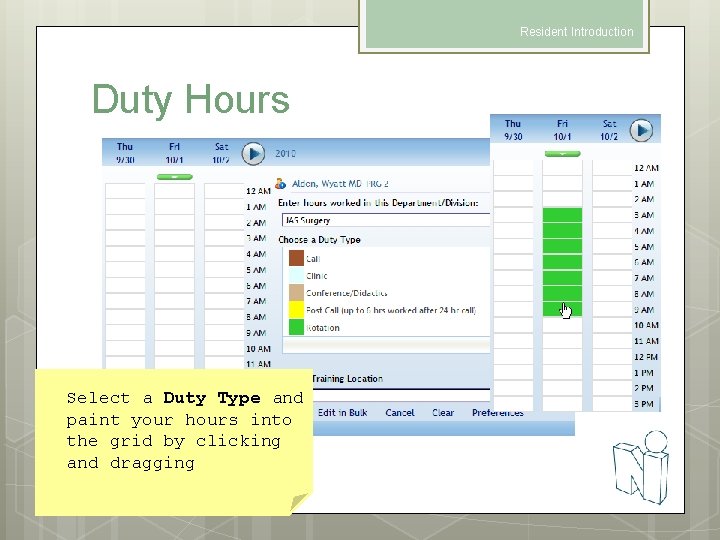
Resident Introduction Duty Hours Select a Duty Type and paint your hours into the grid by clicking and dragging
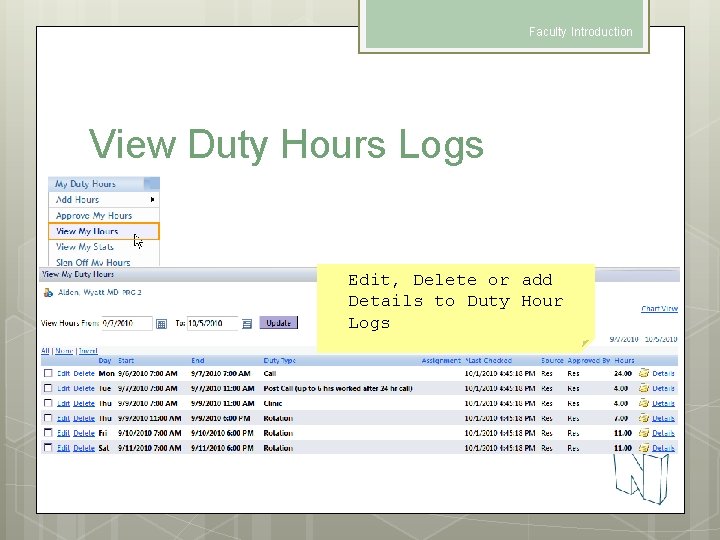
Faculty Introduction View Duty Hours Logs Edit, Delete or add Details to Duty Hour Logs
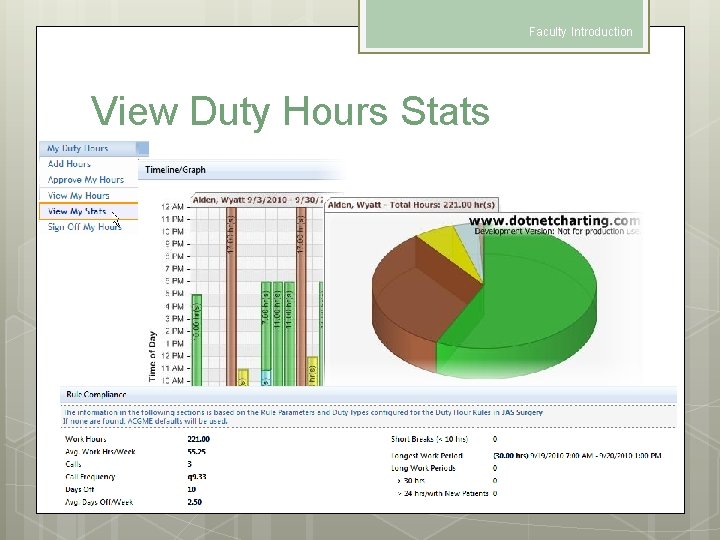
Faculty Introduction View Duty Hours Stats
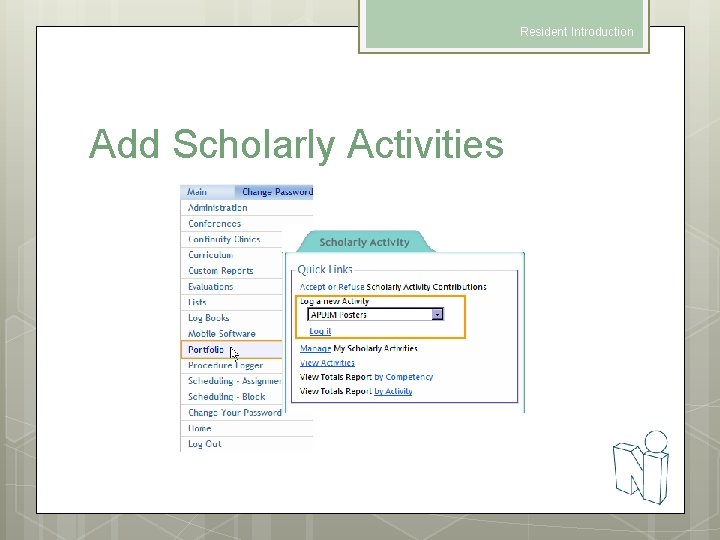
Resident Introduction Add Scholarly Activities
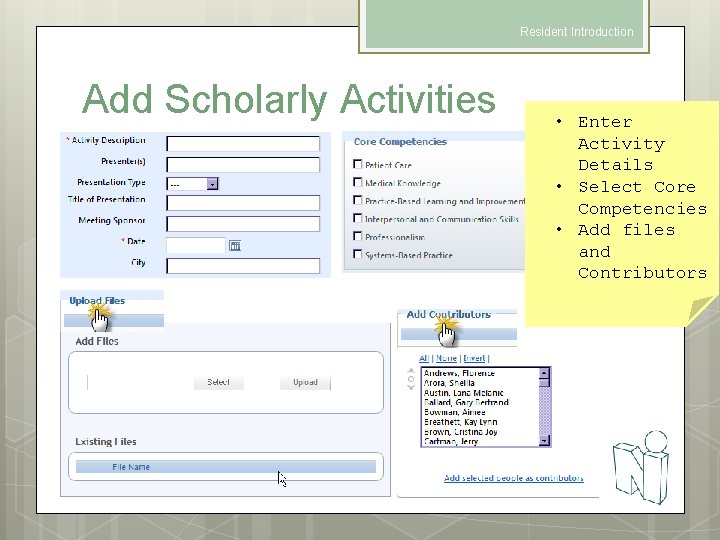
Resident Introduction Add Scholarly Activities • Enter Activity Details • Select Core Competencies • Add files and Contributors
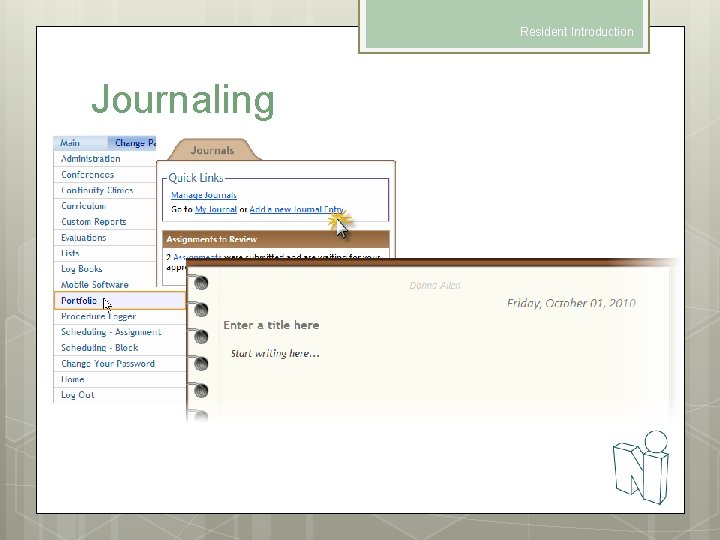
Resident Introduction Journaling
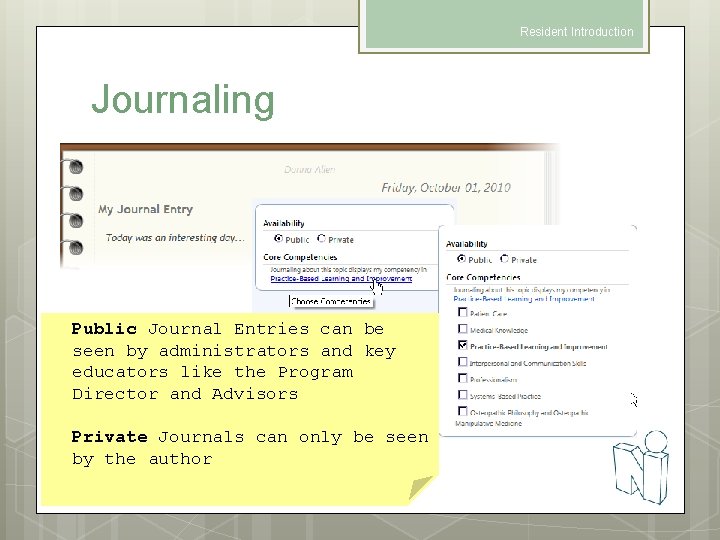
Resident Introduction Journaling Public Journal Entries can be seen by administrators and key educators like the Program Director and Advisors Private Journals can only be seen by the author
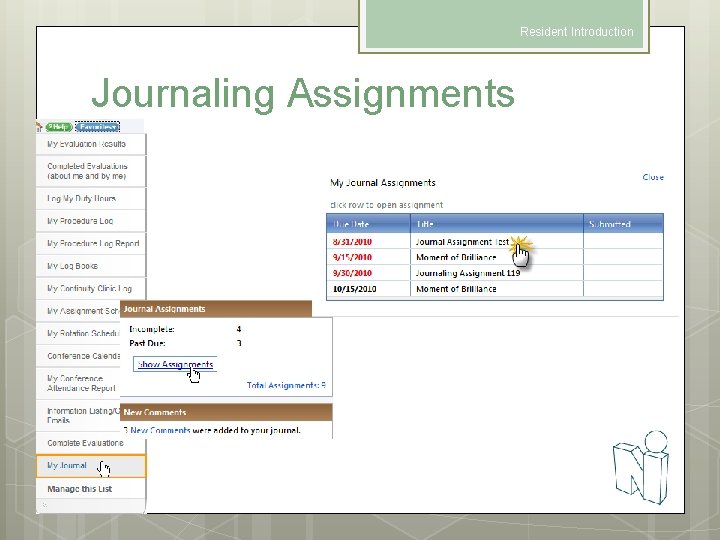
Resident Introduction Journaling Assignments
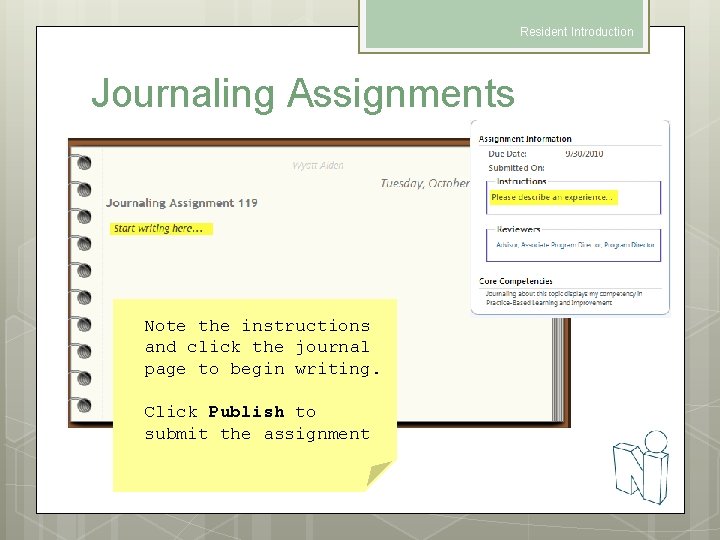
Resident Introduction Journaling Assignments Note the instructions and click the journal page to begin writing. Click Publish to submit the assignment
Faculty Introduction Thank you for using New Innovations!
- Slides: 40