
Networking with Java 2 The Server Side 1
![public class Echo. Server { public static void main(String[] args) throws IOException { Server.](https://slidetodoc.com/presentation_image_h/25c3ea78899def2d9b5731d951e1298e/image-12.jpg "public class Echo. Server { public static void main(String[] args) throws IOException { Server.")
![Content. Extractor – A Reminder public class Content. Extractor { public static void main(String[]](https://slidetodoc.com/presentation_image_h/25c3ea78899def2d9b5731d951e1298e/image-18.jpg "Content. Extractor – A Reminder public class Content. Extractor { public static void main(String[]")
- Slides: 23
Networking with Java 2: The Server Side 1
Some Terms Mentioned Last Week • TCP - Relatively slow but enables reliable byte-stream transmission • UDP - Fast unreliable datagram (packet) transmission • Ports - Application’s “channel address” • Sockets - Endpoint representation of 2 -way communication channel between programs 2
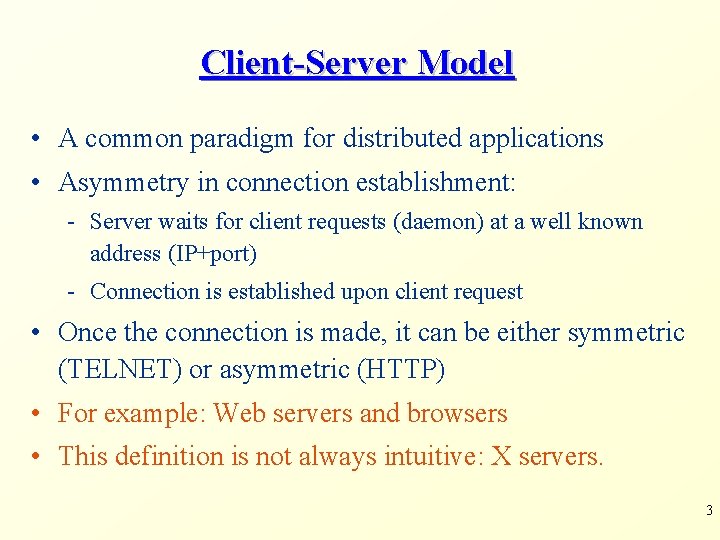
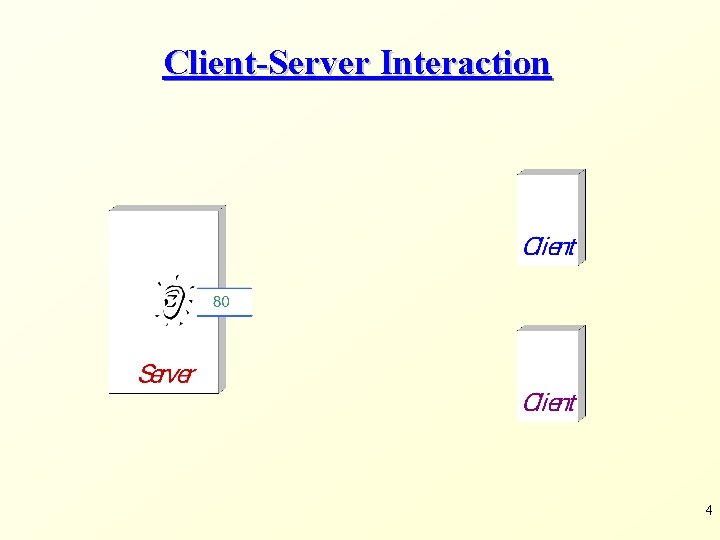
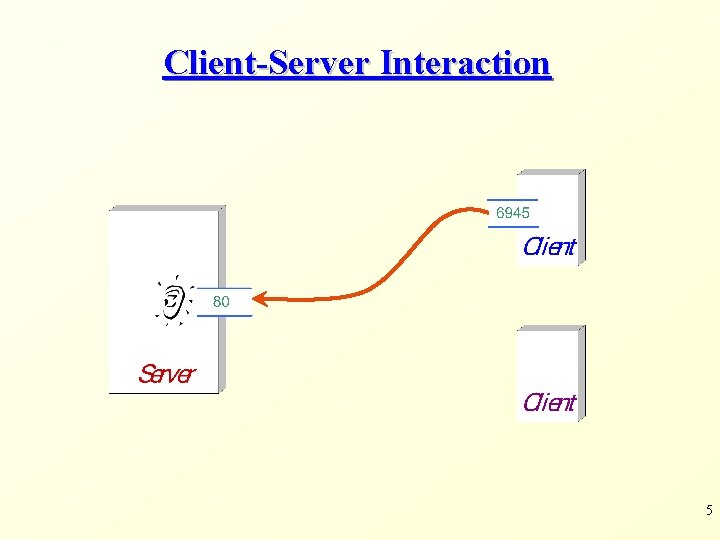
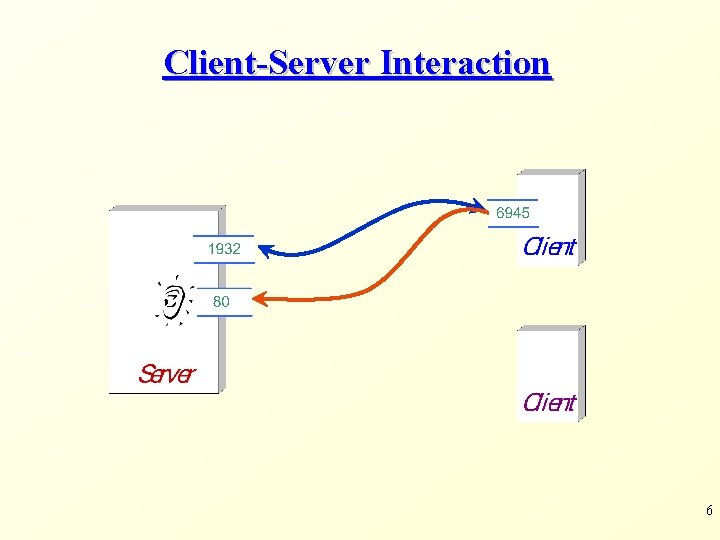
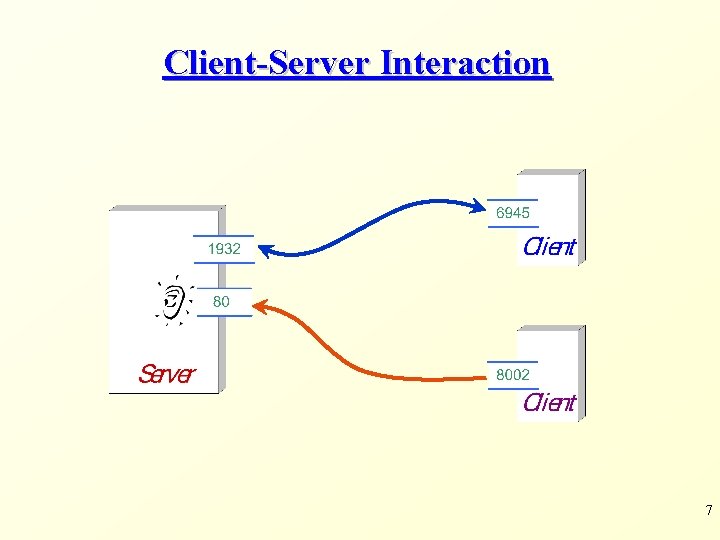
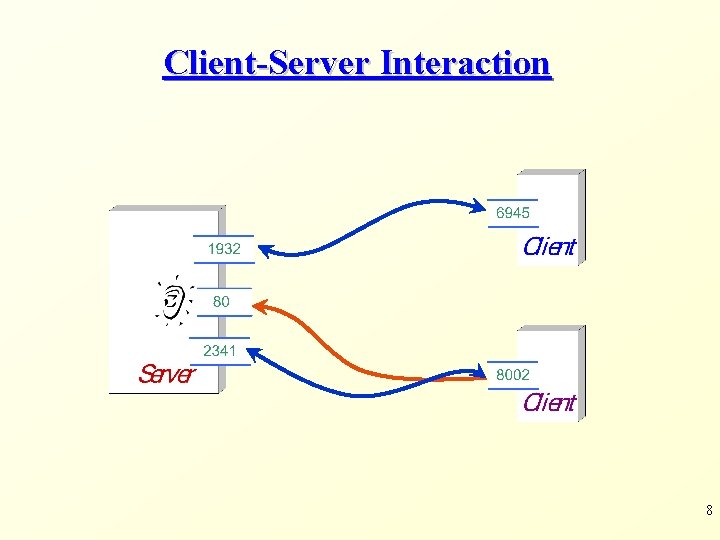
Client-Server Model • A common paradigm for distributed applications • Asymmetry in connection establishment: - Server waits for client requests (daemon) at a well known address (IP+port) - Connection is established upon client request • Once the connection is made, it can be either symmetric (TELNET) or asymmetric (HTTP) • For example: Web servers and browsers • This definition is not always intuitive: X servers. 3
Client-Server Interaction 4
Client-Server Interaction 5
Client-Server Interaction 6
Client-Server Interaction 7
Client-Server Interaction 8
Java Server Sockets 9
Java Sockets – A Reminder • Java wraps OS sockets (over TCP) by the objects of class java. net. Socket • new Socket(String remote. Host, int remote. Port) creates a TCP socket and connects it to the remote host on the remote port (hand shake) • Write and read using streams: - Input. Stream get. Input. Stream() - Output. Stream get. Output. Stream() 10
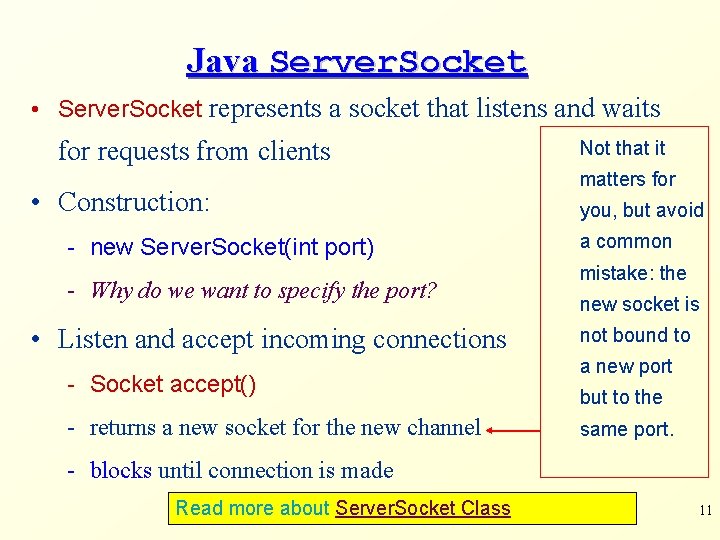
Java Server. Socket • Server. Socket represents a socket that listens and waits for requests from clients • Construction: - new Server. Socket(int port) - Why do we want to specify the port? • Listen and accept incoming connections - Socket accept() - returns a new socket for the new channel Not that it matters for you, but avoid a common mistake: the new socket is not bound to a new port but to the same port. - blocks until connection is made Read more about Server. Socket Class 11
public class Echo. Server { public static void main(String[] args) throws IOException { Server. Socket server. Socket = new Server. Socket(8000); Socket socket = null; while (true) { try { . . . next slide. . . } catch (IOException exp) {. . . } finally { try {if (!socket. is. Closed()) socket. close(); } catch (IOException e) {} } }}} 12
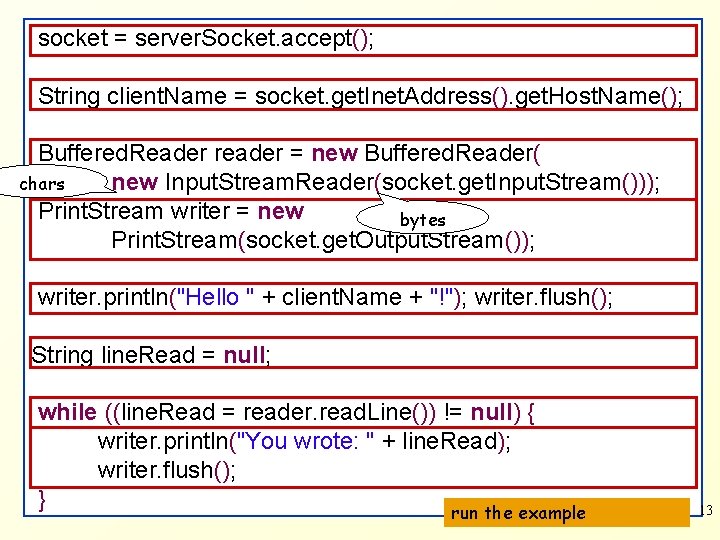
socket = server. Socket. accept(); String client. Name = socket. get. Inet. Address(). get. Host. Name(); Buffered. Reader reader = new Buffered. Reader( new Input. Stream. Reader(socket. get. Input. Stream())); chars Print. Stream writer = new bytes Print. Stream(socket. get. Output. Stream()); writer. println("Hello " + client. Name + "!"); writer. flush(); String line. Read = null; while ((line. Read = reader. read. Line()) != null) { writer. println("You wrote: " + line. Read); writer. flush(); } run the example 13
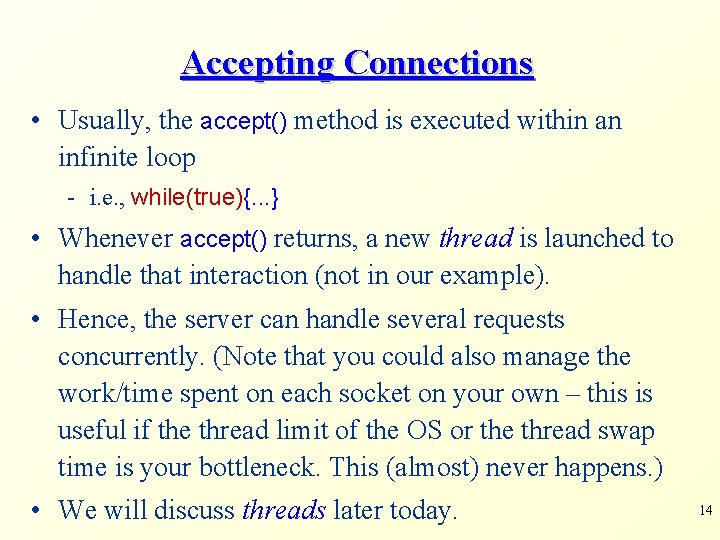
Accepting Connections • Usually, the accept() method is executed within an infinite loop - i. e. , while(true){. . . } • Whenever accept() returns, a new thread is launched to handle that interaction (not in our example). • Hence, the server can handle several requests concurrently. (Note that you could also manage the work/time spent on each socket on your own – this is useful if the thread limit of the OS or the thread swap time is your bottleneck. This (almost) never happens. ) • We will discuss threads later today. 14
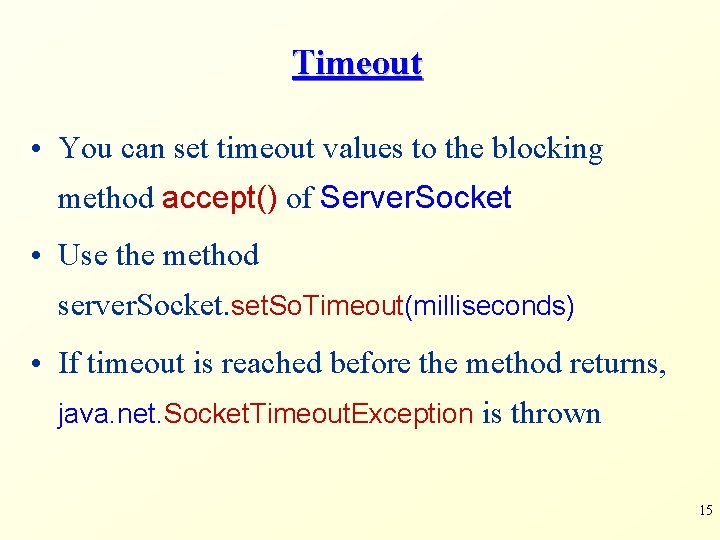
Timeout • You can set timeout values to the blocking method accept() of Server. Socket • Use the method server. Socket. set. So. Timeout(milliseconds) • If timeout is reached before the method returns, java. net. Socket. Timeout. Exception is thrown 15
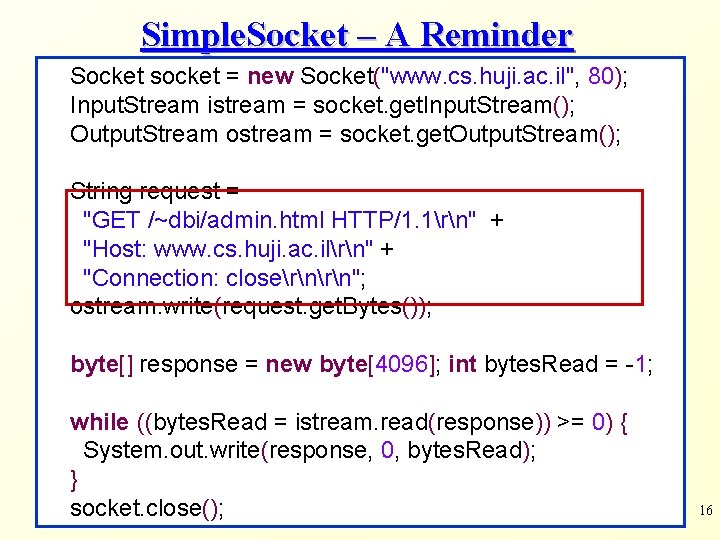
Simple. Socket – A Reminder Socket socket = new Socket("www. cs. huji. ac. il", 80); Input. Stream istream = socket. get. Input. Stream(); Output. Stream ostream = socket. get. Output. Stream(); String request = "GET /~dbi/admin. html HTTP/1. 1rn" + "Host: www. cs. huji. ac. ilrn" + "Connection: closern"; ostream. write(request. get. Bytes()); byte[] response = new byte[4096]; int bytes. Read = -1; while ((bytes. Read = istream. read(response)) >= 0) { System. out. write(response, 0, bytes. Read); } socket. close(); 16
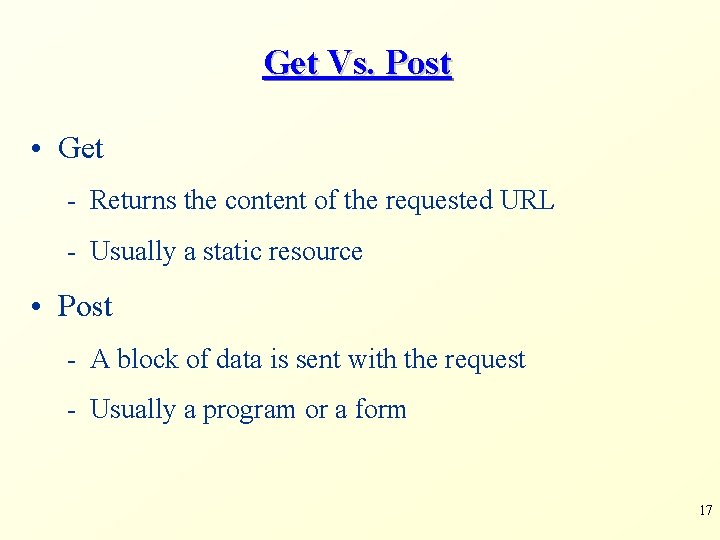
Get Vs. Post • Get - Returns the content of the requested URL - Usually a static resource • Post - A block of data is sent with the request - Usually a program or a form 17
Content. Extractor – A Reminder public class Content. Extractor { public static void main(String[] argv) throws Exception { URL url = new URL(argv[0]); System. out. println("Host: " + url. get. Host()); System. out. println("Protocol: " + url. get. Protocol()); System. out. println("----"); Http. URLConnection con = url. open. Connection(); Input. Stream stream = con. get. Input. Stream(); byte[] data = new byte[4096]; int bytes. Read = 0; while((bytes. Read=stream. read(data))>=0) { System. out. write(data, 0, bytes. Read); }}} 18
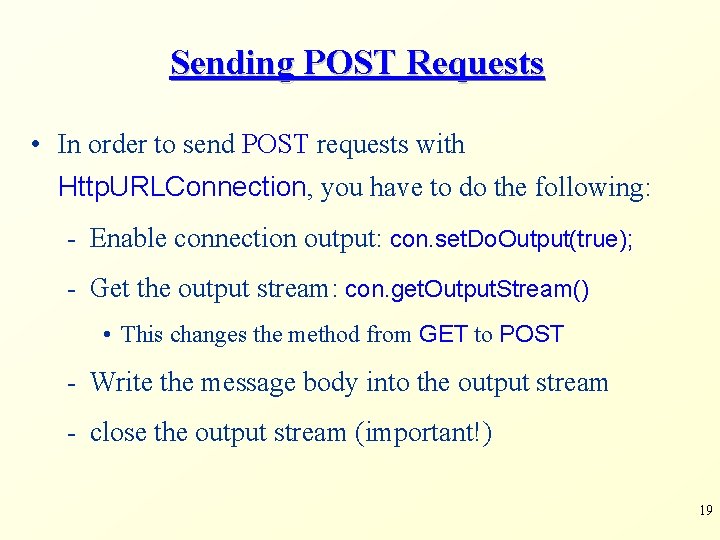
Sending POST Requests • In order to send POST requests with Http. URLConnection, you have to do the following: - Enable connection output: con. set. Do. Output(true); - Get the output stream: con. get. Output. Stream() • This changes the method from GET to POST - Write the message body into the output stream - close the output stream (important!) 19
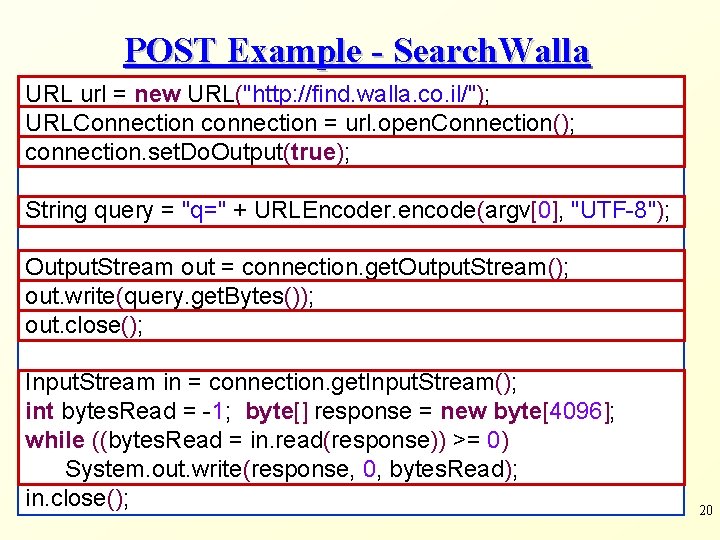
POST Example - Search. Walla URL url = new URL("http: //find. walla. co. il/"); URLConnection connection = url. open. Connection(); connection. set. Do. Output(true); String query = "q=" + URLEncoder. encode(argv[0], "UTF-8"); Output. Stream out = connection. get. Output. Stream(); out. write(query. get. Bytes()); out. close(); Input. Stream in = connection. get. Input. Stream(); int bytes. Read = -1; byte[] response = new byte[4096]; while ((bytes. Read = in. read(response)) >= 0) System. out. write(response, 0, bytes. Read); in. close(); 20
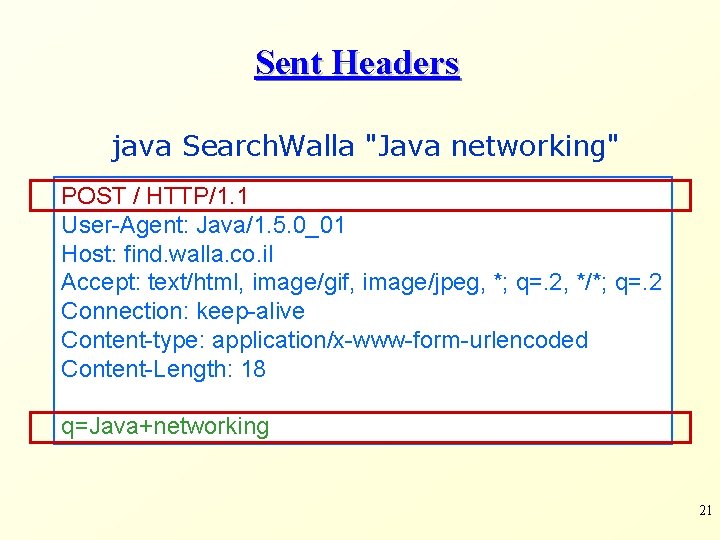
Sent Headers java Search. Walla "Java networking" POST / HTTP/1. 1 User-Agent: Java/1. 5. 0_01 Host: find. walla. co. il Accept: text/html, image/gif, image/jpeg, *; q=. 2, */*; q=. 2 Connection: keep-alive Content-type: application/x-www-form-urlencoded Content-Length: 18 q=Java+networking 21
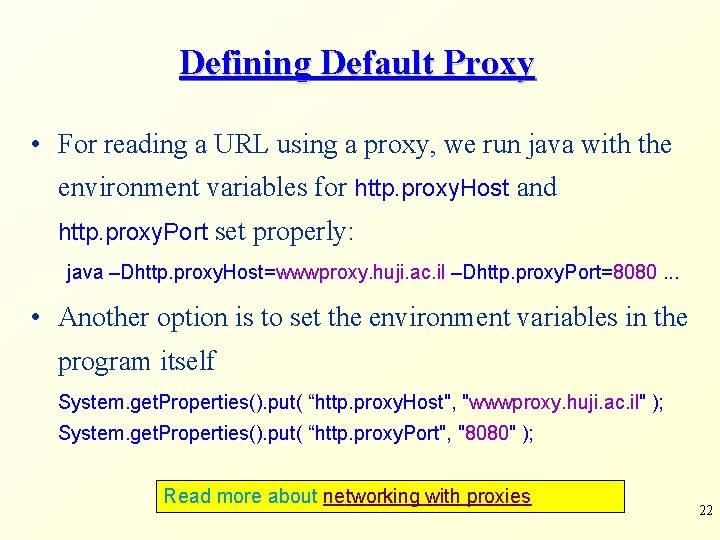
Defining Default Proxy • For reading a URL using a proxy, we run java with the environment variables for http. proxy. Host and http. proxy. Port set properly: java –Dhttp. proxy. Host=wwwproxy. huji. ac. il –Dhttp. proxy. Port=8080. . . • Another option is to set the environment variables in the program itself System. get. Properties(). put( “http. proxy. Host", "wwwproxy. huji. ac. il" ); System. get. Properties(). put( “http. proxy. Port", "8080" ); Read more about networking with proxies 22
Not Covered: UDP Connections • The URL, URLConnection, Socket and Server. Socket classes all use the TCP protocol to communicate over the network • Java programs can also use UDP protocol for communication • For that, use Datagram. Packet, Datagram. Socket, and Multicast. Socket classes. 23