
NETWORKING TESTOUT IT FUNDAMENTALS PRO Compare and contrast

- Slides: 54
NETWORKING TESTOUT IT FUNDAMENTALS PRO
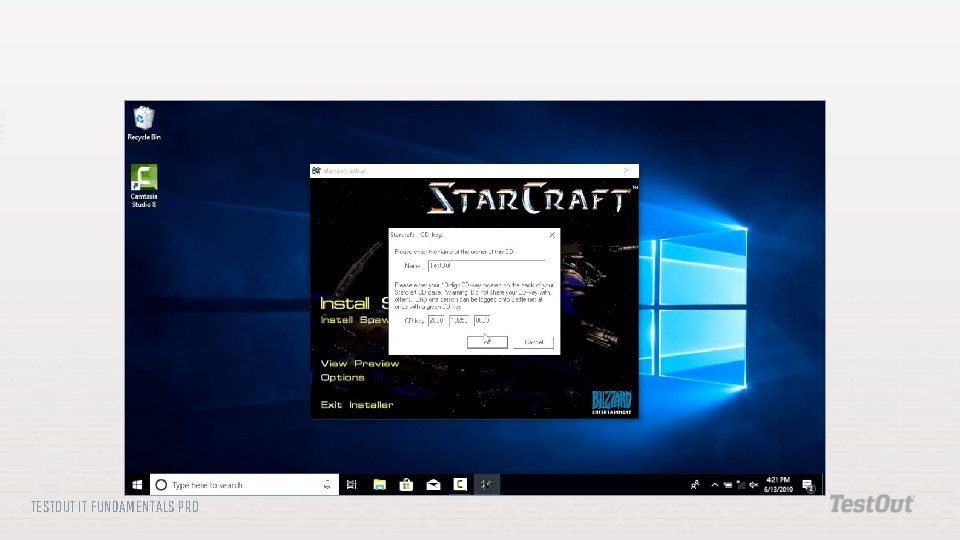
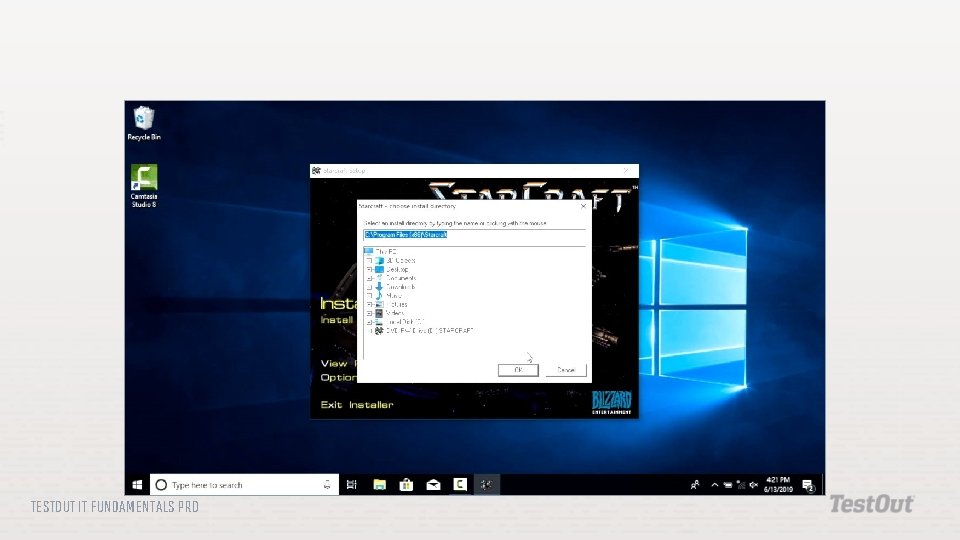
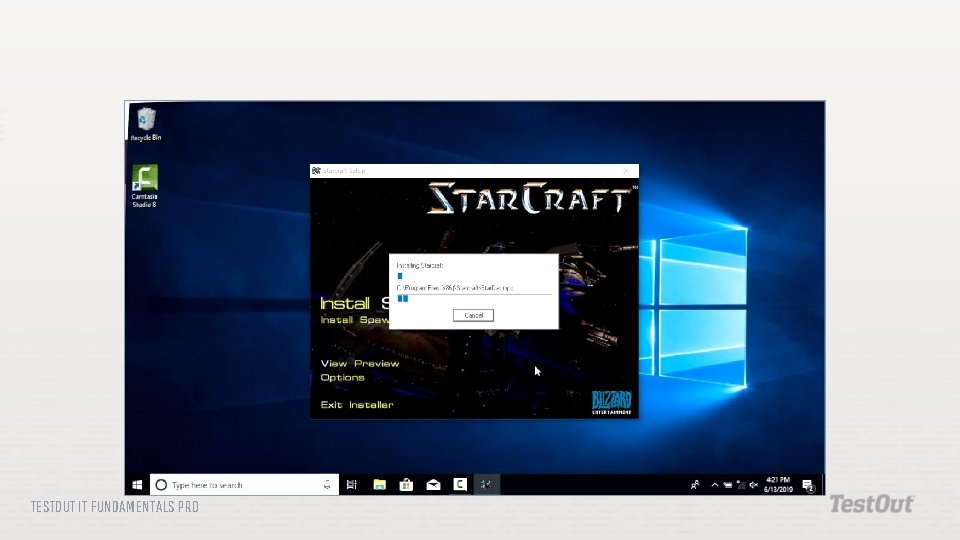
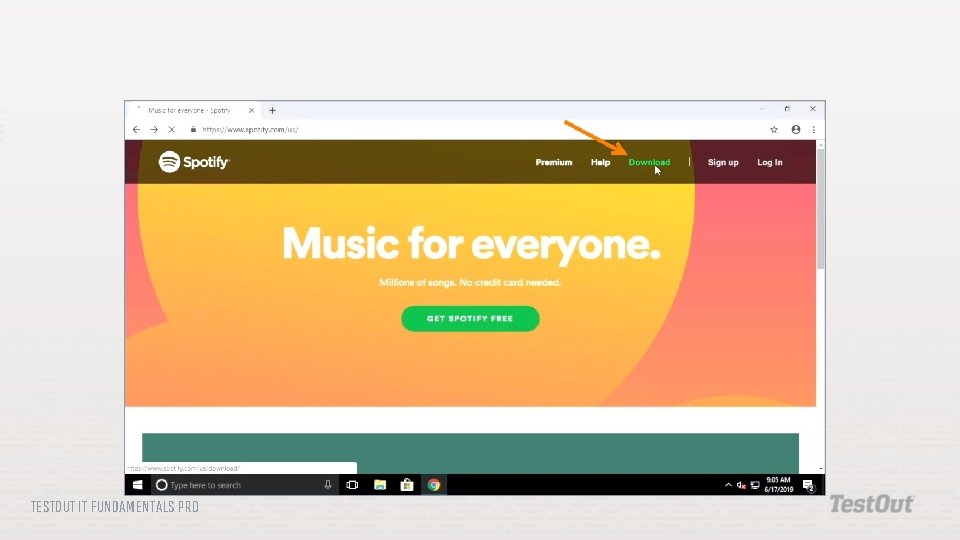
Compare and contrast different methods of delivering applications to users. Describe various ways software applications can be designed for greater scalability and maintenance. Compare and contrast different software licensing models. Use various methods to install and use software applications. Install software patches and updates. Configure a Windows system for automatic updates. TESTOUT IT FUNDAMENTALS PRO
Local Installation Network Hosting Cloud Hosting Software as a Service (Saa. S) One Tier Two Tier Three Tier n-Tier TESTOUT IT FUNDAMENTALS PRO
Platform Compatibility Proprietary Software Personal License Enterprise License Open Source Software Subscription Windows Update TESTOUT IT FUNDAMENTALS PRO
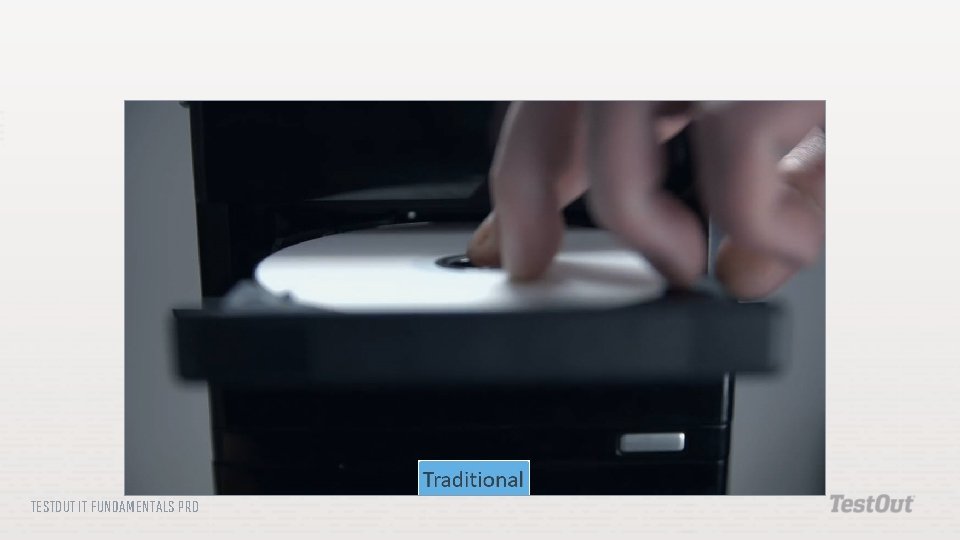
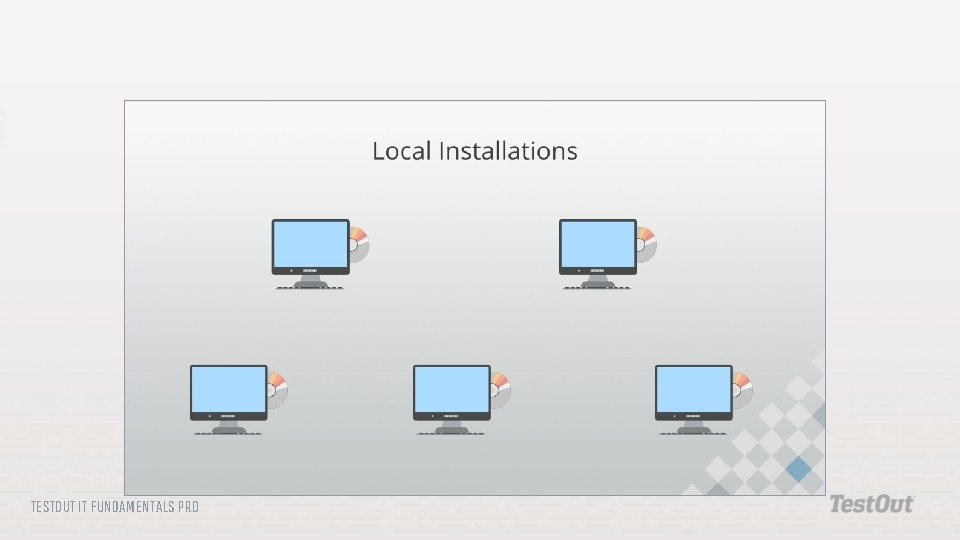
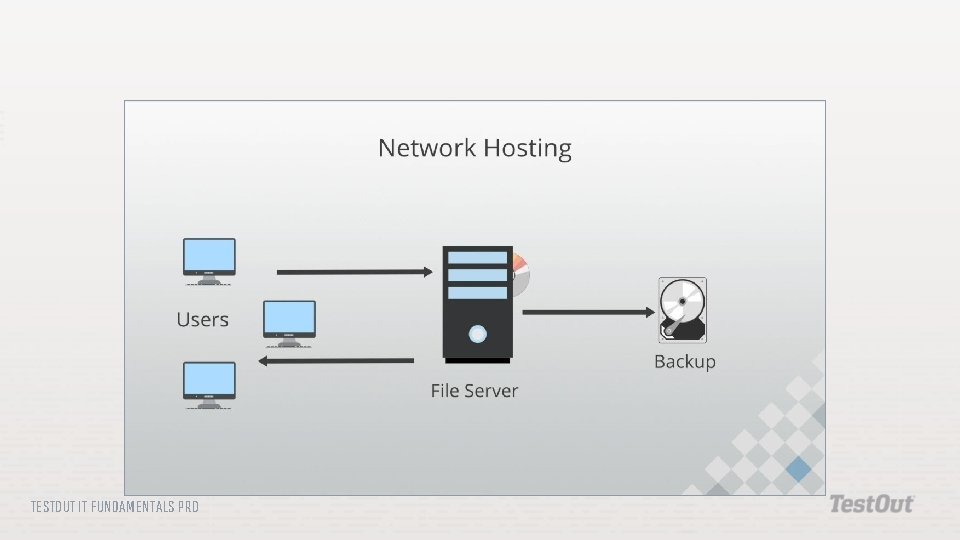
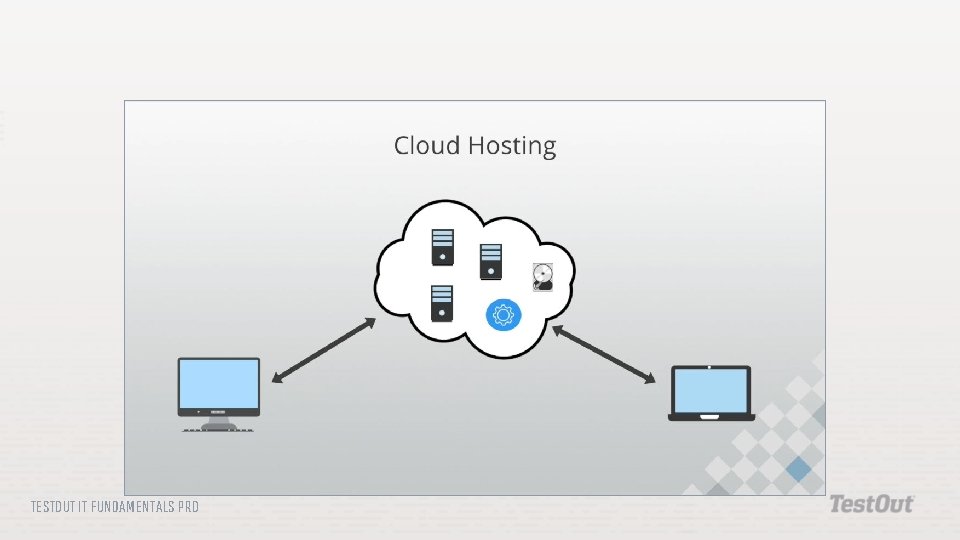
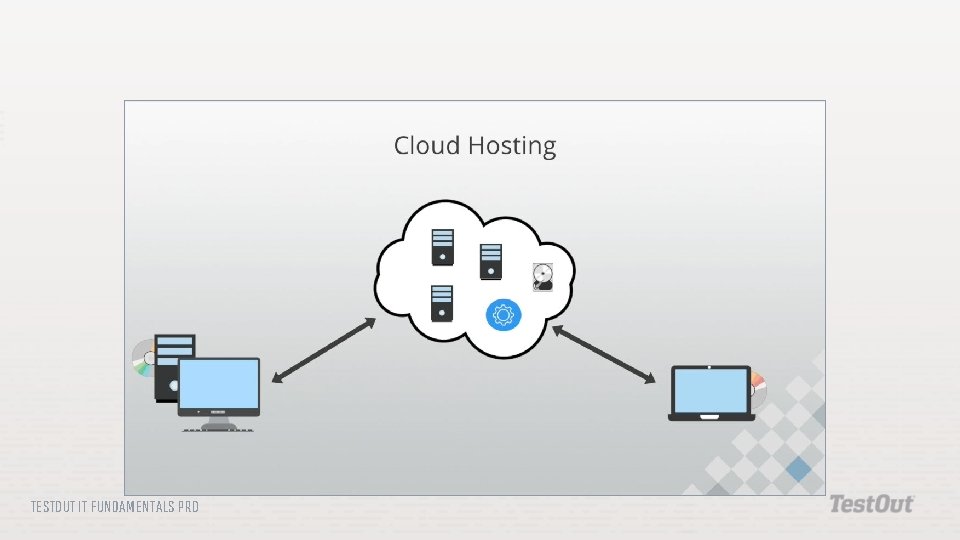
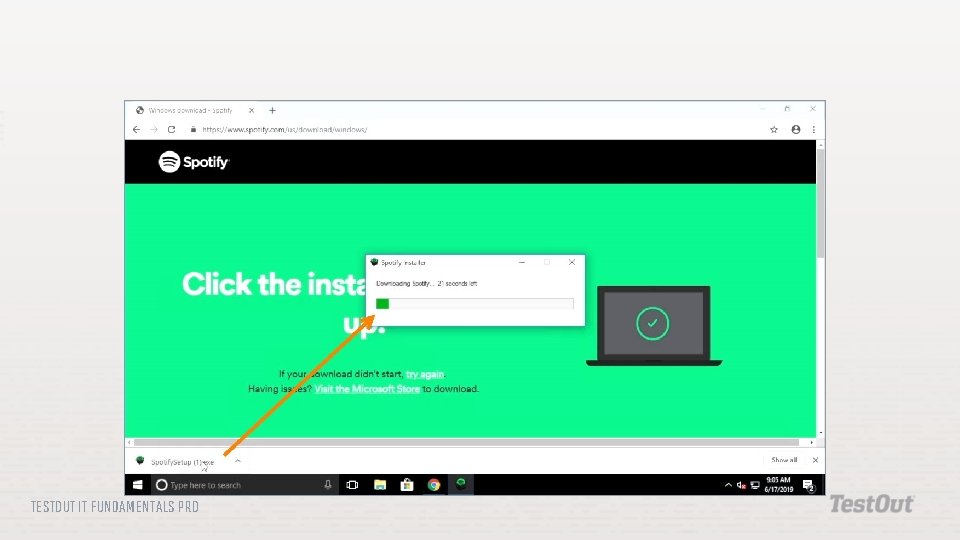
Local Installation: The traditional method for delivering applications by installing them on individual desktop computer systems. Network Hosting: A method of delivering applications by installing them on the local network. Cloud Hosting: A method of delivering applications by hosting them in the cloud. Software as a Service (Saa. S): A term associated with cloud hosting. Saa. S provides users with the applications they need to do their day-to-day work through the cloud. TESTOUT IT FUNDAMENTALS PRO
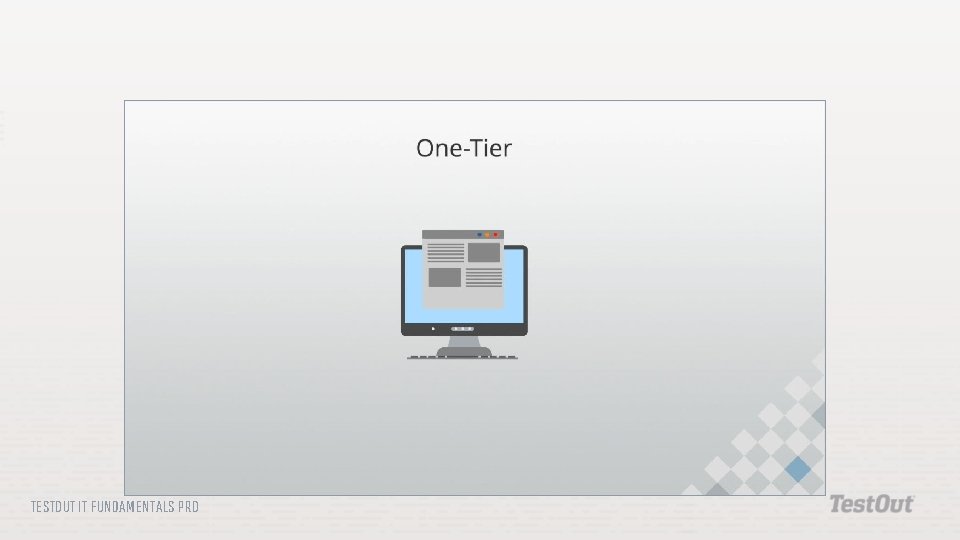
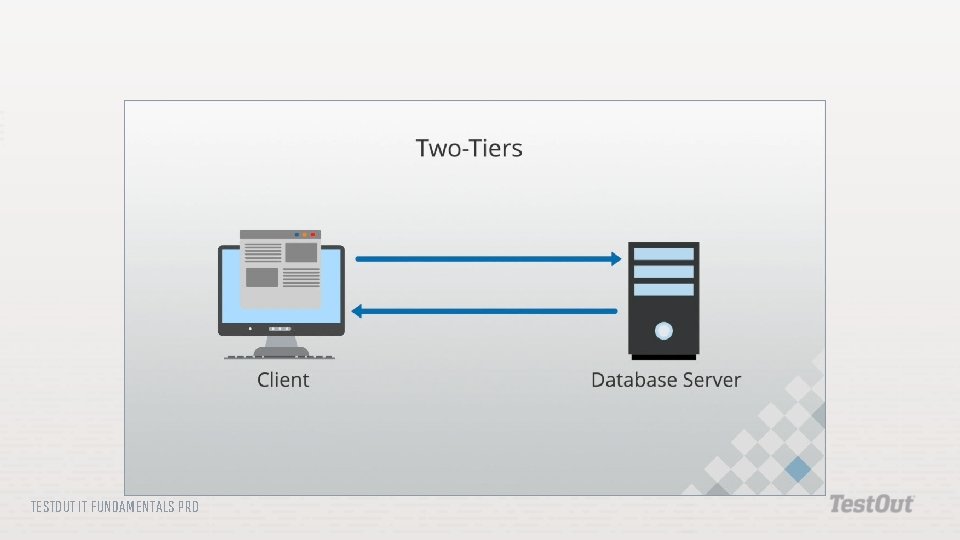
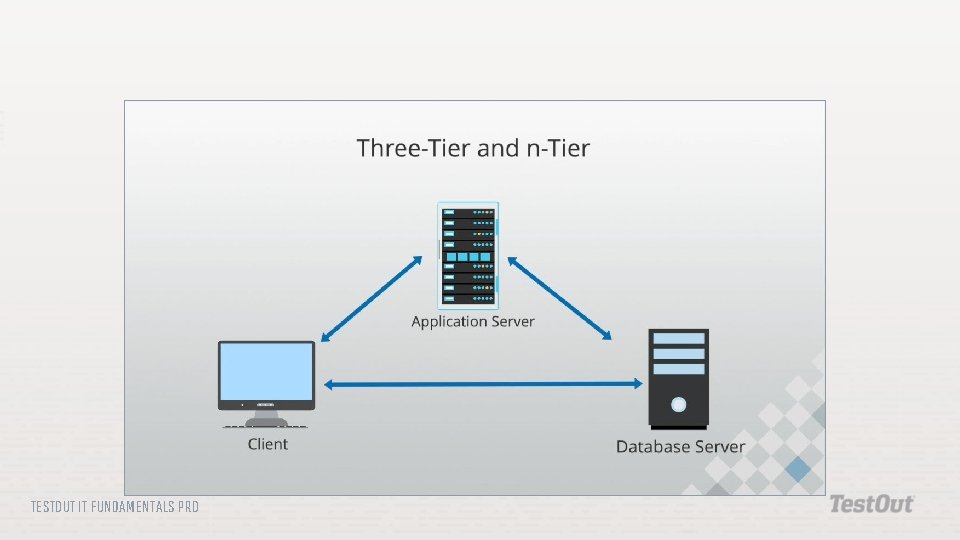
One Tier: An application architecture model where programs run as standalone applications on a single computer. Two Tier: An application architecture model with two separate tiers (a client and a server) where applications store and retrieve data from a central repository. Three Tier: An application architecture model with three separate tiers where an application presents the user interface on a client workstation, data is processed on an application server, and information is retrieved from a database management system on a database server. TESTOUT IT FUNDAMENTALS PRO
n-Tier: An application architecture model where application developers add as many tiers as they need to create the most efficient services and processes on a network. Platform Compatibility: A concern with using enterprise software in a network with multiple computer platforms and operating systems. Proprietary Software: Software that isn't owned but requires the purchase of a license to use the software. TESTOUT IT FUNDAMENTALS PRO
Personal License: A software license given to home and small business customers that allows them to install the software on a limited number of systems. Enterprise License: A software license, often called a volume license or a site license, that allows the customer to install the software without restriction using the same activation code, typically until a maximum cap is reached. Open Source Software: Software that can be downloaded, installed, and used without paying a licensing fee. The source code can also be downloaded, modified, and compiled and given to others as long as it is not resold for profit. TESTOUT IT FUNDAMENTALS PRO
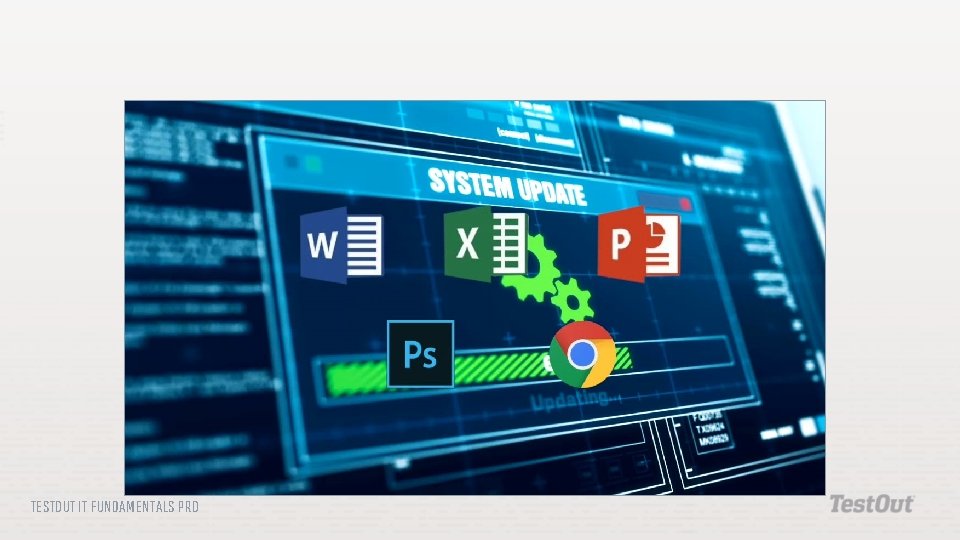
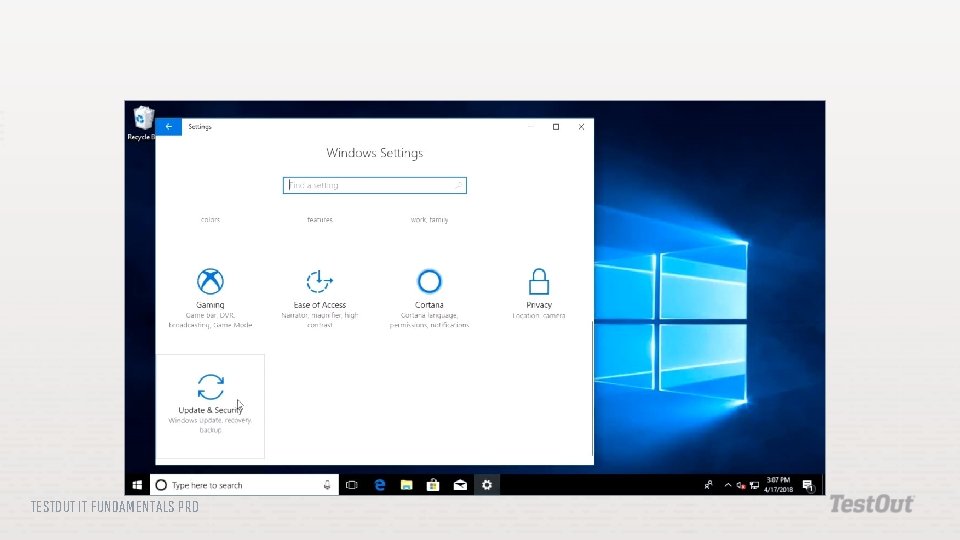
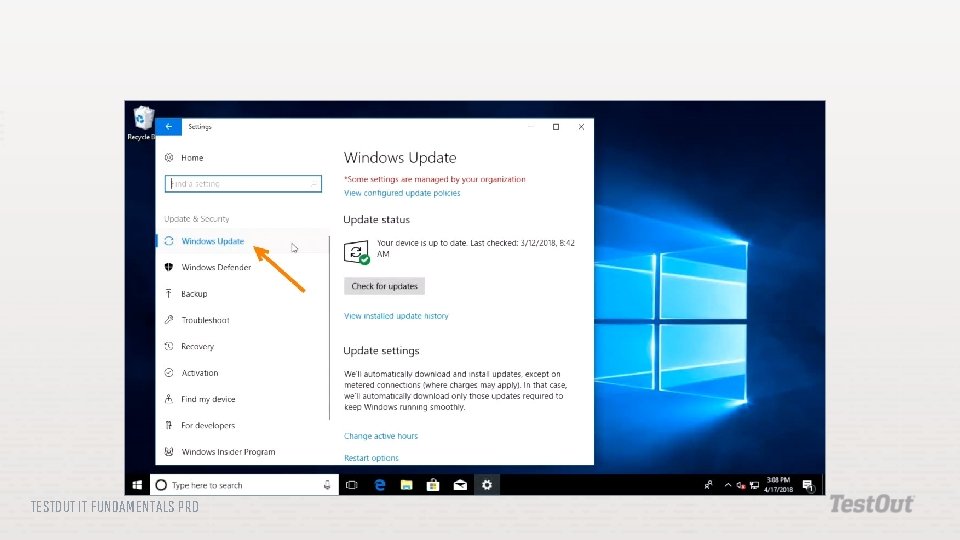
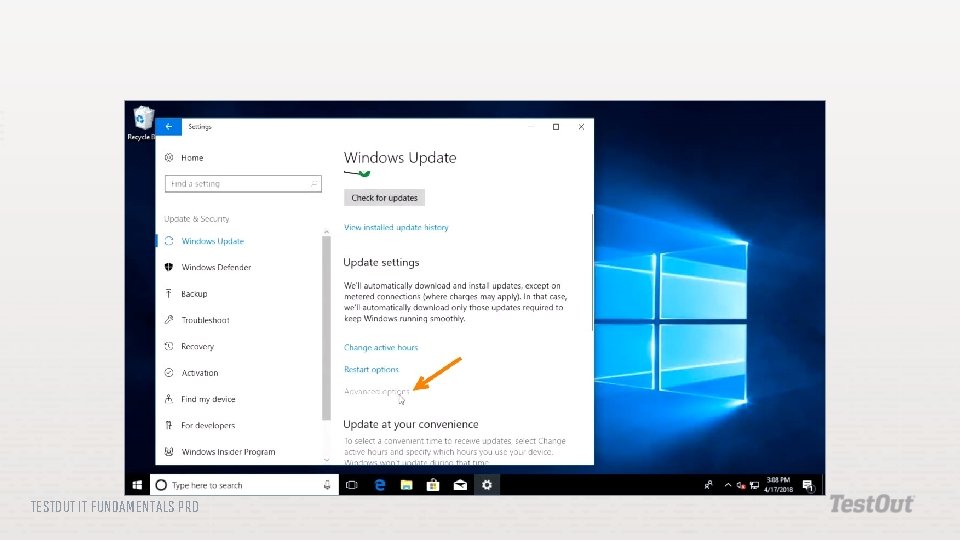
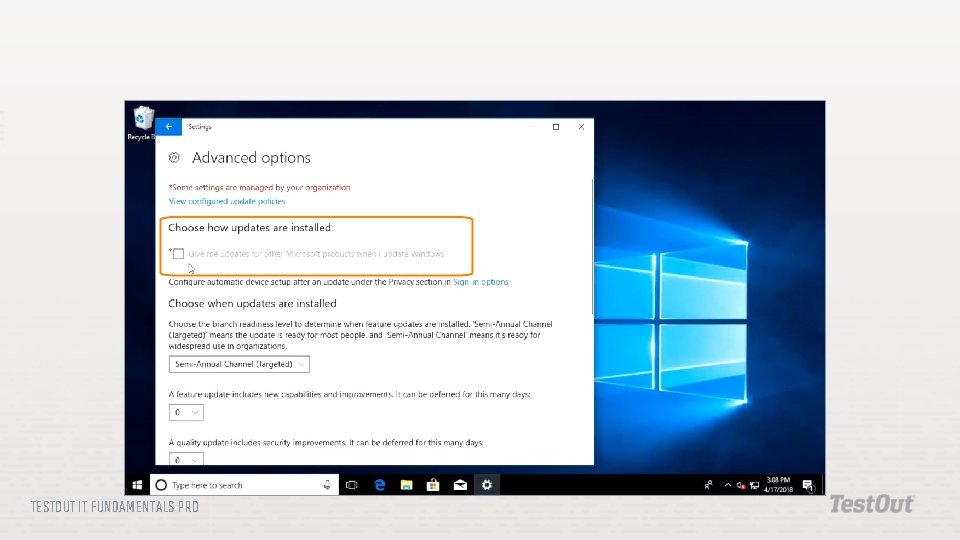
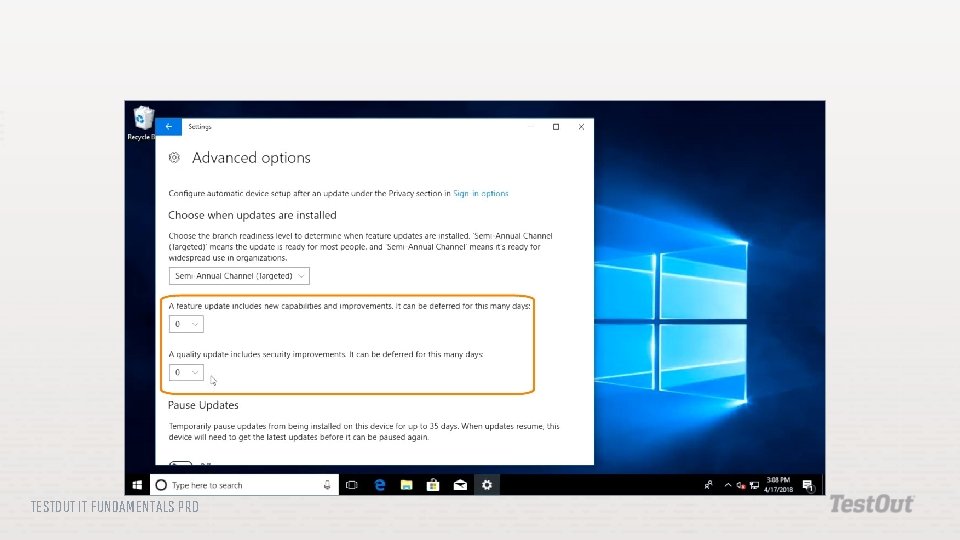
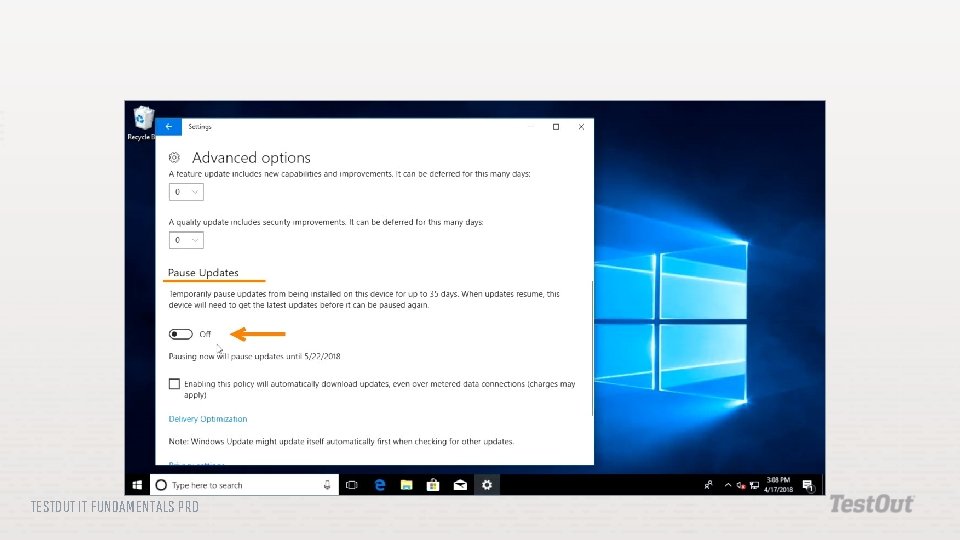
Software Subscription: Sometimes called Saa. S or on-demand software, software that requires a monthly or annual fee to use the software and receive regular updates. Windows Update: A feature of the Windows operating system that keeps the system up to date. TESTOUT IT FUNDAMENTALS PRO
TESTOUT IT FUNDAMENTALS PRO
TESTOUT IT FUNDAMENTALS PRO
TESTOUT IT FUNDAMENTALS PRO
TESTOUT IT FUNDAMENTALS PRO
TESTOUT IT FUNDAMENTALS PRO
TESTOUT IT FUNDAMENTALS PRO
TESTOUT IT FUNDAMENTALS PRO
Local Installations Network Hosting Cloud Hosting TESTOUT IT FUNDAMENTALS PRO
TESTOUT IT FUNDAMENTALS PRO
TESTOUT IT FUNDAMENTALS PRO
TESTOUT IT FUNDAMENTALS PRO
TESTOUT IT FUNDAMENTALS PRO
One-Tier Two-Tier Three-Tier n-Tier TESTOUT IT FUNDAMENTALS PRO
TESTOUT IT FUNDAMENTALS PRO
Single-platform software Cross-platform software Web applications TESTOUT IT FUNDAMENTALS PRO
License to use, not change Fixed number of computers Personal license Enterprise license Software piracy TESTOUT IT FUNDAMENTALS PRO
Freely distributed Source code available Financial contributions Base version with add-ons Training contracts Proprietary versions TESTOUT IT FUNDAMENTALS PRO
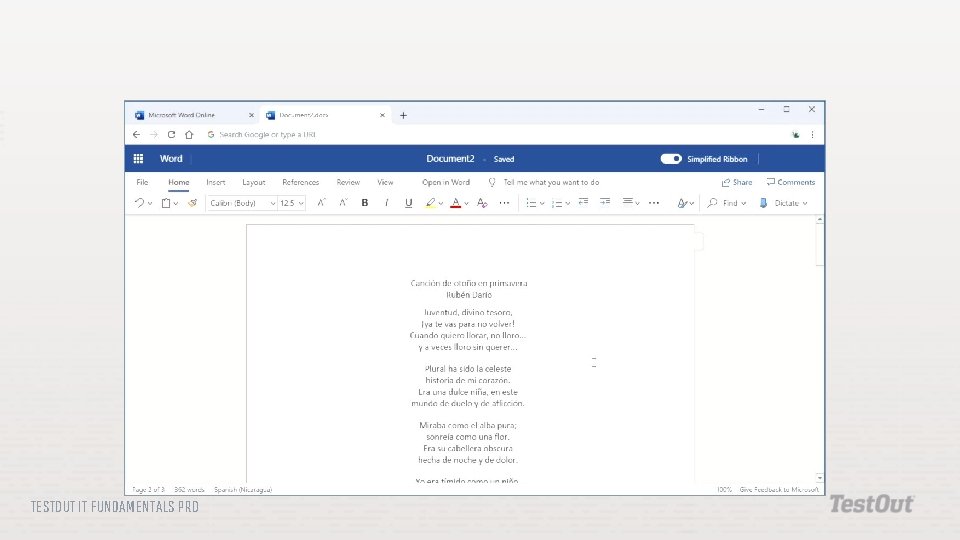
Software as a Service (Saa. S) Monthly or annual fee Automatic updates Microsoft Office 365 Adobe Creative Cloud TESTOUT IT FUNDAMENTALS PRO
Platform Compatibility Proprietary Software Open-source Software Subscriptions TESTOUT IT FUNDAMENTALS PRO
TESTOUT IT FUNDAMENTALS PRO
TESTOUT IT FUNDAMENTALS PRO
TESTOUT IT FUNDAMENTALS PRO
TESTOUT IT FUNDAMENTALS PRO
TESTOUT IT FUNDAMENTALS PRO
TESTOUT IT FUNDAMENTALS PRO
TESTOUT IT FUNDAMENTALS PRO
TESTOUT IT FUNDAMENTALS PRO
TESTOUT IT FUNDAMENTALS PRO
TESTOUT IT FUNDAMENTALS PRO
TESTOUT IT FUNDAMENTALS PRO
TESTOUT IT FUNDAMENTALS PRO
Application Patches Driver Updates OS Updates OEM Websites Software Subscriptions Web Apps TESTOUT IT FUNDAMENTALS PRO
TESTOUT IT FUNDAMENTALS PRO
TESTOUT IT FUNDAMENTALS PRO
TESTOUT IT FUNDAMENTALS PRO
TESTOUT IT FUNDAMENTALS PRO
TESTOUT IT FUNDAMENTALS PRO
TESTOUT IT FUNDAMENTALS PRO
TESTOUT IT FUNDAMENTALS PRO
TESTOUT IT FUNDAMENTALS PRO
TESTOUT IT FUNDAMENTALS PRO
TESTOUT IT FUNDAMENTALS PRO
TESTOUT IT FUNDAMENTALS PRO
Do the following labs: 6. 6. 12 Configure Windows Update TESTOUT IT FUNDAMENTALS PRO
How does software get from its source to your device? How is software delivery different now than it was twenty years ago? Why is it important to keep software up to date? TESTOUT IT FUNDAMENTALS PRO