
Networking Protocols and the OSI Model OSI Model

- Slides: 31
Networking Protocols and the OSI Model
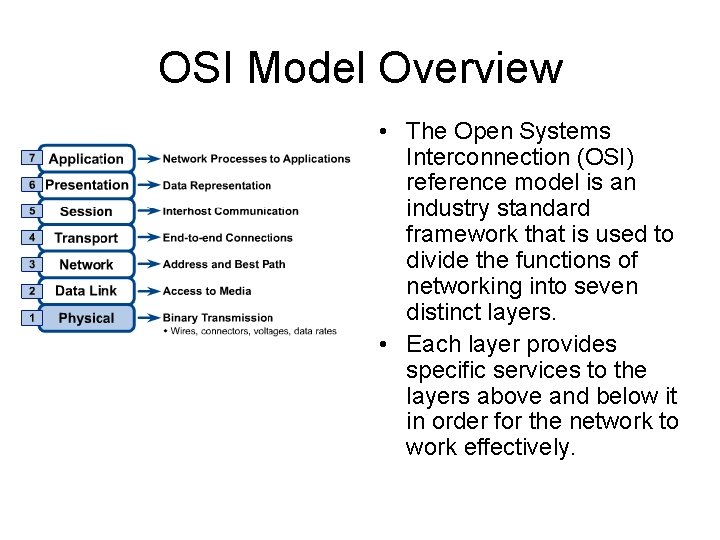
OSI Model Overview • The Open Systems Interconnection (OSI) reference model is an industry standard framework that is used to divide the functions of networking into seven distinct layers. • Each layer provides specific services to the layers above and below it in order for the network to work effectively.
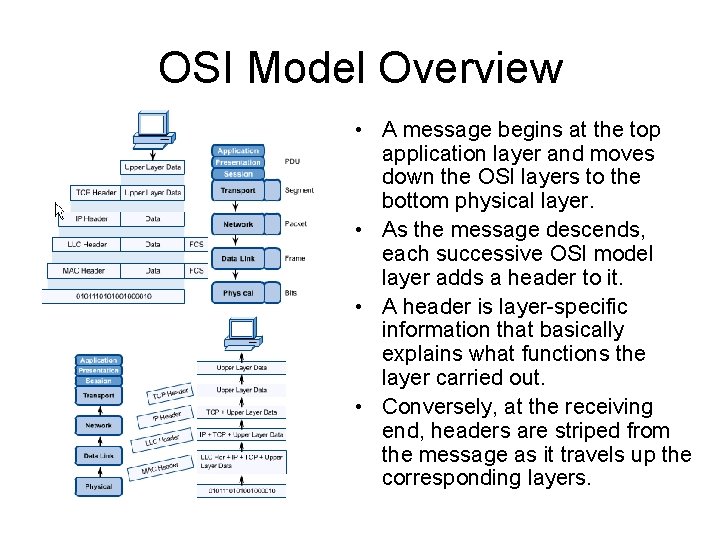
OSI Model Overview • A message begins at the top application layer and moves down the OSI layers to the bottom physical layer. • As the message descends, each successive OSI model layer adds a header to it. • A header is layer-specific information that basically explains what functions the layer carried out. • Conversely, at the receiving end, headers are striped from the message as it travels up the corresponding layers.
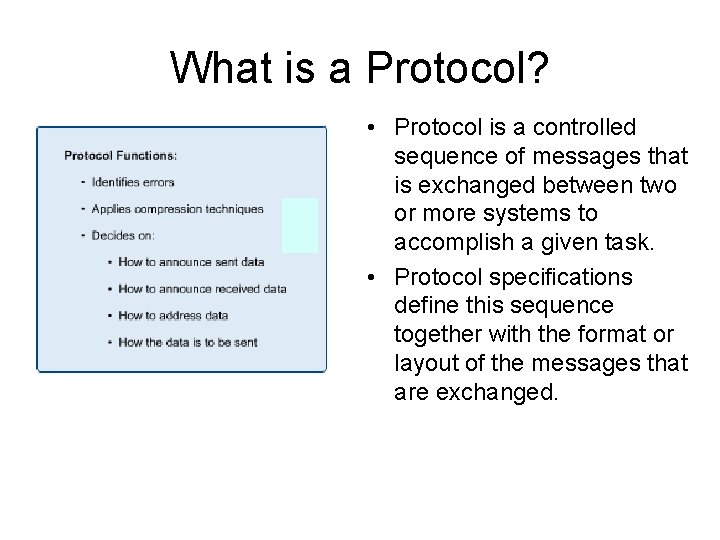
What is a Protocol? • Protocol is a controlled sequence of messages that is exchanged between two or more systems to accomplish a given task. • Protocol specifications define this sequence together with the format or layout of the messages that are exchanged.
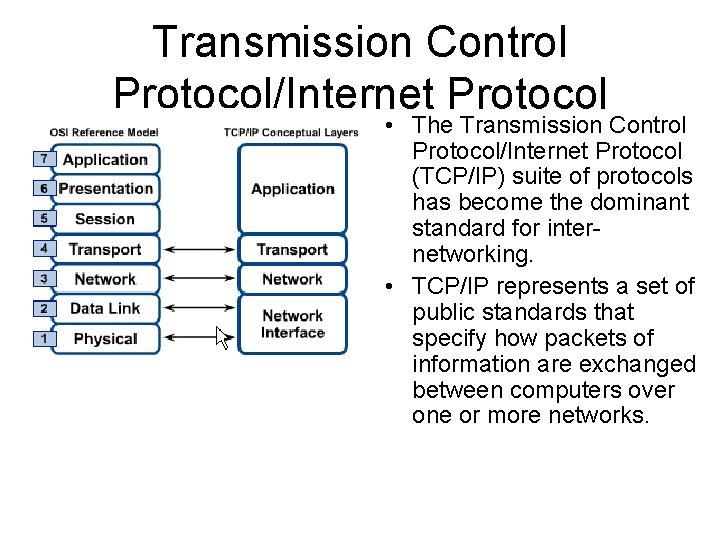
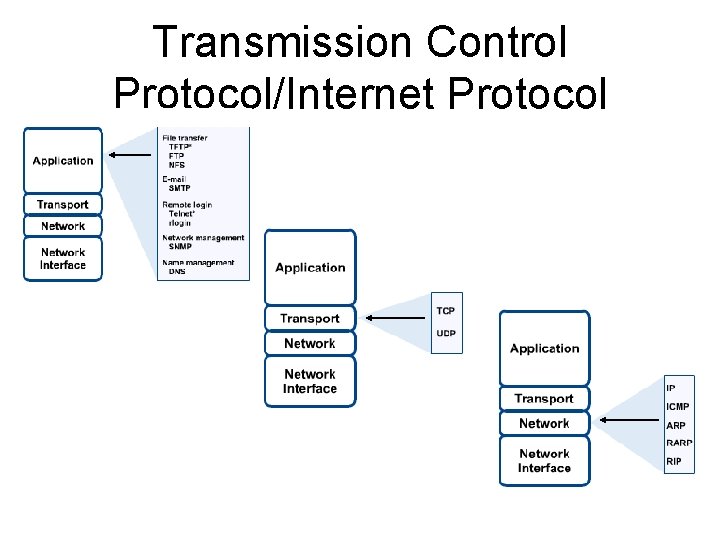
Transmission Control Protocol/Internet Protocol • The Transmission Control Protocol/Internet Protocol (TCP/IP) suite of protocols has become the dominant standard for internetworking. • TCP/IP represents a set of public standards that specify how packets of information are exchanged between computers over one or more networks.
Transmission Control Protocol/Internet Protocol
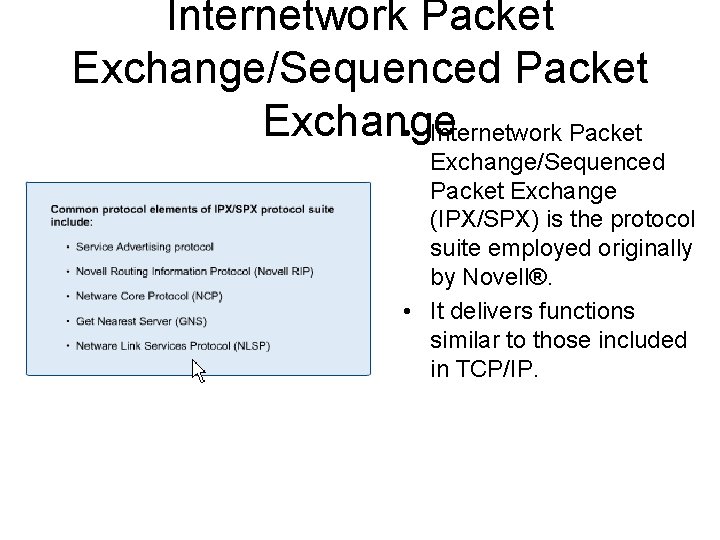
Internetwork Packet Exchange/Sequenced Packet Exchange • Internetwork Packet Exchange/Sequenced Packet Exchange (IPX/SPX) is the protocol suite employed originally by Novell®. • It delivers functions similar to those included in TCP/IP.
Net. BEUI • Net. BIOS Extended User Interface (Net. BEUI) is a protocol used primarily on small Windows NT networks. • Net. BEUI is a simple protocol that lacks many of the features that enable protocol suites such as TCP/IP to be used on networks of almost any size.
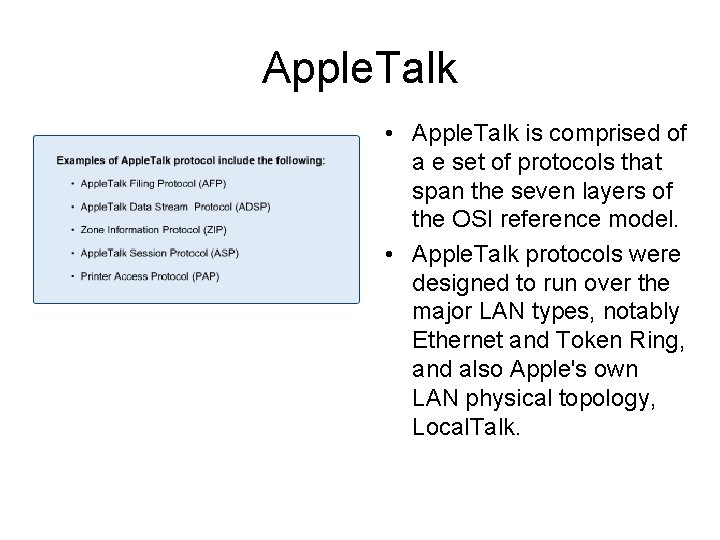
Apple. Talk • Apple. Talk is comprised of a e set of protocols that span the seven layers of the OSI reference model. • Apple. Talk protocols were designed to run over the major LAN types, notably Ethernet and Token Ring, and also Apple's own LAN physical topology, Local. Talk.
TCP/IP Utilities
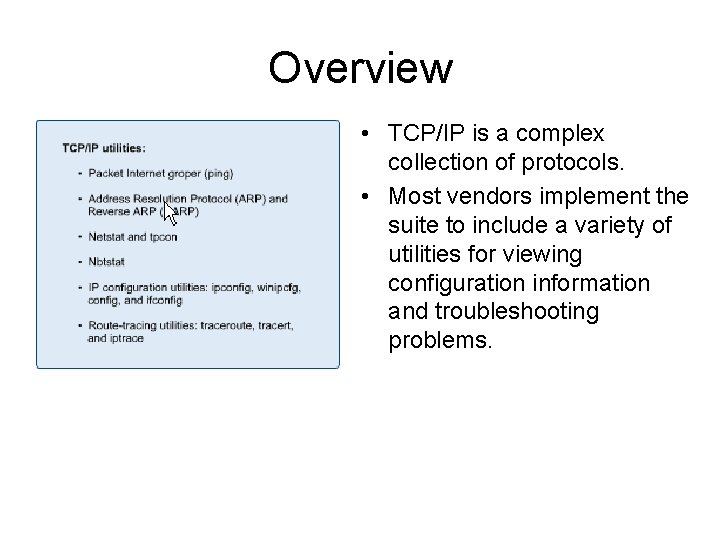
Overview • TCP/IP is a complex collection of protocols. • Most vendors implement the suite to include a variety of utilities for viewing configuration information and troubleshooting problems.
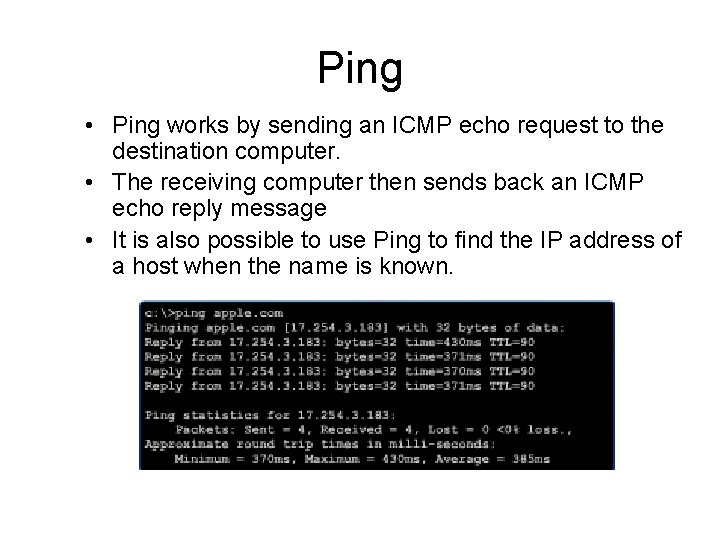
Ping • Ping works by sending an ICMP echo request to the destination computer. • The receiving computer then sends back an ICMP echo reply message • It is also possible to use Ping to find the IP address of a host when the name is known.
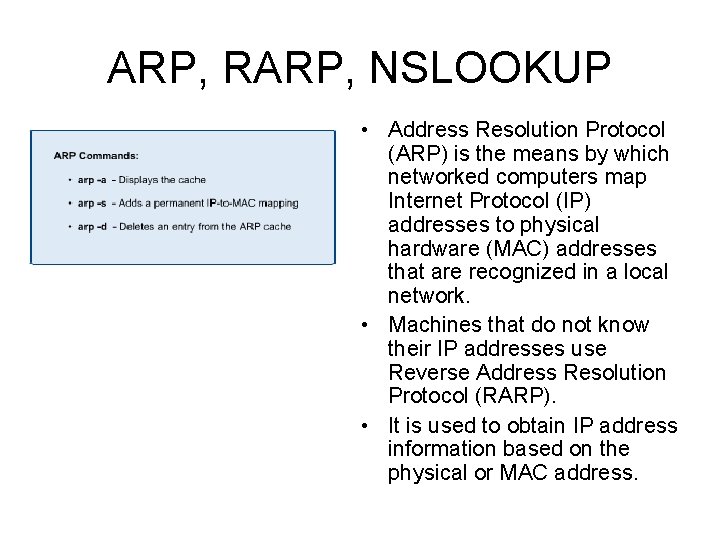
ARP, RARP, NSLOOKUP • Address Resolution Protocol (ARP) is the means by which networked computers map Internet Protocol (IP) addresses to physical hardware (MAC) addresses that are recognized in a local network. • Machines that do not know their IP addresses use Reverse Address Resolution Protocol (RARP). • It is used to obtain IP address information based on the physical or MAC address.
ARP, RARP, NSLOOKUP • Nslookup returns the IP address for a given hostname. • It will also do the reverse and find the host name for a specified IP address.
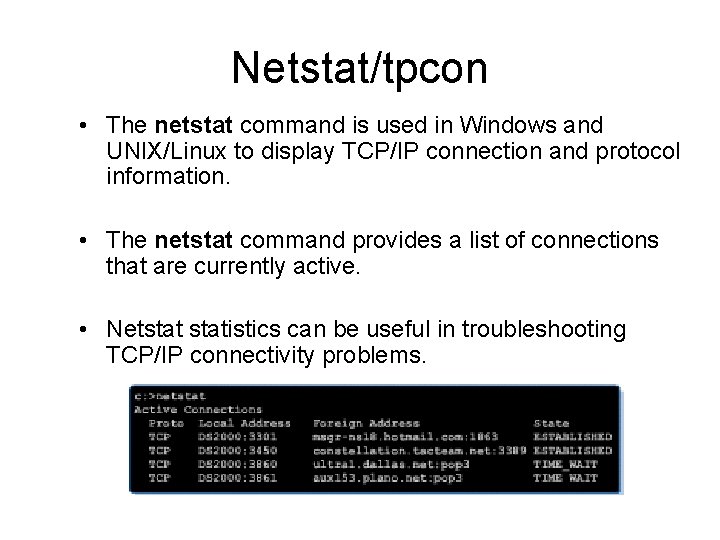
Netstat/tpcon • The netstat command is used in Windows and UNIX/Linux to display TCP/IP connection and protocol information. • The netstat command provides a list of connections that are currently active. • Netstatistics can be useful in troubleshooting TCP/IP connectivity problems.
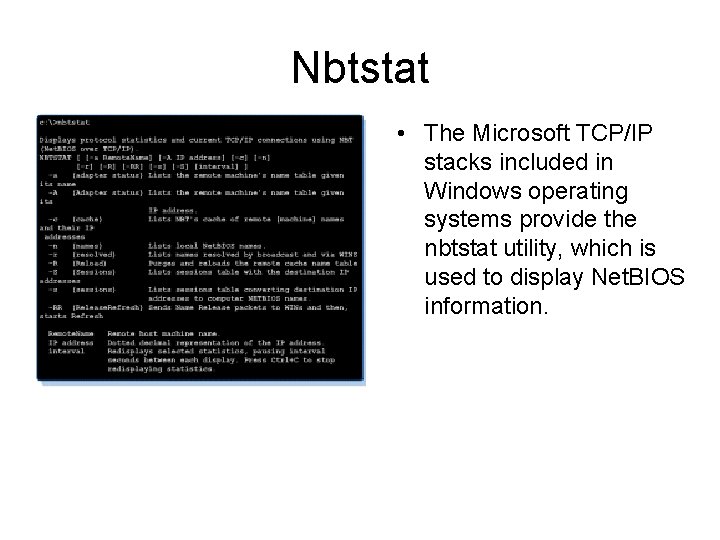
Nbtstat • The Microsoft TCP/IP stacks included in Windows operating systems provide the nbtstat utility, which is used to display Net. BIOS information.
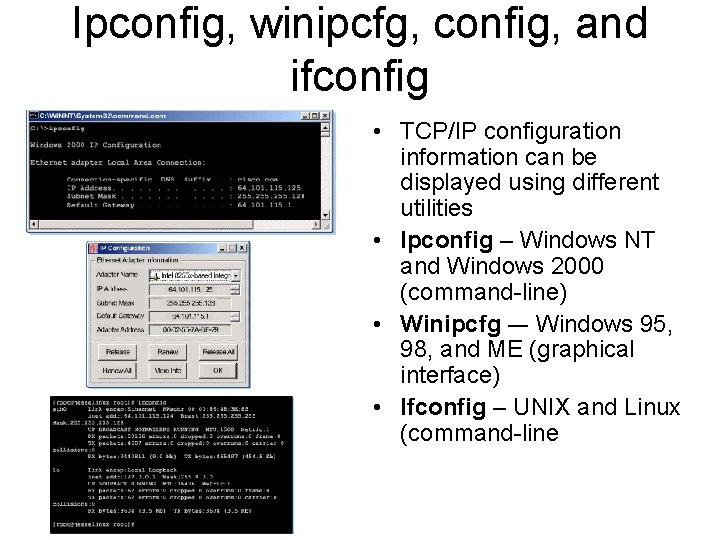
Ipconfig, winipcfg, config, and ifconfig • TCP/IP configuration information can be displayed using different utilities • Ipconfig – Windows NT and Windows 2000 (command-line) • Winipcfg –- Windows 95, 98, and ME (graphical interface) • Ifconfig – UNIX and Linux (command-line
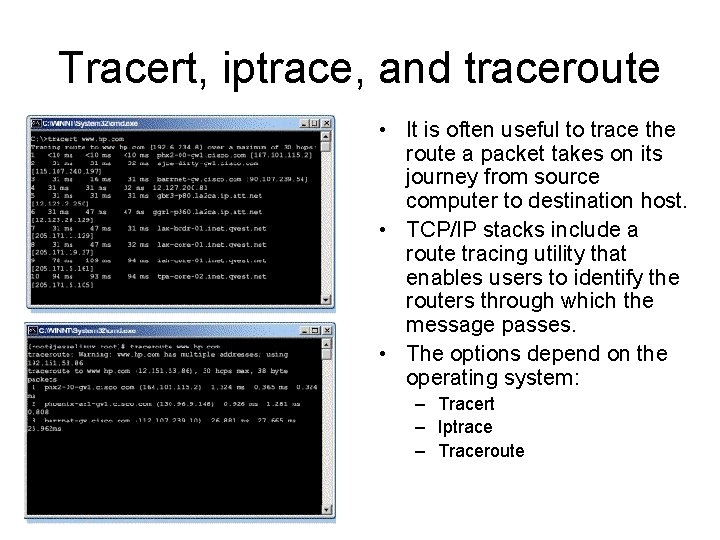
Tracert, iptrace, and traceroute • It is often useful to trace the route a packet takes on its journey from source computer to destination host. • TCP/IP stacks include a route tracing utility that enables users to identify the routers through which the message passes. • The options depend on the operating system: – Tracert – Iptrace – Traceroute
Connecting to the Internet
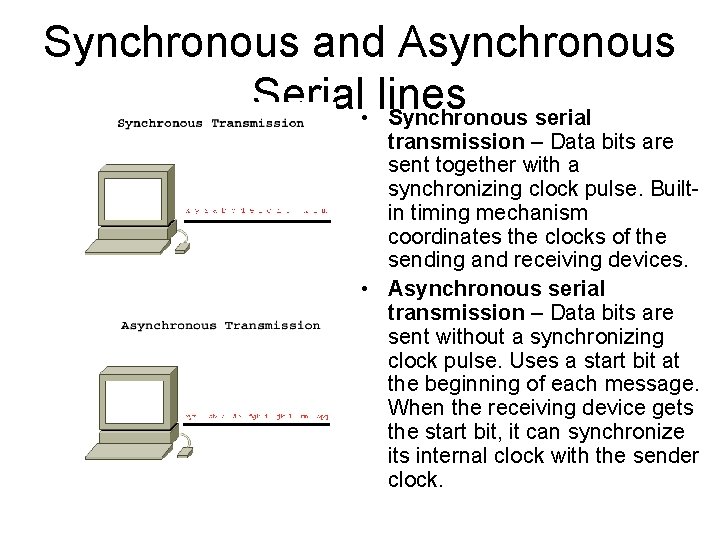
Synchronous and Asynchronous Serial • lines Synchronous serial transmission – Data bits are sent together with a synchronizing clock pulse. Builtin timing mechanism coordinates the clocks of the sending and receiving devices. • Asynchronous serial transmission – Data bits are sent without a synchronizing clock pulse. Uses a start bit at the beginning of each message. When the receiving device gets the start bit, it can synchronize its internal clock with the sender clock.
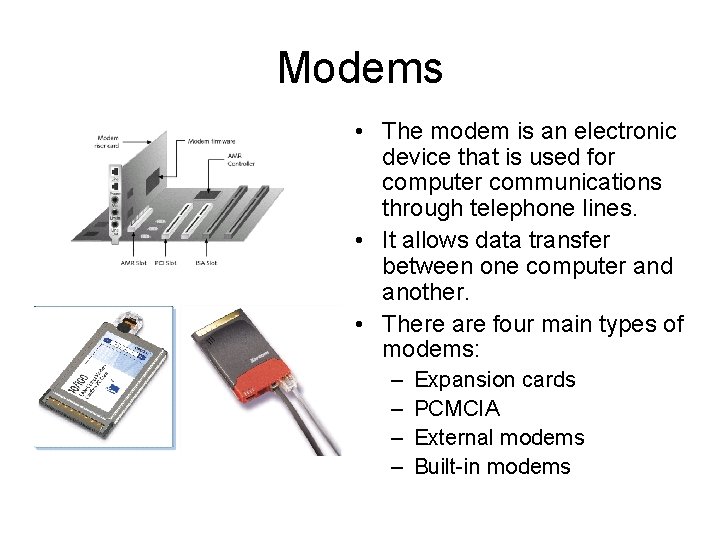
Modems • The modem is an electronic device that is used for computer communications through telephone lines. • It allows data transfer between one computer and another. • There are four main types of modems: – – Expansion cards PCMCIA External modems Built-in modems
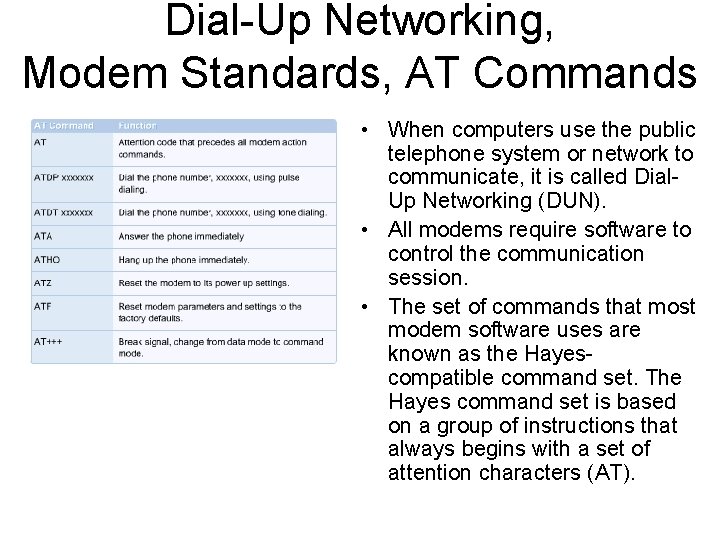
Dial-Up Networking, Modem Standards, AT Commands • When computers use the public telephone system or network to communicate, it is called Dial. Up Networking (DUN). • All modems require software to control the communication session. • The set of commands that most modem software uses are known as the Hayescompatible command set. The Hayes command set is based on a group of instructions that always begins with a set of attention characters (AT).
ISPs and Internet Backbone Providers • Services of an Internet Service Provider (ISP) are required to surf the Internet. • An ISP is a company that connects computers to the Internet and World Wide Web. • The actual connection to the Internet is tiered. • The ISP may link to a larger regional ISP, which in turn might connect to one of a number of nationwide computer centers.
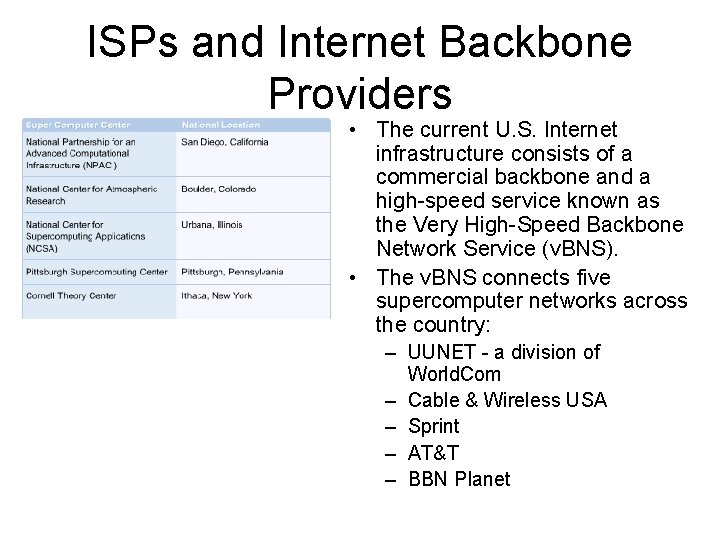
ISPs and Internet Backbone Providers • The current U. S. Internet infrastructure consists of a commercial backbone and a high-speed service known as the Very High-Speed Backbone Network Service (v. BNS). • The v. BNS connects five supercomputer networks across the country: – UUNET - a division of World. Com – Cable & Wireless USA – Sprint – AT&T – BBN Planet
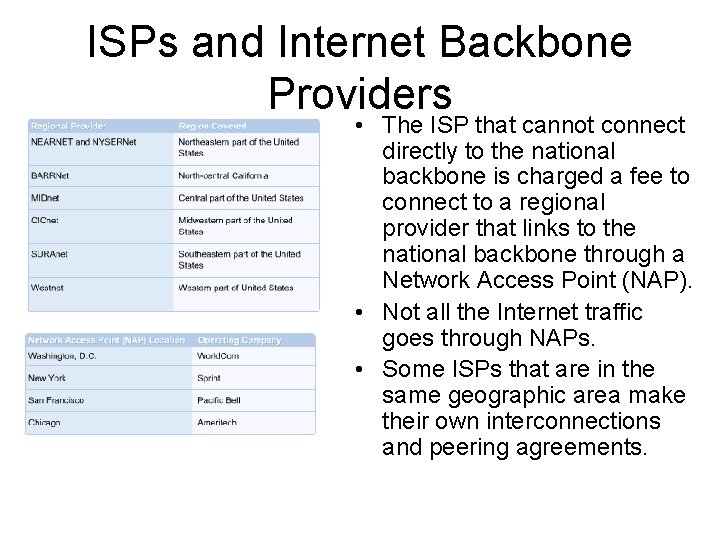
ISPs and Internet Backbone Providers • The ISP that cannot connect directly to the national backbone is charged a fee to connect to a regional provider that links to the national backbone through a Network Access Point (NAP). • Not all the Internet traffic goes through NAPs. • Some ISPs that are in the same geographic area make their own interconnections and peering agreements.
Digital Subscriber Line (DSL) • Digital Subscriber Line (DSL) is an always-on technology. This means there is no need to dial up each time to connect to the Internet. • DSL comes in several varieties: – – Asymmetric DSL (ADSL) High Data Rate DSL (HDSL) Symmetric DSL (SDSL) Very High Data Rate DSL (VDSL)
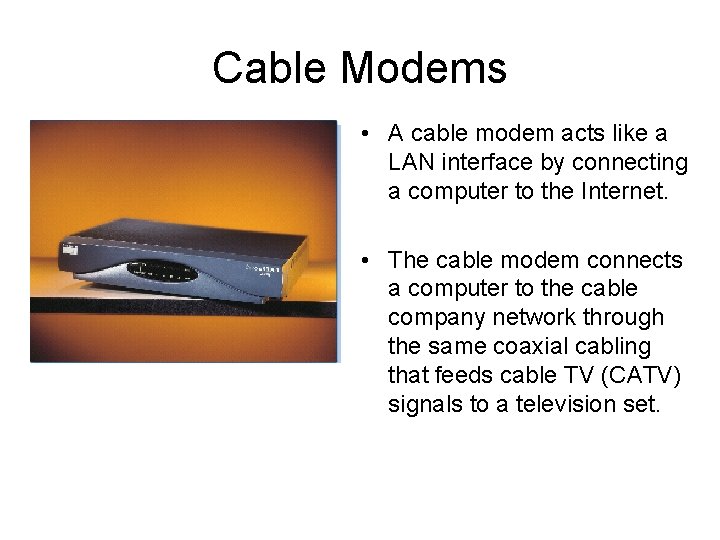
Cable Modems • A cable modem acts like a LAN interface by connecting a computer to the Internet. • The cable modem connects a computer to the cable company network through the same coaxial cabling that feeds cable TV (CATV) signals to a television set.
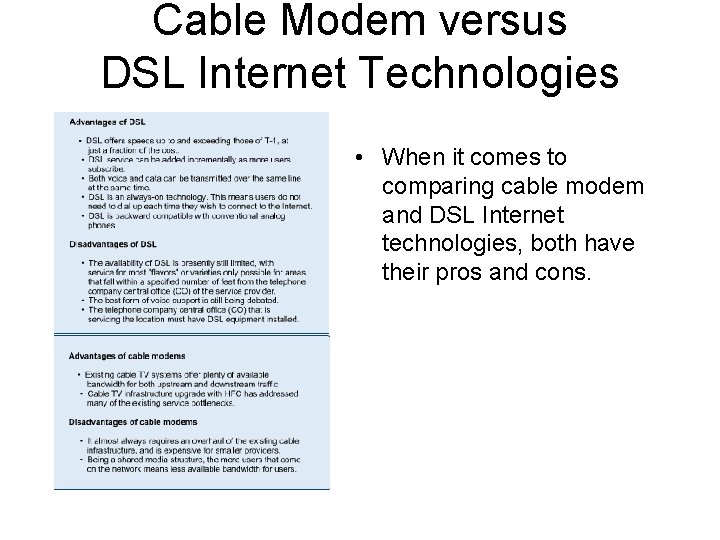
Cable Modem versus DSL Internet Technologies • When it comes to comparing cable modem and DSL Internet technologies, both have their pros and cons.
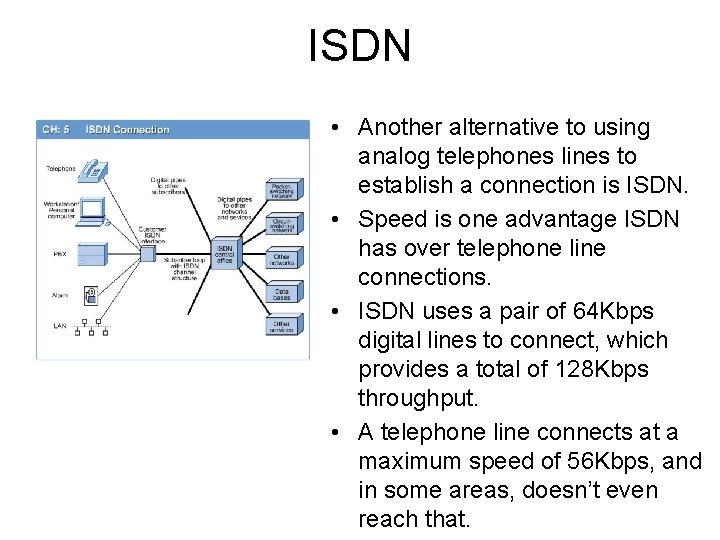
ISDN • Another alternative to using analog telephones lines to establish a connection is ISDN. • Speed is one advantage ISDN has over telephone line connections. • ISDN uses a pair of 64 Kbps digital lines to connect, which provides a total of 128 Kbps throughput. • A telephone line connects at a maximum speed of 56 Kbps, and in some areas, doesn’t even reach that.
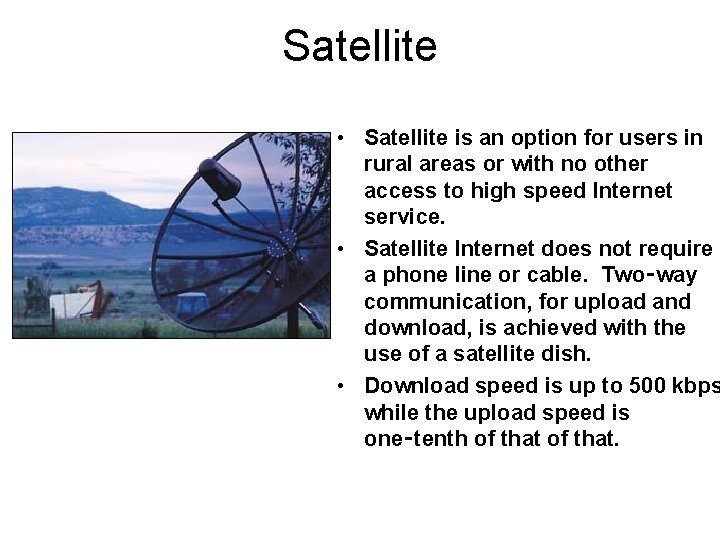
Satellite • Satellite is an option for users in rural areas or with no other access to high speed Internet service. • Satellite Internet does not require a phone line or cable. Two‑way communication, for upload and download, is achieved with the use of a satellite dish. • Download speed is up to 500 kbps while the upload speed is one‑tenth of that.