
Networking Devices Bridging the gap switching the way
Networking Devices Bridging the gap, switching the way we communicate, routing us to new places, repeating what needs to be stronger – our hub for communication!
So what devices are there? The main players: l l l Repeaters Hubs Bridges Switches Routers Gateways
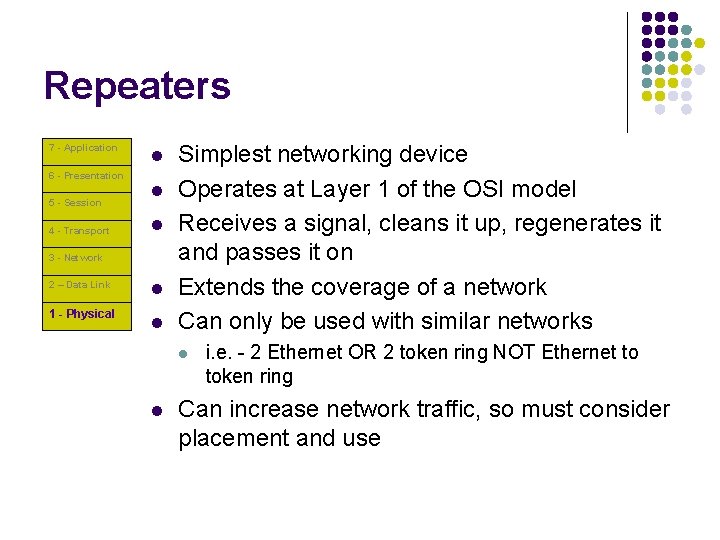
Repeaters 7 - Application l 6 - Presentation 5 - Session 4 - Transport l l 3 - Network 2 – Data Link 1 - Physical l l Simplest networking device Operates at Layer 1 of the OSI model Receives a signal, cleans it up, regenerates it and passes it on Extends the coverage of a network Can only be used with similar networks l l i. e. - 2 Ethernet OR 2 token ring NOT Ethernet to token ring Can increase network traffic, so must consider placement and use
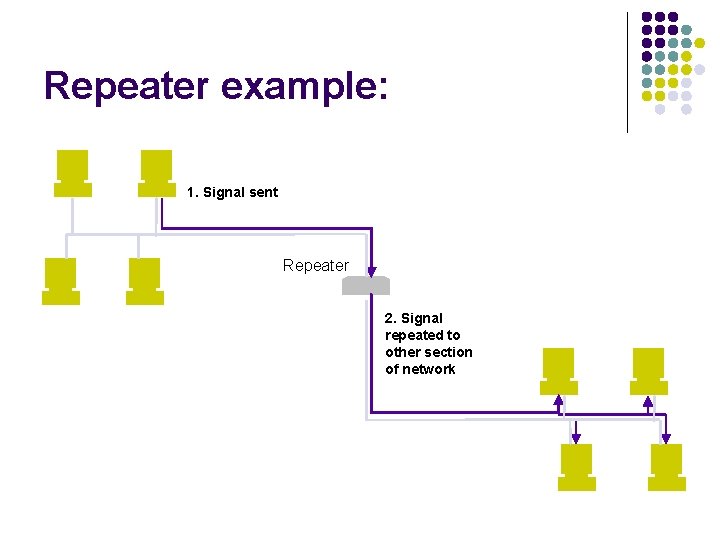
Repeater example: 1. Signal sent Repeater 2. Signal repeated to other section of network
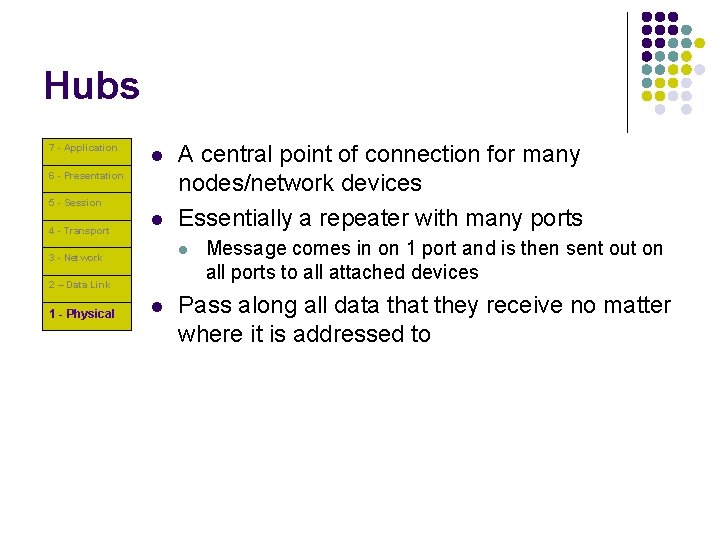
Hubs 7 - Application l 6 - Presentation 5 - Session 4 - Transport l l 3 - Network 2 – Data Link 1 - Physical A central point of connection for many nodes/network devices Essentially a repeater with many ports l Message comes in on 1 port and is then sent out on all ports to all attached devices Pass along all data that they receive no matter where it is addressed to
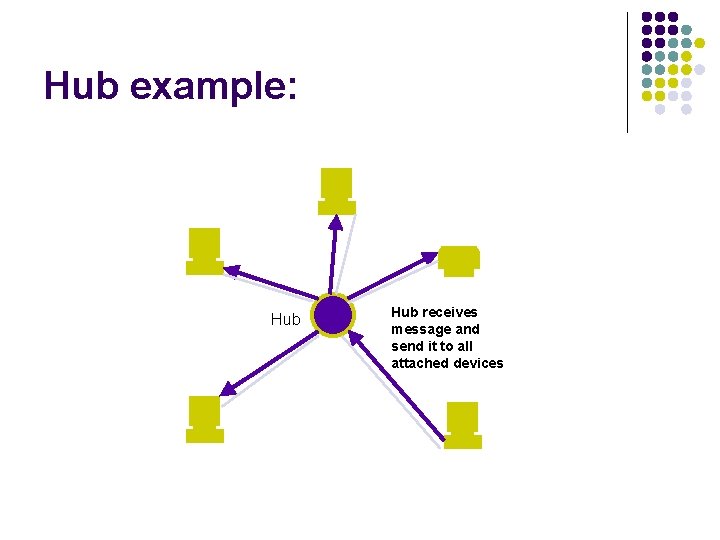
Hub example: Hub receives message and send it to all attached devices
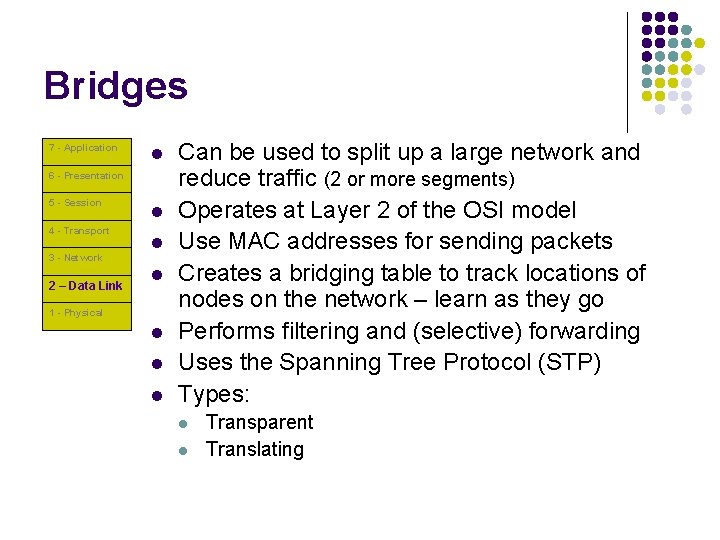
Bridges 7 - Application l 6 - Presentation 5 - Session 4 - Transport 3 - Network 2 – Data Link l l l 1 - Physical l Can be used to split up a large network and reduce traffic (2 or more segments) Operates at Layer 2 of the OSI model Use MAC addresses for sending packets Creates a bridging table to track locations of nodes on the network – learn as they go Performs filtering and (selective) forwarding Uses the Spanning Tree Protocol (STP) Types: l l Transparent Translating
Filtering and Forwarding l Filtering l l Examines each frame to decide whether it is on the correct network – this reduces excessive and unnecessary traffic often created by repeaters Forwarding l Sends frames to the segment designated – (expressed in frames/second) Higher filtering and forwarding rates are what indicate the quality and performance of a bridge!
Spanning Tree Protocol (STP) l l Used to decide whether to forward a packet to another segment Two purposes: l l Determines the “root” bridge responsible for decisions and problems Prevents bridging loops l If a bridge repeats to one segment and that bridge were to repeat back to the original segment a “loop” would be created that would waste valuable resources and create unnecessary traffic
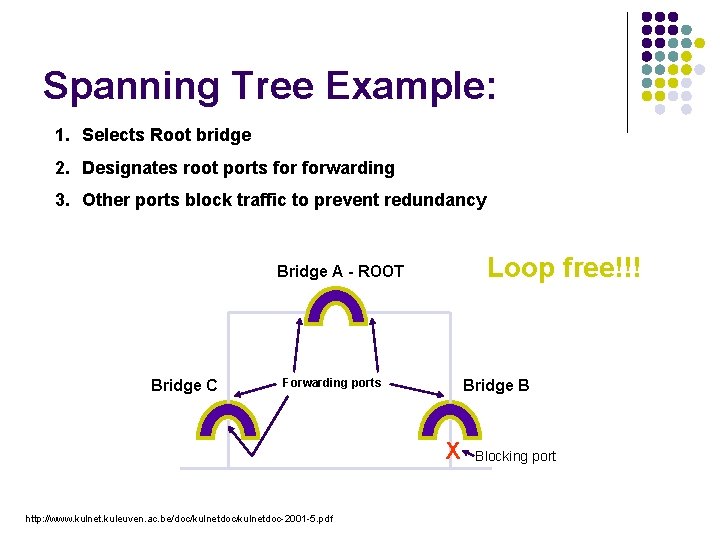
Spanning Tree Example: 1. Selects Root bridge 2. Designates root ports forwarding 3. Other ports block traffic to prevent redundancy Loop free!!! Bridge A - ROOT Bridge C Forwarding ports Bridge B X http: //www. kulnet. kuleuven. ac. be/doc/kulnetdoc-2001 -5. pdf Blocking port
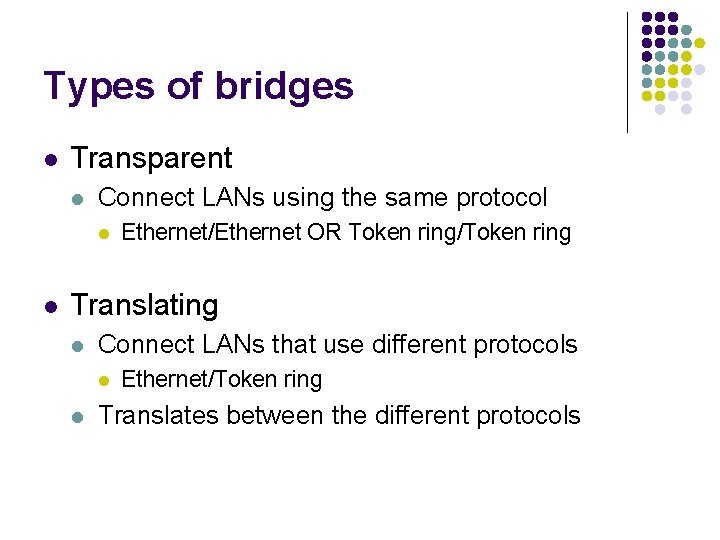
Types of bridges l Transparent l Connect LANs using the same protocol l l Ethernet/Ethernet OR Token ring/Token ring Translating l Connect LANs that use different protocols l l Ethernet/Token ring Translates between the different protocols
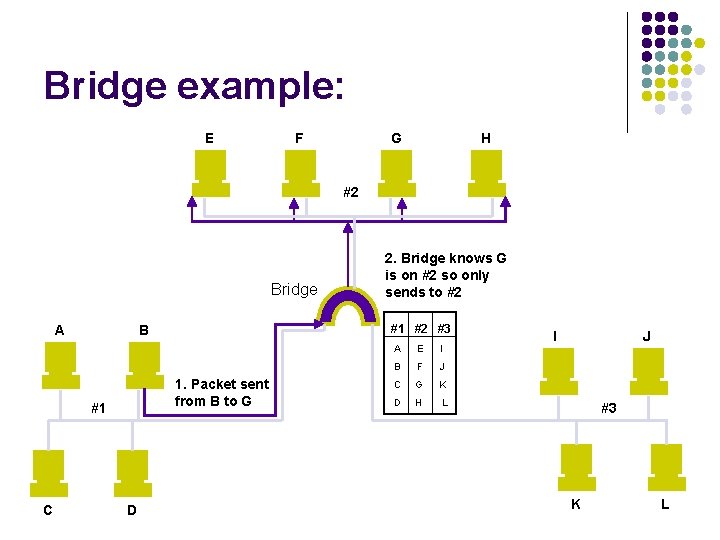
Bridge example: E F G H #2 Bridge A C #1 #2 #3 B 1. Packet sent from B to G #1 D 2. Bridge knows G is on #2 so only sends to #2 A E I B F J C G K D H L I J #3 K L
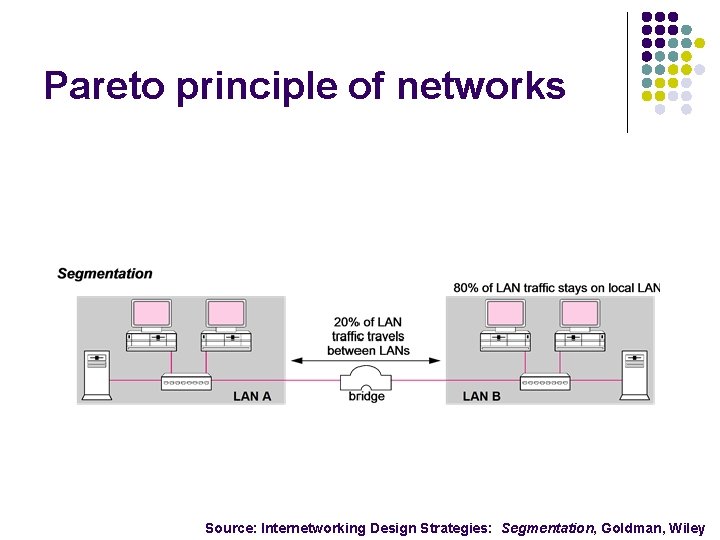
Pareto principle of networks Source: Internetworking Design Strategies: Segmentation, Goldman, Wiley
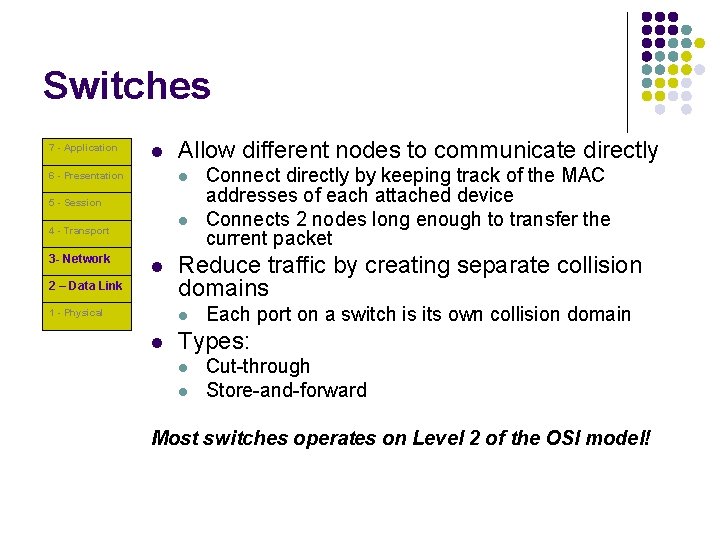
Switches 7 - Application l Allow different nodes to communicate directly l 6 - Presentation 5 - Session l 4 - Transport 3 - Network l 2 – Data Link 1 - Physical Reduce traffic by creating separate collision domains l l Connect directly by keeping track of the MAC addresses of each attached device Connects 2 nodes long enough to transfer the current packet Each port on a switch is its own collision domain Types: l l Cut-through Store-and-forward Most switches operates on Level 2 of the OSI model!
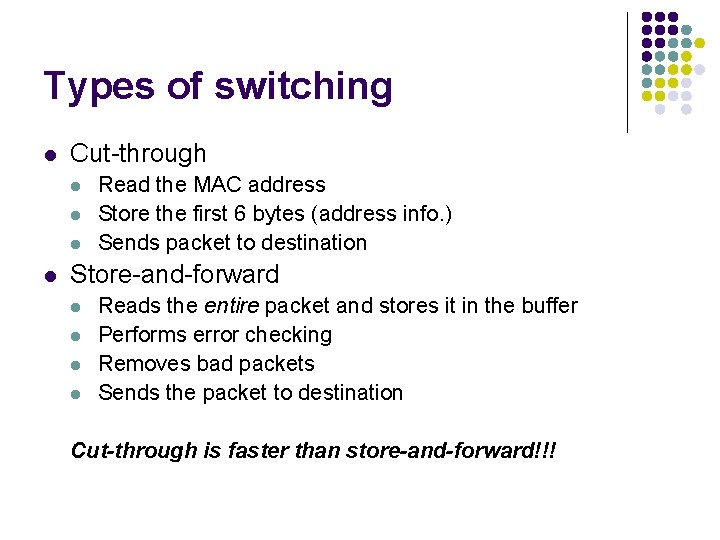
Types of switching l Cut-through l l Read the MAC address Store the first 6 bytes (address info. ) Sends packet to destination Store-and-forward l l Reads the entire packet and stores it in the buffer Performs error checking Removes bad packets Sends the packet to destination Cut-through is faster than store-and-forward!!!
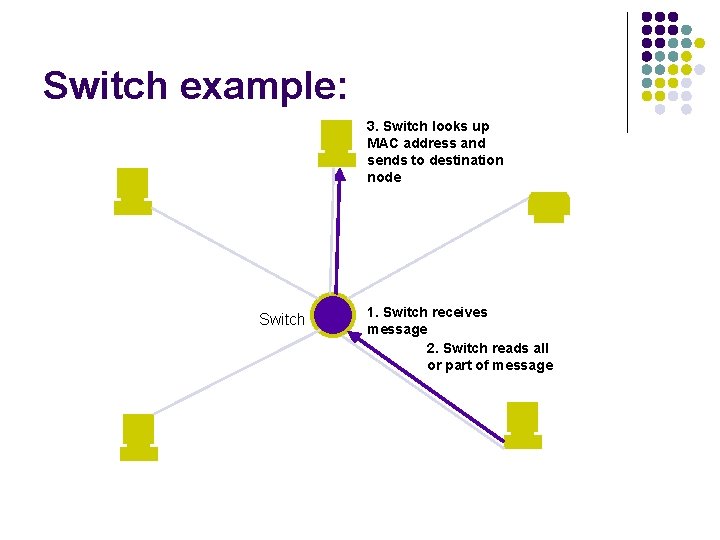
Switch example: 3. Switch looks up MAC address and sends to destination node Switch 1. Switch receives message 2. Switch reads all or part of message
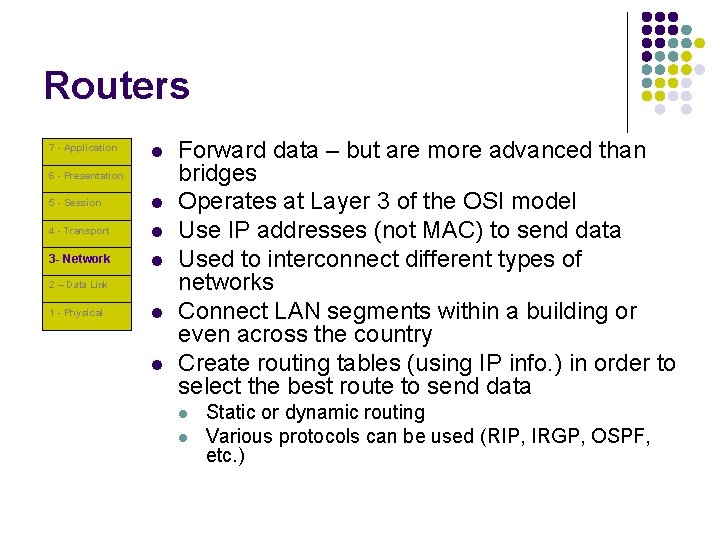
Routers 7 - Application l 6 - Presentation 5 - Session l 4 - Transport l 3 - Network l 2 – Data Link 1 - Physical l l Forward data – but are more advanced than bridges Operates at Layer 3 of the OSI model Use IP addresses (not MAC) to send data Used to interconnect different types of networks Connect LAN segments within a building or even across the country Create routing tables (using IP info. ) in order to select the best route to send data l l Static or dynamic routing Various protocols can be used (RIP, IRGP, OSPF, etc. )
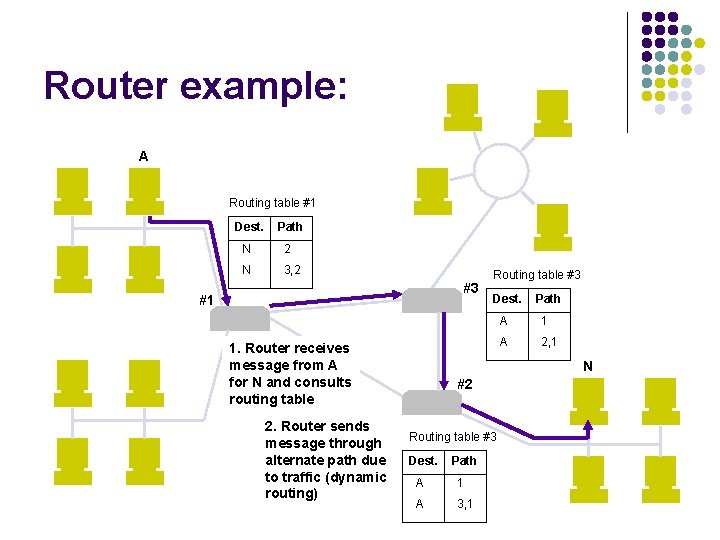
Router example: A Routing table #1 Dest. Path N 2 N 3, 2 #3 #1 1. Router receives message from A for N and consults routing table 2. Router sends message through alternate path due to traffic (dynamic routing) Routing table #3 Dest. Path A 1 A 2, 1 N #2 Routing table #3 Dest. Path A 1 A 3, 1
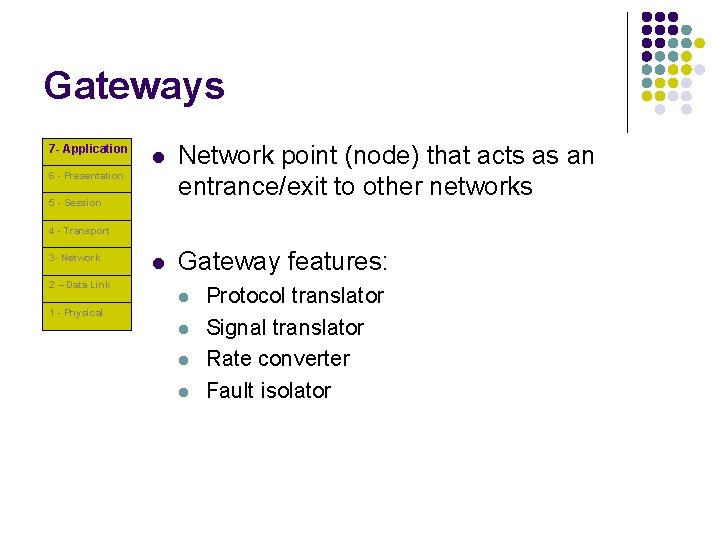
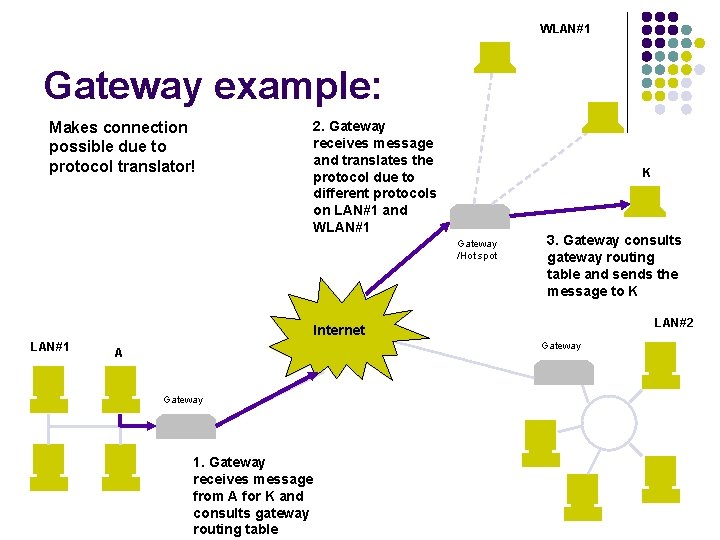
Gateways 7 - Application l Network point (node) that acts as an entrance/exit to other networks l Gateway features: 6 - Presentation 5 - Session 4 - Transport 3 - Network 2 – Data Link l 1 - Physical l Protocol translator Signal translator Rate converter Fault isolator
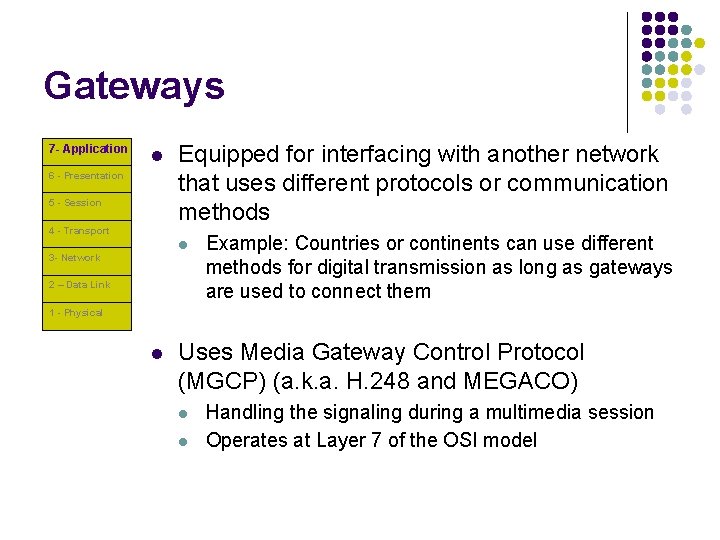
Gateways 7 - Application l 6 - Presentation 5 - Session 4 - Transport Equipped for interfacing with another network that uses different protocols or communication methods l 3 - Network 2 – Data Link Example: Countries or continents can use different methods for digital transmission as long as gateways are used to connect them 1 - Physical l Uses Media Gateway Control Protocol (MGCP) (a. k. a. H. 248 and MEGACO) l l Handling the signaling during a multimedia session Operates at Layer 7 of the OSI model
WLAN#1 Gateway example: 2. Gateway receives message and translates the protocol due to different protocols on LAN#1 and WLAN#1 Makes connection possible due to protocol translator! K Gateway /Hot spot LAN#1 Internet A Gateway 1. Gateway receives message from A for K and consults gateway routing table 3. Gateway consults gateway routing table and sends the message to K LAN#2 Gateway
All of these devices come together in order to make up the networks that we know today. Without these devices the Internet would not be possible!
Now, let us examine how the Internet actually works
‘Dem bones, ‘dem bones… l l l l 1969: Kai was born/ARPANET commissioned by Do. D 1973: ARPANET goes international (satellite link) 1980: ARPA began converting machines to TCP/IP protocol 1983: Transition to TCP/IP completed 1985: NSF got involved in Internet 1986: Backbone called NSFNET was built, and several regional nets connected to it (speeds of 56 Kbps) 1988: NSFNET backbone upgraded to T 1 (~1. 5 Mbps) 1991: NSFNET backbone upgraded to T 3 (~45 Mbps) 1995: NSFNET reverts back to research network. Traffic now routed through interconnected network providers 1996: MCI upgrades backbone to 622 Mbps 1999: Internet 2 launched. 1999: MCI starts upgrading backbone to 2. 5 Gbps Currently, private carriers such as MCI, Sprint, Qwest, and Level(3) have emerged for carrying Internet traffic. They exchange traffic between their respective backbones at peering points located in various major cities around the country. Source: http: //www. zakon. org/robert/internet/timeline/
Internet Backbones
Internet growth
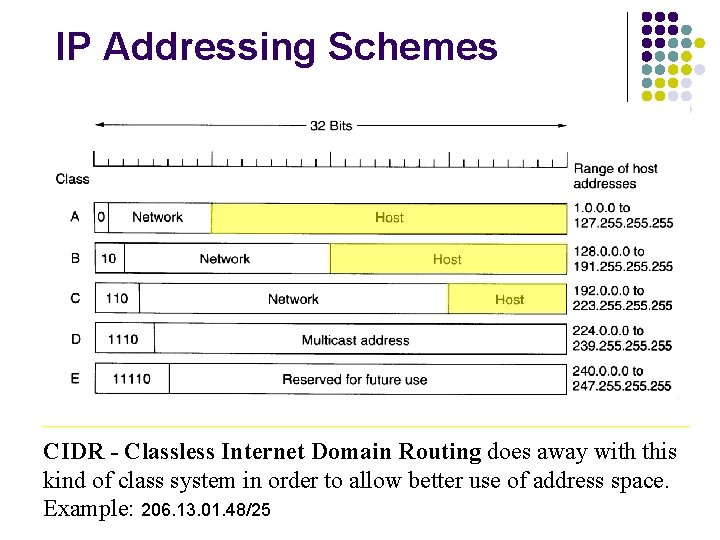
IP Addressing Schemes CIDR - Classless Internet Domain Routing does away with this kind of class system in order to allow better use of address space. Example: 206. 13. 01. 48/25
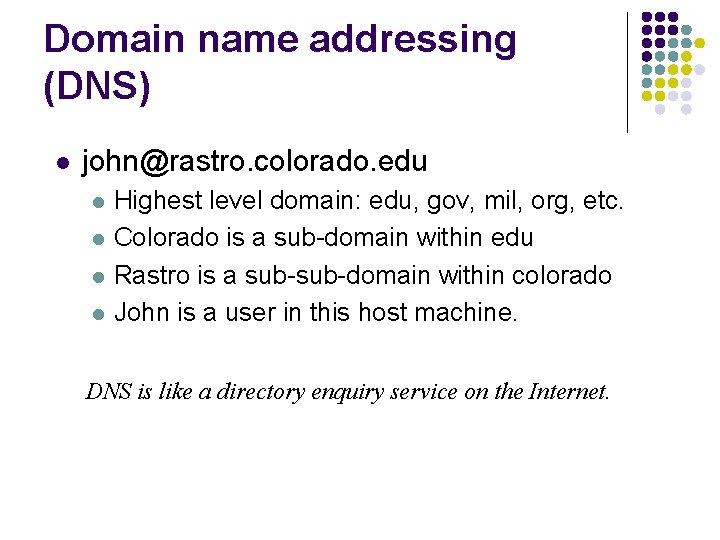
Domain name addressing (DNS) l john@rastro. colorado. edu l l Highest level domain: edu, gov, mil, org, etc. Colorado is a sub-domain within edu Rastro is a sub-domain within colorado John is a user in this host machine. DNS is like a directory enquiry service on the Internet.
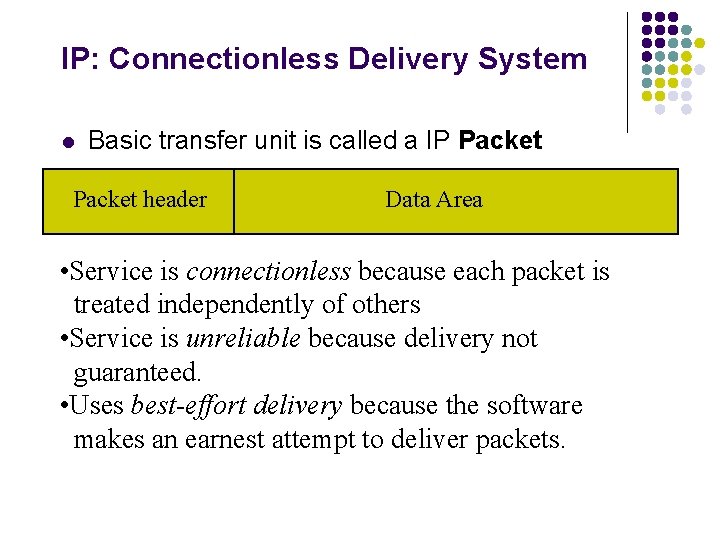
IP: Connectionless Delivery System l Basic transfer unit is called a IP Packet header Data Area • Service is connectionless because each packet is treated independently of others • Service is unreliable because delivery not guaranteed. • Uses best-effort delivery because the software makes an earnest attempt to deliver packets.
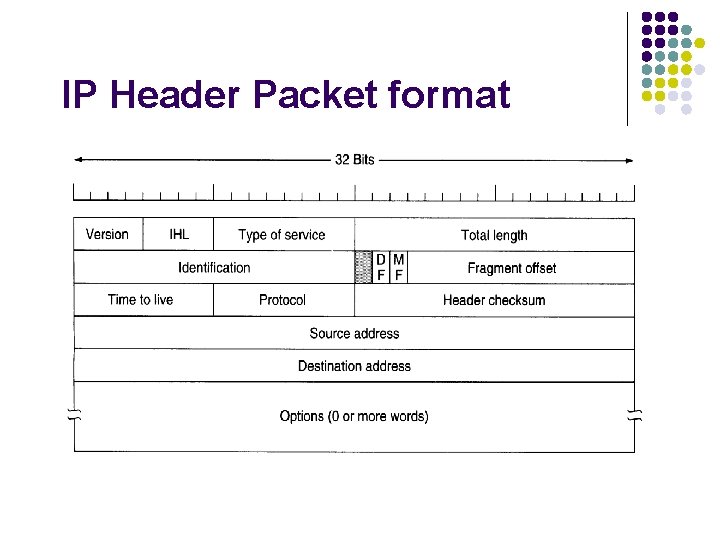
IP Header Packet format
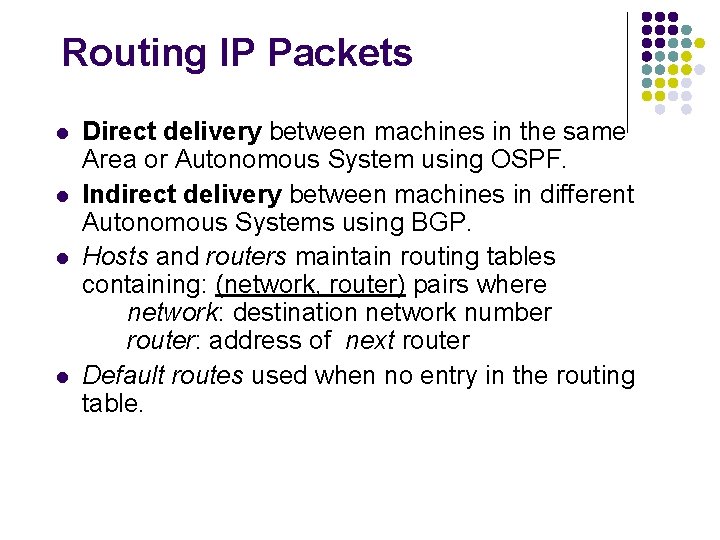
Routing IP Packets l l Direct delivery between machines in the same Area or Autonomous System using OSPF. Indirect delivery between machines in different Autonomous Systems using BGP. Hosts and routers maintain routing tables containing: (network, router) pairs where network: destination network number router: address of next router Default routes used when no entry in the routing table.
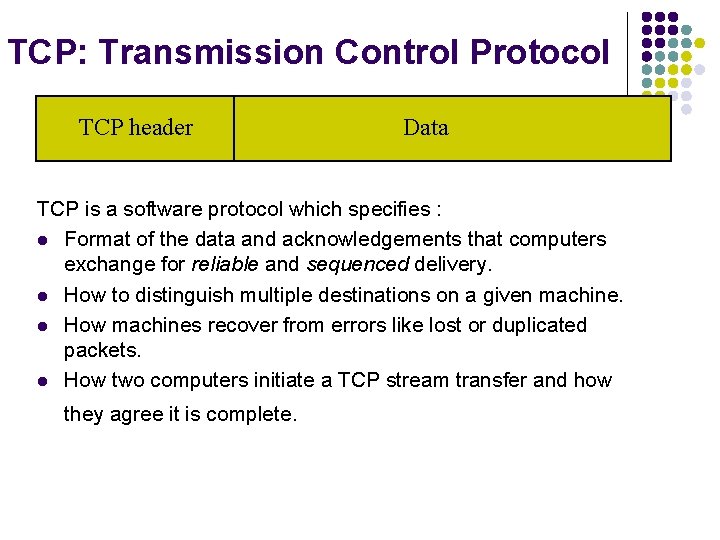
TCP: Transmission Control Protocol TCP header Data TCP is a software protocol which specifies : l Format of the data and acknowledgements that computers exchange for reliable and sequenced delivery. l How to distinguish multiple destinations on a given machine. l How machines recover from errors like lost or duplicated packets. l How two computers initiate a TCP stream transfer and how they agree it is complete.
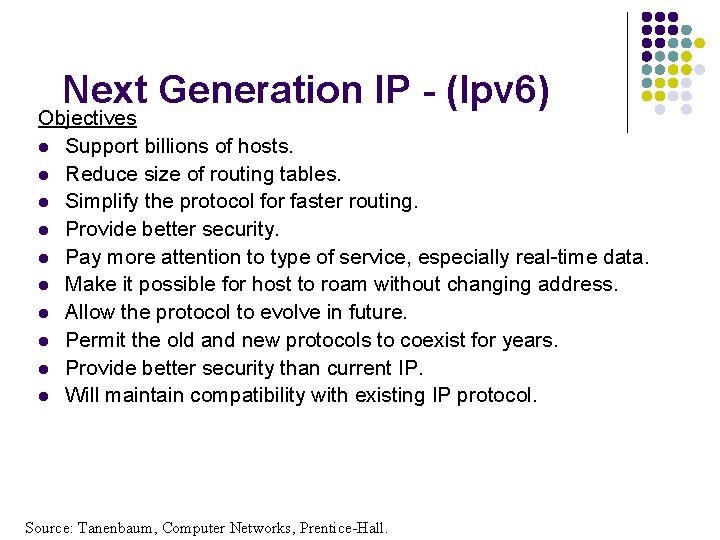
Next Generation IP - (Ipv 6) Objectives l Support billions of hosts. l Reduce size of routing tables. l Simplify the protocol for faster routing. l Provide better security. l Pay more attention to type of service, especially real-time data. l Make it possible for host to roam without changing address. l Allow the protocol to evolve in future. l Permit the old and new protocols to coexist for years. l Provide better security than current IP. l Will maintain compatibility with existing IP protocol. Source: Tanenbaum, Computer Networks, Prentice-Hall.
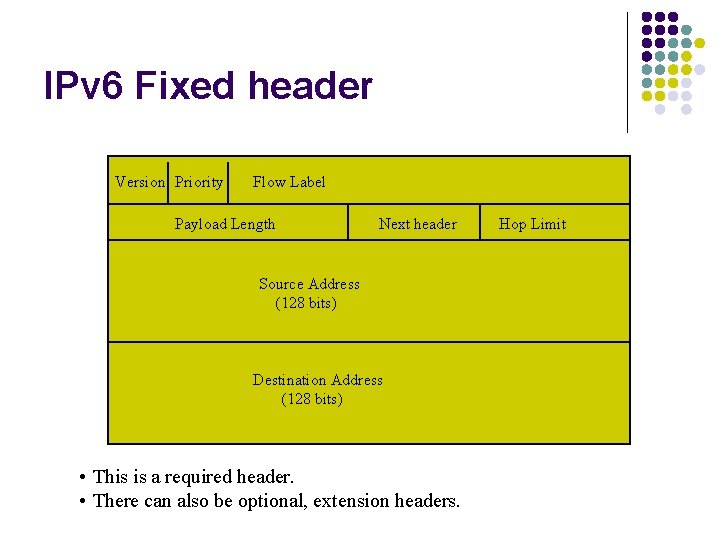
IPv 6 Fixed header Version Priority Flow Label Payload Length Next header Source Address (128 bits) Destination Address (128 bits) • This is a required header. • There can also be optional, extension headers. Hop Limit
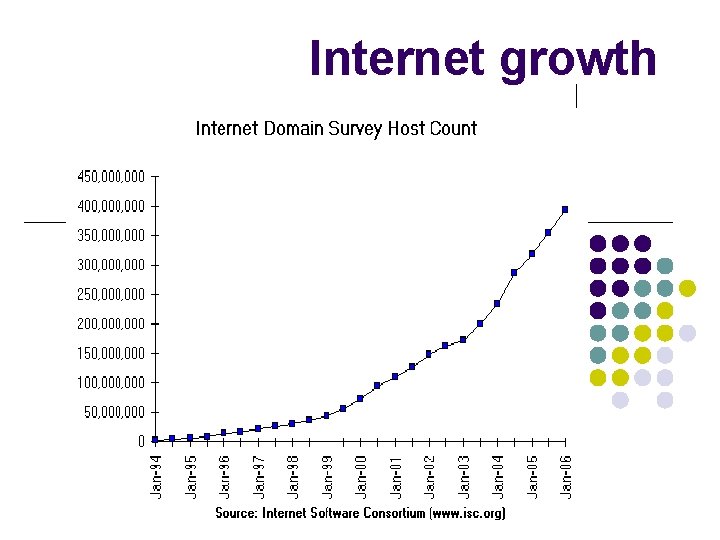
Summary • Bridges and Routers are the mainstays of internetworking. • Newer devices such as switches emerged in response to need for higher throughput. • Several internetworking strategies can be employed to improve performance. • Internet has about 400 million hosts* and is still growing exponentially! • TCP/IP is the lingua franca of the Internet domain survey, January, 2001 -- http: //www. isc. org/ds/
- Slides: 35