
Networking Computer Connections Chapter 7 Data Communications Send
- Slides: 25
Networking: Computer Connections Chapter 7
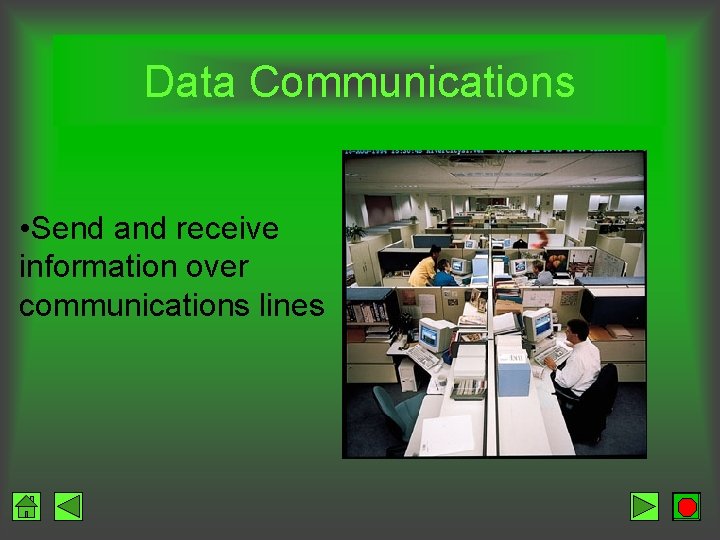
Data Communications • Send and receive information over communications lines
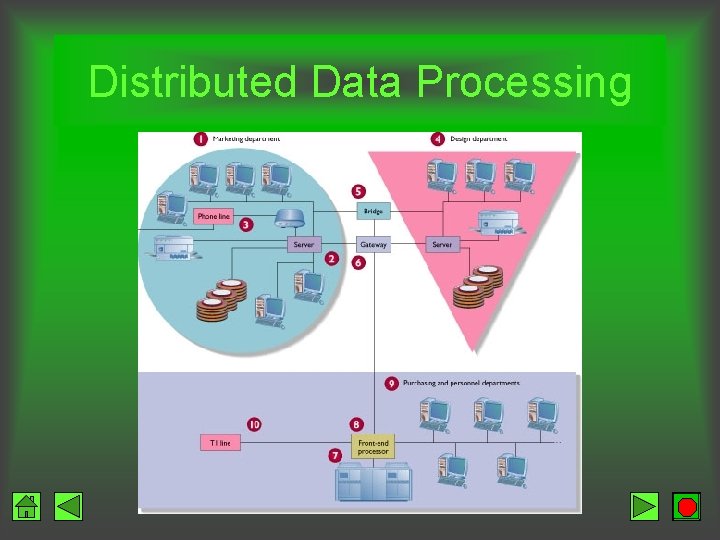
Distributed Data Processing
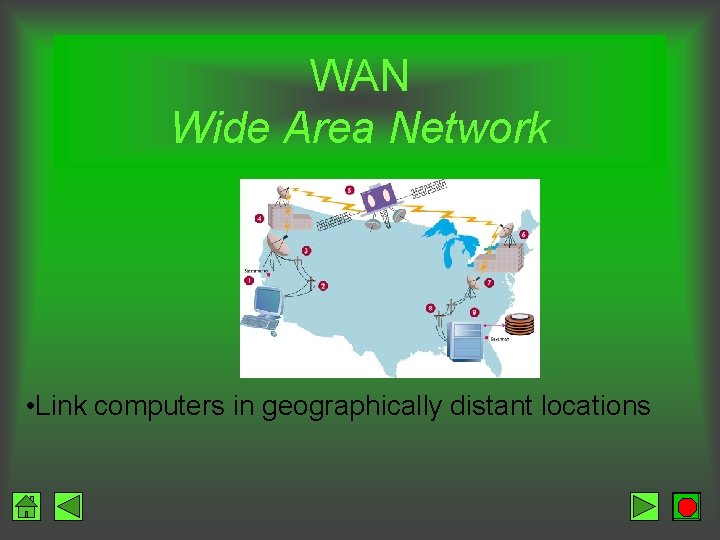
Network • Uses communication equipment to connect two or more computers and their resources • LAN – shares data and resources among users in close proximity (same floor/building) • WAN – shares data among users who are geographically distant
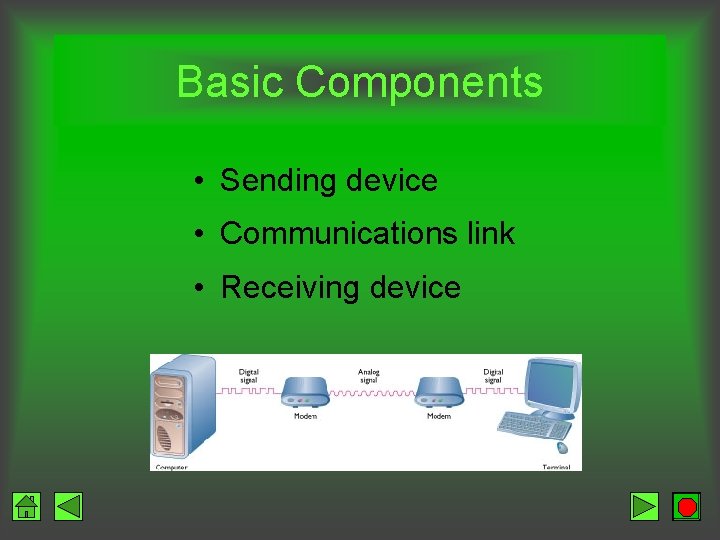
Basic Components • Sending device • Communications link • Receiving device
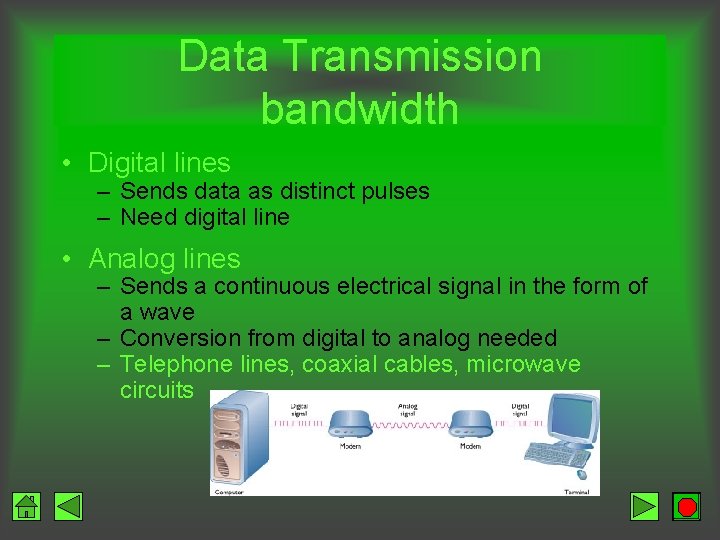
Data Transmission bandwidth • Digital lines – Sends data as distinct pulses – Need digital line • Analog lines – Sends a continuous electrical signal in the form of a wave – Conversion from digital to analog needed – Telephone lines, coaxial cables, microwave circuits
Modem low bandwidth connection • Modulate – Convert from digital to analog • Demodulate – Convert from analog to digital • Speeds up to 56, 000 bps (56 K) • (bps: is speed of transferring data (bits per second)
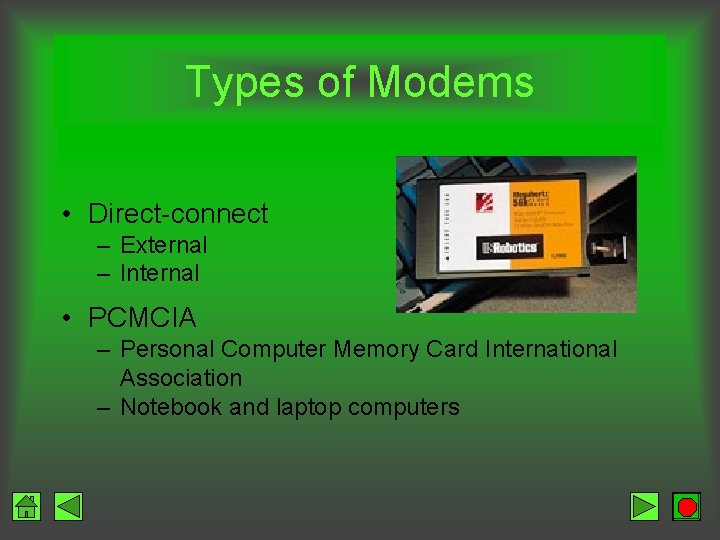
Types of Modems • Direct-connect – External – Internal • PCMCIA – Personal Computer Memory Card International Association – Notebook and laptop computers
Broad bandwidth connections
ISDN Integrated Services Digital Network • Digital transmission • Speeds of 128, 000 bps • Connect and talk at same time • Need – Adapter – Upgraded phone service • Initial costs high • Ongoing monthly fees may be high • Not available in all areas
DSL Digital Subscriber Line • Uses conventional telephone lines • No industry standard – Cost – Speed • Phone line shared between computer and voice • Always on • Speed ranges from 1 mbps & Up to 10 Mbps • (security problems since its always on)
Cable Modem • Coaxial cables • Does not interfere with cable TV reception • Up to 10 million bps • Always on • Shared capacity • Security problem
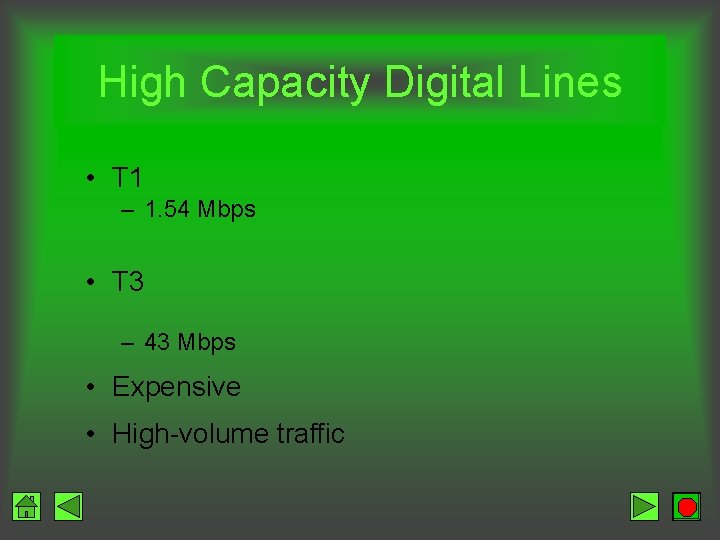
High Capacity Digital Lines • T 1 – 1. 54 Mbps • T 3 – 43 Mbps • Expensive • High-volume traffic
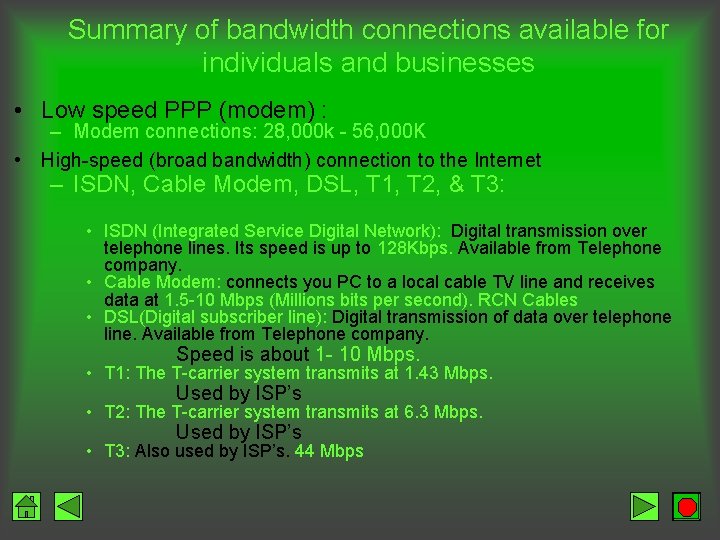
Summary of bandwidth connections available for individuals and businesses • Low speed PPP (modem) : – Modem connections: 28, 000 k - 56, 000 K • High-speed (broad bandwidth) connection to the Internet – ISDN, Cable Modem, DSL, T 1, T 2, & T 3: • ISDN (Integrated Service Digital Network): Digital transmission over telephone lines. Its speed is up to 128 Kbps. Available from Telephone company. • Cable Modem: connects you PC to a local cable TV line and receives data at 1. 5 -10 Mbps (Millions bits per second). RCN Cables • DSL(Digital subscriber line): Digital transmission of data over telephone line. Available from Telephone company. Speed is about 1 - 10 Mbps. • T 1: The T-carrier system transmits at 1. 43 Mbps. Used by ISP’s • T 2: The T-carrier system transmits at 6. 3 Mbps. Used by ISP’s • T 3: Also used by ISP’s. 44 Mbps
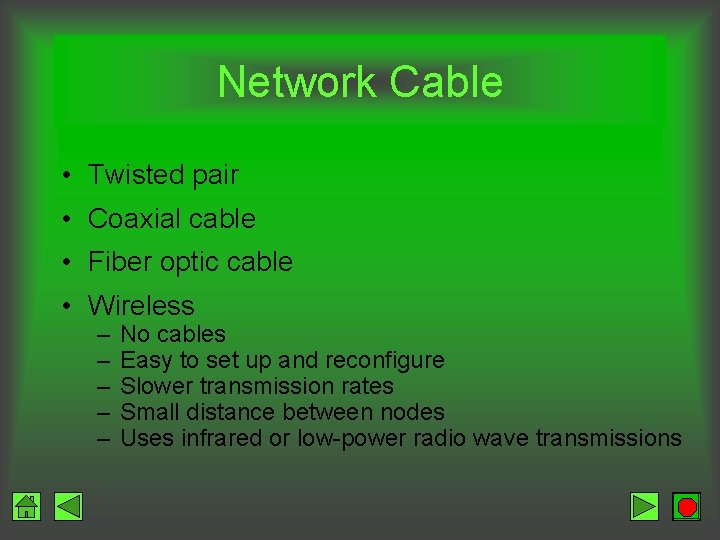
Network Cable • Twisted pair • Coaxial cable • Fiber optic cable • Wireless – – – No cables Easy to set up and reconfigure Slower transmission rates Small distance between nodes Uses infrared or low-power radio wave transmissions
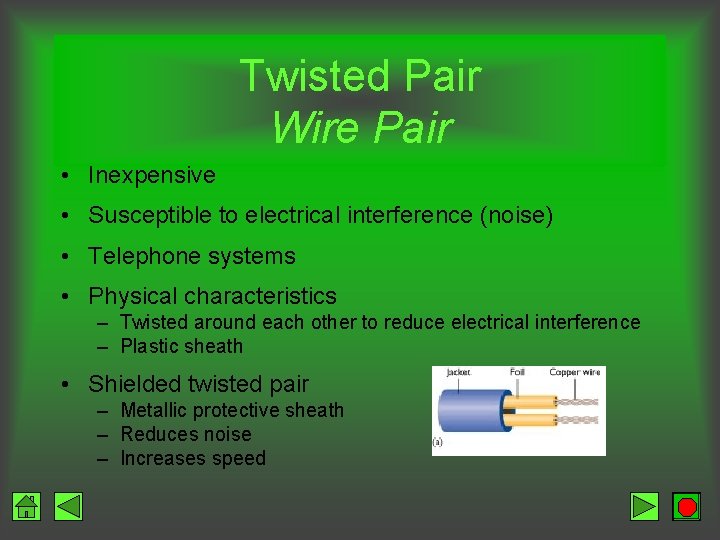
Twisted Pair Wire Pair • Inexpensive • Susceptible to electrical interference (noise) • Telephone systems • Physical characteristics – Twisted around each other to reduce electrical interference – Plastic sheath • Shielded twisted pair – Metallic protective sheath – Reduces noise – Increases speed
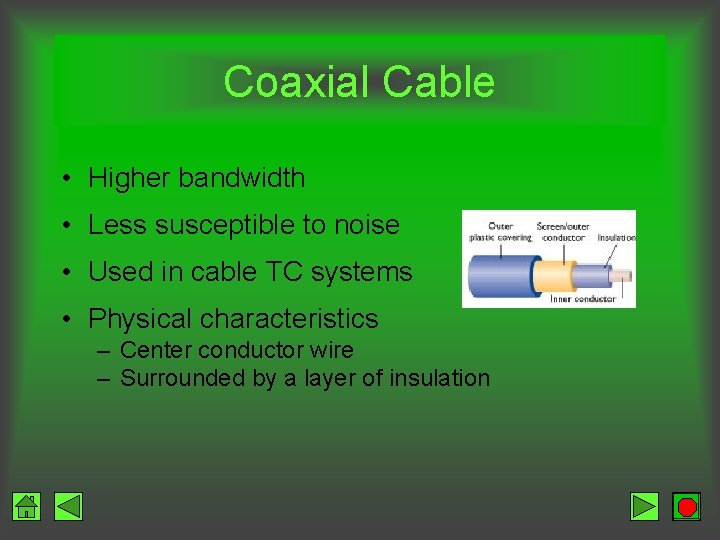
Coaxial Cable • Higher bandwidth • Less susceptible to noise • Used in cable TC systems • Physical characteristics – Center conductor wire – Surrounded by a layer of insulation
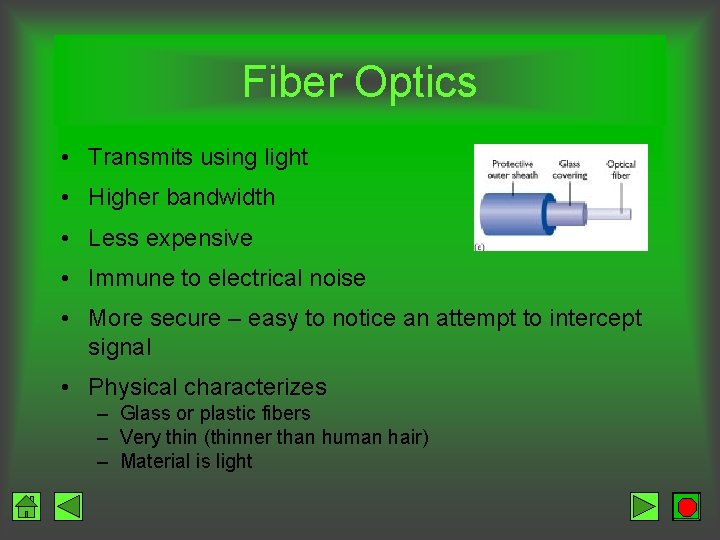
Fiber Optics • Transmits using light • Higher bandwidth • Less expensive • Immune to electrical noise • More secure – easy to notice an attempt to intercept signal • Physical characterizes – Glass or plastic fibers – Very thin (thinner than human hair) – Material is light
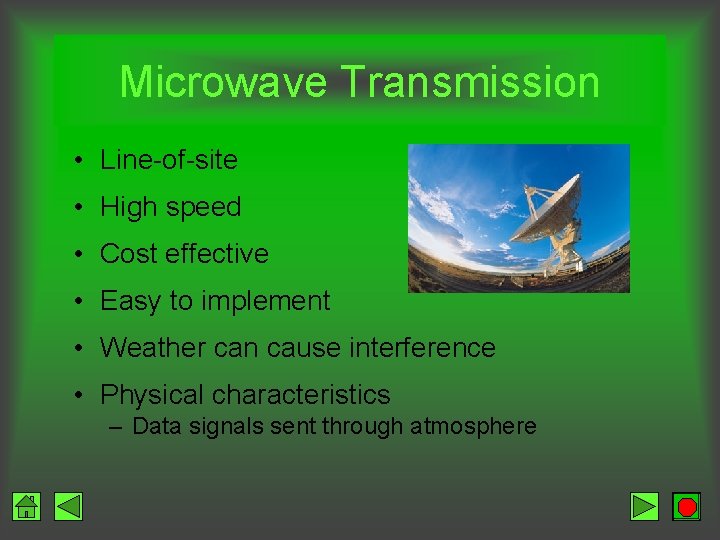
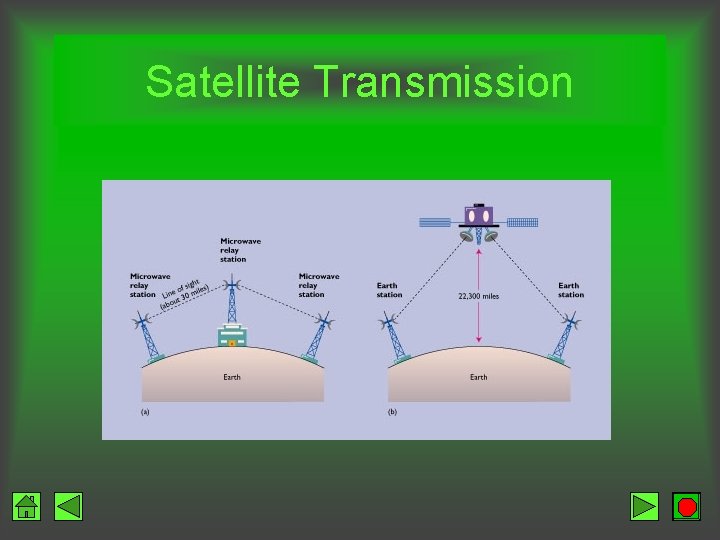
Microwave Transmission • Line-of-site • High speed • Cost effective • Easy to implement • Weather can cause interference • Physical characteristics – Data signals sent through atmosphere
Satellite Transmission • Microwave transmission with a satellite acting as a relay • Long distance • Components – Earth stations – send and receive signals – Transponder – satellite • • Receives signal from earth station (uplink) Amplifies signal Changes the frequency Retransmits the data to a receiving earth station (downlink)
Satellite Transmission
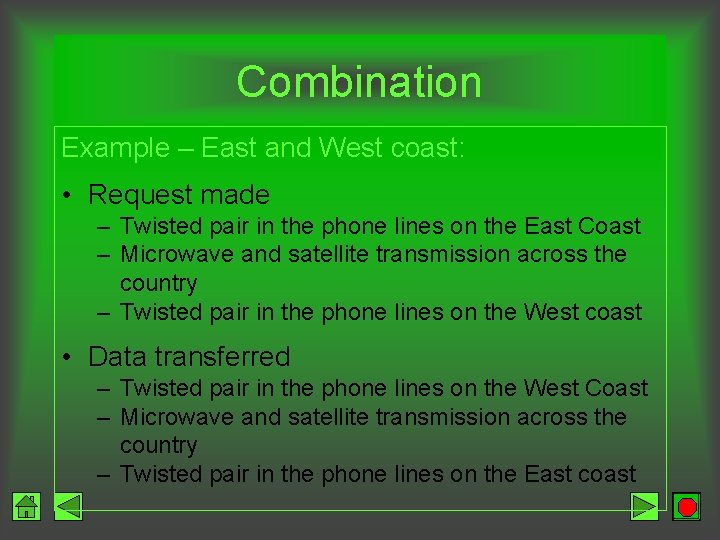
Combination Example – East and West coast: • Request made – Twisted pair in the phone lines on the East Coast – Microwave and satellite transmission across the country – Twisted pair in the phone lines on the West coast • Data transferred – Twisted pair in the phone lines on the West Coast – Microwave and satellite transmission across the country – Twisted pair in the phone lines on the East coast
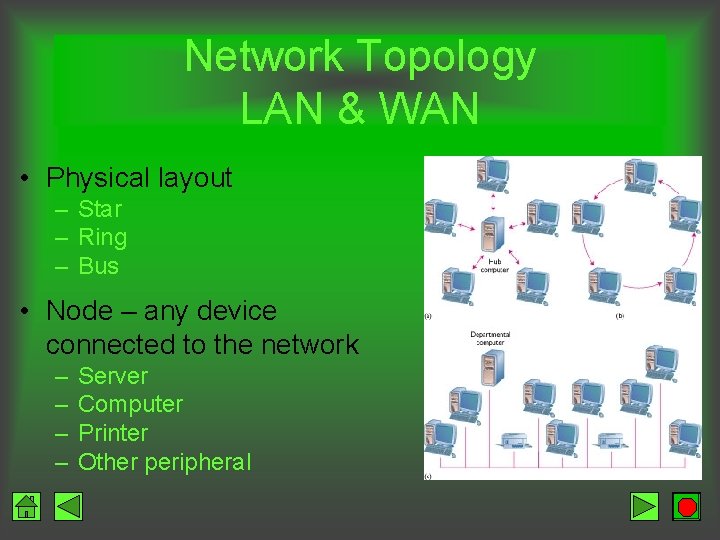
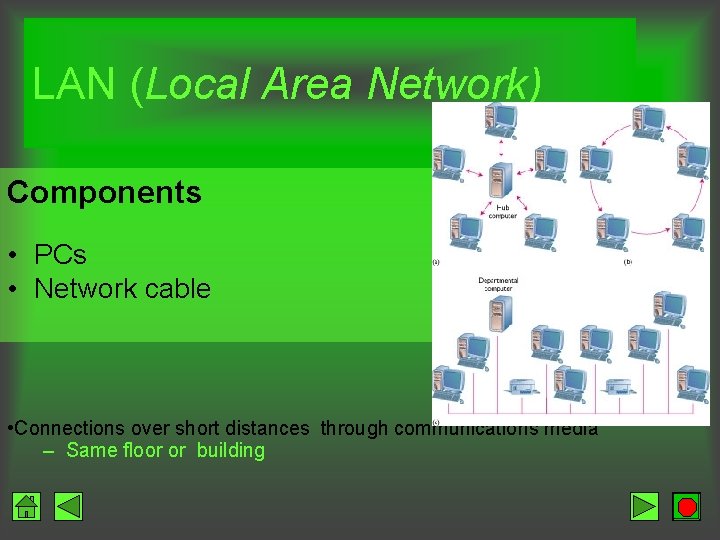
Network Topology LAN & WAN • Physical layout – Star – Ring – Bus • Node – any device connected to the network – – Server Computer Printer Other peripheral
LAN (Local Area Network) Components • PCs • Network cable • Connections over short distances through communications media – Same floor or building
WAN Wide Area Network • Link computers in geographically distant locations