
Networking Best Practices Peter Sullivan Peter JSullivan SrHotmail
Networking Best Practices Peter Sullivan Peter. JSullivan. Sr@Hotmail. com
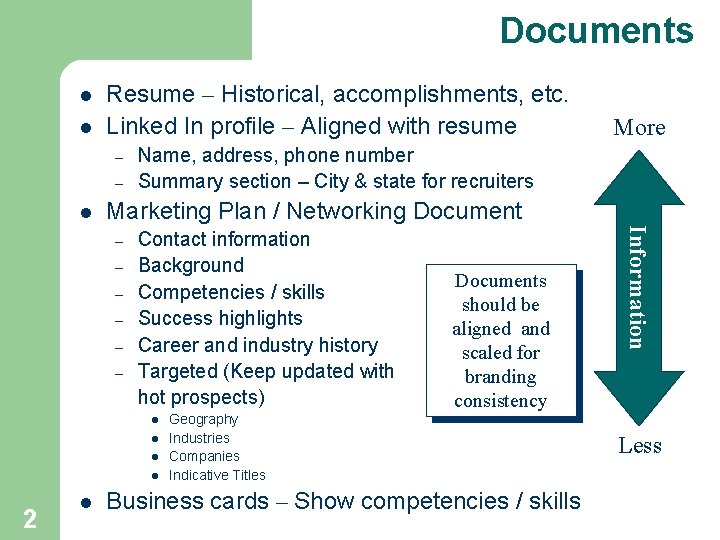
Documents l l Resume – Historical, accomplishments, etc. Linked In profile – Aligned with resume – – l Name, address, phone number Summary section – City & state for recruiters Marketing Plan / Networking Document – – – Contact information Background Competencies / skills Success highlights Career and industry history Targeted (Keep updated with hot prospects) l l 2 Documents should be aligned and scaled for branding consistency Geography Industries Companies Indicative Titles Business cards – Show competencies / skills Information – l More Less
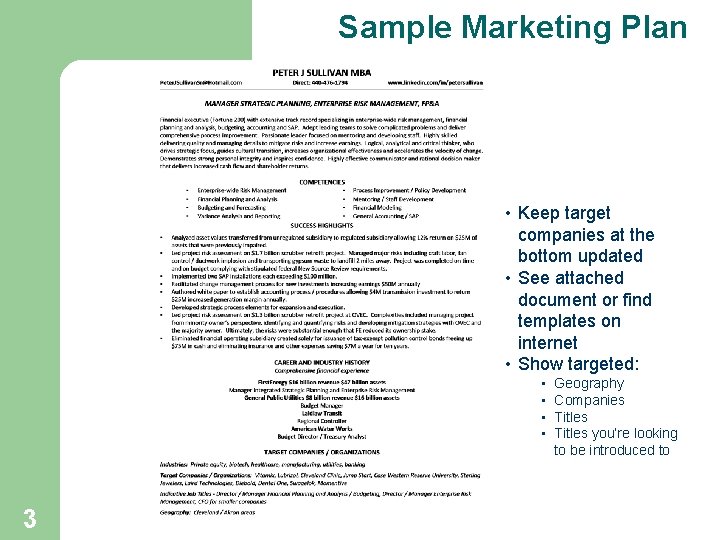
Sample Marketing Plan • Keep target companies at the bottom updated • See attached document or find templates on internet • Show targeted: • • 3 Geography Companies Titles you’re looking to be introduced to
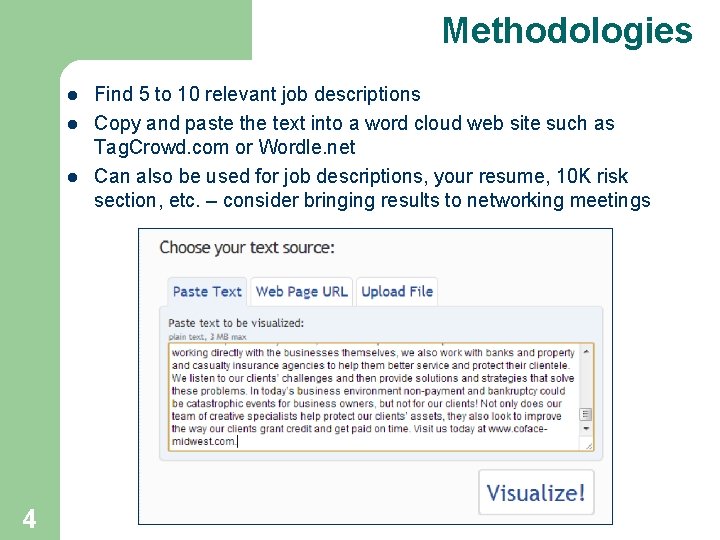
Methodologies l l l 4 Find 5 to 10 relevant job descriptions Copy and paste the text into a word cloud web site such as Tag. Crowd. com or Wordle. net Can also be used for job descriptions, your resume, 10 K risk section, etc. – consider bringing results to networking meetings
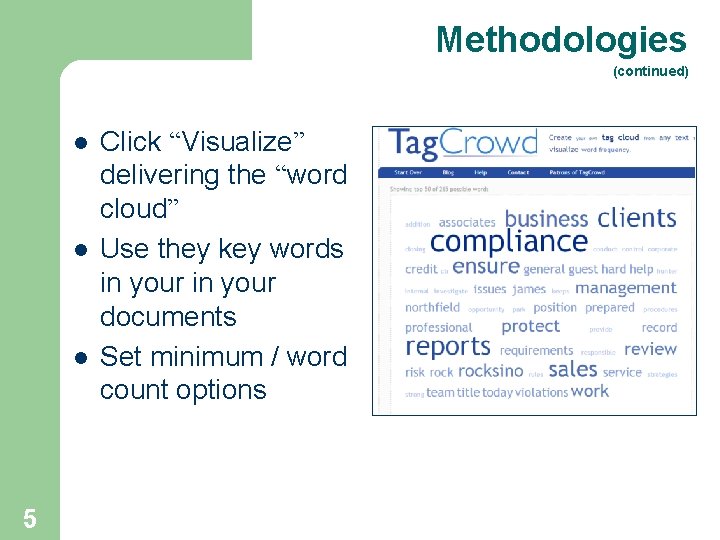
Methodologies (continued) l l l 5 Click “Visualize” delivering the “word cloud” Use they key words in your documents Set minimum / word count options
Networking Contacts l l l Three foot rule Former managers Former co-workers Customers Vendors Consultants Former teachers Professional associations Linked In / groups Service clubs (Rotary) Faith based organizations l l l Alumni / classmates Friends / neighbors Lawyer Banker Accountant Stockbroker Insurance Real estate broker Job fairs Speaking engagements Meetup. com / hobby groups Trade journals Organize contacts and prioritize contacts A / B / C Mail Chimp is a free CRM software 6
Networking Introduction l AIR (not looking for a job) – – – l 3 R’s – – – 7 Advice Information Referrals Research Reciprocate Relationship build
Meeting Process 8 l Preparation – what do I want to get out of meeting? l Meeting request l Conducting the meeting l Follow-up l Attend as many networking group meetings as relevant and useful
Meeting Process Preparation How can this person help me? l Research company / industry / competitors l Prepare questions to ask l Practice answering questions about you and “what you want to do” l Have elevator speech ready l 9
Meeting Process Meeting Request l Approach email / call – state the purpose and who referred you – l l l 10 Did I catch you at a good time? Looking for information and advice not a job Stand smile if you call Be respectful of their time – ask for 5 minutes or determine a better time to call back Warm-up – Referring person, association membership, reputation, expertise, etc. Restate purpose – In transition, John Smith suggested that I contact you, do not expect you to know of openings, looking for advice, information and referrals Know in advance what you can offer them, e. g. : Introductions to people in your network Offer your expertise
Meeting Process Meeting Request (Continued) l Anticipate objections – – – 11 Don’t have time – only need 15 minutes Send your resume – Be happy to but I’m really looking for advice and information on X and Y – send networking document and resume judiciously Can’t help you – John said that you are expert in ABC and my objective is to get advice and info No openings now – I appreciate that but I’m only looking for information Transfer to HR – That would be helpful but could we spend a few minutes where I could get some information?
Meeting Process Meeting Request (Continued) l l l 12 Voicemail – State name. Sorry I keep missing you. I’ll try again at 4: 00. If you would like to call me, my number is 440 -9999 and I’m free after 1: 00 Gatekeepers – Ask for the best time and method to get information – Explain the type of information that you are seeking and ask to be referred to others Send confirming email and attach marketing plan to help focus the discussion Avoid sending resume noting the benefit of the “networking document” Confirm the day before
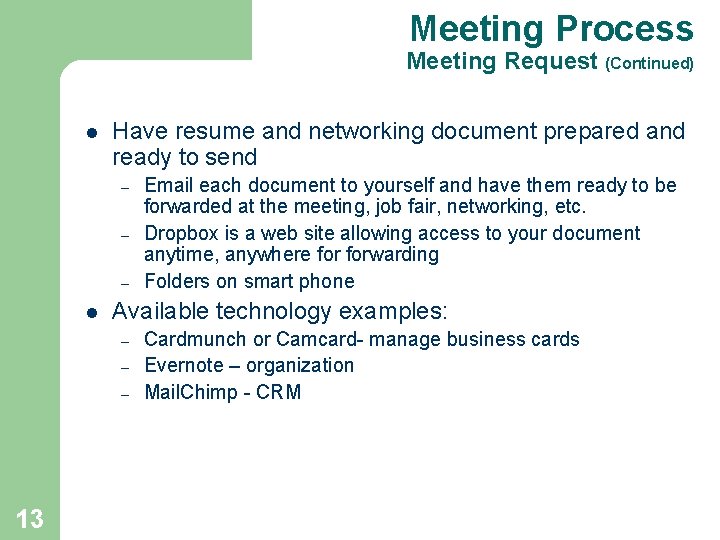
Meeting Process Meeting Request (Continued) l Have resume and networking document prepared and ready to send – – – l Available technology examples: – – – 13 Email each document to yourself and have them ready to be forwarded at the meeting, job fair, networking, etc. Dropbox is a web site allowing access to your document anytime, anywhere forwarding Folders on smart phone Cardmunch or Camcard- manage business cards Evernote – organization Mail. Chimp - CRM
Meeting Process Conducting the Meeting l l l 14 Dress appropriately Schedule in person and off-site if possible (say “coffee”!) Be early Have copies of marketing plan, business cards Respect time / confirm allotted time up front Take notes
Meeting Process Conducting the Meeting (continued) l l l Use judgment if asked for resume Refer to marketing document Ask about company / industry issues Listen for opportunities to help the person Ask for referrals Establish a plan to stay in touch – – l Ask how you can reciprocate – – l 15 Linked In Send periodic updates to your A/B/C contacts (very effective!!!) Offer to share best practices Met a lot of people that I can refer if you are looking for a particular skill set Hold your liquor
Networking Questions (Amateur hour) 16 l How did you get involved with… l What advice do you have for me to be successful at…. l What do you enjoy the most about what you do? l What separates you from the competition? l What changes have occurred recently? l What are the new trends? l What traits are ideal for someone in your company?
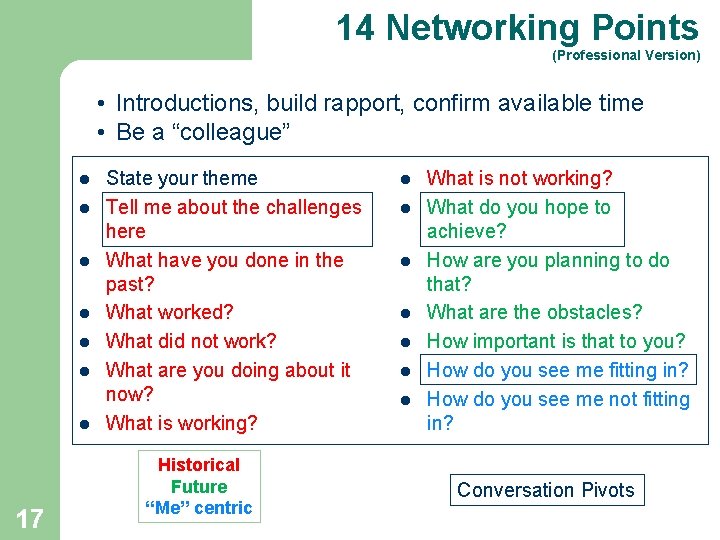
14 Networking Points (Professional Version) • Introductions, build rapport, confirm available time • Be a “colleague” l l l l 17 State your theme Tell me about the challenges here What have you done in the past? What worked? What did not work? What are you doing about it now? What is working? Historical Future “Me” centric l l l l What is not working? What do you hope to achieve? How are you planning to do that? What are the obstacles? How important is that to you? How do you see me fitting in? How do you see me not fitting in? Conversation Pivots
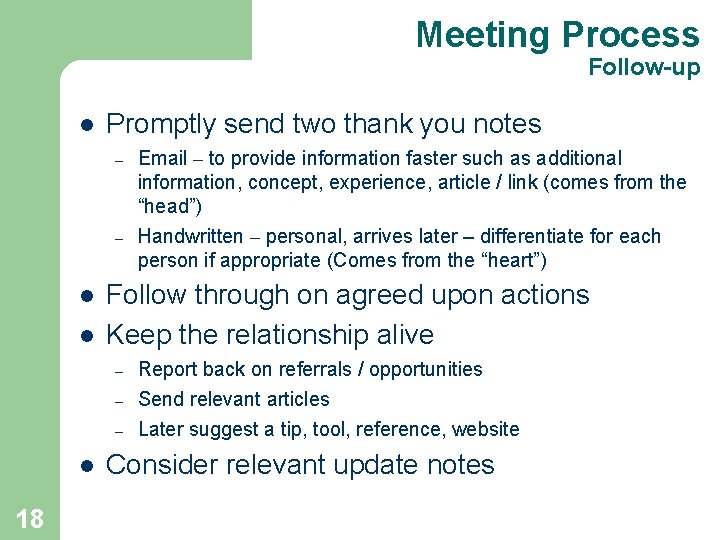
Meeting Process Follow-up l Promptly send two thank you notes – – l l Follow through on agreed upon actions Keep the relationship alive – – – l 18 Email – to provide information faster such as additional information, concept, experience, article / link (comes from the “head”) Handwritten – personal, arrives later – differentiate for each person if appropriate (Comes from the “heart”) Report back on referrals / opportunities Send relevant articles Later suggest a tip, tool, reference, website Consider relevant update notes
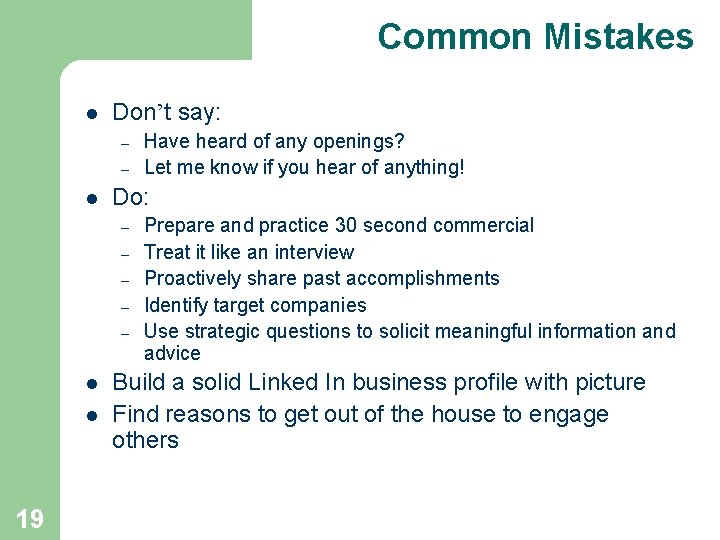
Common Mistakes l Don’t say: – – l Do: – – – l l 19 Have heard of any openings? Let me know if you hear of anything! Prepare and practice 30 second commercial Treat it like an interview Proactively share past accomplishments Identify target companies Use strategic questions to solicit meaningful information and advice Build a solid Linked In business profile with picture Find reasons to get out of the house to engage others
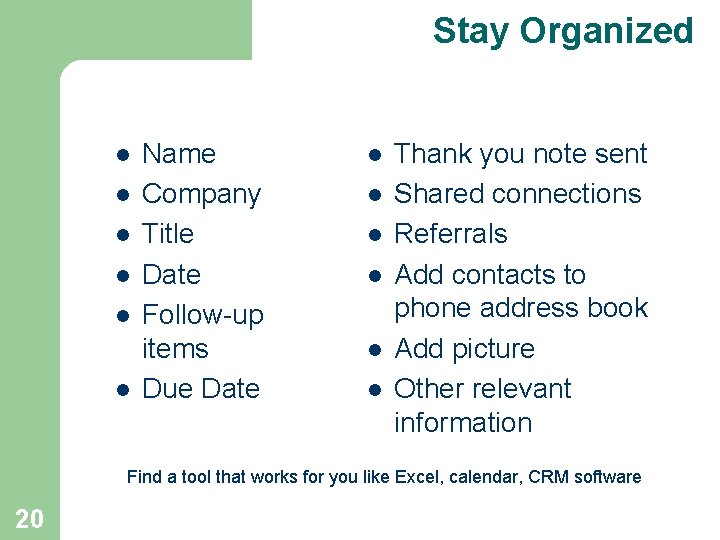
Stay Organized l l l Name Company Title Date Follow-up items Due Date l l l Thank you note sent Shared connections Referrals Add contacts to phone address book Add picture Other relevant information Find a tool that works for you like Excel, calendar, CRM software 20
Other Items l Find a Job Buddy – – l l Send out updates to your network Forward-able email – – 21 Meet weekly Agenda (review past week, next week goals, solve problems) Control messaging Take work off of your contact’s plate
- Slides: 21