
Networked Programs Chapter 12 Python for Everybody www

Networked Programs Chapter 12 Python for Everybody www. py 4 e. com
A Free Book on Network Architecture • If you find this topic area interesting and/or need more detail • www. net-intro. com
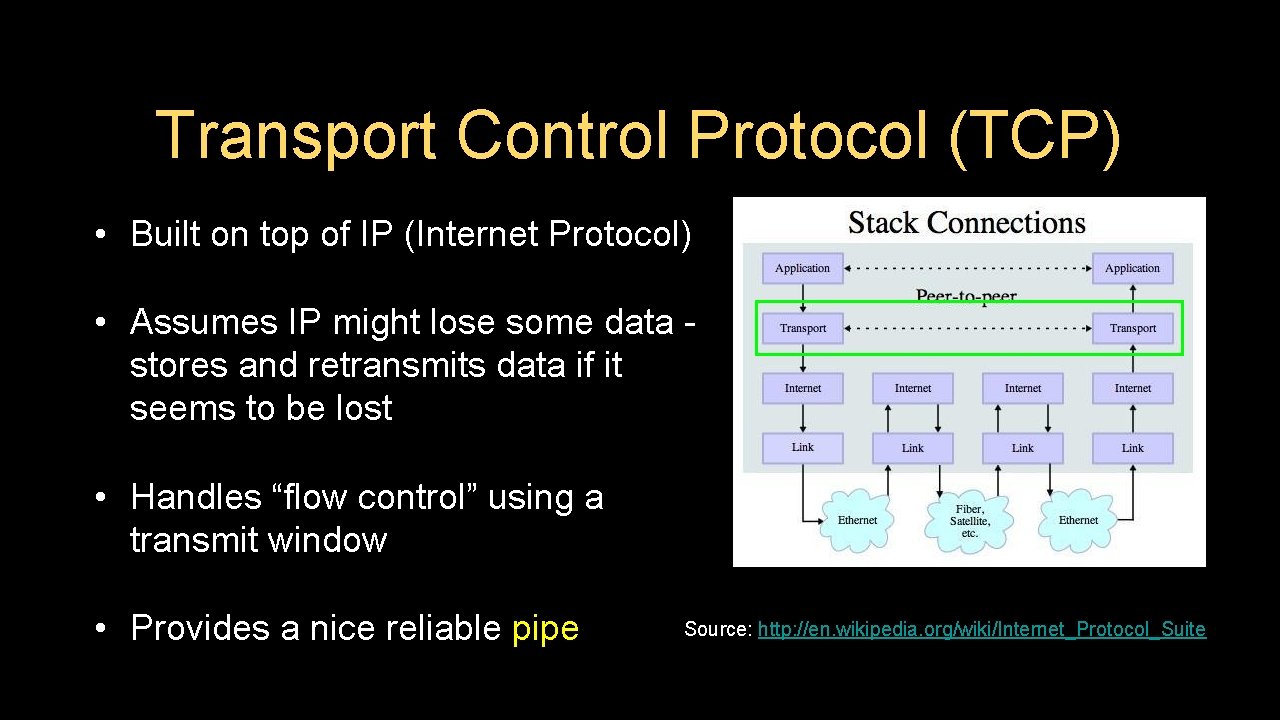
Transport Control Protocol (TCP) • Built on top of IP (Internet Protocol) • Assumes IP might lose some data stores and retransmits data if it seems to be lost • Handles “flow control” using a transmit window • Provides a nice reliable pipe Source: http: //en. wikipedia. org/wiki/Internet_Protocol_Suite
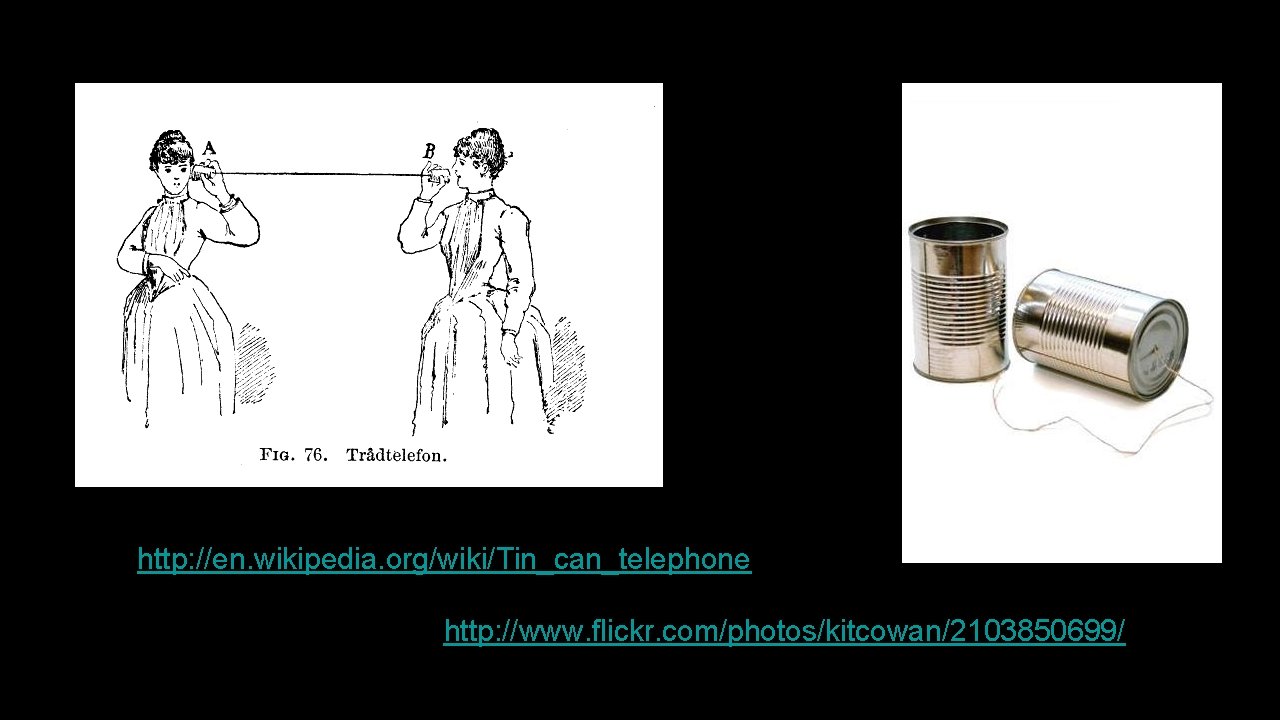
http: //en. wikipedia. org/wiki/Tin_can_telephone http: //www. flickr. com/photos/kitcowan/2103850699/
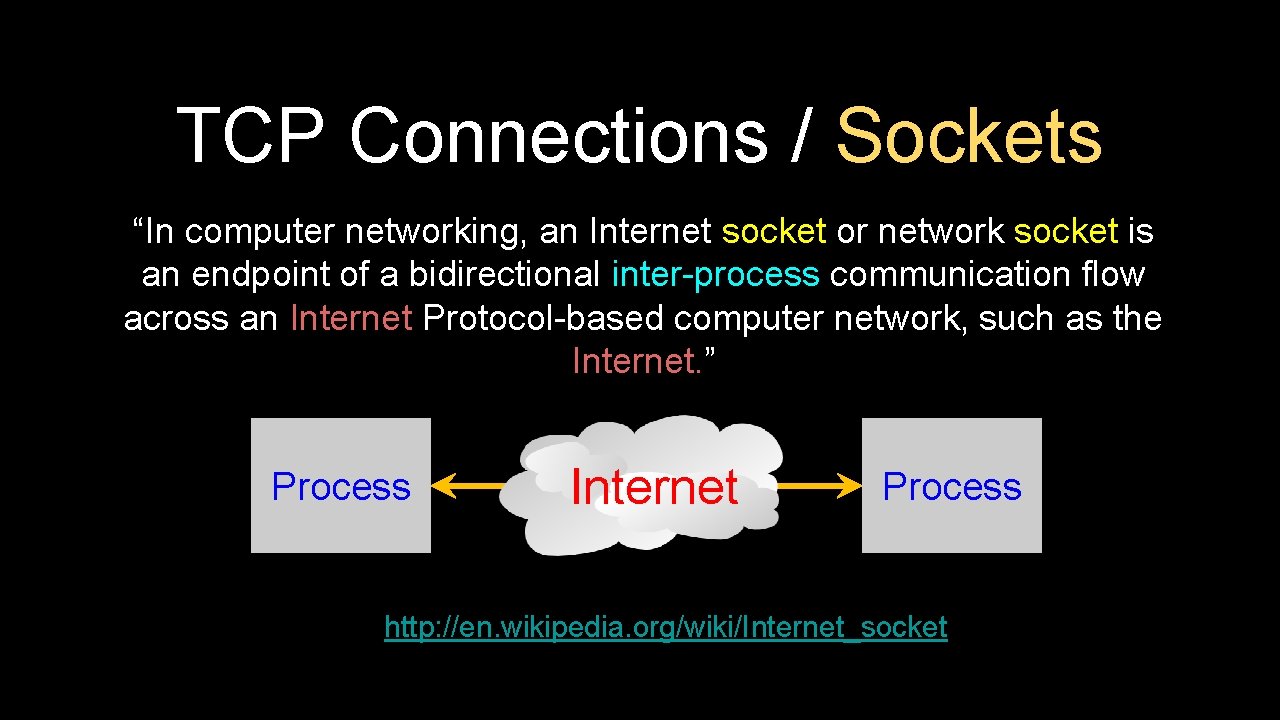
TCP Connections / Sockets “In computer networking, an Internet socket or network socket is an endpoint of a bidirectional inter-process communication flow across an Internet Protocol-based computer network, such as the Internet. ” Process Internet Process http: //en. wikipedia. org/wiki/Internet_socket

TCP Port Numbers • • • A port is an application-specific or process-specific software communications endpoint It allows multiple networked applications to coexist on the same server There is a list of well-known TCP port numbers http: //en. wikipedia. org/wiki/TCP_and_UDP_port
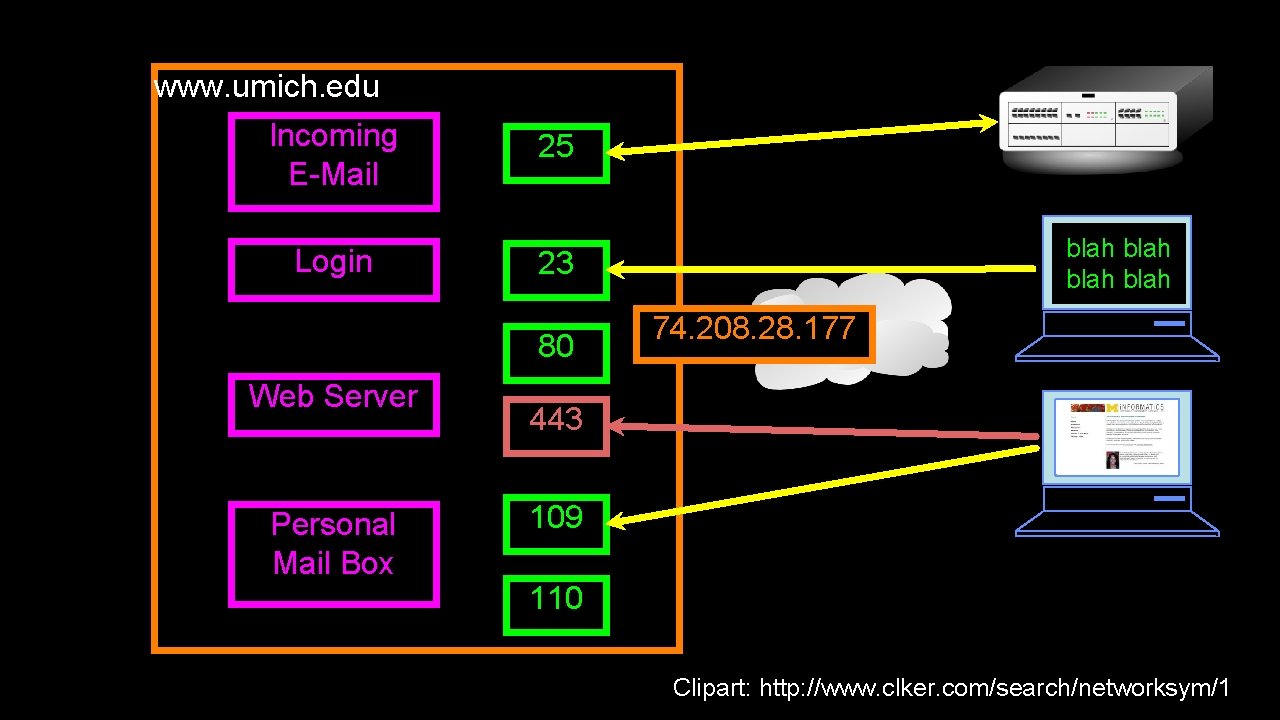
www. umich. edu Incoming E-Mail Login 25 23 80 Web Server Personal Mail Box blah 74. 208. 28. 177 443 109 110 Clipart: http: //www. clker. com/search/networksym/1
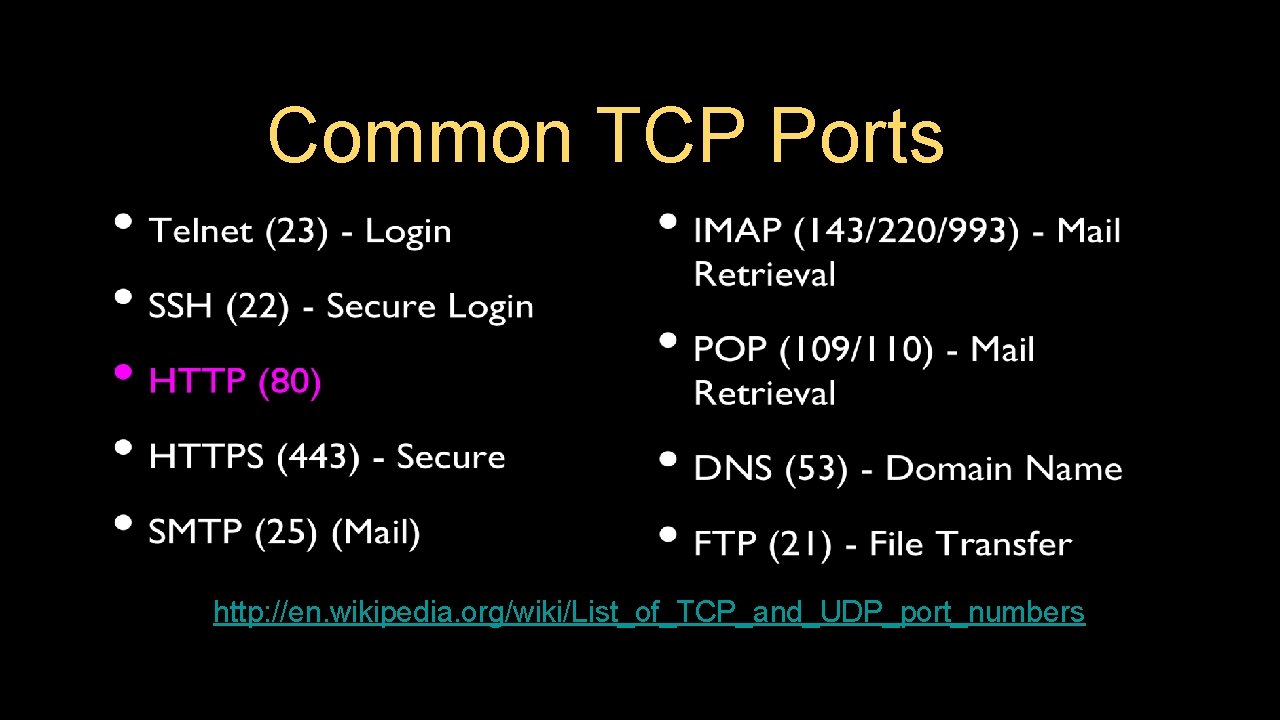
Common TCP Ports http: //en. wikipedia. org/wiki/List_of_TCP_and_UDP_port_numbers
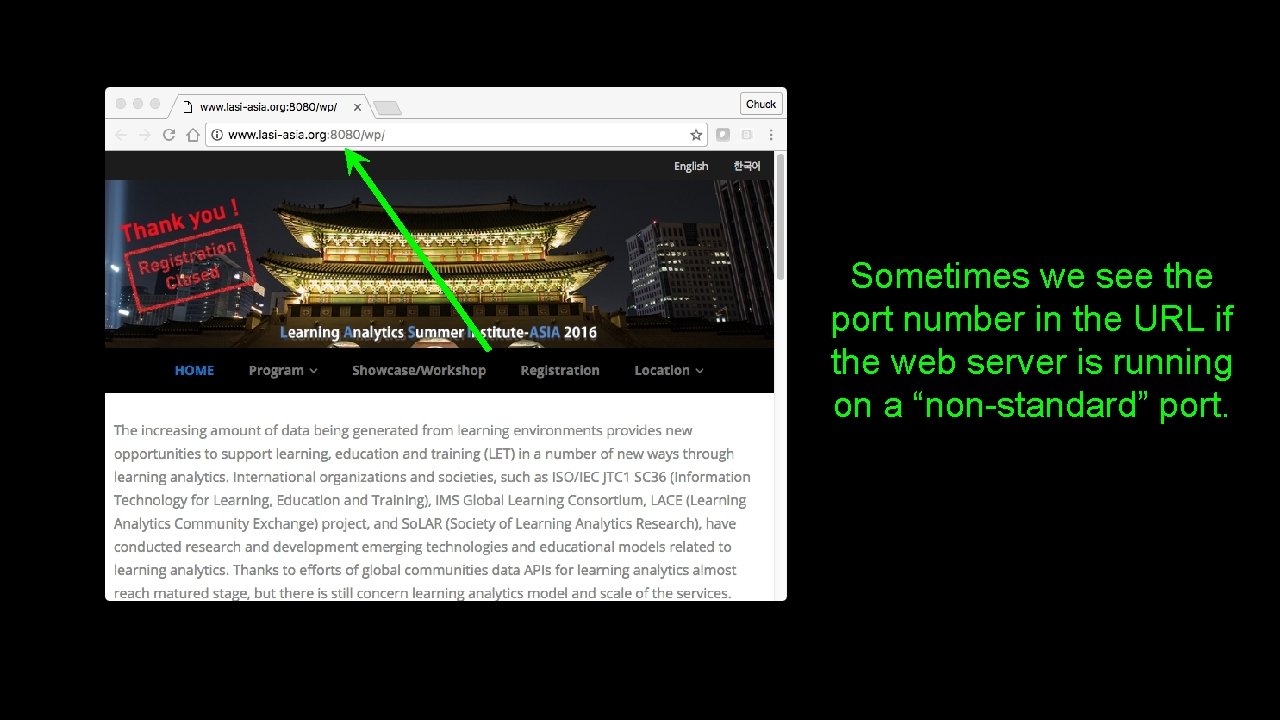
Sometimes we see the port number in the URL if the web server is running on a “non-standard” port.
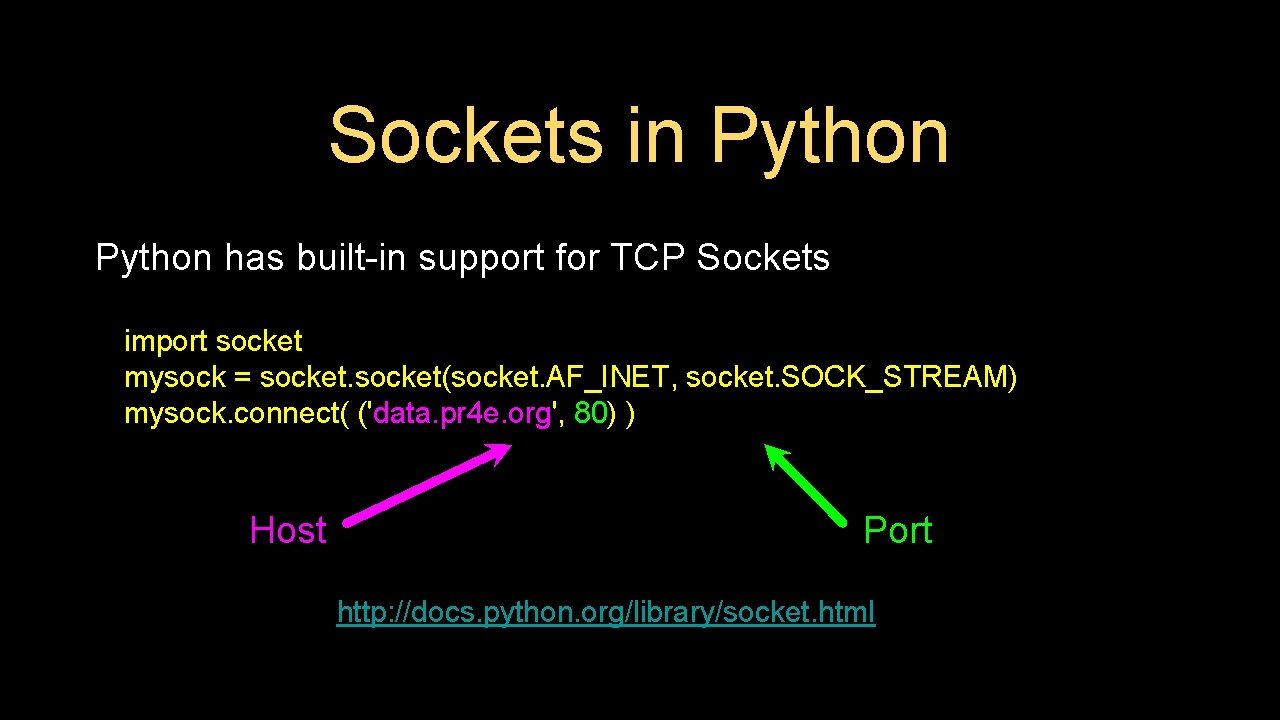
Sockets in Python has built-in support for TCP Sockets import socket mysock = socket(socket. AF_INET, socket. SOCK_STREAM) mysock. connect( ('data. pr 4 e. org', 80) ) Host Port http: //docs. python. org/library/socket. html
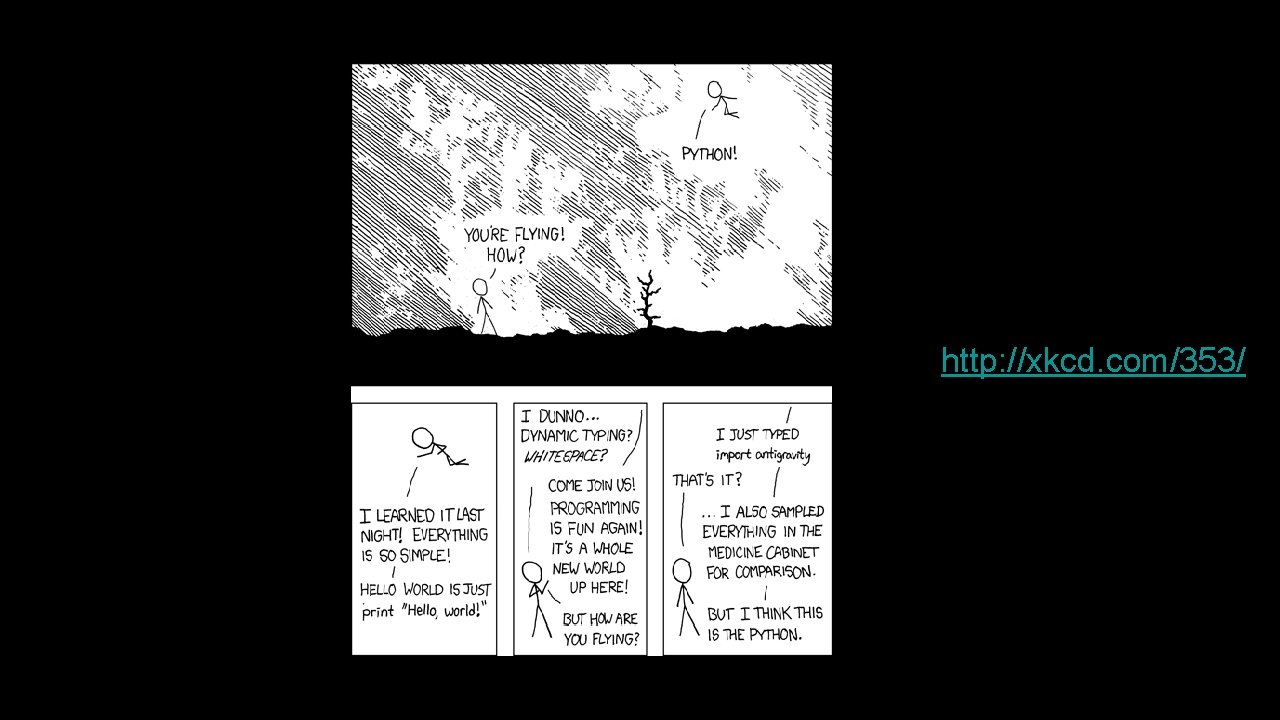
http: //xkcd. com/353/

Application Protocols
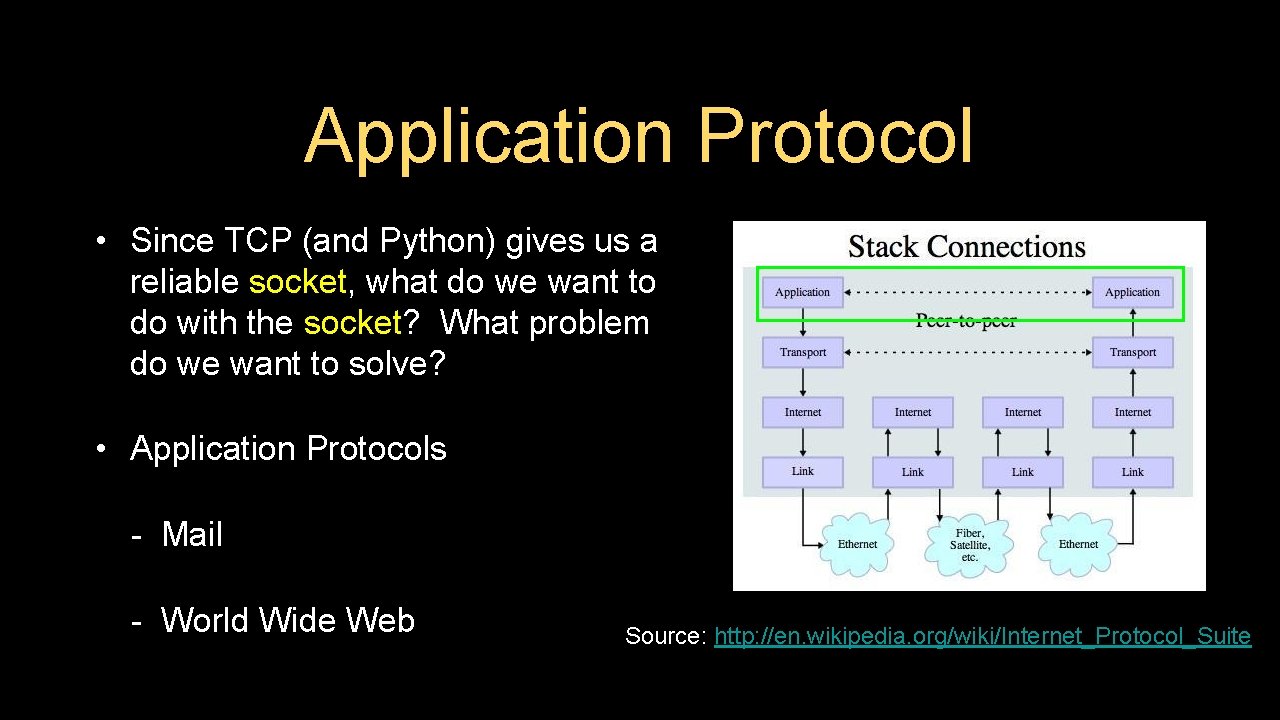
Application Protocol • Since TCP (and Python) gives us a reliable socket, what do we want to do with the socket? What problem do we want to solve? • Application Protocols - Mail - World Wide Web Source: http: //en. wikipedia. org/wiki/Internet_Protocol_Suite
HTTP - Hypertext Transfer Protocol • The dominant Application Layer Protocol on the Internet • Invented for the Web - to Retrieve HTML, Images, Documents, etc. • Extended to be data in addition to documents - RSS, Web Services, etc. Basic Concept - Make a Connection - Request a document - Retrieve the Document - Close the Connection http: //en. wikipedia. org/wiki/Http
HTTP The Hyper. Text Transfer Protocol is the set of rules to allow browsers to retrieve web documents from servers over the Internet
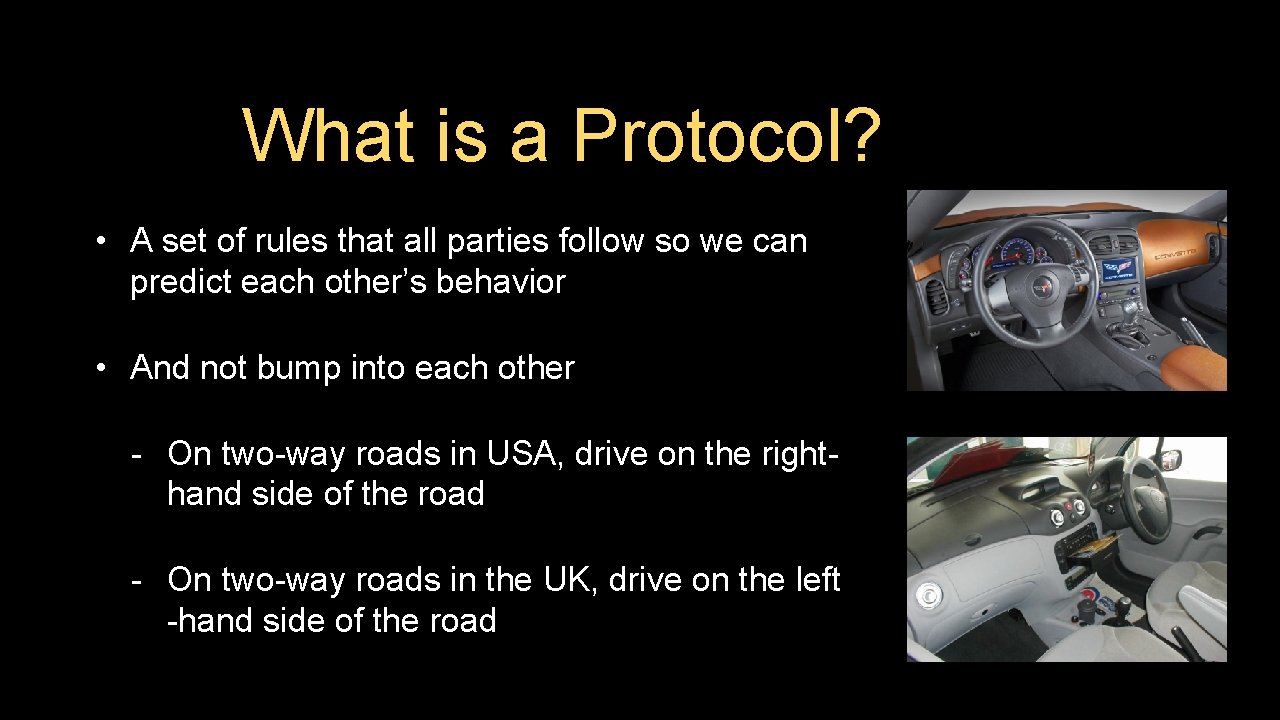
What is a Protocol? • A set of rules that all parties follow so we can predict each other’s behavior • And not bump into each other - On two-way roads in USA, drive on the righthand side of the road - On two-way roads in the UK, drive on the left -hand side of the road
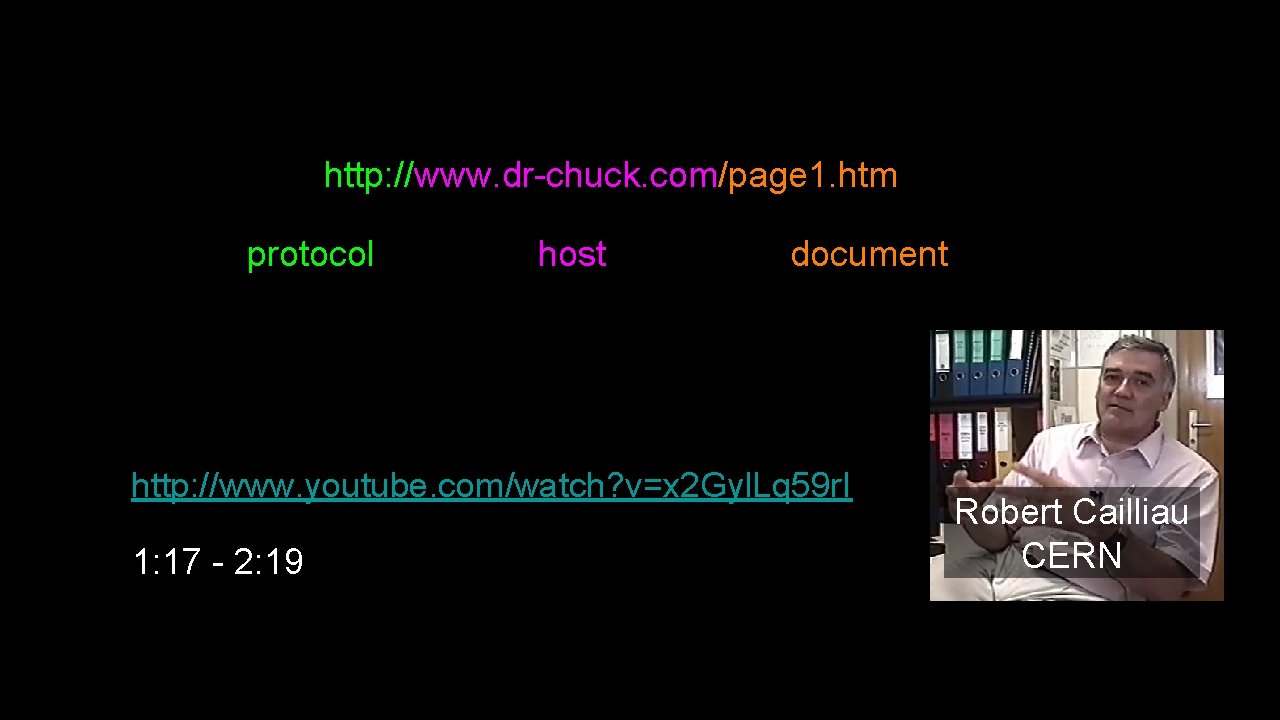
http: //www. dr-chuck. com/page 1. htm protocol host document http: //www. youtube. com/watch? v=x 2 Gyl. Lq 59 r. I 1: 17 - 2: 19 Robert Cailliau CERN
Getting Data From The Server • Each time the user clicks on an anchor tag with an href= value to switch to a new page, the browser makes a connection to the web server and issues a “GET” request - to GET the content of the page at the specified URL • The server returns the HTML document to the browser, which formats and displays the document to the user
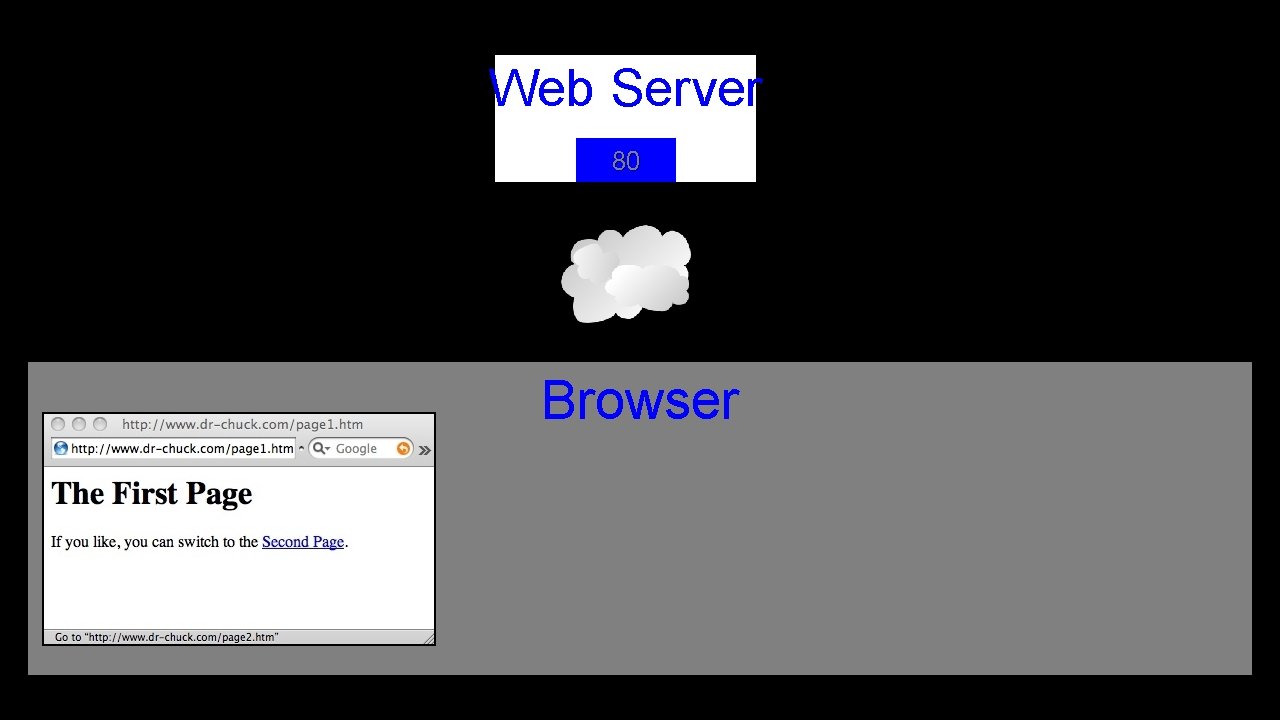
Web Server 80 Browser
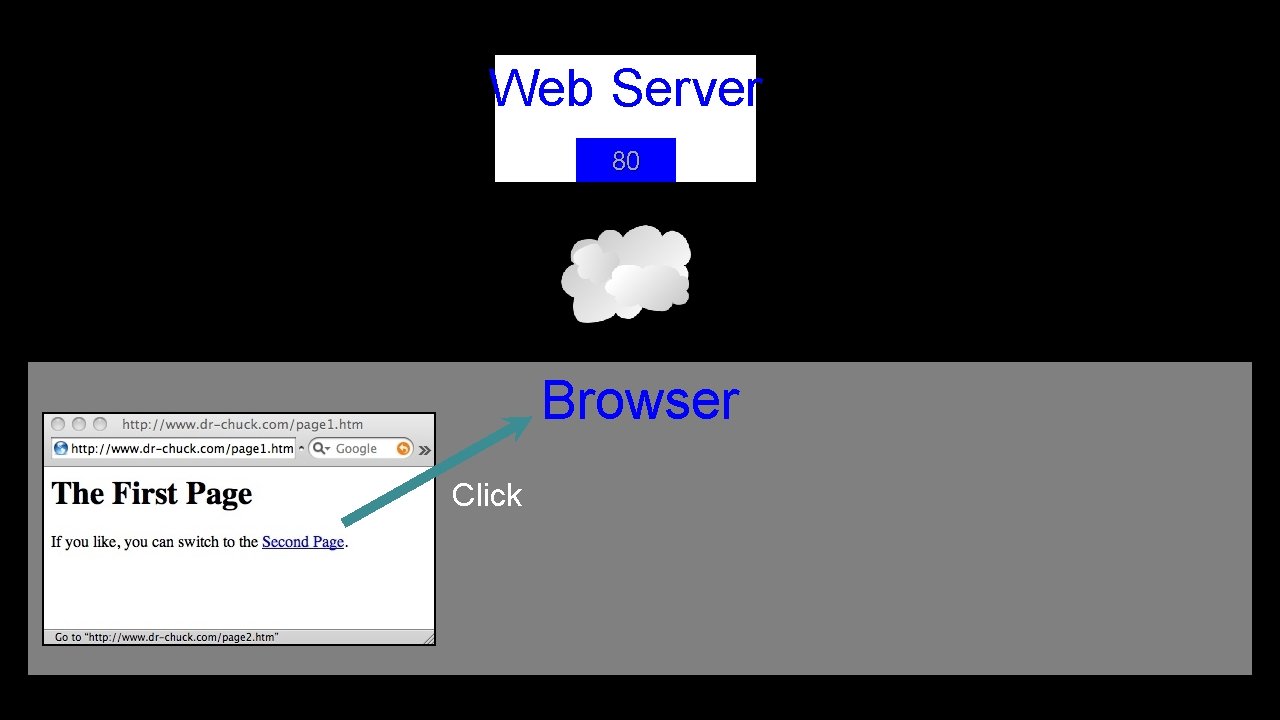
Web Server 80 Browser Click
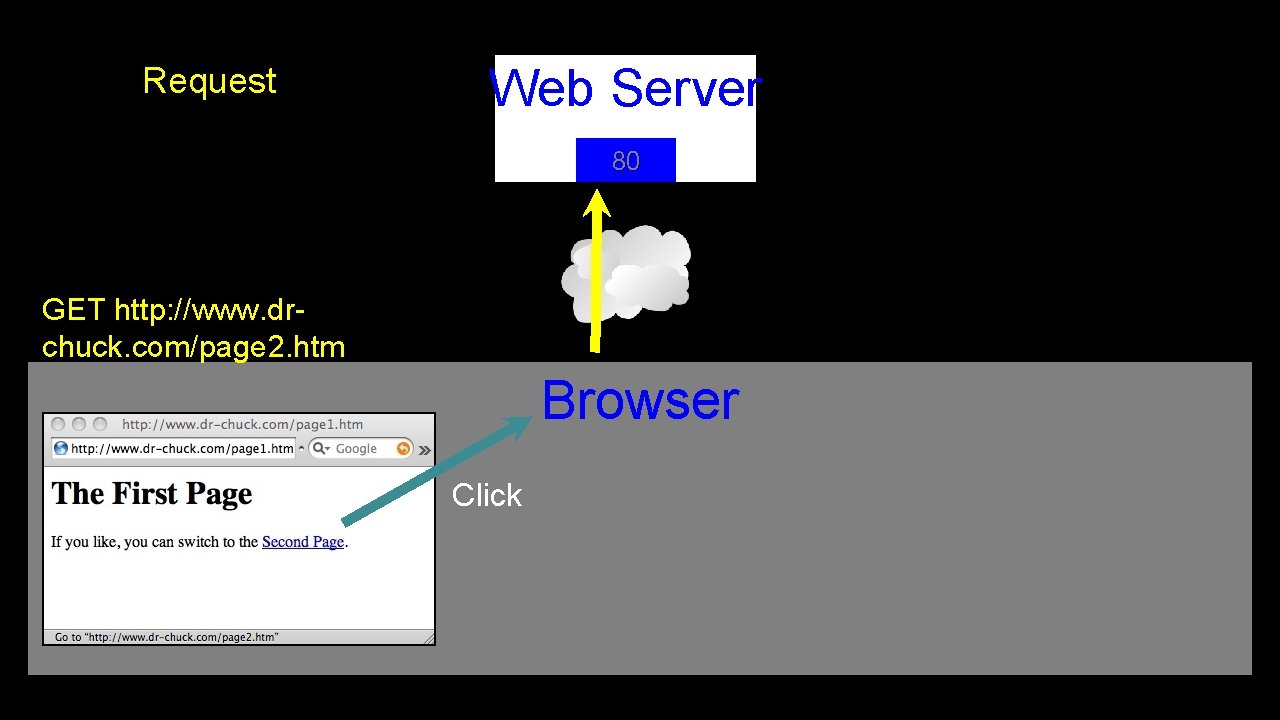
Request Web Server 80 GET http: //www. drchuck. com/page 2. htm Browser Click
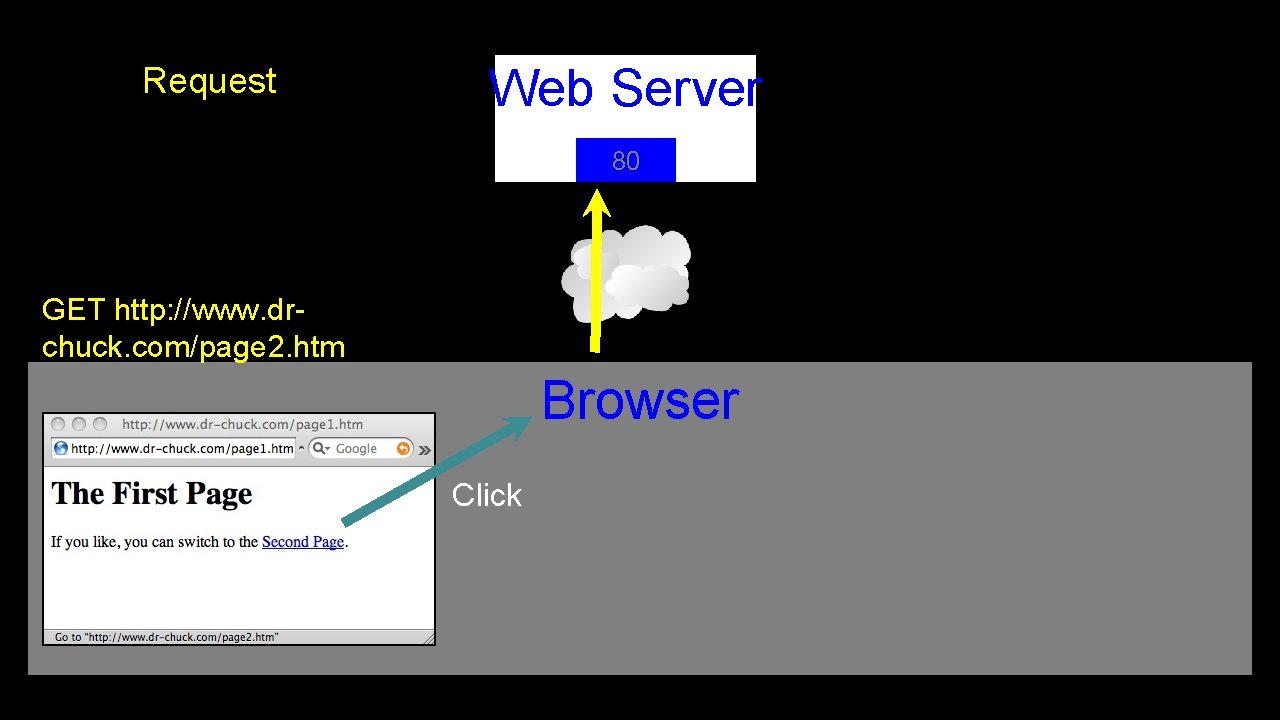
Request Web Server 80 GET http: //www. drchuck. com/page 2. htm Browser Click
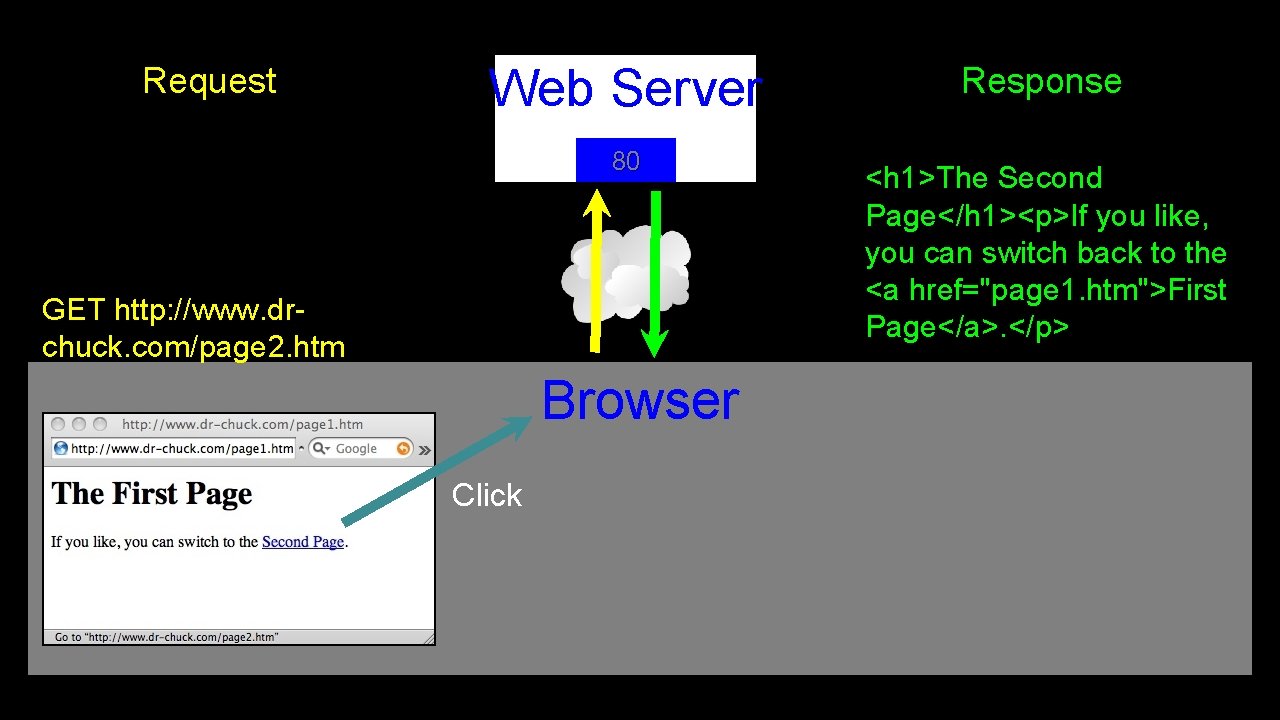
Request Web Server 80 GET http: //www. drchuck. com/page 2. htm Browser Click Response <h 1>The Second Page</h 1><p>If you like, you can switch back to the <a href="page 1. htm">First Page</a>. </p>
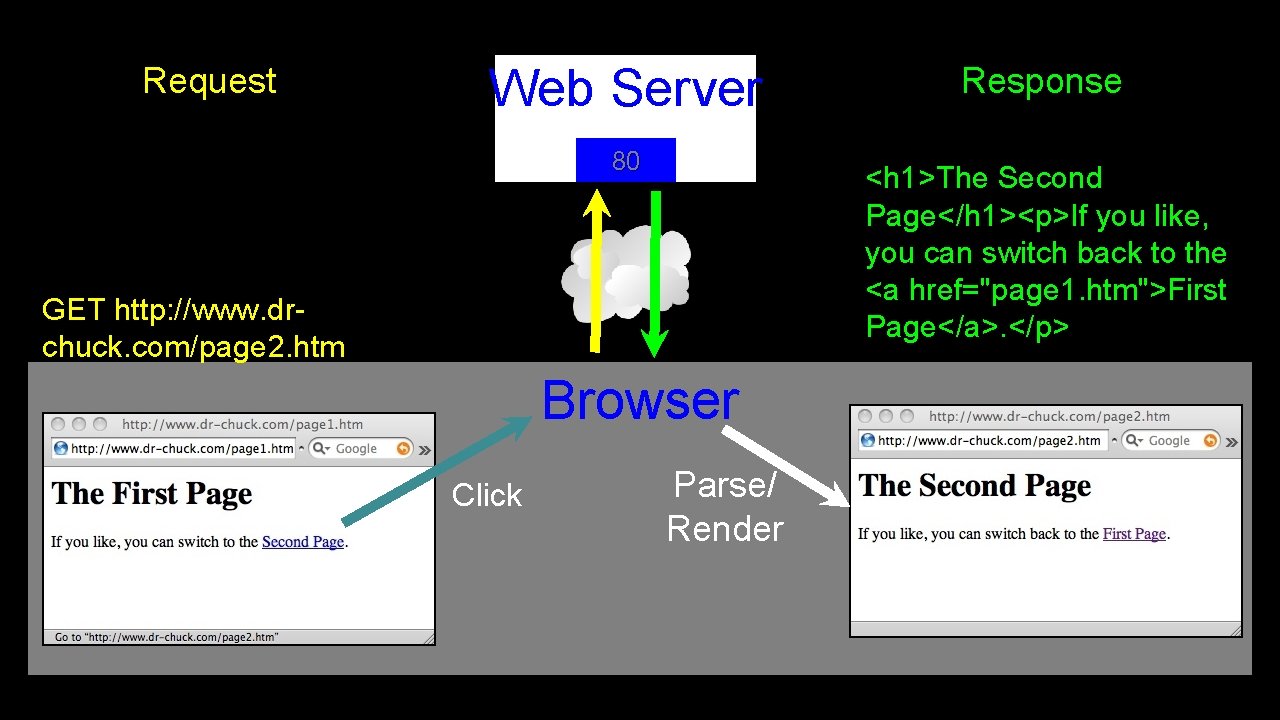
Request Web Server 80 <h 1>The Second Page</h 1><p>If you like, you can switch back to the <a href="page 1. htm">First Page</a>. </p> GET http: //www. drchuck. com/page 2. htm Browser Click Response Parse/ Render
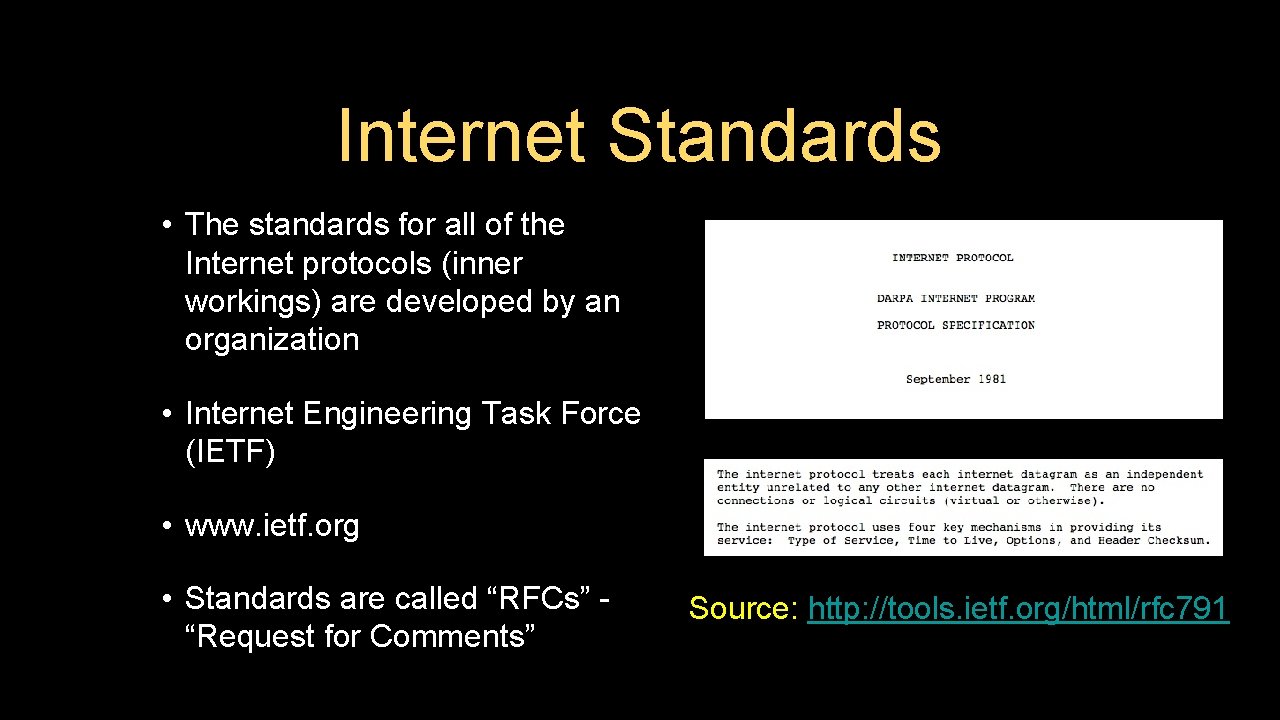
Internet Standards • The standards for all of the Internet protocols (inner workings) are developed by an organization • Internet Engineering Task Force (IETF) • www. ietf. org • Standards are called “RFCs” “Request for Comments” Source: http: //tools. ietf. org/html/rfc 791
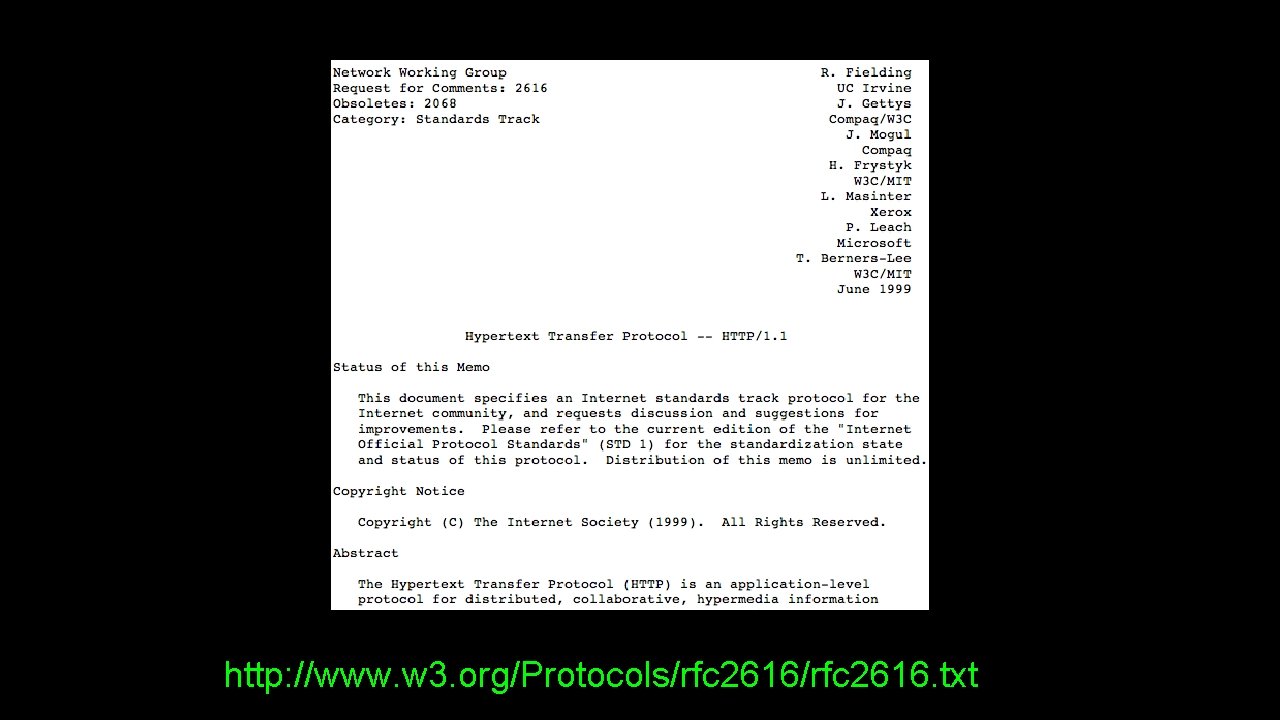
http: //www. w 3. org/Protocols/rfc 2616. txt
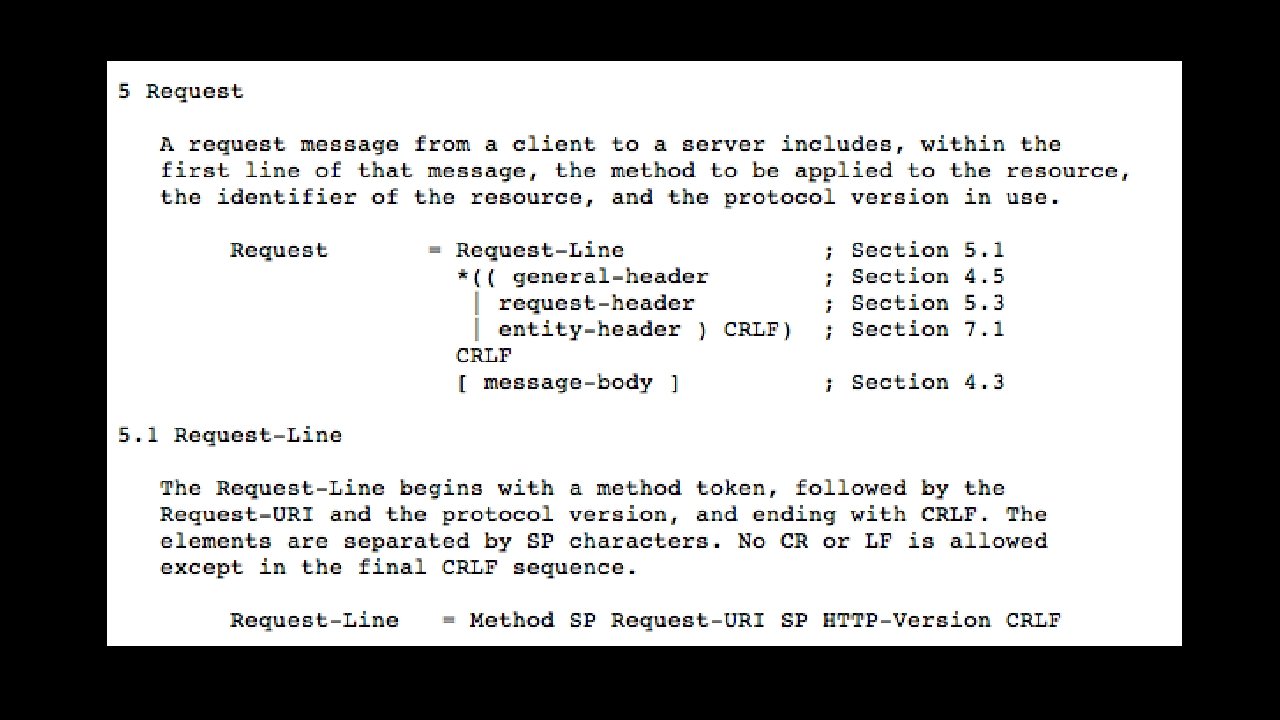
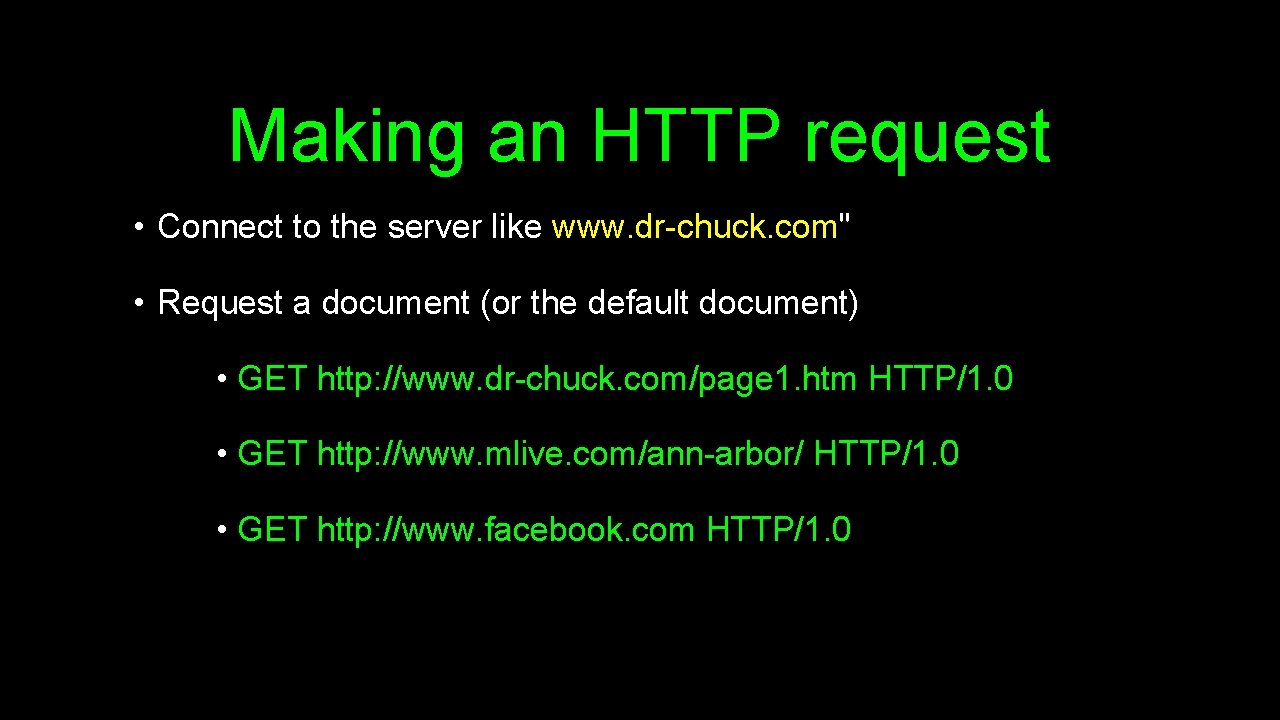
Making an HTTP request • Connect to the server like www. dr-chuck. com" • Request a document (or the default document) • GET http: //www. dr-chuck. com/page 1. htm HTTP/1. 0 • GET http: //www. mlive. com/ann-arbor/ HTTP/1. 0 • GET http: //www. facebook. com HTTP/1. 0
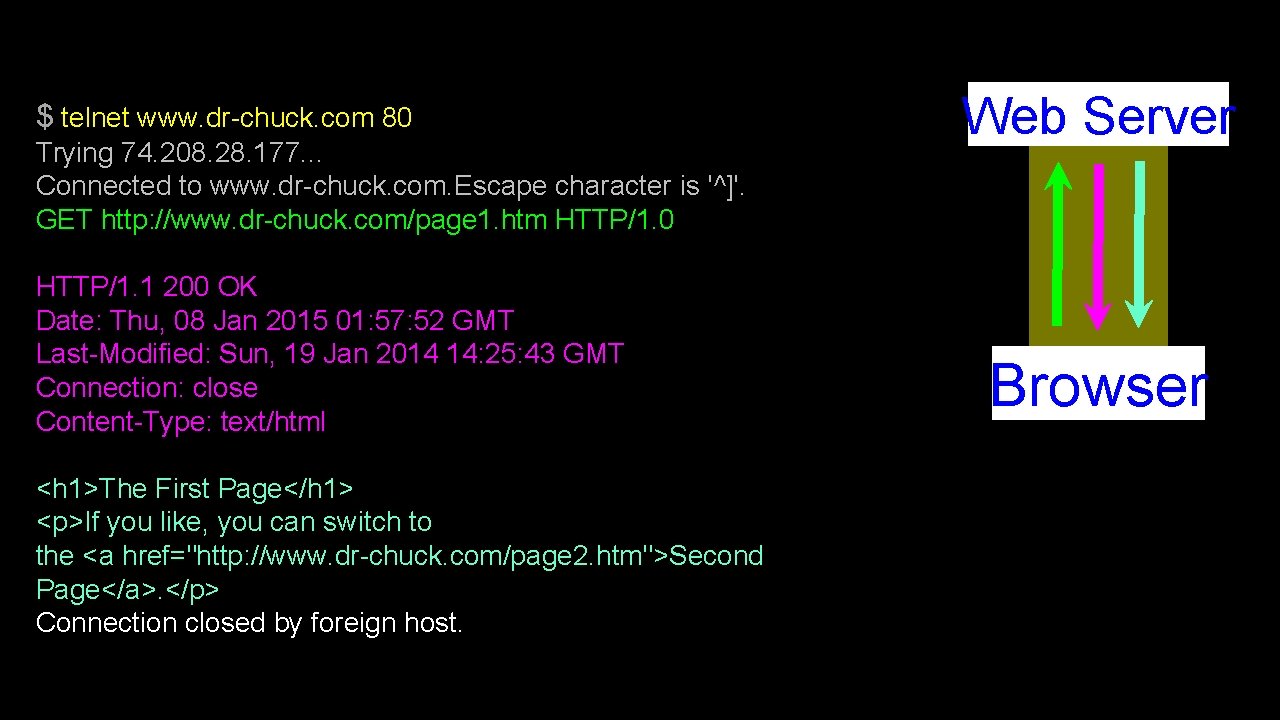
$ telnet www. dr-chuck. com 80 Trying 74. 208. 28. 177. . . Connected to www. dr-chuck. com. Escape character is '^]'. GET http: //www. dr-chuck. com/page 1. htm HTTP/1. 0 HTTP/1. 1 200 OK Date: Thu, 08 Jan 2015 01: 57: 52 GMT Last-Modified: Sun, 19 Jan 2014 14: 25: 43 GMT Connection: close Content-Type: text/html <h 1>The First Page</h 1> <p>If you like, you can switch to the <a href="http: //www. dr-chuck. com/page 2. htm">Second Page</a>. </p> Connection closed by foreign host. Web Server Browser
Accurate Hacking in the Movies • Matrix Reloaded • Bourne Ultimatum • Die Hard 4 • . . . http: //nmap. org/movies. html

Let’s Write a Web Browser!
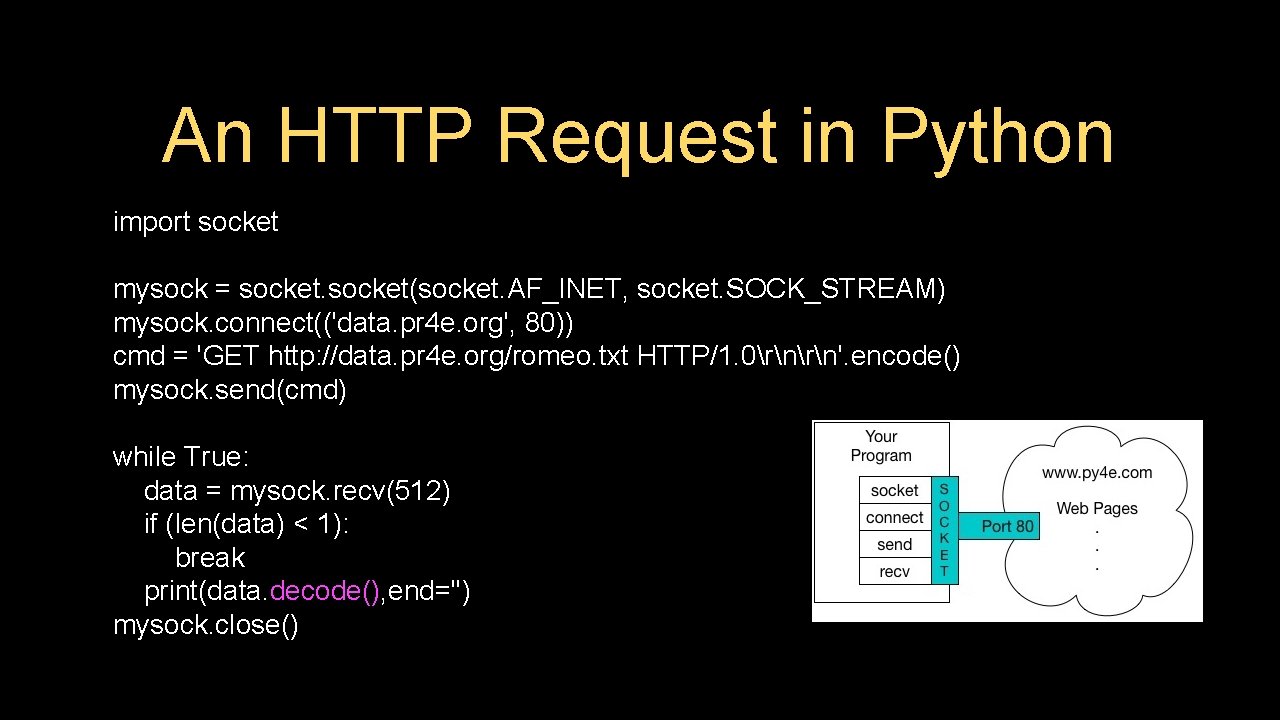
An HTTP Request in Python import socket mysock = socket(socket. AF_INET, socket. SOCK_STREAM) mysock. connect(('data. pr 4 e. org', 80)) cmd = 'GET http: //data. pr 4 e. org/romeo. txt HTTP/1. 0rn'. encode() mysock. send(cmd) while True: data = mysock. recv(512) if (len(data) < 1): break print(data. decode(), end='') mysock. close()
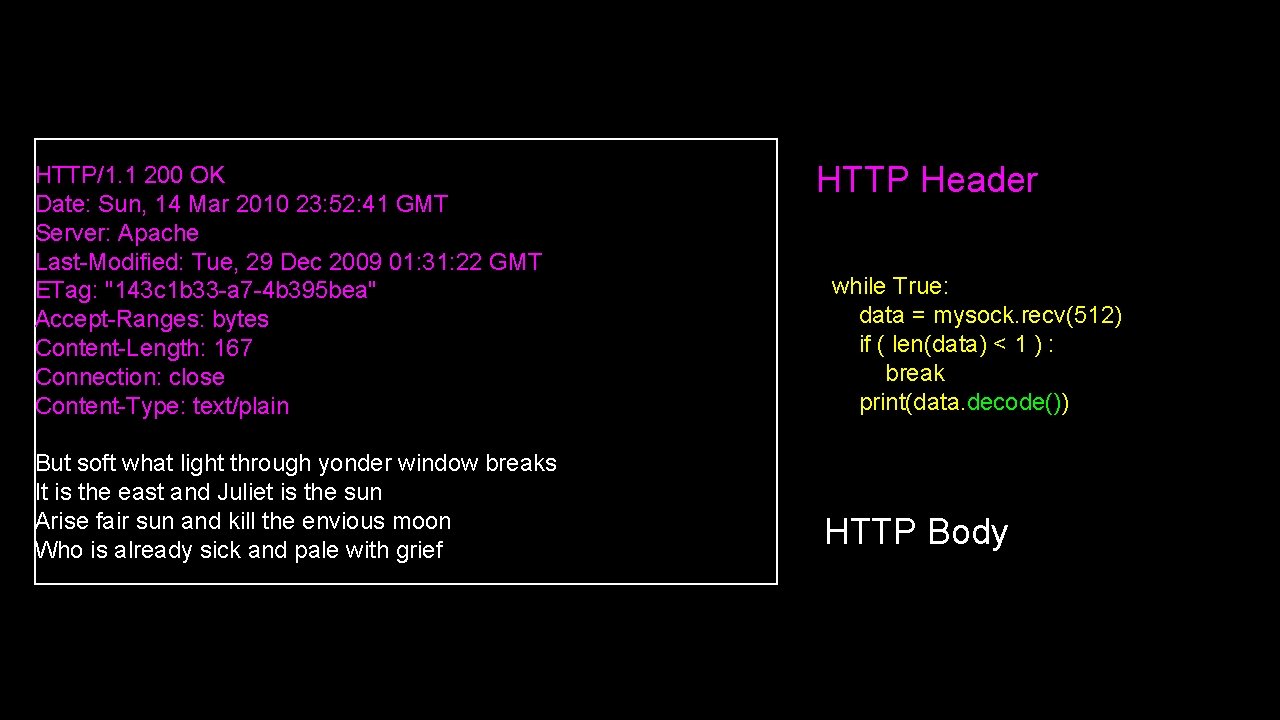
HTTP/1. 1 200 OK Date: Sun, 14 Mar 2010 23: 52: 41 GMT Server: Apache Last-Modified: Tue, 29 Dec 2009 01: 31: 22 GMT ETag: "143 c 1 b 33 -a 7 -4 b 395 bea" Accept-Ranges: bytes Content-Length: 167 Connection: close Content-Type: text/plain But soft what light through yonder window breaks It is the east and Juliet is the sun Arise fair sun and kill the envious moon Who is already sick and pale with grief HTTP Header while True: data = mysock. recv(512) if ( len(data) < 1 ) : break print(data. decode()) HTTP Body
About Characters and Strings…
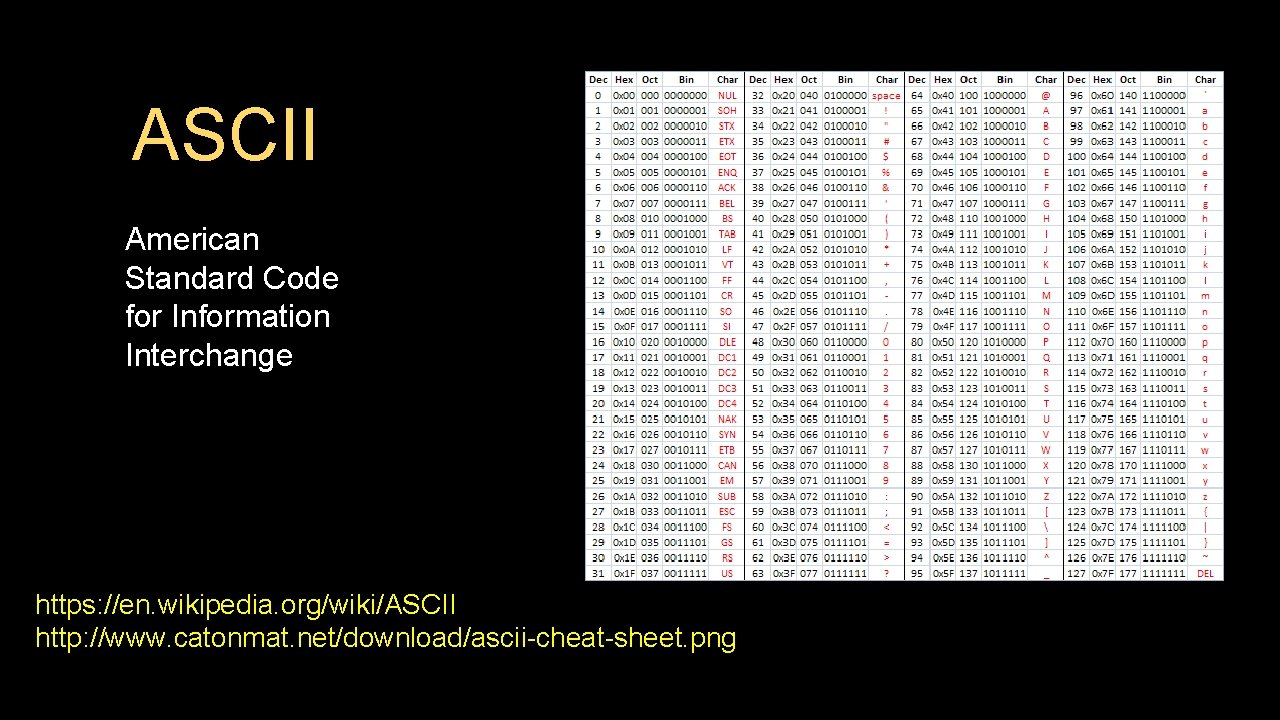
ASCII American Standard Code for Information Interchange https: //en. wikipedia. org/wiki/ASCII http: //www. catonmat. net/download/ascii-cheat-sheet. png
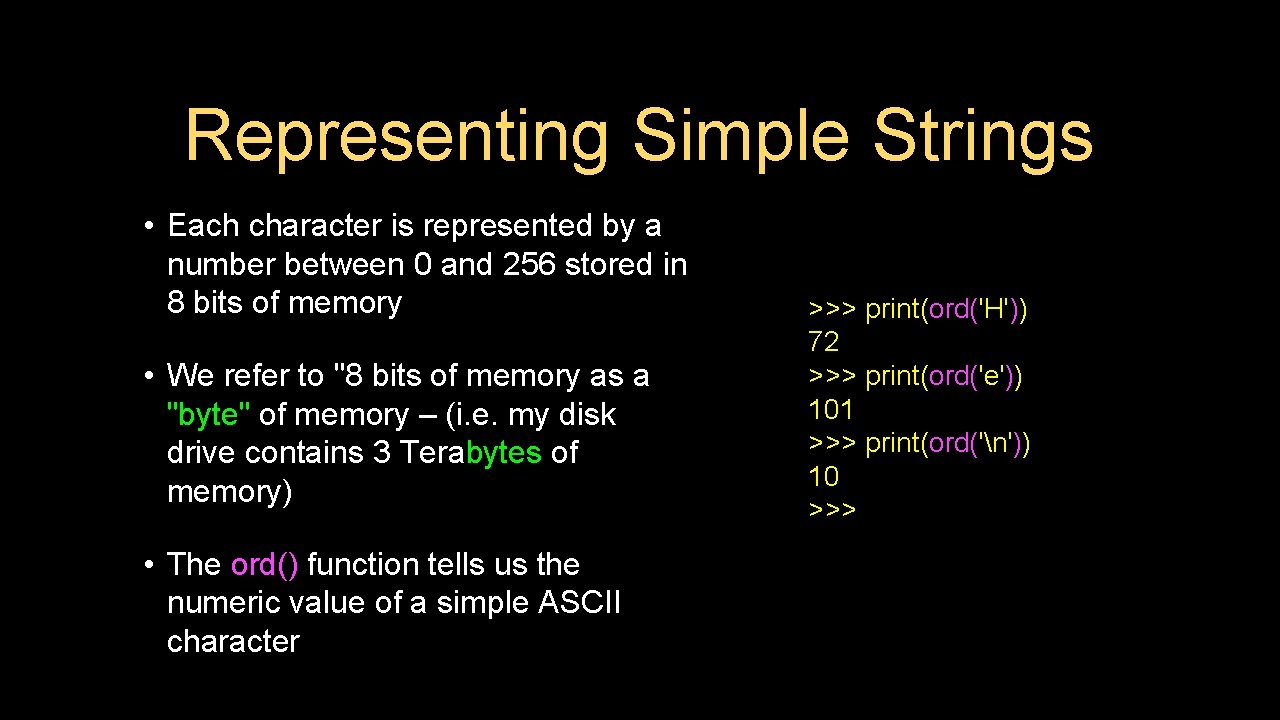
Representing Simple Strings • Each character is represented by a number between 0 and 256 stored in 8 bits of memory • We refer to "8 bits of memory as a "byte" of memory – (i. e. my disk drive contains 3 Terabytes of memory) • The ord() function tells us the numeric value of a simple ASCII character >>> print(ord('H')) 72 >>> print(ord('e')) 101 >>> print(ord('n')) 10 >>>
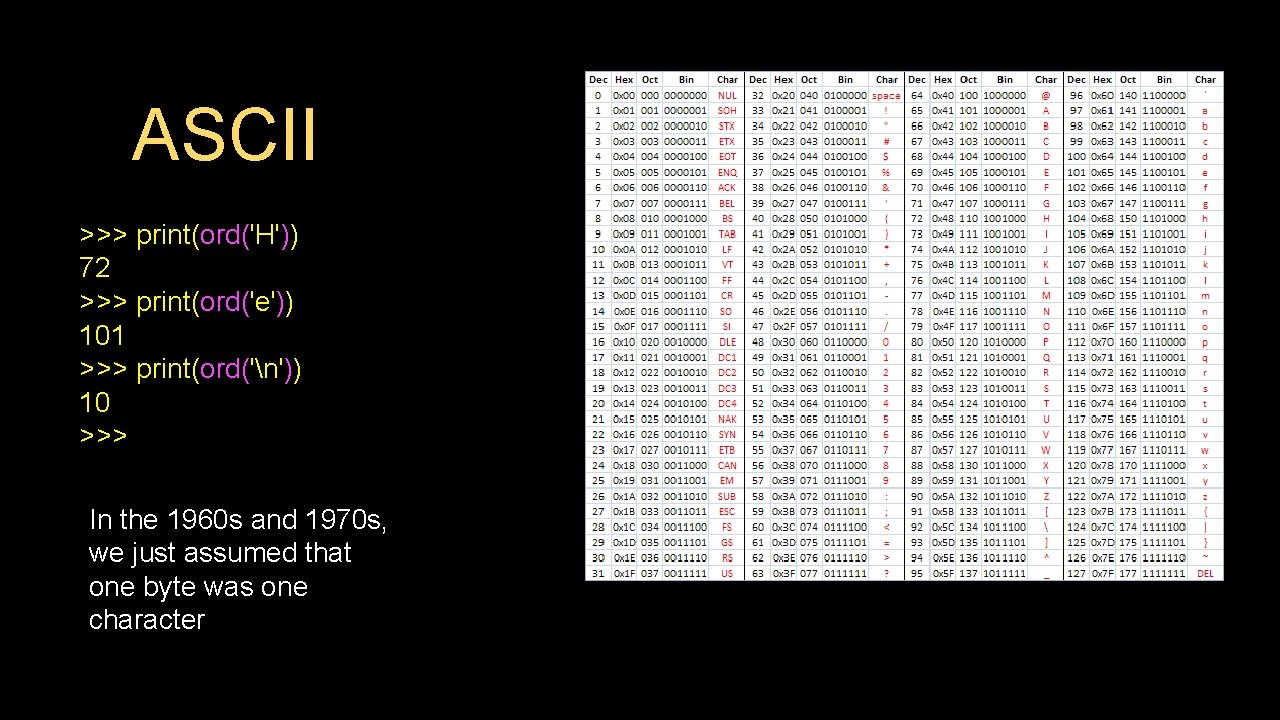
ASCII >>> print(ord('H')) 72 >>> print(ord('e')) 101 >>> print(ord('n')) 10 >>> In the 1960 s and 1970 s, we just assumed that one byte was one character
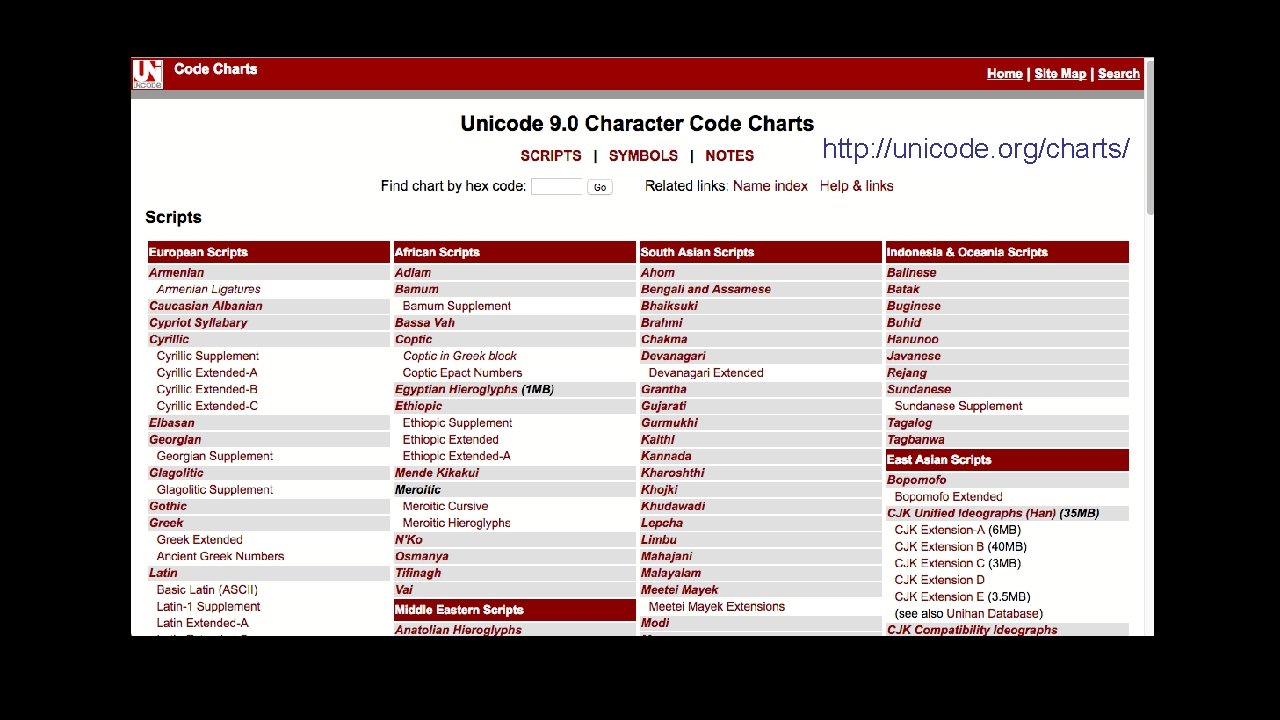
http: //unicode. org/charts/
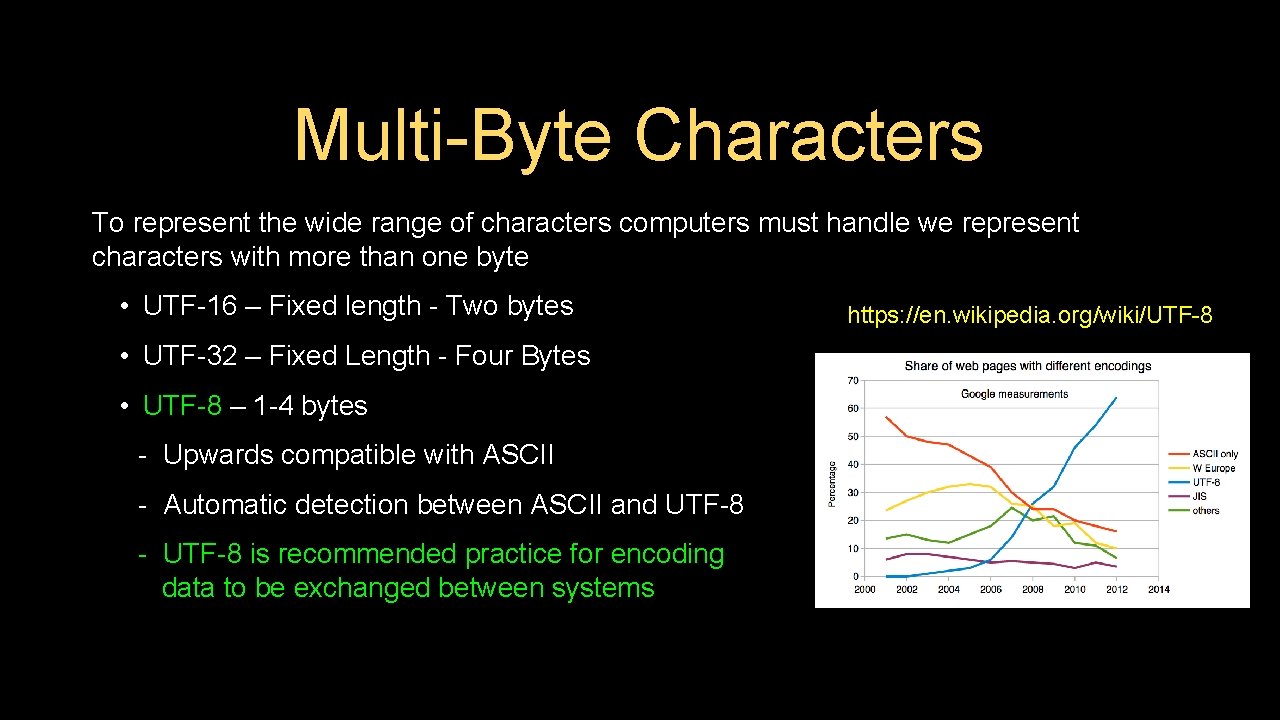
Multi-Byte Characters To represent the wide range of characters computers must handle we represent characters with more than one byte • UTF-16 – Fixed length - Two bytes • UTF-32 – Fixed Length - Four Bytes • UTF-8 – 1 -4 bytes - Upwards compatible with ASCII - Automatic detection between ASCII and UTF-8 - UTF-8 is recommended practice for encoding data to be exchanged between systems https: //en. wikipedia. org/wiki/UTF-8

Two Kinds of Strings in Python 2. 7. 10 >>> x = '이광춘' >>> type(x) <type 'str'> >>> x = u'이광춘' >>> type(x) <type 'unicode'> >>> Python 3. 5. 1 >>> x = '이광춘' >>> type(x) <class 'str'> >>> x = u'이광춘' >>> type(x) <class 'str'> >>> In Python 3, all strings are Unicode
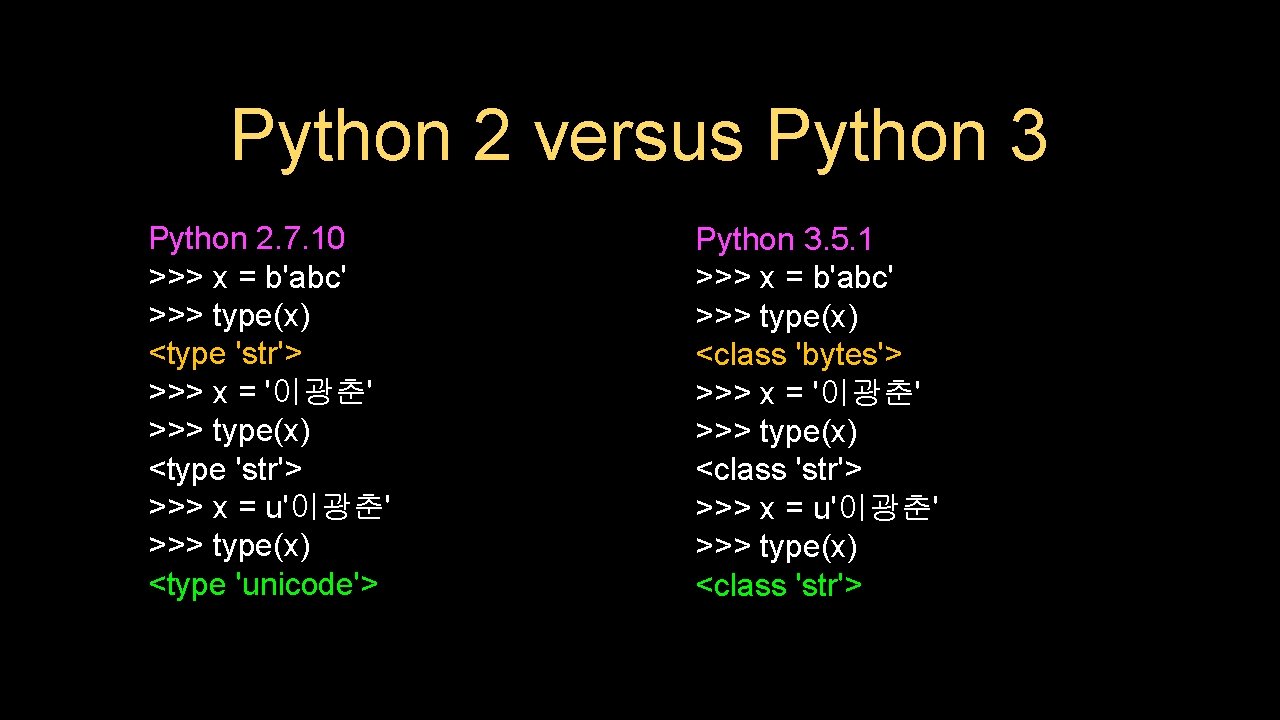
Python 2 versus Python 3 Python 2. 7. 10 >>> x = b'abc' >>> type(x) <type 'str'> >>> x = '이광춘' >>> type(x) <type 'str'> >>> x = u'이광춘' >>> type(x) <type 'unicode'> Python 3. 5. 1 >>> x = b'abc' >>> type(x) <class 'bytes'> >>> x = '이광춘' >>> type(x) <class 'str'> >>> x = u'이광춘' >>> type(x) <class 'str'>
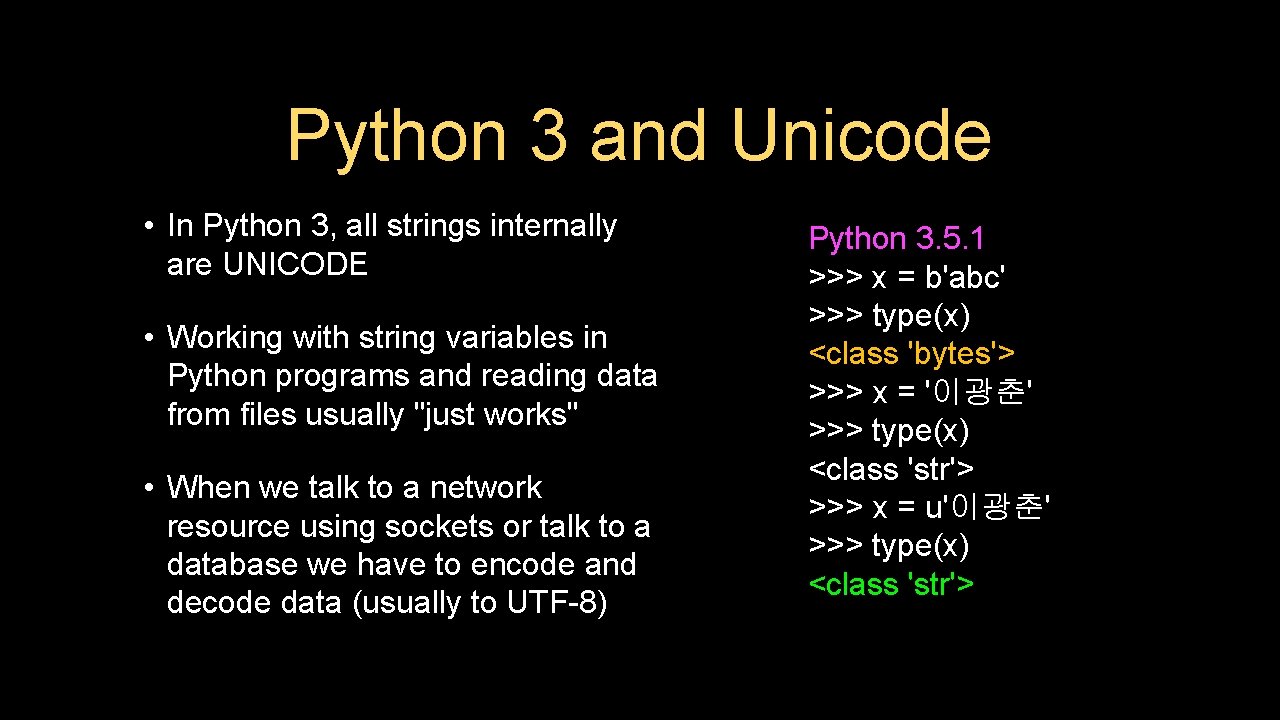
Python 3 and Unicode • In Python 3, all strings internally are UNICODE • Working with string variables in Python programs and reading data from files usually "just works" • When we talk to a network resource using sockets or talk to a database we have to encode and decode data (usually to UTF-8) Python 3. 5. 1 >>> x = b'abc' >>> type(x) <class 'bytes'> >>> x = '이광춘' >>> type(x) <class 'str'> >>> x = u'이광춘' >>> type(x) <class 'str'>
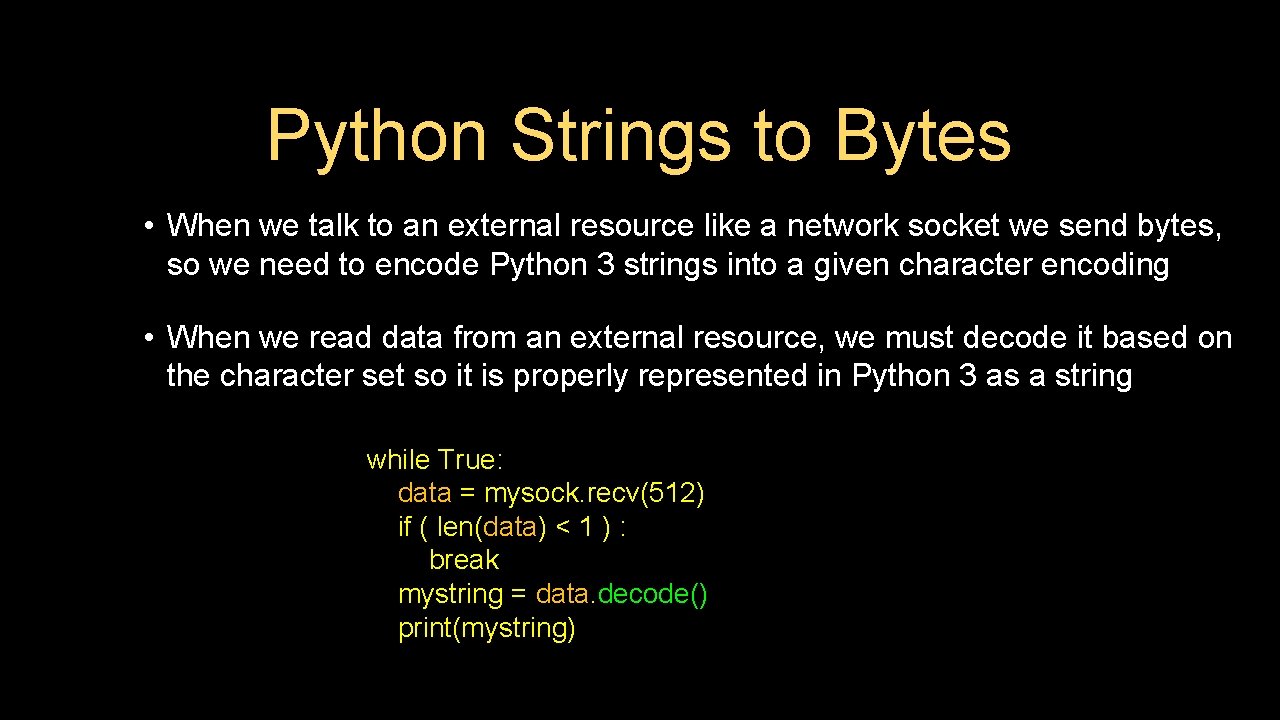
Python Strings to Bytes • When we talk to an external resource like a network socket we send bytes, so we need to encode Python 3 strings into a given character encoding • When we read data from an external resource, we must decode it based on the character set so it is properly represented in Python 3 as a string while True: data = mysock. recv(512) if ( len(data) < 1 ) : break mystring = data. decode() print(mystring)
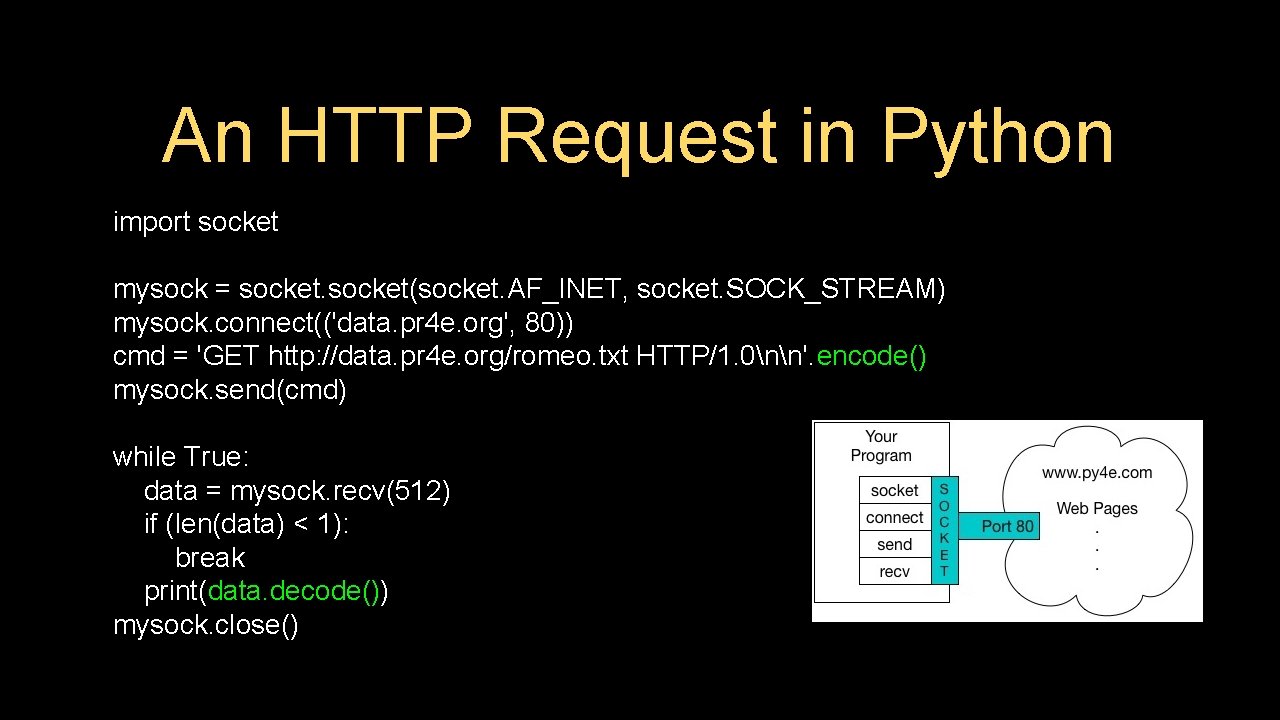
An HTTP Request in Python import socket mysock = socket(socket. AF_INET, socket. SOCK_STREAM) mysock. connect(('data. pr 4 e. org', 80)) cmd = 'GET http: //data. pr 4 e. org/romeo. txt HTTP/1. 0nn'. encode() mysock. send(cmd) while True: data = mysock. recv(512) if (len(data) < 1): break print(data. decode()) mysock. close()
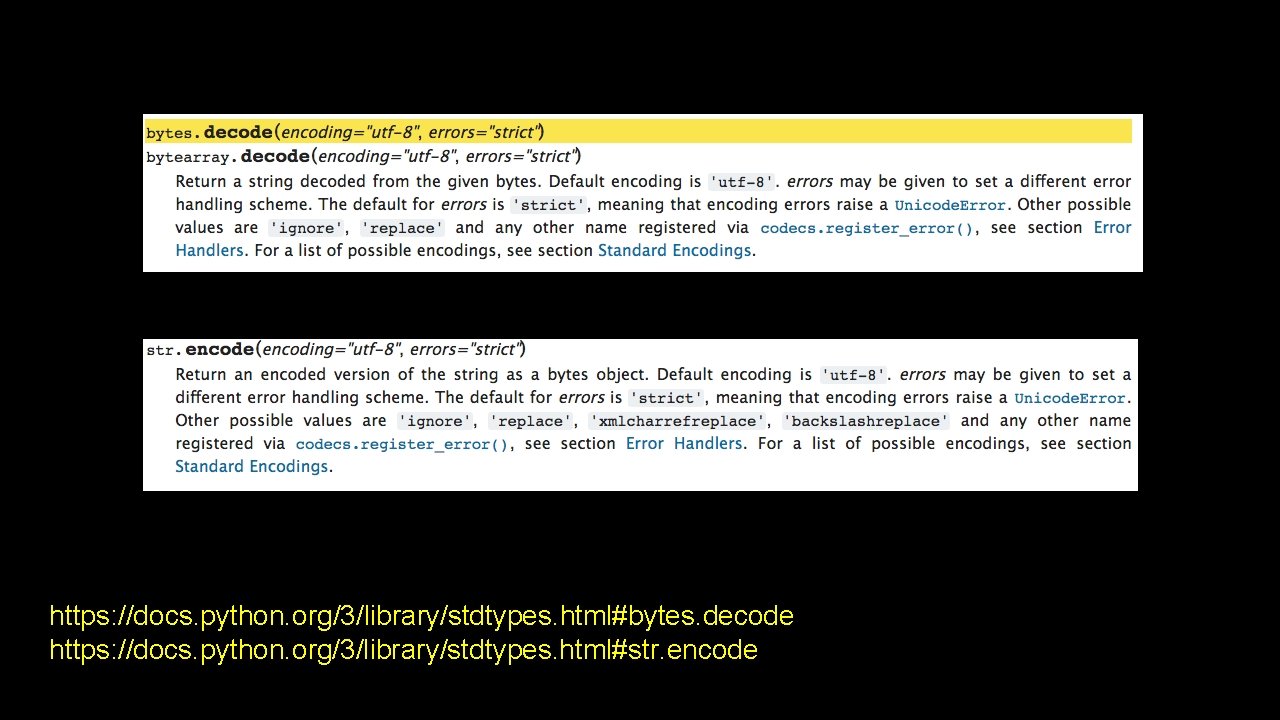
https: //docs. python. org/3/library/stdtypes. html#bytes. decode https: //docs. python. org/3/library/stdtypes. html#str. encode
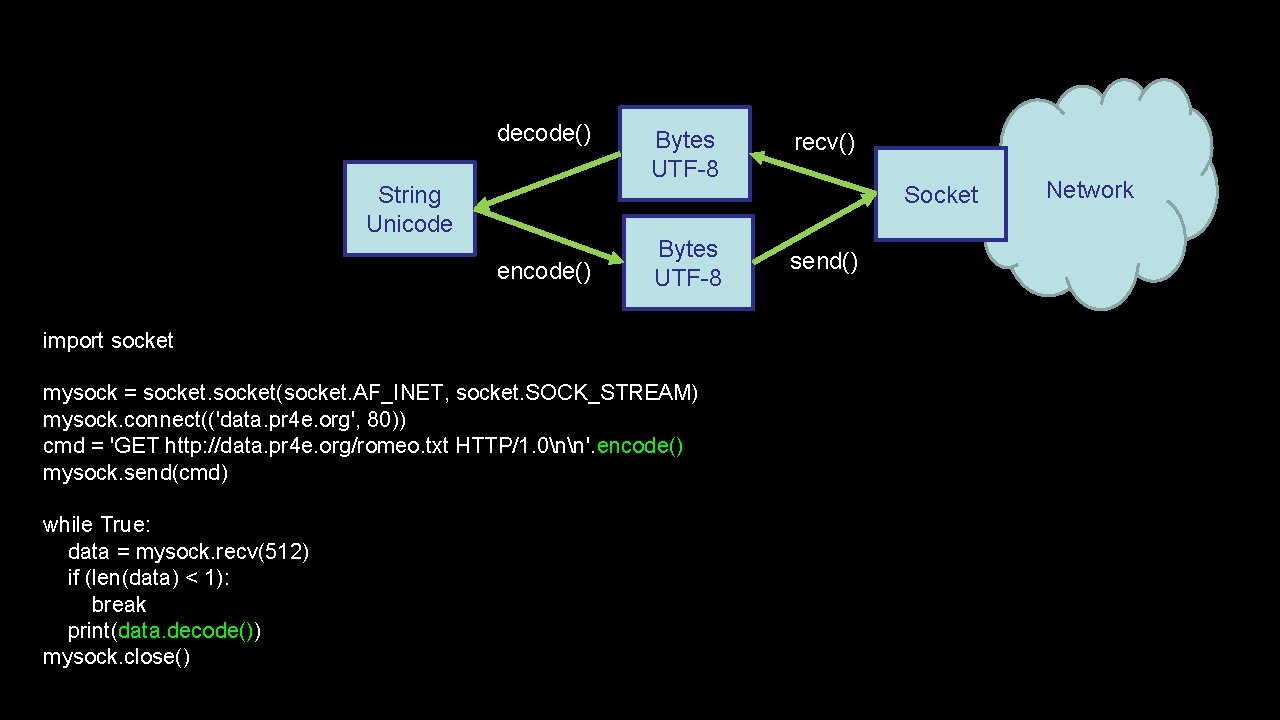
decode() String Unicode encode() Bytes UTF-8 recv() Bytes UTF-8 send() import socket mysock = socket(socket. AF_INET, socket. SOCK_STREAM) mysock. connect(('data. pr 4 e. org', 80)) cmd = 'GET http: //data. pr 4 e. org/romeo. txt HTTP/1. 0nn'. encode() mysock. send(cmd) while True: data = mysock. recv(512) if (len(data) < 1): break print(data. decode()) mysock. close() Socket Network
Making HTTP Easier With urllib
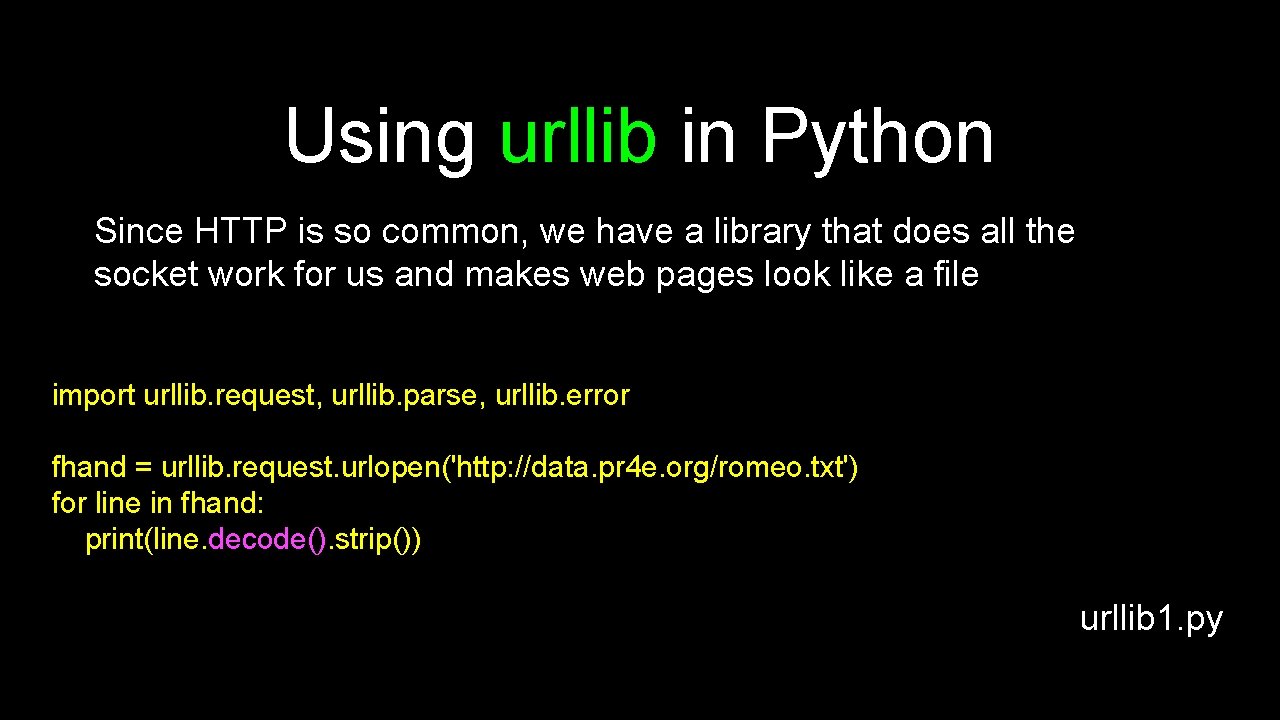
Using urllib in Python Since HTTP is so common, we have a library that does all the socket work for us and makes web pages look like a file import urllib. request, urllib. parse, urllib. error fhand = urllib. request. urlopen('http: //data. pr 4 e. org/romeo. txt') for line in fhand: print(line. decode(). strip()) urllib 1. py
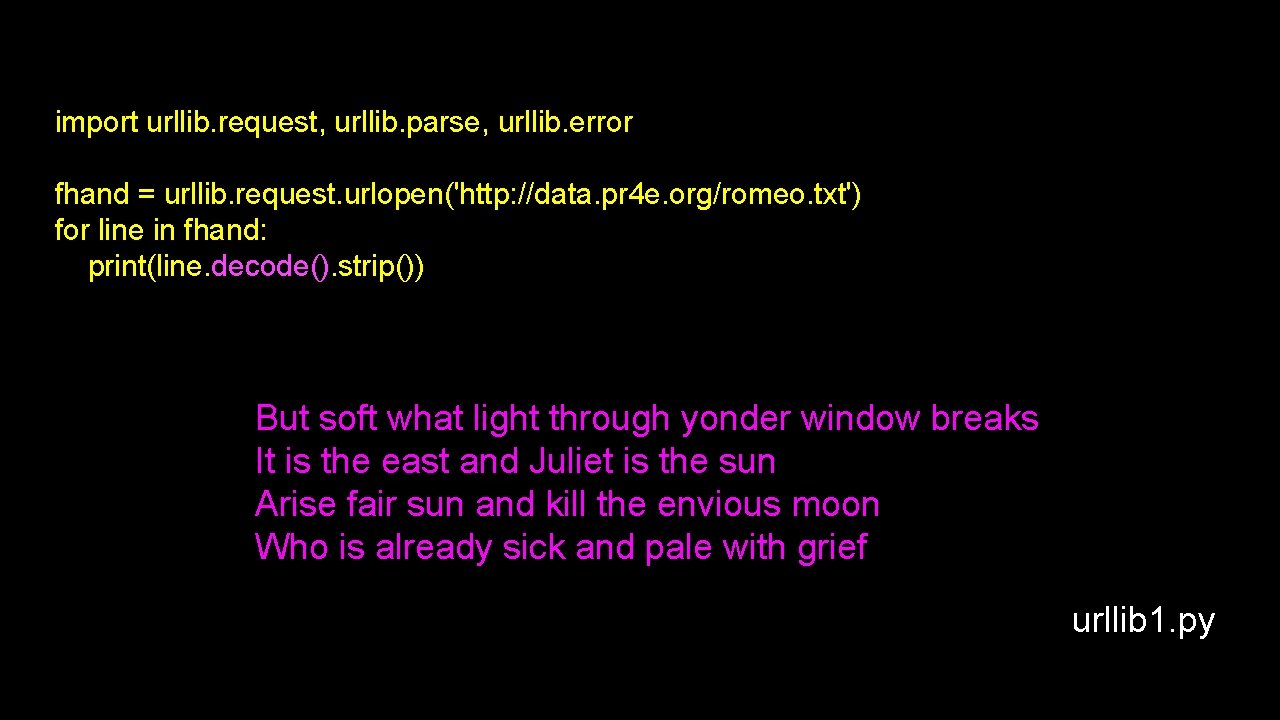
import urllib. request, urllib. parse, urllib. error fhand = urllib. request. urlopen('http: //data. pr 4 e. org/romeo. txt') for line in fhand: print(line. decode(). strip()) But soft what light through yonder window breaks It is the east and Juliet is the sun Arise fair sun and kill the envious moon Who is already sick and pale with grief urllib 1. py
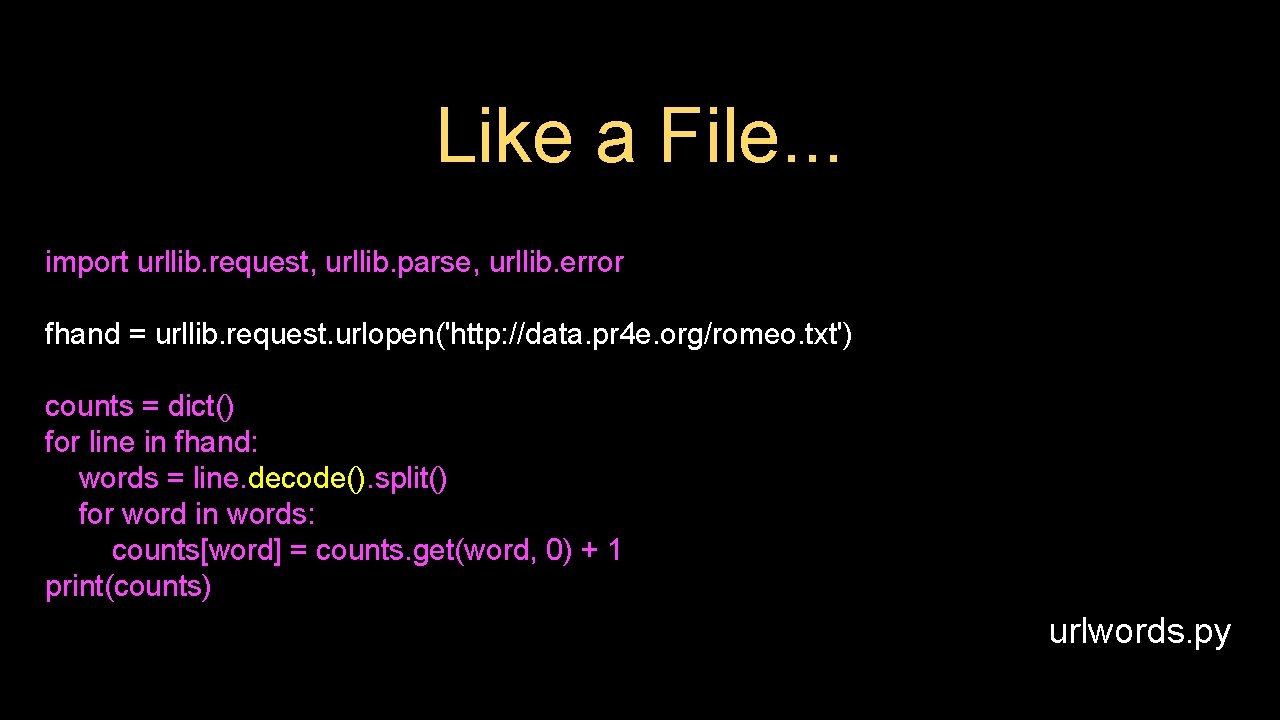
Like a File. . . import urllib. request, urllib. parse, urllib. error fhand = urllib. request. urlopen('http: //data. pr 4 e. org/romeo. txt') counts = dict() for line in fhand: words = line. decode(). split() for word in words: counts[word] = counts. get(word, 0) + 1 print(counts) urlwords. py
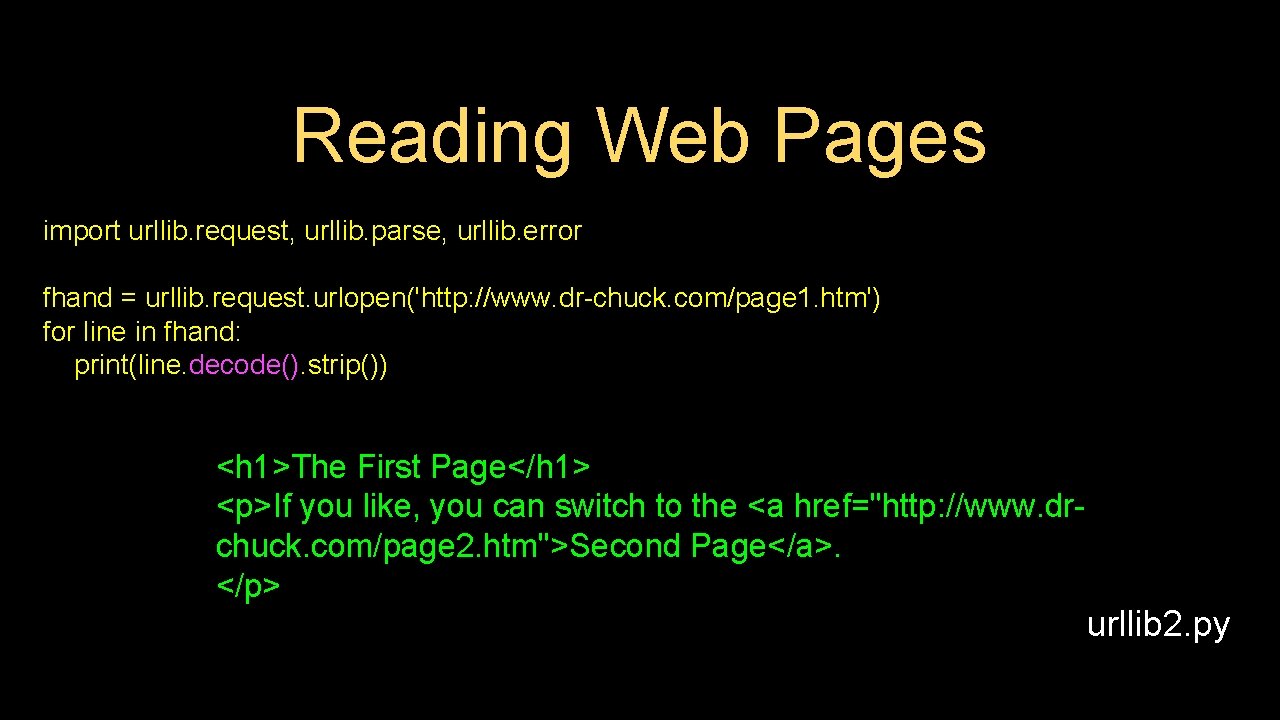
Reading Web Pages import urllib. request, urllib. parse, urllib. error fhand = urllib. request. urlopen('http: //www. dr-chuck. com/page 1. htm') for line in fhand: print(line. decode(). strip()) <h 1>The First Page</h 1> <p>If you like, you can switch to the <a href="http: //www. drchuck. com/page 2. htm">Second Page</a>. </p> urllib 2. py
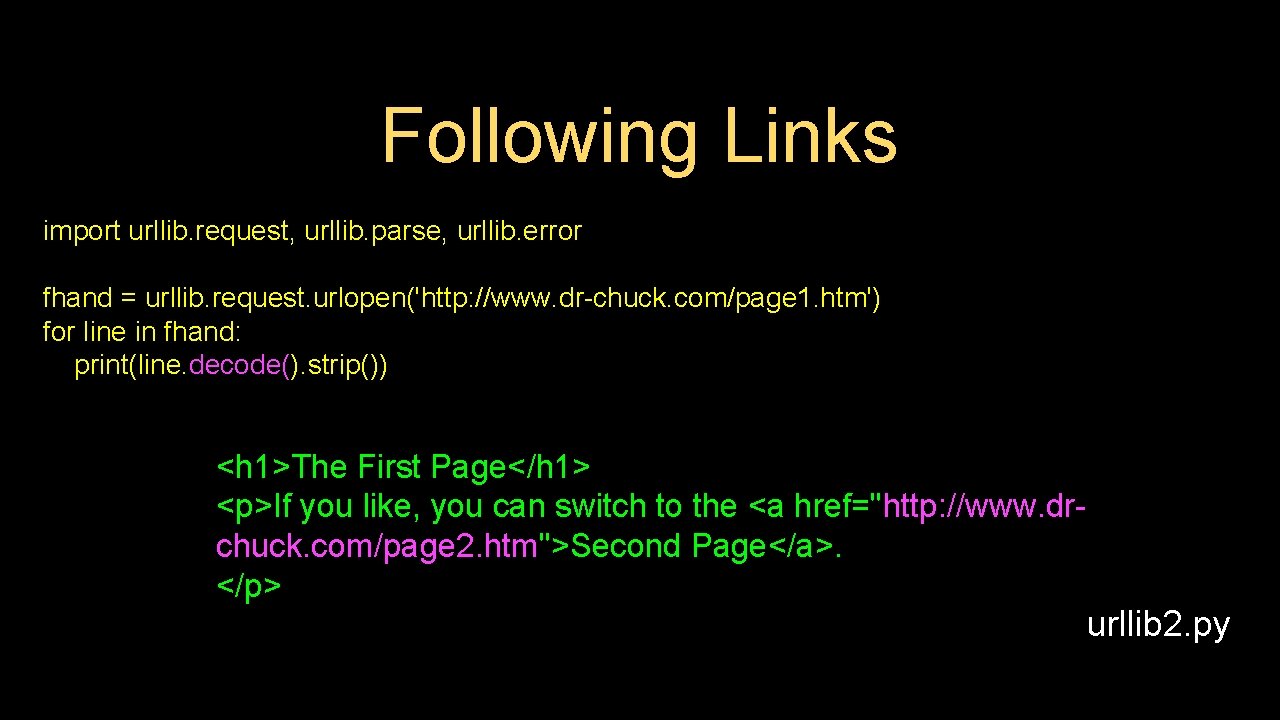
Following Links import urllib. request, urllib. parse, urllib. error fhand = urllib. request. urlopen('http: //www. dr-chuck. com/page 1. htm') for line in fhand: print(line. decode(). strip()) <h 1>The First Page</h 1> <p>If you like, you can switch to the <a href="http: //www. drchuck. com/page 2. htm">Second Page</a>. </p> urllib 2. py
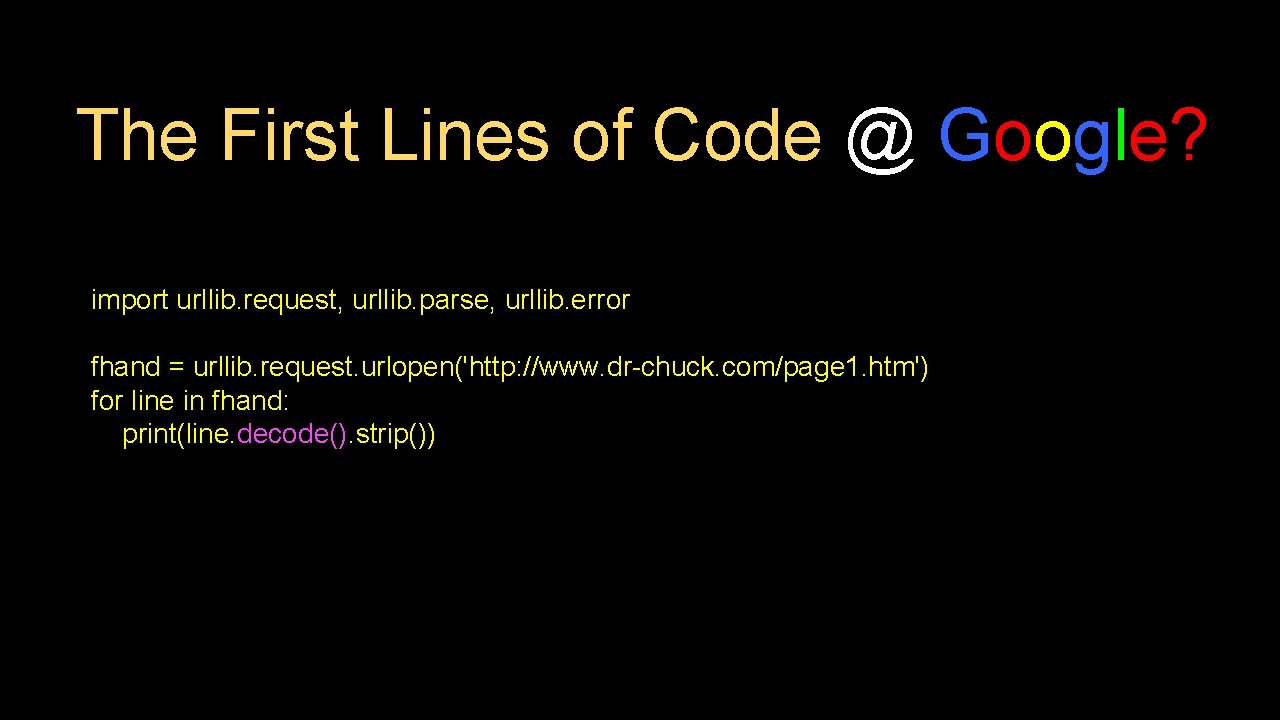
The First Lines of Code @ Google? import urllib. request, urllib. parse, urllib. error fhand = urllib. request. urlopen('http: //www. dr-chuck. com/page 1. htm') for line in fhand: print(line. decode(). strip())
Parsing HTML (a. k. a. Web Scraping)
What is Web Scraping? • • When a program or script pretends to be a browser and retrieves web pages, looks at those web pages, extracts information, and then looks at more web pages Search engines scrape web pages - we call this “spidering the web” or “web crawling” http: //en. wikipedia. org/wiki/Web_scraping http: //en. wikipedia. org/wiki/Web_crawler
Why Scrape? • • Pull data - particularly social data - who links to who? Get your own data back out of some system that has no “export capability” Monitor a site for new information Spider the web to make a database for a search engine
Scraping Web Pages • • • There is some controversy about web page scraping and some sites are a bit snippy about it. Republishing copyrighted information is not allowed Violating terms of service is not allowed
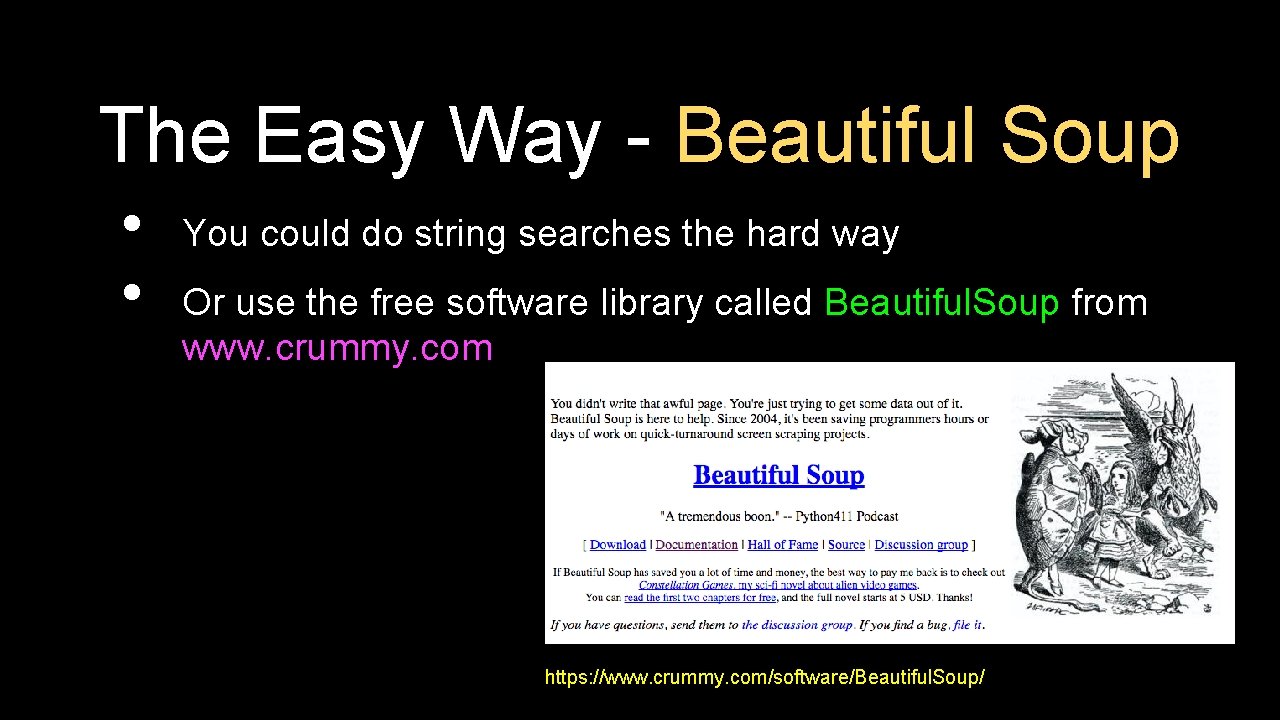
The Easy Way - Beautiful Soup • • You could do string searches the hard way Or use the free software library called Beautiful. Soup from www. crummy. com https: //www. crummy. com/software/Beautiful. Soup/
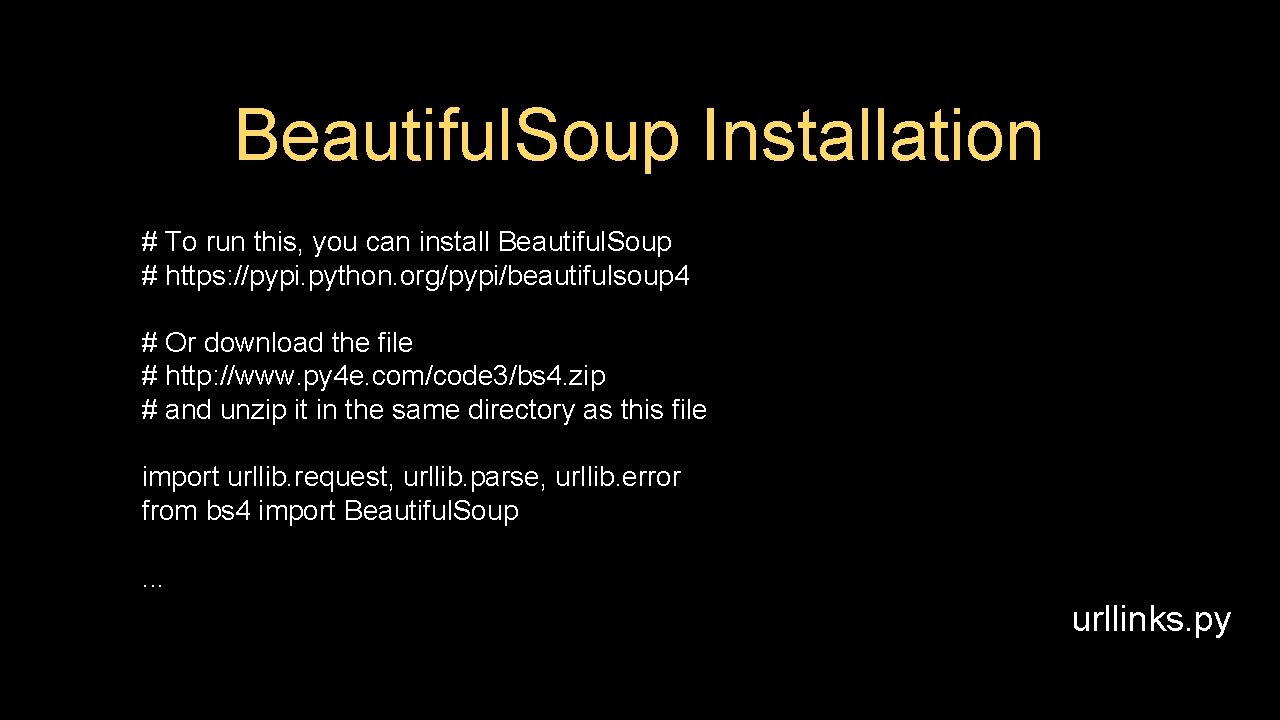
Beautiful. Soup Installation # To run this, you can install Beautiful. Soup # https: //pypi. python. org/pypi/beautifulsoup 4 # Or download the file # http: //www. py 4 e. com/code 3/bs 4. zip # and unzip it in the same directory as this file import urllib. request, urllib. parse, urllib. error from bs 4 import Beautiful. Soup. . . urllinks. py
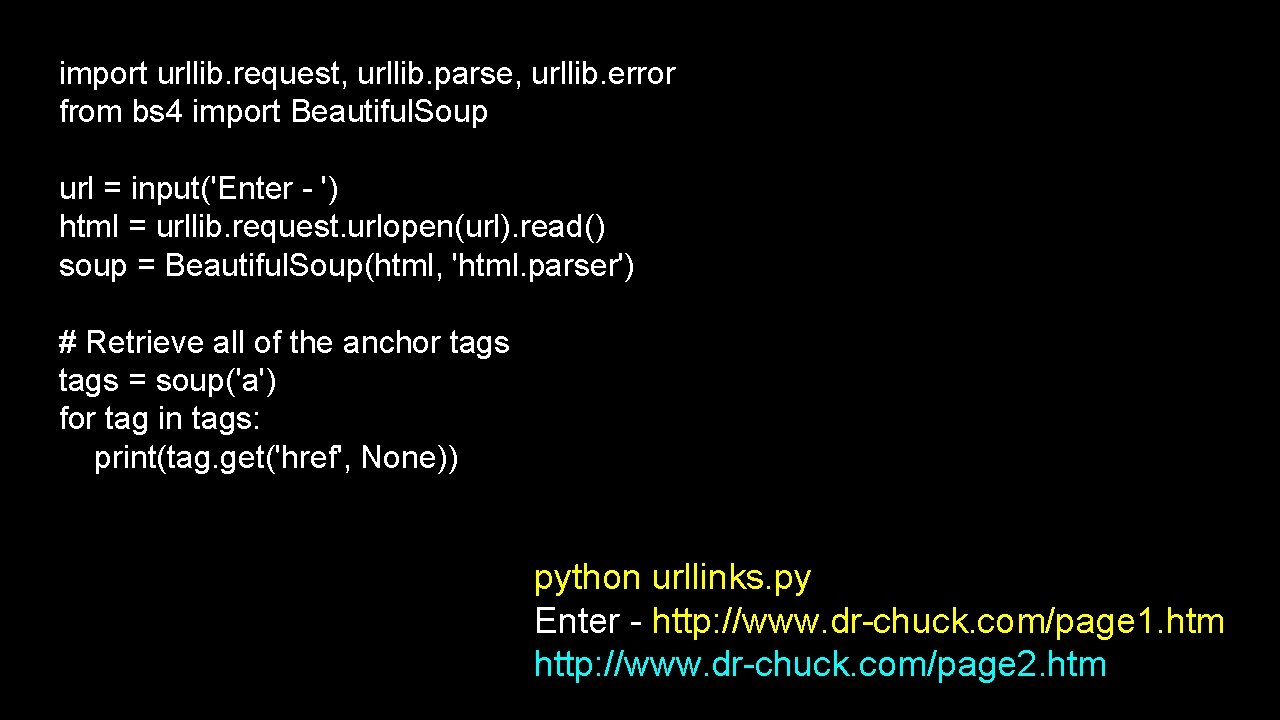
import urllib. request, urllib. parse, urllib. error from bs 4 import Beautiful. Soup url = input('Enter - ') html = urllib. request. urlopen(url). read() soup = Beautiful. Soup(html, 'html. parser') # Retrieve all of the anchor tags = soup('a') for tag in tags: print(tag. get('href', None)) python urllinks. py Enter - http: //www. dr-chuck. com/page 1. htm http: //www. dr-chuck. com/page 2. htm
Summary • The TCP/IP gives us pipes / sockets between applications • We designed application protocols to make use of these pipes • Hyper. Text Transfer Protocol (HTTP) is a simple yet powerful protocol • Python has good support for sockets, HTTP, and HTML parsing
Acknowledgements / Contributions Thes slide are Copyright 2010 - Charles R. Severance (www. drchuck. com) of the University of Michigan School of Information and open. umich. edu and made available under a Creative Commons Attribution 4. 0 License. Please maintain this last slide in all copies of the document to comply with the attribution requirements of the license. If you make a change, feel free to add your name and organization to the list of contributors on this page as you republish the materials. Initial Development: Charles Severance, University of Michigan School of Information … Insert new Contributors here . . .
- Slides: 62