
NETWORK TRANSFORMATION THROUGH VIRTUALIZATION Art Center College of

- Slides: 30
NETWORK TRANSFORMATION THROUGH VIRTUALIZATION Art Center College of Design Theresa Zix, Vice President, Information Technology Herman Choi, Network Architect
Art Center Intro 2 Locations in Pasadena, CA 4 Groups of Design Study Industrial, Communication, Design Sciences, Arts & Media Size 1, 500 Students + 3, 000 in Public Programs 450 Faculty + 250 Staff
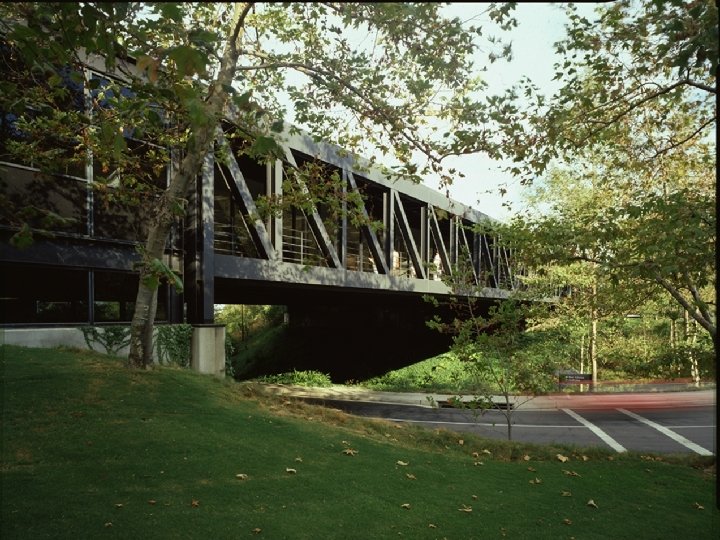
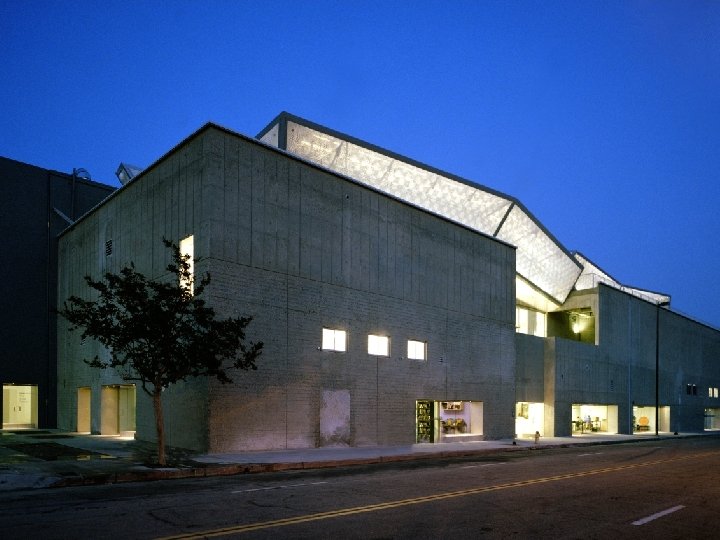
(South Campus Picture)
(Students Working Picture)
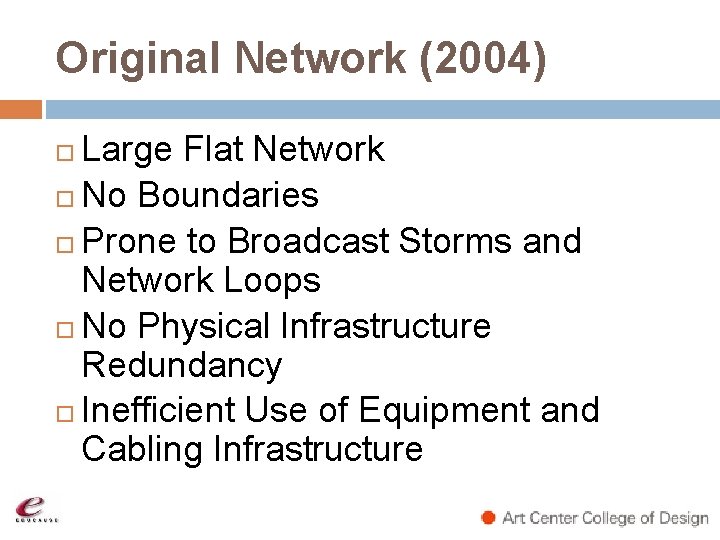
Original Network (2004) Large Flat Network No Boundaries Prone to Broadcast Storms and Network Loops No Physical Infrastructure Redundancy Inefficient Use of Equipment and Cabling Infrastructure
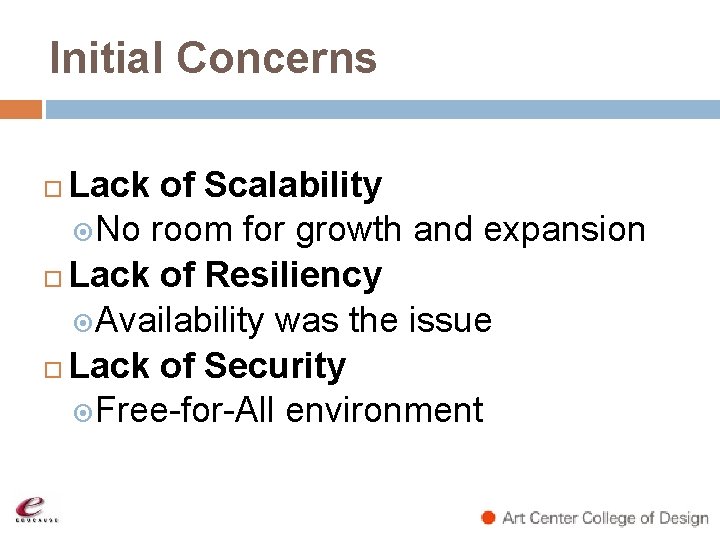
Initial Concerns Lack of Scalability No room for growth and expansion Lack of Resiliency Availability was the issue Lack of Security Free-for-All environment
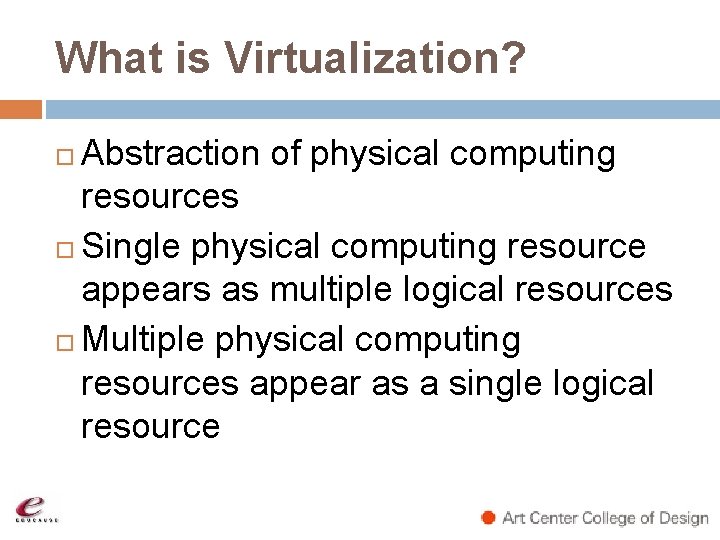
What is Virtualization? Abstraction of physical computing resources Single physical computing resource appears as multiple logical resources Multiple physical computing resources appear as a single logical resource
Solution (2005 -2008) Implemented Network Virtualization Allowed networks to be implemented without physical constraints No longer constrained by legacy physical networks Gained flexibility and reliability through efficient use of resources
Original Scalability Issues Legacy network equipment limited scalability and expandability Deployed multiple physical switches dedicated for different departments Too many switches deployed Inefficient use of power and infrastructure
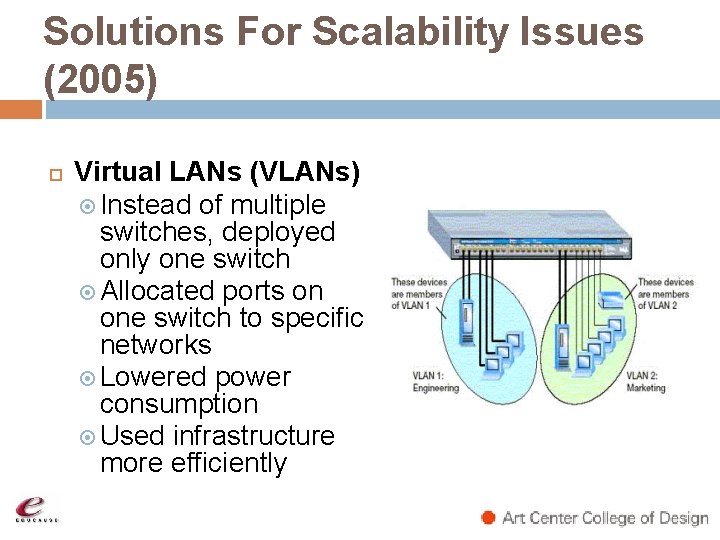
Solutions For Scalability Issues (2005) Virtual LANs (VLANs) Instead of multiple switches, deployed only one switch Allocated ports on one switch to specific networks Lowered power consumption Used infrastructure more efficiently
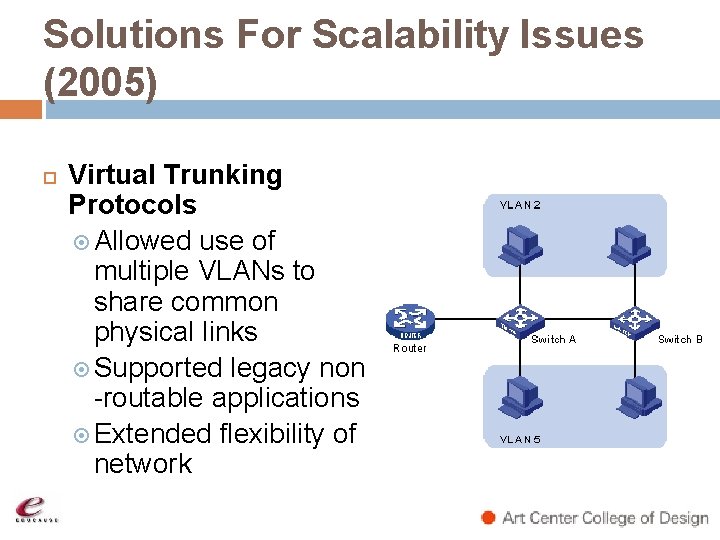
Solutions For Scalability Issues (2005) Virtual Trunking Protocols Allowed use of multiple VLANs to share common physical links Supported legacy non -routable applications Extended flexibility of network
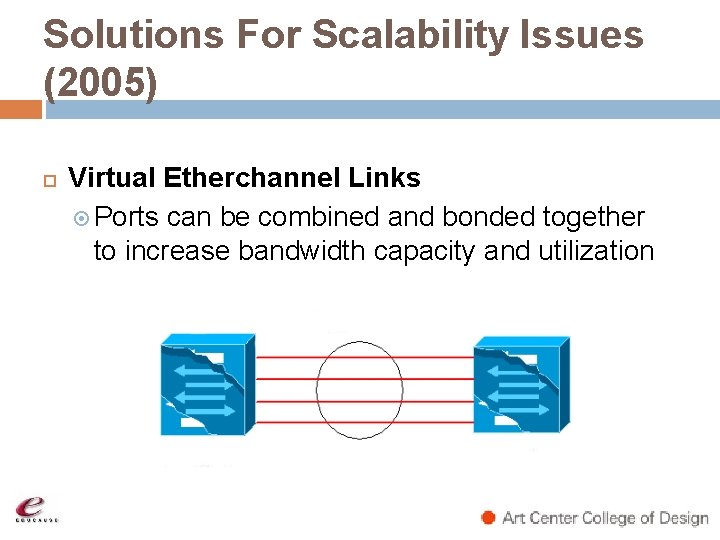
Solutions For Scalability Issues (2005) Virtual Etherchannel Links Ports can be combined and bonded together to increase bandwidth capacity and utilization
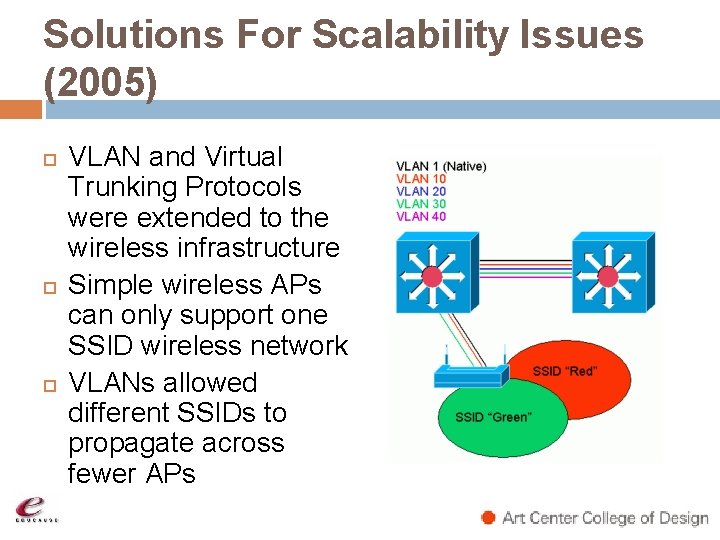
Solutions For Scalability Issues (2005) VLAN and Virtual Trunking Protocols were extended to the wireless infrastructure Simple wireless APs can only support one SSID wireless network VLANs allowed different SSIDs to propagate across fewer APs
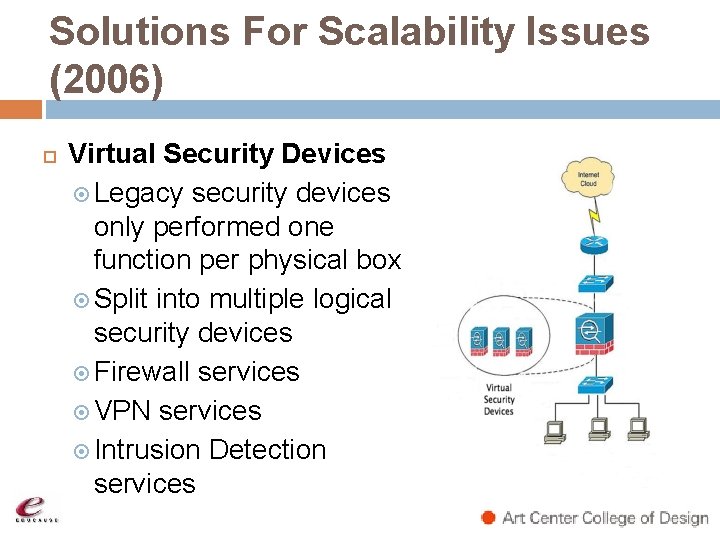
Solutions For Scalability Issues (2006) Virtual Security Devices Legacy security devices only performed one function per physical box Split into multiple logical security devices Firewall services VPN services Intrusion Detection services
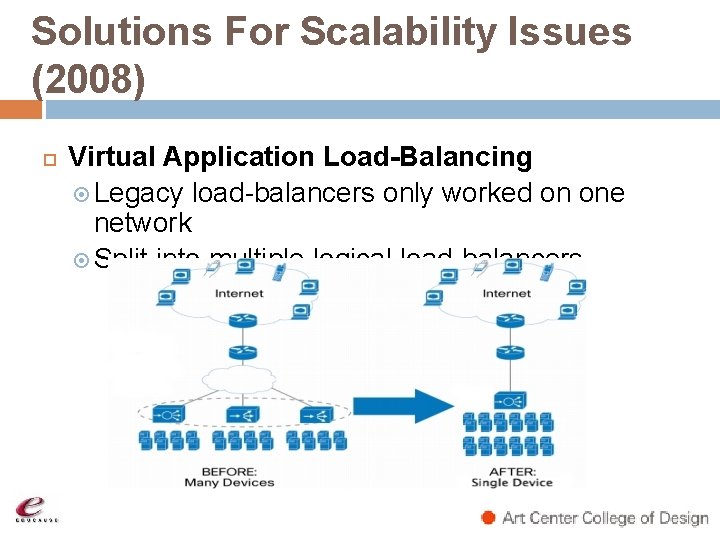
Solutions For Scalability Issues (2008) Virtual Application Load-Balancing Legacy load-balancers only worked on one network Split into multiple logical load-balancers
Original Resiliency Issues Original network did not have redundant network backbone or fiber uplink connections Routing gateway functionalities were limited to a single routing device
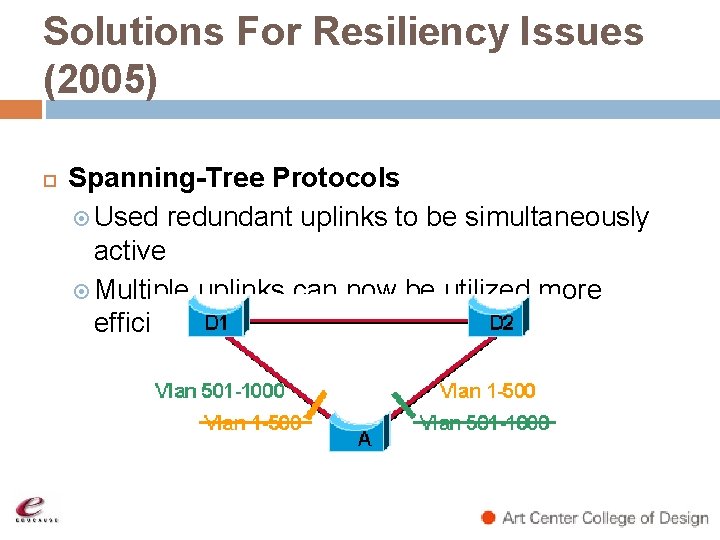
Solutions For Resiliency Issues (2005) Spanning-Tree Protocols Used redundant uplinks to be simultaneously active Multiple uplinks can now be utilized more efficiently
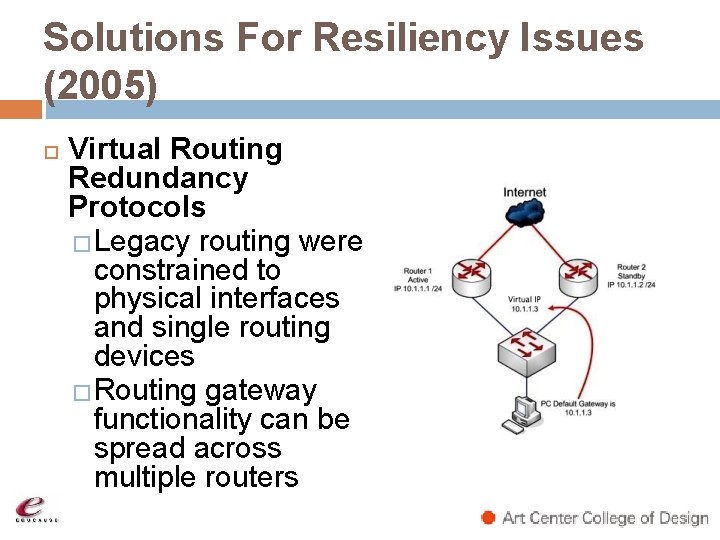
Solutions For Resiliency Issues (2005) Virtual Routing Redundancy Protocols �Legacy routing were constrained to physical interfaces and single routing devices �Routing gateway functionality can be spread across multiple routers
Original Security Issues Originally had a large flat network One large broadcast domain Highly unstable Everybody could see one another Easy for viruses and worms to propagate No containment or isolation
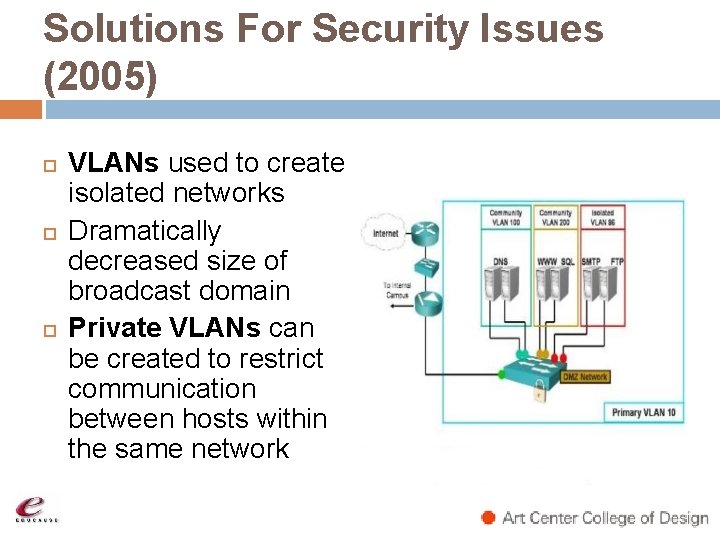
Solutions For Security Issues (2005) VLANs used to create isolated networks Dramatically decreased size of broadcast domain Private VLANs can be created to restrict communication between hosts within the same network
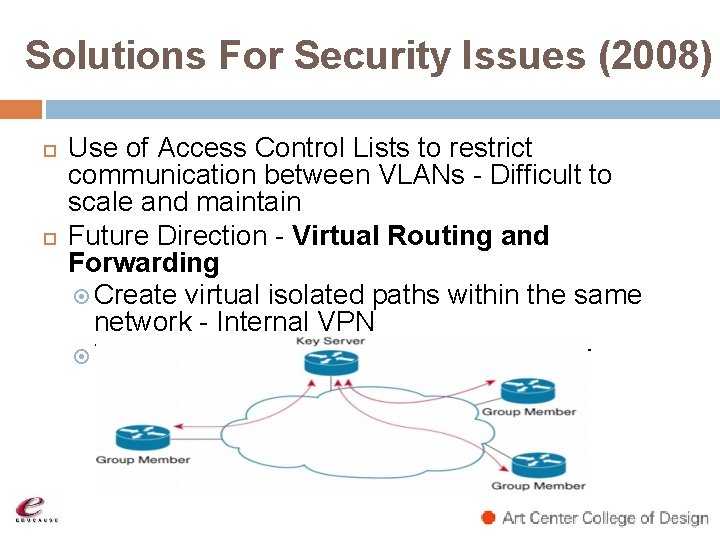
Solutions For Security Issues (2008) Use of Access Control Lists to restrict communication between VLANs - Difficult to scale and maintain Future Direction - Virtual Routing and Forwarding Create virtual isolated paths within the same network - Internal VPN Virtual routers within one physical router
Maintain Network Virtualization Need Monitoring and Visibility Monitor CPU and Memory Utilization Monitor Bandwidth Utilization Monitor Virtual Routing States Monitor Virtual Spanning-Tree States SNMP – Preferably version 3 Logging – Monitor Incidents and
Server Virtualization Hot Topic Nowadays Multiple operating systems or server instances deployed across multiple physical servers Examples of virtualization software �VMWare �Citrix Xen �Microsoft �Parallels Virtuozzo
Benefits of Server Virtualization Greater flexibility and scalability Increases reliability and availability More efficient use of hardware resources Sounds great! What’s the problem? What does this have to do with the network?
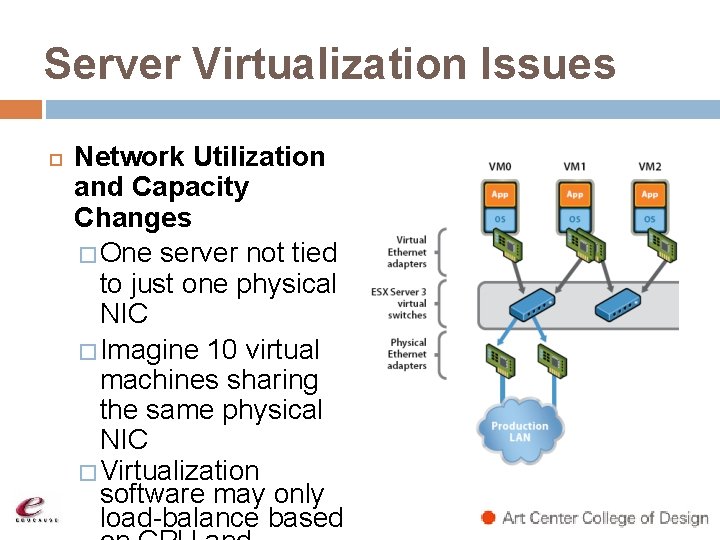
Server Virtualization Issues Network Utilization and Capacity Changes � One server not tied to just one physical NIC � Imagine 10 virtual machines sharing the same physical NIC � Virtualization software may only load-balance based
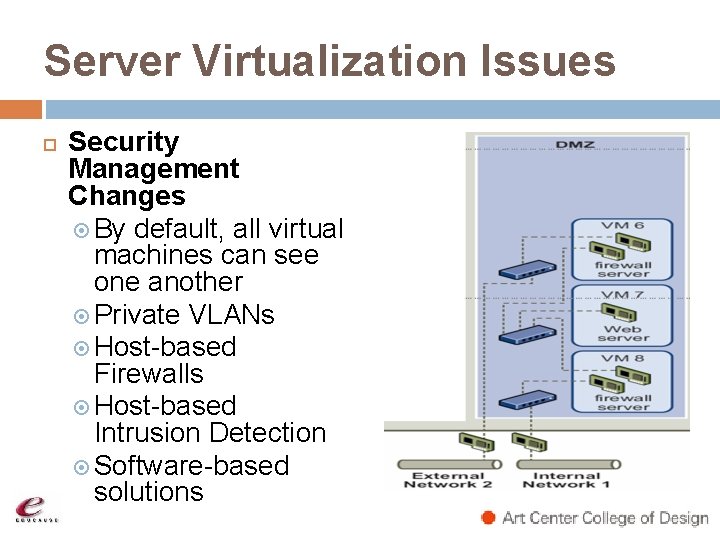
Server Virtualization Issues Security Management Changes By default, all virtual machines can see one another Private VLANs Host-based Firewalls Host-based Intrusion Detection Software-based solutions
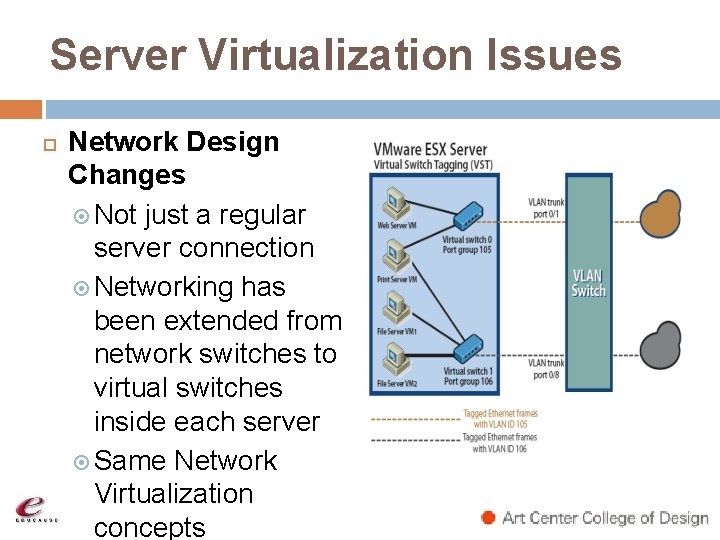
Server Virtualization Issues Network Design Changes Not just a regular server connection Networking has been extended from network switches to virtual switches inside each server Same Network Virtualization concepts
What Does the Future Hold? More visibility and monitoring required More emphasis on network design and deployment of virtual machines Possible IT Culture Change - Your network and system engineers must work more closely together Similar to network and voice convergence – Merge technical skills
THANK YOU ART CENTER COLLEGE OF DESIGN WWW. ARTCENTER. EDU Theresa Zix theresa. zix@artcenter. edu (626) 396 -2477 Herman Choi herman. choi@artcenter. edu (626) 396 -2256