
Network Segmentation Virtual Routing Implementation Layers Donkey Jeff

![Bring IGP routes from legacy router eigrp [PE-base router ID] ! address-family ipv 4](https://slidetodoc.com/presentation_image/30820c2c3915f953fa2b842b308263a5/image-45.jpg "Bring IGP routes from legacy router eigrp [PE-base router ID] ! address-family ipv 4")
- Slides: 60
Network Segmentation: Virtual Routing Implementation “Layers, Donkey. ” Jeff Kell jeff-kell@utc. edu University of Tennessee At Chattanooga
Copyright Jeff Kell, 2011. This work is the intellectual property of the author. Permission is granted for this material to be shared for non-commercial, educational purposes, provided that this copyright statement appears on the reproduced materials and notice is given that the copying is by permission of the author. To disseminate otherwise or to republish requires written permission from the author Jeff Kell Educause SPC 2011
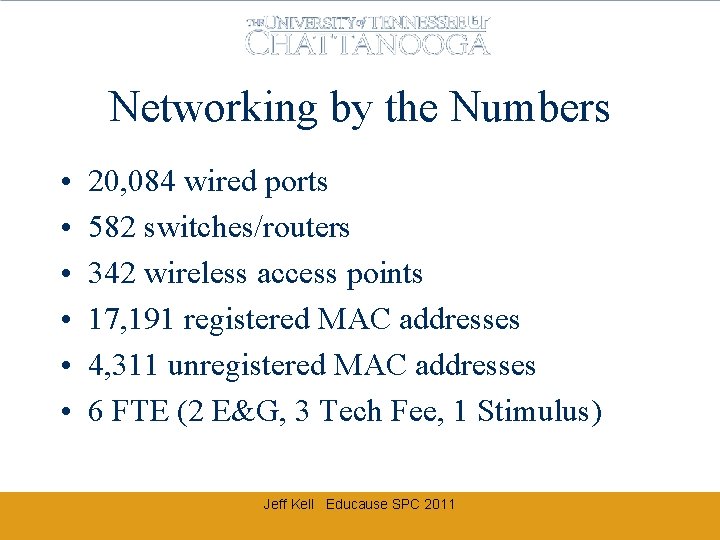
Networking by the Numbers • • • 20, 084 wired ports 582 switches/routers 342 wireless access points 17, 191 registered MAC addresses 4, 311 unregistered MAC addresses 6 FTE (2 E&G, 3 Tech Fee, 1 Stimulus) Jeff Kell Educause SPC 2011
Agenda • • Why virtualize? (What, Me Worry? ) Classic segmentation VRF Overview VRF Proof-of-Concept Case Example Design challenges Network evolution Implementation methodology Jeff Kell Educause SPC 2011
VIRTUAL ROUTING? REALLY? Isn’t this just one big happy trusting net? Jeff Kell Educause SPC 2011
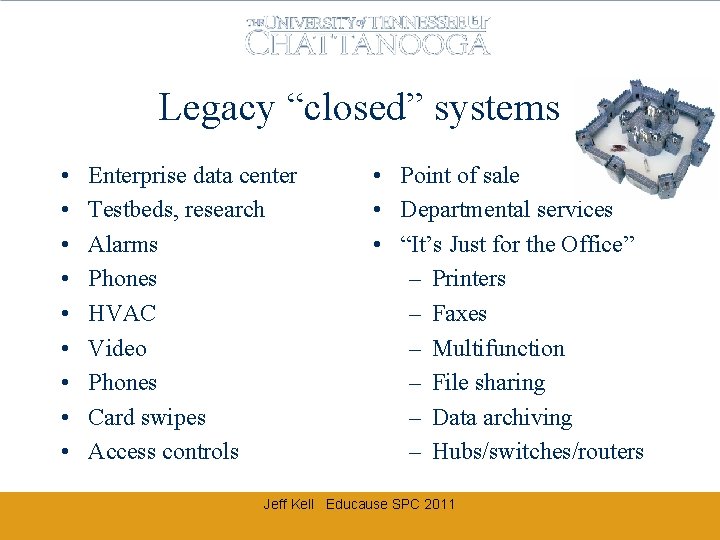
Legacy “closed” systems • • • Enterprise data center Testbeds, research Alarms Phones HVAC Video Phones Card swipes Access controls • Point of sale • Departmental services • “It’s Just for the Office” – Printers – Faxes – Multifunction – File sharing – Data archiving – Hubs/switches/routers Jeff Kell Educause SPC 2011
Trendy “open” systems • Web services (and wikis, blogs, photos, social networking) • Email and messaging (PDAs / smart phones) • Application portals • Remote desktop access • Webcams Jeff Kell Educause SPC 2011
Dash of “mobile access” • Not Just Laptops • PDAs / smart phones / Steve Jobs imagination / Droids • Wireless (802. 11 -whatever) • EVDO/3 G/4 G/etc Jeff Kell Educause SPC 2011
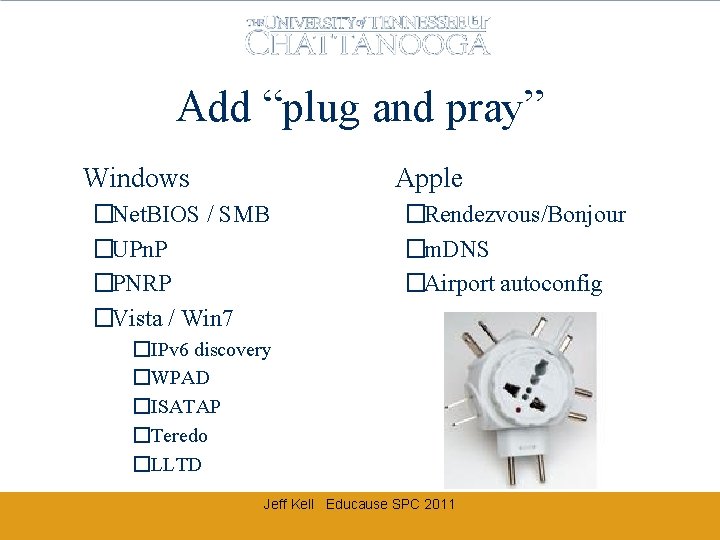
Add “plug and pray” �Windows �Apple �Net. BIOS / SMB �UPn. P �PNRP �Vista / Win 7 �Rendezvous/Bonjour �m. DNS �Airport autoconfig �IPv 6 discovery �WPAD �ISATAP �Teredo �LLTD Jeff Kell Educause SPC 2011
Mix well… • • • Common networks / vlans Windows ICS / Bridging Wireless automatic associations “Found a jack, got a link light” User hubs/switches/routers/Wi. Fi Jeff Kell Educause SPC 2011
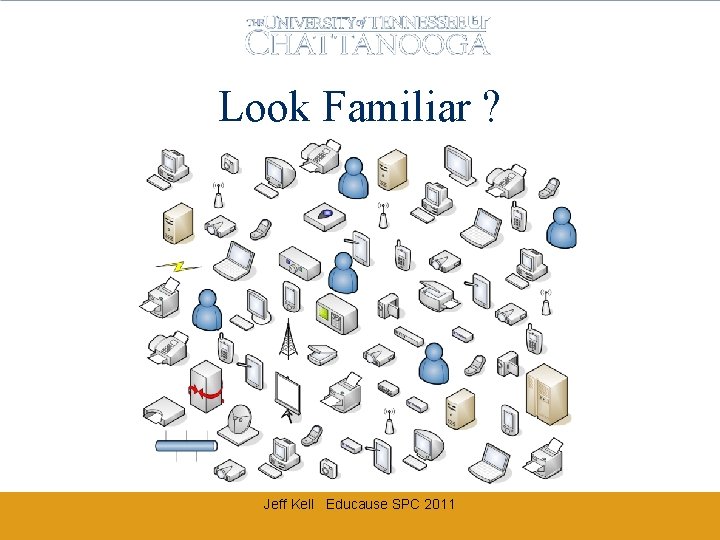
Look Familiar ? Jeff Kell Educause SPC 2011
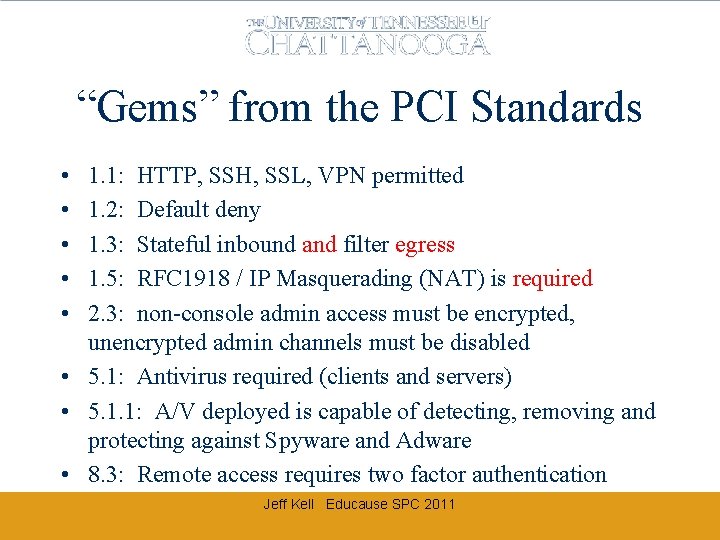
“Gems” from the PCI Standards • • • 1. 1: HTTP, SSH, SSL, VPN permitted 1. 2: Default deny 1. 3: Stateful inbound and filter egress 1. 5: RFC 1918 / IP Masquerading (NAT) is required 2. 3: non-console admin access must be encrypted, unencrypted admin channels must be disabled • 5. 1: Antivirus required (clients and servers) • 5. 1. 1: A/V deployed is capable of detecting, removing and protecting against Spyware and Adware • 8. 3: Remote access requires two factor authentication Jeff Kell Educause SPC 2011
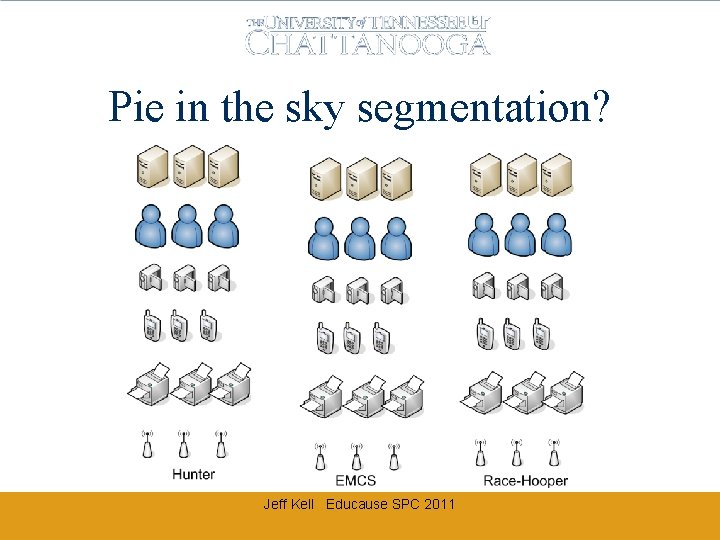
Pie in the sky segmentation? Jeff Kell Educause SPC 2011
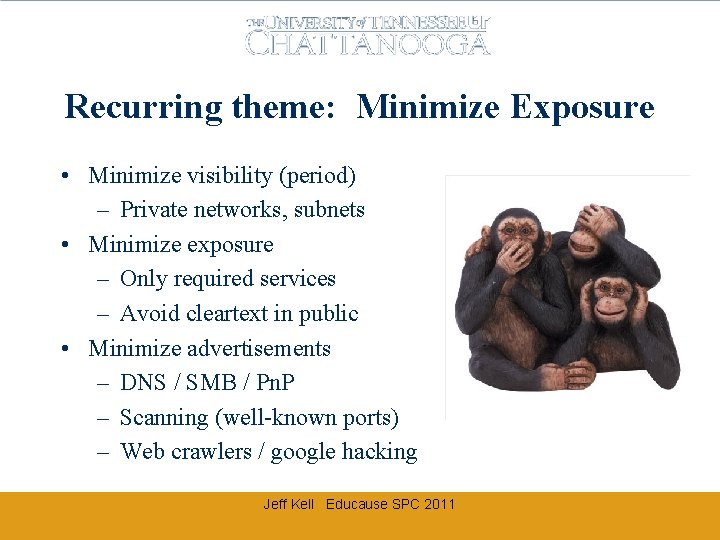
Recurring theme: Minimize Exposure • Minimize visibility (period) – Private networks, subnets • Minimize exposure – Only required services – Avoid cleartext in public • Minimize advertisements – DNS / SMB / Pn. P – Scanning (well-known ports) – Web crawlers / google hacking Jeff Kell Educause SPC 2011
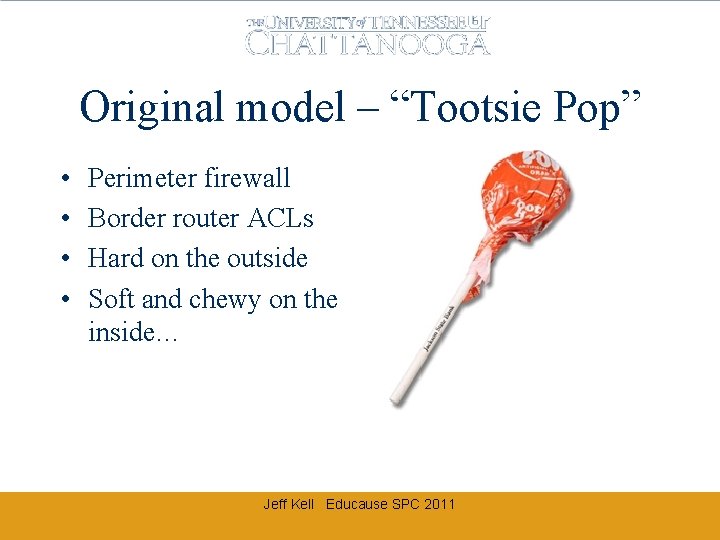
Original model – “Tootsie Pop” • • Perimeter firewall Border router ACLs Hard on the outside Soft and chewy on the inside… Jeff Kell Educause SPC 2011
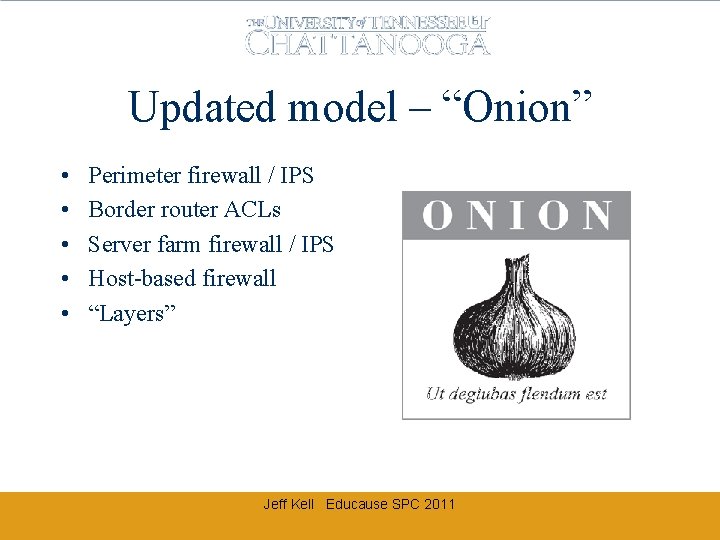
Updated model – “Onion” • • • Perimeter firewall / IPS Border router ACLs Server farm firewall / IPS Host-based firewall “Layers” Jeff Kell Educause SPC 2011
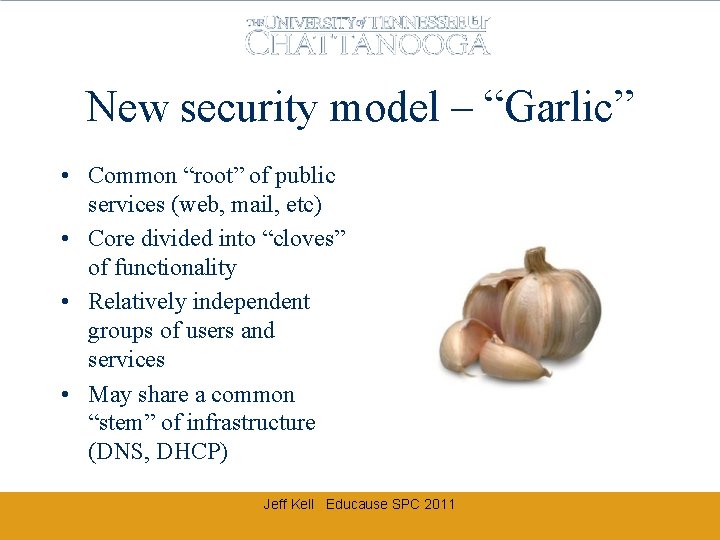
New security model – “Garlic” • Common “root” of public services (web, mail, etc) • Core divided into “cloves” of functionality • Relatively independent groups of users and services • May share a common “stem” of infrastructure (DNS, DHCP) Jeff Kell Educause SPC 2011
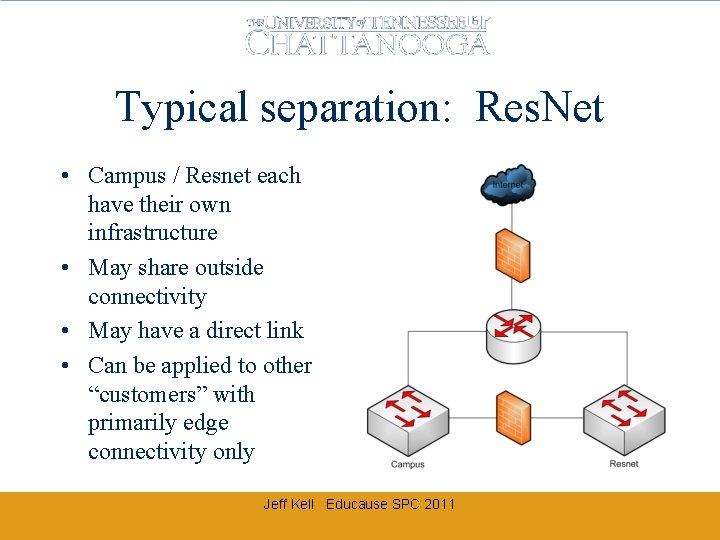
Typical separation: Res. Net • Campus / Resnet each have their own infrastructure • May share outside connectivity • May have a direct link • Can be applied to other “customers” with primarily edge connectivity only Jeff Kell Educause SPC 2011
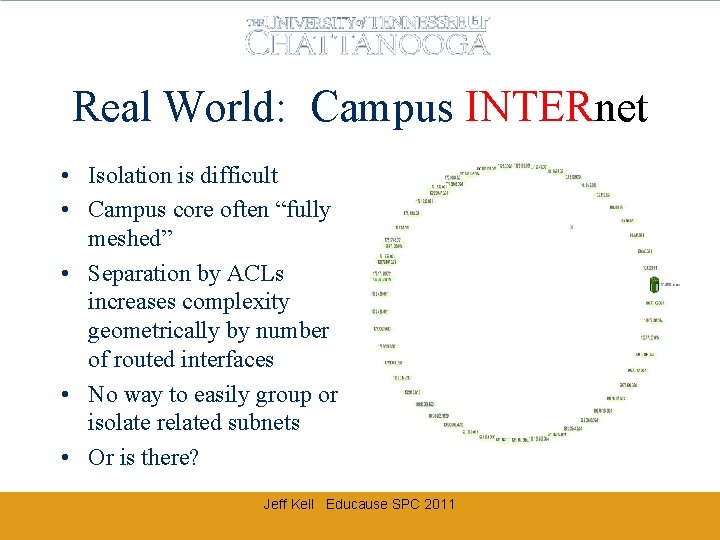
Real World: Campus INTERnet • Isolation is difficult • Campus core often “fully meshed” • Separation by ACLs increases complexity geometrically by number of routed interfaces • No way to easily group or isolate related subnets • Or is there? Jeff Kell Educause SPC 2011
VRFS AND VRF-LITE Virtual Routing and Forwarding In a Nutshell… Jeff Kell Educause SPC 2011
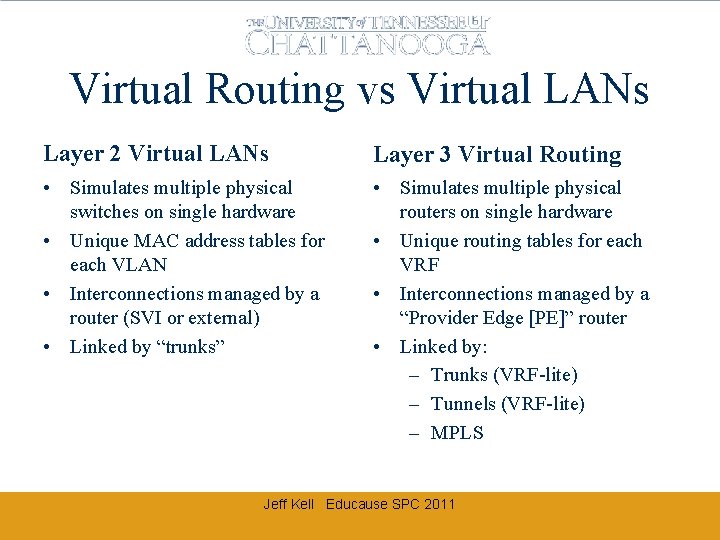
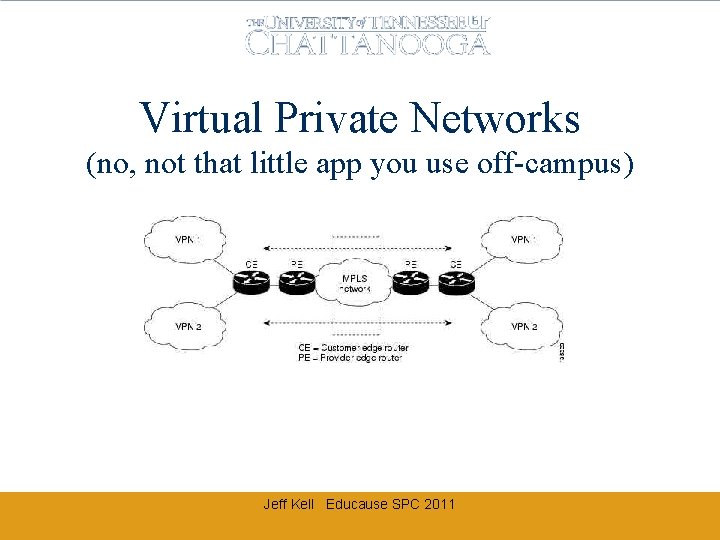
Virtual Routing vs Virtual LANs Layer 2 Virtual LANs Layer 3 Virtual Routing • Simulates multiple physical switches on single hardware • Unique MAC address tables for each VLAN • Interconnections managed by a router (SVI or external) • Linked by “trunks” • Simulates multiple physical routers on single hardware • Unique routing tables for each VRF • Interconnections managed by a “Provider Edge [PE]” router • Linked by: – Trunks (VRF-lite) – Tunnels (VRF-lite) – MPLS Jeff Kell Educause SPC 2011
Virtual Private Networks (no, not that little app you use off-campus) Jeff Kell Educause SPC 2011
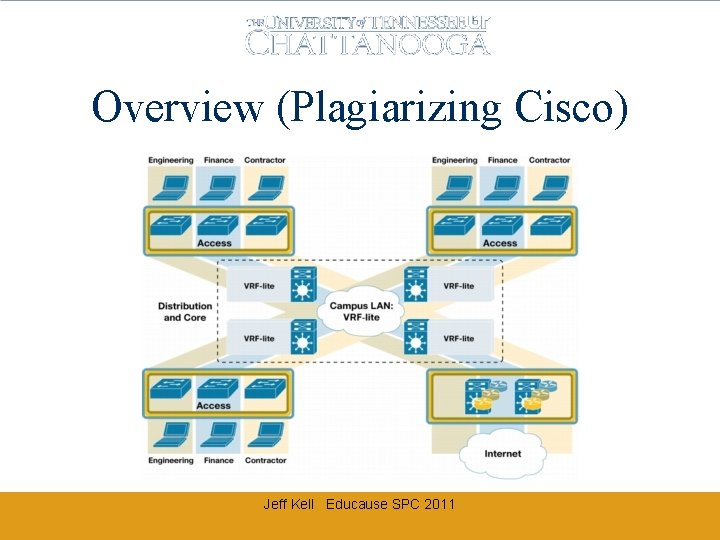
Overview (Plagiarizing Cisco) Jeff Kell Educause SPC 2011
Virtualizing Your Network Divide and Conquer (copyright notice as required below) EDUCAUSE & Internet 2 Security Professionals Conference April 10 -12, 2007 Copyright Robert E. Neale 2007. This work is the intellectual property of the author. Permission is granted for this material to be shared for non-commercial, educational purposes, provided that this copyright statement appears on the reproduced materials and notice is given that the copying is by permission of the author. To disseminate otherwise or to republish requires written permission from the author.
High Level Backbone Logical Design (VCU) Jeff Kell Educause SPC 2011
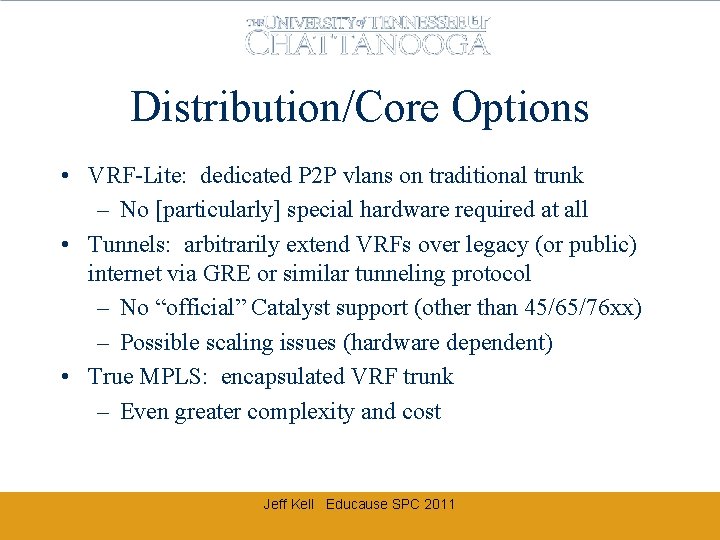
Distribution/Core Options • VRF-Lite: dedicated P 2 P vlans on traditional trunk – No [particularly] special hardware required at all • Tunnels: arbitrarily extend VRFs over legacy (or public) internet via GRE or similar tunneling protocol – No “official” Catalyst support (other than 45/65/76 xx) – Possible scaling issues (hardware dependent) • True MPLS: encapsulated VRF trunk – Even greater complexity and cost Jeff Kell Educause SPC 2011
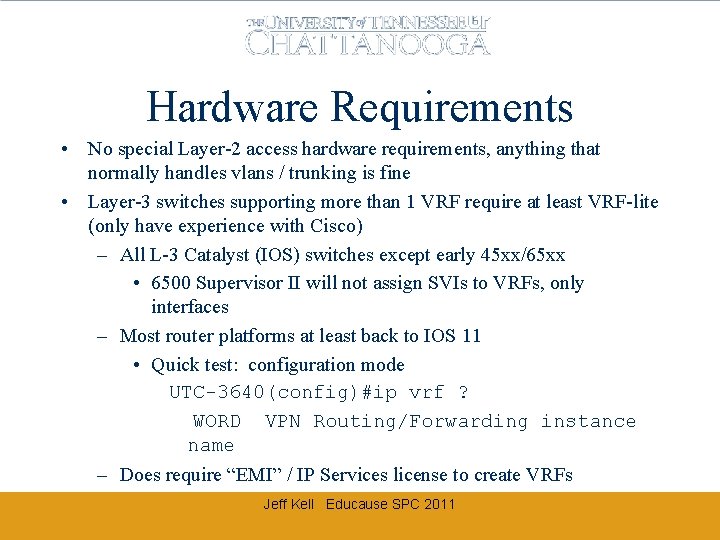
Hardware Requirements • No special Layer-2 access hardware requirements, anything that normally handles vlans / trunking is fine • Layer-3 switches supporting more than 1 VRF require at least VRF-lite (only have experience with Cisco) – All L-3 Catalyst (IOS) switches except early 45 xx/65 xx • 6500 Supervisor II will not assign SVIs to VRFs, only interfaces – Most router platforms at least back to IOS 11 • Quick test: configuration mode UTC-3640(config)#ip vrf ? WORD VPN Routing/Forwarding instance name – Does require “EMI” / IP Services license to create VRFs Jeff Kell Educause SPC 2011
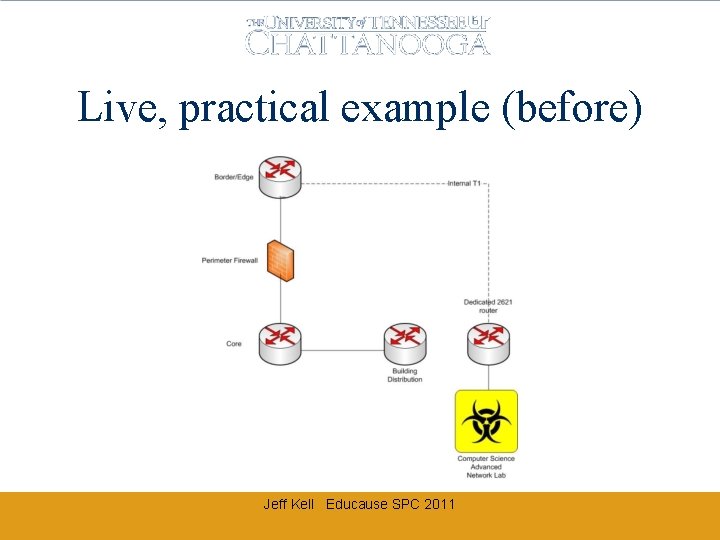
Live, practical example (before) Jeff Kell Educause SPC 2011
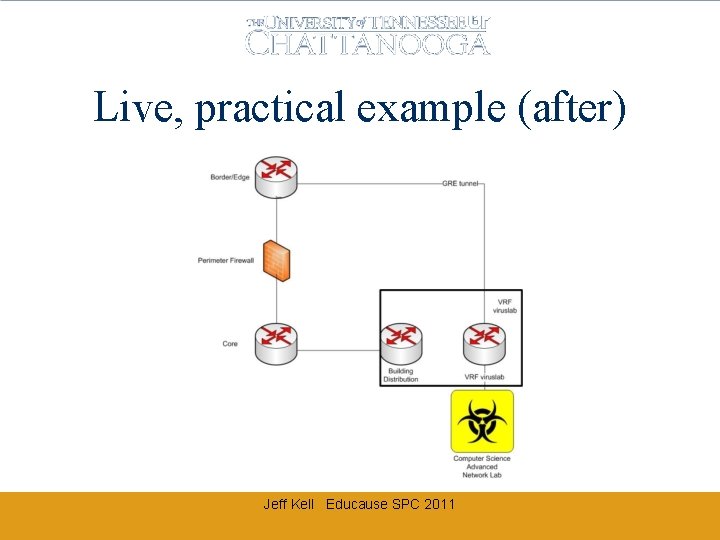
Live, practical example (after) Jeff Kell Educause SPC 2011
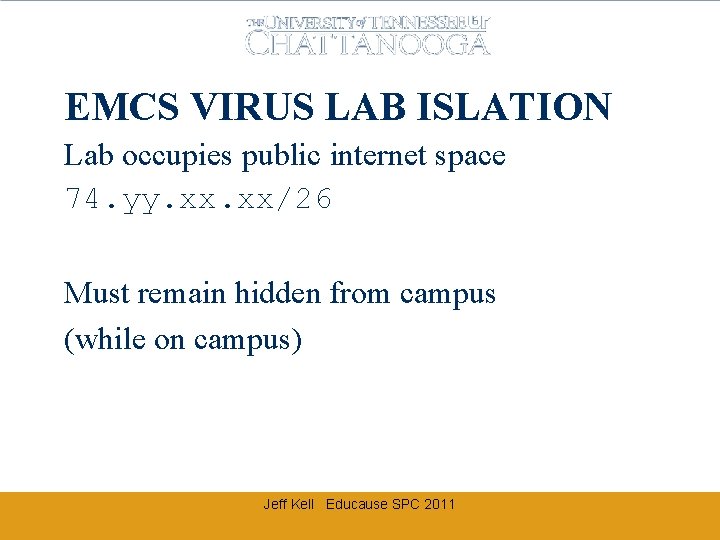
EMCS VIRUS LAB ISLATION Lab occupies public internet space 74. yy. xx/26 Must remain hidden from campus (while on campus) Jeff Kell Educause SPC 2011
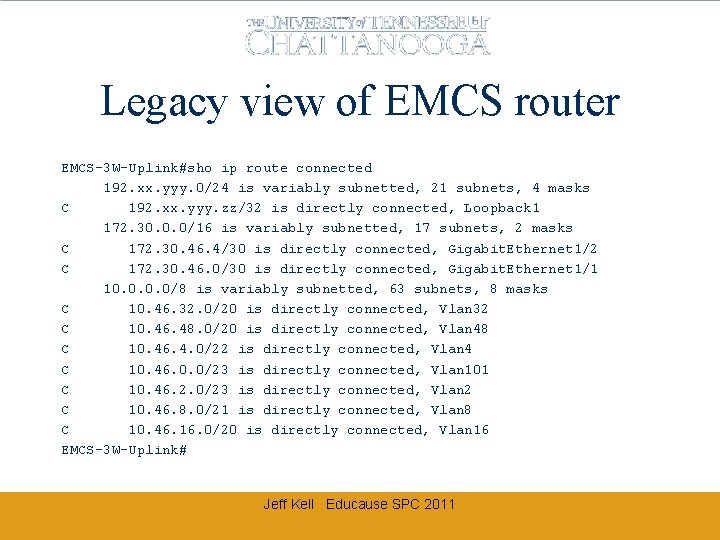
Legacy view of EMCS router EMCS-3 W-Uplink#sho ip route connected 192. xx. yyy. 0/24 is variably subnetted, 21 subnets, 4 masks C 192. xx. yyy. zz/32 is directly connected, Loopback 1 172. 30. 0. 0/16 is variably subnetted, 17 subnets, 2 masks C 172. 30. 46. 4/30 is directly connected, Gigabit. Ethernet 1/2 C 172. 30. 46. 0/30 is directly connected, Gigabit. Ethernet 1/1 10. 0/8 is variably subnetted, 63 subnets, 8 masks C 10. 46. 32. 0/20 is directly connected, Vlan 32 C 10. 46. 48. 0/20 is directly connected, Vlan 48 C 10. 46. 4. 0/22 is directly connected, Vlan 4 C 10. 46. 0. 0/23 is directly connected, Vlan 101 C 10. 46. 2. 0/23 is directly connected, Vlan 2 C 10. 46. 8. 0/21 is directly connected, Vlan 8 C 10. 46. 16. 0/20 is directly connected, Vlan 16 EMCS-3 W-Uplink# Jeff Kell Educause SPC 2011
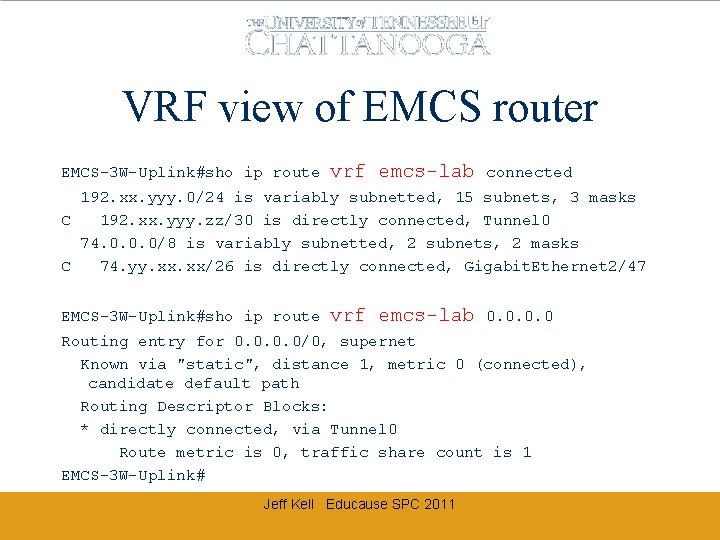
VRF view of EMCS router EMCS-3 W-Uplink#sho ip route vrf emcs-lab connected 192. xx. yyy. 0/24 is variably subnetted, 15 subnets, 3 masks C 192. xx. yyy. zz/30 is directly connected, Tunnel 0 74. 0. 0. 0/8 is variably subnetted, 2 subnets, 2 masks C 74. yy. xx/26 is directly connected, Gigabit. Ethernet 2/47 EMCS-3 W-Uplink#sho ip route vrf emcs-lab 0. 0 Routing entry for 0. 0/0, supernet Known via "static", distance 1, metric 0 (connected), candidate default path Routing Descriptor Blocks: * directly connected, via Tunnel 0 Route metric is 0, traffic share count is 1 EMCS-3 W-Uplink# Jeff Kell Educause SPC 2011
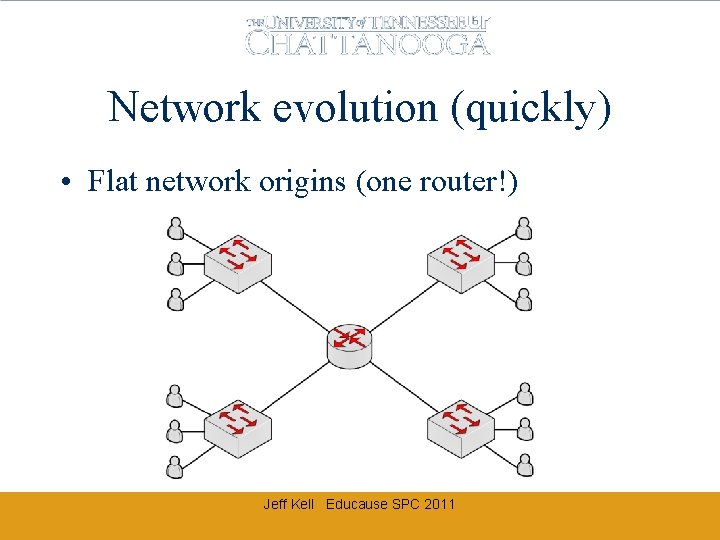
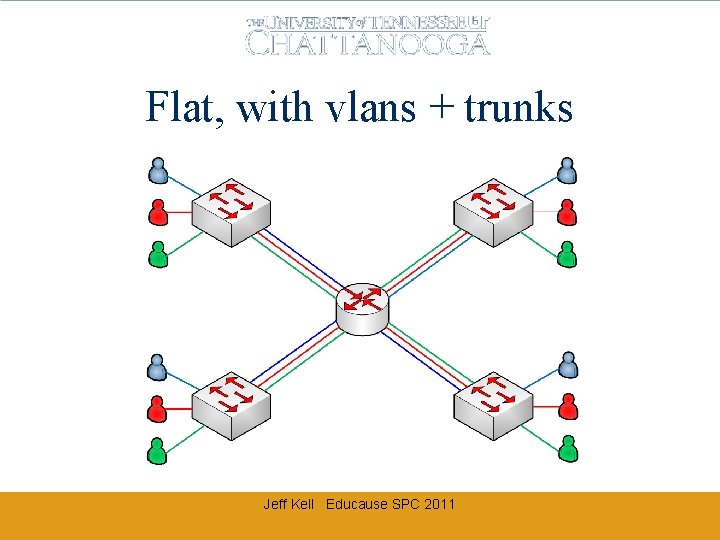
Network evolution (quickly) • Flat network origins (one router!) Jeff Kell Educause SPC 2011
Flat, with vlans + trunks Jeff Kell Educause SPC 2011
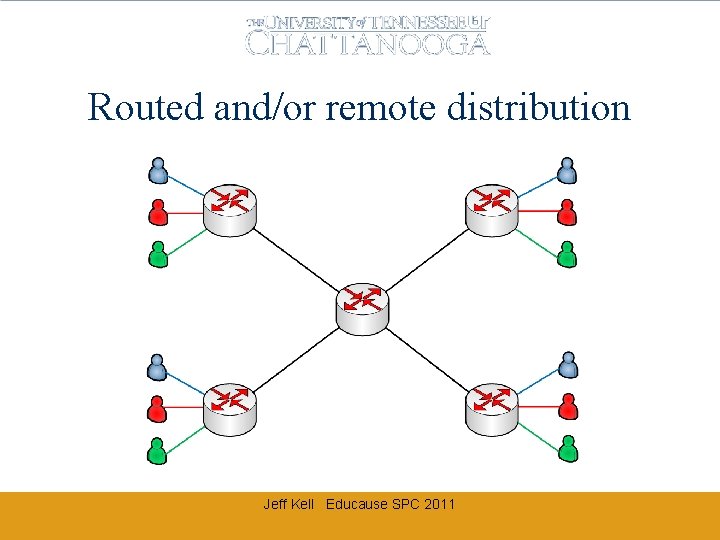
Routed and/or remote distribution Jeff Kell Educause SPC 2011
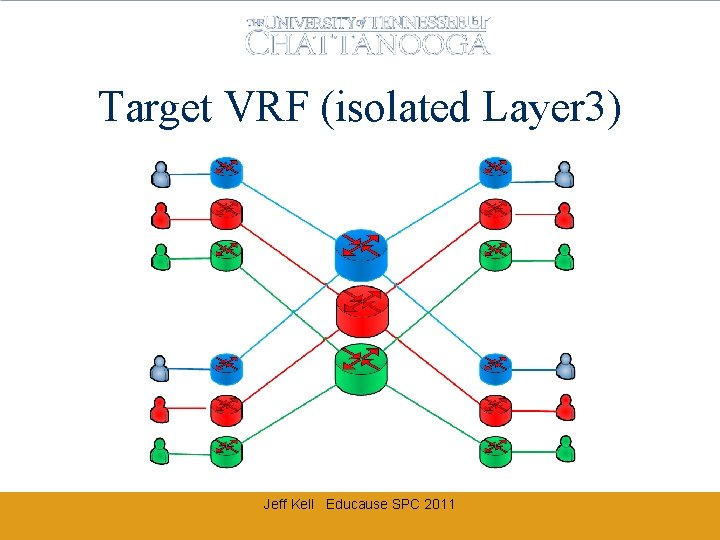
Target VRF (isolated Layer 3) Jeff Kell Educause SPC 2011
VRF DESIGN “CHALLENGES” • • • General VRF template How to start (from a traditional network) External connectivity (without backhaul) Internal connectivity to common services Specific exceptions for inter-VRF access Jeff Kell Educause SPC 2011
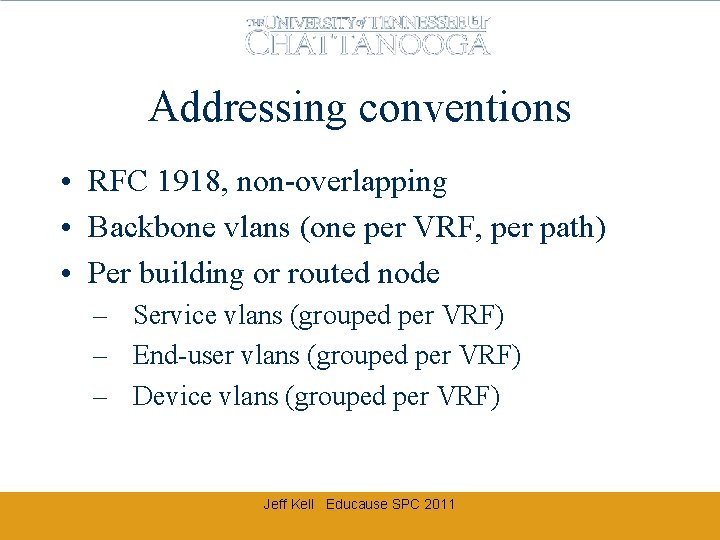
Addressing conventions • RFC 1918, non-overlapping • Backbone vlans (one per VRF, per path) • Per building or routed node – Service vlans (grouped per VRF) – End-user vlans (grouped per VRF) – Device vlans (grouped per VRF) Jeff Kell Educause SPC 2011
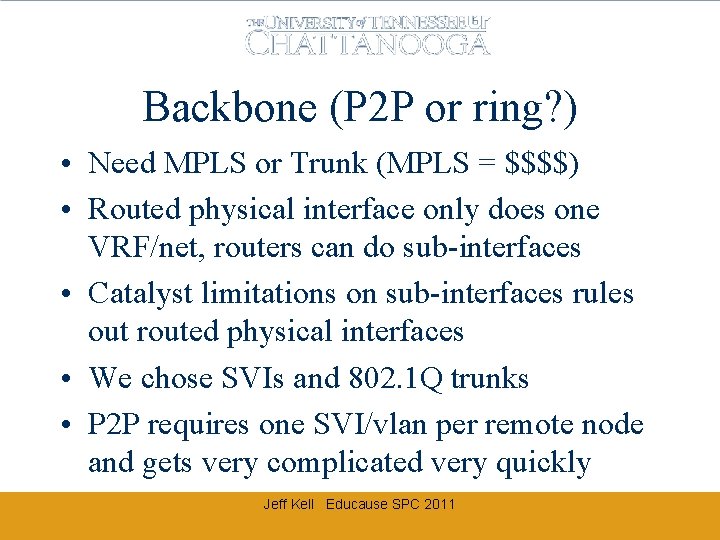
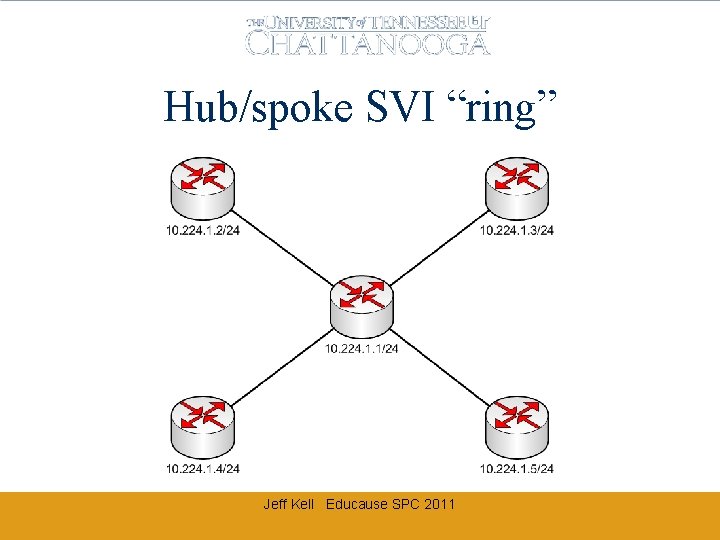
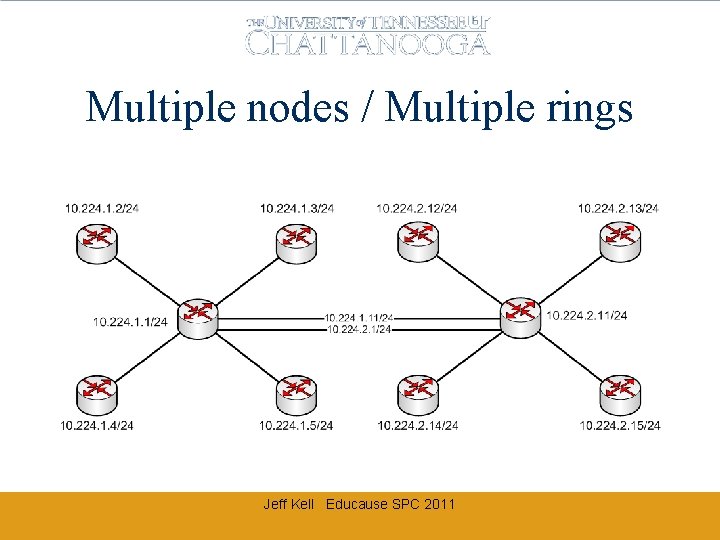
Backbone (P 2 P or ring? ) • Need MPLS or Trunk (MPLS = $$$$) • Routed physical interface only does one VRF/net, routers can do sub-interfaces • Catalyst limitations on sub-interfaces rules out routed physical interfaces • We chose SVIs and 802. 1 Q trunks • P 2 P requires one SVI/vlan per remote node and gets very complicated very quickly Jeff Kell Educause SPC 2011
Hub/spoke SVI “ring” Jeff Kell Educause SPC 2011
Multiple nodes / Multiple rings Jeff Kell Educause SPC 2011
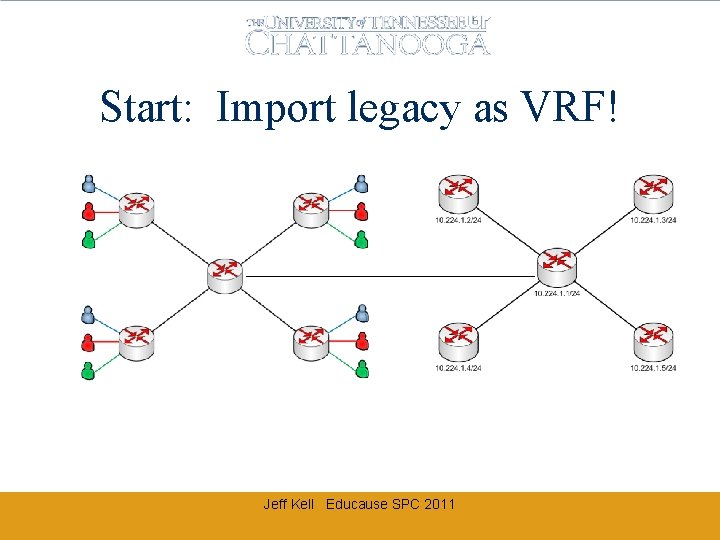
Start: Import legacy as VRF! Jeff Kell Educause SPC 2011
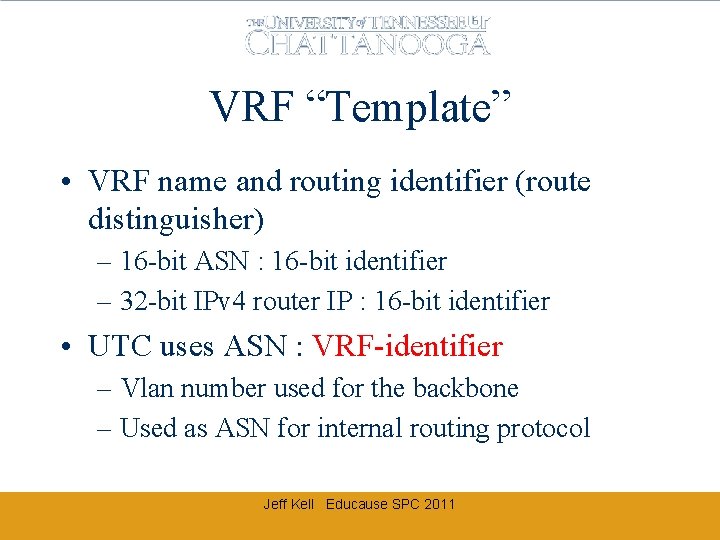
VRF “Template” • VRF name and routing identifier (route distinguisher) – 16 -bit ASN : 16 -bit identifier – 32 -bit IPv 4 router IP : 16 -bit identifier • UTC uses ASN : VRF-identifier – Vlan number used for the backbone – Used as ASN for internal routing protocol Jeff Kell Educause SPC 2011
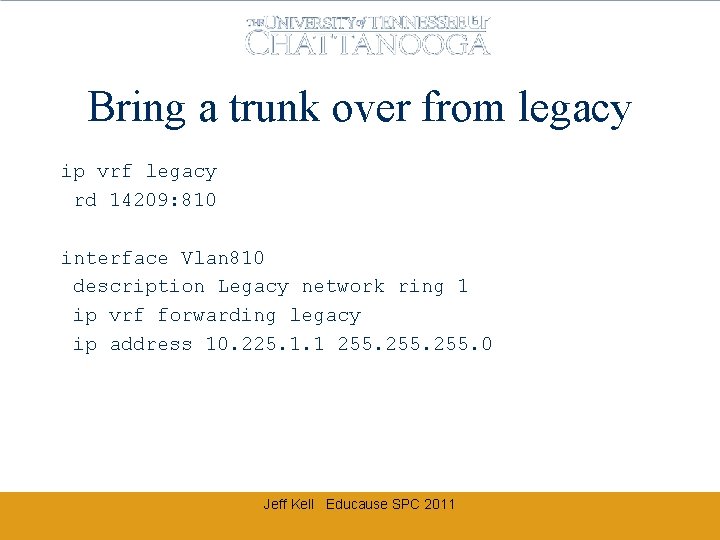
Bring a trunk over from legacy ip vrf legacy rd 14209: 810 interface Vlan 810 description Legacy network ring 1 ip vrf forwarding legacy ip address 10. 225. 1. 1 255. 0 Jeff Kell Educause SPC 2011
Bring IGP routes from legacy router eigrp [PE-base router ID] ! address-family ipv 4 vrf legacy autonomous-system 1 network 10. 225. 0. 0. 0. 255 no auto-summary exit-address-family Jeff Kell Educause SPC 2011
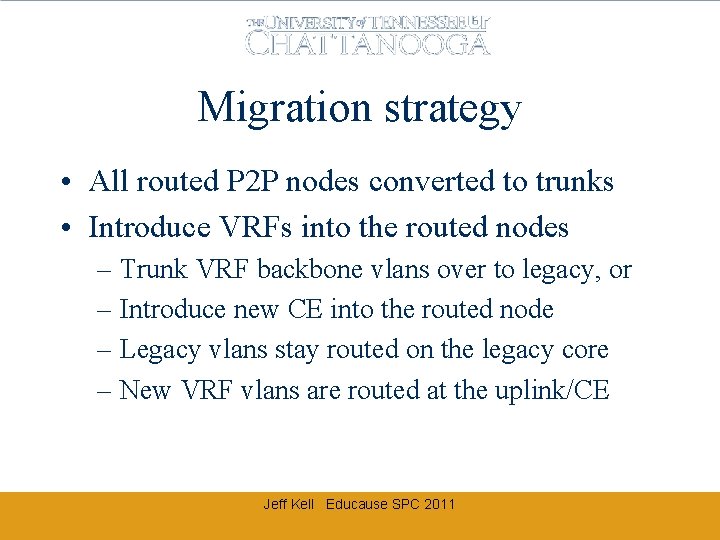
Migration strategy • All routed P 2 P nodes converted to trunks • Introduce VRFs into the routed nodes – Trunk VRF backbone vlans over to legacy, or – Introduce new CE into the routed node – Legacy vlans stay routed on the legacy core – New VRF vlans are routed at the uplink/CE Jeff Kell Educause SPC 2011
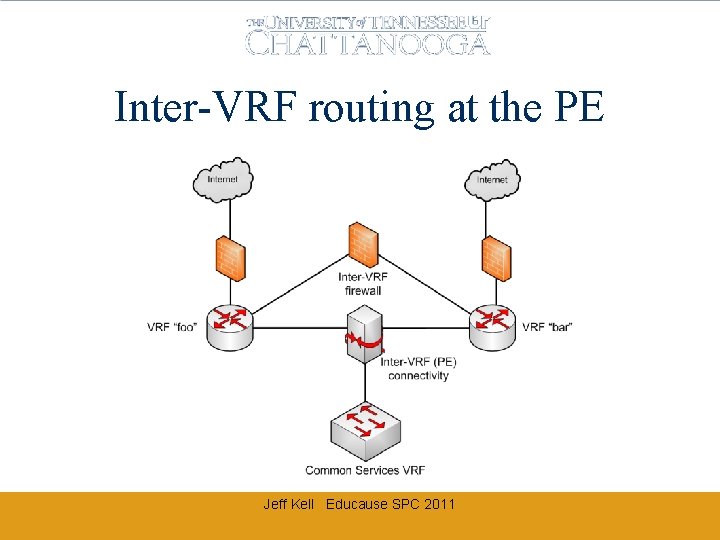
Inter-VRF routing at the PE Jeff Kell Educause SPC 2011
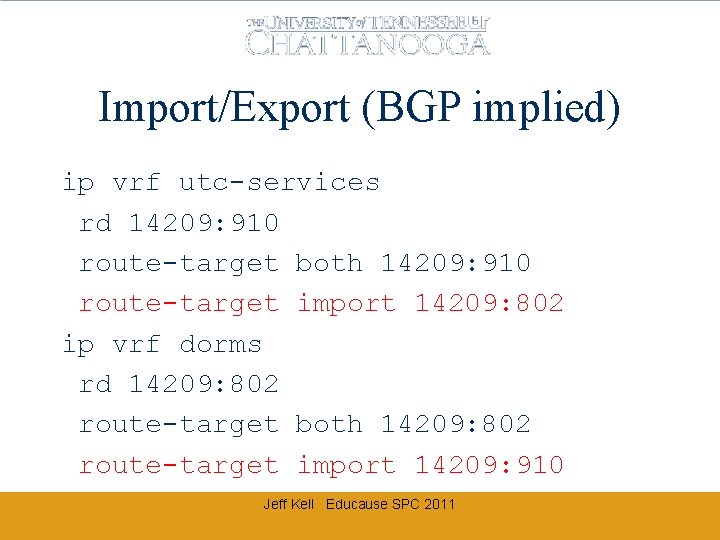
Import/Export (BGP implied) ip vrf utc-services rd 14209: 910 route-target both 14209: 910 route-target import 14209: 802 ip vrf dorms rd 14209: 802 route-target both 14209: 802 route-target import 14209: 910 Jeff Kell Educause SPC 2011
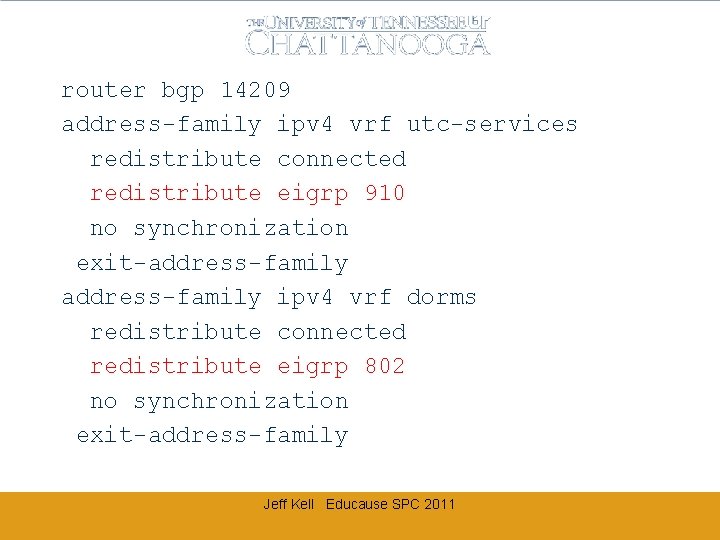
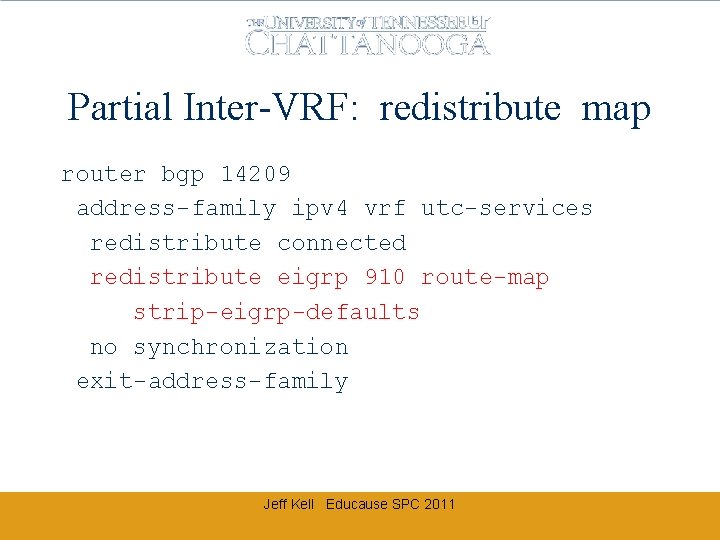
router bgp 14209 address-family ipv 4 vrf utc-services redistribute connected redistribute eigrp 910 no synchronization exit-address-family ipv 4 vrf dorms redistribute connected redistribute eigrp 802 no synchronization exit-address-family Jeff Kell Educause SPC 2011
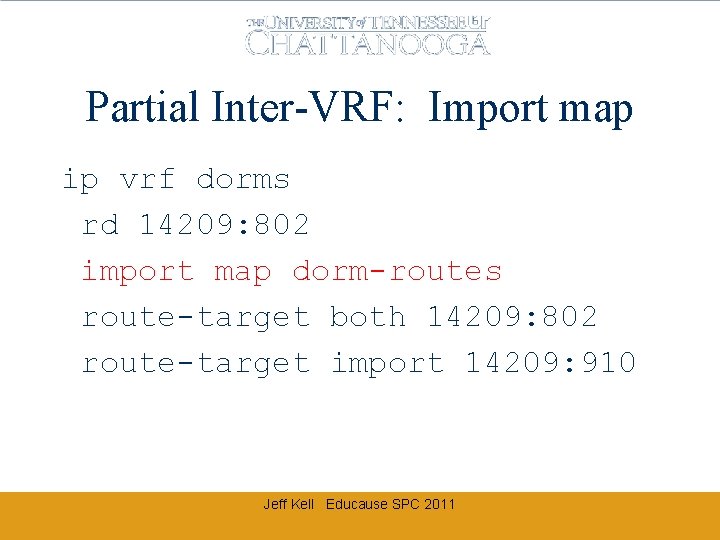
Partial Inter-VRF: Import map ip vrf dorms rd 14209: 802 import map dorm-routes route-target both 14209: 802 route-target import 14209: 910 Jeff Kell Educause SPC 2011
Partial Inter-VRF: redistribute map router bgp 14209 address-family ipv 4 vrf utc-services redistribute connected redistribute eigrp 910 route-map strip-eigrp-defaults no synchronization exit-address-family Jeff Kell Educause SPC 2011
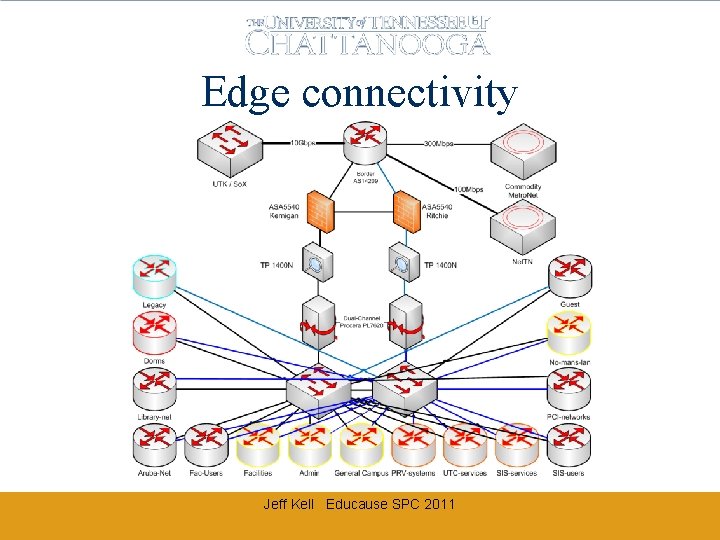
Edge connectivity Jeff Kell Educause SPC 2011
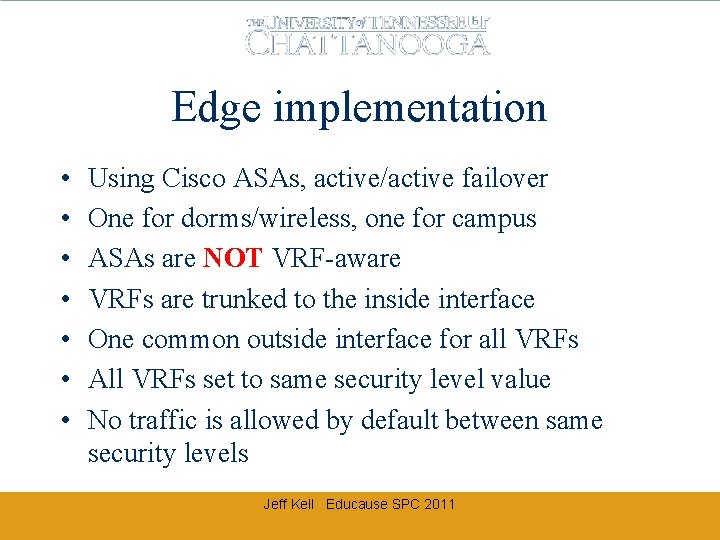
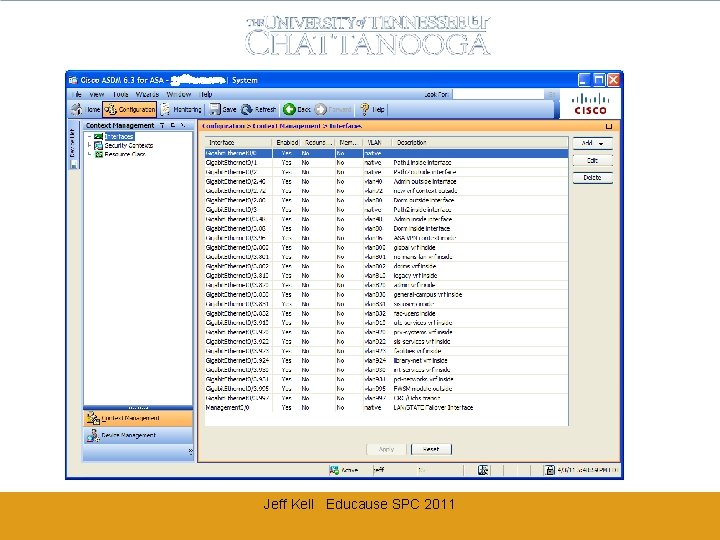
Edge implementation • • Using Cisco ASAs, active/active failover One for dorms/wireless, one for campus ASAs are NOT VRF-aware VRFs are trunked to the inside interface One common outside interface for all VRFs All VRFs set to same security level value No traffic is allowed by default between same security levels Jeff Kell Educause SPC 2011
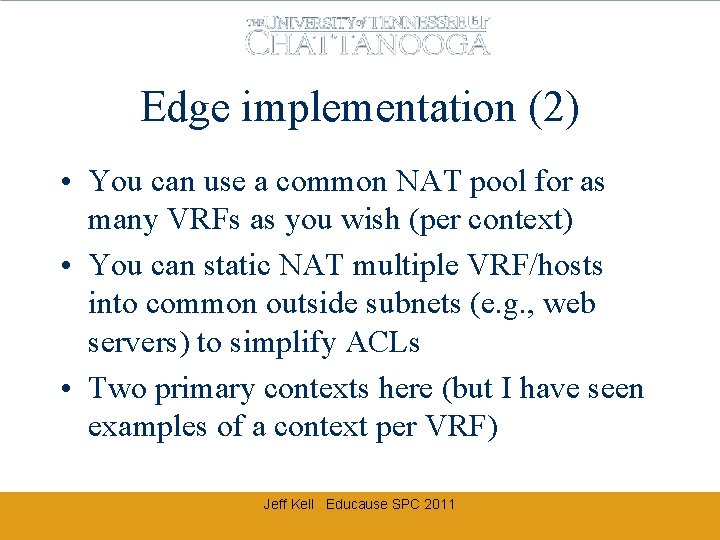
Edge implementation (2) • You can use a common NAT pool for as many VRFs as you wish (per context) • You can static NAT multiple VRF/hosts into common outside subnets (e. g. , web servers) to simplify ACLs • Two primary contexts here (but I have seen examples of a context per VRF) Jeff Kell Educause SPC 2011
Jeff Kell Educause SPC 2011
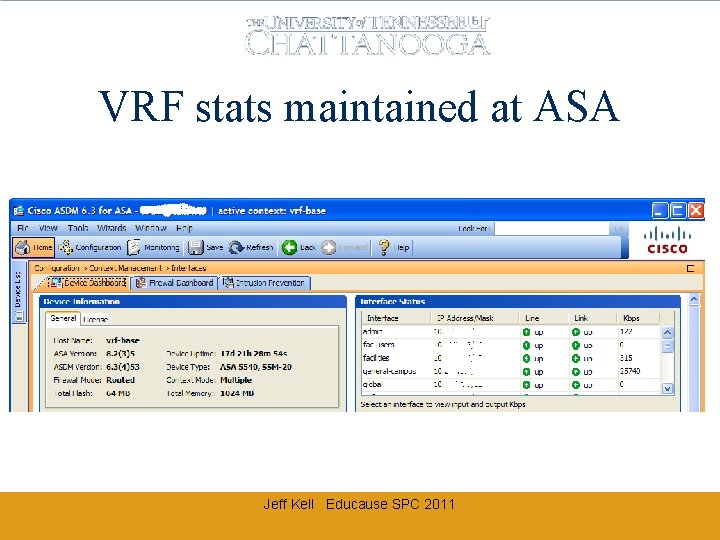
VRF stats maintained at ASA Jeff Kell Educause SPC 2011
Other Edge considerations • Trunks pass through Procera Packetlogic – PL handles the trunked traffic just fine – Can classify / shape / etc based on vlan tag • Trunks pass through Tipping. Point IPS – TP handles the trunked traffic just fine – Can define “virtual interfaces” based on vlan and apply specific policies and exceptions • Snort/Bro/etc: Span trunk to a non-trunk destination port strips the vlan tags (or define ‘encap dot 1 q’ and keep tags) Jeff Kell Educause SPC 2011
The Fatal “Gotcha” • Pretty much impossible to route VRF to global, or global to VRF • Best to keep global for management/infrastructure only • Some high-end router IOS allows statics to cross global • Catalysts can do statics IF the next hop address is on another device (kludgy) • You will want to mix into your inter-VRF firewall mix (we use FWSM as do most examples) • You could do this with external firewall, or port-to-port cabling (*cough*) [yes, before we got the FWSM] Jeff Kell Educause SPC 2011
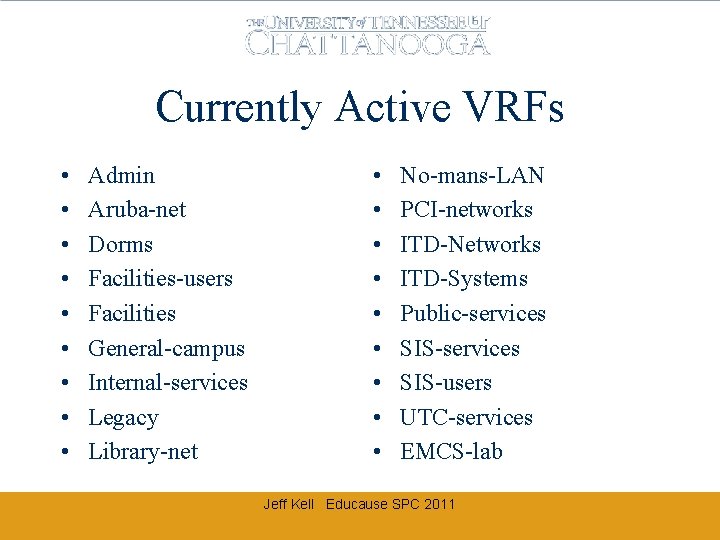
Currently Active VRFs • • • Admin Aruba-net Dorms Facilities-users Facilities General-campus Internal-services Legacy Library-net • • • No-mans-LAN PCI-networks ITD-Networks ITD-Systems Public-services SIS-users UTC-services EMCS-lab Jeff Kell Educause SPC 2011
Whew! • Questions? • Comments? • Snarky remarks? Jeff-Kell@utc. edu Jeff Kell Educause SPC 2011