
Network Security Threats CERT Centers Software Engineering Institute

- Slides: 33
Network Security Threats CERT Centers, Software Engineering Institute Carnegie Mellon University Pittsburgh, PA 15213 -3890 SEI is sponsored by the U. S. Department of Defense © 2000 by Carnegie Mellon University 95 -752: 8 -1
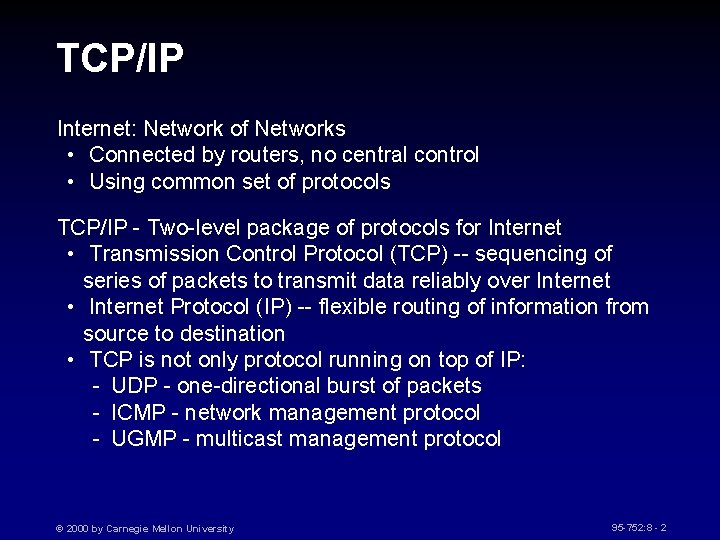
TCP/IP Internet: Network of Networks • Connected by routers, no central control • Using common set of protocols TCP/IP - Two-level package of protocols for Internet • Transmission Control Protocol (TCP) -- sequencing of series of packets to transmit data reliably over Internet • Internet Protocol (IP) -- flexible routing of information from source to destination • TCP is not only protocol running on top of IP: - UDP - one-directional burst of packets - ICMP - network management protocol - UGMP - multicast management protocol © 2000 by Carnegie Mellon University 95 -752: 8 - 2
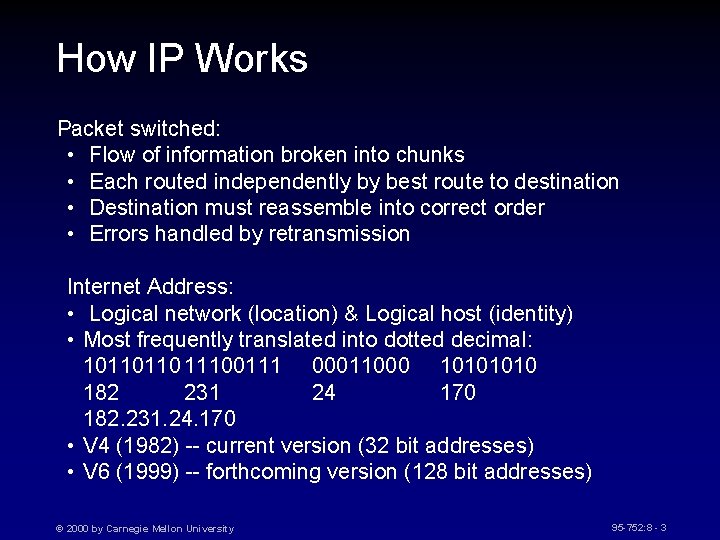
How IP Works Packet switched: • Flow of information broken into chunks • Each routed independently by best route to destination • Destination must reassemble into correct order • Errors handled by retransmission Internet Address: • Logical network (location) & Logical host (identity) • Most frequently translated into dotted decimal: 10110110 11100111 00011000 1010 182 231 24 170 182. 231. 24. 170 • V 4 (1982) -- current version (32 bit addresses) • V 6 (1999) -- forthcoming version (128 bit addresses) © 2000 by Carnegie Mellon University 95 -752: 8 - 3
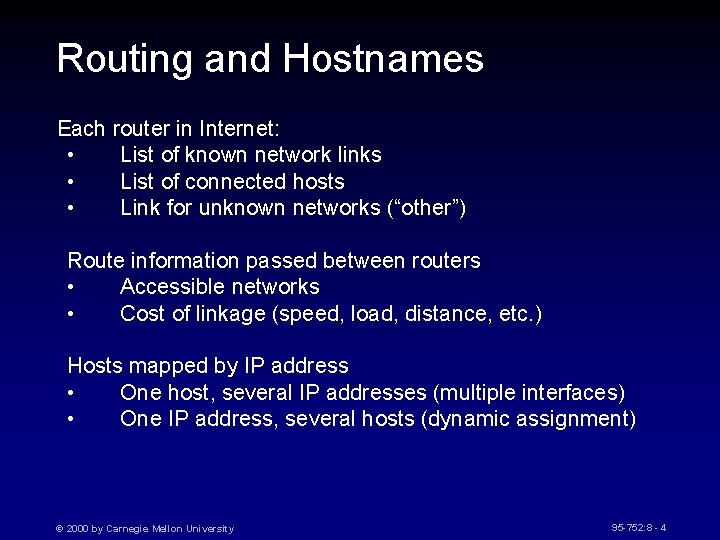
Routing and Hostnames Each router in Internet: • List of known network links • List of connected hosts • Link for unknown networks (“other”) Route information passed between routers • Accessible networks • Cost of linkage (speed, load, distance, etc. ) Hosts mapped by IP address • One host, several IP addresses (multiple interfaces) • One IP address, several hosts (dynamic assignment) © 2000 by Carnegie Mellon University 95 -752: 8 - 4
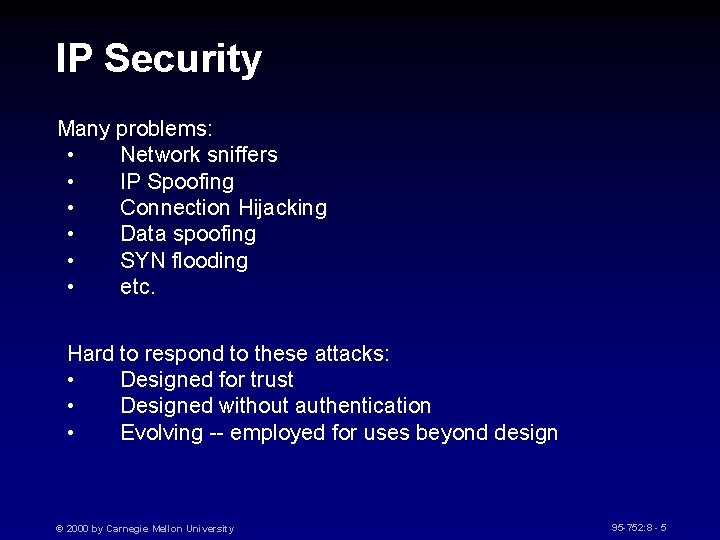
IP Security Many problems: • Network sniffers • IP Spoofing • Connection Hijacking • Data spoofing • SYN flooding • etc. Hard to respond to these attacks: • Designed for trust • Designed without authentication • Evolving -- employed for uses beyond design © 2000 by Carnegie Mellon University 95 -752: 8 - 5
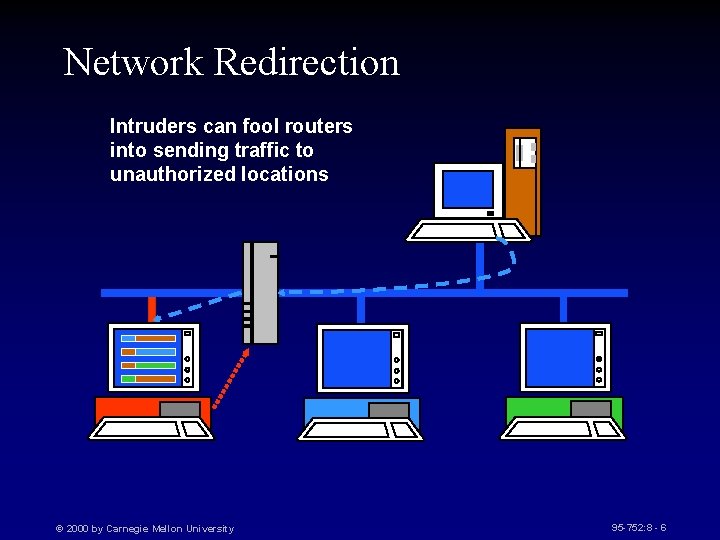
Network Redirection Intruders can fool routers into sending traffic to unauthorized locations © 2000 by Carnegie Mellon University 95 -752: 8 - 6
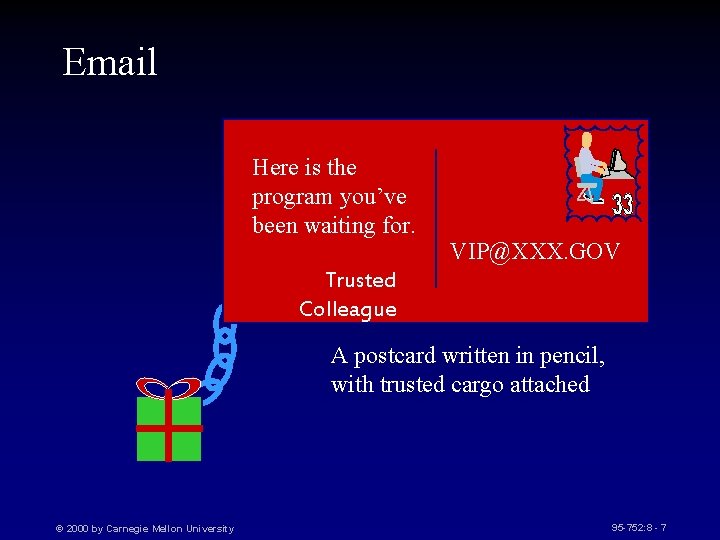
Email Here is the program you’ve been waiting for. VIP@XXX. GOV Trusted Colleague A postcard written in pencil, with trusted cargo attached © 2000 by Carnegie Mellon University 95 -752: 8 - 7
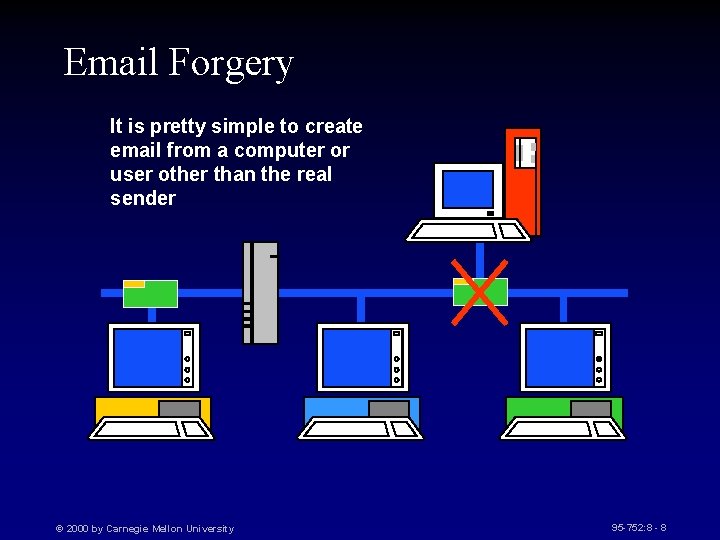
Email Forgery It is pretty simple to create email from a computer or user other than the real sender © 2000 by Carnegie Mellon University 95 -752: 8 - 8
Network Flooding Intruders can stimulate responses to overload the network © 2000 by Carnegie Mellon University 95 -752: 8 - 9
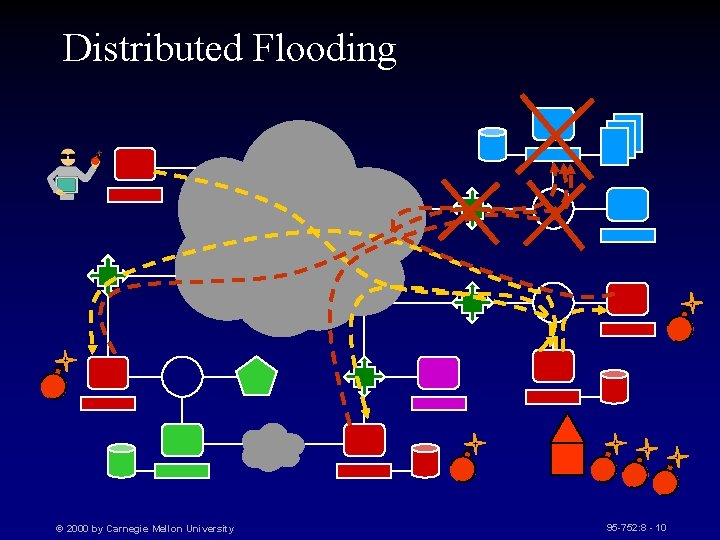
Distributed Flooding © 2000 by Carnegie Mellon University 95 -752: 8 - 10
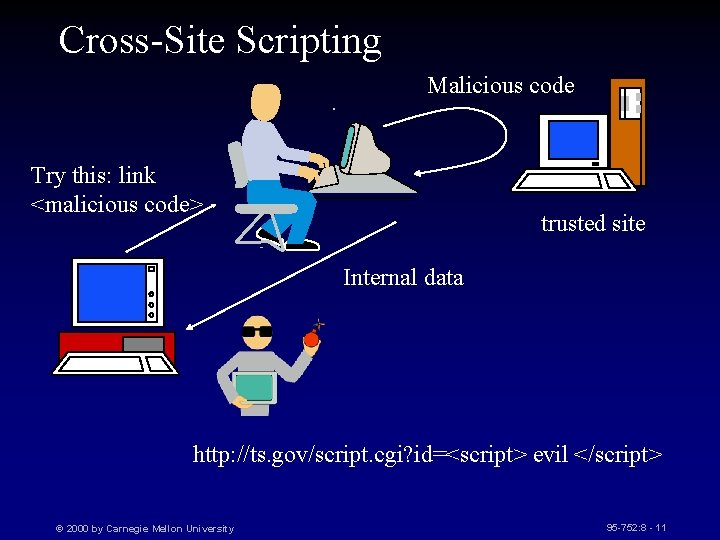
Cross-Site Scripting Malicious code Try this: link <malicious code> trusted site Internal data http: //ts. gov/script. cgi? id=<script> evil </script> © 2000 by Carnegie Mellon University 95 -752: 8 - 11
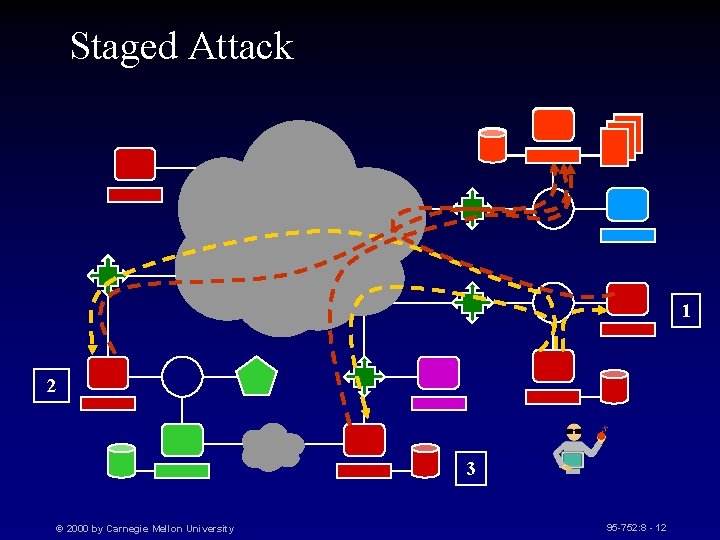
Staged Attack 1 2 3 © 2000 by Carnegie Mellon University 95 -752: 8 - 12
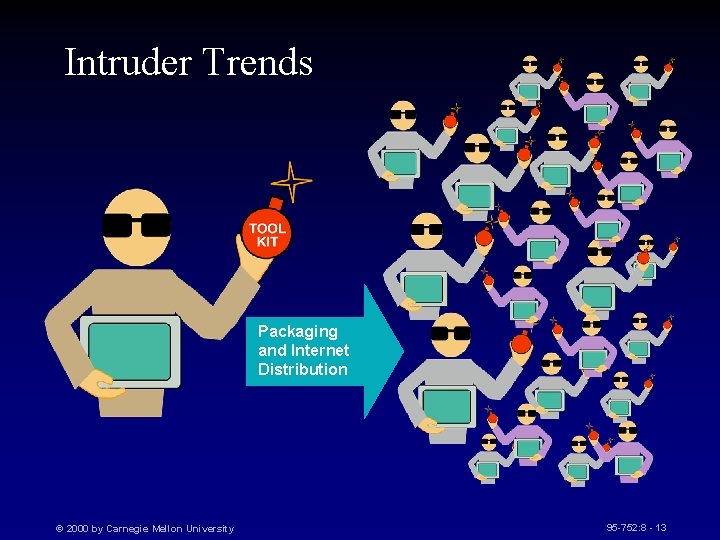
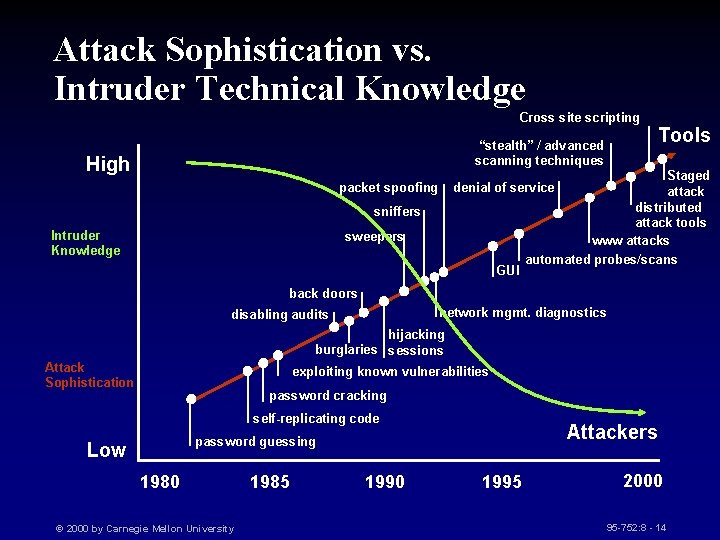
Intruder Trends Packaging and Internet Distribution © 2000 by Carnegie Mellon University 95 -752: 8 - 13
Attack Sophistication vs. Intruder Technical Knowledge Cross site scripting “stealth” / advanced scanning techniques High packet spoofing Staged attack distributed attack tools www attacks automated probes/scans denial of service sniffers Intruder Knowledge Tools sweepers GUI back doors network mgmt. diagnostics disabling audits hijacking burglaries sessions Attack Sophistication exploiting known vulnerabilities password cracking self-replicating code Attackers password guessing Low 1980 © 2000 by Carnegie Mellon University 1985 1990 1995 2000 95 -752: 8 - 14
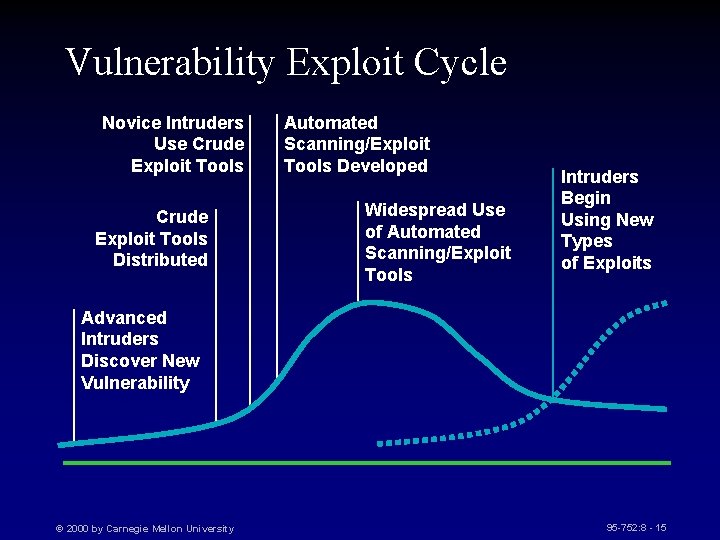
Vulnerability Exploit Cycle Novice Intruders Use Crude Exploit Tools Distributed Automated Scanning/Exploit Tools Developed Widespread Use of Automated Scanning/Exploit Tools Intruders Begin Using New Types of Exploits Advanced Intruders Discover New Vulnerability © 2000 by Carnegie Mellon University 95 -752: 8 - 15
Service Shifts © 2000 by Carnegie Mellon University 95 -752: 8 - 16
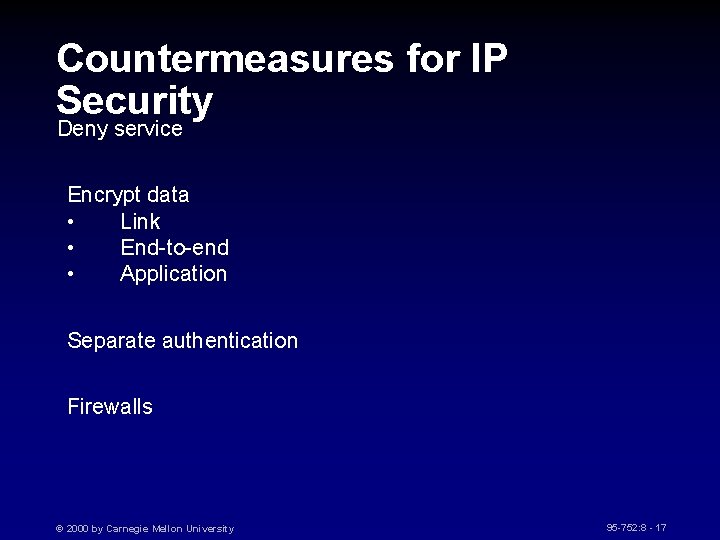
Countermeasures for IP Security Deny service Encrypt data • Link • End-to-end • Application Separate authentication Firewalls © 2000 by Carnegie Mellon University 95 -752: 8 - 17
Securing Services Any network service needs • System for storing information • Mechanism for updating information • Mechanism for distributing information Provision of security capabilities is independent, need is not © 2000 by Carnegie Mellon University 95 -752: 8 - 18
Running a Secure Server General: • Minimize complexity • Minimize OS Capabilities • No arbitrary command execution on server • Input checking (length and content) • Untrusted server UID Must be root at start (port access), Changed ASAP Directory: content, access Secure Programs: includes, environment, trust, secrecy © 2000 by Carnegie Mellon University 95 -752: 8 - 19
Firewalls Middle ground between protected and public nets Damage detection and limitation Uses • • • Block access Selected prevention Monitor Record Encryption © 2000 by Carnegie Mellon University 95 -752: 8 - 20
Firewall Components Packet Filter • Default: Permit or Deny • Router or special equipment Servers • Untrusted, exposed • Public, fast access Bastion Host • Circuit Level or Application Proxy • Represents/conceals protected net • Clients and Proxies © 2000 by Carnegie Mellon University 95 -752: 8 - 21
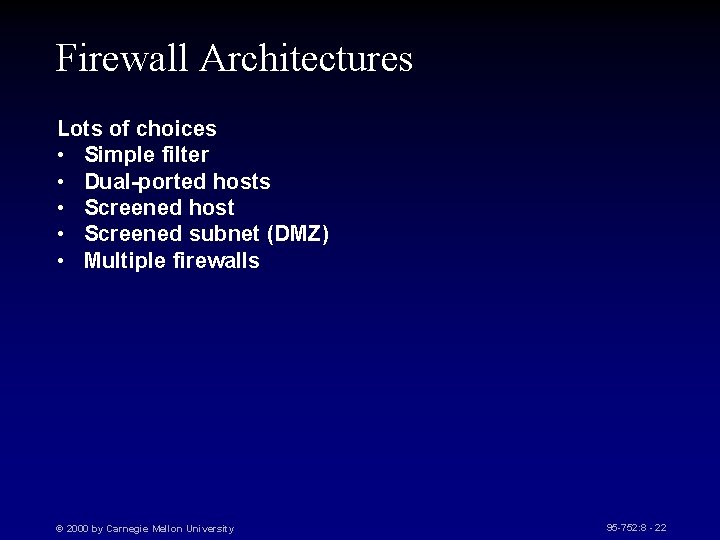
Firewall Architectures Lots of choices • Simple filter • Dual-ported hosts • Screened host • Screened subnet (DMZ) • Multiple firewalls © 2000 by Carnegie Mellon University 95 -752: 8 - 22
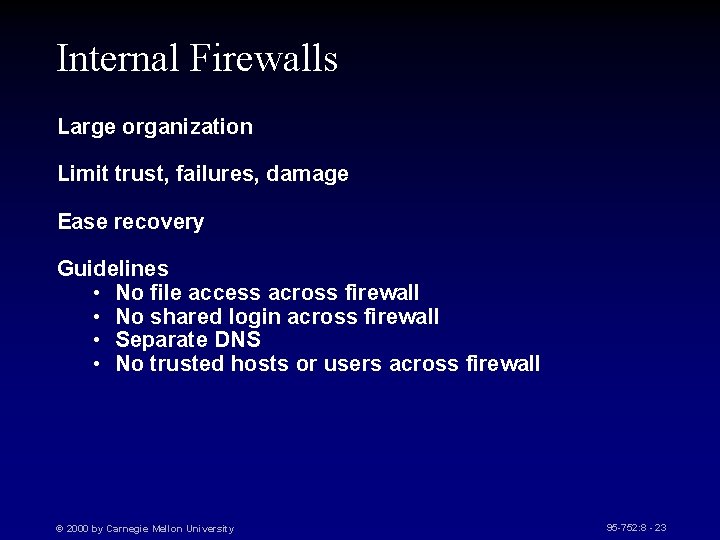
Internal Firewalls Large organization Limit trust, failures, damage Ease recovery Guidelines • No file access across firewall • No shared login across firewall • Separate DNS • No trusted hosts or users across firewall © 2000 by Carnegie Mellon University 95 -752: 8 - 23
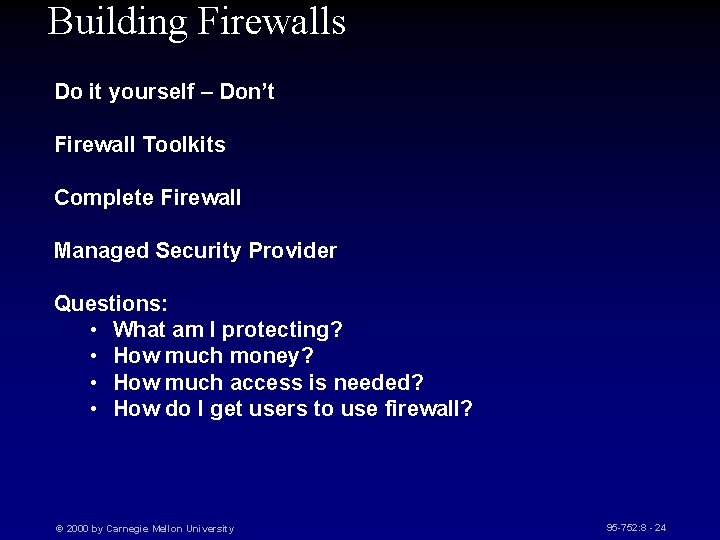
Building Firewalls Do it yourself – Don’t Firewall Toolkits Complete Firewall Managed Security Provider Questions: • What am I protecting? • How much money? • How much access is needed? • How do I get users to use firewall? © 2000 by Carnegie Mellon University 95 -752: 8 - 24
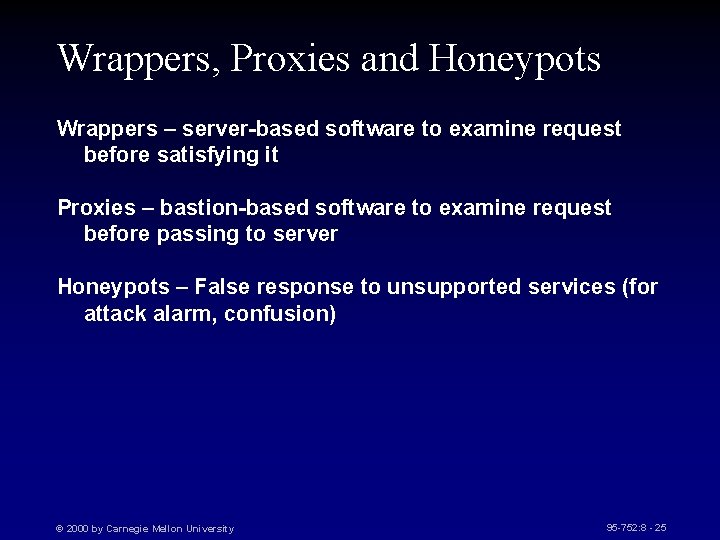
Wrappers, Proxies and Honeypots Wrappers – server-based software to examine request before satisfying it Proxies – bastion-based software to examine request before passing to server Honeypots – False response to unsupported services (for attack alarm, confusion) © 2000 by Carnegie Mellon University 95 -752: 8 - 25
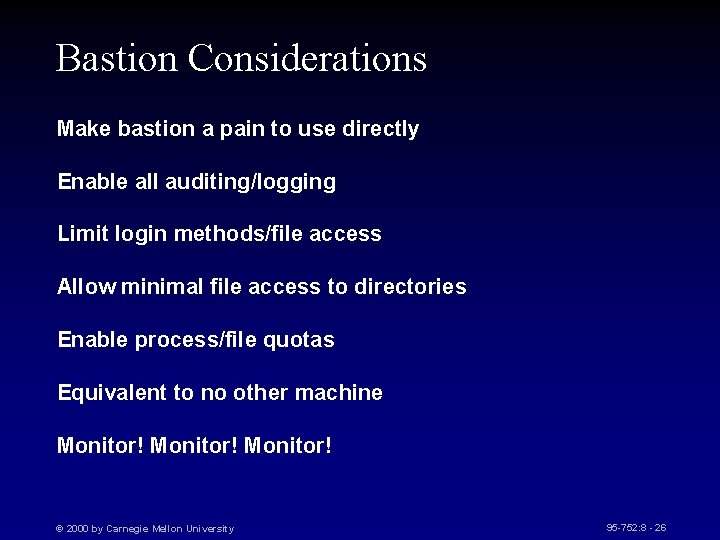
Bastion Considerations Make bastion a pain to use directly Enable all auditing/logging Limit login methods/file access Allow minimal file access to directories Enable process/file quotas Equivalent to no other machine Monitor! © 2000 by Carnegie Mellon University 95 -752: 8 - 26
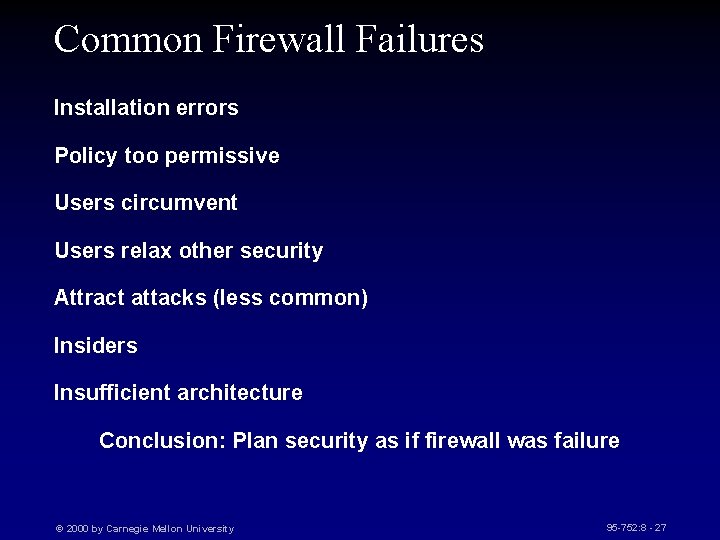
Common Firewall Failures Installation errors Policy too permissive Users circumvent Users relax other security Attract attacks (less common) Insiders Insufficient architecture Conclusion: Plan security as if firewall was failure © 2000 by Carnegie Mellon University 95 -752: 8 - 27
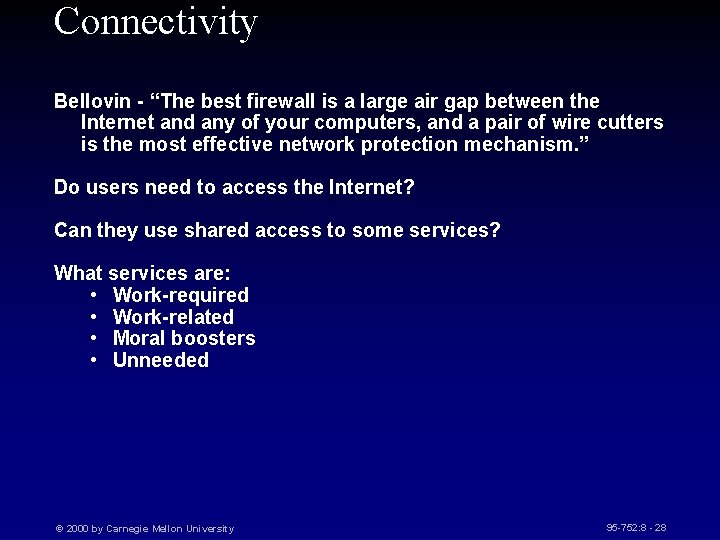
Connectivity Bellovin - “The best firewall is a large air gap between the Internet and any of your computers, and a pair of wire cutters is the most effective network protection mechanism. ” Do users need to access the Internet? Can they use shared access to some services? What services are: • Work-required • Work-related • Moral boosters • Unneeded © 2000 by Carnegie Mellon University 95 -752: 8 - 28
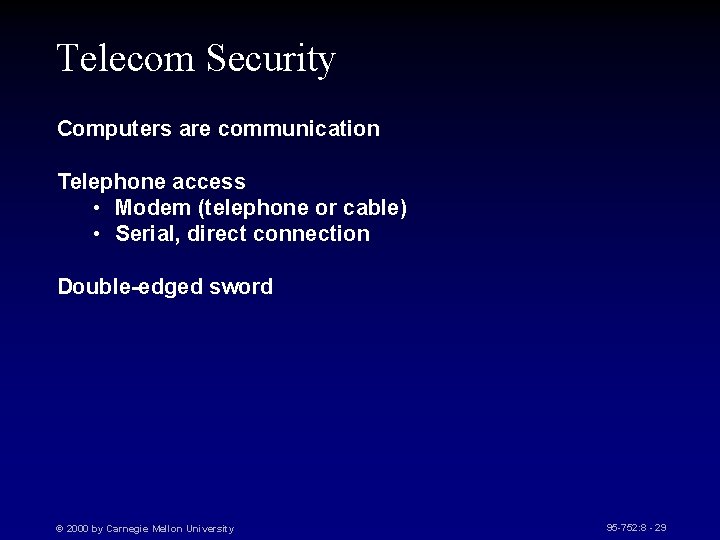
Telecom Security Computers are communication Telephone access • Modem (telephone or cable) • Serial, direct connection Double-edged sword © 2000 by Carnegie Mellon University 95 -752: 8 - 29
Modems and Security Modems are a popular tool for breaking security • Dial out: release secrets, attack • Dial-in: intrude on computers and networks Secure in layers © 2000 by Carnegie Mellon University 95 -752: 8 - 30
Securing Modems As objects: physical, configuration, sequence As phone number: false-list, carrier-answer, restrict publication, change As phone lines: disable services, one-way, caller-id Cable communication: encryption, restricted access All of these approaches have limits © 2000 by Carnegie Mellon University 95 -752: 8 - 31
Modems and Eavesdropping Your premises Wires/Cable Central Office Transmission links Countermeasures: • inspection, • Electronic sweeps • Encryption © 2000 by Carnegie Mellon University 95 -752: 8 - 32
Additional Security Call-back modems Password modems Encrypting modems Caller-ID modems © 2000 by Carnegie Mellon University 95 -752: 8 - 33