
Network Security Sritrusta Sukaridhoto Netadmin Head of Computer


- Slides: 61
Network Security Sritrusta Sukaridhoto Netadmin & Head of Computer Network Lab EEPIS-ITS
Tentang aku… n n n Seorang pegawai negeri yang berusaha menjadi dosen yang baik, . . . Senang bermain dengan “Linux” sejak 1999 (kuliah sem 5) Pengalaman : n n n Mengajar Penelitian Jaringan komputer
Tentang aku lagi… n n n bergabung dengan EEPIS-ITS tahun 2002 berkenalan dengan Linux embedded di Tohoku University, Jepang (2003 - 2004) “Tukang jaga” lab jaringan komputer (2004 – sekarang) Membimbing Tugas Akhir, 25 mahasiswa menggunakan Linux, th 2005 (Rekor) Tim “Tukang melototin” Jaringan EEPIS (2002 – sekarang) ngurusin server “http: //kebo. vlsm. org” (2000 – sekarang) Debian GNU/Linux – IP v 6 developer (2002) GNU Octave developer (2002) EEPIS-ITS Goodle Crew (2005 – sekarang) Linux – SH 4 developer (2004 – sekarang) Cisco CNAP instructure (2004 – sekarang). .
Content … n n n n n Introduction Basic Security Architecture Information gathering Securing from Rootkit, Spoofing, Do. S Securing from Malware Securing user and password Securing Remote Access Securing Wireless-LAN Securing network using Encryption EEPIS-ITS secure network
Introduction
Define security n n n Confidentiality Integrity Availability
Threats… n External n n n Hackers & Crackers White Hat Hackers Scripts Kiddies Cyber terrorists Black Hat Hackers Internal n n Employee threats Accidents
Type of attacks… n Denial of Services (Do. S) n n Buffer overflows n n n Software error Malware n n Network flooding Virus, worm, trojan horse Social Engineering Brute force
Steps in cracking… n n n n Information gathering Port scanner Network enumeration Gaining & keeping root / administrator access Using access and/or information gained Leaving backdoor Covering his tracks
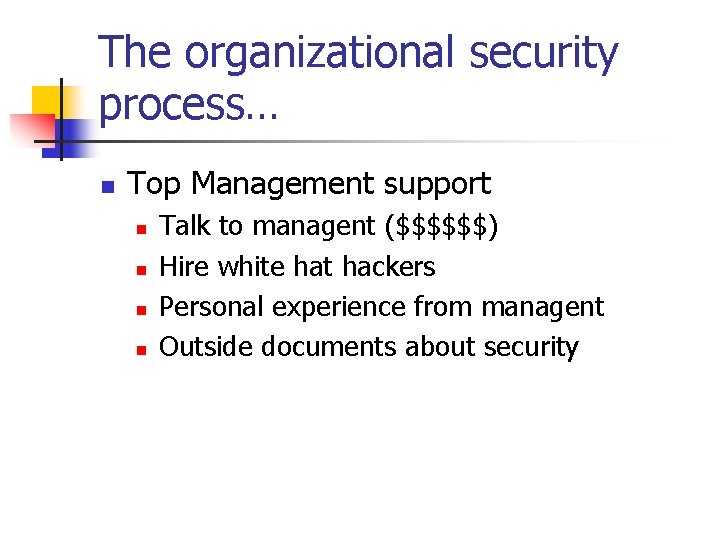
The organizational security process… n Top Management support n n Talk to managent ($$$$$$) Hire white hat hackers Personal experience from managent Outside documents about security
HOW SECURE CAN YOU BE ? ? n ? ? ?
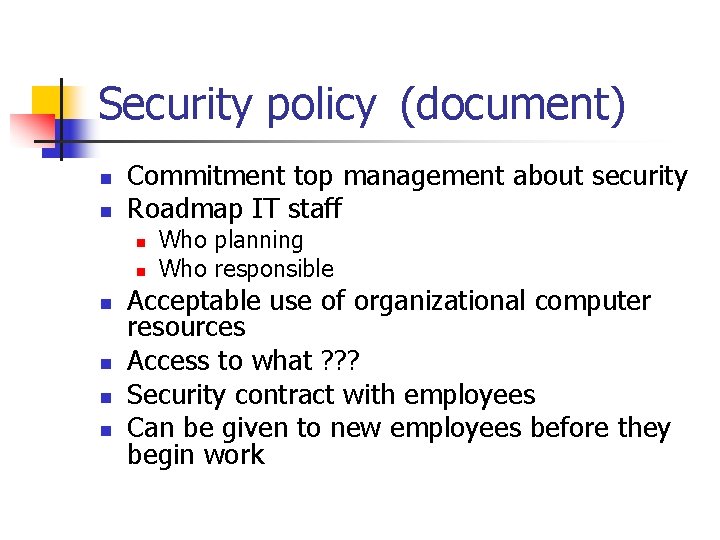
Security policy (document) n n Commitment top management about security Roadmap IT staff n n n Who planning Who responsible Acceptable use of organizational computer resources Access to what ? ? ? Security contract with employees Can be given to new employees before they begin work
Security personnel n The head of organization n n Responsible, qualified Middle management
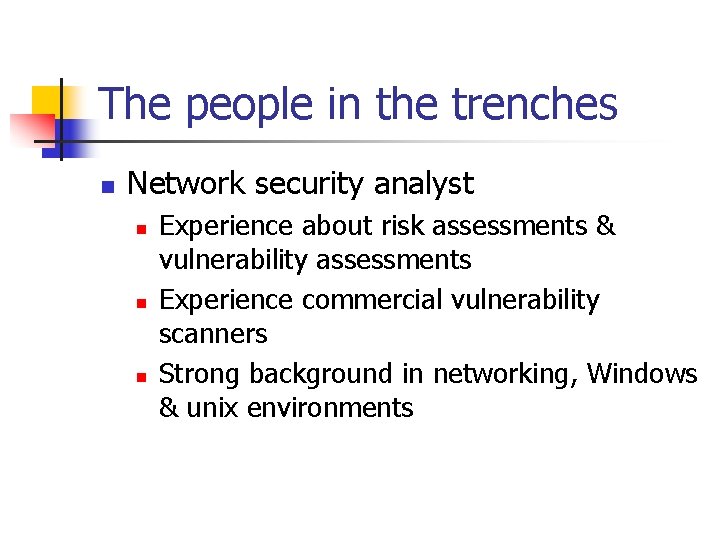
The people in the trenches n Network security analyst n n n Experience about risk assessments & vulnerability assessments Experience commercial vulnerability scanners Strong background in networking, Windows & unix environments
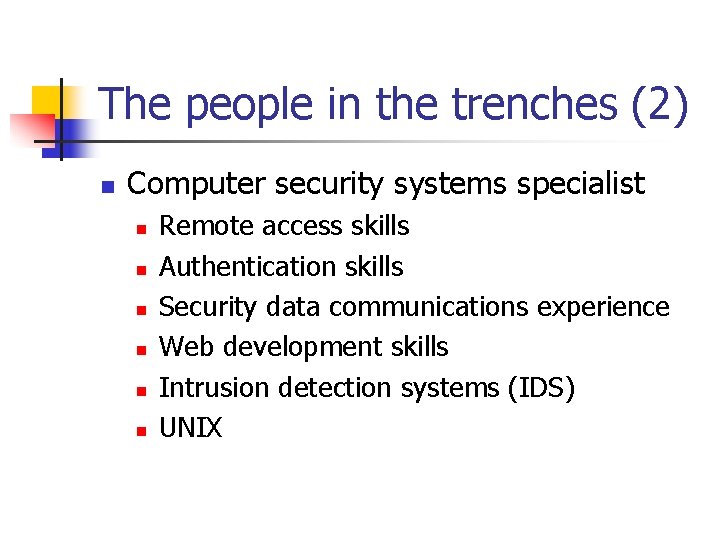
The people in the trenches (2) n Computer security systems specialist n n n Remote access skills Authentication skills Security data communications experience Web development skills Intrusion detection systems (IDS) UNIX
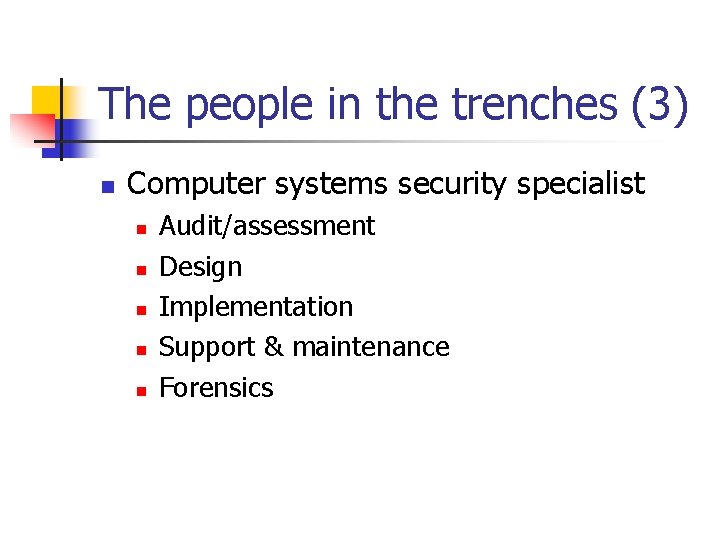
The people in the trenches (3) n Computer systems security specialist n n n Audit/assessment Design Implementation Support & maintenance Forensics
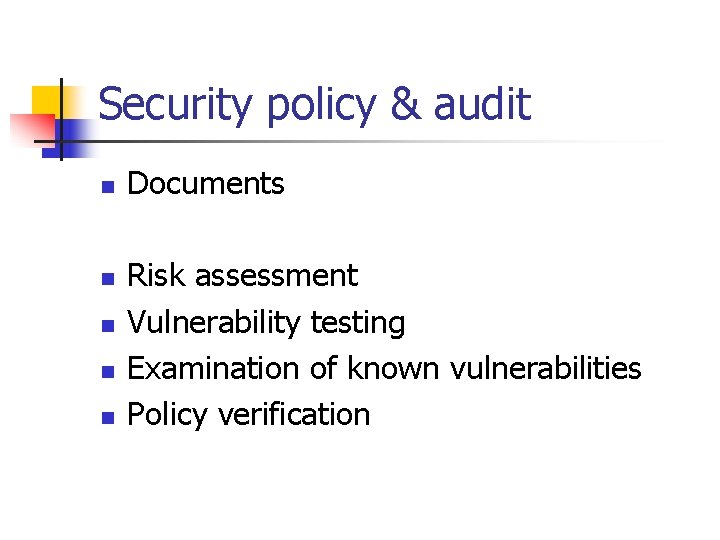
Security policy & audit n n n Documents Risk assessment Vulnerability testing Examination of known vulnerabilities Policy verification
Basic Security Architecture
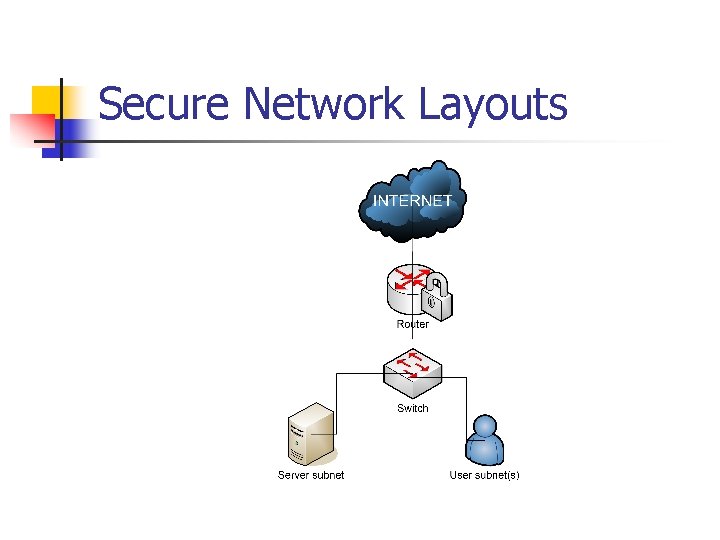
Secure Network Layouts
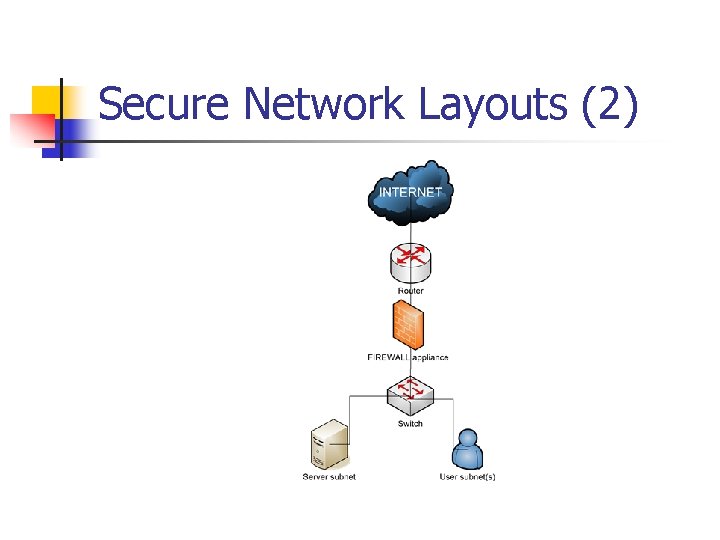
Secure Network Layouts (2)
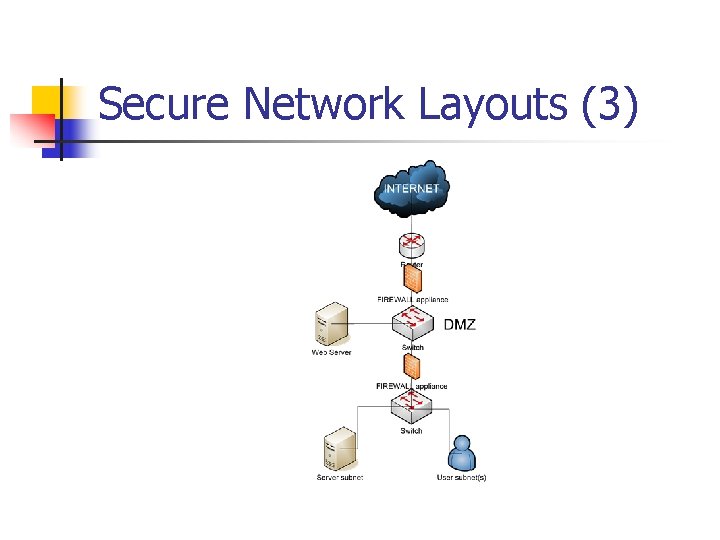
Secure Network Layouts (3)
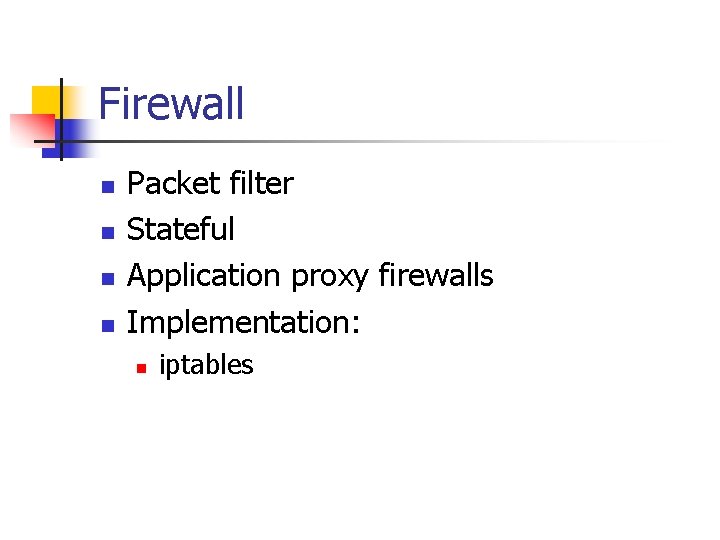
Firewall n n Packet filter Stateful Application proxy firewalls Implementation: n iptables
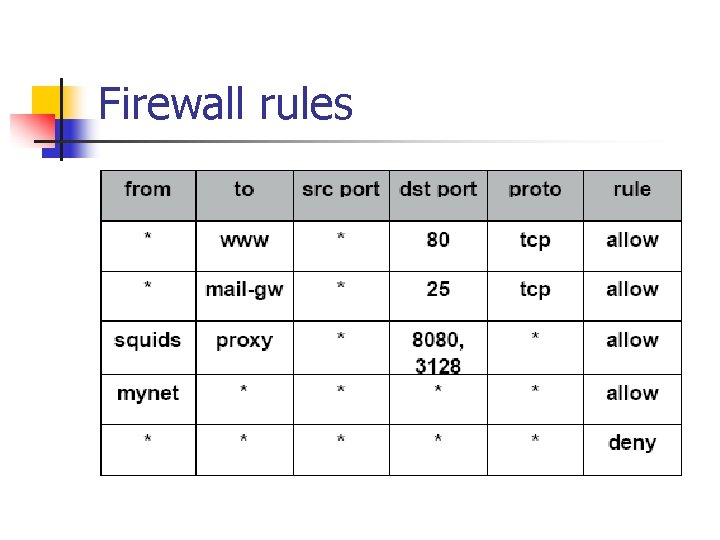
Firewall rules
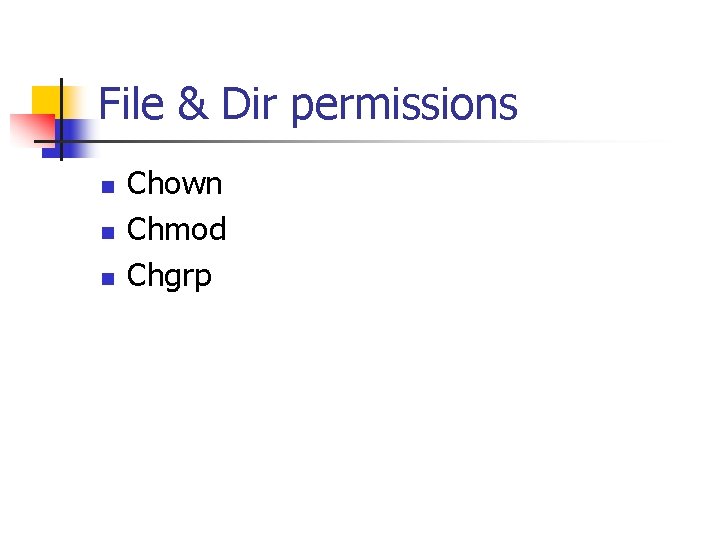
File & Dir permissions n n n Chown Chmod Chgrp
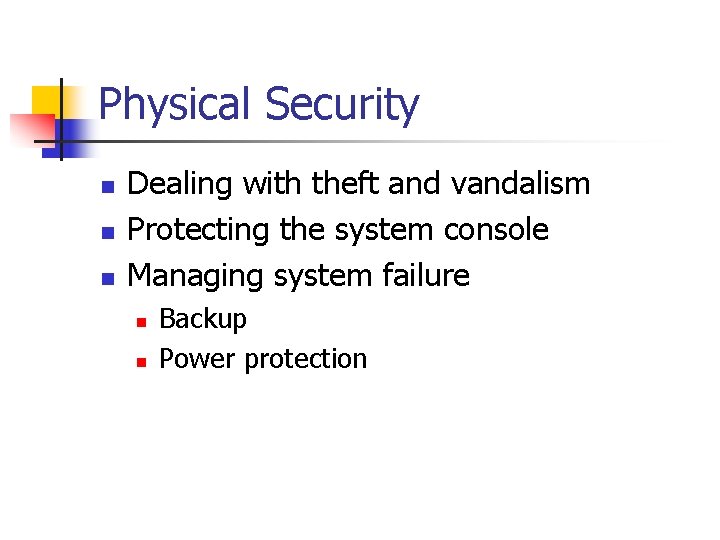
Physical Security n n n Dealing with theft and vandalism Protecting the system console Managing system failure n n Backup Power protection
Physical Solutions n n n Individual computer locks Room locks and “keys” Combination locsks Tokens Biometrics Monitoring with cameras
Disaster Recovery Drills n Making test n n n Power failure Media failure Backup failure
Information gathering
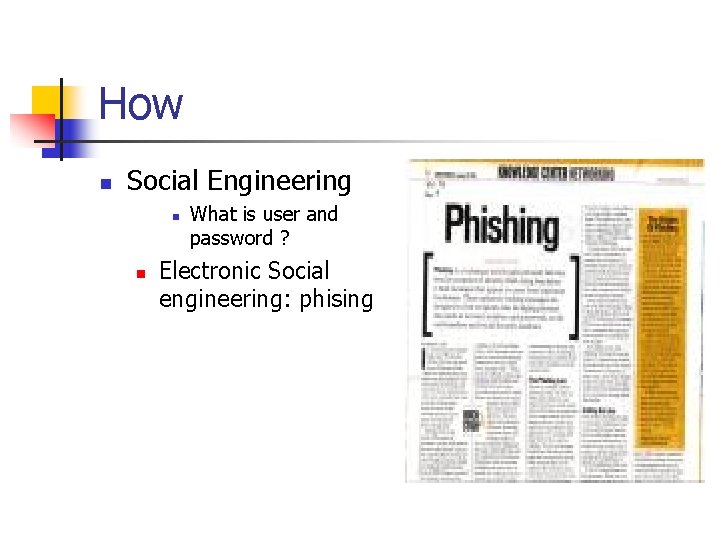
How n Social Engineering n n What is user and password ? Electronic Social engineering: phising
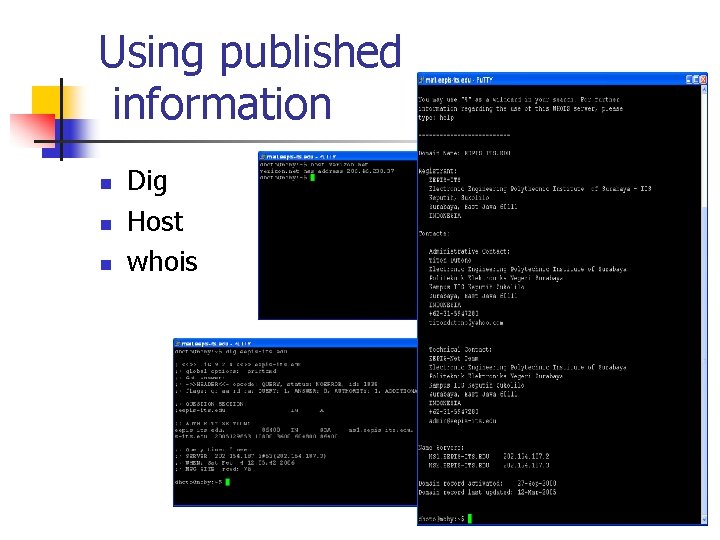
Using published information n Dig Host whois
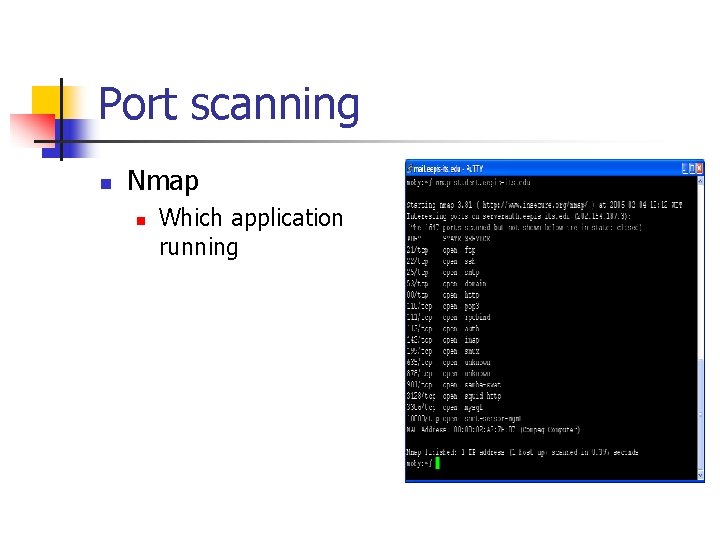
Port scanning n Nmap n Which application running
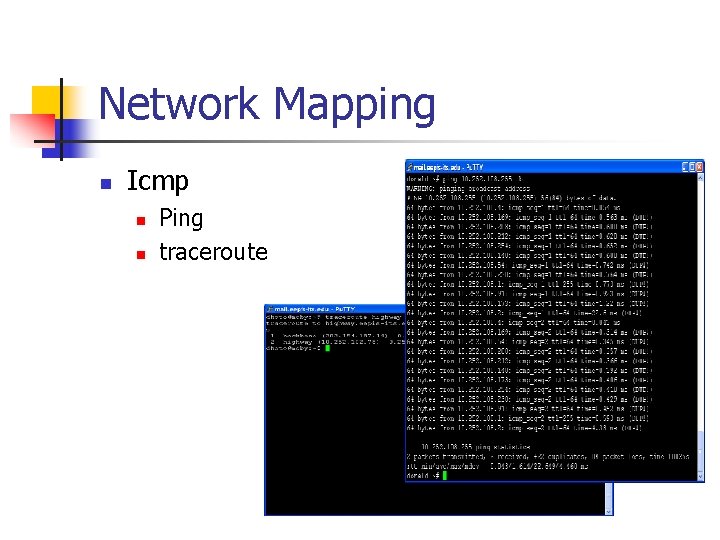
Network Mapping n Icmp n n Ping traceroute
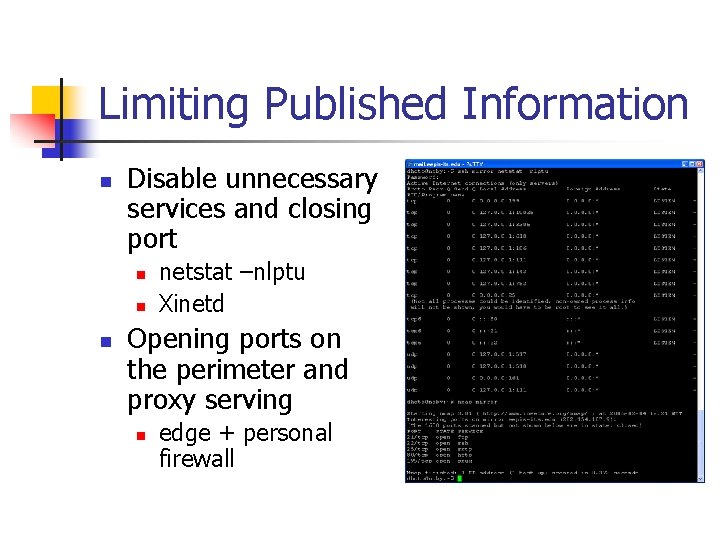
Limiting Published Information n Disable unnecessary services and closing port n netstat –nlptu Xinetd Opening ports on the perimeter and proxy serving n edge + personal firewall
Securing from Rootkit, Spoofing, Do. S
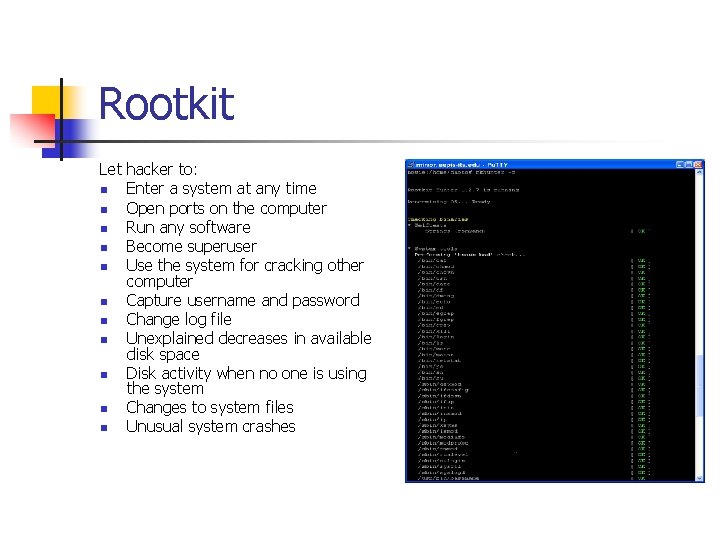
Rootkit Let hacker to: n Enter a system at any time n Open ports on the computer n Run any software n Become superuser n Use the system for cracking other computer n Capture username and password n Change log file n Unexplained decreases in available disk space n Disk activity when no one is using the system n Changes to system files n Unusual system crashes
Spoofprotect Debian way to protect from spoofing n /etc/network/options n Spoofprotect=yes n /etc/init. d/networking restart
Do. S preventive n IDS IPS Honeypots n firewall n n
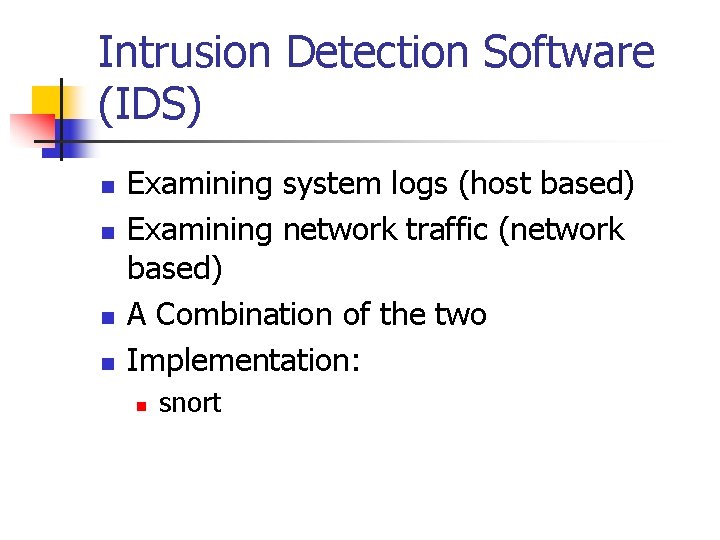
Intrusion Detection Software (IDS) n n Examining system logs (host based) Examining network traffic (network based) A Combination of the two Implementation: n snort
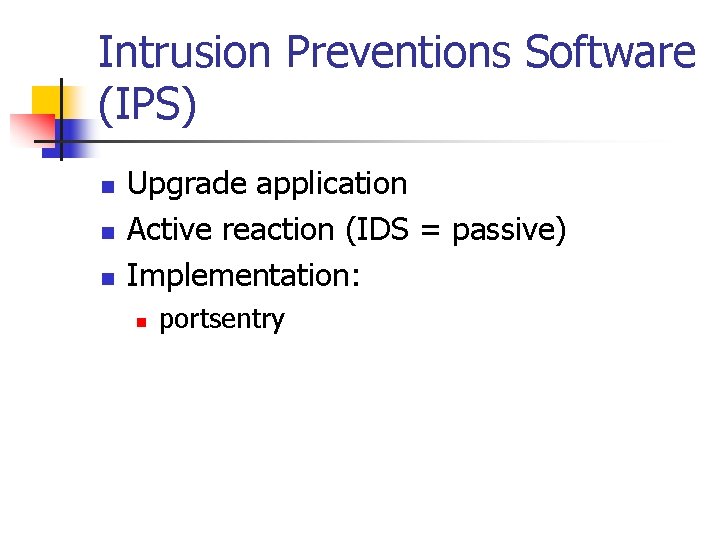
Intrusion Preventions Software (IPS) n n n Upgrade application Active reaction (IDS = passive) Implementation: n portsentry
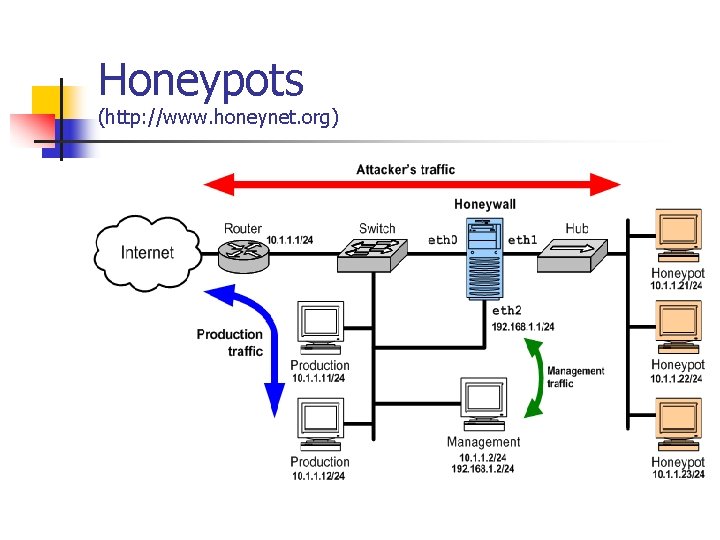
Honeypots (http: //www. honeynet. org)
Securing from Malware
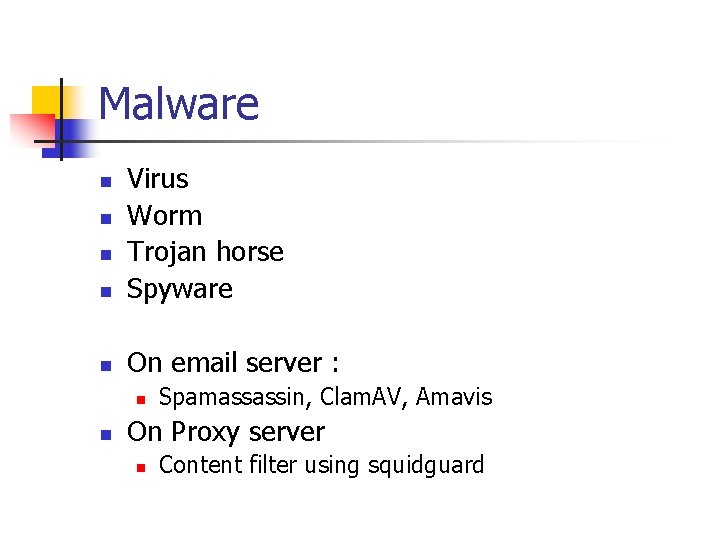
Malware n Virus Worm Trojan horse Spyware n On email server : n n n Spamassassin, Clam. AV, Amavis On Proxy server n Content filter using squidguard
Securing user and password
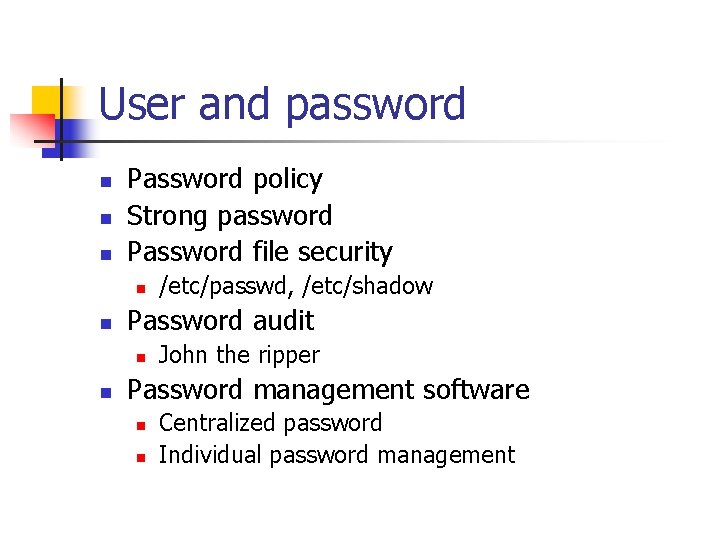
User and password n n n Password policy Strong password Password file security n n Password audit n n /etc/passwd, /etc/shadow John the ripper Password management software n n Centralized password Individual password management
Securing Remote Access
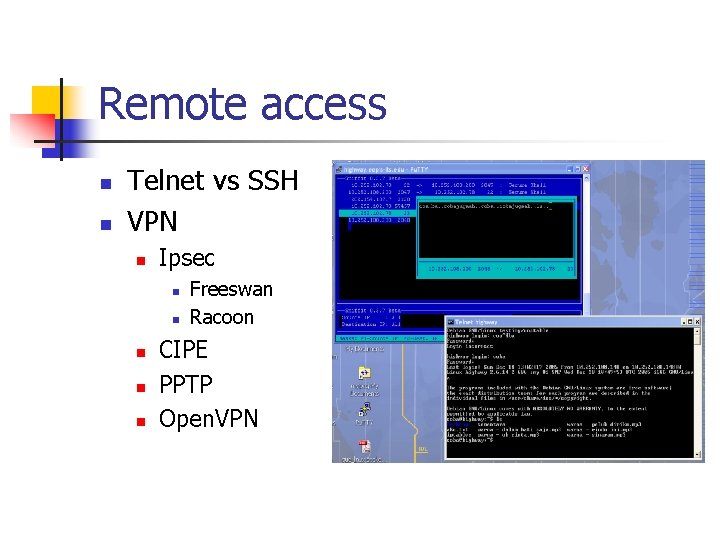
Remote access n n Telnet vs SSH VPN n Ipsec n n n Freeswan Racoon CIPE PPTP Open. VPN
Wireless Security n n n Signal bleed & insertion attack Signal bleed & interception attack SSID vulnerabilities Do. S Battery Exhaustion attacks - bluetooth
Securing Wireless-LAN
802. 11 x security n n n WEP – Wired Equivalency Privacy 802. 11 i security and WPA – Wifi Protected Access 801. 11 authentication EAP (Extensible Authentication Protocol) Cisco LEAP/PEAP authentication Bluetooth security – use mode 3
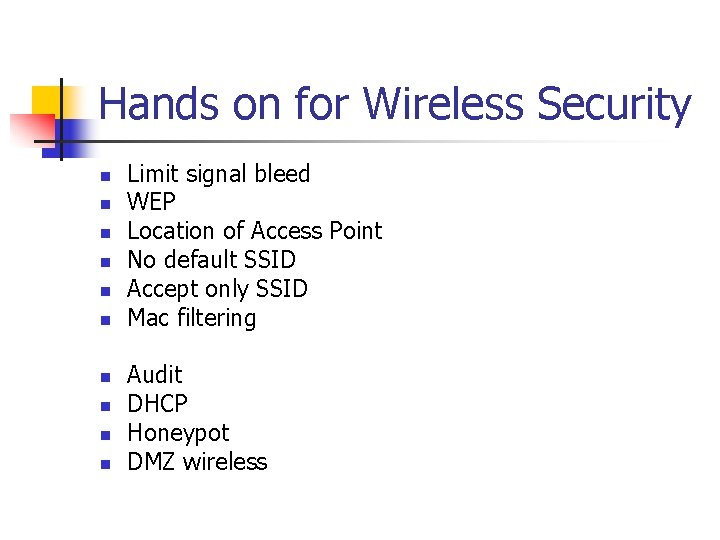
Hands on for Wireless Security n n n n n Limit signal bleed WEP Location of Access Point No default SSID Accept only SSID Mac filtering Audit DHCP Honeypot DMZ wireless
Securing Network using Encryption
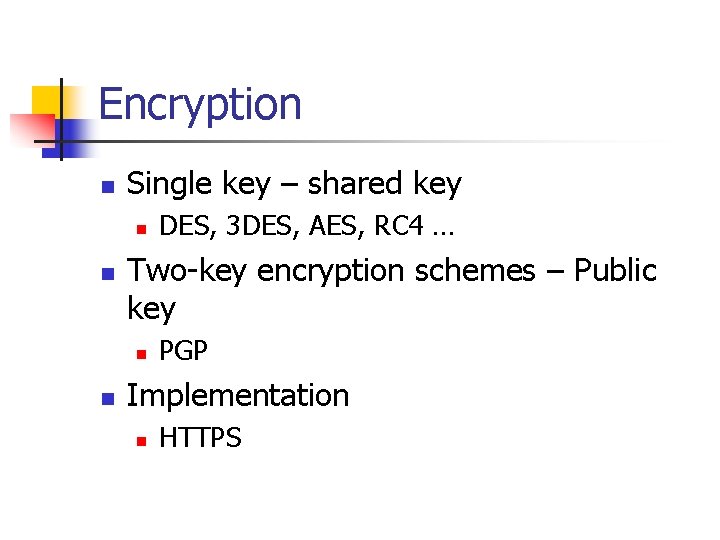
Encryption n Single key – shared key n n Two-key encryption schemes – Public key n n DES, 3 DES, AES, RC 4 … PGP Implementation n HTTPS
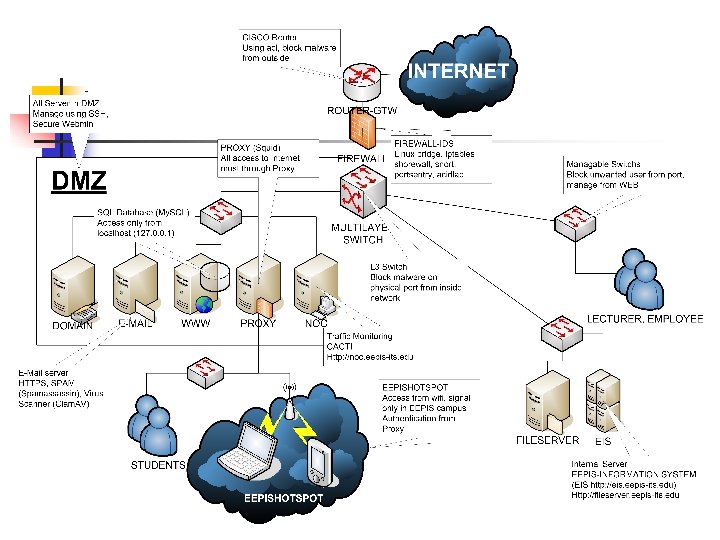
EEPIS-ITS secure network
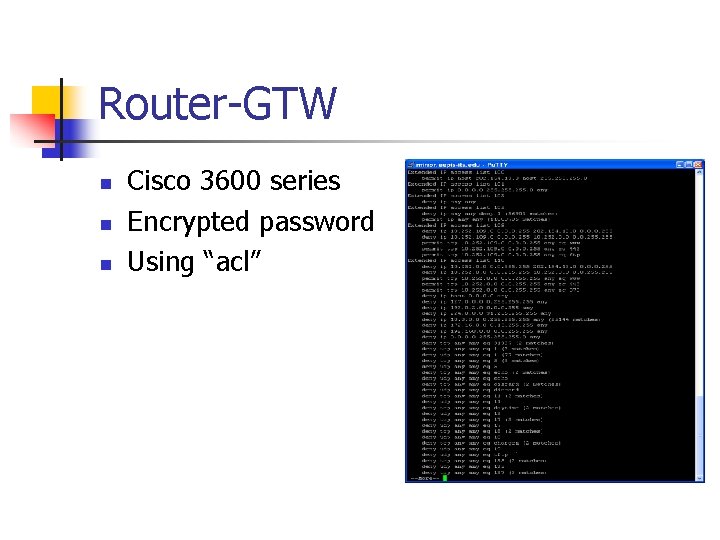
Router-GTW n n n Cisco 3600 series Encrypted password Using “acl”
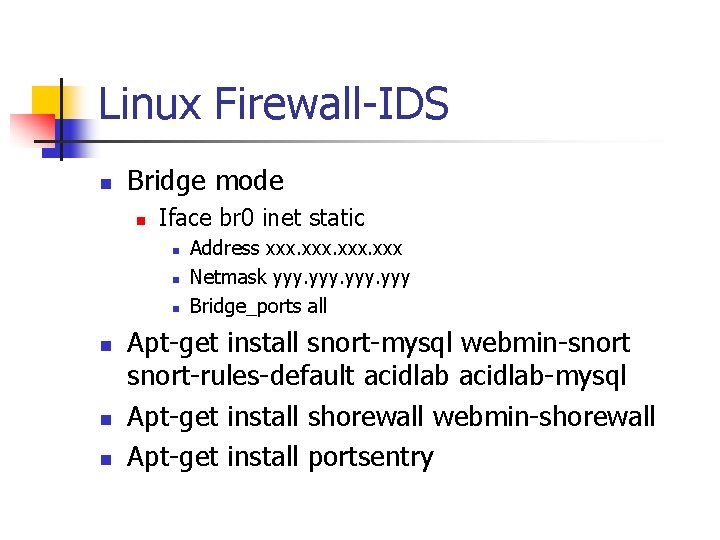
Linux Firewall-IDS n Bridge mode n Iface br 0 inet static n n n Address xxx Netmask yyy Bridge_ports all Apt-get install snort-mysql webmin-snort-rules-default acidlab-mysql Apt-get install shorewall webmin-shorewall Apt-get install portsentry
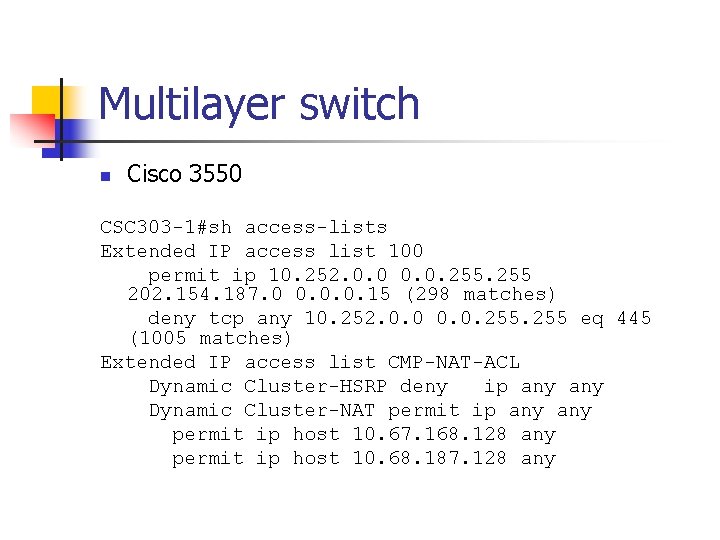
Multilayer switch n Cisco 3550 CSC 303 -1#sh access-lists Extended IP access list 100 permit ip 10. 252. 0. 0. 255 202. 154. 187. 0 0. 0. 0. 15 (298 matches) deny tcp any 10. 252. 0. 0. 255 eq 445 (1005 matches) Extended IP access list CMP-NAT-ACL Dynamic Cluster-HSRP deny ip any Dynamic Cluster-NAT permit ip any permit ip host 10. 67. 168. 128 any permit ip host 10. 68. 187. 128 any
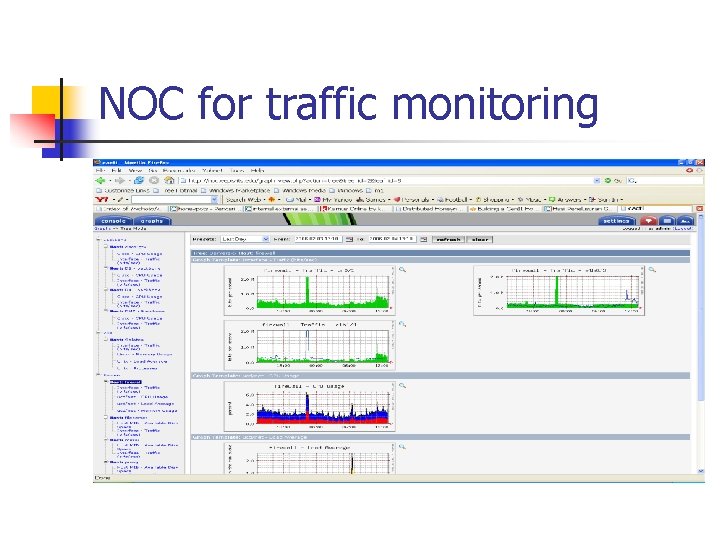
NOC for traffic monitoring
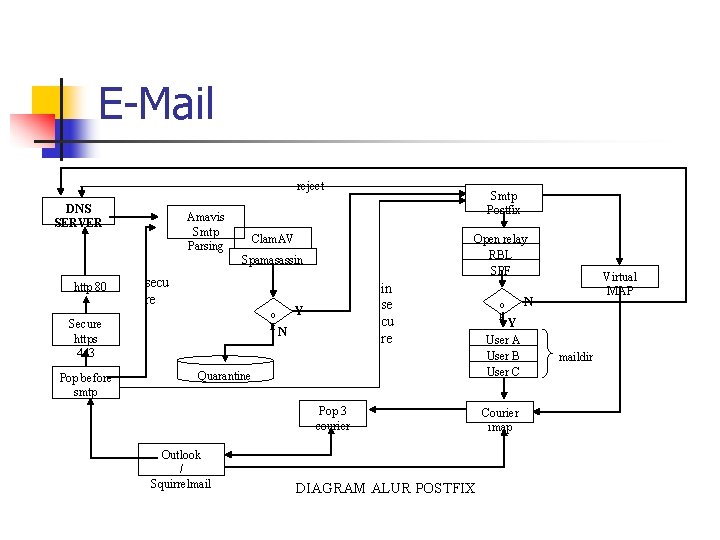
E-Mail reject DNS SERVER Amavis Smtp Parsing Smtp Postfix Clam. AV Open relay RBL SPF Spamasassin http 80 secu re o k Secure https 443 Pop before smtp in se cu re Y N Quarantine Pop 3 courier Outlook / Squirrelmail DIAGRAM ALUR POSTFIX o k Y User A User B User C Courier imap Virtual MAP N maildir
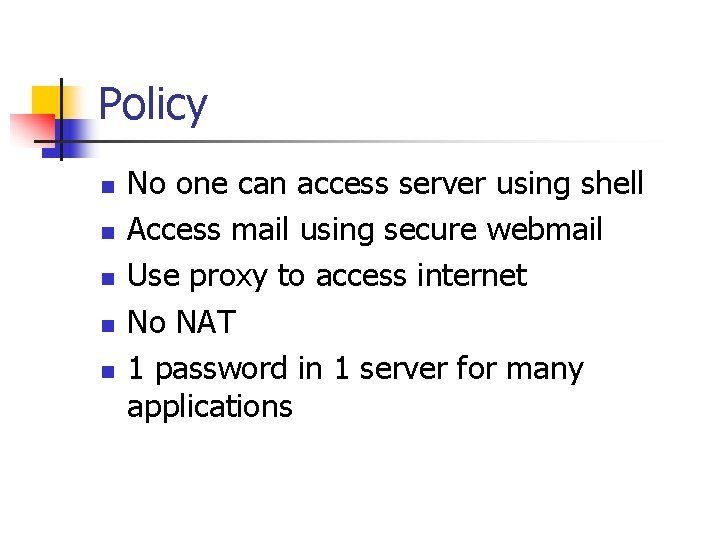
Policy n n n No one can access server using shell Access mail using secure webmail Use proxy to access internet No NAT 1 password in 1 server for many applications
Thank you dhoto@eepis-its. edu