
Network Monitoring and Management Tutorial Cisco Configuration Elements
- Slides: 13
Network Monitoring and Management Tutorial Cisco Configuration Elements
Overview Basic things that we need to make sure are configured on a Cisco router (and switch) to do proper network management These apply to other network equipment manufacturers of course, and to servers and workstations
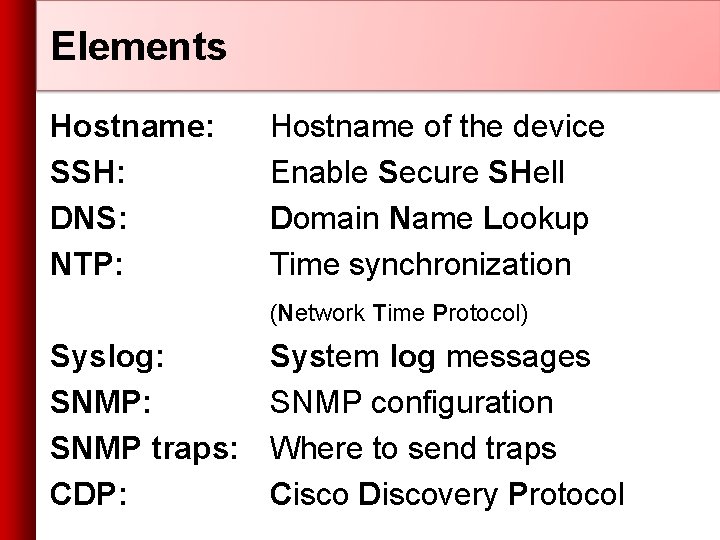
Elements Hostname: SSH: DNS: NTP: Hostname of the device Enable Secure SHell Domain Name Lookup Time synchronization (Network Time Protocol) Syslog: SNMP traps: CDP: System log messages SNMP configuration Where to send traps Cisco Discovery Protocol
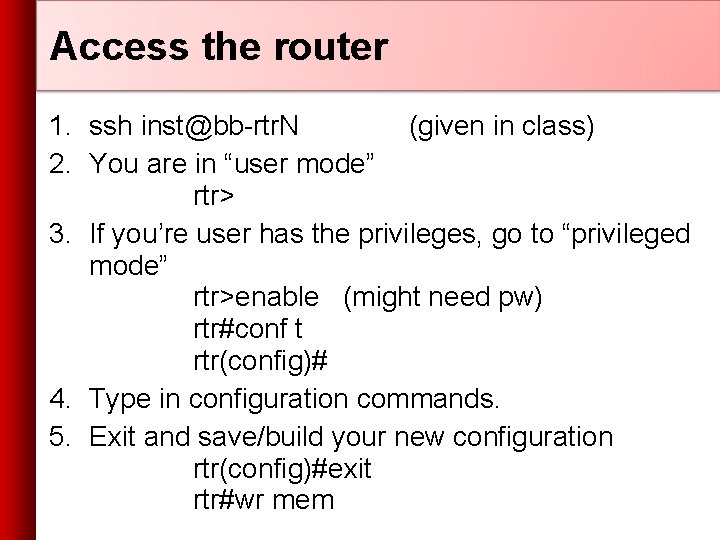
Access the router 1. ssh inst@bb-rtr. N (given in class) 2. You are in “user mode” rtr> 3. If you’re user has the privileges, go to “privileged mode” rtr>enable (might need pw) rtr#conf t rtr(config)# 4. Type in configuration commands. 5. Exit and save/build your new configuration rtr(config)#exit rtr#wr mem
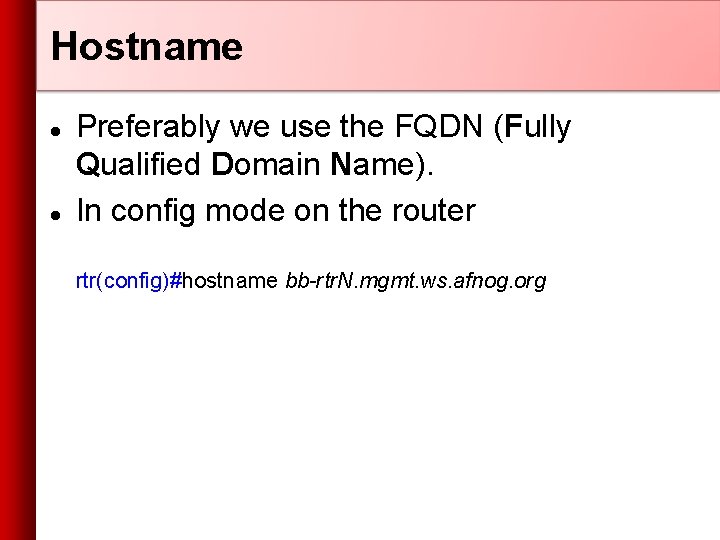
Hostname Preferably we use the FQDN (Fully Qualified Domain Name). In config mode on the router rtr(config)#hostname bb-rtr. N. mgmt. ws. afnog. org
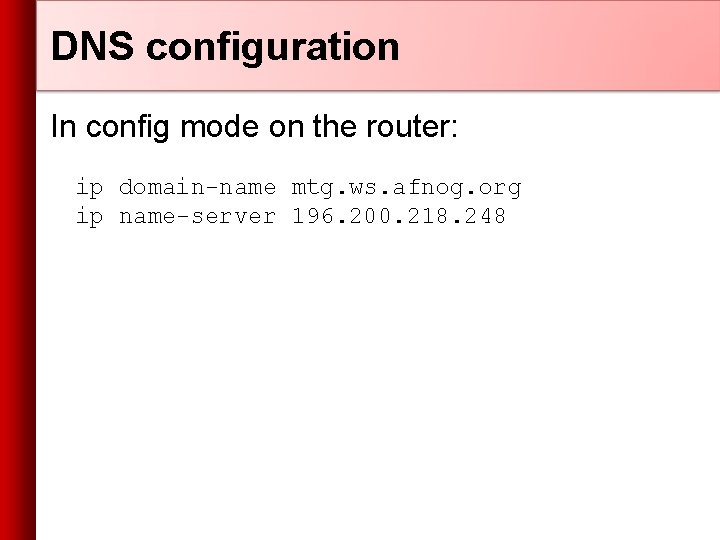
DNS configuration In config mode on the router: ip domain-name mtg. ws. afnog. org ip name-server 196. 200. 218. 248
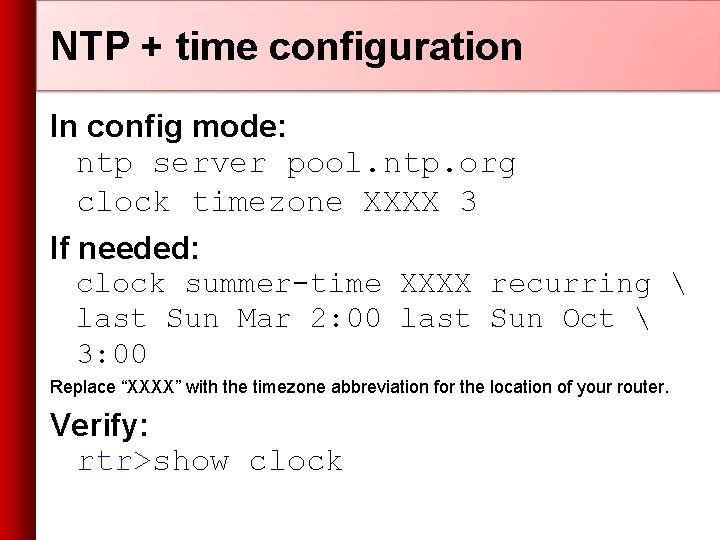
NTP + time configuration In config mode: ntp server pool. ntp. org clock timezone XXXX 3 If needed: clock summer-time XXXX recurring last Sun Mar 2: 00 last Sun Oct 3: 00 Replace “XXXX” with the timezone abbreviation for the location of your router. Verify: rtr>show clock
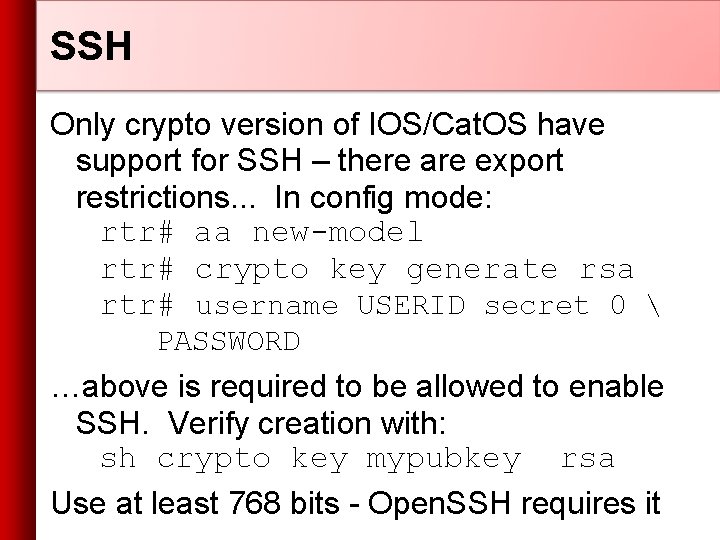
SSH Only crypto version of IOS/Cat. OS have support for SSH – there are export restrictions. . . In config mode: rtr# aa new-model rtr# crypto key generate rsa rtr# username USERID secret 0 PASSWORD …above is required to be allowed to enable SSH. Verify creation with: sh crypto key mypubkey rsa Use at least 768 bits - Open. SSH requires it
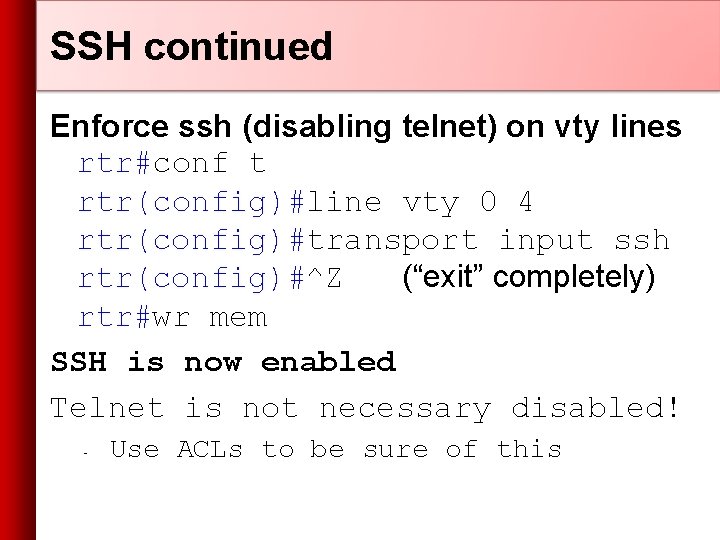
SSH continued Enforce ssh (disabling telnet) on vty lines rtr#conf t rtr(config)#line vty 0 4 rtr(config)#transport input ssh rtr(config)#^Z (“exit” completely) rtr#wr mem SSH is now enabled Telnet is not necessary disabled! - Use ACLs to be sure of this
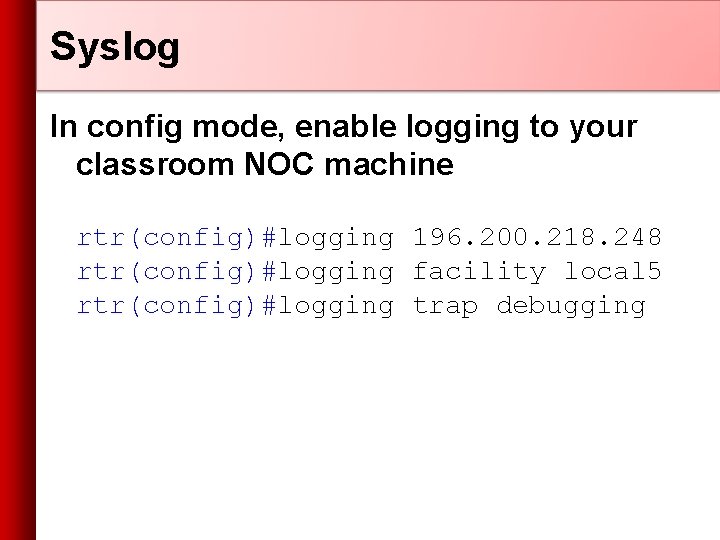
Syslog In config mode, enable logging to your classroom NOC machine rtr(config)#logging 196. 200. 218. 248 rtr(config)#logging facility local 5 rtr(config)#logging trap debugging
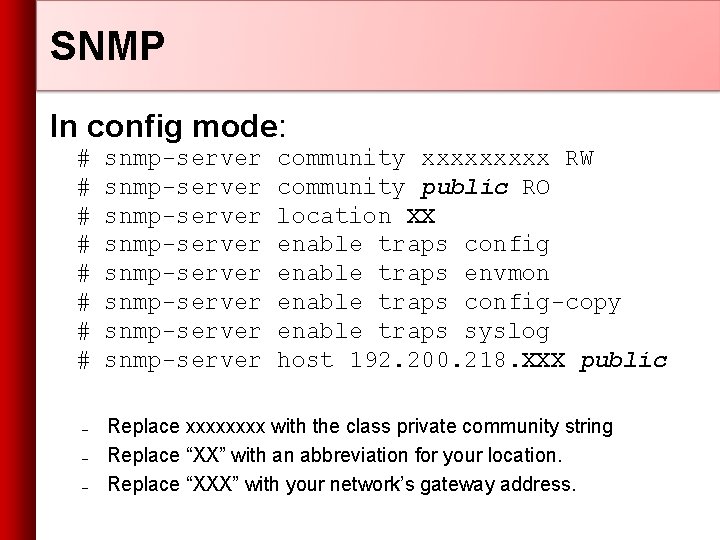
SNMP In config mode: # # # # – – – snmp-server snmp-server community xxxxx RW community public RO location XX enable traps config enable traps envmon enable traps config-copy enable traps syslog host 192. 200. 218. XXX public Replace xxxx with the class private community string Replace “XX” with an abbreviation for your location. Replace “XXX” with your network’s gateway address.
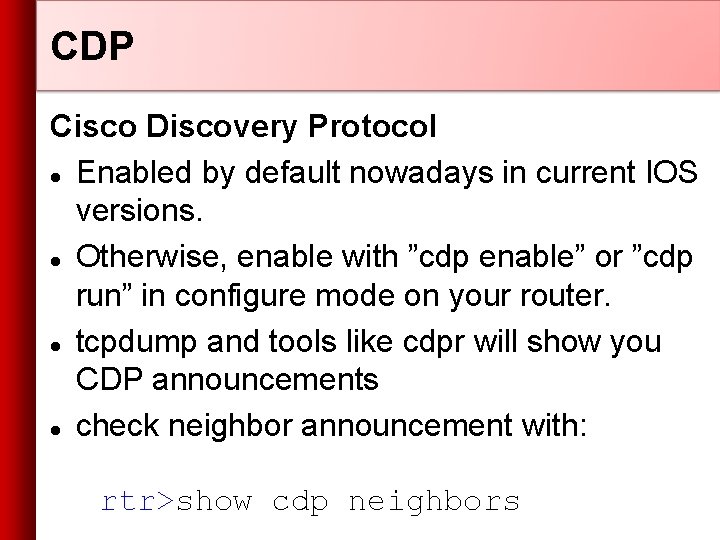
CDP Cisco Discovery Protocol Enabled by default nowadays in current IOS versions. Otherwise, enable with ”cdp enable” or ”cdp run” in configure mode on your router. tcpdump and tools like cdpr will show you CDP announcements check neighbor announcement with: rtr>show cdp neighbors
Questions? ?