
Network Infrastructure Device NID Windows Vista Logo Requirements



- Slides: 44
Network Infrastructure Device (NID) Windows Vista Logo Requirements and Windows Rally Glenn Ward Rally Team
Key Takeaways Provide Brief Rally Overview Communicate the capabilities of NID devices which bear the Windows Vista logo Clearly explain the requirements and tests applied to Network Infrastructure Device (NID) candidates for the Windows Vista logo
Agenda Industry Trends Windows Rally Summary Component Technologies Intel Vii. V technology and Windows Rally Demonstration Logo Requirements Deep Dive
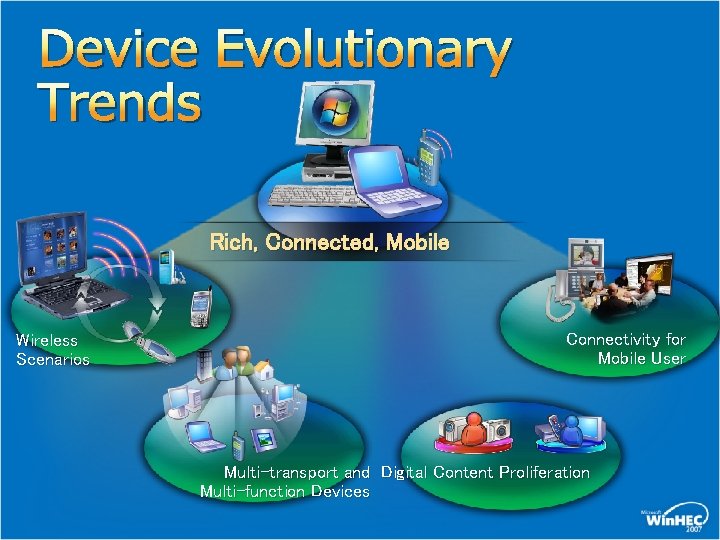
Device Evolutionary Trends Rich, Connected, Mobile Wireless Scenarios Connectivity for Mobile User Multi-transport and Digital Content Proliferation Multi-function Devices
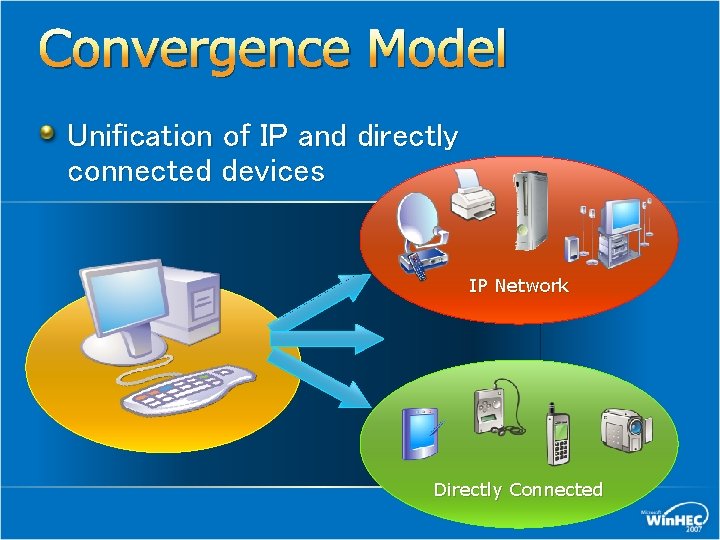
Convergence Model Unification of IP and directly connected devices IP Network Directly Connected
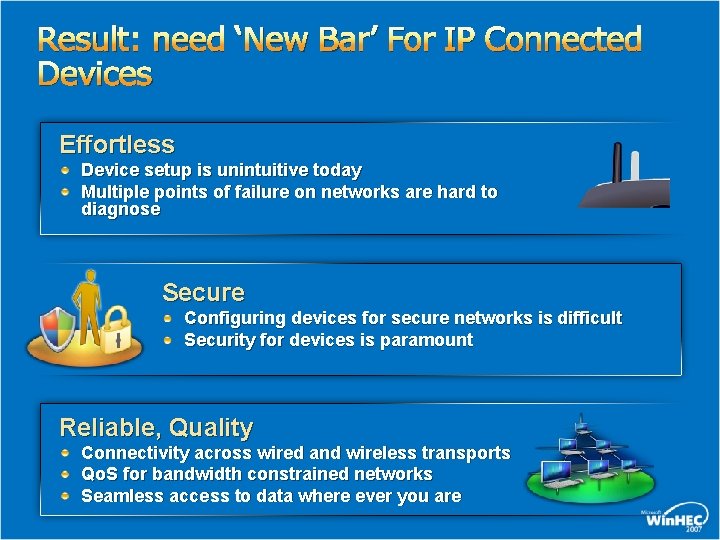
Result: need ‘New Bar’ For IP Connected Devices Effortless Device setup is unintuitive today Multiple points of failure on networks are hard to diagnose Secure Configuring devices for secure networks is difficult Security for devices is paramount Reliable, Quality Connectivity across wired and wireless transports Qo. S for bandwidth constrained networks Seamless access to data where ever you are
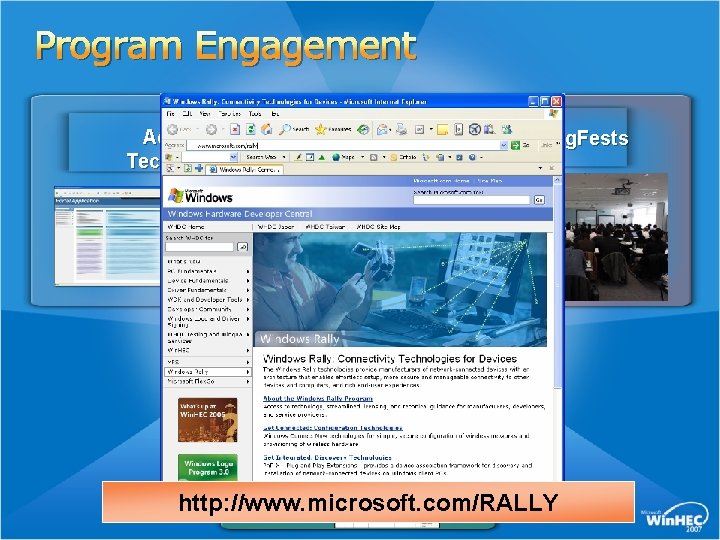
Program Engagement Access to Technologies Summits & Plug. Fests Technical Guidance http: //www. microsoft. com/RALLY
Windows Rally Value Summary Abstracting the network away from consumers Take the pain out of setup! Intuitive discovery and control Rich functionality (via seamless driver installs) Quality audio/video streaming, inherent Qo. S Graphical tools for device and network management
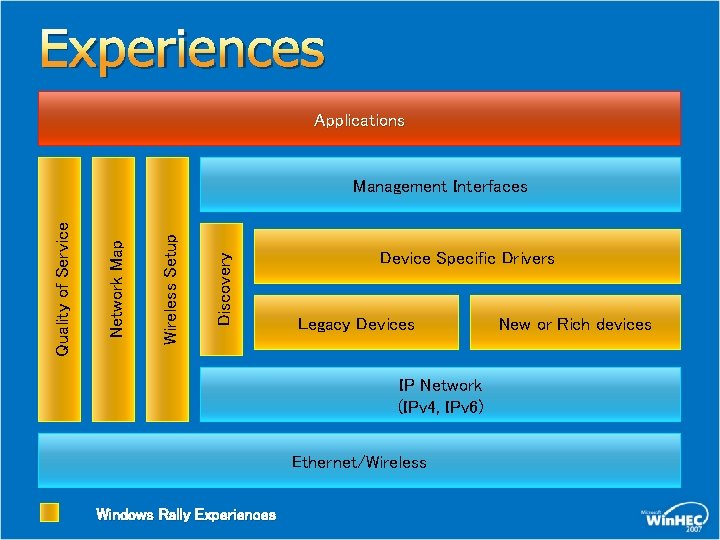
Experiences Applications Discovery Wireless Setup Network Map Quality of Service Management Interfaces Device Specific Drivers Legacy Devices IP Network (IPv 4, IPv 6) Ethernet/Wireless Windows Rally Experiences New or Rich devices
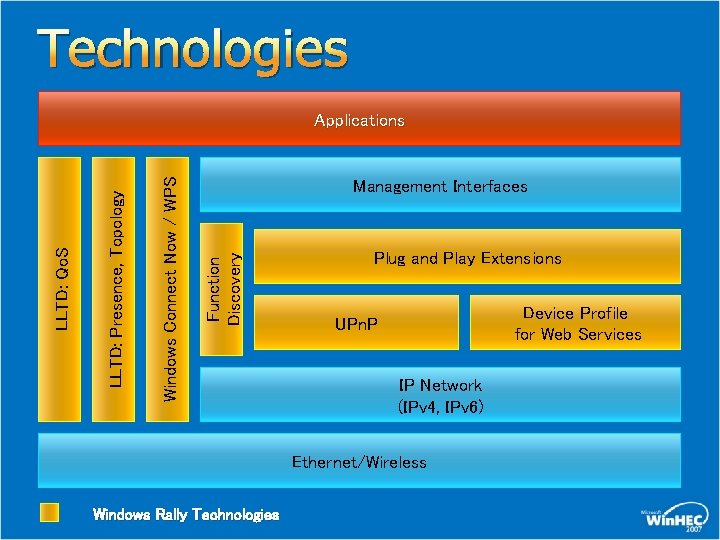
Technologies Management Interfaces Function Discovery Windows Connect Now / WPS LLTD: Presence, Topology LLTD: Qo. S Applications Plug and Play Extensions Device Profile for Web Services UPn. P IP Network (IPv 4, IPv 6) Ethernet/Wireless Windows Rally Technologies
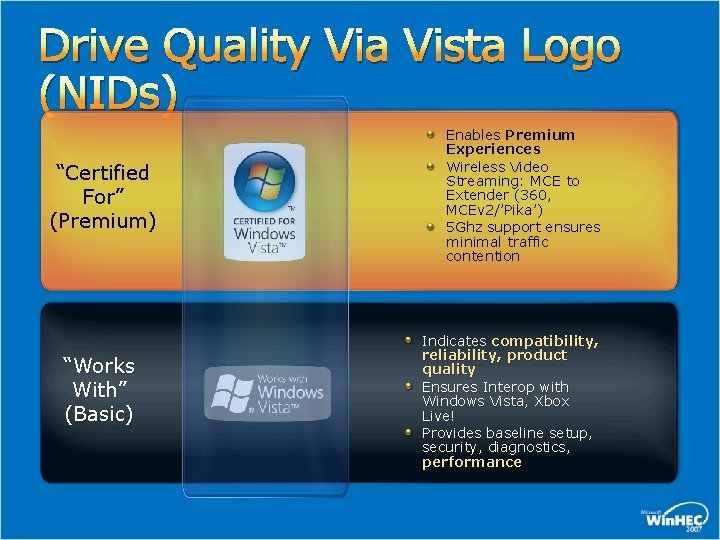
Drive Quality Via Vista Logo (NIDs) “Certified For” (Premium) “Works With” (Basic) Enables Premium Experiences Wireless Video Streaming: MCE to Extender (360, MCEv 2/’Pika’) 5 Ghz support ensures minimal traffic contention Indicates compatibility, reliability, product quality Ensures Interop with Windows Vista, Xbox Live! Provides baseline setup, security, diagnostics, performance
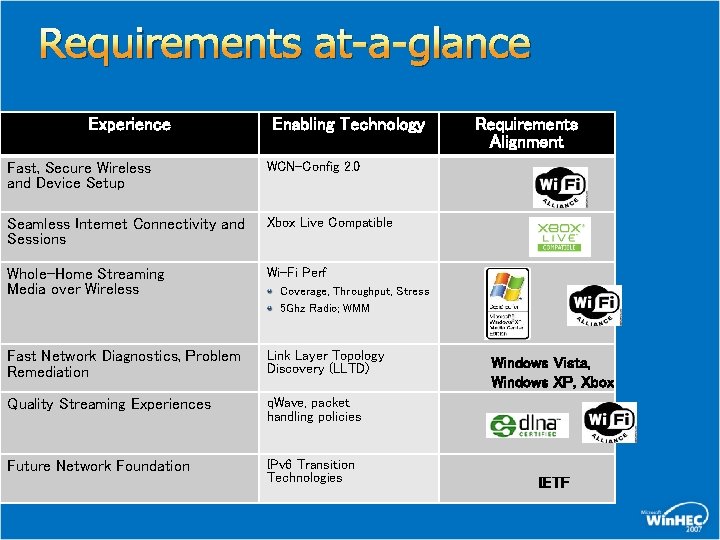
Requirements at-a-glance Experience Enabling Technology Fast, Secure Wireless and Device Setup WCN-Config 2. 0 Seamless Internet Connectivity and Sessions Xbox Live Compatible Whole-Home Streaming Media over Wireless Wi-Fi Perf Fast Network Diagnostics, Problem Remediation Link Layer Topology Discovery (LLTD) Quality Streaming Experiences q. Wave, packet handling policies Future Network Foundation IPv 6 Transition Technologies Requirements Alignment Coverage, Throughput, Stress 5 Ghz Radio; WMM Windows Vista, Windows XP, Xbox IETF
NID Scenario Enablement
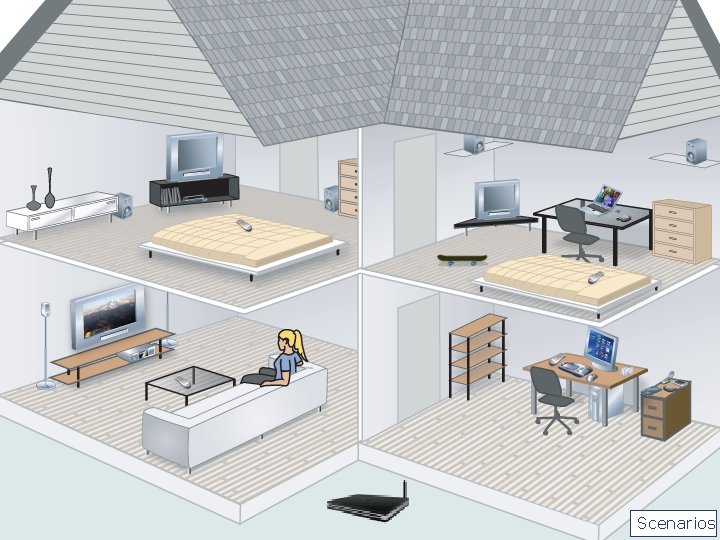
Scenarios
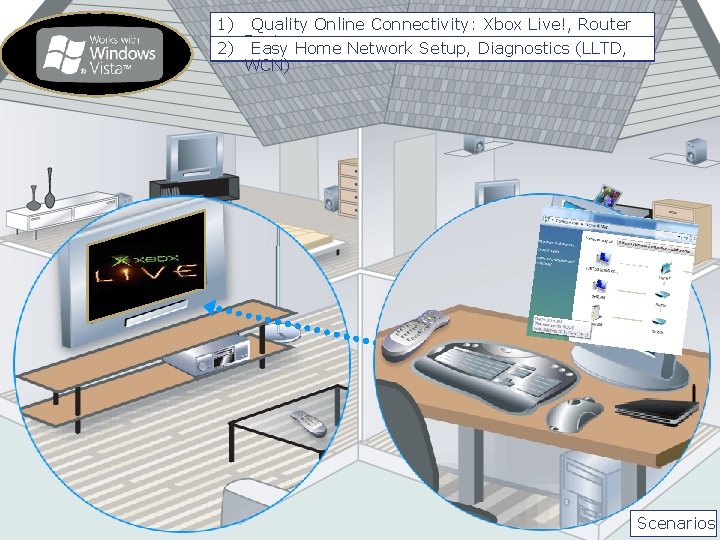
1) Quality Online Connectivity: Xbox Live!, Router 2) Basics Easy Home Network Setup, Diagnostics (LLTD, WCN) Scenarios
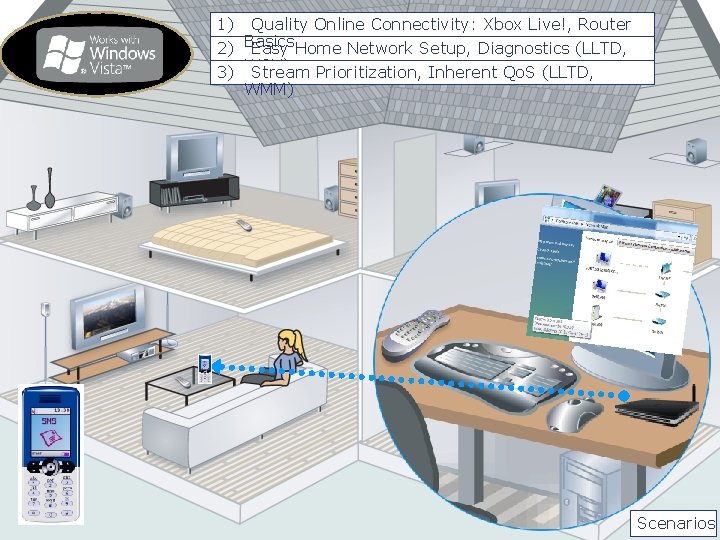
1) Quality Online Connectivity: Xbox Live!, Router 2) Basics Easy Home Network Setup, Diagnostics (LLTD, 3) WCN) Stream Prioritization, Inherent Qo. S (LLTD, WMM) Scenarios
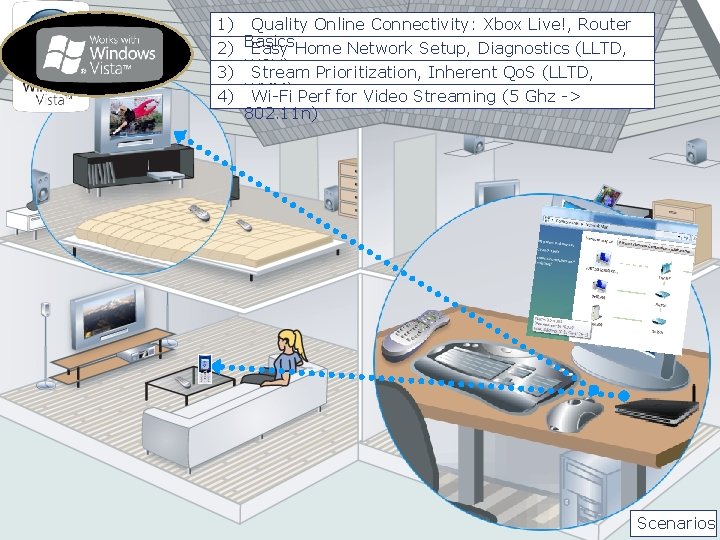
1) Quality Online Connectivity: Xbox Live!, Router 2) Basics Easy Home Network Setup, Diagnostics (LLTD, 3) WCN) Stream Prioritization, Inherent Qo. S (LLTD, 4) WMM) Wi-Fi Perf for Video Streaming (5 Ghz -> 802. 11 n) Scenarios
Intel® Viiv™ Technology and ™ Windows Rally ® Ken Knowlson Principal Engineer and Chief Architect Intel™ Viiv® Processor Technology Software Intel Digital Home Group
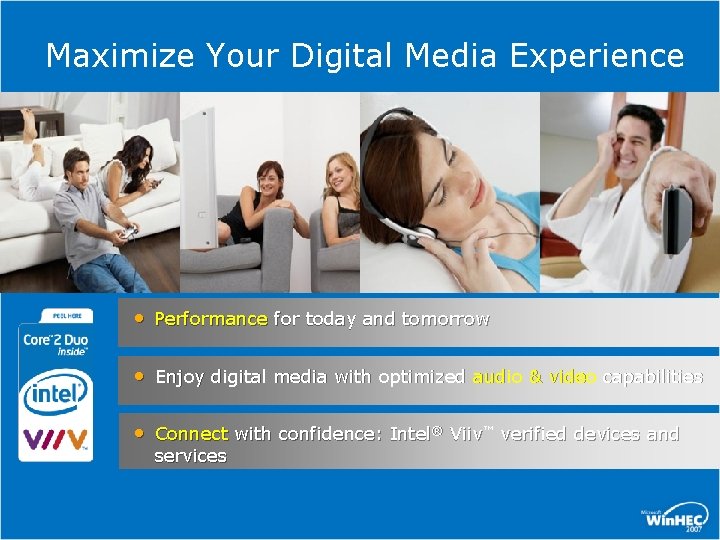
Maximize Your Digital Media Experience • Performance for today and tomorrow • Enjoy digital media with optimized audio & video capabilities • Connect with confidence: Intel® Viiv™ verified devices and services
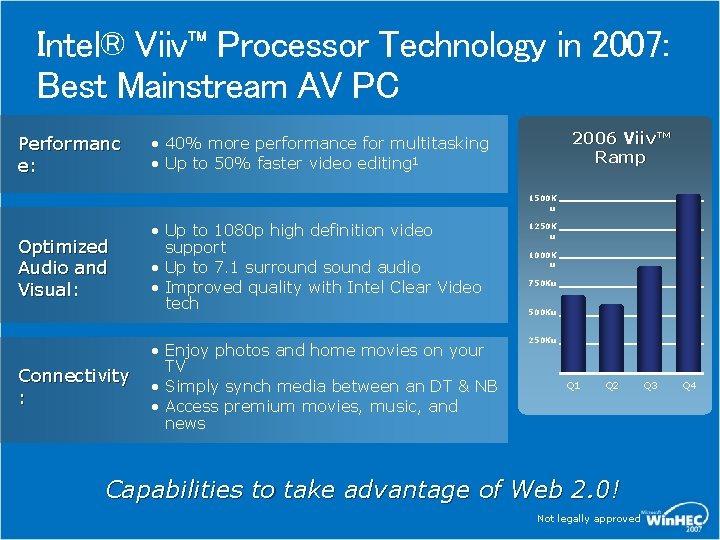
Intel® Viiv™ Processor Technology in 2007: Best Mainstream AV PC Performanc e: 2006 Viiv™ Ramp • 40% more performance for multitasking • Up to 50% faster video editing 1 1500 K u Optimized Audio and Visual: Connectivity : • Up to 1080 p high definition video support • Up to 7. 1 surround sound audio • Improved quality with Intel Clear Video tech • Enjoy photos and home movies on your TV • Simply synch media between an DT & NB • Access premium movies, music, and news 1250 K u 1000 K u 750 Ku 500 Ku 250 Ku Q 1 Q 2 Capabilities to take advantage of Web 2. 0! Not legally approved Q 3 Q 4
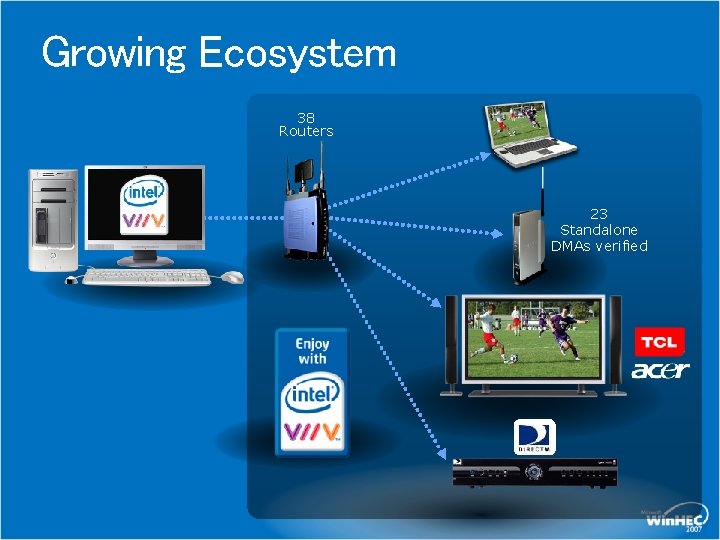
Growing Ecosystem 38 Routers 23 Standalone DMAs verified
Intel® Viiv™ Technology and Microsoft® Rally™ Microsoft Rally raises the quality bar for networking in the Digital Home Intel Viiv Technology provided enhanced streaming usages for the home network Microsoft and Intel are committed to improving the Digital Home networking experience Microsoft Rally and Intel Viiv Technology provide complementary solutions for improving Digital Home networking usages
Intel® Viiv™ Technology and Microsoft® Rally™ - Complimentary LLTD Supports q. WAVE, Intel Viiv Technology devices are recommended to support LLTD in 2 nd Half ’ 07 and will be required to support in ‘ 08 Device Discovery Intel Viiv Technology software will use Pn. P-X at the PC, devices will add support for discoverability in ‘ 07 Network Infrastructure device requirements Great alignment on NID requirements
Intel® Viiv™ Technology and Microsoft® Rally™ - Complimentary (cont’d) Quality of Service – q. WAVE Intel Viiv Technology uses legacy Microsoft Qo. S APIs today, targeting q. WAVE migration in ’ 07 Simple Config – Wi. Fi Protected Setup Originally a joint Intel / Microsoft proposal to the WFA Much of the ecosystem enabling done with Intel tools Intel Viiv Technology recommends Wi. Fi Protected Setup in devices by 2 nd Half ’ 07 and requires in first half of ‘ 08
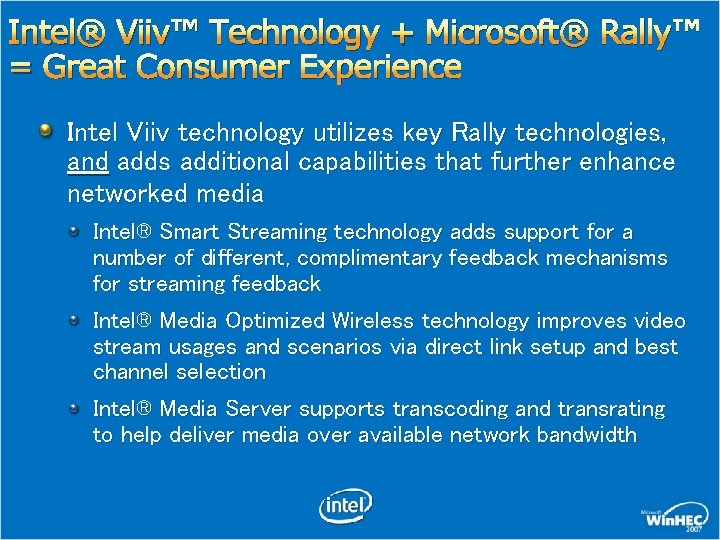
Intel® Viiv™ Technology + Microsoft® Rally™ = Great Consumer Experience Intel Viiv technology utilizes key Rally technologies, and adds additional capabilities that further enhance networked media Intel® Smart Streaming technology adds support for a number of different, complimentary feedback mechanisms for streaming feedback Intel® Media Optimized Wireless technology improves video stream usages and scenarios via direct link setup and best channel selection Intel® Media Server supports transcoding and transrating to help deliver media over available network bandwidth
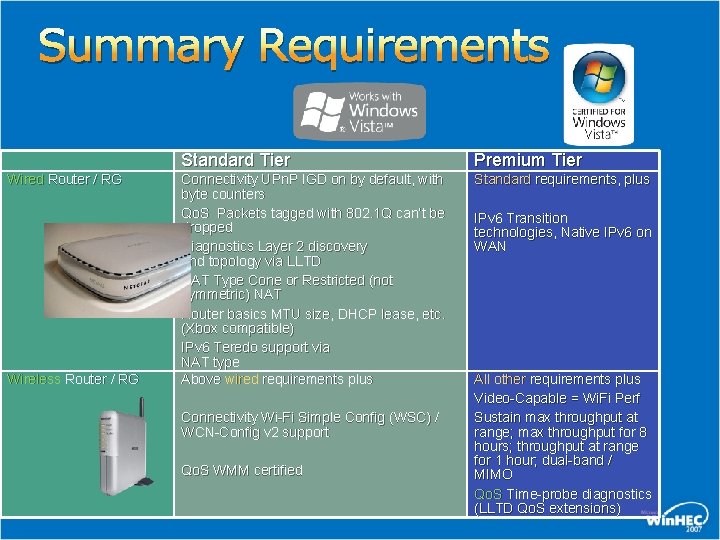
Summary Requirements Wired Router / RG Wireless Router / RG Standard Tier Premium Tier Connectivity UPn. P IGD on by default, with byte counters Qo. S Packets tagged with 802. 1 Q can’t be dropped Diagnostics Layer 2 discovery and topology via LLTD NAT Type Cone or Restricted (not symmetric) NAT Router basics MTU size, DHCP lease, etc. (Xbox compatible) IPv 6 Teredo support via NAT type Above wired requirements plus Standard requirements, plus Connectivity Wi-Fi Simple Config (WSC) / WCN-Config v 2 support Qo. S WMM certified IPv 6 Transition technologies, Native IPv 6 on WAN All other requirements plus Video-Capable = Wi. Fi Perf Sustain max throughput at range; max throughput for 8 hours; throughput at range for 1 hour; dual-band / MIMO Qo. S Time-probe diagnostics (LLTD Qo. S extensions)
demo
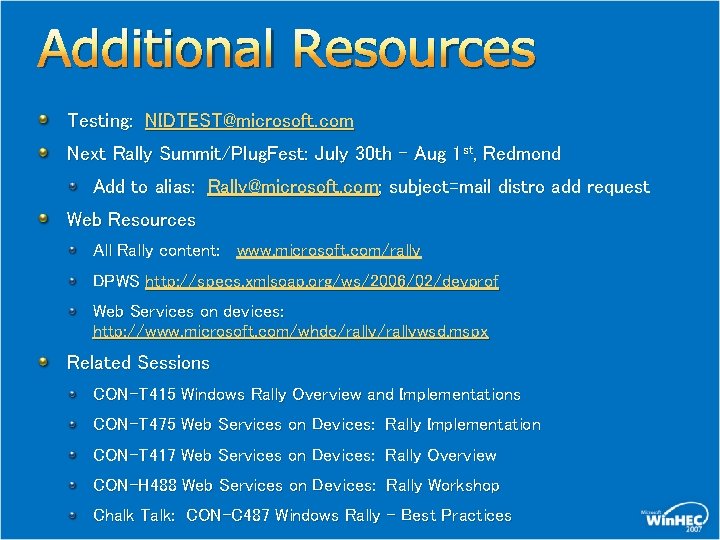
Additional Resources Testing: NIDTEST@microsoft. com Next Rally Summit/Plug. Fest: July 30 th – Aug 1 st, Redmond Add to alias: Rally@microsoft. com; subject=mail distro add request Web Resources All Rally content: www. microsoft. com/rally DPWS http: //specs. xmlsoap. org/ws/2006/02/devprof Web Services on devices: http: //www. microsoft. com/whdc/rallywsd. mspx Related Sessions CON-T 415 Windows Rally Overview and Implementations CON-T 475 Web Services on Devices: Rally Implementation CON-T 417 Web Services on Devices: Rally Overview CON-H 488 Web Services on Devices: Rally Workshop Chalk Talk: CON-C 487 Windows Rally – Best Practices
© 2007 Microsoft Corporation. All rights reserved. Microsoft, Windows Vista and other product names are or may be registered trademarks and/or trademarks in the U. S. and/or other countries. The information herein is for informational purposes only and represents the current view of Microsoft Corporation as of the date of this presentation. Because Microsoft must respond to changing market conditions, it should not be interpreted to be a commitment on the part of Microsoft, and Microsoft cannot guarantee the accuracy of any information provided after the date of this presentation. MICROSOFT MAKES NO WARRANTIES, EXPRESS, IMPLIED OR STATUTORY, AS TO THE INFORMATION IN THIS PRESENTATION.
Appendix
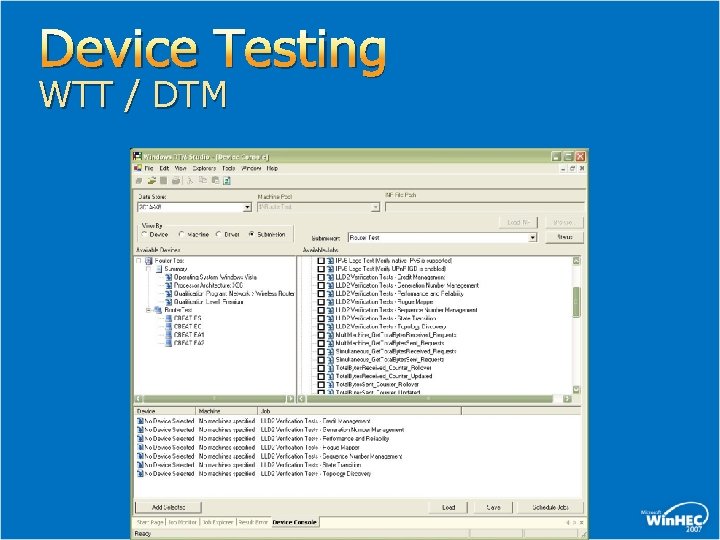
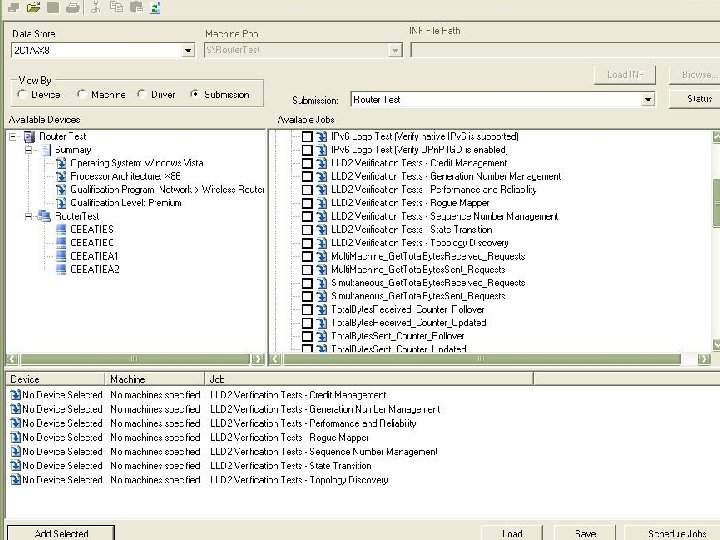
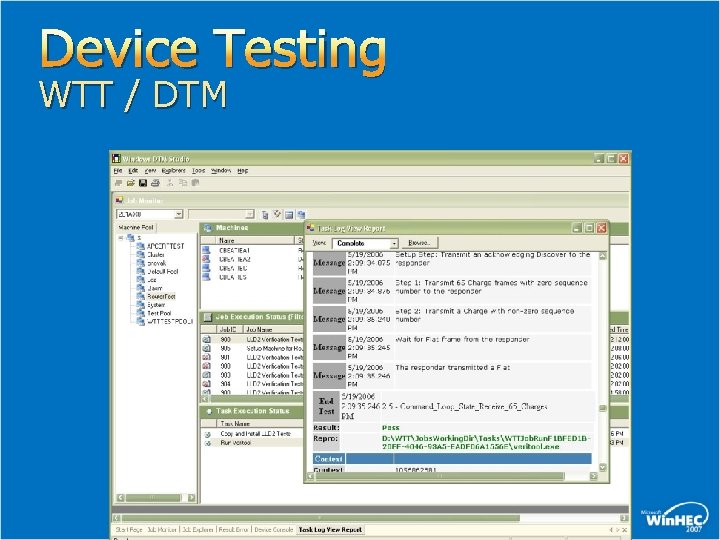
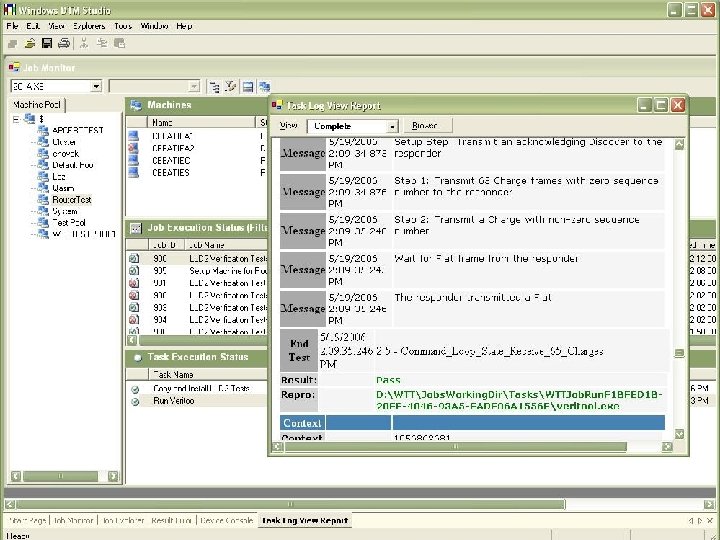
Device Testing WTT / DTM
Device Testing WTT / DTM
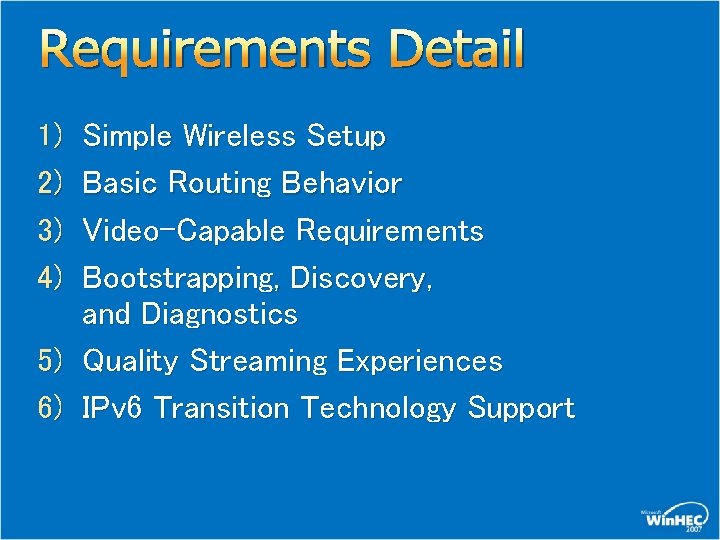
Requirements Detail Simple Wireless Setup Basic Routing Behavior Video-Capable Requirements Bootstrapping, Discovery, and Diagnostics 5) Quality Streaming Experiences 6) IPv 6 Transition Technology Support 1) 2) 3) 4)
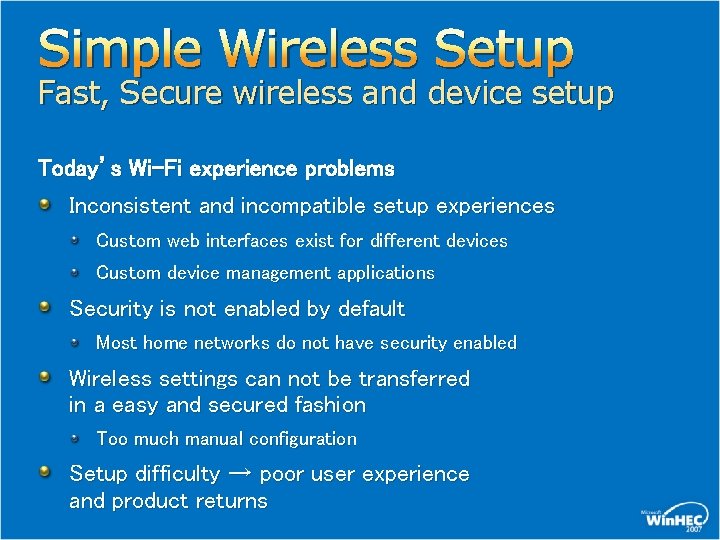
Simple Wireless Setup Fast, Secure wireless and device setup Today’s Wi-Fi experience problems Inconsistent and incompatible setup experiences Custom web interfaces exist for different devices Custom device management applications Security is not enabled by default Most home networks do not have security enabled Wireless settings can not be transferred in a easy and secured fashion Too much manual configuration Setup difficulty → poor user experience and product returns
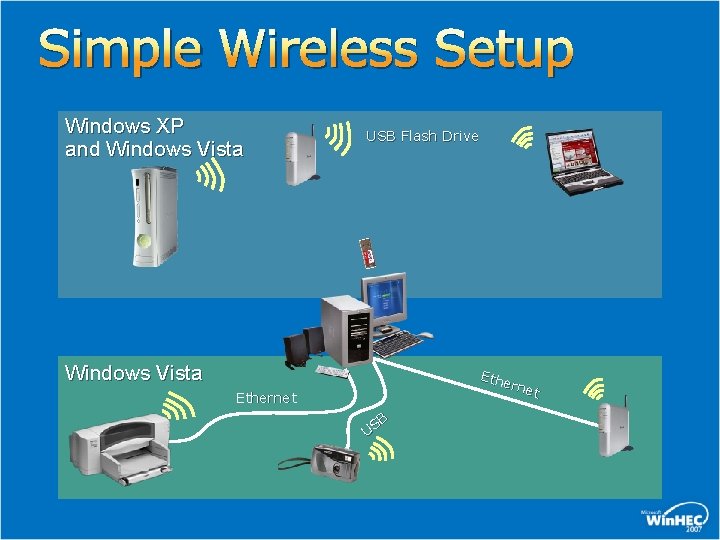
Simple Wireless Setup Windows XP and Windows Vista USB Flash Drive Windows Vista Ethe rnet Ethernet B US
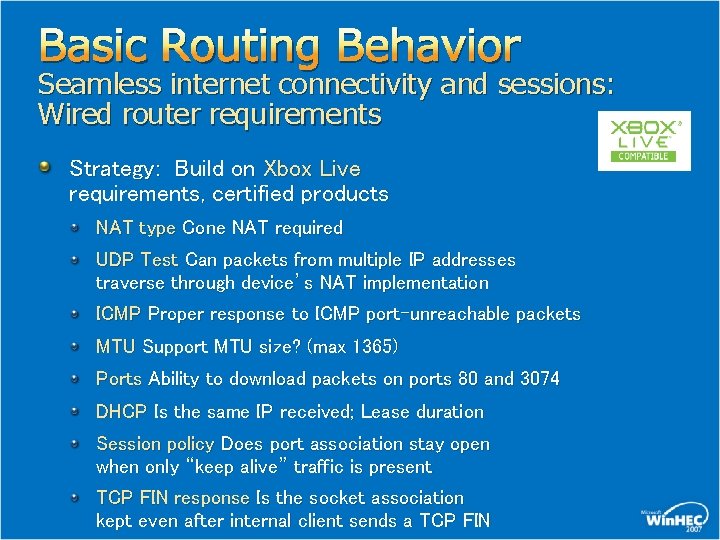
Basic Routing Behavior Seamless internet connectivity and sessions: Wired router requirements Strategy: Build on Xbox Live requirements, certified products NAT type Cone NAT required UDP Test Can packets from multiple IP addresses traverse through device’s NAT implementation ICMP Proper response to ICMP port-unreachable packets MTU Support MTU size? (max 1365) Ports Ability to download packets on ports 80 and 3074 DHCP Is the same IP received; Lease duration Session policy Does port association stay open when only “keep alive” traffic is present TCP FIN response Is the socket association kept even after internal client sends a TCP FIN
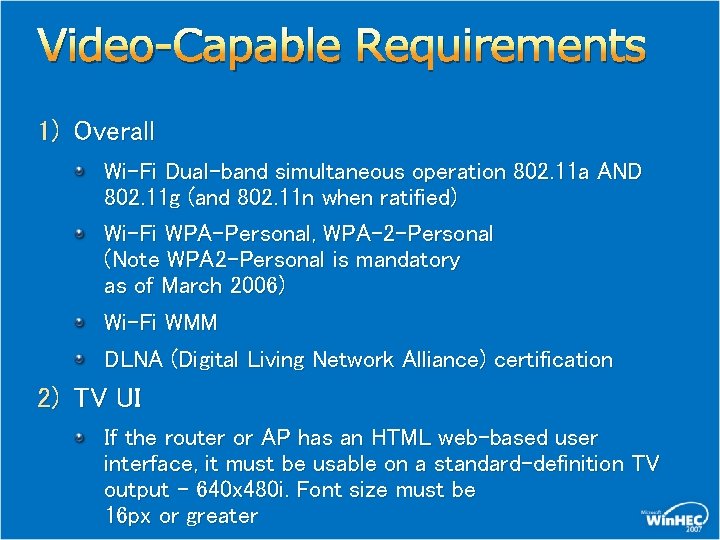
Video-Capable Requirements 1) Overall Wi-Fi Dual-band simultaneous operation 802. 11 a AND 802. 11 g (and 802. 11 n when ratified) Wi-Fi WPA-Personal, WPA-2 -Personal (Note WPA 2 -Personal is mandatory as of March 2006) Wi-Fi WMM DLNA (Digital Living Network Alliance) certification 2) TV UI If the router or AP has an HTML web-based user interface, it must be usable on a standard-definition TV output – 640 x 480 i. Font size must be 16 px or greater
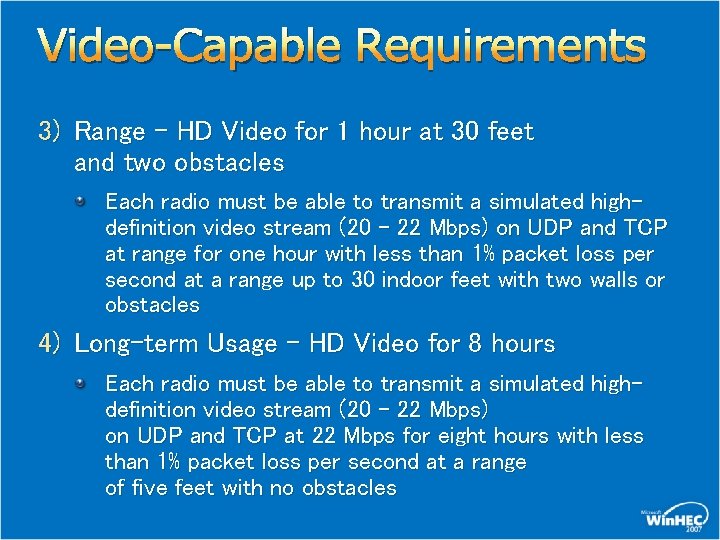
Video-Capable Requirements 3) Range – HD Video for 1 hour at 30 feet and two obstacles Each radio must be able to transmit a simulated highdefinition video stream (20 – 22 Mbps) on UDP and TCP at range for one hour with less than 1% packet loss per second at a range up to 30 indoor feet with two walls or obstacles 4) Long-term Usage – HD Video for 8 hours Each radio must be able to transmit a simulated highdefinition video stream (20 – 22 Mbps) on UDP and TCP at 22 Mbps for eight hours with less than 1% packet loss per second at a range of five feet with no obstacles
Video-Capable Requirements 5) Reliability – HD Video and Two Internet Surfers 1 hour Each radio must be able to transmit a simulated highdefinition video stream (22 – 20 Mbps) on UDP and TCP for one hour with less than 2% packet loss per second while two additional wireless stations are connected to the wireless router simulating typical internet usage 6) Heavy Load – Maximum throughput all interfaces Each radio and each wired interface must be able to simultaneously transmit at maximum capacity on UDP for one hour with less than 1% packet loss per 10 seconds at a range of 5 feet with no obstacles. The streams will be run simultaneously to simulate a heavy load
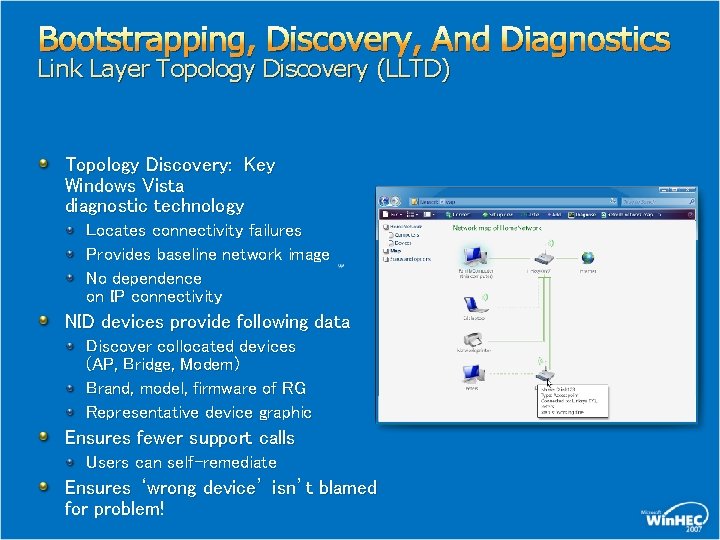
Bootstrapping, Discovery, And Diagnostics Link Layer Topology Discovery (LLTD) Topology Discovery: Key Windows Vista diagnostic technology Locates connectivity failures Provides baseline network image No dependence on IP connectivity NID devices provide following data Discover collocated devices (AP, Bridge, Modem) Brand, model, firmware of RG Representative device graphic Ensures fewer support calls Users can self-remediate Ensures ‘wrong device’ isn’t blamed for problem!
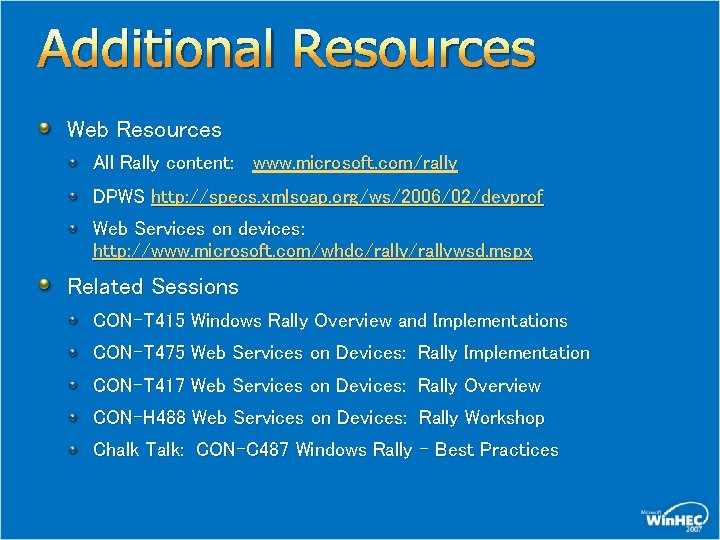
Additional Resources Web Resources All Rally content: www. microsoft. com/rally DPWS http: //specs. xmlsoap. org/ws/2006/02/devprof Web Services on devices: http: //www. microsoft. com/whdc/rallywsd. mspx Related Sessions CON-T 415 Windows Rally Overview and Implementations CON-T 475 Web Services on Devices: Rally Implementation CON-T 417 Web Services on Devices: Rally Overview CON-H 488 Web Services on Devices: Rally Workshop Chalk Talk: CON-C 487 Windows Rally – Best Practices
© 2007 Microsoft Corporation. All rights reserved. Microsoft, Windows Vista and other product names are or may be registered trademarks and/or trademarks in the U. S. and/or other countries. The information herein is for informational purposes only and represents the current view of Microsoft Corporation as of the date of this presentation. Because Microsoft must respond to changing market conditions, it should not be interpreted to be a commitment on the part of Microsoft, and Microsoft cannot guarantee the accuracy of any information provided after the date of this presentation. MICROSOFT MAKES NO WARRANTIES, EXPRESS, IMPLIED OR STATUTORY, AS TO THE INFORMATION IN THIS PRESENTATION.