
Network Hardware Network Performance Issues Three major factors
- Slides: 17
Network Hardware
Network Performance Issues > Three major factors – Selection of high-quality hardware – Reasonable network design – Proper installation and documentation 2
Hardware Selection – Classification of market > LAN – Local Area Network – Networks that exist within a building or group of buildings – High-speed, low-cost media > WAN – Wide Area Network – Networks that endpoints are geographically dispersed – High-speed, high-cost media > MAN – Metropolitan Area Network – Networks that exist within a city or cluster of cities – High-speed, medium-cost media 3
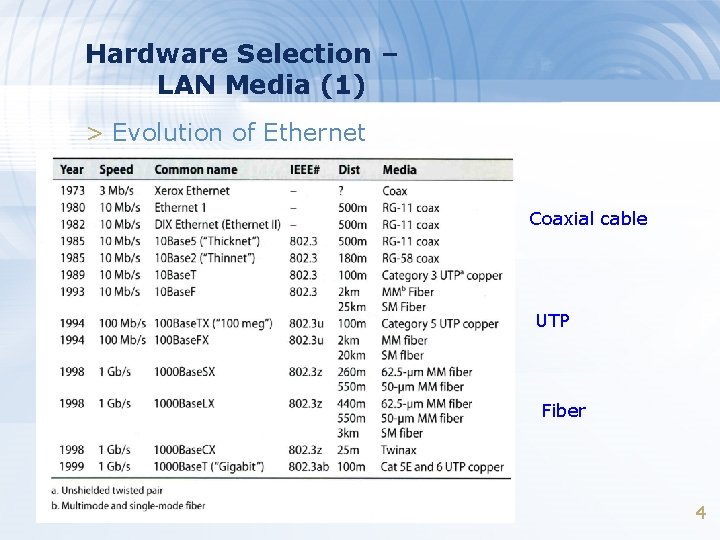
Hardware Selection – LAN Media (1) > Evolution of Ethernet Coaxial cable UTP Fiber 4
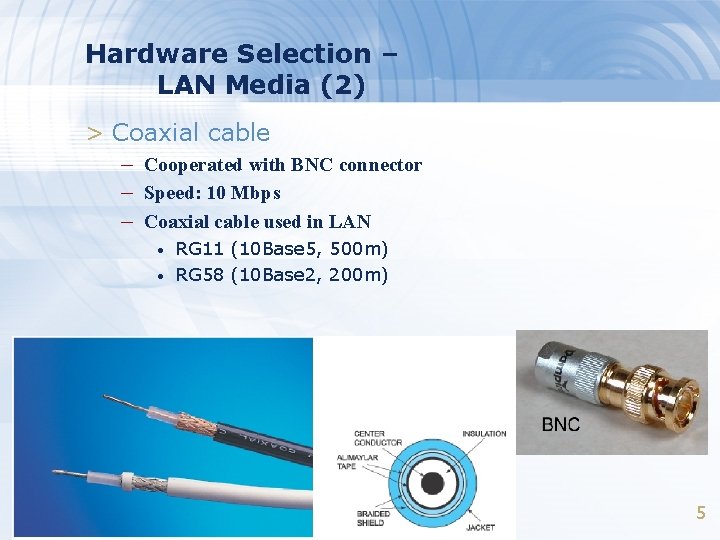
Hardware Selection – LAN Media (2) > Coaxial cable – Cooperated with BNC connector – Speed: 10 Mbps – Coaxial cable used in LAN • • RG 11 (10 Base 5, 500 m) RG 58 (10 Base 2, 200 m) 5
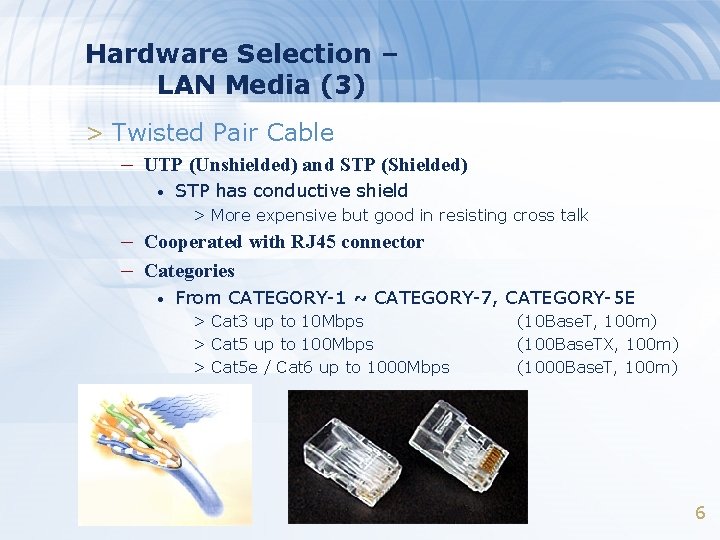
Hardware Selection – LAN Media (3) > Twisted Pair Cable – UTP (Unshielded) and STP (Shielded) • STP has conductive shield > More expensive but good in resisting cross talk – Cooperated with RJ 45 connector – Categories • From CATEGORY-1 ~ CATEGORY-7, CATEGORY-5 E > Cat 3 up to 10 Mbps > Cat 5 up to 100 Mbps > Cat 5 e / Cat 6 up to 1000 Mbps (10 Base. T, 100 m) (100 Base. TX, 100 m) (1000 Base. T, 100 m) 6
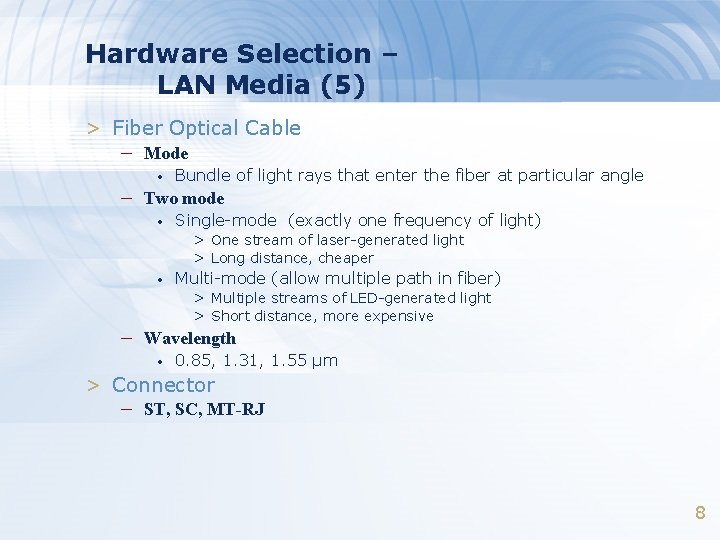
Hardware Selection – LAN Media (5) > Fiber Optical Cable – Mode • Bundle of light rays that enter the fiber at particular angle – Two mode • Single-mode (exactly one frequency of light) > One stream of laser-generated light > Long distance, cheaper • Multi-mode (allow multiple path in fiber) > Multiple streams of LED-generated light > Short distance, more expensive – Wavelength • 0. 85, 1. 31, 1. 55 μm > Connector – ST, SC, MT-RJ 8
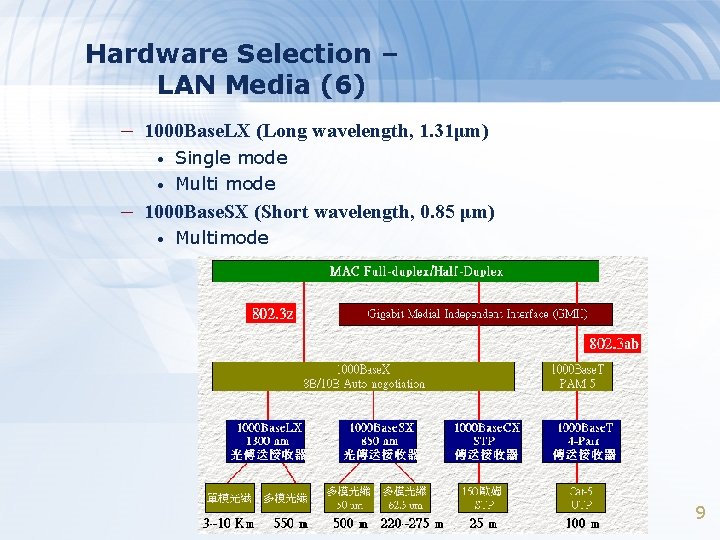
Hardware Selection – LAN Media (6) – 1000 Base. LX (Long wavelength, 1. 31μm) • • Single mode Multi mode – 1000 Base. SX (Short wavelength, 0. 85 μm) • Multimode 9
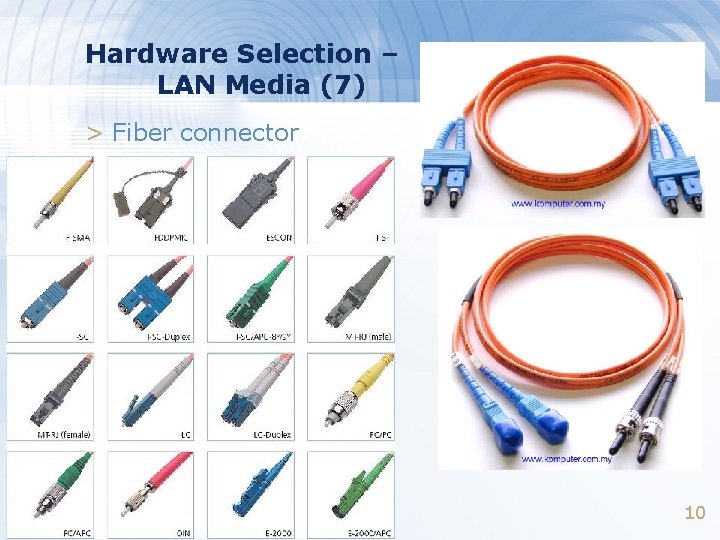
Hardware Selection – LAN Media (7) > Fiber connector 10
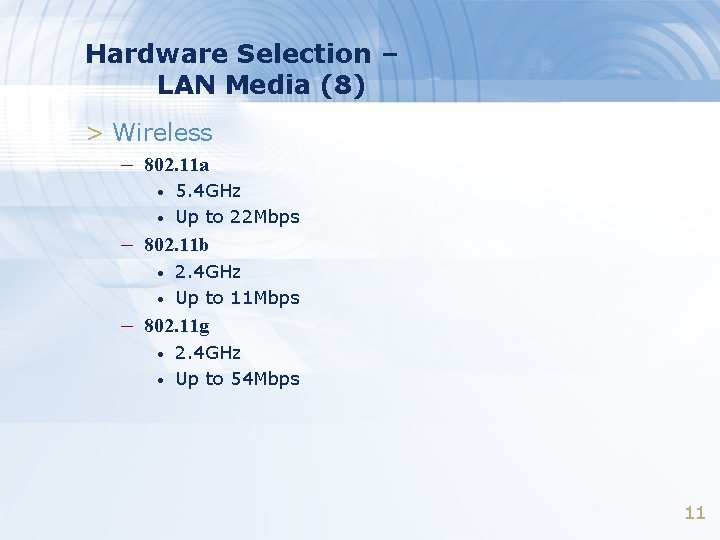
Hardware Selection – LAN Media (8) > Wireless – 802. 11 a • • 5. 4 GHz Up to 22 Mbps – 802. 11 b • • 2. 4 GHz Up to 11 Mbps – 802. 11 g • • 2. 4 GHz Up to 54 Mbps 11
Hardware Selection – LAN Device (1) > Connecting and expanding Ethernet – Layer 1 device • • Physical layer Repeater, Transceiver, HUB > Does not interpret Ethernet frame – Layer 2 device • • Data-link layer Switch, Bridge > Transfer Ethernet frames based on hardware address – Layer 3 device • • Network layer Router > Route message based on IP address 12
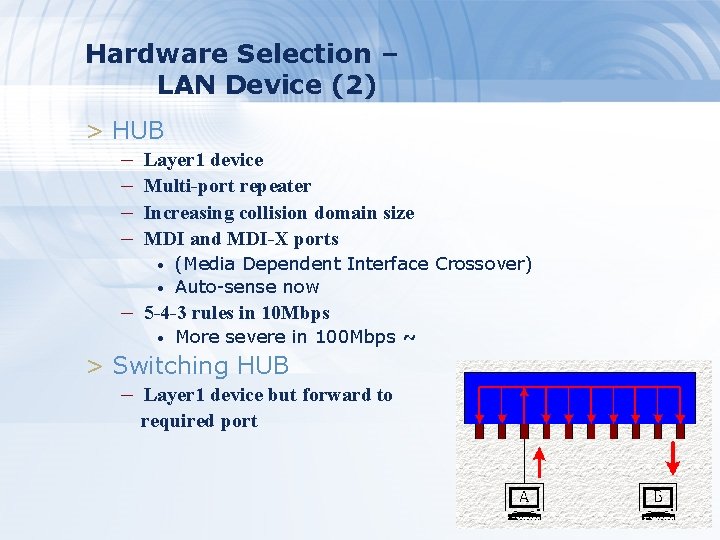
Hardware Selection – LAN Device (2) > HUB – Layer 1 device – Multi-port repeater – Increasing collision domain size – MDI and MDI-X ports • • (Media Dependent Interface Crossover) Auto-sense now – 5 -4 -3 rules in 10 Mbps • More severe in 100 Mbps ~ > Switching HUB – Layer 1 device but forward to required port 13
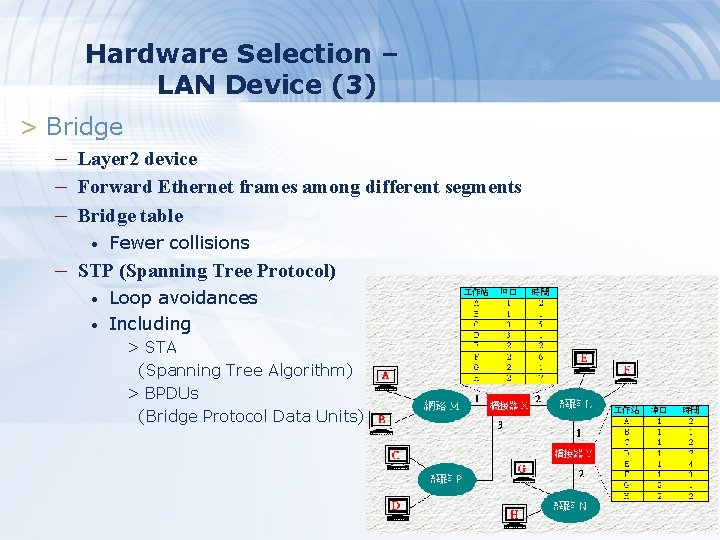
Hardware Selection – LAN Device (3) > Bridge – Layer 2 device – Forward Ethernet frames among different segments – Bridge table • Fewer collisions – STP (Spanning Tree Protocol) • • Loop avoidances Including > STA (Spanning Tree Algorithm) > BPDUs (Bridge Protocol Data Units) 14
Hardware Selection – LAN Device (4) > Switch (layer 2) – Layer 2 device – Multi-port bridge • • Each port is a single collision domain Learning > Each port can learn 1024 Ethernet Address • Store-and-Forward – Port Trunks • Aggregate multi-ports to form a logical one > Bandwidth > Reliability 15
VLAN – Virtual LAN > VLAN – Spilt a physical switch into several logical switches – Static VLAN • Administratively assign which port to which VLAN – Trunking • • • IEEE 802. 1 Q Tagging Cisco's Inter-Switch Link Tagging 3 COM’s VLT Tagging 16
Last Mile Solution > x. DSL – Digital Subscriber Line – ADSL for asymmetric DSL – Use ordinary telephone wire to transmit data > Cable Modem – Use TV cable to transmit data > Dedicated phone connection – T 1 (DS 1 line) • 1. 544 Mbps, 24 channels, each channel 64 Kbps – T 2 (DS 2 line) • 6. 1 Mpbs, 96 channels, each channel 64 Kbps – T 3 (DS 3 line) • 43 Mbps, 672 channels, each channel 64 Kbps 17