
NETWORK DEVISES Hub A hub is a devise

NETWORK DEVISES
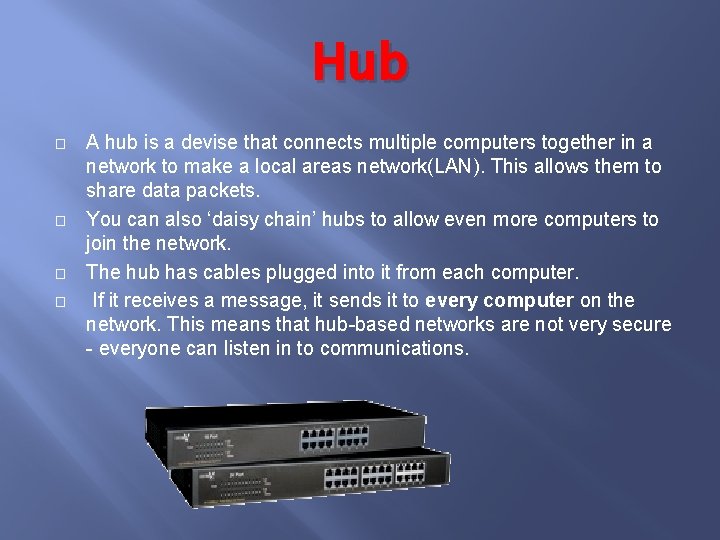
Hub � � A hub is a devise that connects multiple computers together in a network to make a local areas network(LAN). This allows them to share data packets. You can also ‘daisy chain’ hubs to allow even more computers to join the network. The hub has cables plugged into it from each computer. If it receives a message, it sends it to every computer on the network. This means that hub-based networks are not very secure - everyone can listen in to communications.
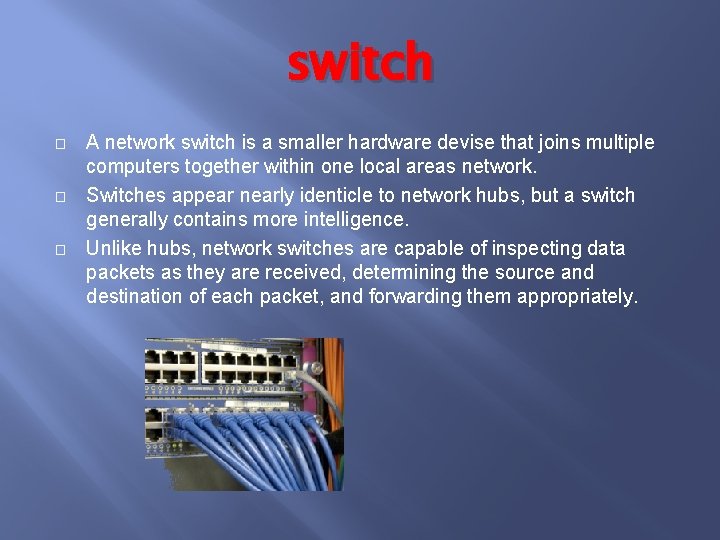
switch � � � A network switch is a smaller hardware devise that joins multiple computers together within one local areas network. Switches appear nearly identicle to network hubs, but a switch generally contains more intelligence. Unlike hubs, network switches are capable of inspecting data packets as they are received, determining the source and destination of each packet, and forwarding them appropriately.

router � � � A router is a network devise which connects together two or more networks. A common use- joining one network to the internet. It has a task of forwarding data packets to their destinations by the most efficient route.
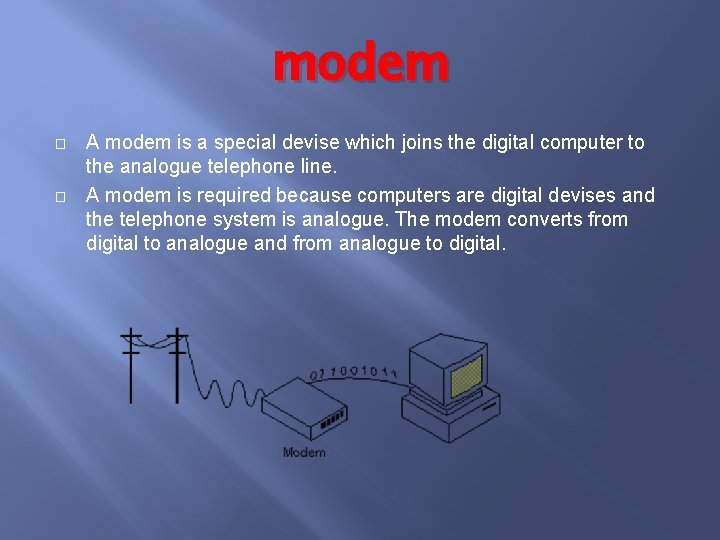
modem � � A modem is a special devise which joins the digital computer to the analogue telephone line. A modem is required because computers are digital devises and the telephone system is analogue. The modem converts from digital to analogue and from analogue to digital.
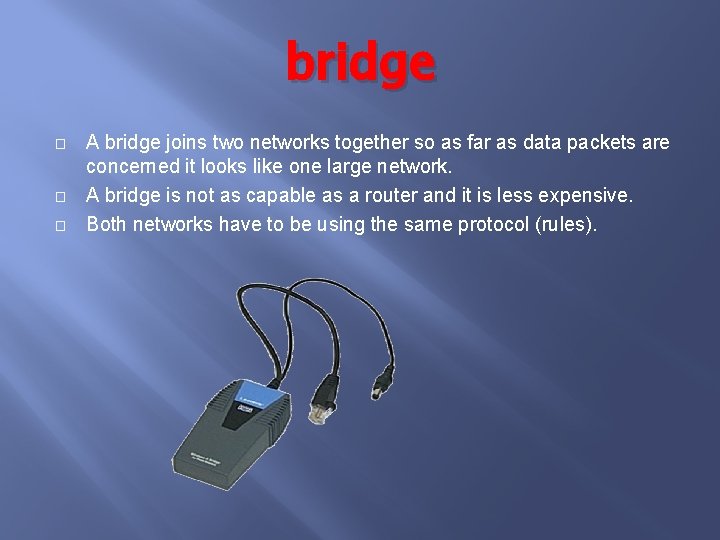
bridge � � � A bridge joins two networks together so as far as data packets are concerned it looks like one large network. A bridge is not as capable as a router and it is less expensive. Both networks have to be using the same protocol (rules).
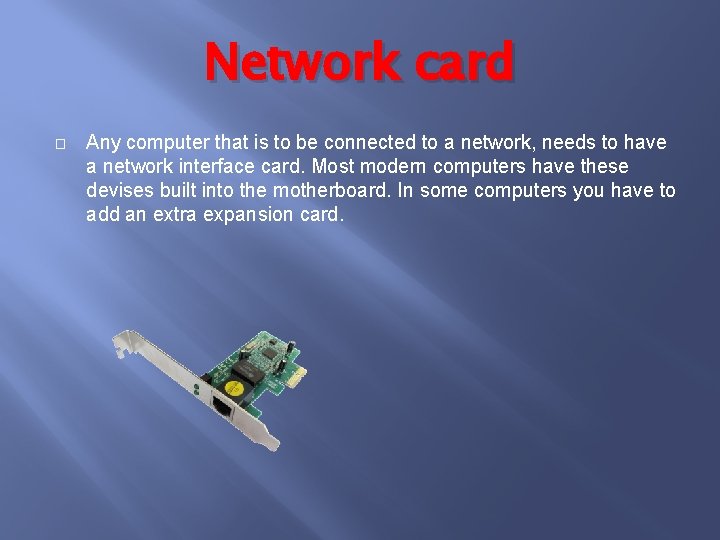
Network card � Any computer that is to be connected to a network, needs to have a network interface card. Most modern computers have these devises built into the motherboard. In some computers you have to add an extra expansion card.
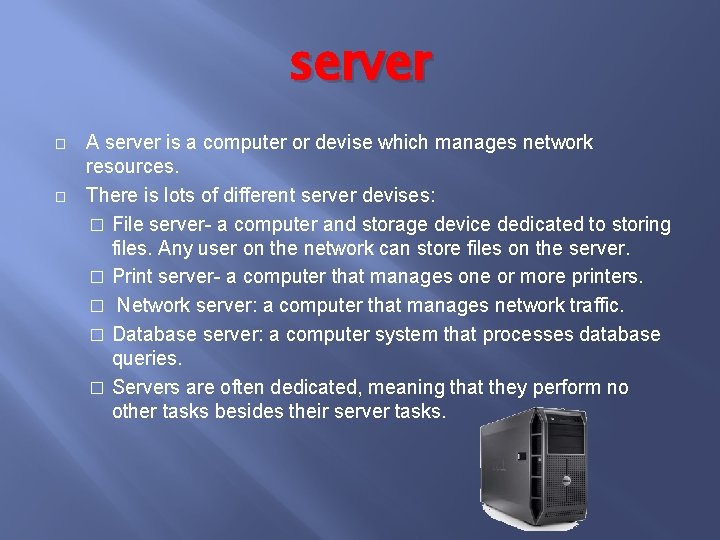
server � � A server is a computer or devise which manages network resources. There is lots of different server devises: � File server- a computer and storage device dedicated to storing files. Any user on the network can store files on the server. � Print server- a computer that manages one or more printers. � Network server: a computer that manages network traffic. � Database server: a computer system that processes database queries. � Servers are often dedicated, meaning that they perform no other tasks besides their server tasks.
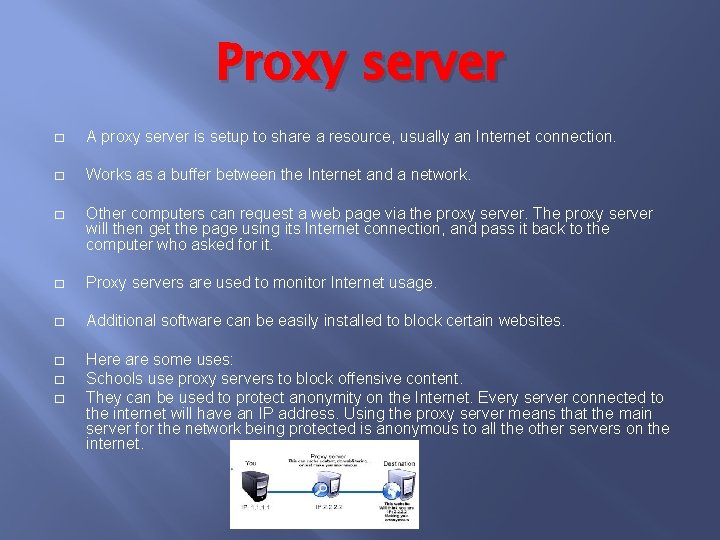
Proxy server � A proxy server is setup to share a resource, usually an Internet connection. � Works as a buffer between the Internet and a network. � Other computers can request a web page via the proxy server. The proxy server will then get the page using its Internet connection, and pass it back to the computer who asked for it. � Proxy servers are used to monitor Internet usage. � Additional software can be easily installed to block certain websites. � Here are some uses: Schools use proxy servers to block offensive content. They can be used to protect anonymity on the Internet. Every server connected to the internet will have an IP address. Using the proxy server means that the main server for the network being protected is anonymous to all the other servers on the internet. � �
- Slides: 9